To delete your Apple Account, sign in at privacy.apple.com and select Request to delete your account, then keep the access code Apple gives you.
This guide covers what to back up and cancel first, how deactivation differs from deletion, how to cancel a request, and what to do when Apple blocks the deletion.
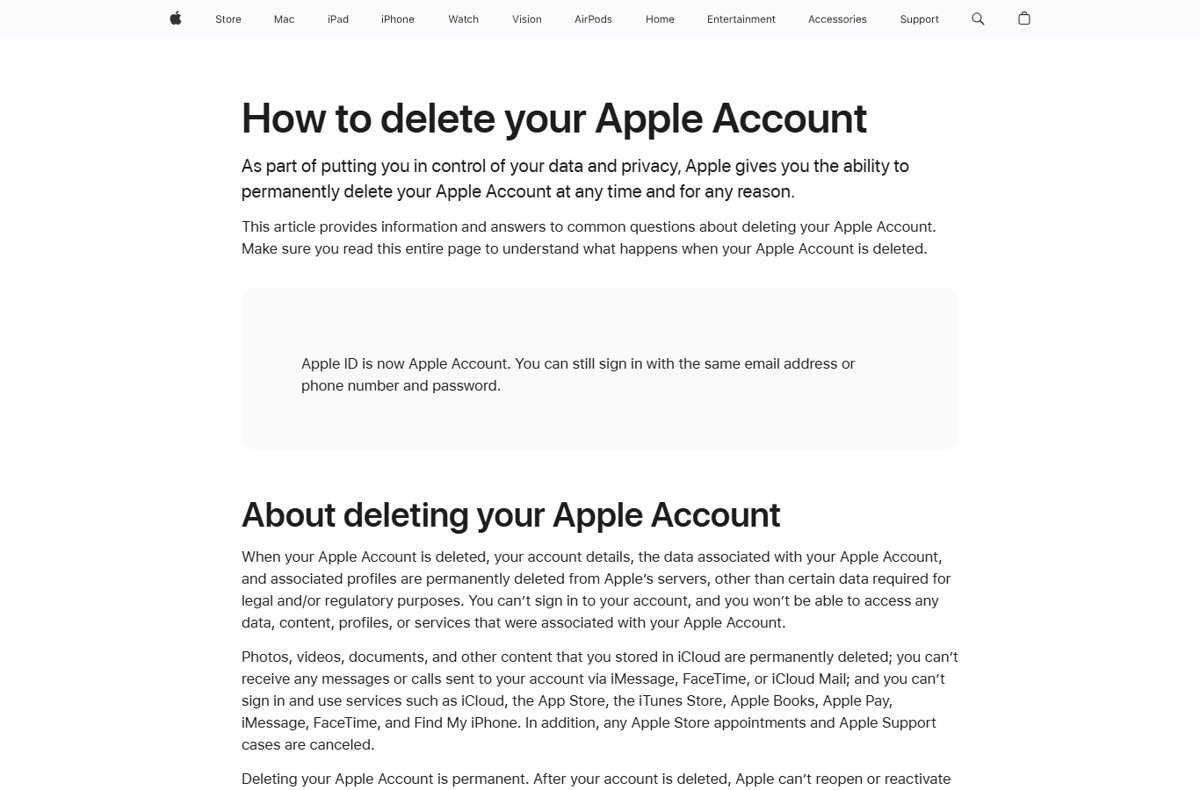
How to delete your Apple Account permanently
Apple's Data and Privacy page handles deletion, and it works on a Mac, a Windows PC, an iPhone, an iPad or Apple Vision Pro. Deletion is permanent once Apple completes it.
- Open a web browser and go to privacy.apple.com.
- Sign in with your Apple Account email address or phone number and password.
- Select Request to delete your account.
- Follow the onscreen prompts to confirm the request.
- Write down the unique alphanumeric access code Apple shows you and store it somewhere safe.
- Wait while Apple verifies that you are the account holder; deletion happens after that check.
Apple ID is now called Apple Account, so these steps also answer how to delete an Apple ID.
Delete or deactivate your Apple Account: which one to choose
Apple recommends temporary deactivation, where it is available, if you might return to the account later. Both options start on the same Data and Privacy page.
| Detail | Delete | Deactivate |
|---|---|---|
| Option on privacy.apple.com | Request to delete your account | Request to deactivate your account |
| Your data | Permanently deleted from Apple's servers, except data Apple must keep for legal reasons | Kept intact, but you cannot sign in or use it |
| Can you come back? | No; Apple cannot reopen the account or restore data | Yes; contact Apple Support with your access code |
| Email address or phone number | Cannot be used for a new Apple Account for several years | Stays with the account |
| Subscriptions | Canceled at the end of the billing cycle | Canceled at the end of the billing cycle |
| Availability | Any country or region | Varies by country or region |
| Plan that blocks the request | AppleCare+ not paid in full, or AppleCare One | AppleCare One |
If you do not see Request to deactivate your account, the feature is not available in your country or region. Apple treats a request for anonymization as a deletion request.
What to do before you delete your Apple Account
Apple cannot reopen a deleted account, so finish these jobs first. Missing the last one can leave a device locked by Activation Lock.
| Task | Why it matters |
|---|---|
| Back up iCloud data to a place that does not use your Apple Account | Photos, videos, documents, mail and app data in iCloud are permanently deleted |
| Download apps, music, movies, TV shows, books and audiobooks you lack copies of | You cannot redownload or update purchases afterwards |
| Cancel an AppleCare+ plan not paid in full, or an AppleCare One plan | Apple will not delete an account with one of these plans active |
| Review active subscriptions | They end at the close of the current billing cycle |
| Spend your Apple Account balance or ask Apple Support for a refund | Unused credit is not redeemable or refundable after deletion |
| Clear any balance you owe Apple | Apple cannot delete the account until it is paid |
| Spend or transfer your Apple Cash balance | You lose access to Apple Cash when the account is deleted |
| Sign out of every device | You cannot sign out of iCloud or turn off Activation Lock after deletion |
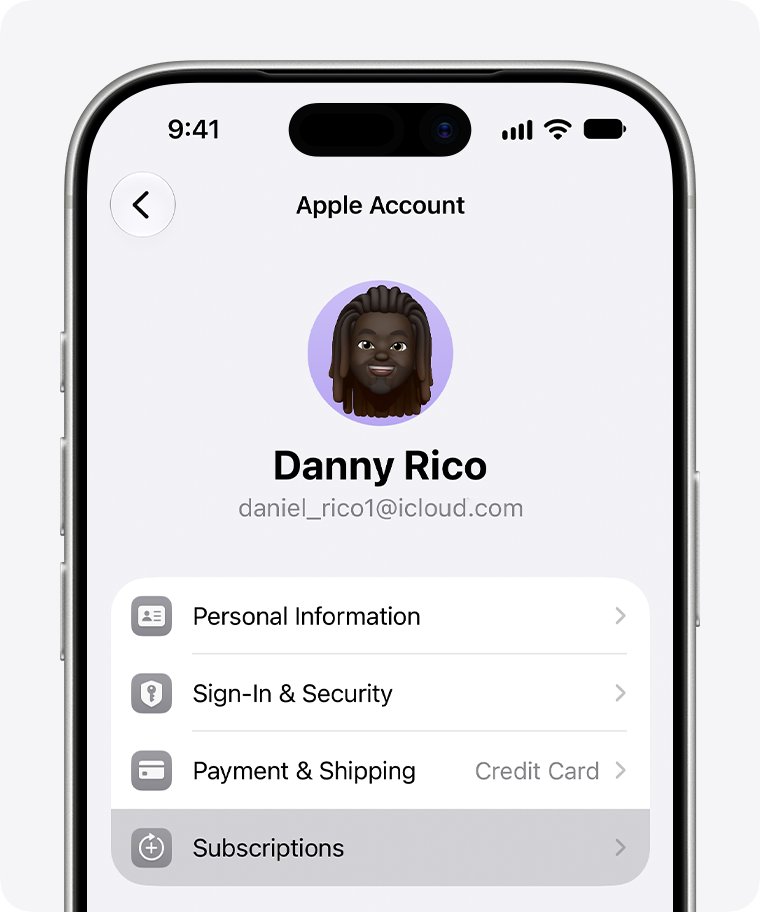
Download a copy of your Apple Account data first
Apple can package your account details, iCloud content and purchase history for download. Request it well before you delete the account.
- Sign in at privacy.apple.com.
- Select Request a copy of your data.
- Choose the data categories you want to download.
- Select Continue.
- Wait for Apple to verify you and post the files to your Data & Privacy page.
- Download the files on a Mac or Windows PC within 14 days, before Apple removes them.
Purchased music, videos, apps and books are not included, only a list of them. Messages are not included either, because they are encrypted on your device.
Sign out of your Apple Account on iPhone, Mac and Windows
Sign out everywhere before you submit the deletion request. Signing out on the iPhone paired with your Apple Watch also signs the watch out.
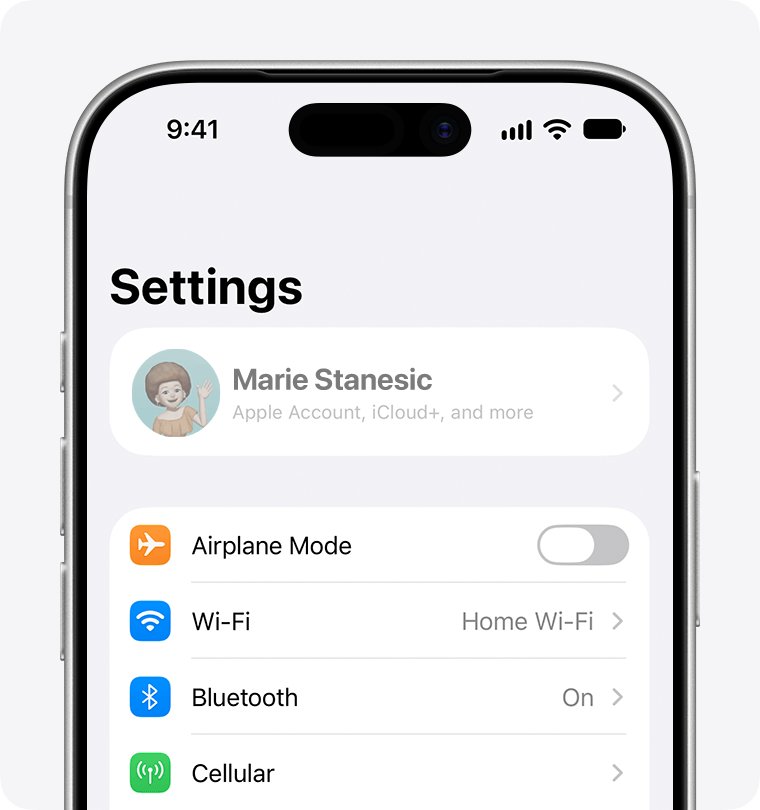
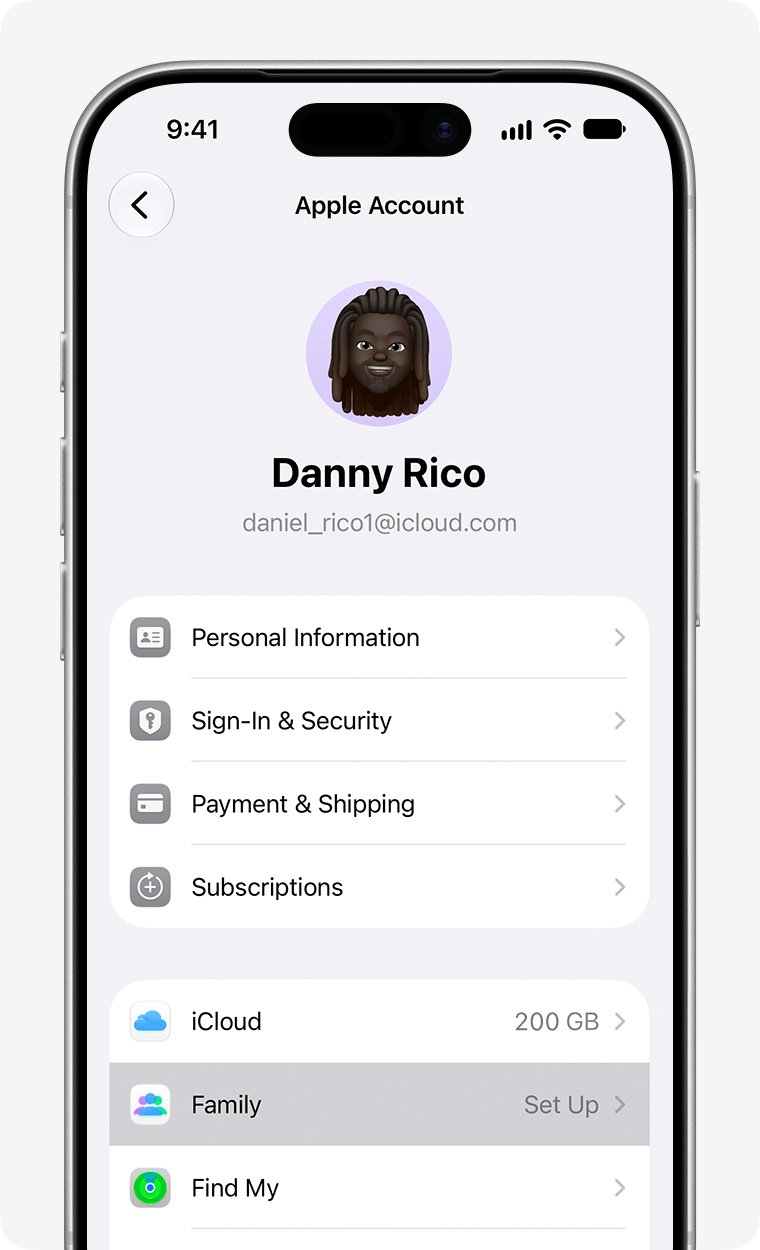
- On iPhone or iPad, open Settings, tap your name, scroll down and tap Sign Out.
- Choose Erase this [Device] or Sign Out But Don't Erase, enter your passcode or Apple Account password, then confirm.
- On a Mac, choose Apple menu > System Settings, click your name, then click Sign Out.
- On a Mac, select the iCloud data to keep, click Keep a Copy, then click Sign Out, or Sign Out and Remove Cards if you use Apple Pay.
- On Apple TV, open Settings > Users and Accounts, select your name and choose Remove User from Apple TV.
- On a Windows PC, open iCloud for Windows and click Sign out; in Apple Music or Apple TV for Windows, click your name at the bottom of the sidebar and choose Sign Out.
If you no longer have a device and cannot sign out on it, remove it from your Apple Account before deleting.
What happens when you delete your Apple Account
| Item | After deletion |
|---|---|
| iCloud Mail and iMessage | Existing mail and messages are deleted; new messages are not delivered |
| iCloud, App Store, Apple Books, Apple Pay, FaceTime, Find My | You cannot sign in or use them |
| DRM-protected apps, movies and TV shows | Stop working or stop updating, depending on the content |
| DRM-free iTunes Store music | Keeps working, but Sync Library content is not playable |
| Apple TV profiles | Deleted unless you upgrade a profile to its own Apple Account first |
| Apple Store appointments and open support cases | Canceled |
| Online apple.com orders and repairs in progress | Continue normally |
| Apple Card | You lose access; balances are still owed to Goldman Sachs, and shared co-owner and participant accounts close |
| Transit cards in Apple Pay | Lost; spend the balance or ask the transit provider for a refund |
| iPhone Upgrade Program | Payments continue |
Deleting an Apple Account with Family Sharing or child accounts
| Your role | What deletion does |
|---|---|
| Family organizer | Disbands the family group; members lose shared subscriptions and downloaded shared purchases |
| Organizer with children in the group | Includes every Child Account in the deletion request, unless you transfer the child to another family first |
| Child who wants their own account deleted | Submits the request at privacy.apple.com; the organizer approves it from an email sent to their primary address |
| Organizer while a child deletion is processing | Cannot stop Family Sharing or delete their own account until it finishes |
| Account Holder for App Store Connect content | Loses access; assign a new legal user first or apps may lapse from the store |
How to cancel an Apple Account deletion request
You can stop a deletion only while Apple is still processing it. After deletion, Apple cannot cancel the request or restore your data.
- Find the alphanumeric access code you saved when you made the request.
- Contact Apple Support at getsupport.apple.com as soon as possible.
- Give the agent your access code and ask them to cancel the deletion request.
- Sign in to your Apple Account once Apple confirms the cancellation.
To return from deactivation instead, contact Apple Support with the deactivation access code. Without that code, Apple cannot reactivate the account.
How to tell your Apple Account has been deleted
- Check that you received the access code when you submitted the request; that confirms Apple logged it.
- Watch the inbox and phone number on the account, which Apple may use to contact you about the request.
- After processing, try signing in at account.apple.com; a deleted account no longer signs in.
- Confirm you have dropped off Apple marketing email, which happens a few days after deletion.
Can't delete your Apple Account? Causes and fixes
Apple will not delete the account because of AppleCare
An AppleCare+ plan not paid in full, or an AppleCare One plan, is still active.
- Cancel the AppleCare plan linked to your Apple Account.
- Submit the deletion request again at privacy.apple.com.
Deletion is blocked by money on the account
You owe Apple a balance, or Apple Cash still holds funds.
- Pay any balance due to Apple.
- Spend or transfer your Apple Cash balance, or ask Green Dot Bank for a check.
- Request deletion again.
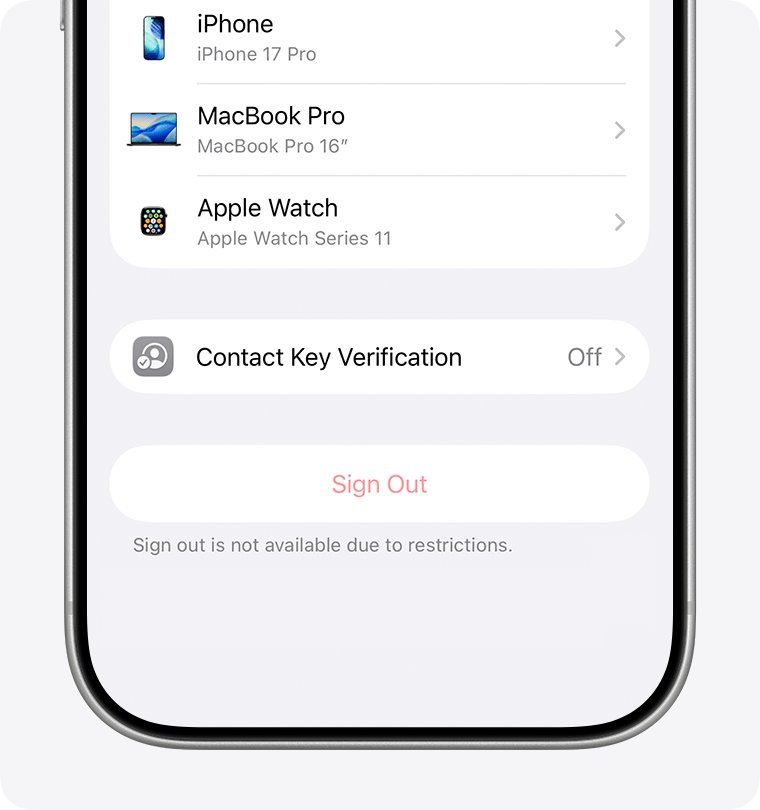
"Sign out is not available due to restrictions" on iPhone
A Screen Time passcode is turned on.
- Open Settings > Screen Time > Manage Screen Time.
- Tap Change Screen Time Passcode, then Turn Off Screen Time Passcode.
- Enter the passcode, then sign out of your Apple Account.
Your name is grayed out in Settings
Screen Time content restrictions block account changes.
- Open Settings > Screen Time > Content & Privacy Restrictions.
- Tap Allow Changes to Settings, tap Accounts and set it to Allow.
- If you are a child in Family Sharing, ask your parent or guardian to enter the Screen Time passcode.
No option to deactivate the account
Deactivation is not offered in every country or region.
- Use Request to delete your account if you are sure you will not return.
- Otherwise, keep the account and sign out of your devices instead.
Delete Apple Account FAQ
How do I delete my Apple ID?
Apple ID is now called Apple Account, so you delete it the same way. Sign in at privacy.apple.com, select Request to delete your account, and keep the alphanumeric access code Apple gives you while the request is processed.
How do I delete my Apple ID permanently?
Every completed deletion is permanent. After Apple verifies your identity, it deletes the account and its data, cannot restore it, and blocks the same email address or phone number from creating a new Apple Account for several years.
Can I use the same email for a new Apple Account after deleting?
Not for several years. Apple keeps a one-way hash of the email address; for third-party domain addresses it is deleted after six years. A custom email domain address can never be reused for a new Apple Account.
How do I delete my Apple TV account?
Deleting your Apple Account also deletes the Apple TV profiles associated with it, including names and watch history. To keep a profile, upgrade it to its own Apple Account from tvOS settings or account.apple.com before deleting.
How do I delete my Apple Pay account?
Apple Pay is tied to your Apple Account, so deleting the account ends access to Apple Pay, Apple Cash and Apple Card. Spend or transfer Apple Cash first, and spend transit card balances or ask the transit provider for a refund.
What happens to my Apple Card when my Apple Account is deleted?
You lose access to your Apple Card account, and shared co-owner and participant accounts close too. Any outstanding balance is still owed, and you manage payments by contacting Goldman Sachs, the card's issuing bank.
How do I delete my iPhone from my Apple Account?
To stop an iPhone using your purchases, open Settings, tap your name, tap Media & Purchases and tap Remove This Device. To take it off your account entirely, sign out of your Apple Account on that iPhone.
How do I delete Apple from my PC?
Open iCloud for Windows and click Sign out. In Apple Music or Apple TV for Windows, click your name at the bottom of the sidebar and choose Sign Out. Do this before deleting your Apple Account.
Can I undo deleting my Apple Account?
Only while Apple is processing the request. Contact Apple Support with your access code and ask to cancel. Once deletion finishes, Apple cannot reopen the account or recover any of its data.
Bottom line: should you delete or deactivate your Apple Account?
Deactivate if there is any chance you will return; delete only after backing up iCloud, cancelling AppleCare and signing out of every device. Deletion cannot be reversed and locks your email address out of Apple for years, while deactivation keeps your data until you return with the access code.