The FlipaClip download is free, and it puts the frame-by-frame animation app from Visual Blasters on your Mac, iPhone, iPad, Android device or Chromebook. Get it from the App Store or Google Play, then start your first project in a couple of minutes.
The App Store build is 247.5 MB and needs iOS 15.0 or later. On a Mac, it runs as the iPad app on models with an Apple M-series chip.
This guide covers which store to use for each device, install steps for Mac, Android and Chromebook, what to do on a Windows PC, what FlipaClip Plus adds, and fixes for install problems.
Which FlipaClip download do you need?
Match your device to a row, then use the link in that row. Every route installs the same FlipaClip: Draw 2D Animation app from Visual Blasters LLC.
| Your device | What to install | Size |
|---|---|---|
| iPhone or iPad on iOS 15.0 or later | FlipaClip on the App Store | 247.5 MB |
| Mac with an Apple M-series chip | The same App Store listing, opened on the Mac | 247.5 MB |
| Android phone or tablet | FlipaClip on Google Play | Play states no size |
| Chromebook with the Play Store turned on | FlipaClip on Google Play | Play states no size |
| Windows 11 or Windows 10 PC, or an Intel Mac | Use a phone, tablet or Chromebook instead | No desktop build |
Download FlipaClip from the official store links
FlipaClip’s availability page lists every store that carries the app. Each link below opens a listing published by Visual Blasters.
- FlipaClip availability page — Official list of stores: App Store, Google Play, Amazon Appstore, Huawei AppGallery
- FlipaClip on the App Store — 247.5 MB · iPhone, iPad and Apple silicon Macs, free with in-app purchases
- FlipaClip on Google Play — Android phones, tablets and Chromebooks, 50M+ downloads, Editors’ Choice
Amazon Fire tablets get FlipaClip from the Amazon Appstore, and Huawei phones get it from AppGallery. Search each store for FlipaClip and check that the developer reads Visual Blasters.
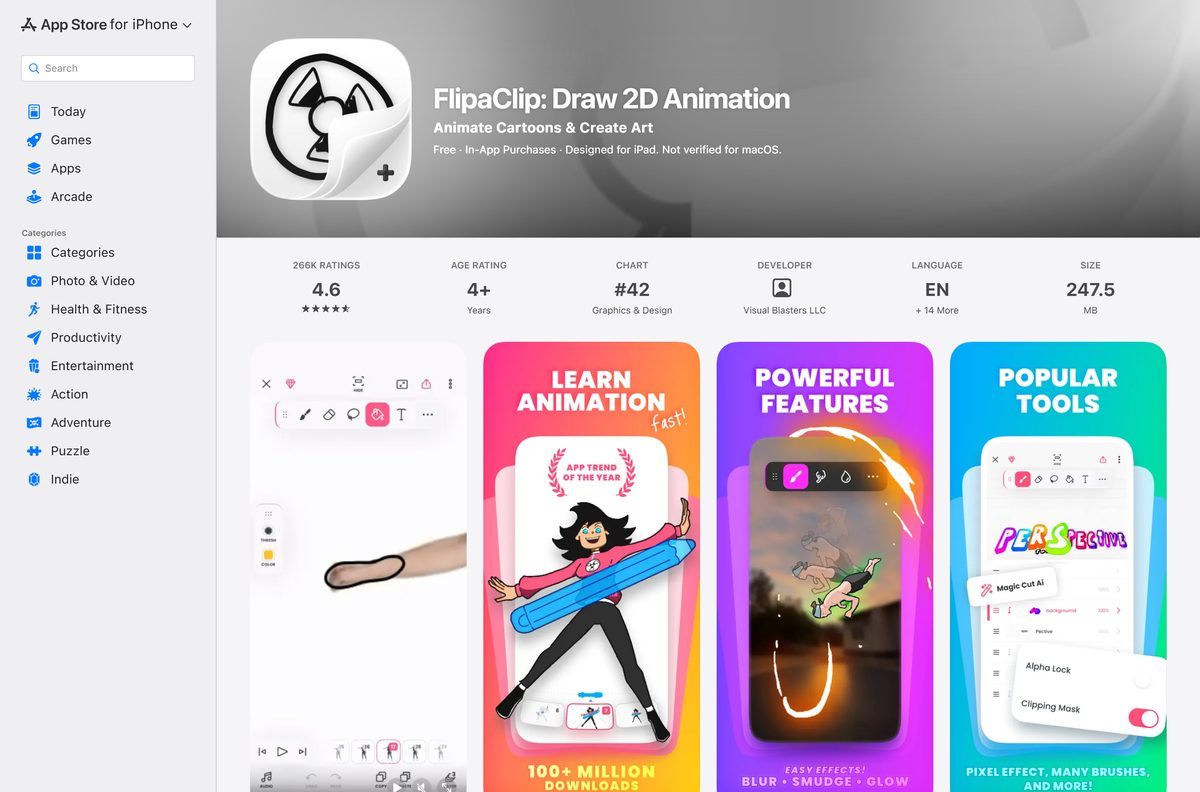
How to install FlipaClip on an Android phone, tablet or Chromebook
On a Chromebook, turn on the Google Play Store first. Some school and work Chromebooks block it, so ask the administrator if the option is missing.
- On a Chromebook, select the time at the bottom right, then select Settings, Apps and Manage Google Play preferences.
- Select More and accept the Google Play Terms of Service.
- Open the Google Play Store app.
- Search for FlipaClip and open the listing from Visual Blasters LLC.
- Tap Install and wait for the download to finish.
- Tap Open.
- Enter your date of birth when FlipaClip asks for it.
Google’s Chromebook Android apps guide lists which Chromebooks support the Play Store.
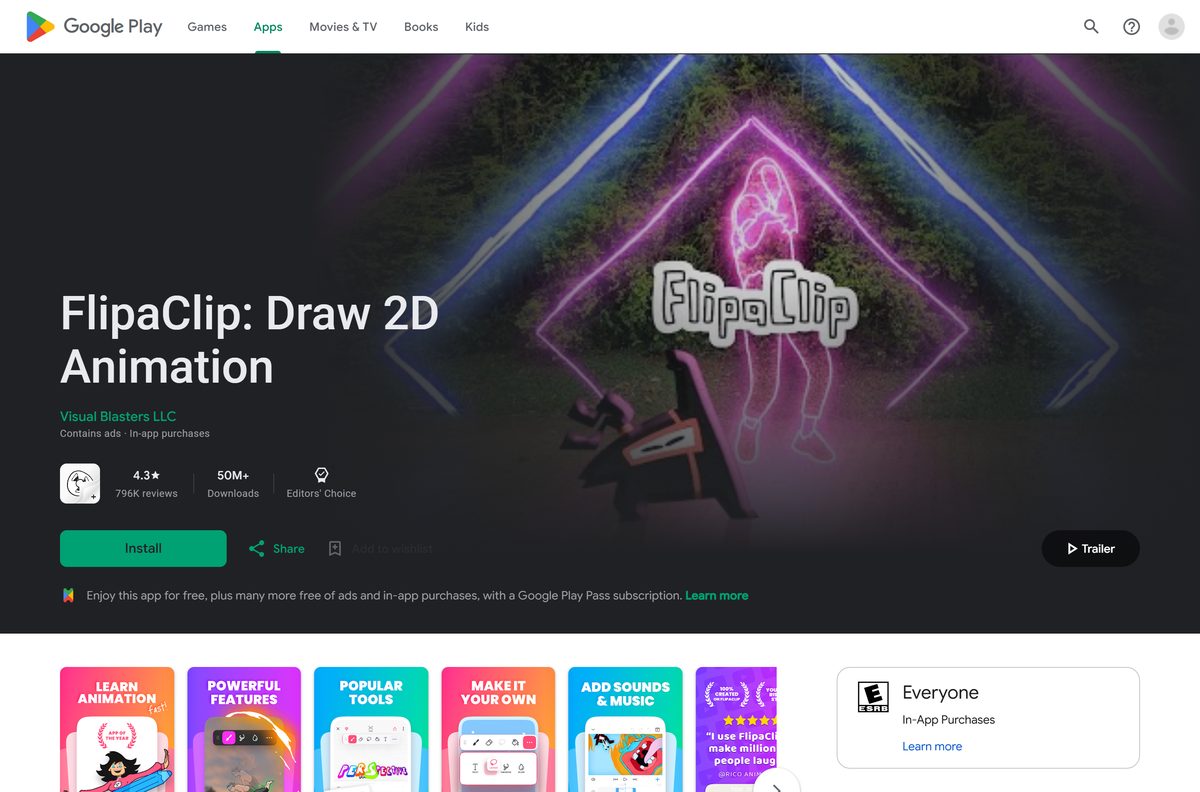
How to install FlipaClip on a Mac with Apple silicon
The Mac version is the iPad app. FlipaClip states that it runs on Macs with an M chip but is not fully optimized for them yet.
- Open the Apple menu and select About This Mac, then check that the chip line names Apple M1 or later.
- Open the App Store on the Mac.
- Search for FlipaClip.
- Open the listing marked Designed for iPad from Visual Blasters LLC.
- Click Get, then Install, and sign in with your Apple Account if asked.
- Open FlipaClip from the Applications folder.
- Hold the Option key to use the trackpad as a virtual touch screen, or turn on touch alternatives under FlipaClip > Settings.
On an iPhone or iPad, open the same listing, tap Get and confirm with Face ID, Touch ID or your password.
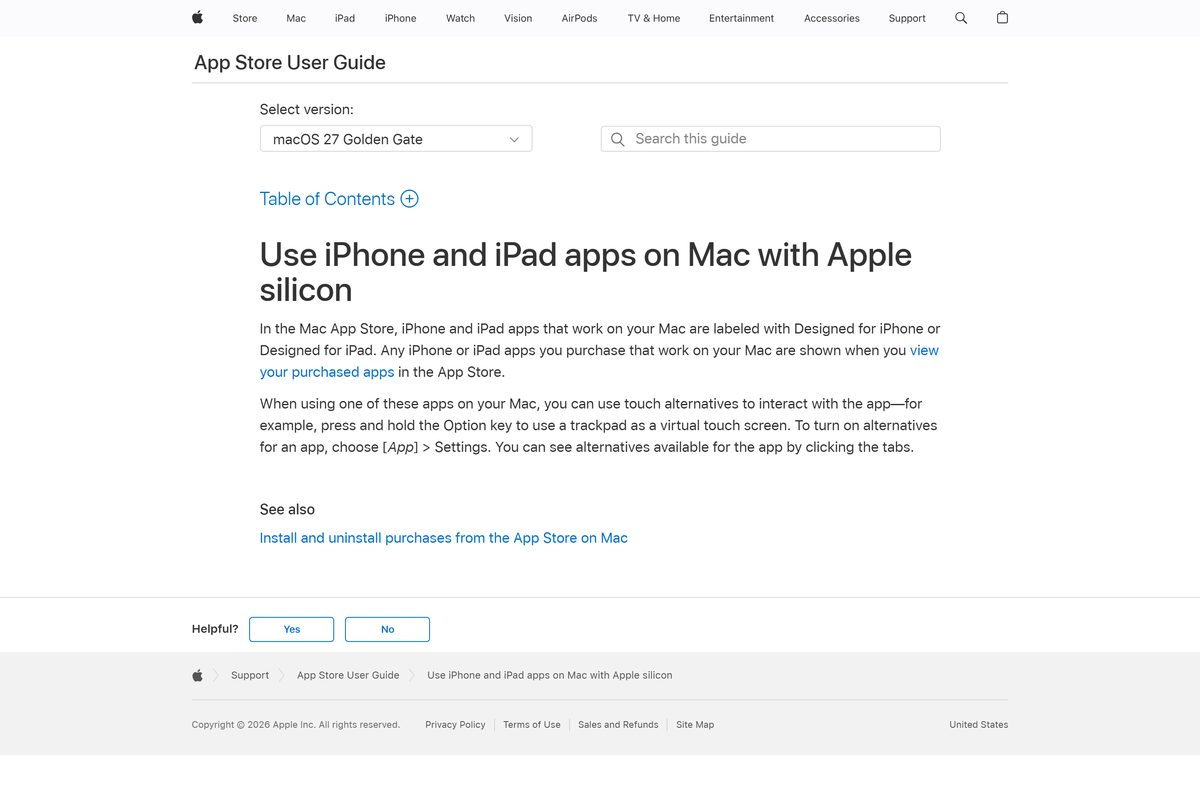
Which FlipaClip route works on your Mac or Windows PC?
FlipaClip has no Windows app and no separate Mac installer. The availability page names the App Store, Google Play, the Amazon Appstore and Huawei AppGallery, plus Macs with an M chip.
Windows 11 once ran Android apps through the Amazon Appstore. Microsoft removed Windows Subsystem for Android and the Amazon Appstore from the Microsoft Store on March 5, 2025.
| Your computer | What to do |
|---|---|
| Mac with Apple M1, M2, M3, M4 or later | Install the iPad app from the App Store |
| Mac with an Intel processor | Animate on an iPad or iPhone instead |
| Windows 11 or Windows 10 PC | Animate on a phone, tablet or Chromebook |
| Chromebook | Install the Android app from Google Play |
Skip any site offering a FlipaClip EXE, MSI or DMG. Visual Blasters does not publish one, and the Microsoft Store has no FlipaClip listing.
Is FlipaClip free?
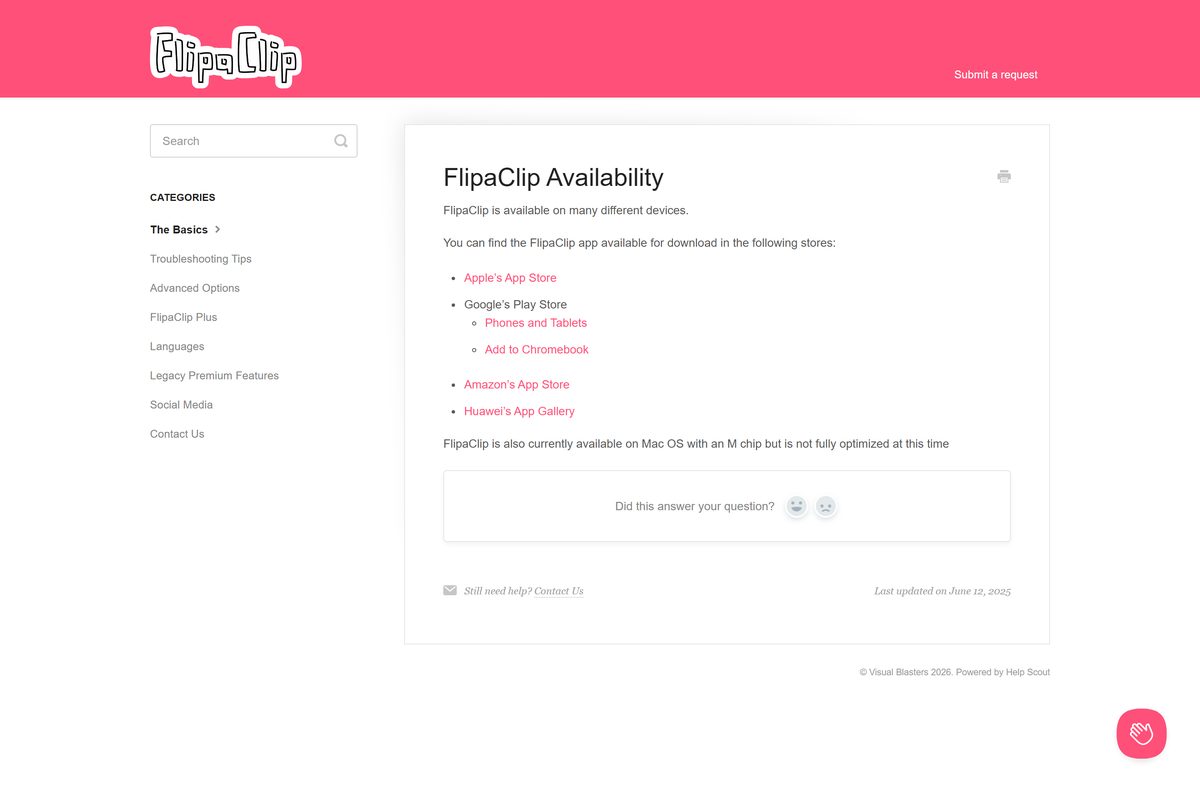
Yes. FlipaClip is free with ads, and FlipaClip Plus is an optional subscription. The free app gives you 3 layers, 6 audio tracks, the glow effect and blending modes, and MP4, GIF or PNG export. FlipaClip Plus adds up to 10 layers, your own audio files, custom canvases up to 1920×1920, image sequence export, extra brushes and Voice maker. It also removes ads and the FlipaClip watermark.
Plus comes as a monthly or annual auto-renewing plan. Tap the diamond icon at the top right of the main screen to see the current price in your region.
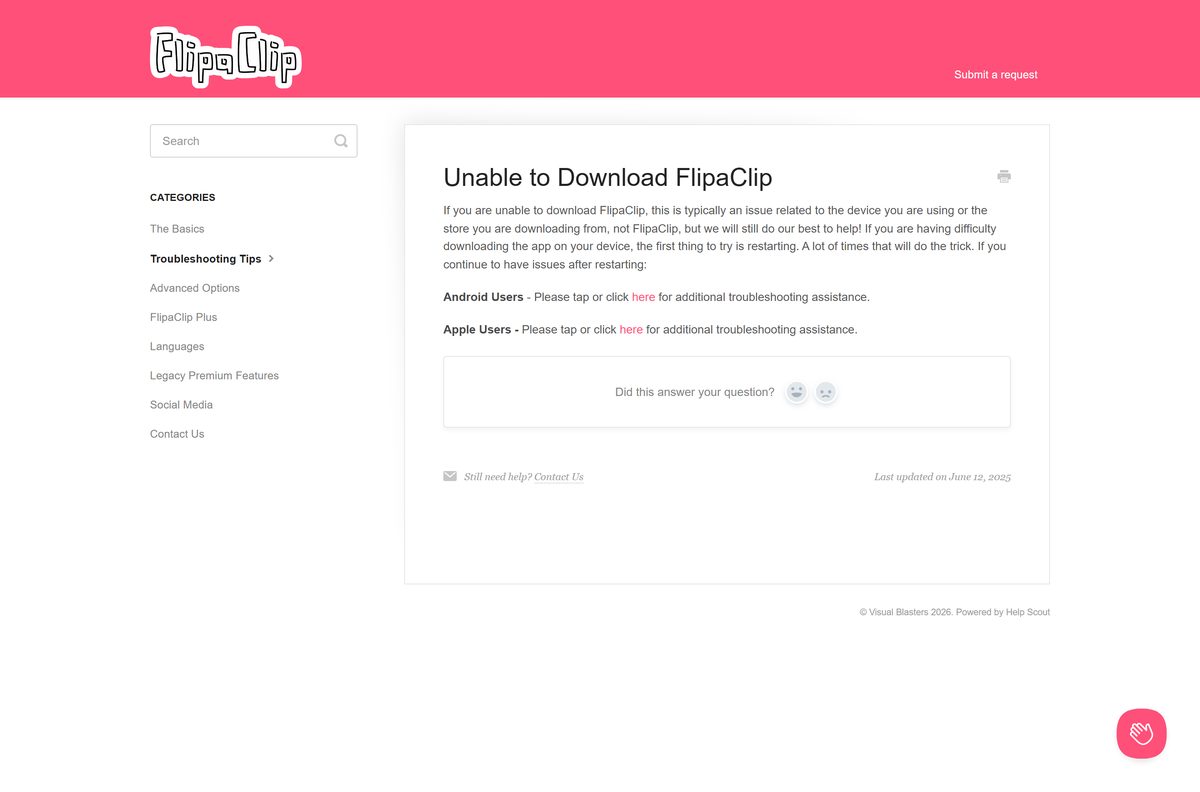
A 7-day free trial is available once per Apple ID or Google account. Cancel at least 24 hours before renewal through the store you subscribed with. On Android, FlipaClip is also included with Google Play Pass.
What FlipaClip can export and import
| File type | What it is for | Free or Plus |
|---|---|---|
| MP4 video | Share a finished animation on YouTube, TikTok or Instagram | Free |
| GIF | Short looping clips | Free |
| PNG with transparency | Save a frame as an image | Free |
| PNG image sequence | Export every frame for editing elsewhere | Plus |
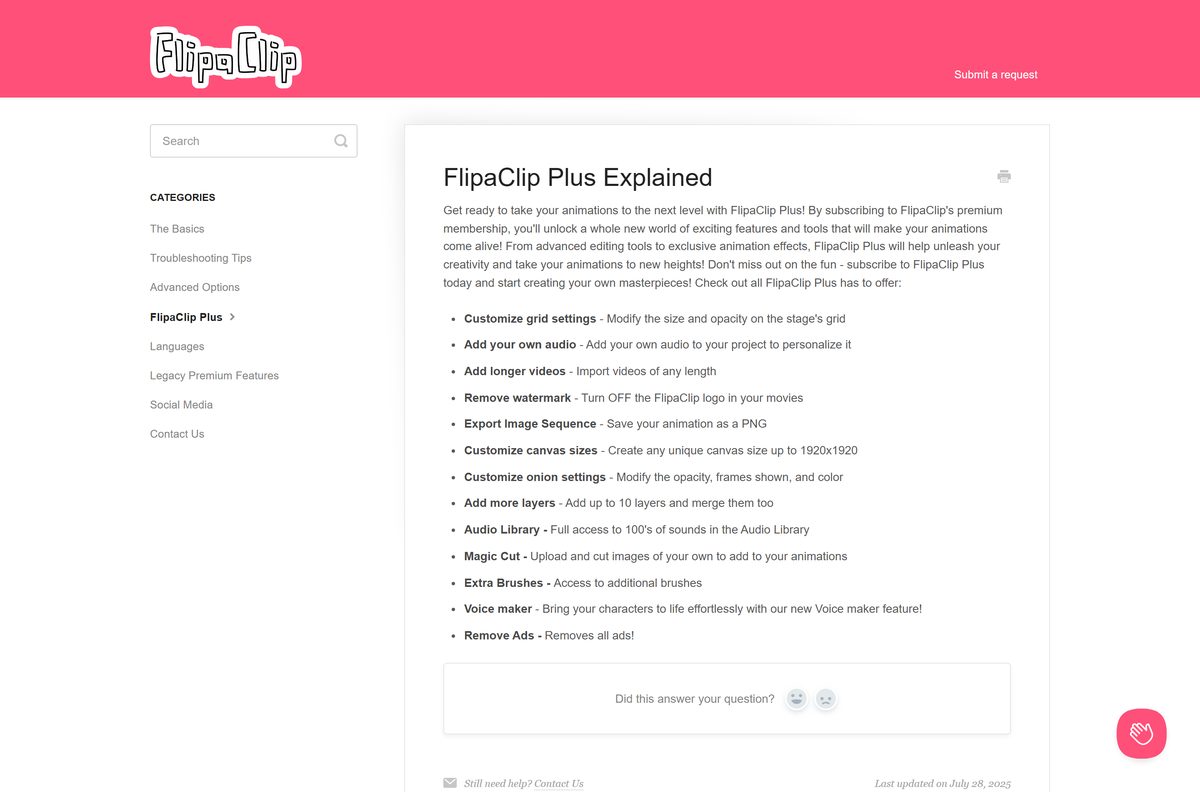
| .fc project file | Back up or move a project to another device | Import free; backup is Plus or a rewarded ad |
| Photos and videos | Rotoscope over imported footage | Free; longer videos need Plus |
| Your own audio files | Music, voice and sound effects | Plus |
Projects stay on the device you made them on. Signing in does not sync them, so export a .fc file to Google Drive, iCloud Drive or OneDrive before you switch devices.
Check the FlipaClip system requirements
| Field | Value |
|---|---|
| Software | FlipaClip: Draw 2D Animation |
| Developer | Visual Blasters, LLC |
| Latest version | 4.2.49 on iPhone, iPad and Mac (19 September 2026); Android updated 14 September 2026 |
| Price | Free with ads; optional FlipaClip Plus subscription |
| iPhone and iPad | iOS 15.0 or later |
| Mac | Apple M-series chip; iPad app, not fully optimized for Mac |
| Android and Chromebook | Google Play; Chromebook must support Android apps |
| Windows | No Windows app |
| Download size | 247.5 MB on the App Store; Google Play states no size |
| Offline installer | None; the app works offline once installed |
| Official source | flipaclip.com, the App Store and Google Play |
| Last verified | 2026-09-25 |
Animating works without internet. Importing from cloud storage and posting to social media need a connection.
How to verify you have the real FlipaClip app
FlipaClip has no installer file to checksum. The store listing and its developer name are the proof.
- Open the listing from the FlipaClip availability page or the links above, not from a search ad.
- On the App Store, check that the developer reads Visual Blasters LLC and the category is Graphics & Design.
- On Google Play, check for Visual Blasters LLC, the Editors’ Choice badge and 50M+ downloads.
- Confirm the support link in the description points to support.flipaclip.com.
- Delete any FlipaClip APK, EXE or DMG you got from another site.
How to check your FlipaClip version and update it
Visual Blasters ships FlipaClip updates through the stores. Version 4.2.49 is the current iPhone, iPad and Mac build.
- Open the App Store or Google Play on your device.
- Search for FlipaClip and open the listing.
- Tap or click Update if it shows. Open means you already have the newest build.
- On an iPhone or iPad below iOS 15.0, open Settings, General, Software Update first.
- Reopen FlipaClip and check that your projects load.
Fix FlipaClip not downloading, installing or showing on your device
The store download stalls or fails
FlipaClip says this is usually the device or the store, not the app.
- Restart the phone, tablet, Chromebook or Mac.
- Check that the device has enough free storage for a 247.5 MB app.
- Open the store again and retry Get or Install.
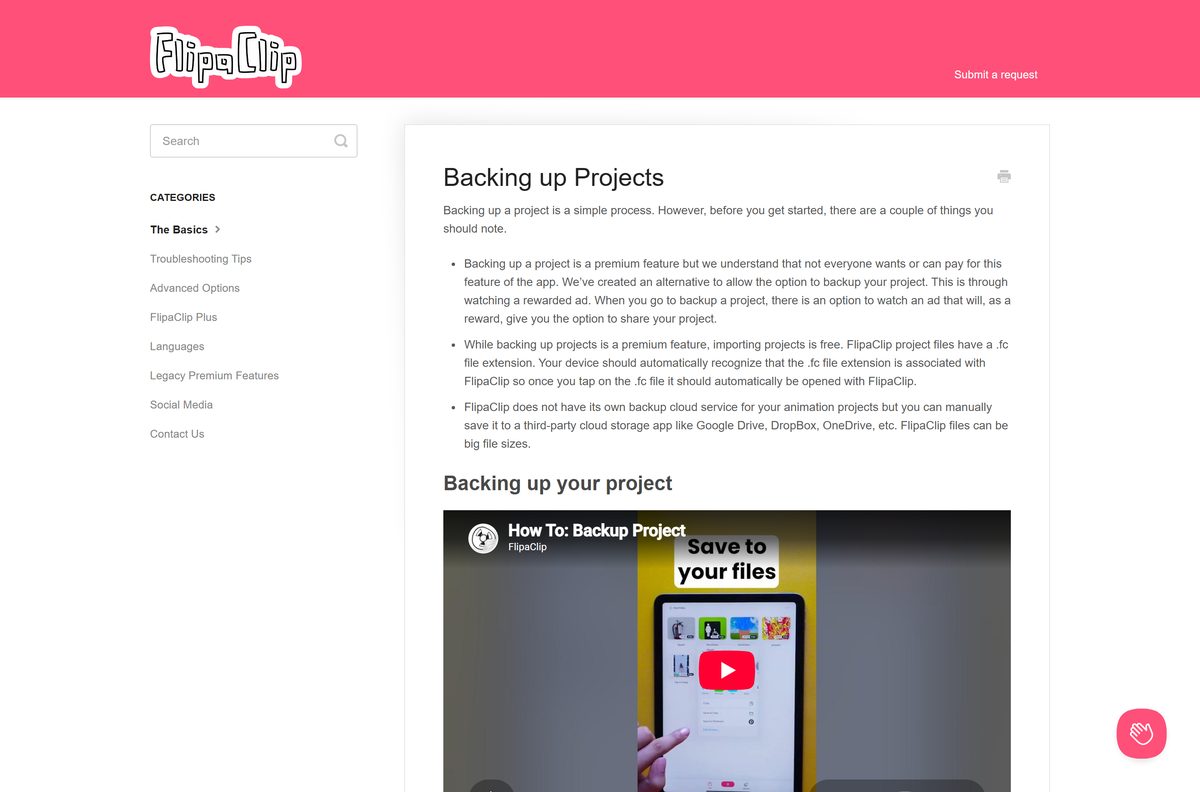
- Use Apple’s or Google’s store troubleshooting from FlipaClip’s Unable to Download FlipaClip page if it still fails.
FlipaClip does not appear in the Mac App Store
The Mac has an Intel processor. The iPad app runs only on Apple silicon Macs.
- Open the Apple menu and select About This Mac.
- Read the Chip or Processor line.
- If it names Intel, install FlipaClip on an iPad or iPhone instead.
The Chromebook has no Google Play Store
The Play Store is off, the model does not support Android apps, or a school or work policy blocks it.
- Open Settings, then Apps, and look for Manage Google Play preferences.
- Turn Google Play on if the option exists.
- Ask your administrator if the option is missing on a managed Chromebook.
No ads are available for a reward
Ad supply varies by region and time, or the connection is weak.
- Check your internet connection.
- Update FlipaClip to the latest version.
- Close the app completely and reopen it.
- Wait and try again later.
How to uninstall FlipaClip without losing your projects
Deleting FlipaClip deletes every project on that device, and FlipaClip cannot restore them. Back up first.
- Open FlipaClip and view your projects.
- Tap and hold a project, tap the share icon, then tap Share Project.
- Save the .fc file to Files, Google Drive, iCloud Drive or OneDrive, and repeat for each project.
- Cancel FlipaClip Plus in your App Store or Google Play subscriptions if you no longer want it.
- On a Mac, quit FlipaClip, open Applications in the Finder and drag FlipaClip to the Trash.
- On an iPhone or iPad, touch and hold the icon, then tap Remove App and Delete App.
- On Android, open the Play Store listing and tap Uninstall.
Deleting the app does not cancel a subscription. To restore work after reinstalling, open the saved .fc file and your device opens it in FlipaClip.
Other creative apps for PC include Focusrite Control and Cakewalk Sonar.
Frequently asked questions
Is FlipaClip free?
Yes. FlipaClip is free on the App Store and Google Play, with ads and in-app purchases. The optional FlipaClip Plus subscription removes ads and the watermark and adds more layers, audio import and custom canvases, with a 7-day free trial once per account.
What is the official FlipaClip download page?
The official page is FlipaClip’s availability article at support.flipaclip.com. It lists the Apple App Store, Google Play for phones, tablets and Chromebooks, the Amazon Appstore and Huawei AppGallery, and every listing comes from Visual Blasters LLC.
Can I download FlipaClip on Windows 11 or Windows 10?
No. Visual Blasters publishes no Windows version, and the Microsoft Store has no FlipaClip listing. Windows Subsystem for Android also left the Microsoft Store on March 5, 2025, so animate on a phone, tablet, Chromebook or Apple silicon Mac instead.
Is there a FlipaClip download for Mac?
Yes, on Macs with an Apple M-series chip. The Mac App Store offers the iPad app, labeled Designed for iPad, and FlipaClip says it is not fully optimized for Mac yet. Intel Macs cannot install it.
How big is the FlipaClip download?
The App Store build for iPhone, iPad and Apple silicon Macs is 247.5 MB. Google Play does not state a size for the Android version, so keep a few hundred megabytes free plus room for your projects.
Is there a FlipaClip offline installer?
No. FlipaClip installs only from app stores, and there is no EXE, MSI, DMG or official APK download. Once installed, FlipaClip works offline, because your projects are stored on the device.
Does FlipaClip run on ARM or 64-bit computers?
FlipaClip runs on Apple silicon Macs, which use ARM-based M-series chips, through the iPad app. There is no Windows build for x64 or ARM64 PCs, and Intel Macs are not supported.
Is FlipaClip safe to download?
Yes, when you install it from the App Store, Google Play, the Amazon Appstore or Huawei AppGallery. Check that the developer reads Visual Blasters LLC, and avoid any site offering a FlipaClip EXE, DMG or modified APK.
What is the latest version of FlipaClip?
FlipaClip 4.2.49 is the current App Store version for iPhone, iPad and Apple silicon Macs, released on 19 September 2026. The Android version on Google Play was last updated on 14 September 2026.
Why won’t FlipaClip install on my device?
The device is usually the cause. Restart it, free up storage and retry the store. iPhones and iPads need iOS 15.0 or later, Macs need an M-series chip, and Chromebooks need the Google Play Store turned on.
Does FlipaClip save my projects to my account?
No. FlipaClip stores projects only on the device where you made them, and signing in does not sync them. Use Share Project to save a .fc backup to Google Drive, iCloud Drive or OneDrive before switching devices.






