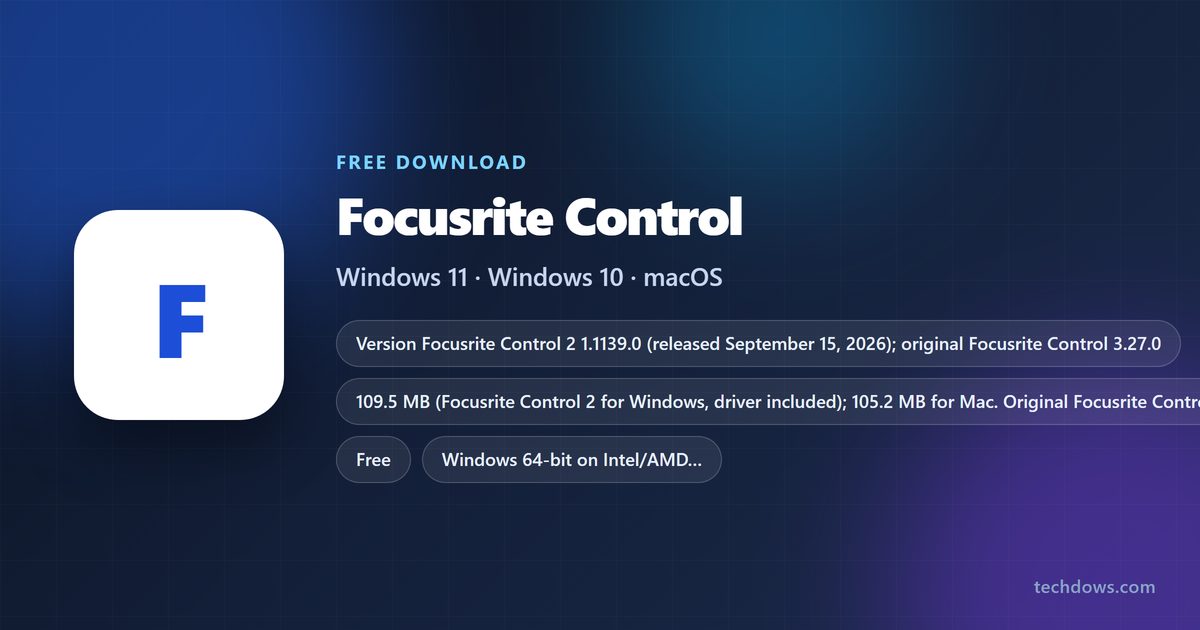
You can get the Focusrite Control download for Windows 11, Windows 10 and Mac free from downloads.focusrite.com. Scarlett 4th Gen, Scarlett 3rd Gen, Clarett+ and Clarett USB owners now get Focusrite Control 2, while older and Thunderbolt interfaces keep the original Focusrite Control.
This guide covers which app your interface needs, where each installer lives, how to install and upgrade, system requirements, and fixes for install and detection problems.
Which Focusrite Control download does your interface need?
Focusrite picks the software by interface, not by computer. Find your interface in the left column, then open its page on the Focusrite downloads site.
| Your interface | Install this | Windows size | Mac size | Start here |
|---|---|---|---|---|
| Scarlett 4th Gen (any model) | Focusrite Control 2 | 109.5 MB, driver included | 105.2 MB | Scarlett 4th Gen downloads |
| Scarlett 3rd Gen (any model) | Focusrite Control 2, or the original Focusrite Control | 109.5 MB or 61.0 MB | 105.2 MB or 11.8 MB | Scarlett 3rd Gen downloads |
| Scarlett 2nd Gen 6i6, 18i8 or 18i20 | Focusrite Control 2, or the original Focusrite Control | 109.5 MB or 61.0 MB | 105.2 MB or 11.8 MB | Scarlett 2nd Gen downloads |
| Clarett+ or Clarett USB | Focusrite Control 2, or the original Focusrite Control | 109.5 MB or 61.0 MB | 105.2 MB or 11.8 MB | Clarett+ downloads |
| ISA C8X | Focusrite Control 2 (1.980.0 or newer) | 109.5 MB | 105.2 MB | ISA downloads |
| Clarett Thunderbolt (2Pre, 4Pre, 8Pre, 8PreX, OctoPre) | Focusrite Control plus the Thunderbolt driver on Mac | 61.0 MB | 11.8 MB | Clarett Thunderbolt downloads |
| Scarlett 1st Gen, or Scarlett 2nd Gen Solo, 2i2 or 2i4 | Not Focusrite Control 2; use your model’s own download page | Varies | Varies | Focusrite downloads by range |
Focusrite Control 2 installs the Focusrite audio driver on Windows too, so there is no separate driver to fetch for those interfaces.

Download Focusrite Control from the official Focusrite site
Every installer sits on downloads.focusrite.com, grouped by product range. Open your range, select your exact model, and the Software block shows the right files for it.
- Focusrite downloads (all ranges) — pick Scarlett, Clarett, ISA, Vocaster or Legacy
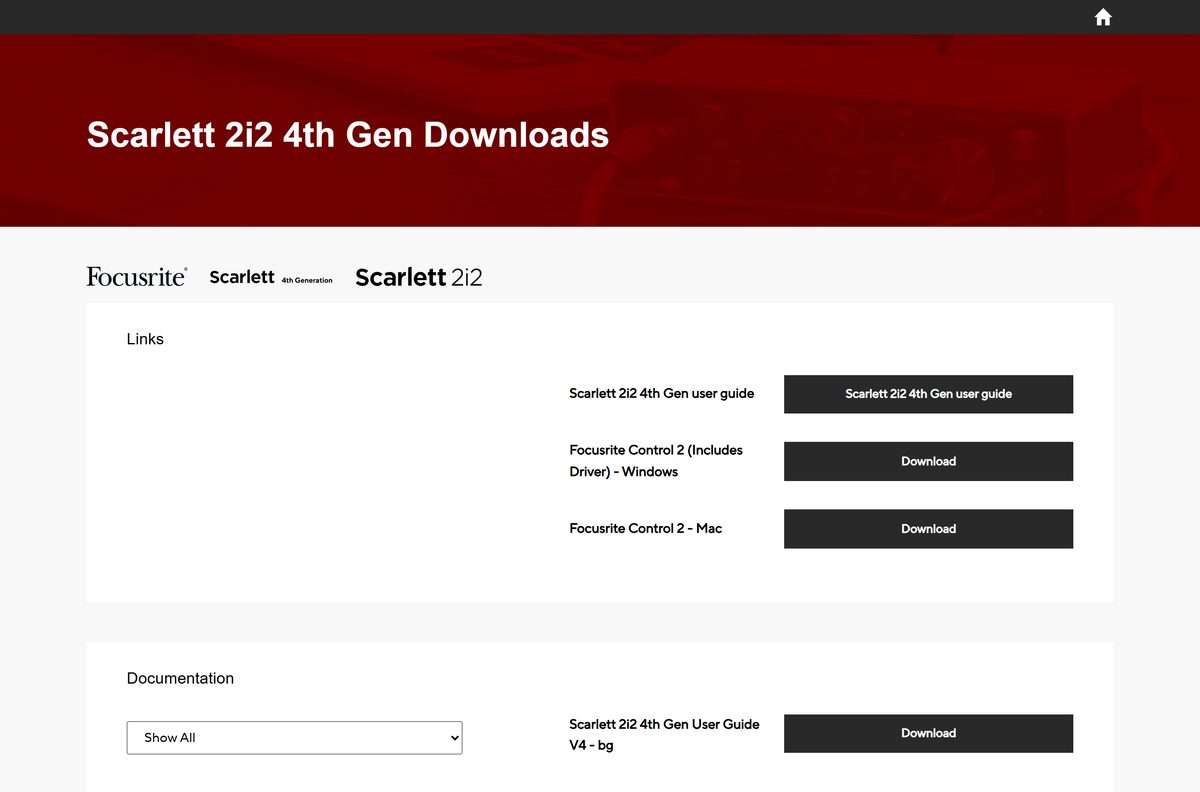
- Scarlett 2i2 4th Gen downloads — Focusrite Control 2 (Includes Driver) for Windows, Focusrite Control 2 for Mac
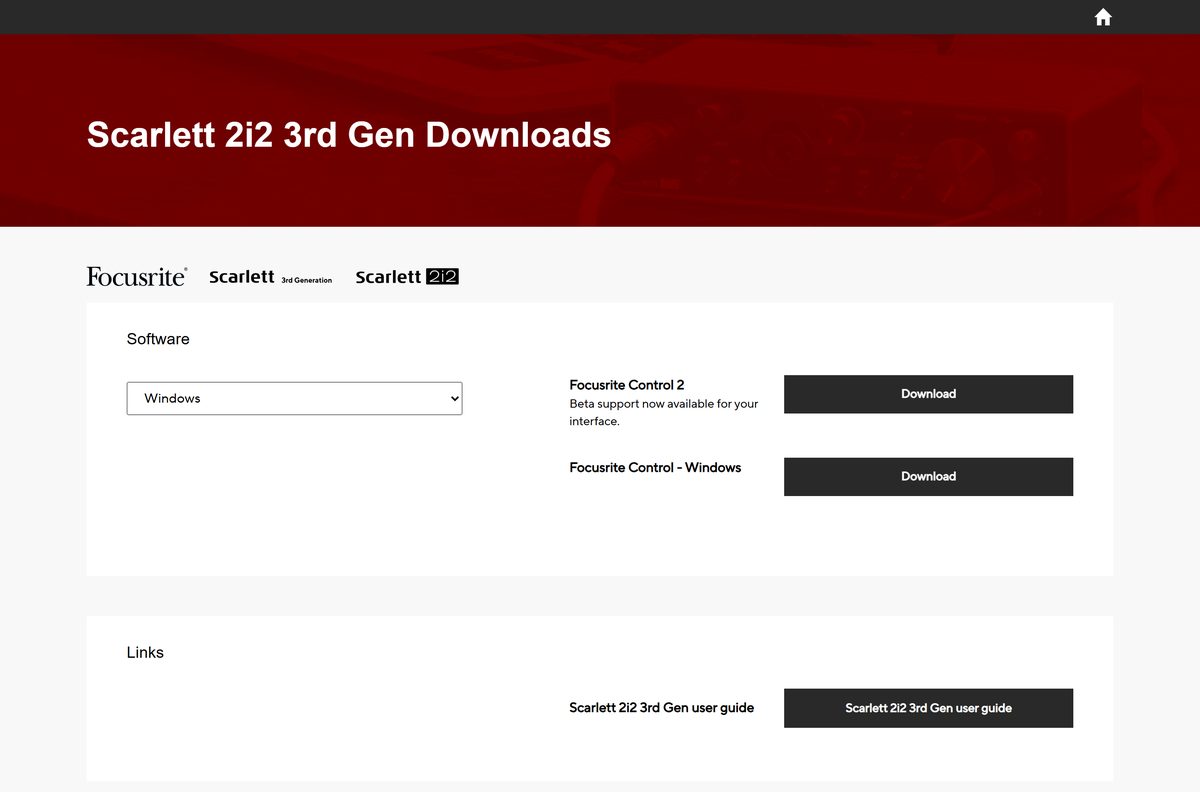
- Scarlett 2i2 3rd Gen downloads — Focusrite Control 2 and the original Focusrite Control side by side
- Clarett 2Pre (Thunderbolt) downloads — original Focusrite Control and the Mac Thunderbolt driver
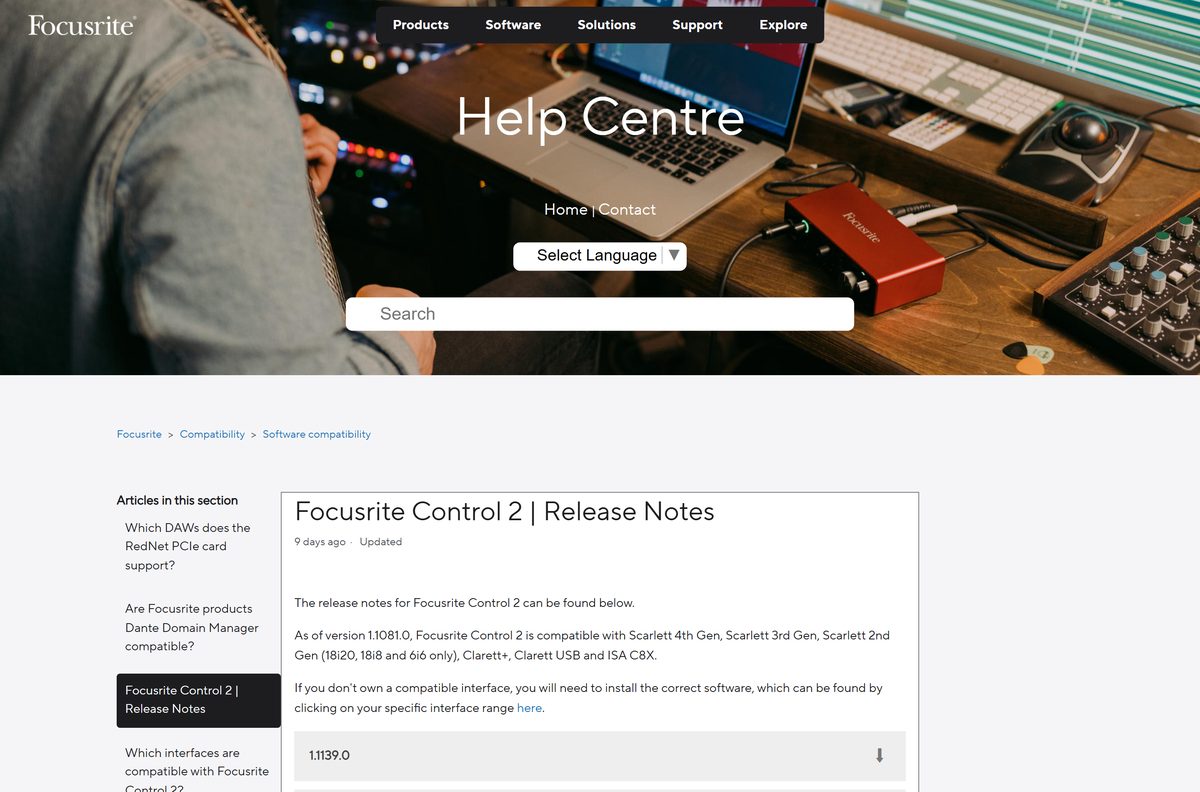
- Focusrite Control 2 release notes — supported devices and operating systems for each release
The files download from fael-downloads-prod.focusrite.com. That host belongs to Focusrite, so the address change in your browser is expected.
How to install Focusrite Control 2 on Windows 11 and 10
The Windows installer carries the Focusrite driver, so one file sets up both. If the original Focusrite Control is installed, remove it first, because the two apps cannot share a PC.
- Turn off any third-party antivirus or firewall until setup finishes.
- Open downloads.focusrite.com and select your interface range and model.
- Select Download next to Focusrite Control 2 (Includes Driver) – Windows.
- Open File Explorer, go to Downloads and double-click focusrite-control-2.exe .
- Select Yes when Windows asks whether the app can make changes to your device.
- Choose your installation language.
- Select Install and wait while the app and the bundled driver install.
- Restart the PC if the installer asks you to.
- Connect the interface and open Focusrite Control 2; it detects the device automatically.
Turn your antivirus back on once setup completes. For the original Focusrite Control, run focusrite_control_v3_27_0.exe the same way.

Which Focusrite Control download do you need for your Mac?
Each Mac build is one .dmg file for your interface. Pick the row that matches your hardware and macOS version.
| Your setup | Download | What to know |
|---|---|---|
| Scarlett 4th Gen, 3rd Gen, Clarett+, Clarett USB or ISA C8X on macOS 14 or later | Focusrite Control 2 – Mac | 105.2 MB .dmg; officially supports macOS 14, 15 and 26 |
| Scarlett 3rd Gen, Clarett+ or Clarett USB, staying on the original app | Focusrite Control – Mac | 11.8 MB .dmg, version 3.27.0 |
| Clarett Thunderbolt on macOS 10.15 or later | Clarett 2Pre (Thunderbolt) downloads | Focusrite Control plus Focusrite Thunderbolt Driver 4.116.2, for Intel and Apple silicon |
To install, open the .dmg and drag Focusrite Control 2 into Applications. Connect the interface, open the app from Applications, and select Open when macOS asks.
Should you upgrade from Focusrite Control to Focusrite Control 2?
Upgrade if your interface is on the Focusrite Control 2 list. Stay on Focusrite Control if you also run an interface it does not support, such as a Clarett Thunderbolt. Focusrite is no longer actively developing the original Focusrite Control, and new features such as MIDI control arrive in Focusrite Control 2. Both apps cannot live on one computer, and switching resets the interface to factory defaults. Focusrite Control snapshots do not load in Focusrite Control 2, so save one with File → Save Snapshot before you switch. Scarlett 3rd Gen, Clarett+, Clarett USB and the three Scarlett 2nd Gen models joined as beta support, which Focusrite describes as less tested than a full release.
Speakers on outputs other than 1 and 2? Power them off before upgrading, then set up speaker switching again in Focusrite Control 2.
Is Focusrite Control free?
Yes. Focusrite Control and Focusrite Control 2 are free downloads for Focusrite interface owners, on Windows and Mac. The app only controls Focusrite hardware, so it has no use without a supported interface. Downloads need no account and no licence key. A site that charges for either app, or bundles it inside its own installer, is not Focusrite.
Check whether your computer meets the Focusrite Control 2 system requirements
Focusrite lists supported systems per release in the release notes. Older macOS versions can work, but only the listed ones are officially supported.
| Field | Value |
|---|---|
| Software | Focusrite Control 2 (successor to Focusrite Control) |
| Developer | Focusrite Audio Engineering Ltd |
| Latest version | Focusrite Control 2 1.1139.0, released September 15, 2026; original Focusrite Control 3.27.0 |
| License | Free for Focusrite interface owners |
| Windows | Windows 11 and Windows 10 (64-bit) |
| Windows on Arm | Supported by Focusrite Control 2 and Focusrite Control |
| Mac | macOS 26 Tahoe, macOS 15 Sequoia, macOS 14 Sonoma |
| File size | 109.5 MB Windows (driver included), 105.2 MB Mac |
| Offline installer | Yes, full .exe and .dmg installers |
| Mobile app | Focusrite Control 2 for iOS and Android supports ISA C8X and Scarlett 4th Gen only |
| Official download | downloads.focusrite.com |
| Last verified | 2026-09-25 |
Clarett Thunderbolt interfaces do not work on Windows on Arm, because those PCs do not support Thunderbolt or PCIe audio devices.
Fix Focusrite Control not installing or not detecting your interface
Before any fix, right-click the installer and select Run as administrator, and pause any anti-cheat engine such as Riot Vanguard or EA Anticheat.
Focusrite Control 2 does not detect the interface
The interface is not supported, or the original Focusrite Control is still installed.
- Check that your model is on the Focusrite Control 2 list above.
- Uninstall the original Focusrite Control completely.
- Push the USB cable firmly into the interface until it clicks.
- On a Scarlett 4th Gen with two ports, connect the port labelled USB to the computer.
- Reopen Focusrite Control 2.
An mfc140.dll or Visual C++ Redistributable error appears
An old Microsoft Visual C++ Redistributable blocks the installer.
- Run Microsoft’s Program Install and Uninstall troubleshooter.
- Select Next, then Uninstalling.
- Pick the Visual C++ Redistributable named in the error and select Next.
- Select Yes, try uninstall.
- Run the Focusrite installer again.
A focusritePal64.dll error stops setup
Third-party antivirus interrupts the install.
- Turn off the antivirus.
- Run the Focusrite installer again.
- Turn the antivirus back on after setup succeeds.
Device Manager shows Code 37 for the interface
Antivirus interrupted the driver install, or the Redistributable error was skipped.
- Turn off the antivirus.
- Right-click the installer and select Run as administrator.
- Fix the Visual C++ Redistributable error first if it appears.
Windows shows a blue screen with the Focusrite driver
Focusrite has reports of blue screens on Windows 10 and 11 with McAfee antivirus installed.
- Follow Focusrite’s Blue screens with McAfee antivirus article.
- Reinstall Focusrite Control 2 afterwards.
Still stuck? Focusrite’s installation troubleshooting article has the full list of error messages.
How to uninstall Focusrite Control
Remove the original app before installing Focusrite Control 2. On Windows, the driver and other Focusrite software stay installed.
- Quit Focusrite Control.
- On Windows, open Settings → Apps → Installed apps.
- Find Focusrite Control, select the three dots and select Uninstall.
- Select Uninstall again, then Yes at the permissions prompt.
- Select Yes when asked whether to completely remove Focusrite Control.
- On a Mac, open Finder → Applications.
- Right-click Focusrite Control and select Move to Trash.
- Right-click the Trash and select Empty Trash.
To go back later, reinstall Focusrite Control from your model’s download page and select File → Restore Factory Defaults.
Which Focusrite software to use when Focusrite Control does not cover your interface
Some Focusrite interfaces use a different app or just a driver. Match your hardware to the row below.
| Interface | Software | Where to get it |
|---|---|---|
| Vocaster One or Vocaster Two | Vocaster Hub; on Windows on Arm, the standalone USB driver | Vocaster downloads |
| Scarlett 1st Gen | Focusrite USB Driver on Windows on Arm; see your model’s page for other systems | Scarlett 1st Gen downloads |
| Scarlett 2nd Gen Solo, 2i2, 2i4 | Focusrite USB Driver on Windows on Arm; see your model’s page for other systems | Scarlett 2nd Gen downloads |
| Saffire FireWire range | No longer developed; not supported on Windows 11 | Saffire downloads |
If you own a supported interface and an unsupported one, keep the original Focusrite Control on that computer rather than Focusrite Control 2.
Frequently asked questions
Is Focusrite Control free?
Yes. Focusrite Control and Focusrite Control 2 are free downloads from downloads.focusrite.com for anyone with a Focusrite interface. There is no licence key, subscription or account needed to download them, and the apps only work with Focusrite hardware.
Where is the official Focusrite Control download page?
The official source is downloads.focusrite.com. Select your product range, such as Scarlett 4th Gen or Clarett USB, then your exact model. The Software block on that model’s page shows the Focusrite Control 2 or Focusrite Control installers that fit it.
Does Focusrite Control 2 work on Windows 11?
Yes. Focusrite Control 2 supports Windows 11 and 64-bit Windows 10, and the same installer covers both. Focusrite also supports it on Windows on Arm PCs, although some DAWs and bundled plug-ins lack native Arm versions.
How big is the Focusrite Control download?
The Focusrite Control 2 installer is 109.5 MB on Windows, including the audio driver, and 105.2 MB on Mac. The original Focusrite Control is 61.0 MB on Windows and 11.8 MB on Mac.
Is there an offline installer for Focusrite Control?
Yes. The Windows .exe and the Mac .dmg on downloads.focusrite.com are full installers, not small web setups. The Windows Focusrite Control 2 installer also carries the Focusrite driver, so one file sets up the whole interface.
Is Focusrite Control available for Mac?
Yes. Both apps have a Mac .dmg on each interface’s download page. Focusrite Control 2 officially supports macOS 14 Sonoma, macOS 15 Sequoia and macOS 26 Tahoe; install it by dragging the app into Applications.
Does Focusrite Control support 64-bit Windows and ARM64?
Focusrite Control 2 supports 64-bit Windows 10 and Windows 11. Focusrite Control, Focusrite Control 2 and the Focusrite USB driver also support Windows on Arm, but Clarett Thunderbolt interfaces do not work on Arm PCs.
Is the Focusrite Control download safe?
Yes, when it comes from downloads.focusrite.com. The installer files are served from fael-downloads-prod.focusrite.com, which is Focusrite’s own download host. Avoid copies from download portals or any site that asks for payment.
What is the latest version of Focusrite Control?
Focusrite Control 2 1.1139.0, released on September 15, 2026, is the current version and added MIDI control. The original Focusrite Control is at 3.27.0, and Focusrite is no longer actively developing it.
Why won’t Focusrite Control install?
Third-party antivirus is the most common cause, followed by an old Visual C++ Redistributable or an anti-cheat engine. Turn off the antivirus, run the installer as administrator, and remove the Redistributable named in any error.
Which interfaces work with Focusrite Control 2?
Focusrite Control 2 supports the entire Scarlett 4th Gen and 3rd Gen ranges, Scarlett 2nd Gen 6i6, 18i8 and 18i20, Clarett+, Clarett USB and ISA C8X. Scarlett 1st Gen, other 2nd Gen models, Clarett Thunderbolt and Saffire are not supported.
Can I install Focusrite Control and Focusrite Control 2 on the same computer?
No. Having both installed causes connection problems, so uninstall Focusrite Control before installing Focusrite Control 2. If one of your interfaces is not supported by Focusrite Control 2, keep the original app on that computer instead.
Is there a Focusrite Control 2 app for iPhone and Android?
Yes. The Focusrite Control 2 mobile app controls mixes and monitoring remotely, but it currently supports only ISA C8X and Scarlett 4th Gen interfaces. Focusrite plans to add the other supported interfaces later.






