
iPhone remains findable after power off
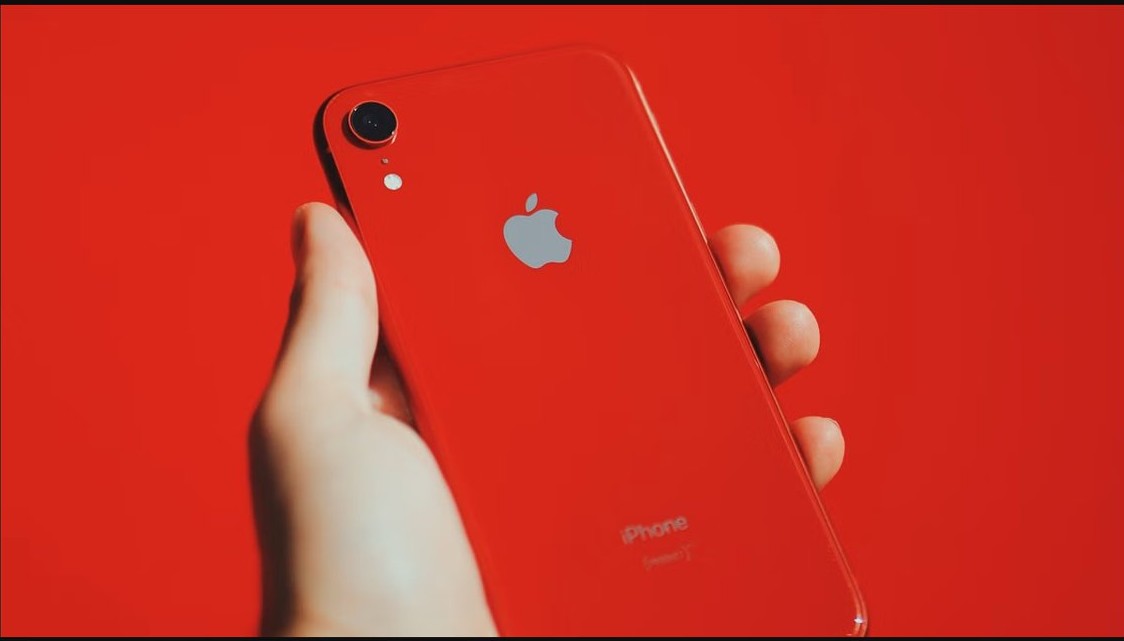
iPhone remains findable after power off through the Find My network for up to 24 hours. How to find a turned off iPhone, and how to turn the feature off.
3,344 articles

iPhone remains findable after power off through the Find My network for up to 24 hours. How to find a turned off iPhone, and how to turn the feature off.


AirTag setup on a Mac is not possible: pair the AirTag with an iPhone or iPad, then track, share and mark it lost in Find My on macOS.
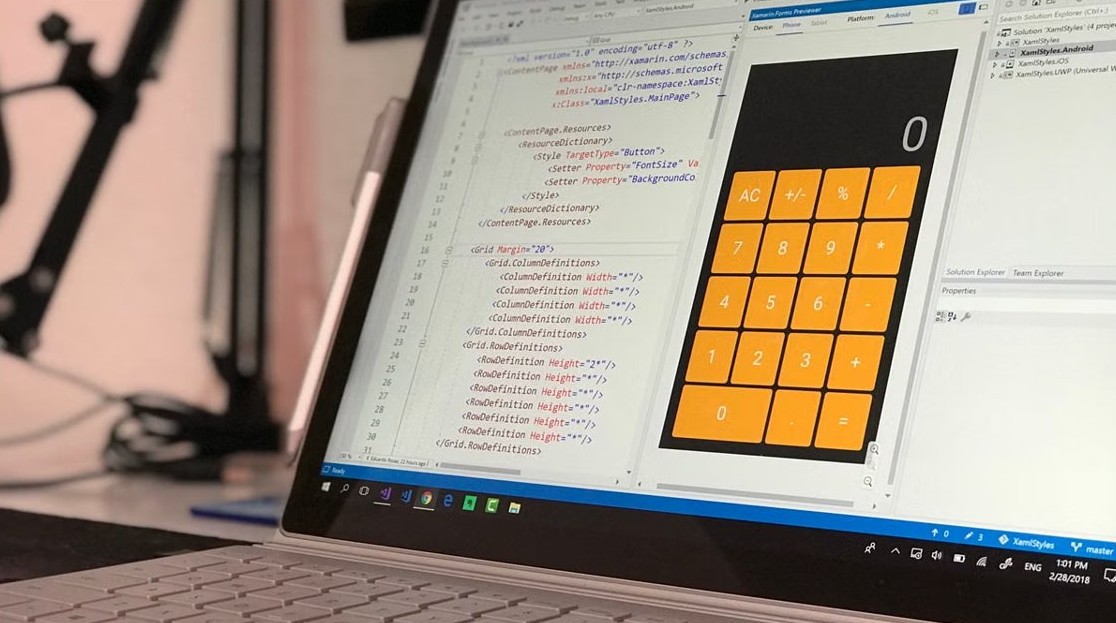
Edit the Windows Registry with Reg.exe in Windows 11/10: reg add, query, delete, export and import syntax, backups, remote edits and registry policy settings.


Host Process for Windows Tasks (taskhostw.exe) and Service Host (svchost.exe) are core Windows 11 processes. See what they run and fix high CPU or mic use.


Sync iPhone and iPad with iCloud: sign in to one Apple Account, turn on iCloud Drive, pick apps, then Photos. Messages, calendars and fixes covered.


Manage iPhone storage from Settings > General > iPhone Storage: offload apps, empty Recently Deleted, trim Messages and Safari data, and fix a full iPhone.


Open local files in Chrome, Edge or Firefox with Ctrl + O (Command + O on Mac), drag and drop, or a file:/// address. Steps per browser and fixes.


HBU means “how about you?” in texts and chats. See how to use HBU, how it differs from WBU, how to reply, examples, and when to avoid it in work messages.


Fix system interrupts high CPU usage in Windows 10 and 11: restart, update drivers, turn off Fast Startup and Magic Packet wake, and find the faulty device.


Can’t sign into the Air Force portal with a CAC? Get the Mac to accept the card reader, show your CAC certificates in Safari and trust them, plus Windows fixes.
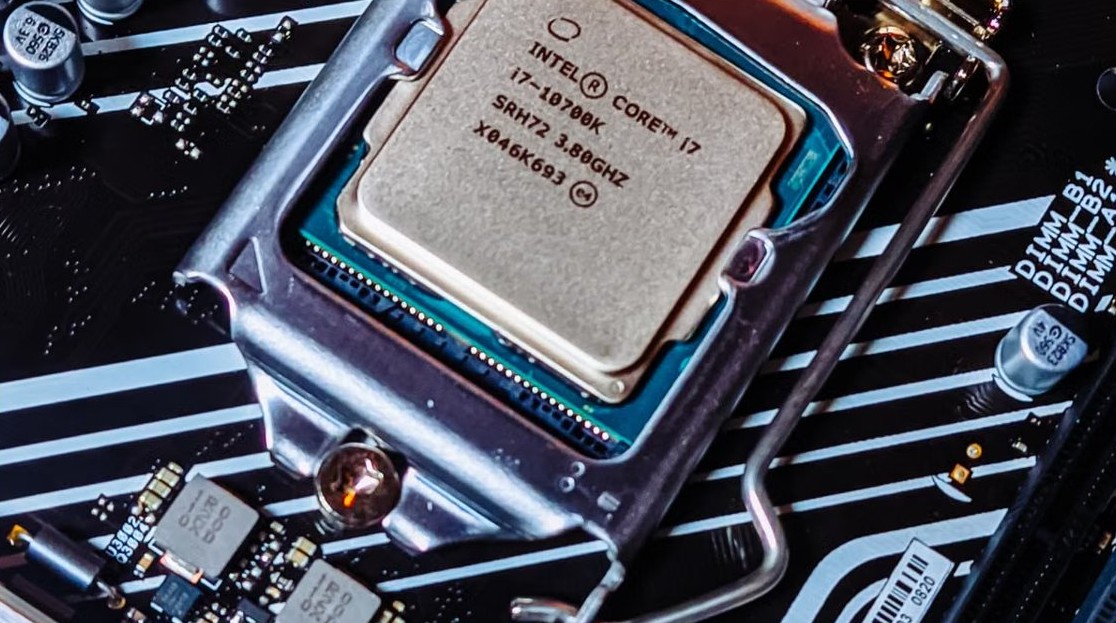
Fix WMI Provider Host (WmiPrvSE.exe) high CPU usage in Windows 11/10: restart the WMI service, find the app sending the queries, and stop it for good.

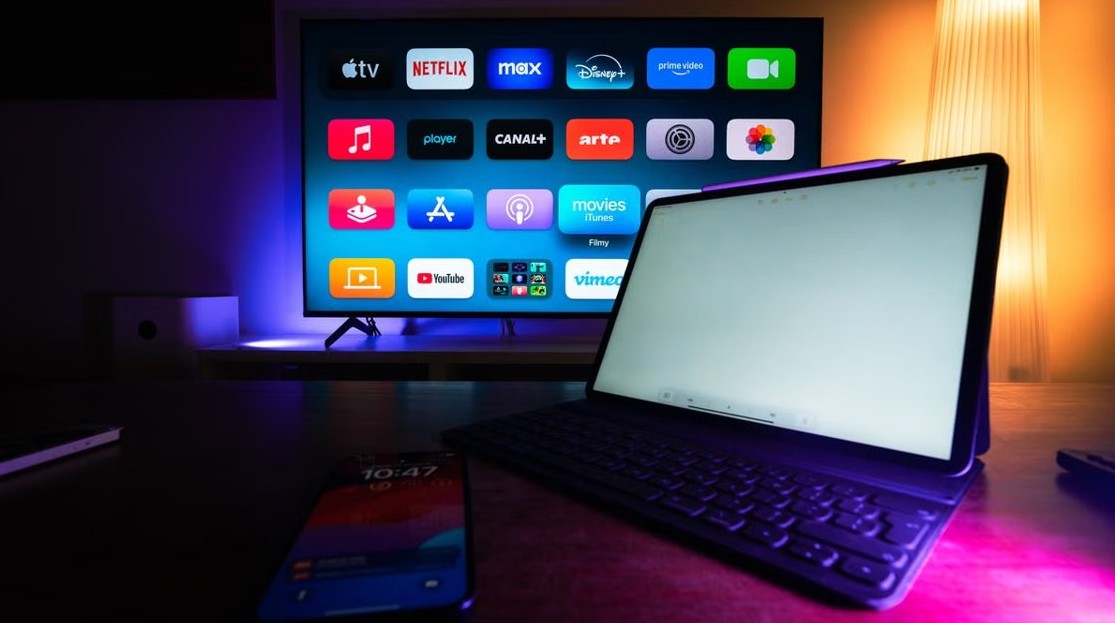
Enable developer mode on a Samsung TV: open Smart Hub > Apps, type 12345, switch Developer mode on, enter your PC’s IP address and reboot. Fixes included.