Download FlipaClip for Mac, iPhone, Android & Chromebook (Free)
FlipaClip download for Mac, iPhone, iPad, Android and Chromebook: get the free animation app from official stores, install it, and fix setup problems.
1,976 articles

FlipaClip download for Mac, iPhone, iPad, Android and Chromebook: get the free animation app from official stores, install it, and fix setup problems.
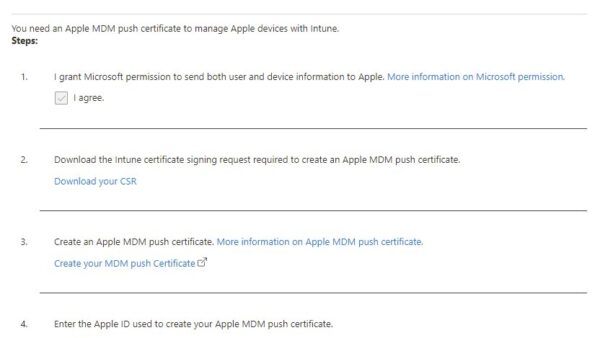
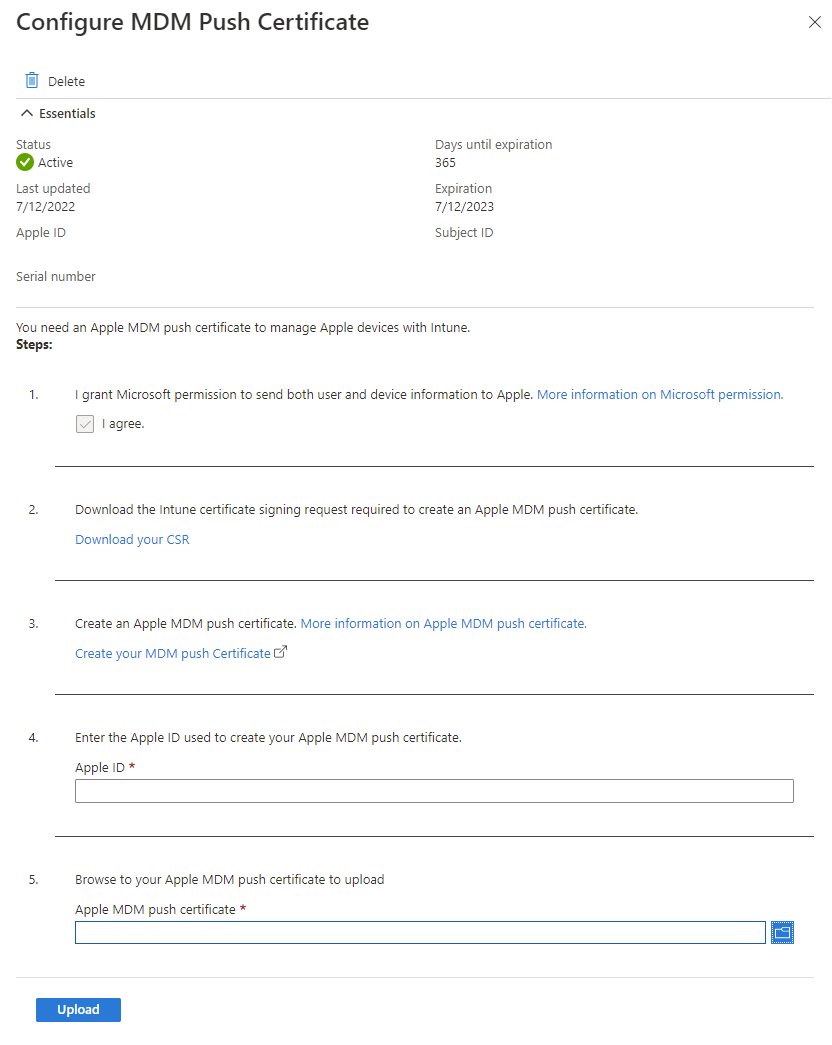
Manage Apple devices with Microsoft Intune: set up the MDM push certificate, ADE token, enrollment, compliance, apps, updates and fixes for iPhone, iPad and Mac.
Homebrew download for Mac, Linux and Windows 11/10 through WSL, free from brew.sh. Run the install command, use the .pkg, add brew to PATH and fix errors.
Poly Lens download for Windows 11, Windows 10 and Mac: get the free HP desktop app, install it, update your headset and fix setup errors.
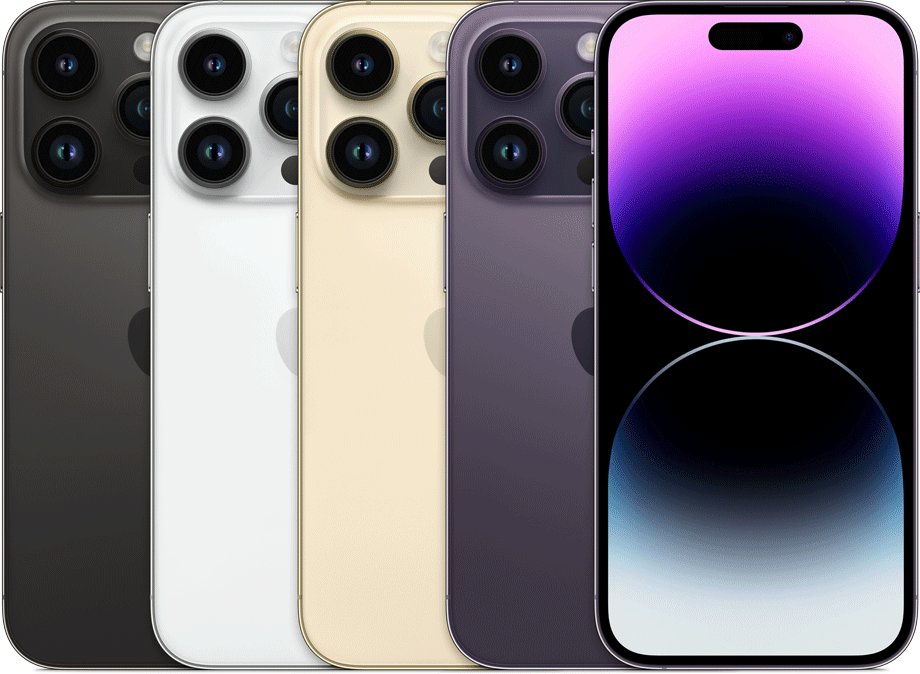
iPhone size chart with Apple’s official dimensions, weight and display size for every model from iPhone 12 mini to iPhone 18 Pro Max, iPhone Air and iPhone Duo.
Google Wallet download for PC, Mac and Android: install the free app from Google Play, add wallet.google.com as a desktop app, and fix setup problems.
Onshape download for PC and Mac: run the CAD platform free in your browser on Windows 11 and 10, add the iPhone and Android apps, and compare plans.
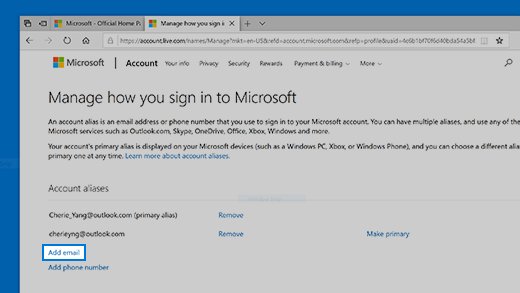
Create an alias in Outlook from your Microsoft account for Outlook.com, or in the Microsoft 365 admin center, Exchange admin center or PowerShell for work mailboxes.
pgAdmin 4 download for Windows 11, 10 and Mac: get the free installer from pgadmin.org, pick the right EXE or DMG, install it and connect to PostgreSQL.
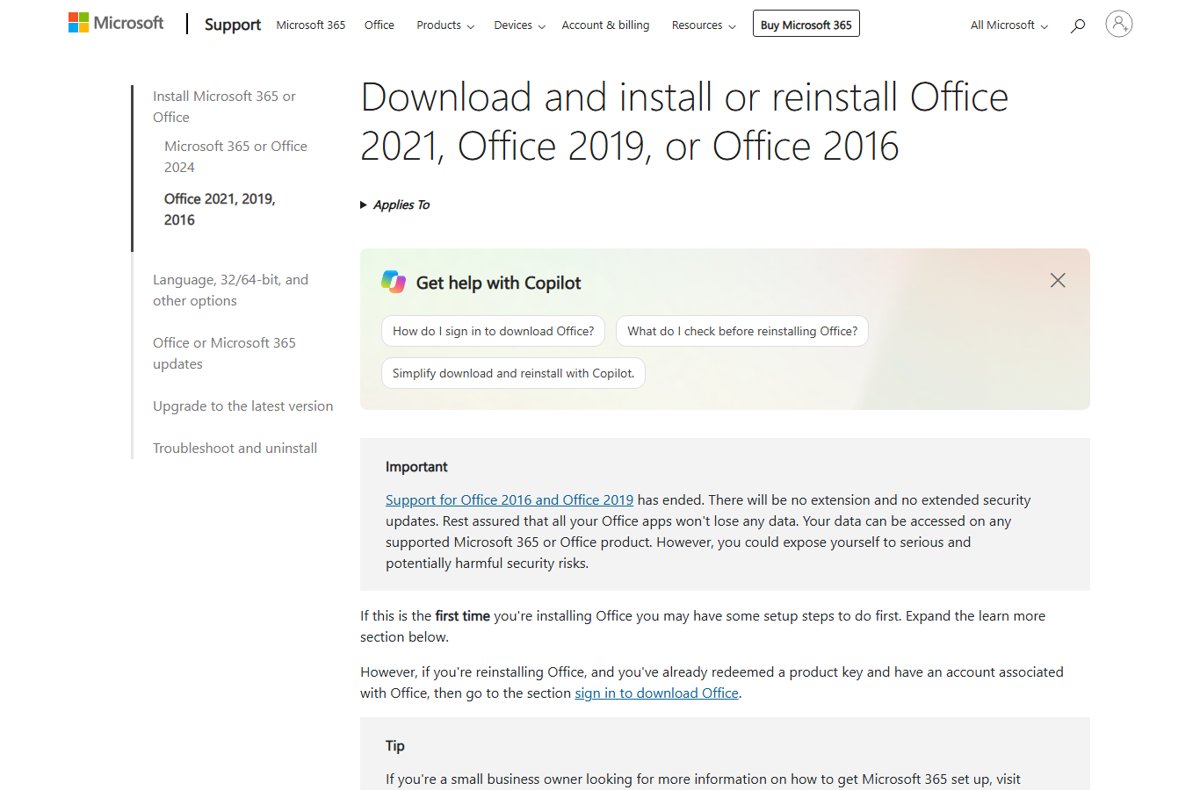
Legally download Office 2021, 2019 or 2016 free from Microsoft if you own a licence: sign in at account.microsoft.com, redeem a key, check support end dates.
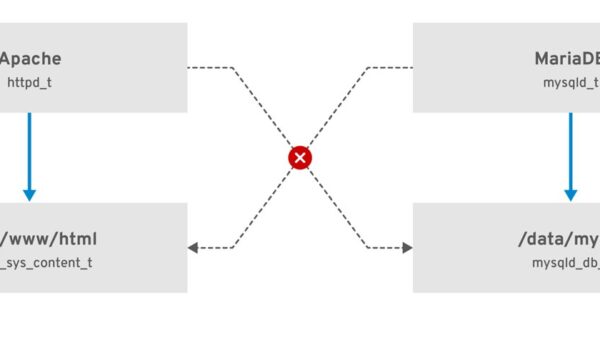
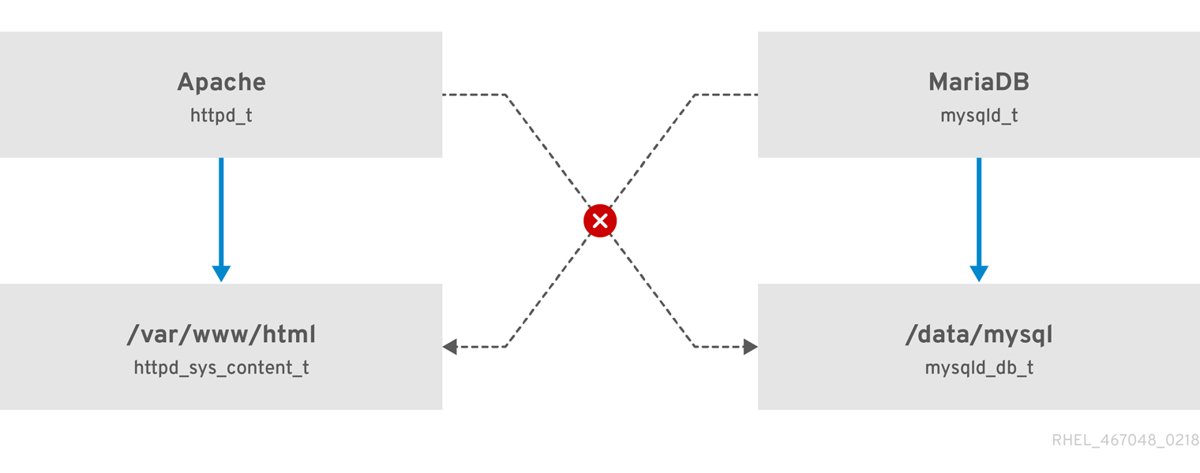
Chmod 777 gives the owner, group and every other user read, write and execute rights. Learn how to use it, why it is risky, and the safer modes to pick instead.
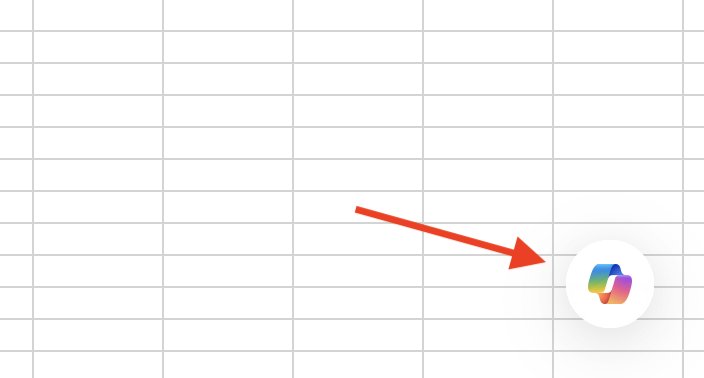
Enable Copilot in Excel on Windows or Mac with the Enable Copilot checkbox, check your Microsoft 365 license, open the Copilot button and fix it when it is missing.