Download Battle.net for PC, Windows 11/10 & Mac (Free)
Battle net download guide: get the free Battle.net app for Windows 11, Windows 10 and Mac from Blizzard, install it, sign in and fix setup errors.
3,330 articles

Battle net download guide: get the free Battle.net app for Windows 11, Windows 10 and Mac from Blizzard, install it, sign in and fix setup errors.
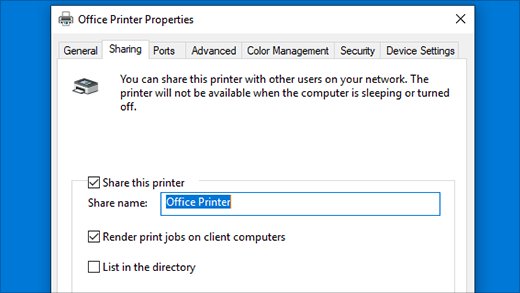
Change printer default settings in Windows 11 and 10: pick the default printer, set greyscale, duplex and paper size in Printing preferences, and stop changes.
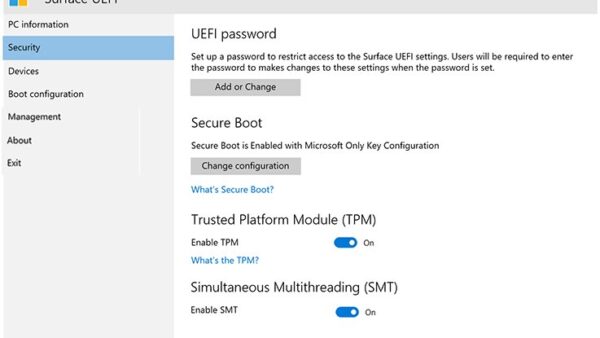
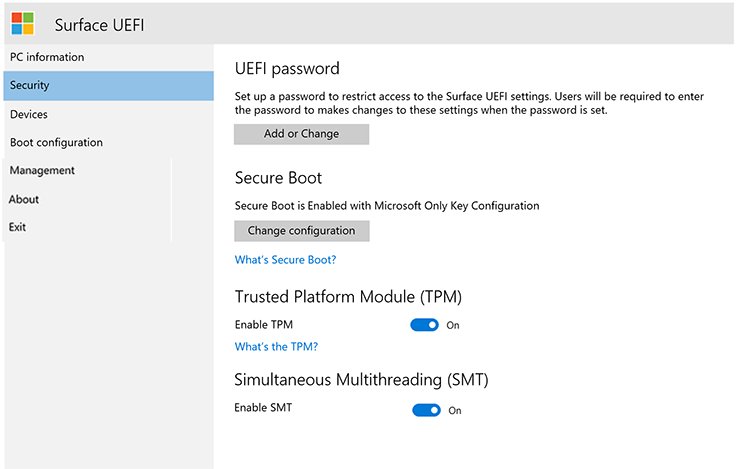
Access BIOS on your PC with a startup key, the UEFI Firmware Settings option in Windows, or shutdown /r /fw. Brand keys and fixes when the option is missing.
Fusion 360 download for Windows 11 and Mac: get Autodesk Fusion free for personal use or as a 30-day trial, install it, and fix setup errors.
Audacity audio editor download for Windows 11/10 and Mac: get the official 47.2 MB MSI or the right DMG for your chip, skip Muse Hub, and install it fast.
Armoury Crate download for Windows 11 and 10: get the official 2.2 MB ASUS installer or the 4.99 GB offline package, with install steps, checksums and fixes.
AMD Software download for Windows 11 and 10: get Adrenalin Edition free from amd.com, pick the right package for your Radeon GPU, install it and fix errors.
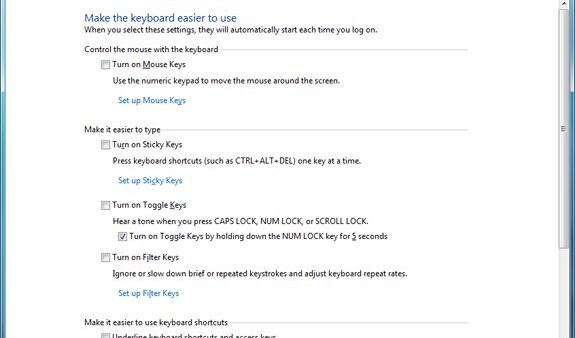
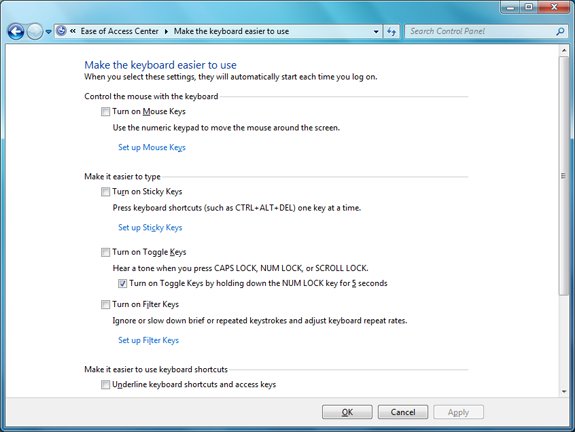
Disable Sticky Keys on Windows 11 or 10 in Settings > Accessibility > Keyboard, stop the Shift-five-times prompt, and fix Sticky Keys that keeps turning on.
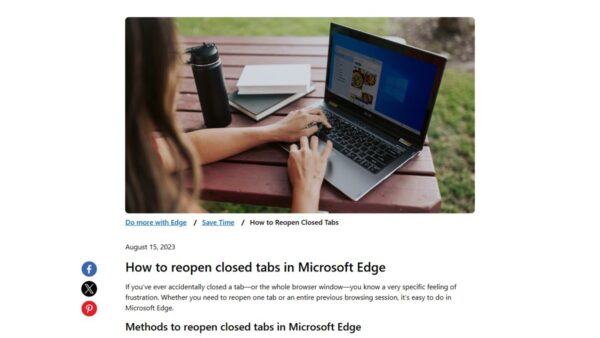
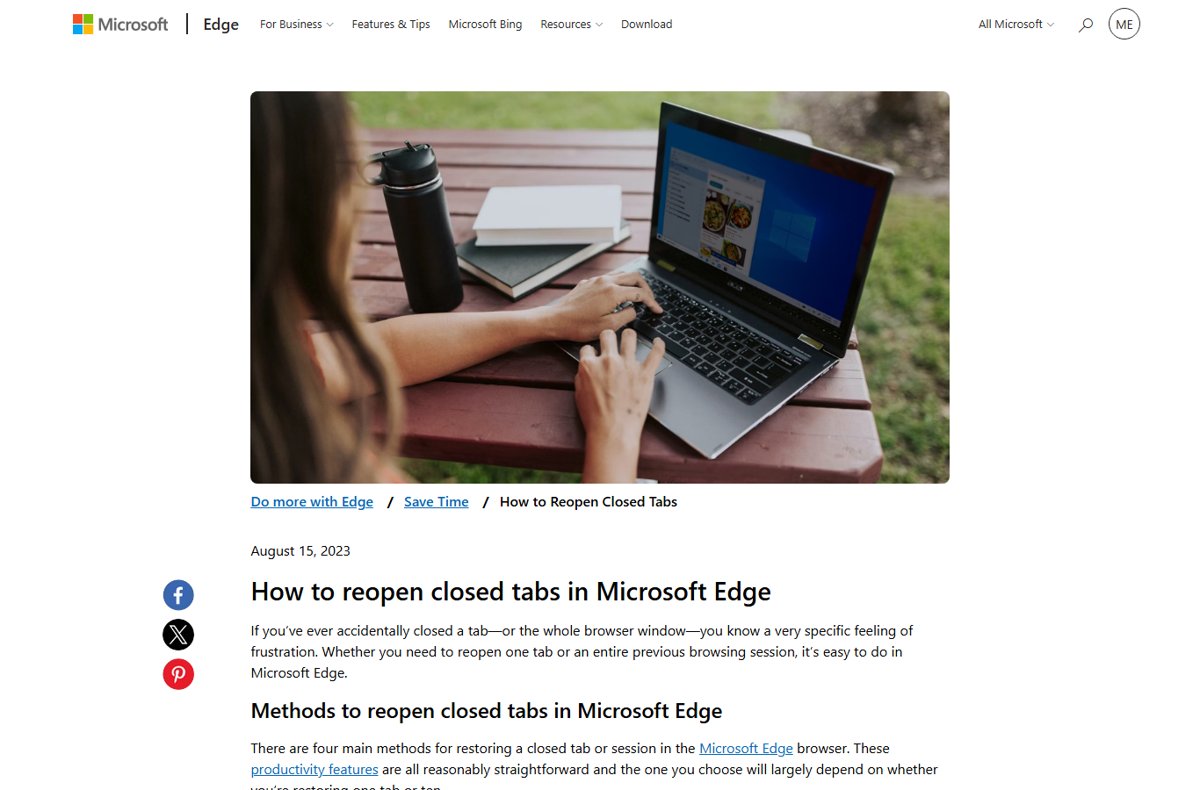
Restore tabs in your browser with Ctrl + Shift + T in Edge, Chrome, Firefox and Opera, or Shift-Command-T in Safari. Plus startup settings, history and fixes.
Amazon app download for PC and phone: install Amazon as a desktop app on Windows 11, 10 and Mac, or get the free Amazon Shopping app for iPhone and Android.
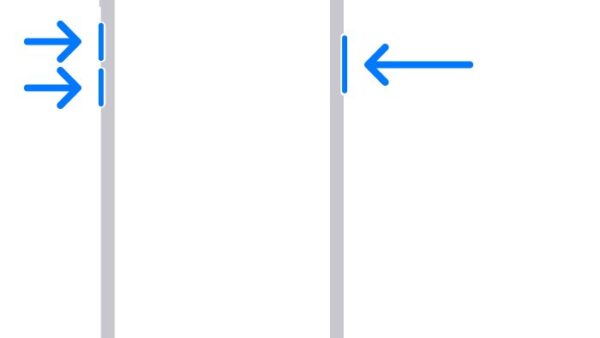
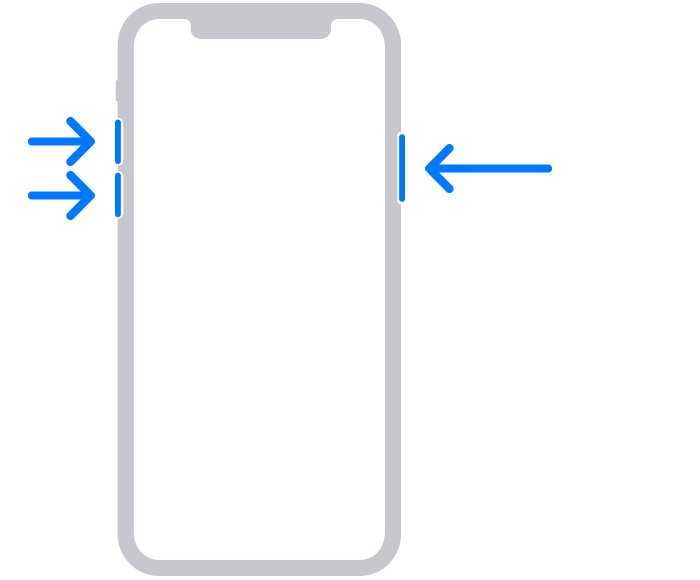
Force restart or hard reset any iPhone: the button sequence for iPhone 8 and later, iPhone 7 and iPhone 6s, plus how a factory reset differs and erases data.
Amazon Music download for Windows 11, 10 and Mac is free: get the 100.4 MB Microsoft Store app or Amazon’s own installer, then sign in with your account.