You can get the Battle.net download for Windows 11, Windows 10 and Mac free from Blizzard’s own download page. The small setup file installs the Battle.net desktop app, which launches Blizzard games, runs the shop and keeps your friends list in one place.
This guide covers which file to pick, installing on Windows and Mac, what is free, system requirements, fixes for Battle.net not installing, and a clean uninstall.
Which Battle.net download do you need?
Blizzard ships one desktop installer per platform and a separate companion app for phones. Match your device to a row.
| Your device | Get this | Size |
|---|---|---|
| Windows 11 or Windows 10 PC | Battle.net-Setup.exe | 4.7 MB |
| Mac | Battle.net-Setup.zip | 3.0 MB |
| iPhone on iOS 26.0 or later | Battle.net on the App Store | 146.8 MB |
| Android phone | Battle.net on Google Play | Shown in Play |
The phone app handles chat, the shop, news and the authenticator. It does not install or run PC games, so you still need the desktop app to play.
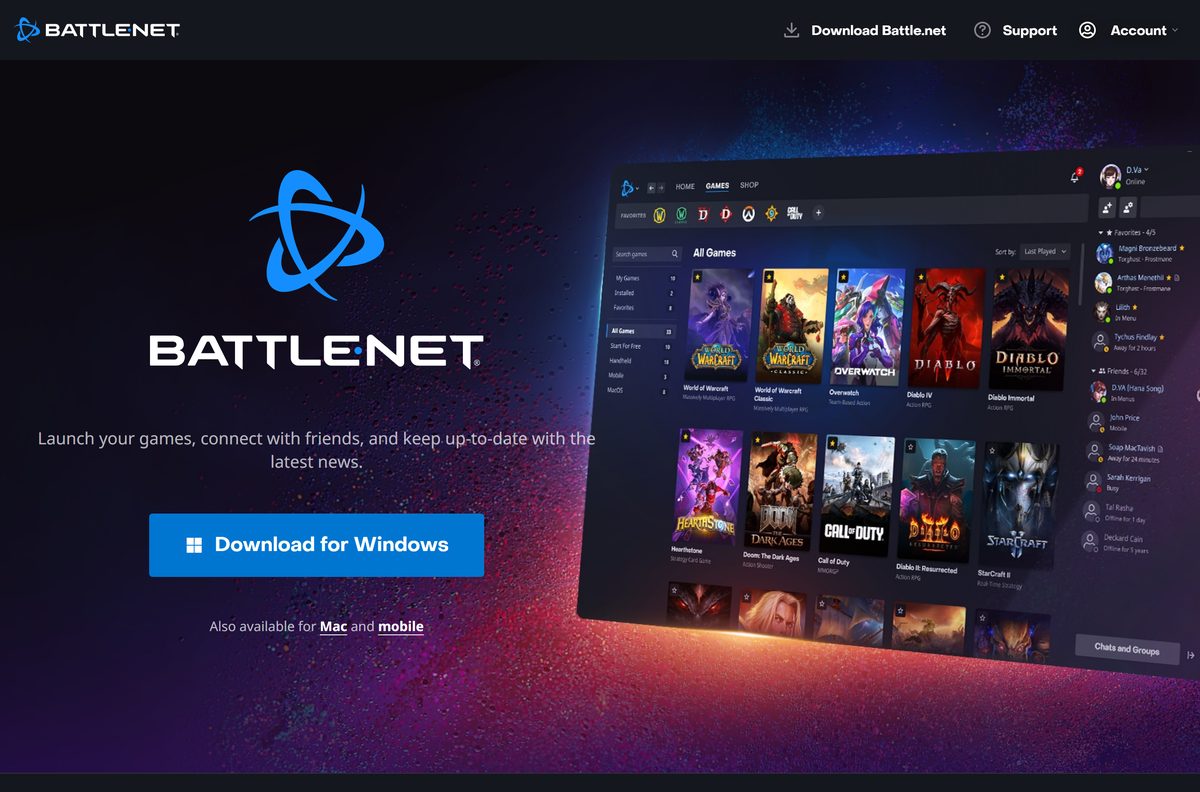
Download Battle.net from the official links
Blizzard serves the desktop app from download.battle.net. The old blizzard.com download address now forwards to the same page.
- Battle.net desktop download page — Download for Windows and Download for Mac buttons
- Battle.net-Setup.exe for Windows — 4.7 MB
- Battle.net-Setup.zip for Mac — 3.0 MB
- Battle.net mobile app page — links to the App Store and Google Play
- Blizzard Support — install, launch and account help
Both direct links currently serve installer build 1.0.66. After setup, the app fetches its own files, so a newer build never needs a manual download.
How to install Battle.net on Windows 11 and 10
Keep the PC online the whole way through. The setup file downloads the rest of the app as it runs.
- Open the Battle.net download page in your browser.
- Select Download for Windows.
- Wait for Battle.net-Setup.exe to save to your Downloads folder.
- Double-click the file and select Yes at the User Account Control prompt.
- Follow the prompts in the setup window to start the install.
- Wait while setup downloads and installs the app files.
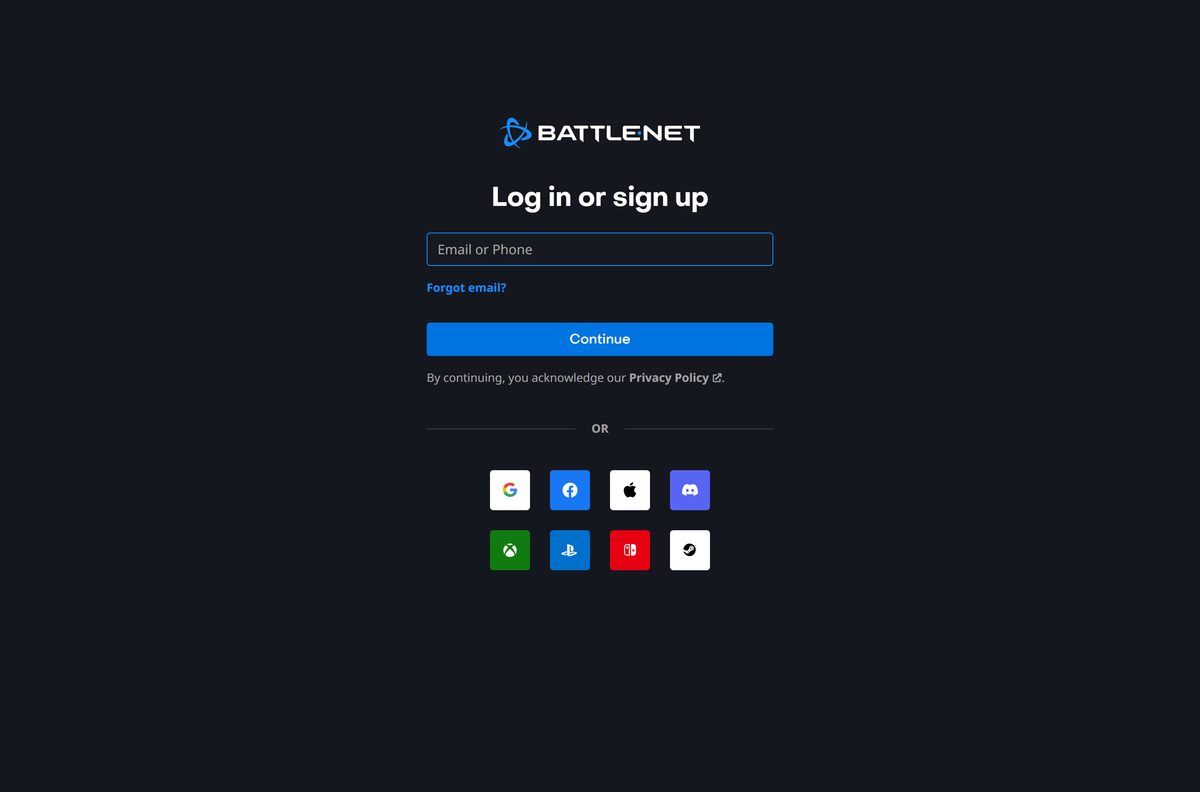
- Enter your email at the Log in or sign up screen and select Continue.
- Create a free Battle.net account if you do not have one, then pick a game in the app and install it.
Games install into their own folders. Check free disk space before a large game, since each title lists separate requirements.
How to install Battle.net on a Mac
Mac users get a zip archive instead of an .exe. Unzip it in your Downloads folder and open the extracted Battle.net-Setup file to start the same install and sign-in flow as Windows.
| Your situation | What to do | Link |
|---|---|---|
| First install on a Mac | Select Download for Mac, unzip Battle.net-Setup.zip, open Battle.net-Setup and sign in |
Download page |
| macOS shows a warning that an app will stop working in future | No action needed; Blizzard says the app and games are still fully supported on macOS | Blizzard macOS notice |
| App sticks on Starting on a Mac | Disable proxies and VPNs, delete the Battle.net Tools folder and cache, then relaunch | Stuck on Starting fix |
| App will not open on a Mac | Run Software Update, allow Blizzard apps in security software, then reinstall | App does not launch fix |
Apple has announced future macOS platform changes that trigger this warning on some Macs. Blizzard’s own support article answers the question directly: Battle.net is not shutting down on Mac.
Is Battle.net free?
Yes. The Battle.net app and a Battle.net account cost nothing. Blizzard lists free-to-play games such as Overwatch 2 and Call of Duty: Warzone 2.0, plus free trials for other titles. Paid games, expansions and digital gifts are sold in the Battle.net shop. A site that charges for the launcher, or bundles it in its own setup program, is not Blizzard.
Turn on two-factor authentication after your first sign-in. Blizzard offers it on the account, and the Battle.net mobile app includes an authenticator.
Check the Battle.net requirements before you download
The launcher itself is light. Each game you install through it carries its own, higher system requirements.
| Field | Value |
|---|---|
| Software | Battle.net desktop app |
| Developer | Blizzard Entertainment, Inc. |
| Latest version | Installer build 1.0.66; the app updates itself |
| License | Free |
| Windows | Windows 11 and Windows 10 |
| macOS | Supported; Mac installer on the download page |
| Mobile app | iOS 26.0 or later; Android via Google Play |
| Windows installer | Battle.net-Setup.exe, 4.7 MB |
| Mac installer | Battle.net-Setup.zip, 3.0 MB |
| Offline installer | No; setup downloads the app files |
| Internet | Required to install, sign in and update |
| Official source | download.battle.net |
| Last verified | 2026-09-13 |
Blizzard does not publish a processor list for the launcher. Check the requirements page of each game before you buy it.
Check whether Battle.net runs on your version of Windows
Press Windows + R, type winver and select OK to see your Windows version. Then find your row.
| Your system | Battle.net status |
|---|---|
| Windows 11 | Supported |
| Windows 10 | Supported |
| Windows 8 or 8.1 | Support ended; upgrade Windows to keep playing |
| Windows 7 | Support ended; upgrade Windows to keep playing |
| macOS | Supported |
Blizzard points Windows 7 and 8 users to each game’s minimum requirements. Microsoft ended support for Windows 7 in January 2020 and for Windows 8 in January 2023.
Fix Battle.net not installing or starting on Windows
Restart the computer before anything else. That clears many program conflicts on its own.
Setup will not install or the app will not update
An old copy, security software or a permissions problem blocks the install.
- Uninstall any old Battle.net copy and delete its folder.
- Download a fresh Battle.net-Setup.exe from the official download page.
- Add Blizzard apps to your antivirus and firewall exception list.
- Run setup again from a Windows administrator account.
- Create a new Windows user account and install there if the error persists.
Stuck on Starting or on Downloading New Files
A proxy, VPN, security tool or corrupt helper files interrupt the login module.
- Disable any proxy and disconnect your VPN.
- Plug the computer directly into your modem or router.
- Close Battle.net and delete the Battle.net Tools folder so the app rebuilds it.
- Delete the Battle.net cache folder.
- Update your router firmware, then relaunch the app.
A required DLL could not be found
Missing Visual C++ runtimes or damaged Windows system files stop the app from loading.
- Install pending updates from Settings > Windows Update and update your drivers.
- Install the latest Visual C++ runtime updates from Microsoft.
- Open Command Prompt as administrator and run sfc /scannow .
- Restart the PC and reinstall Battle.net.
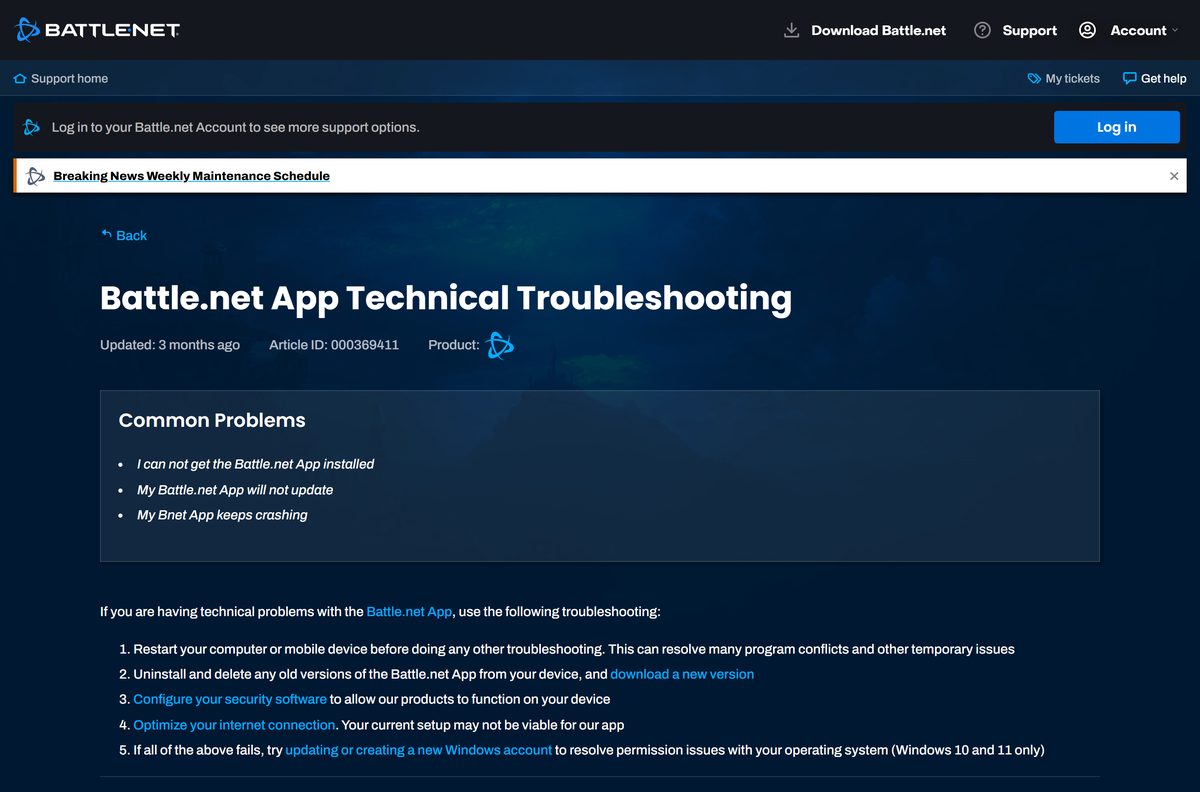
Blizzard’s technical troubleshooting article collects these fixes in one place.
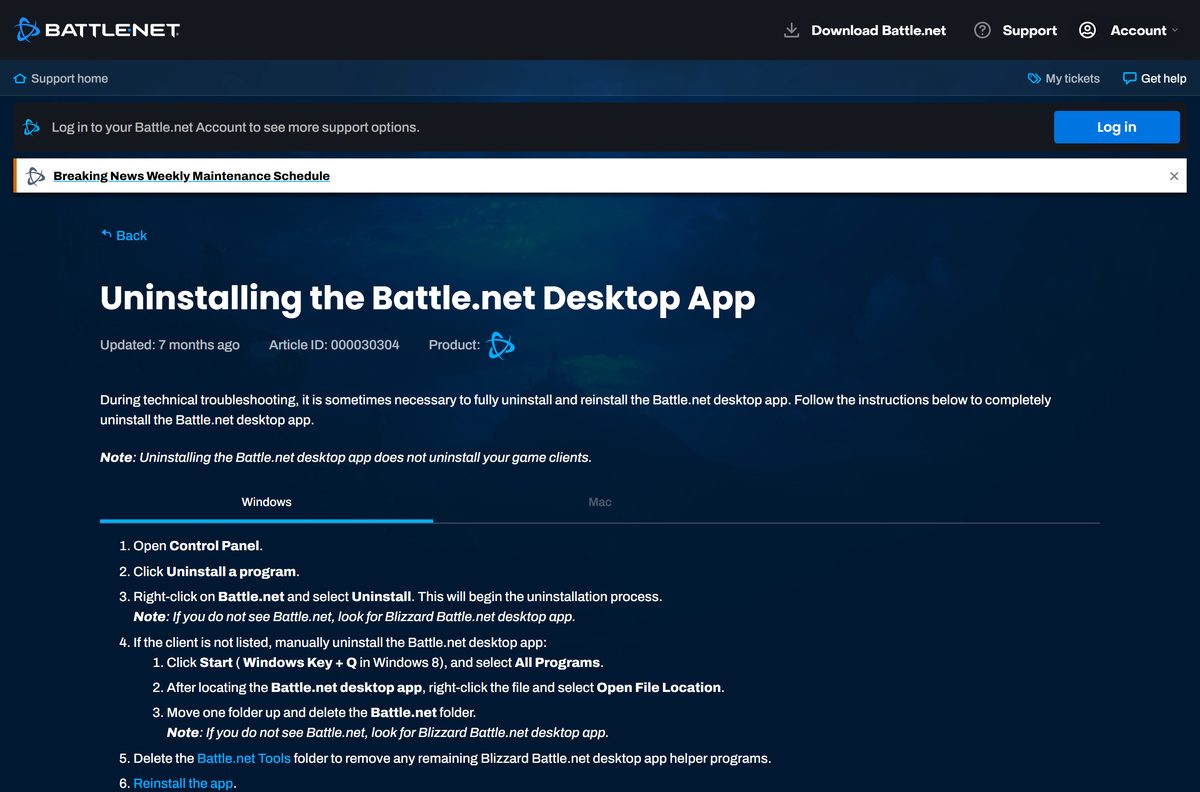
How to uninstall Battle.net
Removing the launcher does not delete your installed games. Uninstall games first if you want the disk space back.
- On Windows, open Control Panel and select Uninstall a program.
- Right-click Battle.net and select Uninstall. If it is missing, look for Blizzard Battle.net desktop app.
- Delete the Battle.net Tools folder to remove leftover helper programs.
- On a Mac, open Finder and delete Battle.net from /Applications .
- Hold Option, select Go > Library, and delete the Battle.net folder in Application Support/Blizzard .
- Open ~/Library/Preferences and delete files starting with com.blizzard or net.battle .
- Empty the Trash, then restart the computer.
Blizzard’s uninstall article lists every preference file by name, and notes that the Battle.net Tools folder should go on a Mac too.
Other PC games and game launchers include Candy Crush Soda Saga and KaraFun.
Frequently asked questions
Is the Battle.net download free?
Yes. Blizzard offers the Battle.net desktop app and a Battle.net account at no cost. Free-to-play games such as Overwatch 2 need nothing more, while paid games and expansions are bought in the Battle.net shop.
Where is the official Battle.net download page?
Blizzard hosts it at download.battle.net/en-us/desktop, and the older blizzard.com download address forwards there. The page offers Download for Windows and Download for Mac buttons, plus links to the mobile app.
Does Battle.net work on Windows 11?
Yes. Battle.net runs on Windows 11 and Windows 10, and Blizzard’s troubleshooting steps cover both. Support for Windows 7 and Windows 8 has ended, so older PCs need a Windows upgrade to keep playing.
How big is the Battle.net download?
The Windows setup file, Battle.net-Setup.exe, is 4.7 MB, and the Mac file, Battle.net-Setup.zip, is 3.0 MB. Setup then downloads the app files, and every game you add needs its own disk space.
Is there a Battle.net offline installer?
No. Blizzard provides only the small setup file, which downloads the desktop app during installation. The computer needs an internet connection to install Battle.net, sign in and download games.
Does Battle.net work on Mac?
Yes. Blizzard offers Battle.net-Setup.zip for Mac on the same download page. Its support site states that the Battle.net App is still fully supported on macOS, even when Apple shows a future compatibility warning.
Does Battle.net run on 64-bit and ARM PCs?
Blizzard ships one Windows installer and publishes no processor architecture list for the desktop app. Check the system requirements of each game you plan to play, because those decide whether a PC can run it.
Is Battle.net safe to download?
Yes, when the file comes from download.battle.net. Blizzard publishes the app for free, so avoid any site that charges for it or wraps it in another installer. Turn on two-factor authentication after signing in.
What is the latest version of Battle.net?
Blizzard’s download link currently serves installer build 1.0.66 for Windows and Mac. The desktop app updates itself after installation, so you never need to download a newer setup file by hand.
Why won’t Battle.net install?
The usual causes are an old copy left behind, security software blocking setup, a proxy or VPN, and Windows permission problems. Remove old versions, allow Blizzard apps in your antivirus, and run a fresh installer as administrator.
Can I get Battle.net on my phone?
Yes. The Battle.net mobile app is on the App Store for iPhone with iOS 26.0 or later, and on Google Play for Android. It covers chat, the shop, news and the authenticator, but it does not run PC games.
Does uninstalling Battle.net delete my games?
No. Uninstalling the Battle.net desktop app leaves your game clients on the drive. Uninstall each game separately if you want to free the space, then remove the Battle.net Tools folder.






Download Overwatch for PC, Windows 11 and Windows 10 (Free) - Techdows
[…] can download Overwatch free on a Windows 11 or Windows 10 PC through Blizzard’s Battle.net desktop app or through Steam. Both routes install the same free-to-play game, and your progress follows your […]
Download World of Warcraft for Windows 11/10 & Mac (Free Trial) - Techdows
[…] serves it at download.battle.net/en-us/desktop. Download the Battle.net app there for Windows or Mac, sign in, then select World of Warcraft in the app and click Install. […]