The Canvas Student app download takes a minute on any device. On Windows 11, Windows 10 and Mac, you open your school’s Canvas site and install it as a desktop app from Edge or Chrome. On iPhone and Android, you get the free Canvas app from the App Store or Google Play.
You sign in with the account your school gave you. The same courses, grades and assignments appear on every device.
Below: the right route for each device, Instructure’s official links, installing on Windows and Mac, finding your school’s Canvas URL, and fixes for common sign-in problems.
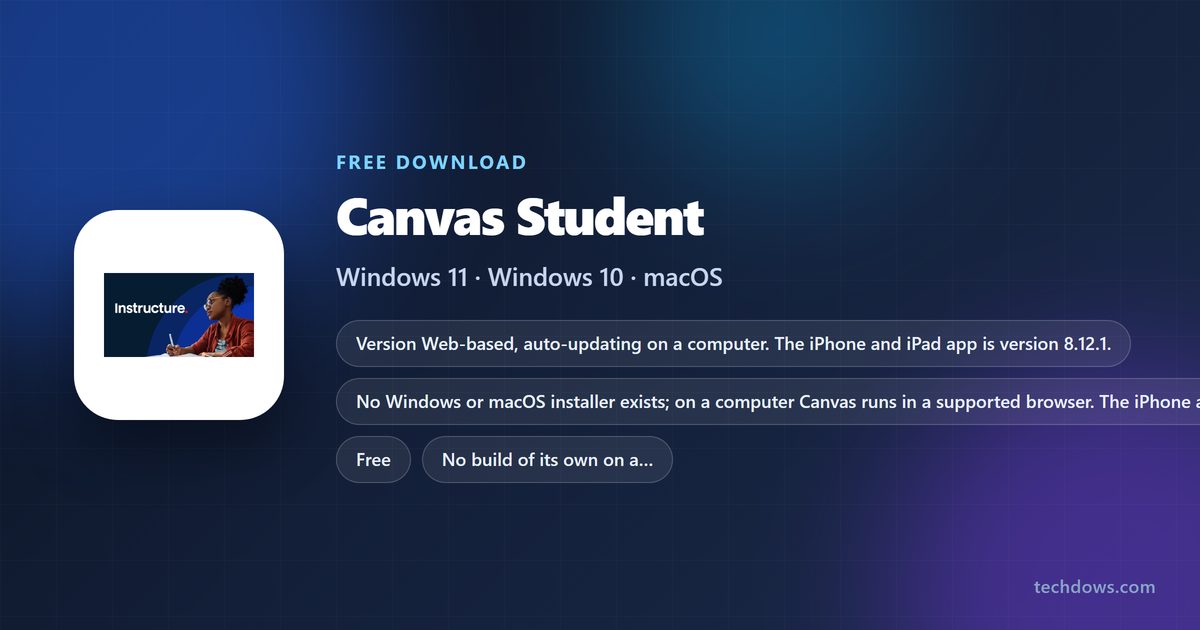
Which Canvas Student download do you need?
Match your device to a row. On a computer, Canvas runs in the browser you already have.
| Your device | What to install | Size |
|---|---|---|
| Windows 11 or Windows 10 PC | Your school’s Canvas site, installed as an app in Edge or Chrome | No separate download |
| Mac | Your school’s Canvas site in Safari, Chrome, Firefox or Edge | No separate download |
| Chromebook or Linux PC | Your school’s Canvas site in Chrome or Firefox | No separate download |
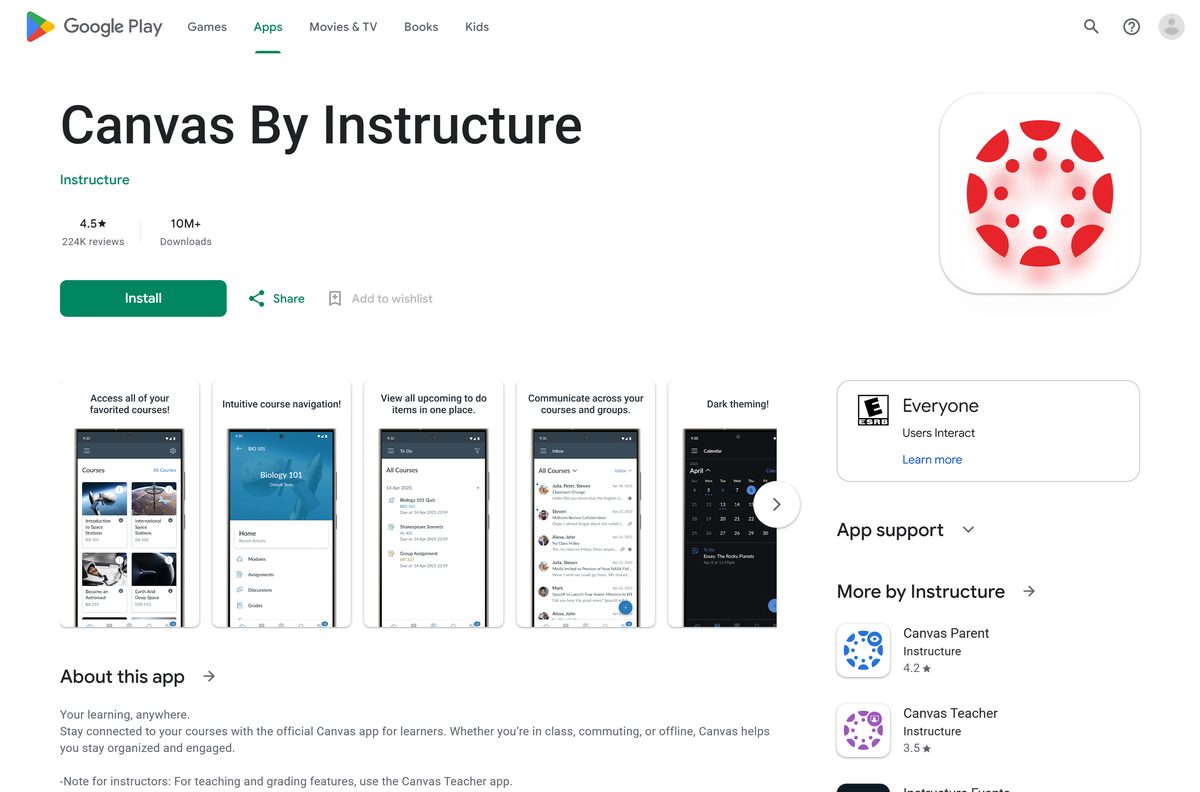
| Android phone or tablet | Canvas By Instructure on Google Play | Play states no size |
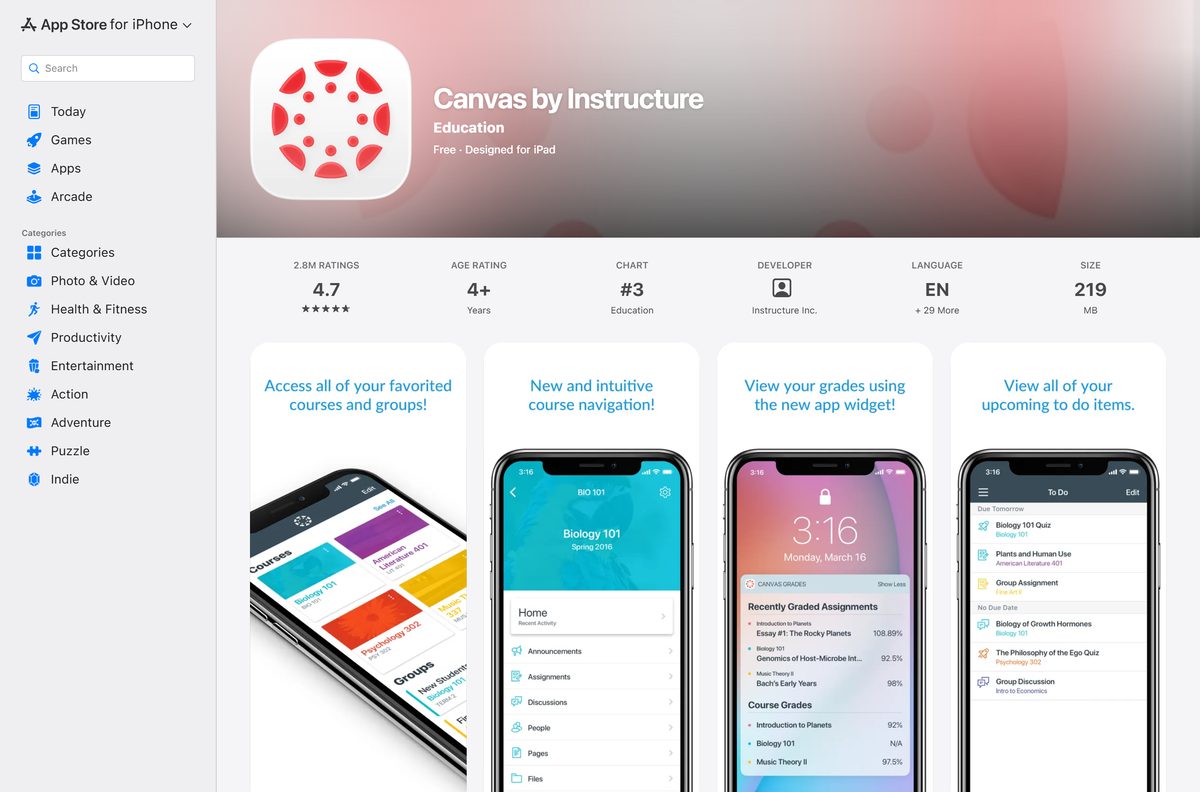
| iPhone or iPad | Canvas by Instructure on the App Store | 208.9 MB |
The stores list the student app as Canvas by Instructure. Instructure’s own guides call it the Canvas Student app.
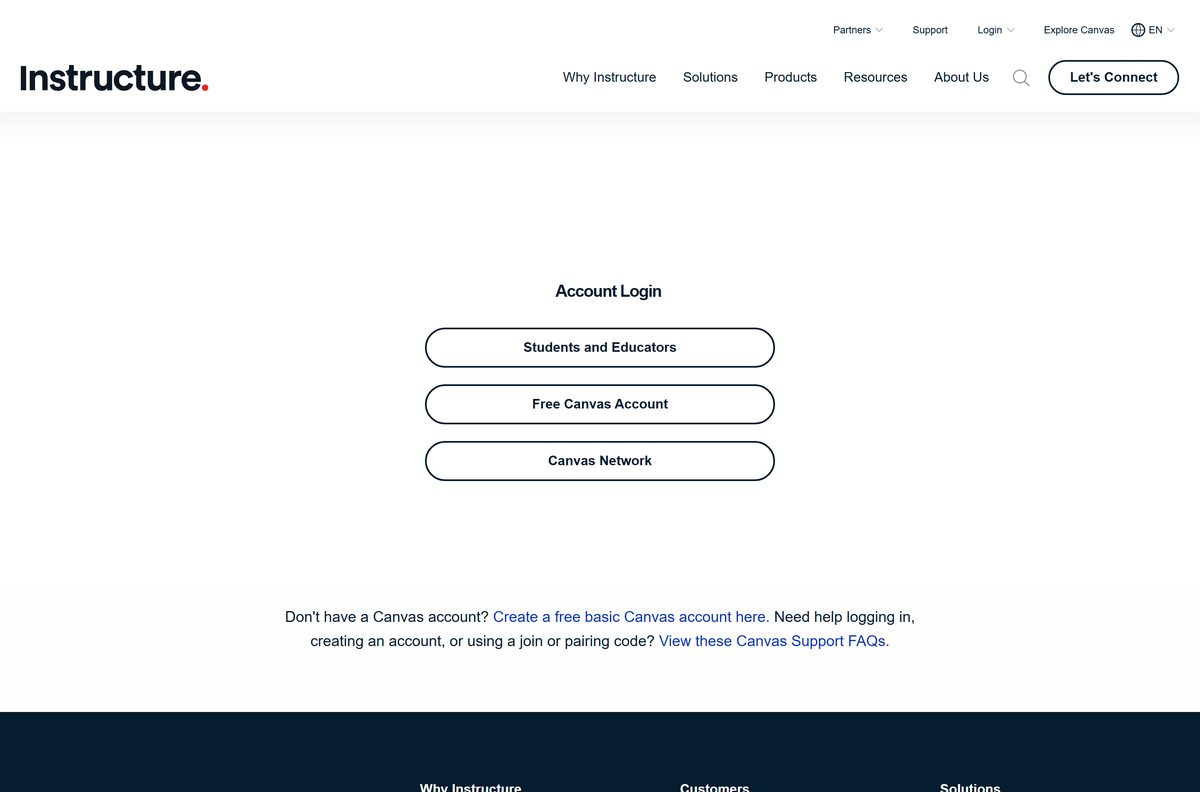
Download Canvas Student from Instructure’s official sources
Instructure publishes Canvas at these addresses. A portal offering a Canvas Student .exe is repackaging a website, so skip it.
- Canvas account login (search for your school) — opens your school’s Canvas site on a PC or Mac
- Canvas By Instructure on Google Play — Instructure, 10M+ downloads, updated 30 July 2026
- Canvas by Instructure on the App Store — 208.9 MB · iPhone and iPad, iOS 18.0 or later
- Canvas product page — what Canvas is and which schools use it
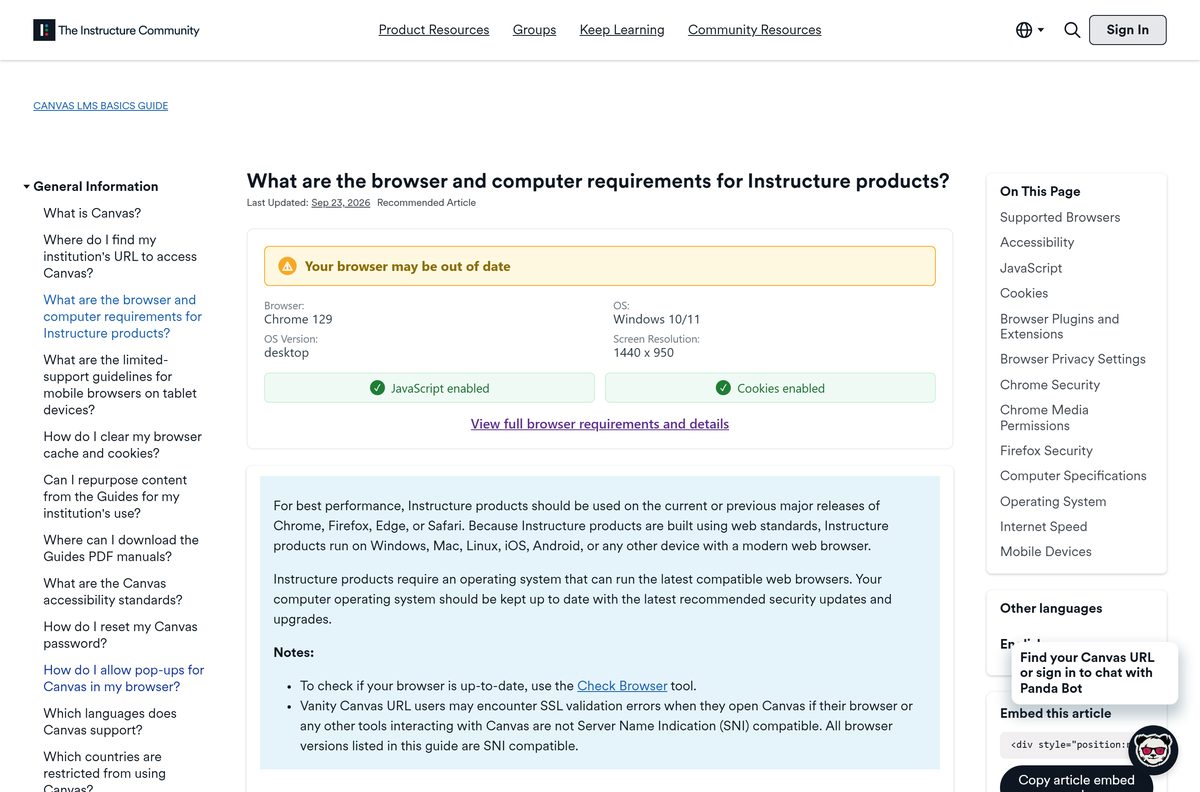
Check the Canvas Student system requirements
Canvas sets no hardware floor of its own. A current browser and an internet connection set it.
| Field | Value |
|---|---|
| Developer | Instructure, Inc. |
| Latest version | Web-based, auto-updating on a computer; iPhone and iPad app 8.12.1 |
| Price | Free |
| Supported OS | Windows, Mac and Linux in a browser; Android; iOS and iPadOS 18.0 or later |
| Supported browsers | Current or previous major release of Chrome, Firefox, Edge or Safari |
| Browser settings | Cookies and JavaScript enabled |
| Account | A Canvas account, usually created by your school |
| Architecture | None of its own, Canvas uses the browser’s build |
| Offline installer | None |
| iPhone and iPad app size | 208.9 MB |
| Official source | instructure.com |
| Last verified | 2026-09-24 |
Canvas shows an unsupported-browser banner when your browser falls below the minimum version.
How to install Canvas Student on Windows 11 and 10 as a desktop app
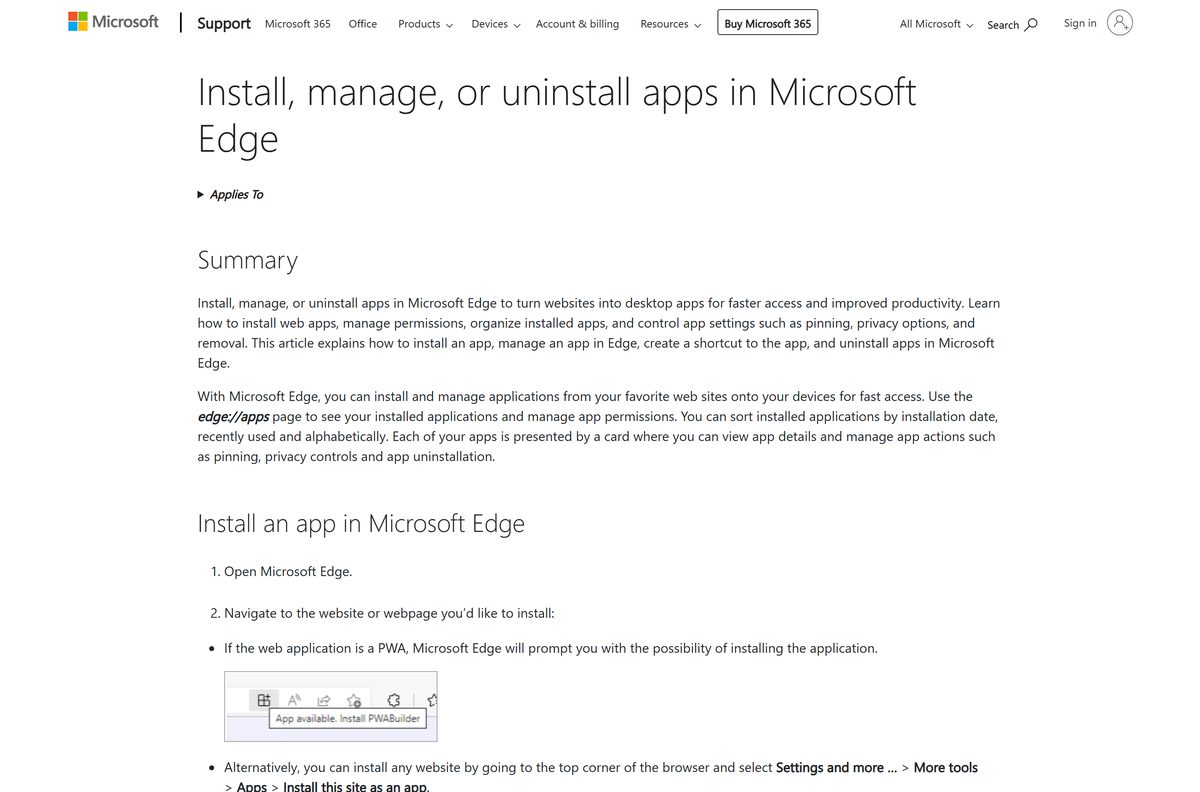
Microsoft Edge ships with Windows and can install any site as an app. Canvas then opens in its own window from the Start menu.
- Open Microsoft Edge and go to instructure.com/canvas/login.
- Under Students and Educators, select Search School/District and pick your school.
- Log in with the email or username and password your school gave you.
- Select Settings and more (the three dots) at the top right.
- Select More tools, then Apps, then Install this site as an app.
- Go to edge://apps, select Details on the Canvas card, then Pin to taskbar or Pin to Start.
- Open Canvas from the Start menu and confirm your Dashboard loads in its own window.
The installed app is your school’s Canvas site. It updates itself whenever Instructure updates Canvas.
Install Canvas Student with Chrome instead of the Microsoft Store
The Microsoft Store has no Canvas Student listing, and winget finds no package from Instructure. Chrome gives the same desktop app on Windows 11 and 10.
- Open Chrome and go to your school’s Canvas URL.
- Log in with your school account.
- Select More, the three-dot button at the top right.
- Select Cast, save, and share, then Install page as app.
- Follow the on-screen instructions to finish.
- Open Canvas from the Start menu or from chrome://apps.
Which Canvas Student download do you need for your Mac?
Instructure makes no Mac app, and the App Store listing covers iPhone and iPad. Every current Mac browser Instructure supports runs Canvas in full.
| Your Mac uses | What to do | Result |
|---|---|---|
| Chrome | Open your school’s Canvas URL, then More > Cast, save, and share > Install page as app | Canvas opens from the Dock in its own window |
| Safari | Open your school’s Canvas URL and log in | Full Canvas in a supported browser |
| Firefox or Edge | Open your school’s Canvas URL and log in | Full Canvas in a supported browser |
Apple silicon and Intel Macs get the same result, because the browser does the work.
How to find your school’s Canvas URL and log in
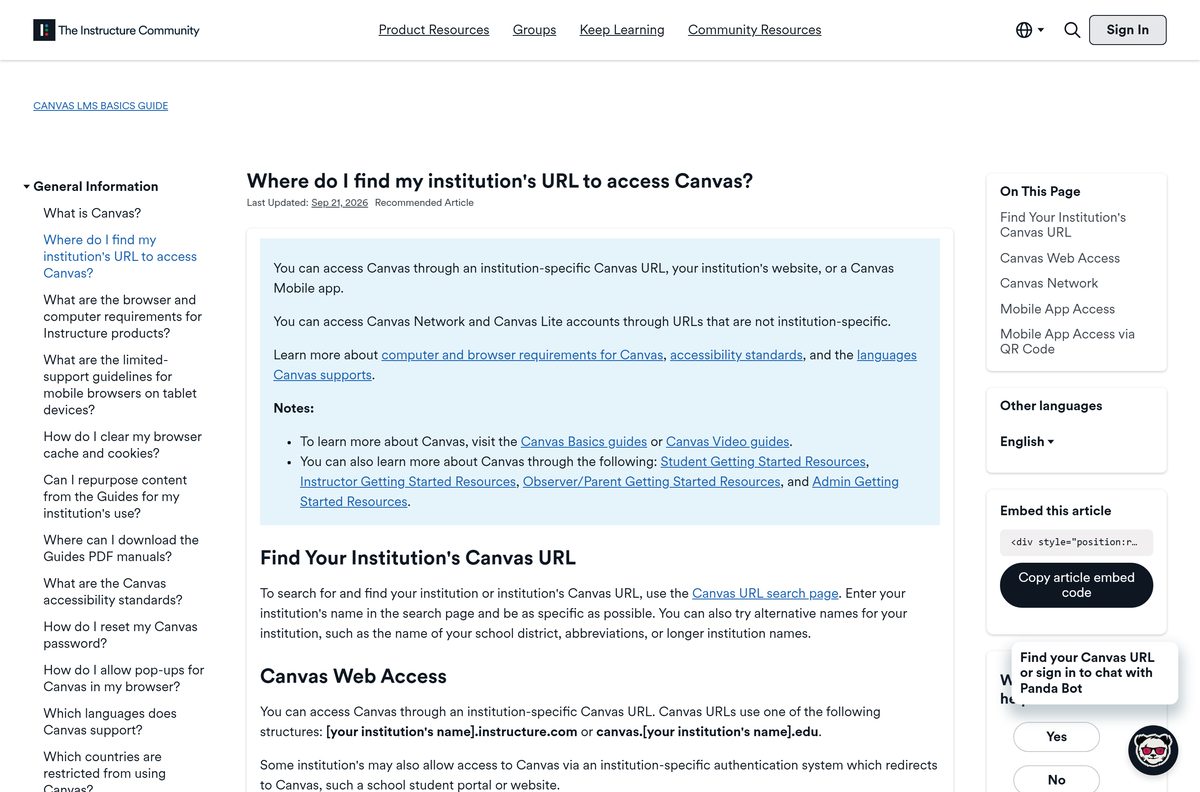
Every school has its own Canvas address. You need it once, then the browser or app remembers it.
- Go to instructure.com/canvas/login.
- Select Search School/District and type your school or district name, as specifically as possible.
- If the name does not appear, try an abbreviation or the district name.
- Select your school to open its login page.
- Enter your email, username or login ID in the Email field.
- Enter your password and select Log In.
- Use Forgot Password if your school allows it, or ask your school to reset it.
Canvas URLs follow one of two patterns: yourschool.instructure.com or canvas.yourschool.edu. Some schools send you through a student portal that redirects to Canvas.
Which Canvas address to use for your account type
The address depends on who created your account. Logging in at the wrong one is the usual reason a password is rejected.
| Account | Who creates it | Where to log in |
|---|---|---|
| School account | Your school or district | yourschool.instructure.com or canvas.yourschool.edu |
| Free Canvas account (Canvas Lite) | A teacher, student or parent with no school | canvas.instructure.com or k12.instructure.com |
| Canvas Network | You, for open online courses | learn.canvas.net |
If your teacher gave you a join code or a secret URL for a course, create a Canvas account from that link first.
How to install Canvas Student on Android and iPhone
The phone app adds push notifications, widgets and offline course downloads. Search the store for Canvas and install the listing from Instructure.
- Open the Play Store on Android or the App Store on iPhone.
- Search for Canvas and tap Canvas by Instructure from Instructure.
- Tap Install on Android or Get on iPhone.
- Tap Open when the install finishes.
- Tap Find my school and enter your school or district name.
- If your school does not appear, type the full Canvas URL instead.
- Enter your email and password and tap Log In.
Without your Canvas URL, log in with the QR code from your Canvas profile on the web. The iPhone and iPad app needs iOS 18.0 or later.
Is Canvas Student free?
Yes. Canvas Student costs nothing to download on phones and tablets, and the web version costs students nothing. The App Store lists Canvas by Instructure as Free, and Google Play charges nothing. Schools pay Instructure for Canvas itself, so students log in with the account the school provides. Teachers, students and parents without a school can use a free Canvas account at canvas.instructure.com. A site charging for a Canvas Student installer is selling a file Instructure does not make.
How to update Canvas Student on each device
The computer version never needs updating. Instructure updates Canvas on its servers, and your browser loads the new version.
- On a PC or Mac, keep your browser current, since Canvas supports only the current and previous major releases.
- On Android, open the Play Store, search for Canvas and tap Update if it appears.
- On iPhone or iPad, open the App Store, tap your profile picture and update Canvas by Instructure from the list.
- Open the app and check that your Dashboard loads.
The iPhone and iPad app reached version 8.12.1 on 12 August 2026. The Android app updated on 30 July 2026.
How to check a Canvas Student download really came from Instructure
- Confirm the developer shows Instructure on Google Play or Instructure, Inc. on the App Store.
- Check the Play listing shows 10M+ downloads and the App Store listing shows millions of ratings.
- On a computer, confirm the address ends in instructure.com or your school’s own domain before you log in.
- Delete any Canvas .exe or .dmg from a download site, because Instructure publishes none.
Fix Canvas Student not logging in, not loading or not installing
The app cannot find your school
The school is listed under another name or needs its full Canvas URL.
- Search again with the district name or an abbreviation.
- Type the full Canvas URL in the Find your school or district field.
- Tap Tap here for login help, or log in with the QR code from Canvas on the web.
- Ask your school for its Canvas URL if nothing works.
Canvas shows an unsupported browser banner
The browser is older than the previous major release.
- Update Chrome, Firefox, Edge or Safari to the current version.
- Turn on cookies and JavaScript for your school’s Canvas site.
- Reload Canvas and log in again.
Your password is rejected
You are on the wrong Canvas address, or your school uses its own login system.
- Check the address matches your school, not canvas.instructure.com.
- Select Forgot Password on your school’s Canvas login page.
- Contact your school’s Canvas administrator if no reset option appears.
A feature is missing in the phone app
Not all Canvas features are supported in the app.
- Open the same page in a desktop browser at your school’s Canvas URL.
- Log in to any linked app, such as Google Drive, if your course uses it.
How to uninstall Canvas Student from a PC or Mac
Removing the desktop app deletes the shortcut only. Your courses and submissions stay in your school’s Canvas account.
- In Edge, go to edge://apps and select Details on the Canvas card.
- Select Uninstall, choose whether to delete app history and data, then select Uninstall again.
- In Chrome, open the Canvas app window and select More at the top right.
- Select Uninstall, then Remove, and tick Also delete data from Chrome to clear saved data.
Which Canvas app to install: Student, Teacher or Parent
Instructure makes a separate app for each role. Install the one that matches the account your school gave you.
| You are | Install | What it does |
|---|---|---|
| A student | Canvas by Instructure (Canvas Student) | Submit assignments, join discussions, view grades and download courses offline |
| An instructor | Canvas Teacher | Manage course content and grade submissions, synced with SpeedGrader and the Gradebook |
| A parent or guardian | Canvas Parent | View a student’s assignments, events and grades; access is managed by the school |
| On a PC or Mac | Your school’s Canvas site in a supported browser | The full Canvas feature set |
Frequently asked questions
Is the Canvas Student app free?
Yes. The Canvas Student app is free on the App Store and Google Play, and the web version costs students nothing. Schools pay for Canvas, and students log in with the account their school provides.
Does Canvas Student have a Windows app?
Instructure makes no Windows installer. Open your school’s Canvas URL in Edge or Chrome and install it as an app, and it opens from the Start menu in its own window on Windows 11 and 10.
Is Canvas Student on the Microsoft Store?
No. The Microsoft Store has no Canvas Student listing, and winget finds no package from Instructure. Install your school’s Canvas site as an app from Edge or Chrome instead.
What is the official Canvas Student download page?
On a computer, start at instructure.com/canvas/login and search for your school. Phones and tablets get Canvas by Instructure from Instructure on Google Play and the App Store.
What is the Canvas Student download size?
On a PC or Mac nothing sizeable downloads, because Canvas runs in the browser. The iPhone and iPad app is 208.9 MB, and Google Play lists no size for Android.
Is there a Canvas Student offline installer?
No. Instructure makes no .exe, .msi or .dmg for Canvas. On a computer you need an internet connection, while the Android app can download full courses for studying offline.
Is there a Canvas Student app for Mac?
No Mac app exists. Open your school’s Canvas URL in Safari, Chrome, Firefox or Edge, or install it as an app from Chrome so it opens from the Dock.
Is Canvas Student 64-bit or ARM64?
Canvas has no build of its own on a computer. It runs inside your browser, so it works on 64-bit Intel and AMD PCs, ARM64 Windows laptops and Apple silicon Macs alike.
Does Canvas Student work on Windows 11?
Yes. Canvas runs on Windows 11 and Windows 10 in the current or previous major release of Edge, Chrome or Firefox, with cookies and JavaScript turned on.
Is the Canvas Student app safe?
Yes, when it comes from Instructure. Check that the developer shows Instructure on Google Play or Instructure, Inc. on the App Store, and log in only at your school’s Canvas address.
What is the latest Canvas Student version?
The iPhone and iPad app is version 8.12.1, released 12 August 2026. The web version updates itself on Instructure’s servers, so a browser always loads the current Canvas.
Why won’t Canvas Student install or log in?
Most failures come from an outdated browser or the wrong Canvas address. Update the browser, search for your school again or type its full Canvas URL, and ask your school to reset the password.
How do I find my school’s Canvas URL?
Search for your school at instructure.com/canvas/login. School addresses look like yourschool.instructure.com or canvas.yourschool.edu, and the phone app can log in with a QR code instead.
Can I use Canvas Student offline?
On Android, yes: the Canvas app downloads full courses so you can keep studying without internet. On a computer, Canvas needs an active connection.






