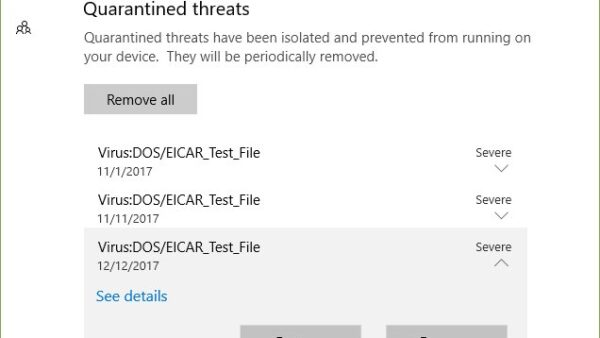
View protection history of Microsoft Defender Antivirus in Windows 10
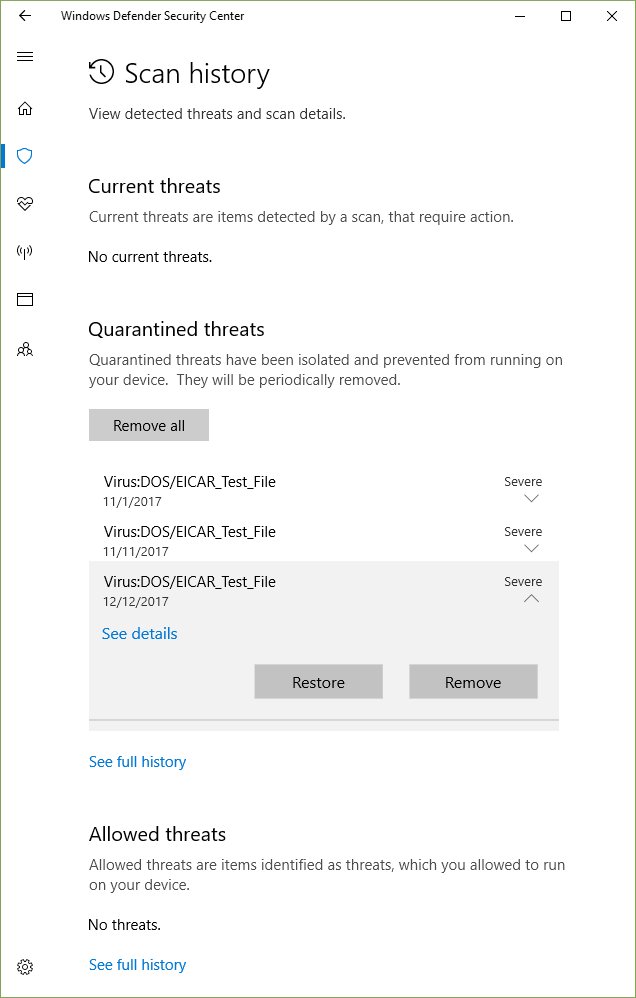
View protection history of Microsoft Defender Antivirus in Windows 10 and 11, act on threats, check older detections in PowerShell or Event Viewer, and clear it.
4,040 articles

View protection history of Microsoft Defender Antivirus in Windows 10 and 11, act on threats, check older detections in PowerShell or Event Viewer, and clear it.
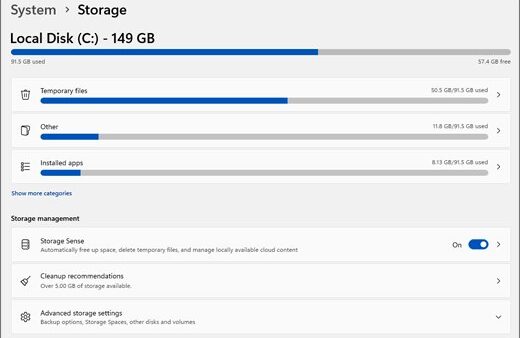
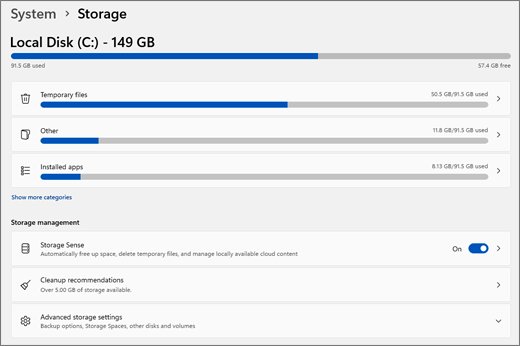
Defragment and optimize drives in Windows 11/10: open the built-in tool, analyze, optimize, change the schedule, use defrag or PowerShell, and fix common errors.
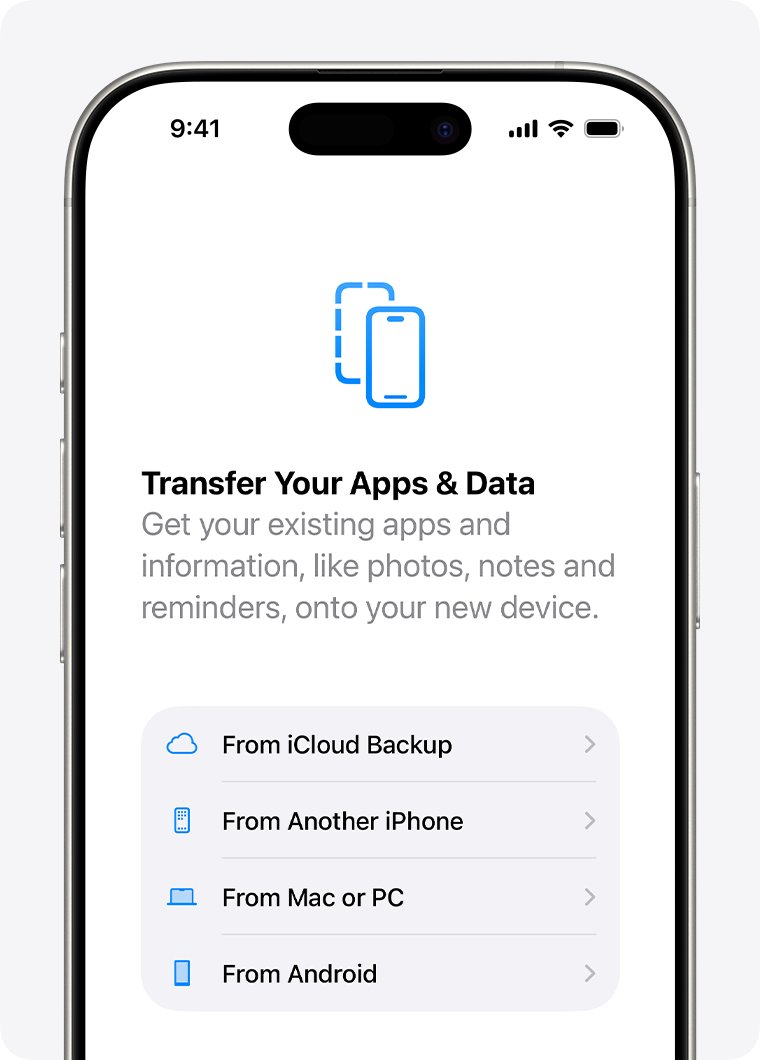
Unable to log in to WhatsApp on PC after an iPhone restore? Re-verify WhatsApp on the iPhone, log out the PC, then relink with the QR code or your phone number.
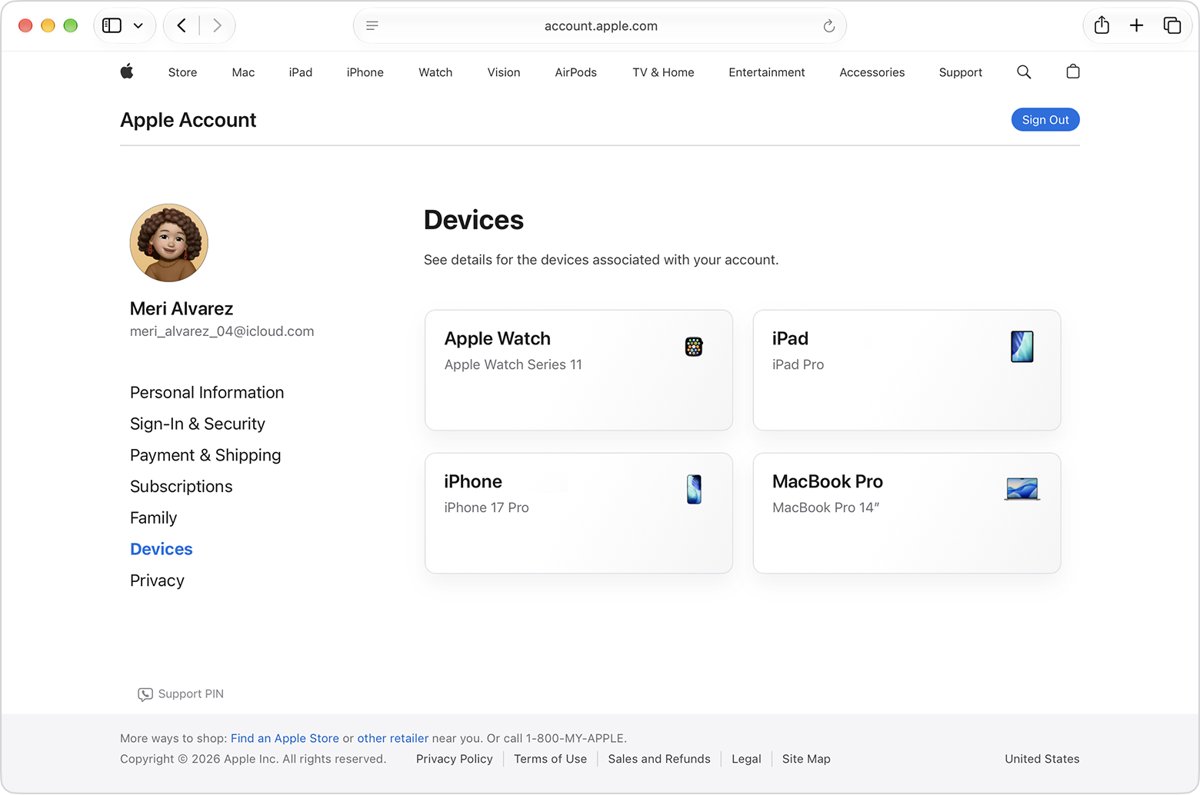
Remove Apple Pay from another phone by removing it from your Apple Account device list, or use Lost Mode and Erase in Find My when the iPhone is lost or stolen.
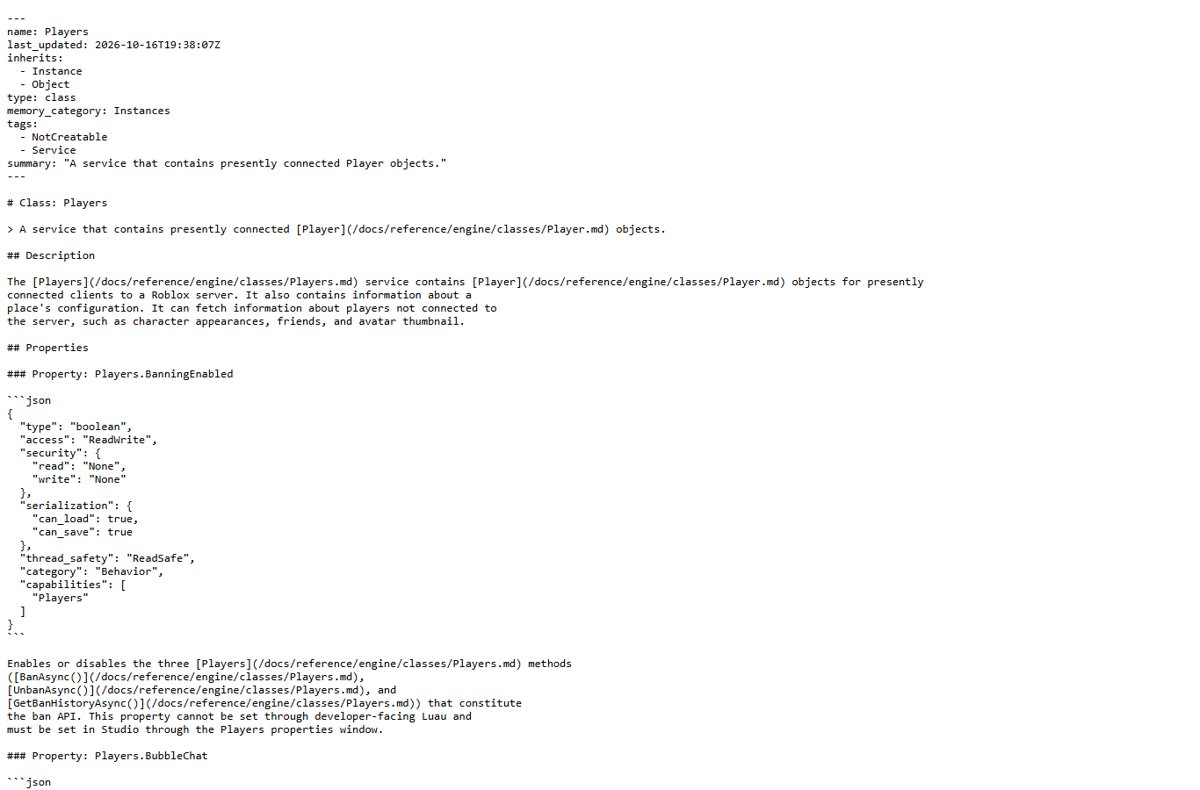
Check Roblox ban history through Violations & Appeals, your moderation notices, Roblox messages and a Right to Access data report, plus experience bans.
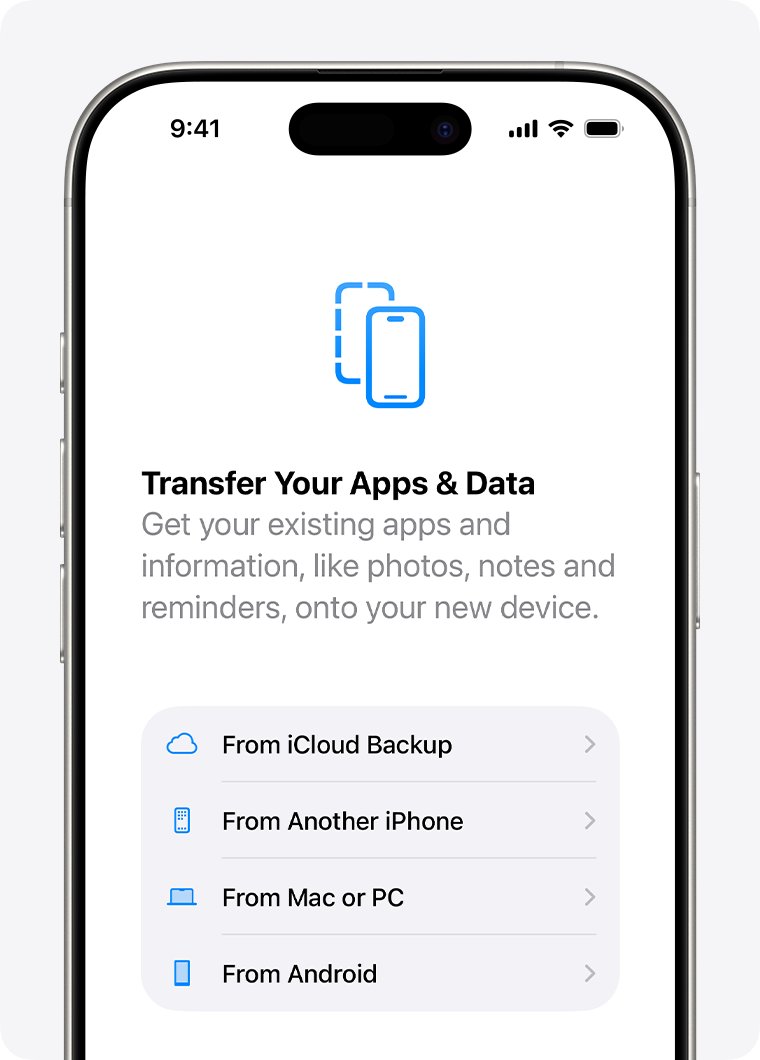
iPhone 17 Pro Max stuck on setup or a Quick Start transfer that won’t finish? Restart both phones, switch to a USB-C cable or iCloud backup, and restore cleanly.
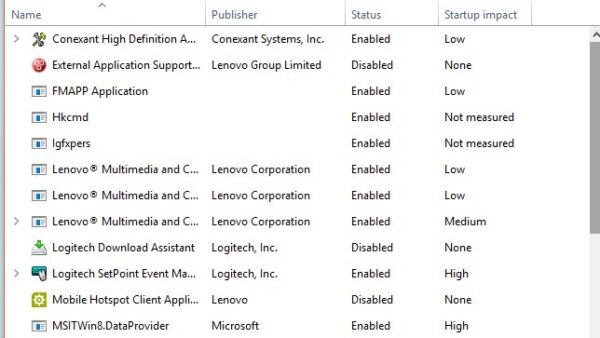
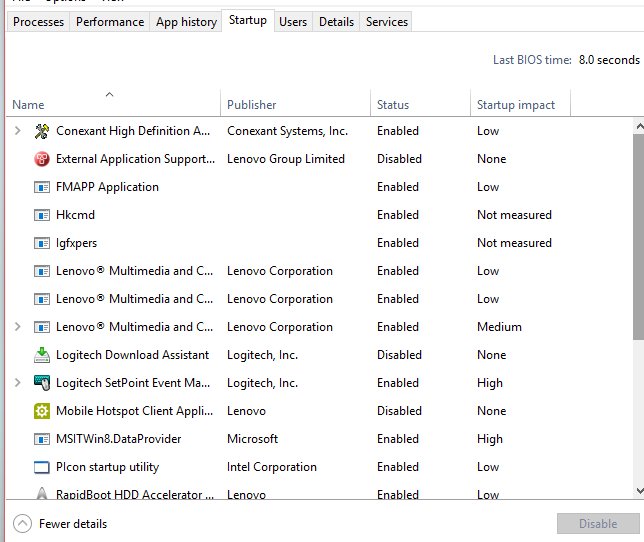
Make a program run on startup in Windows 11 with the Startup apps page, the shell:startup folder, the Run registry key or a Task Scheduler logon task.
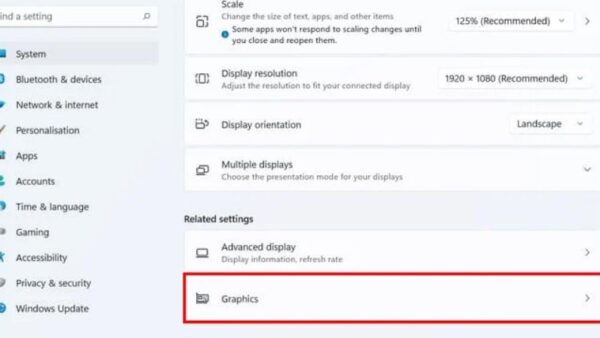
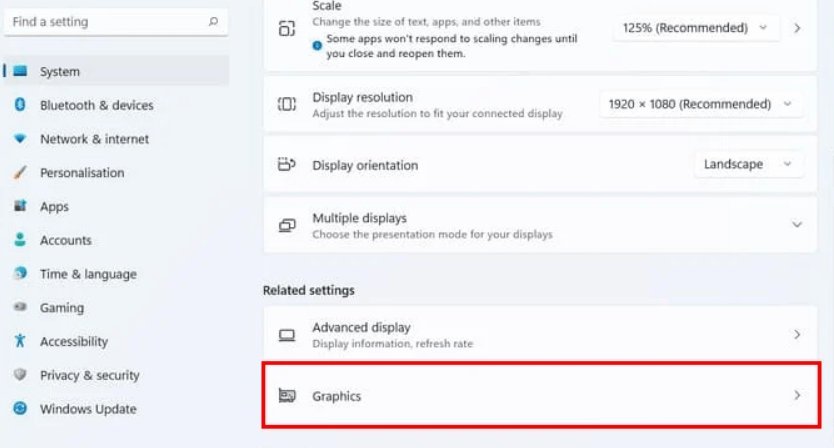
Open graphics settings in Windows 11 from Settings > System > Display > Graphics or ms-settings:display-advancedgraphics, then set per-app GPU preference.
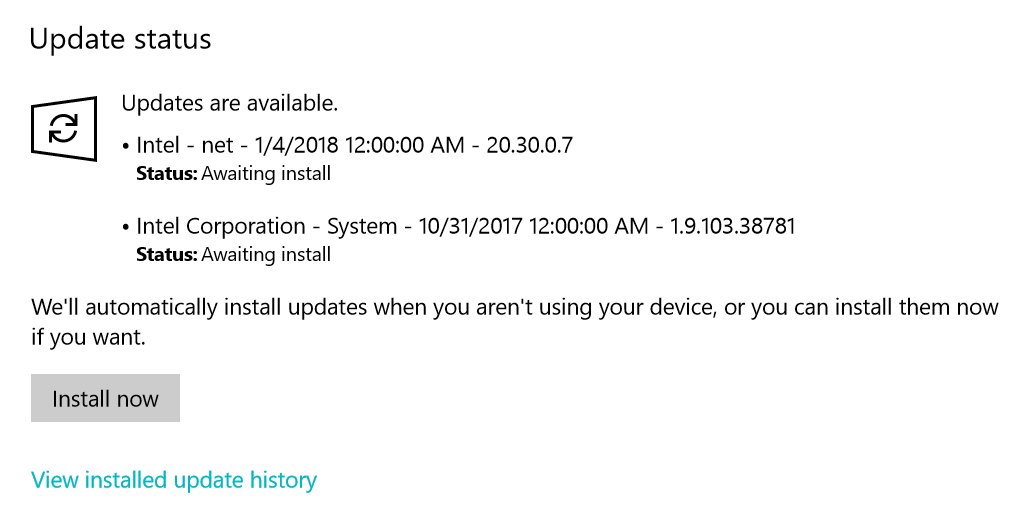
Windows Update and Security settings in Windows 10 explained page by page: updates, active hours, Delivery Optimization, recovery, activation and ESU enrollment.
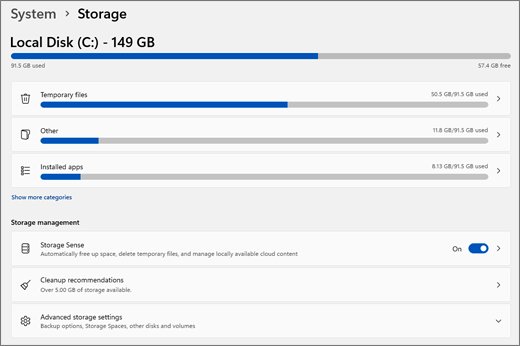
Emptying the Recycle Bin in Windows 11 and 10: right-click it and choose Empty Recycle Bin. Plus PowerShell, Storage Sense, recovery and fixes when it won’t empty.
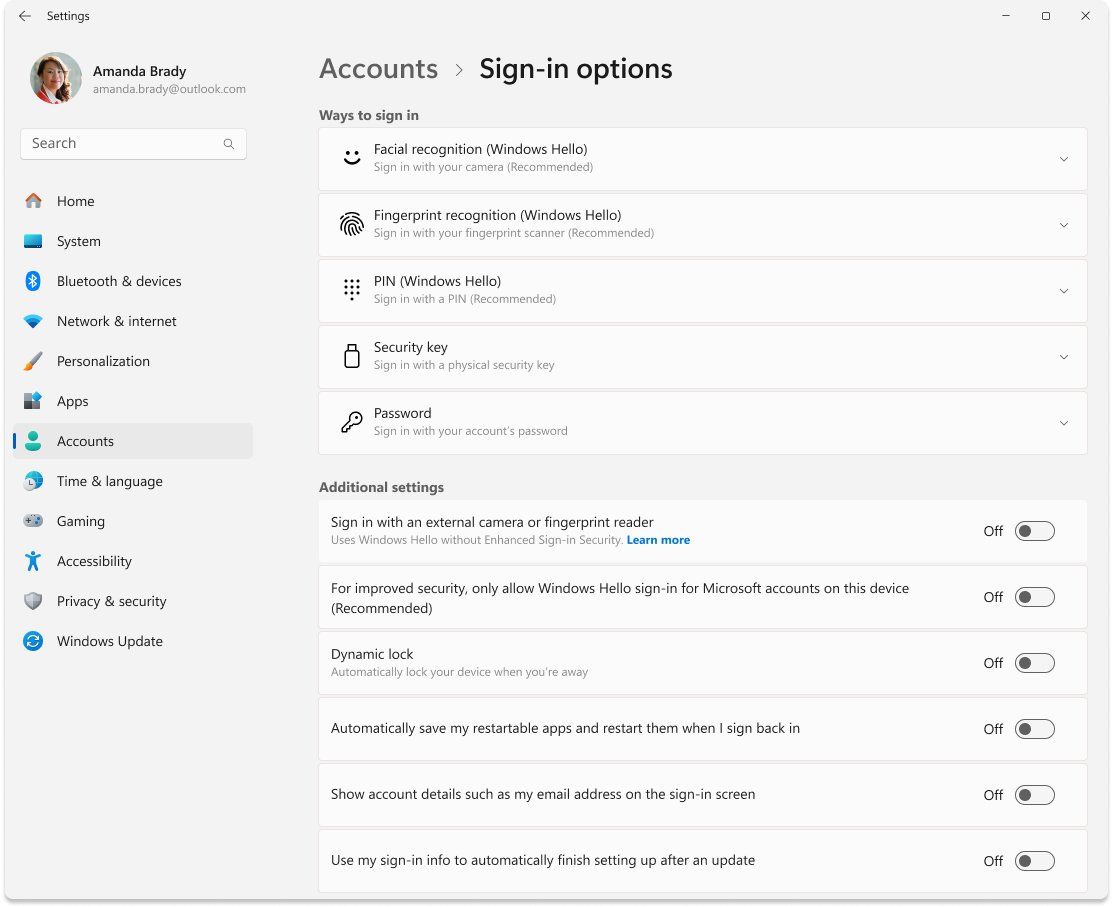
Set or change sign-in options in Windows 11: change your password or PIN, set up face or fingerprint, use a security key, go passwordless and set account lockout.
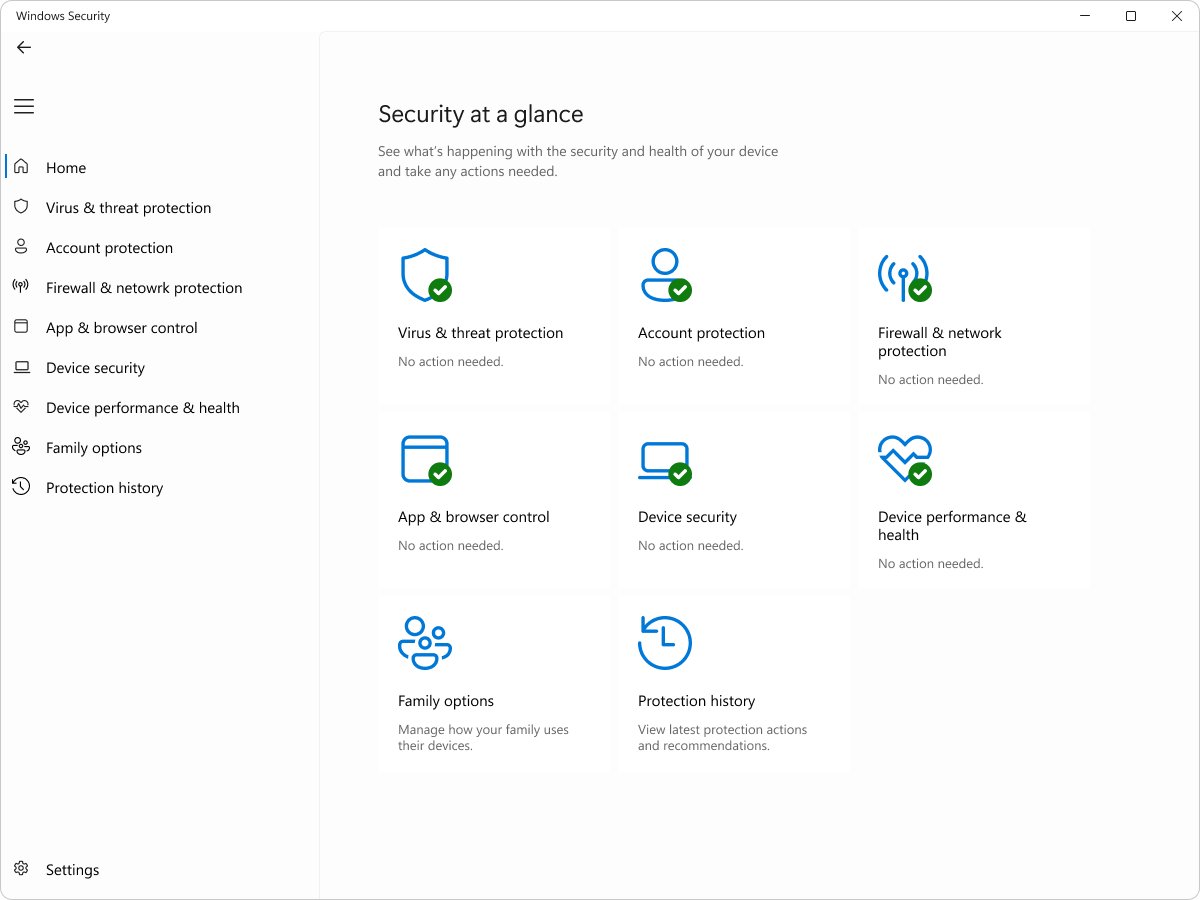
Is McAfee a virus? No, McAfee is legitimate antivirus software, but fake McAfee pop-ups are scams. How to tell them apart, block them and switch safely if you want.