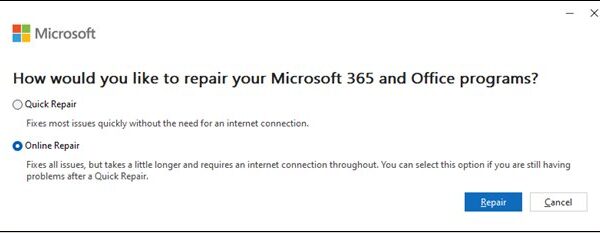
How to run ScanPST.exe on Outlook (step-by-step guide)
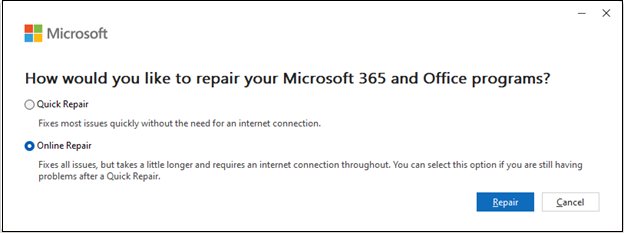
Run ScanPST.exe to repair an Outlook .pst file: where SCANPST.EXE is located for each Outlook version, the scan and repair steps, command-line passes and fixes.
4,040 articles

Run ScanPST.exe to repair an Outlook .pst file: where SCANPST.EXE is located for each Outlook version, the scan and repair steps, command-line passes and fixes.
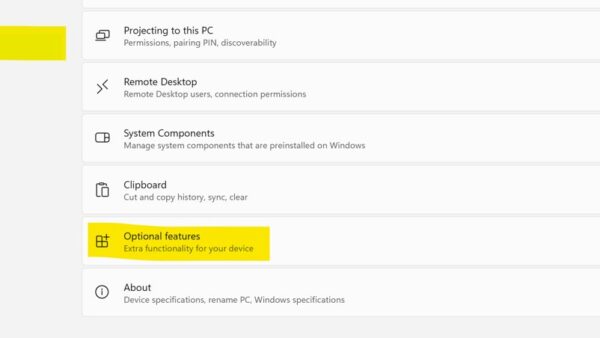
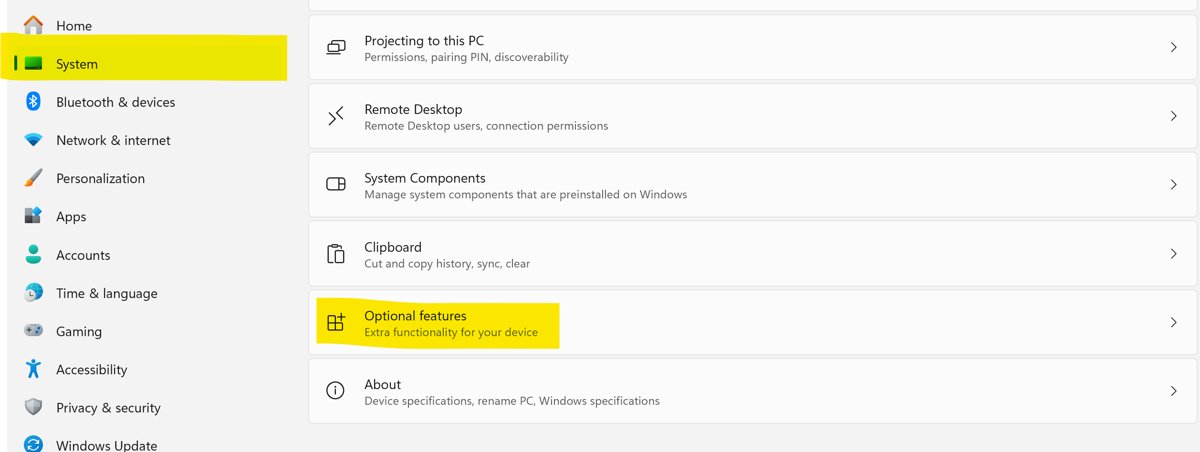
Install optional features on Windows 11 from Settings > System > Optional features, Control Panel, PowerShell or DISM, plus fixes when an install fails.
Install Gaming Services in Windows 11 from the Microsoft Store, Xbox app or winget, then update, repair, reinstall it with PowerShell and fix the Store loop.
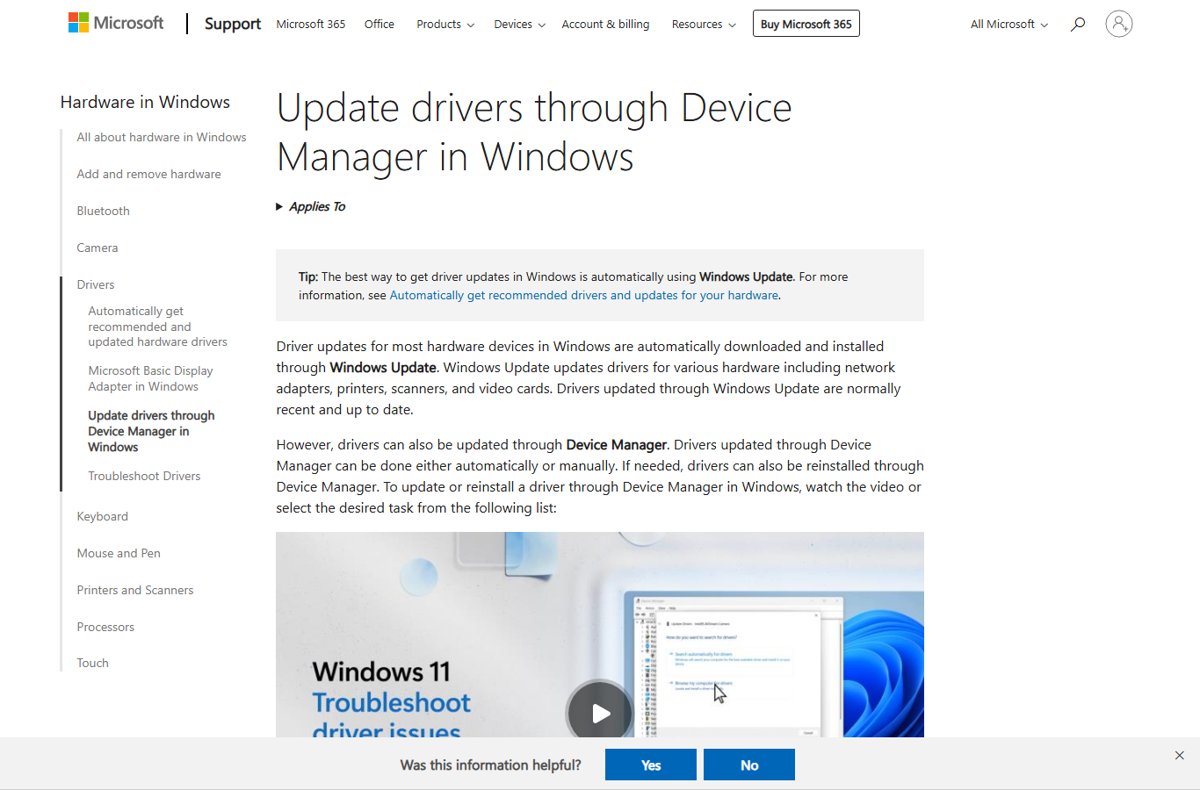
Updating printer drivers on Windows 11 and 10: Windows Update, Device Manager, the maker’s site, ARM PCs, 2026 driver changes and fixes when a driver won’t install.
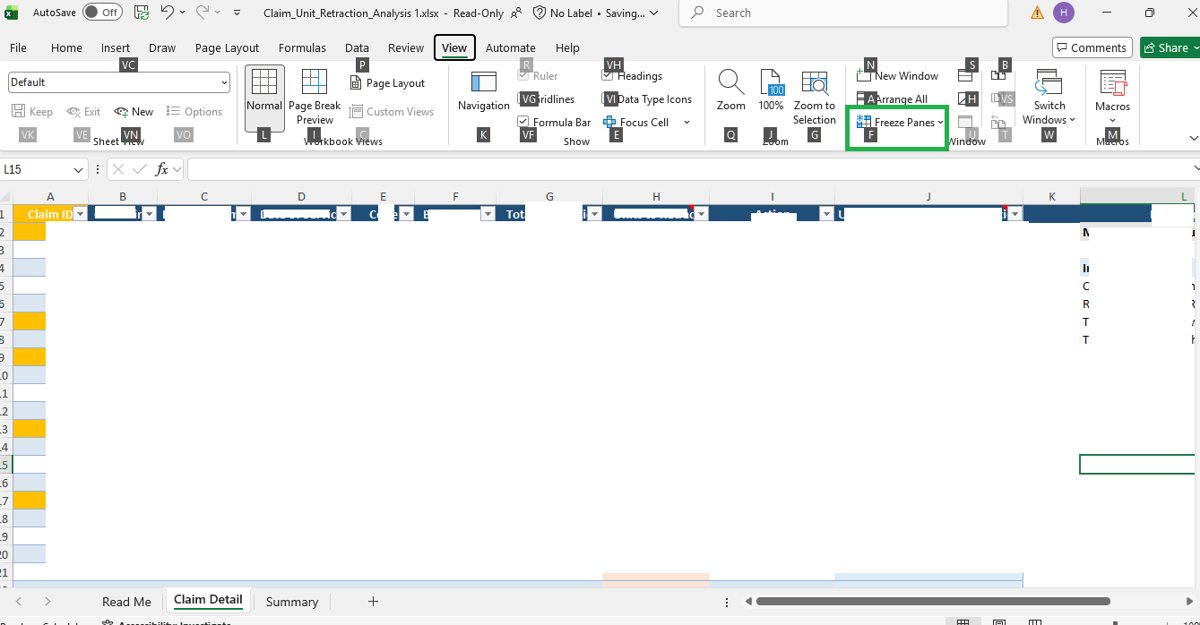
Excel shortcuts list for Windows: Ctrl+letter keys A to Z, ribbon Alt keys, navigation, selection, formatting, borders, PivotTables, Mac keys and fixes.
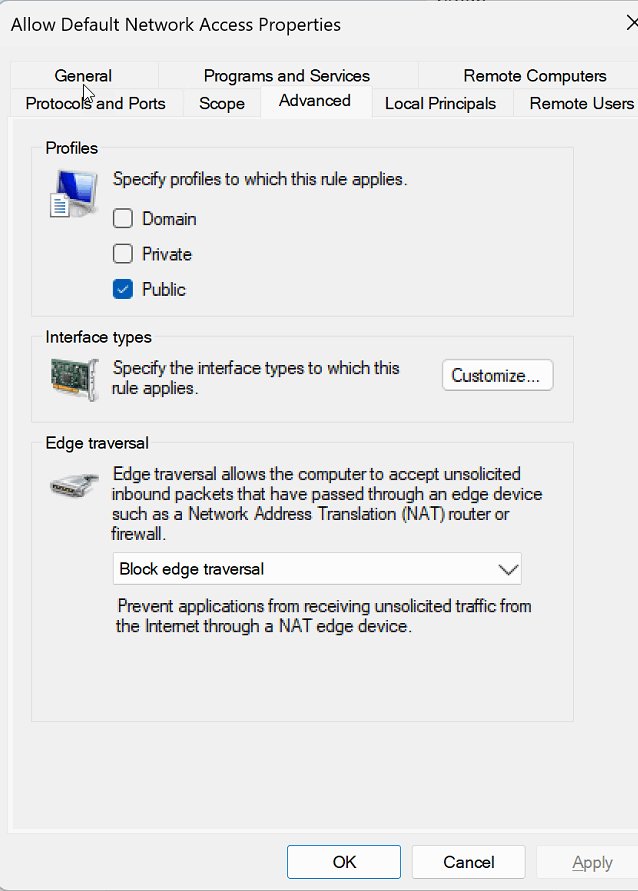
Create advanced firewall rules in Windows Firewall with wf.msc: inbound and outbound rules for programs, ports and IP ranges, plus PowerShell and netsh commands.
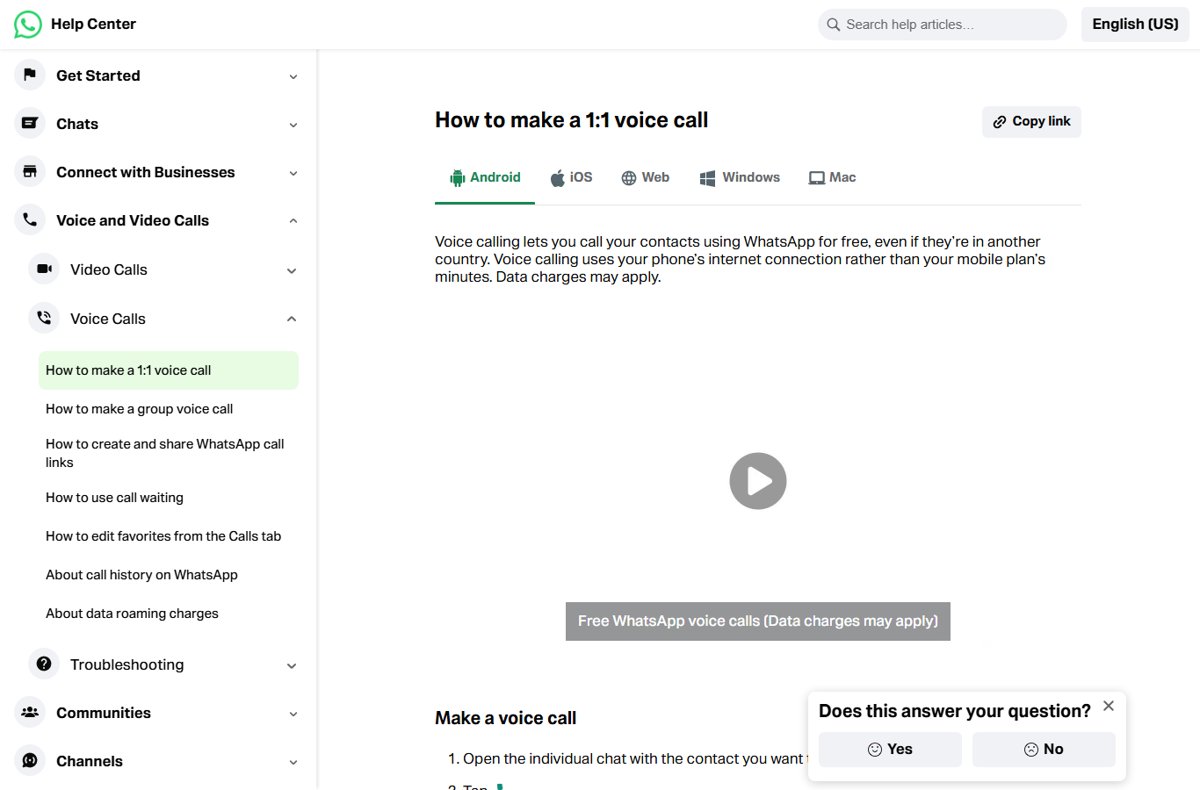
Make a call on WhatsApp from a chat or the Calls tab: voice, video and group calls, calls to unsaved numbers, laptop calling, call links and fixes.
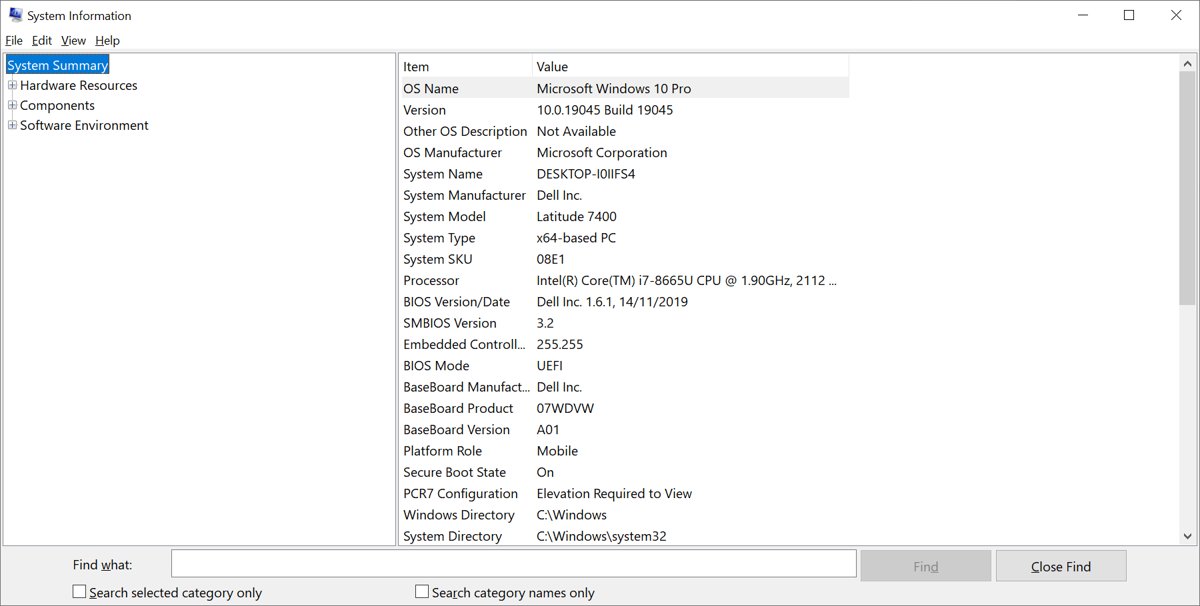
Find the model of your computer in Windows 11 or 10 under Settings > System > About, or with System Information, PowerShell, the label or the BIOS. Every method.


Parts of a computer and their functions: CPU, motherboard, RAM, storage, GPU, power supply, case, cooling, ports and peripherals, plus desktop vs laptop parts.
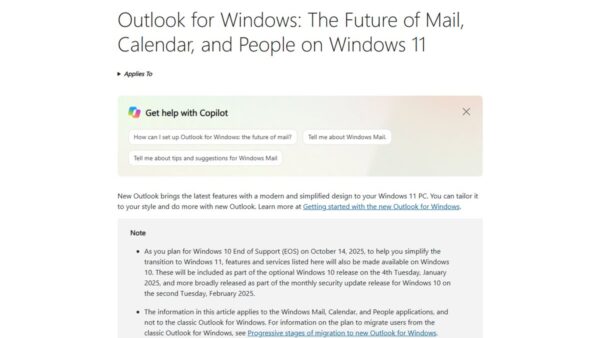
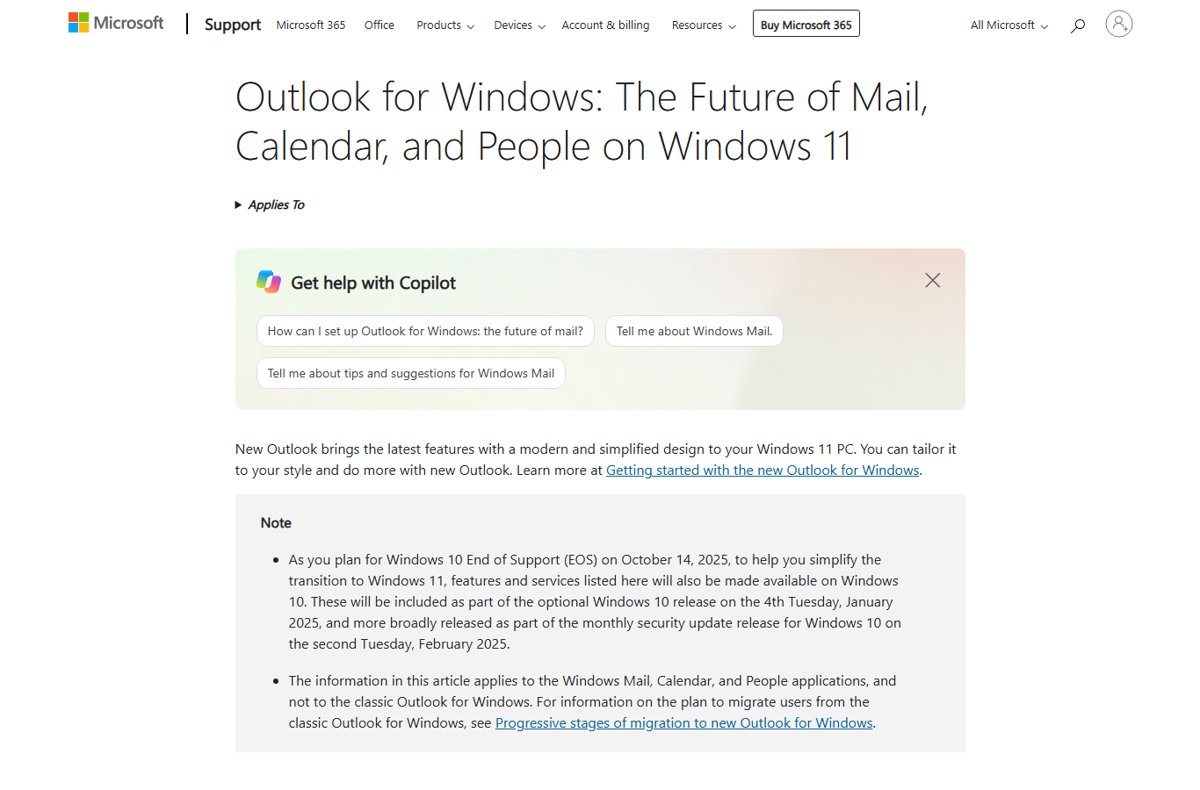
The Windows Mail app can’t be installed again in working form: support ended on December 31, 2024. Get new Outlook instead and export your old Mail data.
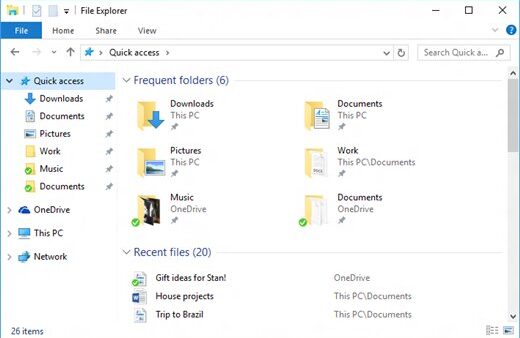
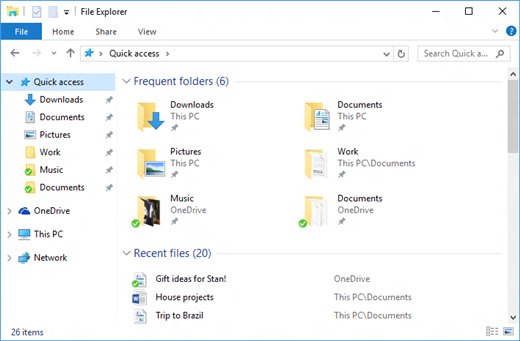
Find recently closed Word and Excel files in Windows 10/11 from the taskbar jump list, File > Open, File Explorer, Start and search, plus unsaved file recovery.
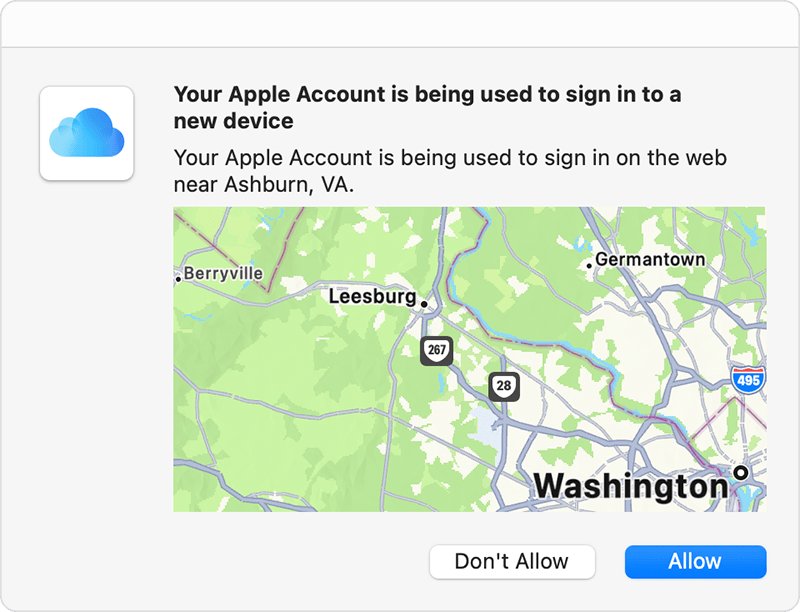
Got an iCloud login alert you did not expect? Do not approve it, change your password, check your device list at account.apple.com and report phishing.