
“iPhone is findable” but won’t charge? How to fix it
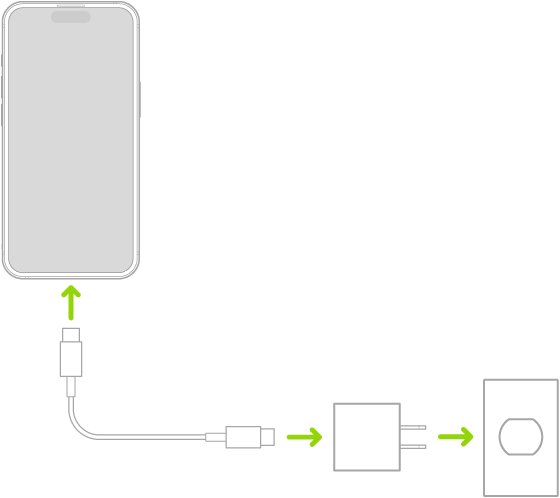
“iPhone is findable” means the iPhone is off but Find My can still locate it. Charge it for an hour, force restart it, and fix the cable, port or heat.
4,040 articles

“iPhone is findable” means the iPhone is off but Find My can still locate it. Charge it for an hour, force restart it, and fix the cable, port or heat.
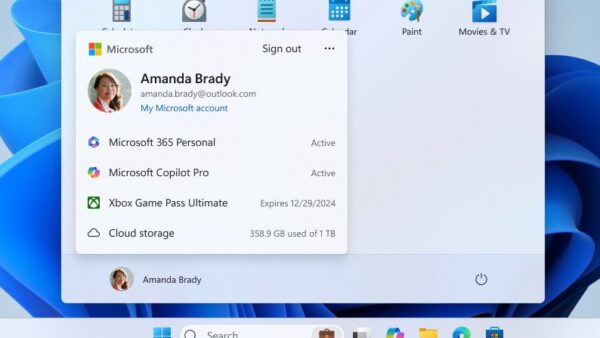
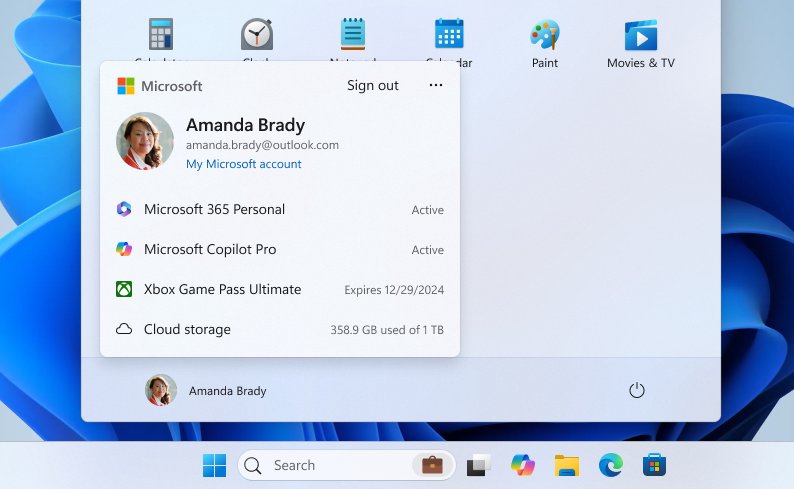
Log off a Windows 11 or 10 computer from Start > account picture > Sign out, or use Ctrl + Alt + Delete, Win + X or shutdown /l. Plus auto-logoff fixes.
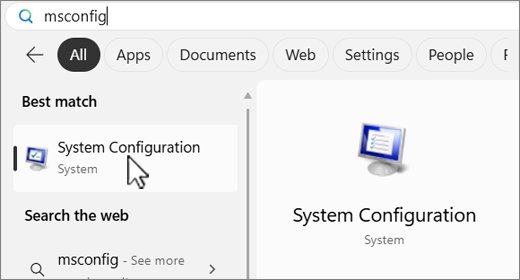
Force quit a program on Windows 11/10 with Ctrl + Shift + Esc and End task, or use Alt + F4, taskkill, PowerShell and the taskbar. Fixes for frozen apps.
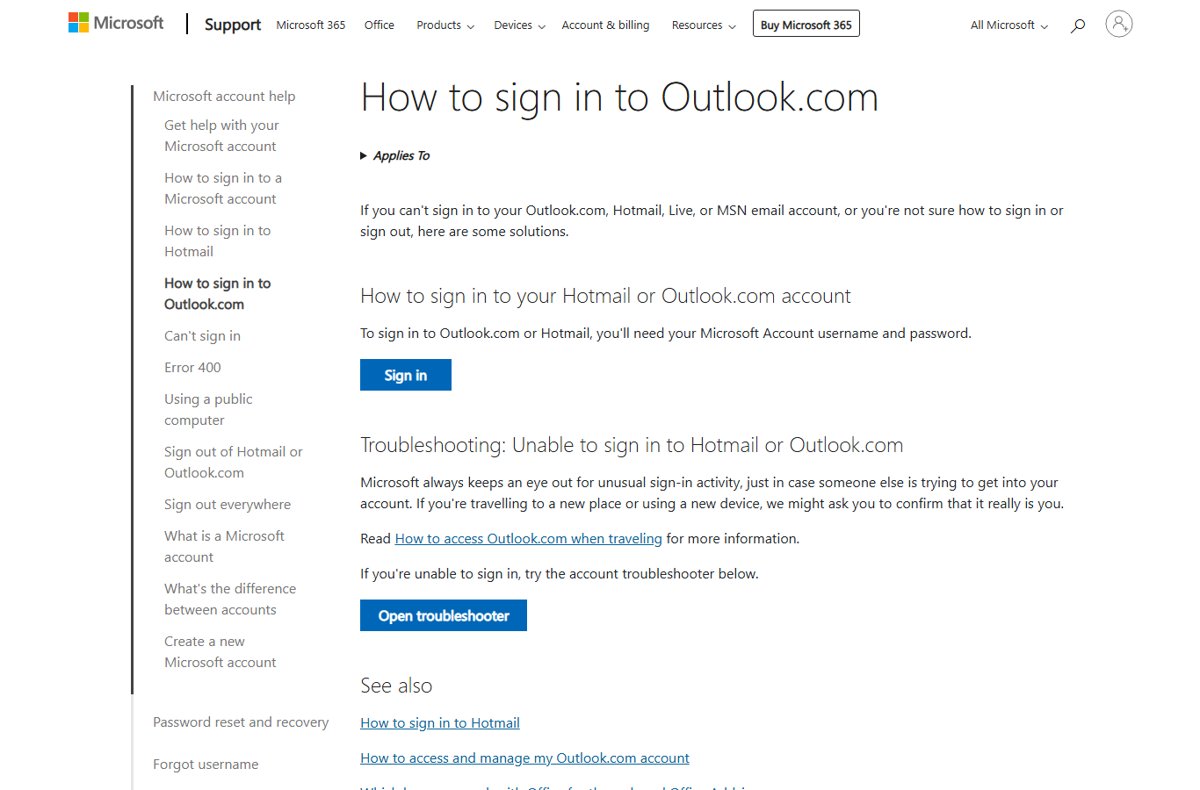
Outlook login made safe: sign in to Outlook.com with your Microsoft account, add a passkey or two-step verification, check recent activity and fix blocked sign-ins.
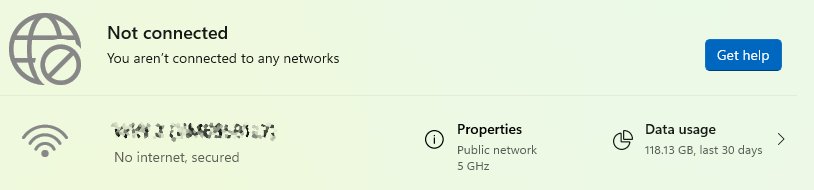
Network & Internet settings in Windows 11: how to open them, what each page controls, and how to change IP, DNS, hotspot, VPN, proxy and metered options.
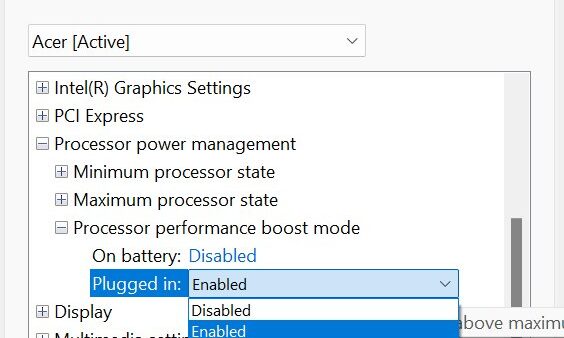
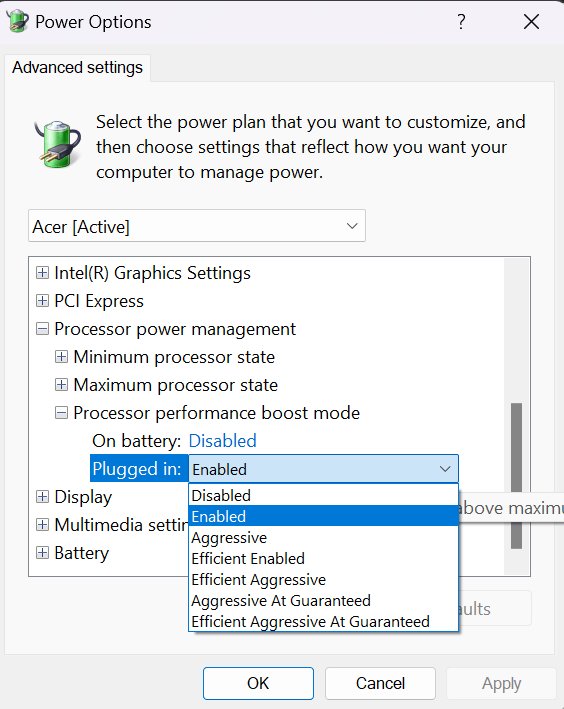
Processor performance boost mode is hidden in Windows. Unhide it with one powercfg command, then set Enabled or Aggressive in Power Options on Windows 11 and 10.
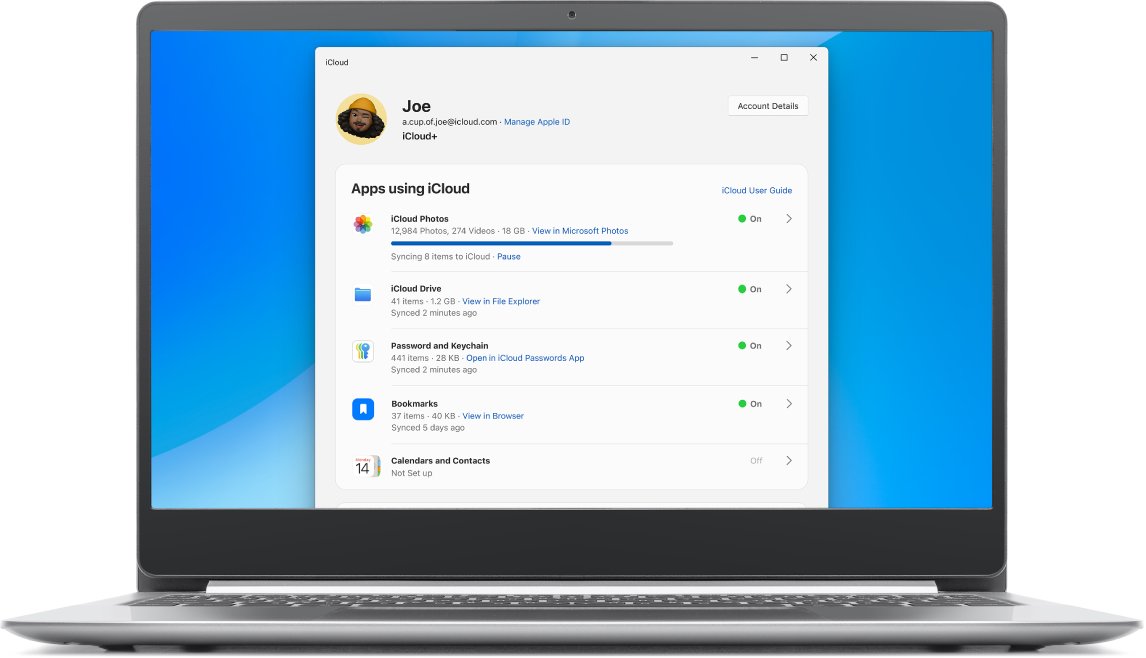
iCloud login loop on Windows 11? Update iCloud from the Microsoft Store, fix the clock, sign out and back in, then repair, reset or reinstall the app.
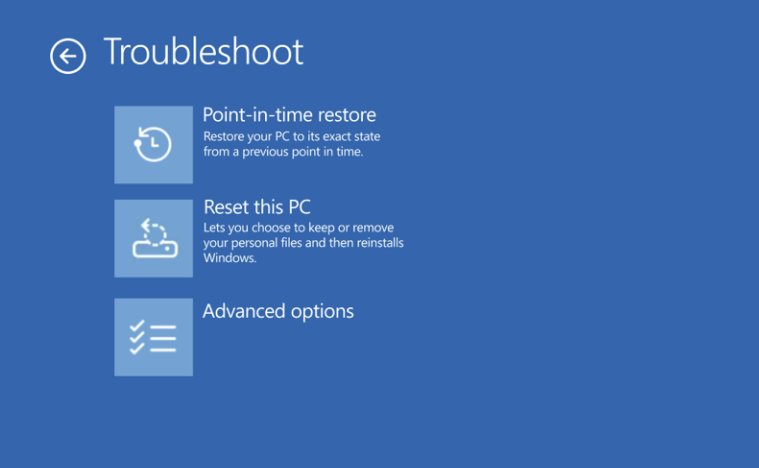
Recover deleted files after emptying the Recycle Bin in Windows 11 with File History, OneDrive’s recycle bin or Microsoft’s free Windows File Recovery app.
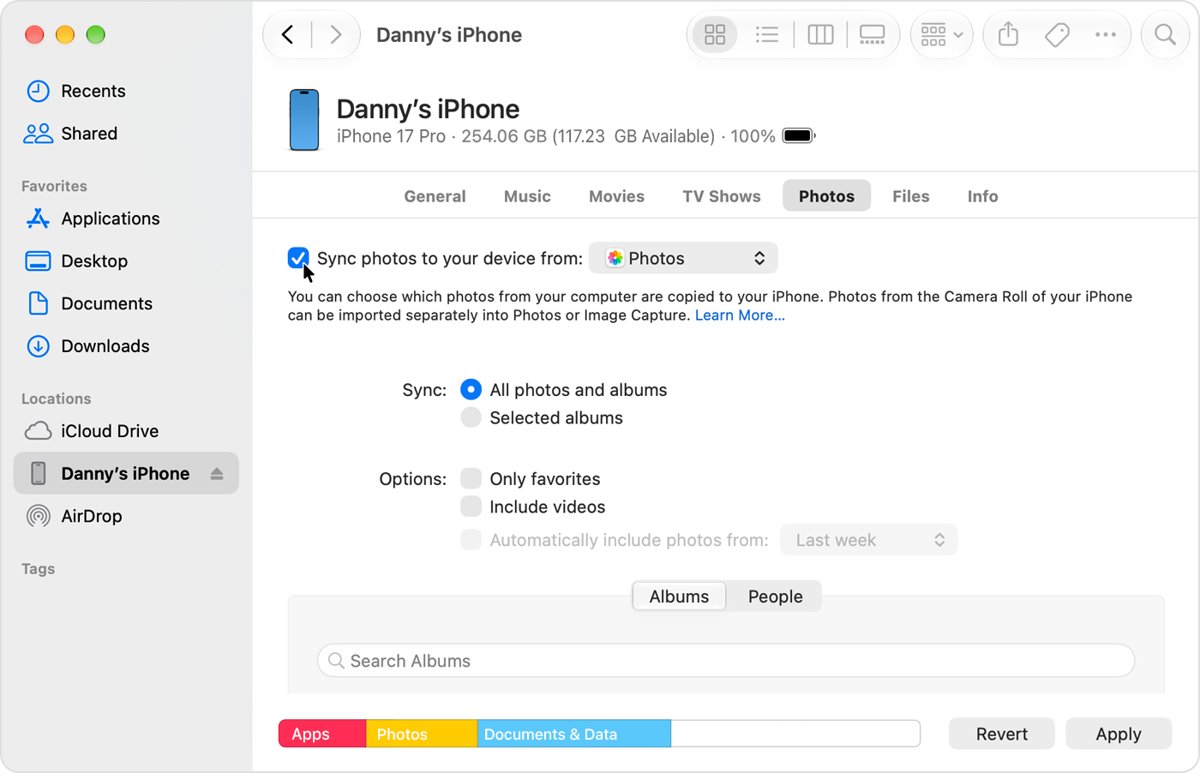
Transfer pictures from a desktop to iPhone with the Apple Devices app on Windows, Finder on Mac, iCloud Photos or AirDrop, plus fixes when photos do not appear.
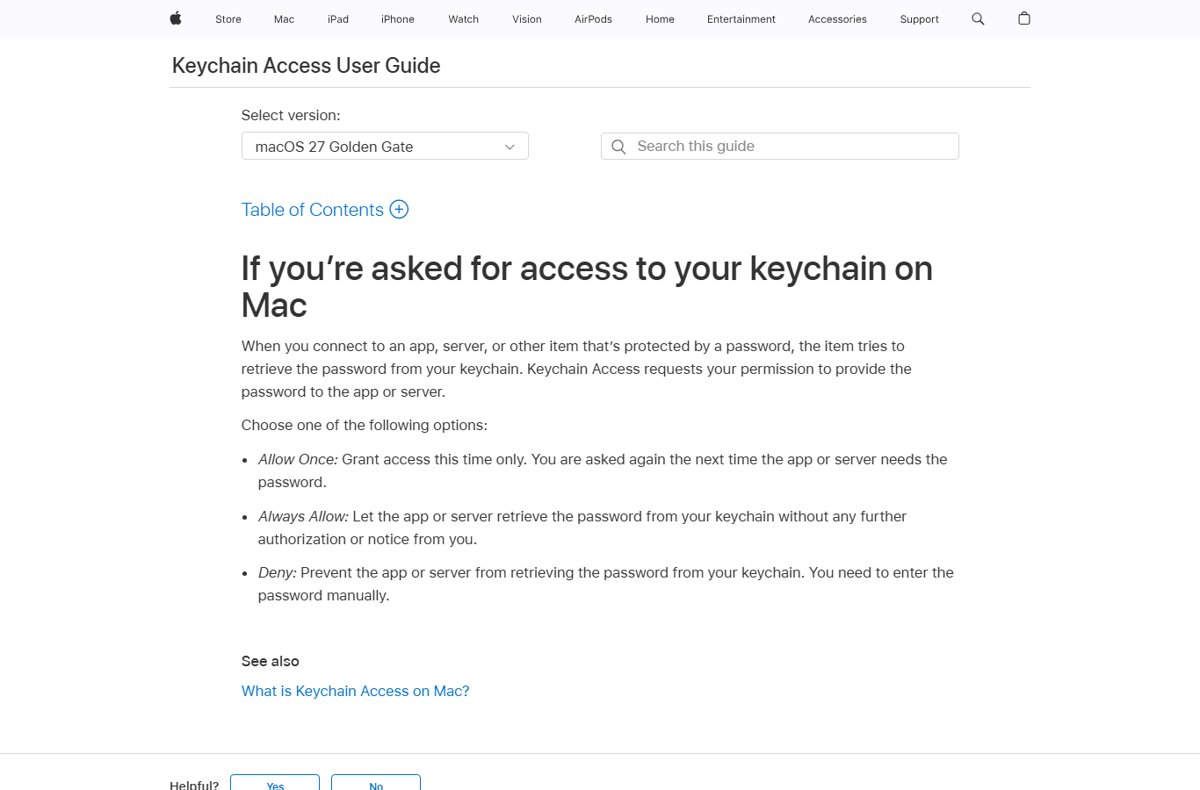
Mail wants to sign using key privateKey in your keychain? Enter your Mac password and click Always Allow, or send unsigned and sync your keychain.
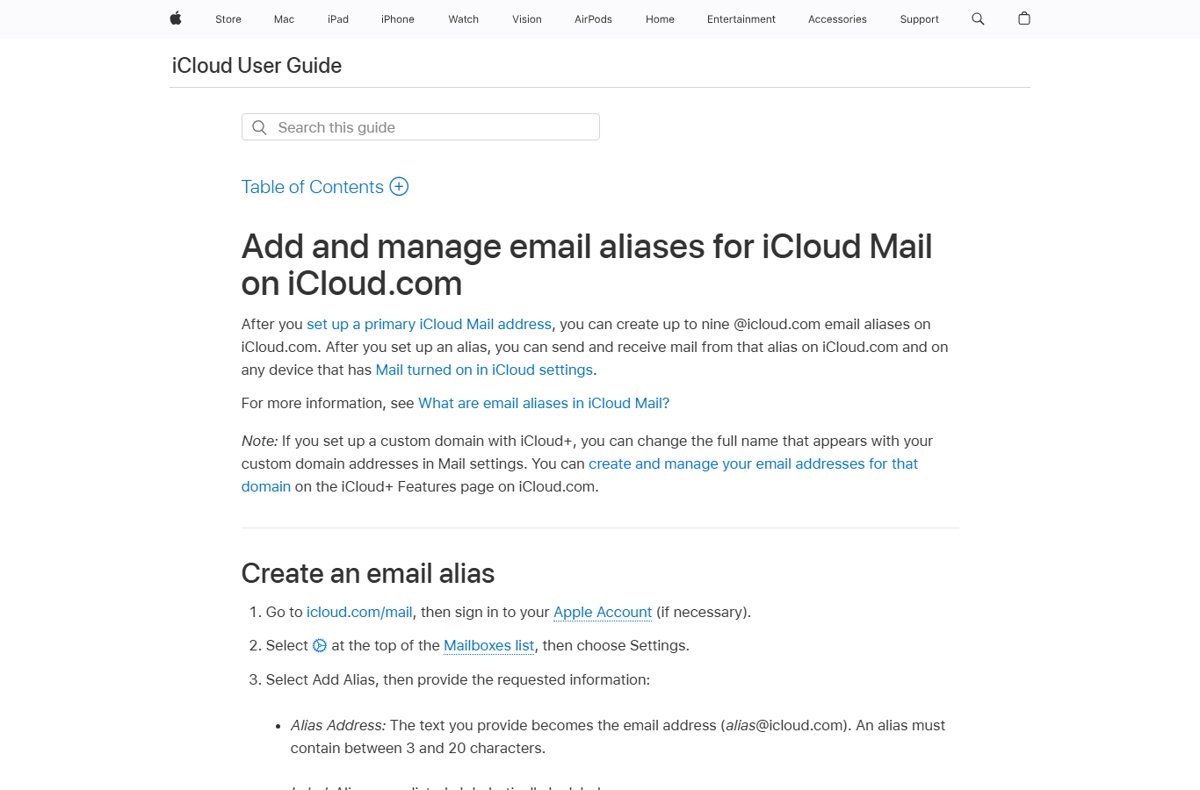
Create a secondary email account under iCloud with an @icloud.com alias that shares your inbox and Apple Account. Steps, limits, and when to change instead.
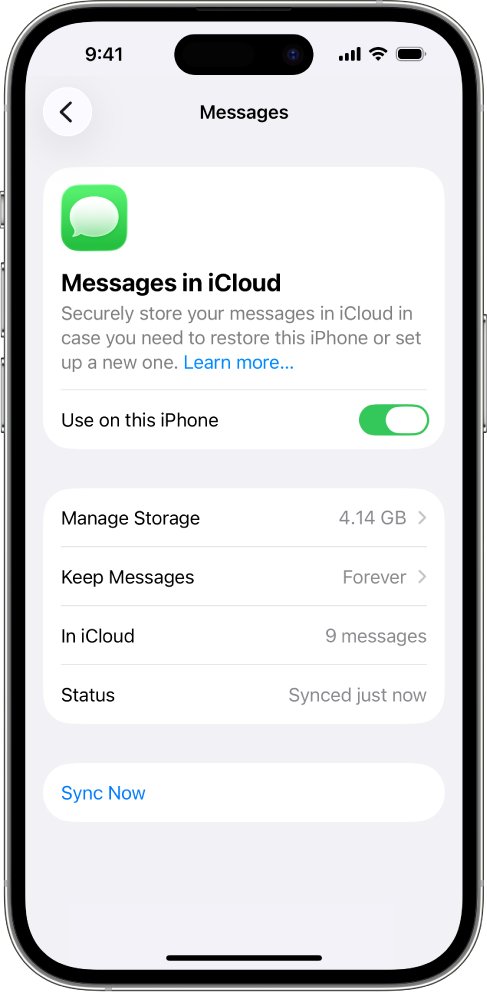
View messages on iCloud by turning on Messages in iCloud and opening the Messages app. Why iCloud.com has no Messages, plus Mac, PC and sync fixes.