Bing AI writing: how to use Microsoft Copilot for writing
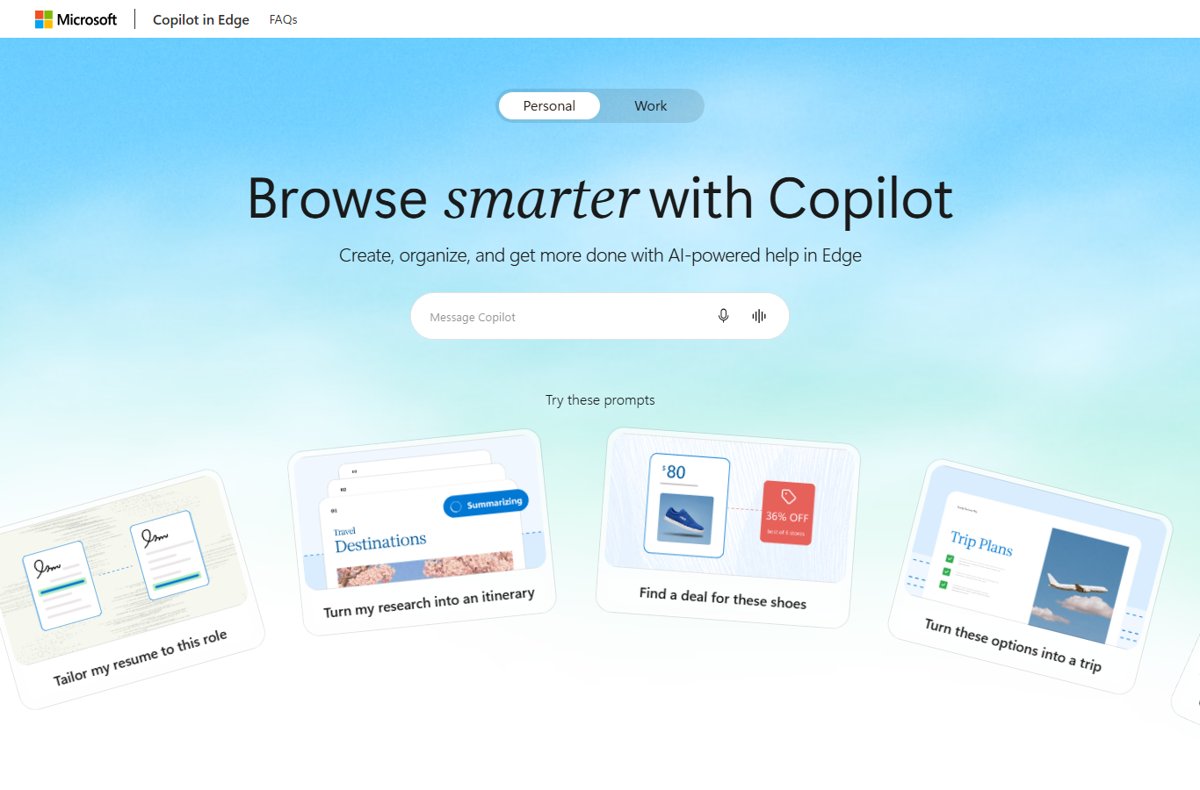
Bing AI writing now runs through Microsoft Copilot. Draft, rewrite and summarize text on the web, in Edge and in Word, with prompts, SEO uses and limits.
4,040 articles

Bing AI writing now runs through Microsoft Copilot. Draft, rewrite and summarize text on the web, in Edge and in Word, with prompts, SEO uses and limits.
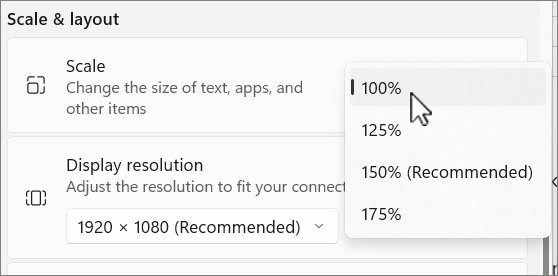
Set a different display scaling level for each monitor in Windows 11: select the display in Settings > System > Display, then pick its Scale. Fixes for blur too.

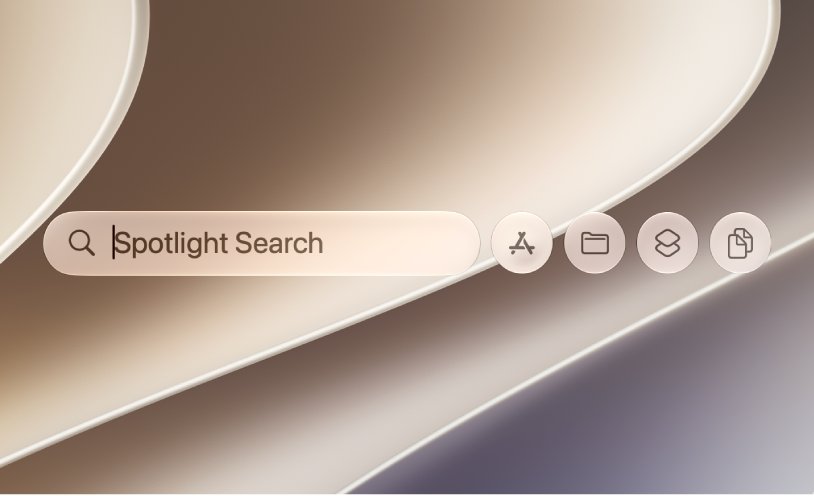
Find any file on Mac with Spotlight (Command-Space bar), Finder search, Smart Folders, Storage settings or Terminal, plus fixes when search finds nothing.
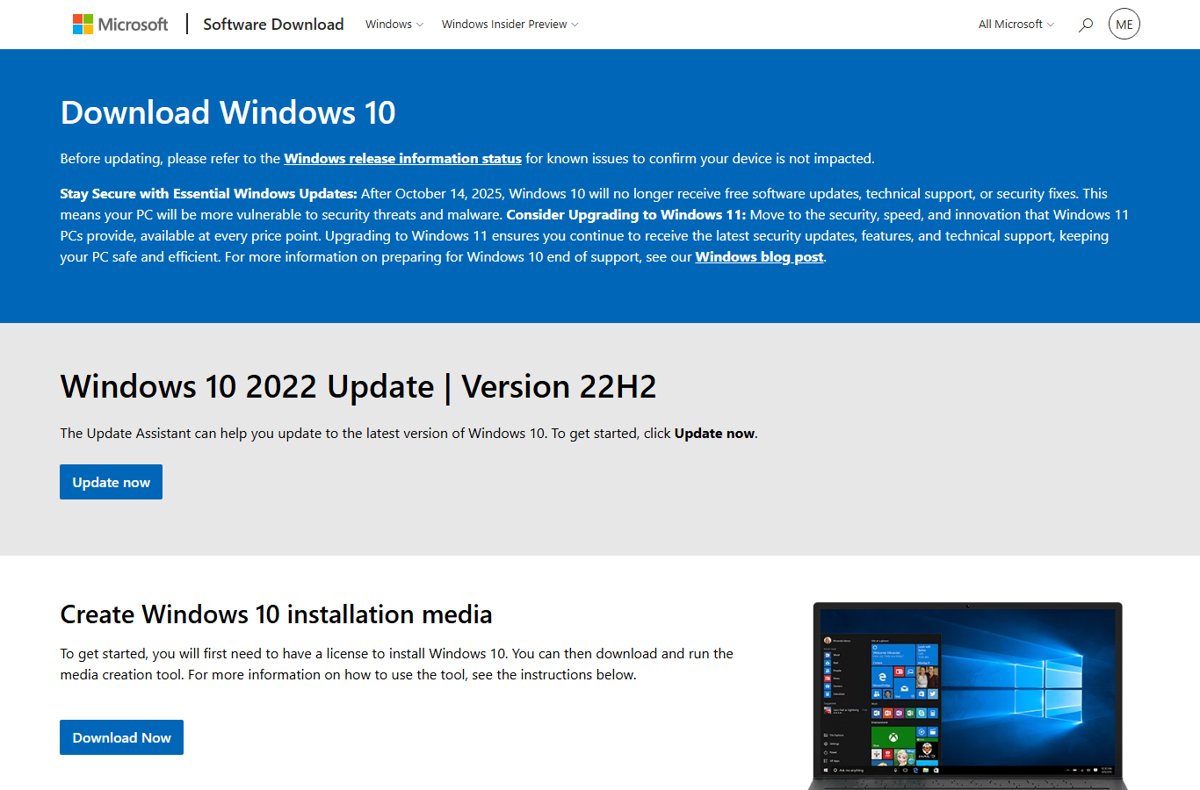
Create bootable Windows 10 USB install media with Microsoft’s Media Creation Tool, Rufus, Ventoy or a manual copy, plus a recovery drive and boot fixes.
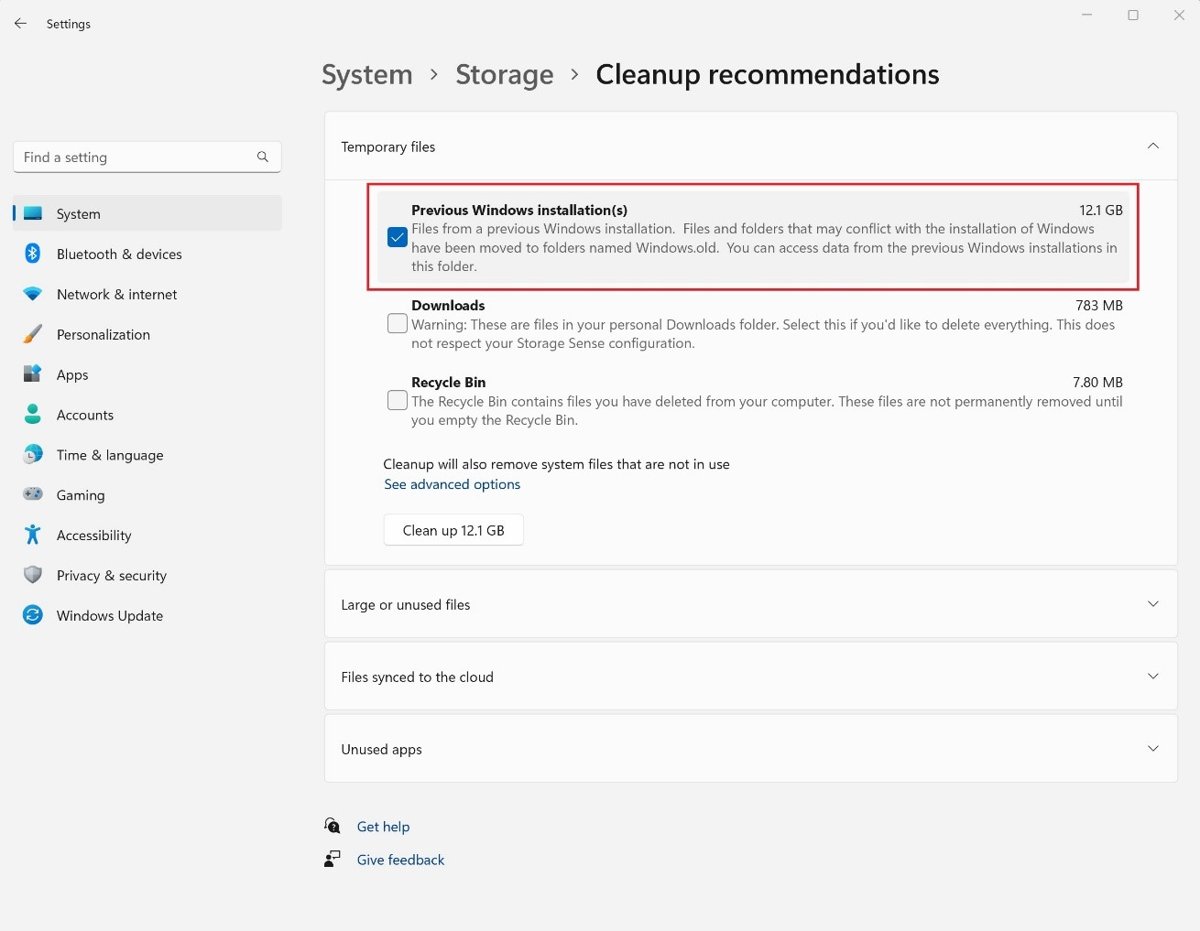
Delete temporary files on Windows 11 from Settings > System > Storage > Cleanup recommendations, or use Storage Sense, Disk Cleanup, File Explorer or a del command.


Join a Microsoft Teams meeting from the email link, a meeting ID and passcode, Outlook, a notification, the Teams calendar or chat, with fixes when you can’t join.
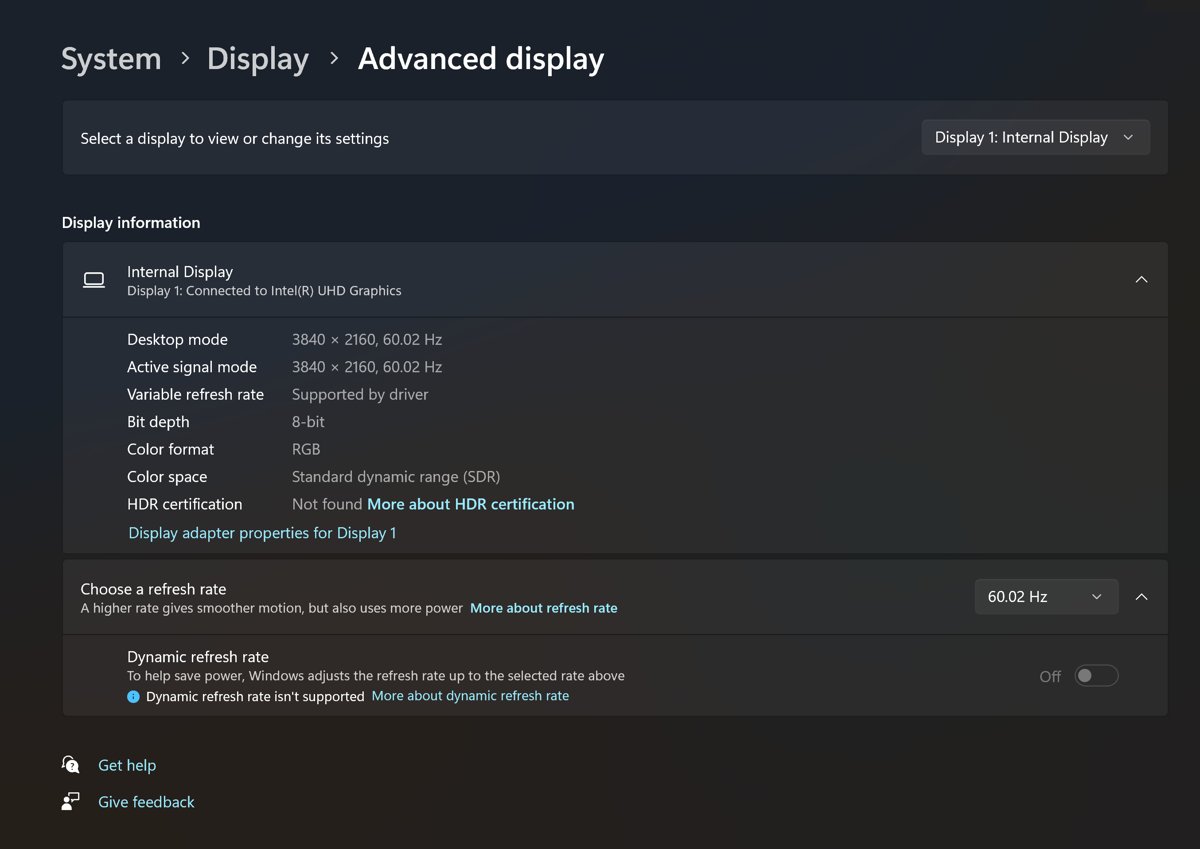
Sync refresh rates for smooth playback in Windows 11 and 10: match every monitor in Advanced display, pick a rate that fits the video, and fix stutter.


A privaterelay.appleid.com email has no inbox to log in to. Sign in with Apple in the app, and find the forwarded mail in your Apple Account email.

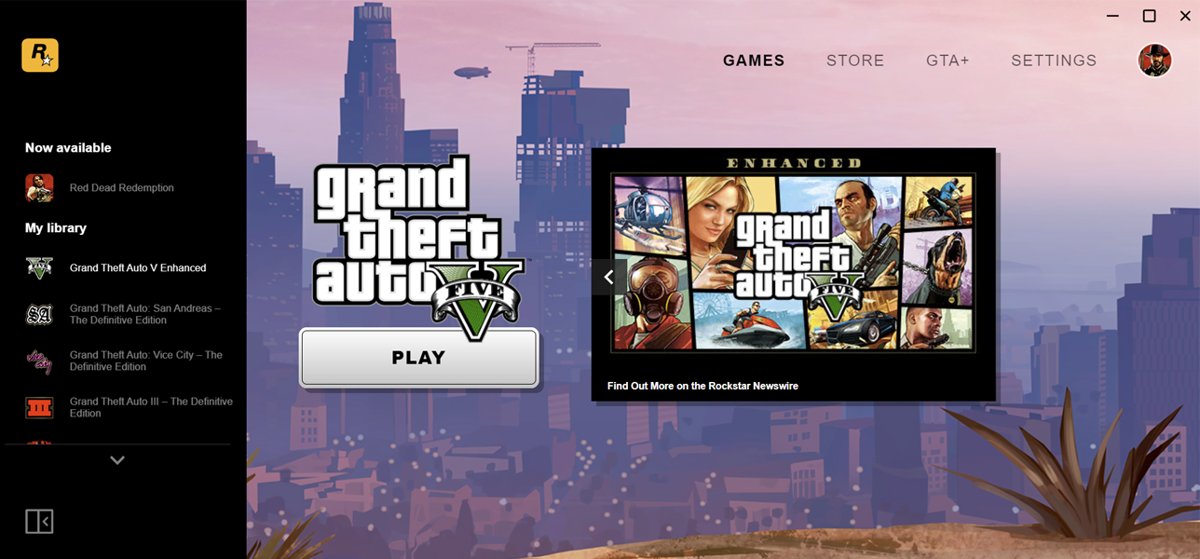
Rockstar Games Launcher not working on Windows 11 or 10? Restart it as administrator, repair Visual C++, allow it through the firewall, then reinstall it cleanly.
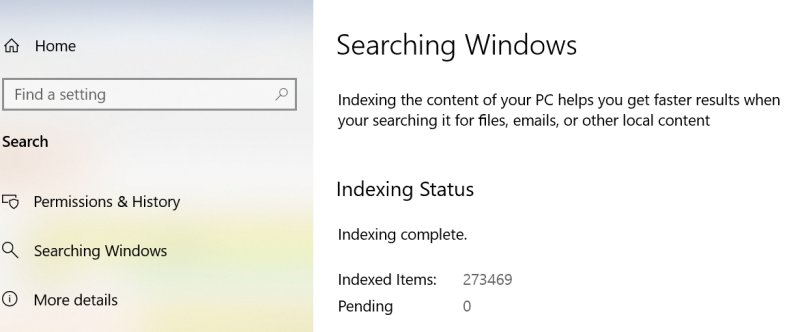
Start menu or taskbar search not working in Windows 11/10? Restart SearchHost and the Windows Search service, rebuild the index, or reset search with PowerShell.
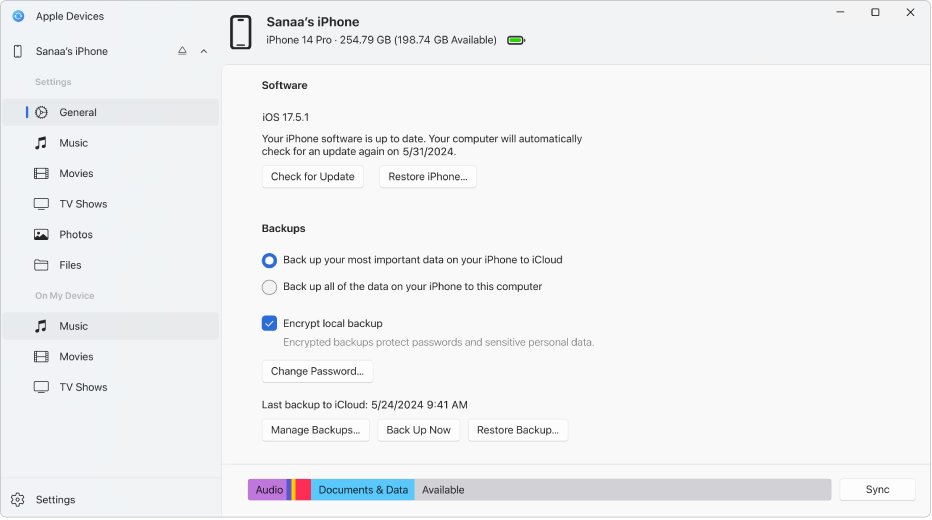
Apple Devices app not working or doing nothing on Windows? Get your iPhone into the sidebar, fix Trust prompts, AMDS, Wi-Fi sync and update errors step by step.
Change the display color profile on Windows 11 from Settings > System > Display > Color profile: add an ICC profile, set it as default, remove or calibrate it.