How to type the upside down exclamation point (¡) on your keyboard
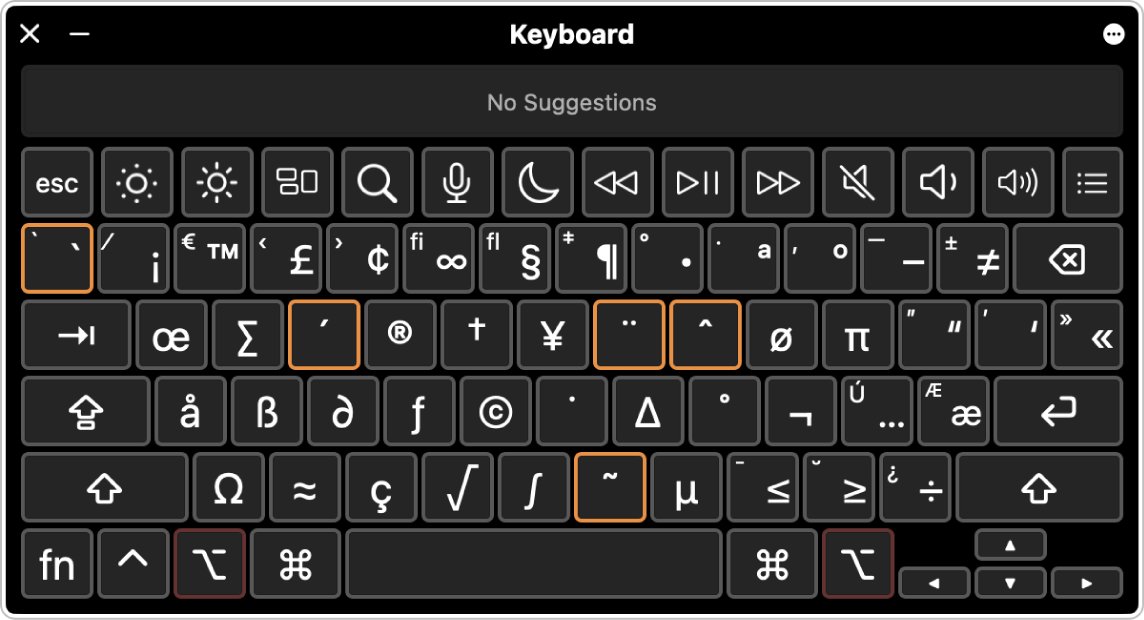
Type the upside down exclamation point (¡) with Alt + 0161 on Windows, the Character Viewer on Mac, or touch and hold ! on iPhone and Android.
4,040 articles

Type the upside down exclamation point (¡) with Alt + 0161 on Windows, the Character Viewer on Mac, or touch and hold ! on iPhone and Android.
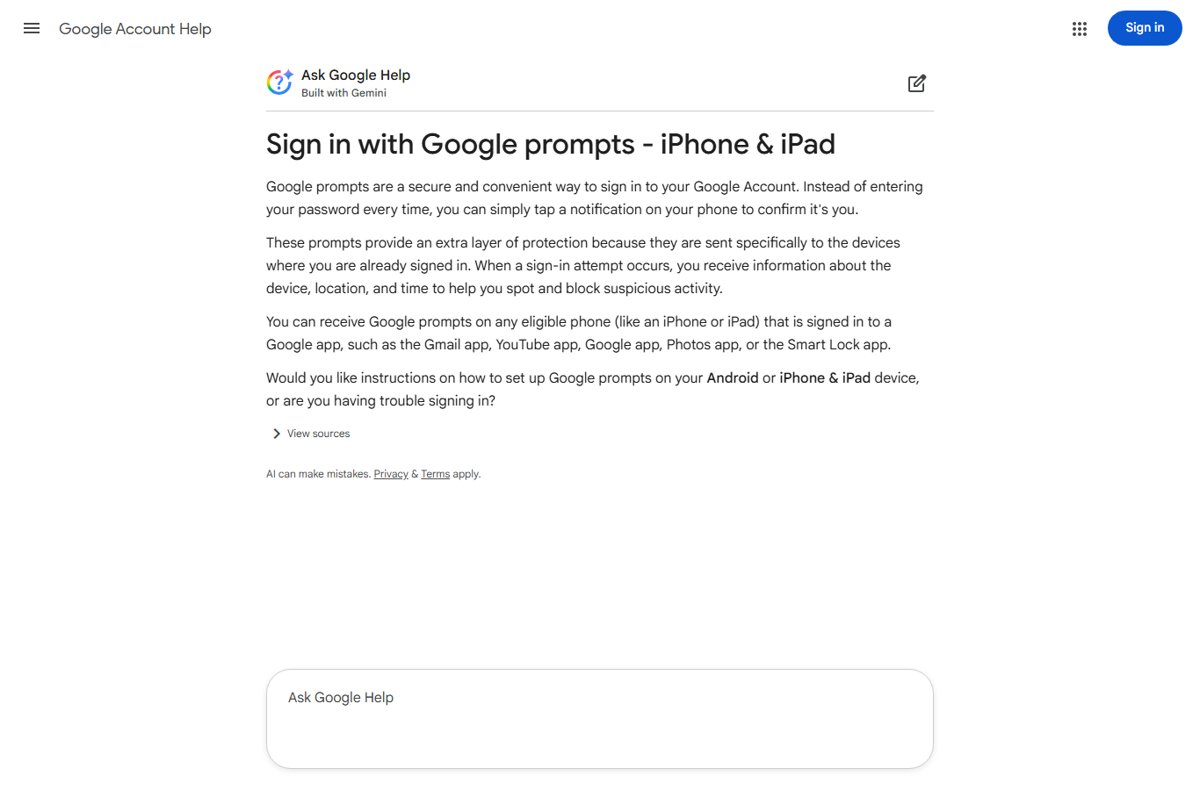
Gmail login prompt stuck loading in the YouTube app on iPhone? Turn on notifications, tap Resend, or use Try another way to finish the Google sign-in.
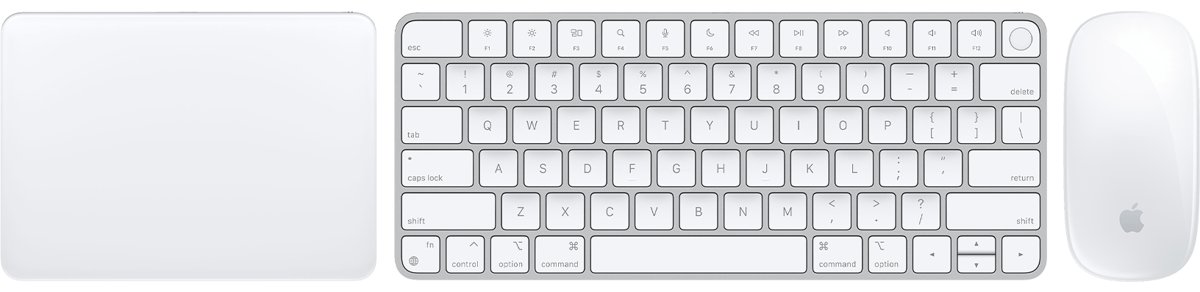
Magic Mouse scrolling on Windows 11 Pro needs Apple’s Boot Camp driver. Install it on an Intel Mac, set scroll options, and fix a Magic Mouse that will not scroll.
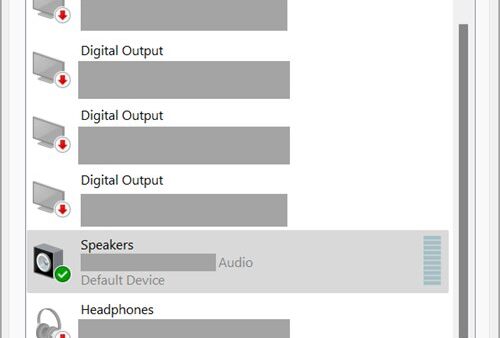
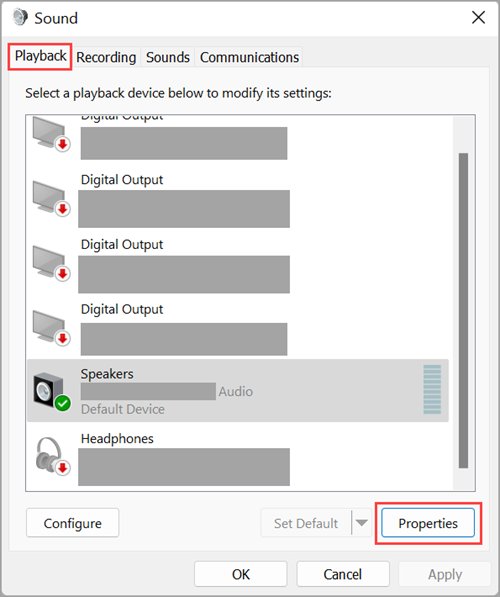
Change audio balance levels on Windows 11 in Settings > System > Sound: pick your output device, open Volume and set Left and Right. Control Panel route and fixes.
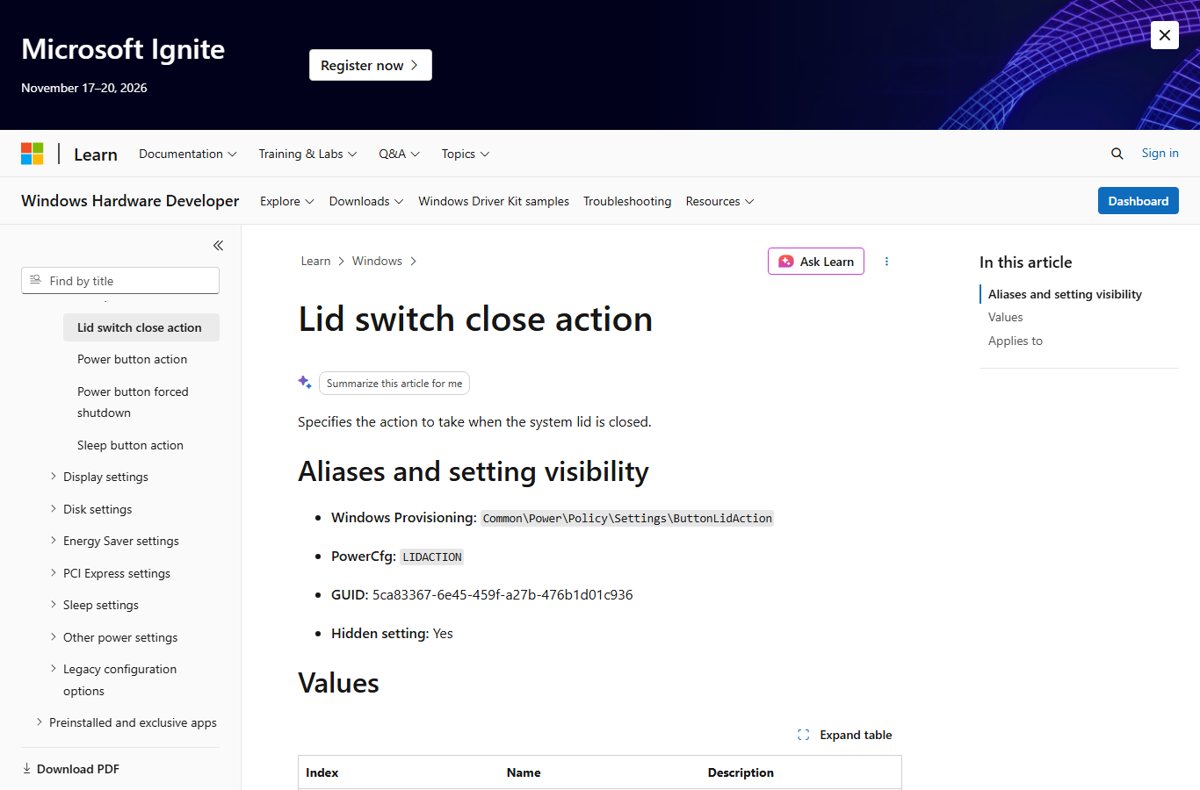
Change the lid close action on Windows 11 in Control Panel, Settings or powercfg: pick Do nothing, Sleep, Hibernate or Shut down for battery and plugged in.
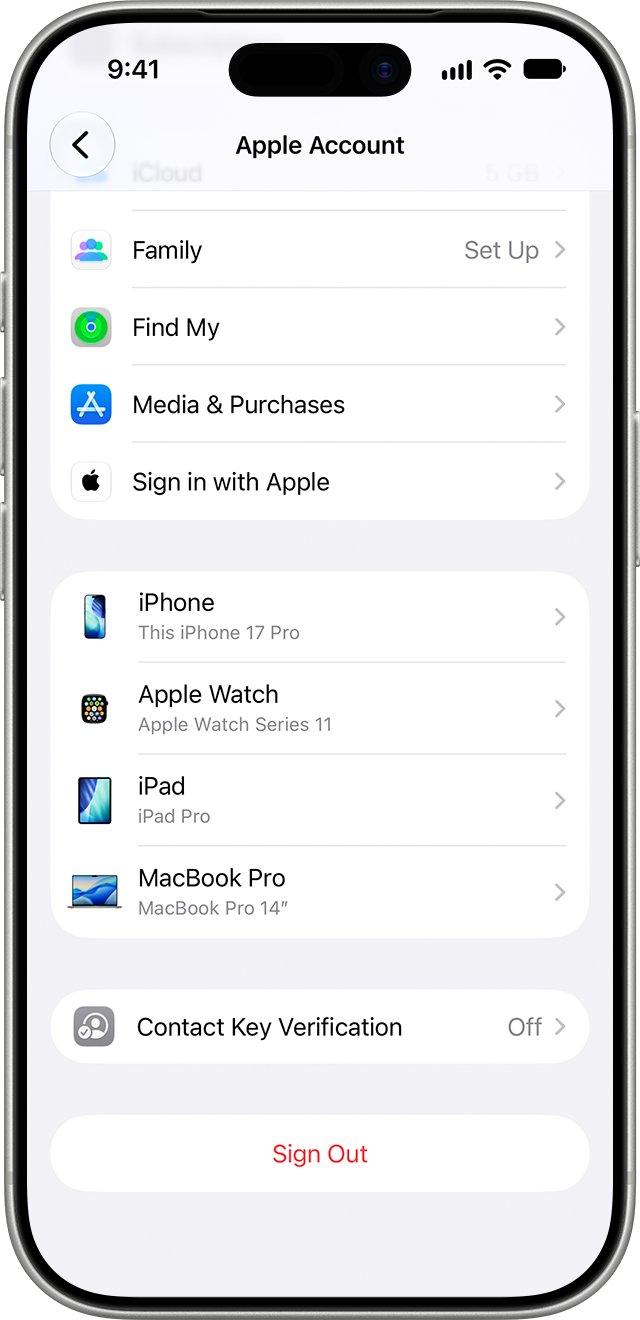
iPhone keeps asking for your Apple Account password and says you must enter both? Sign out and back in, update iOS, reset the password and fix Mail prompts.
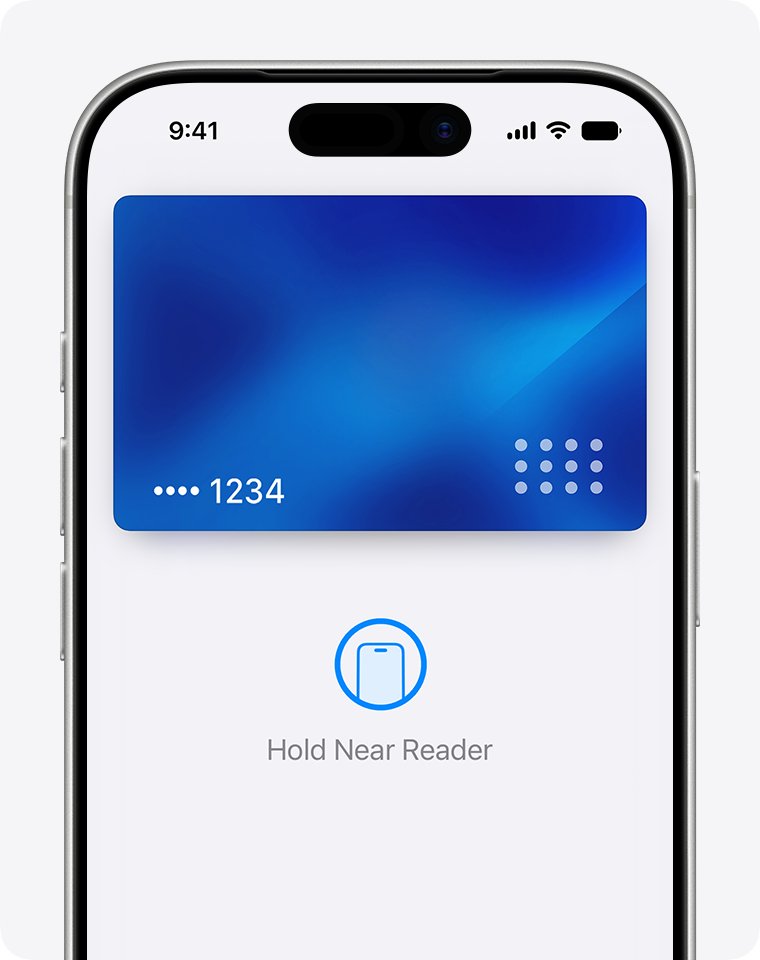
Apple Pay works without data in stores: the payment goes over NFC to the reader. Adding cards and paying in apps or on websites need Wi-Fi or data.
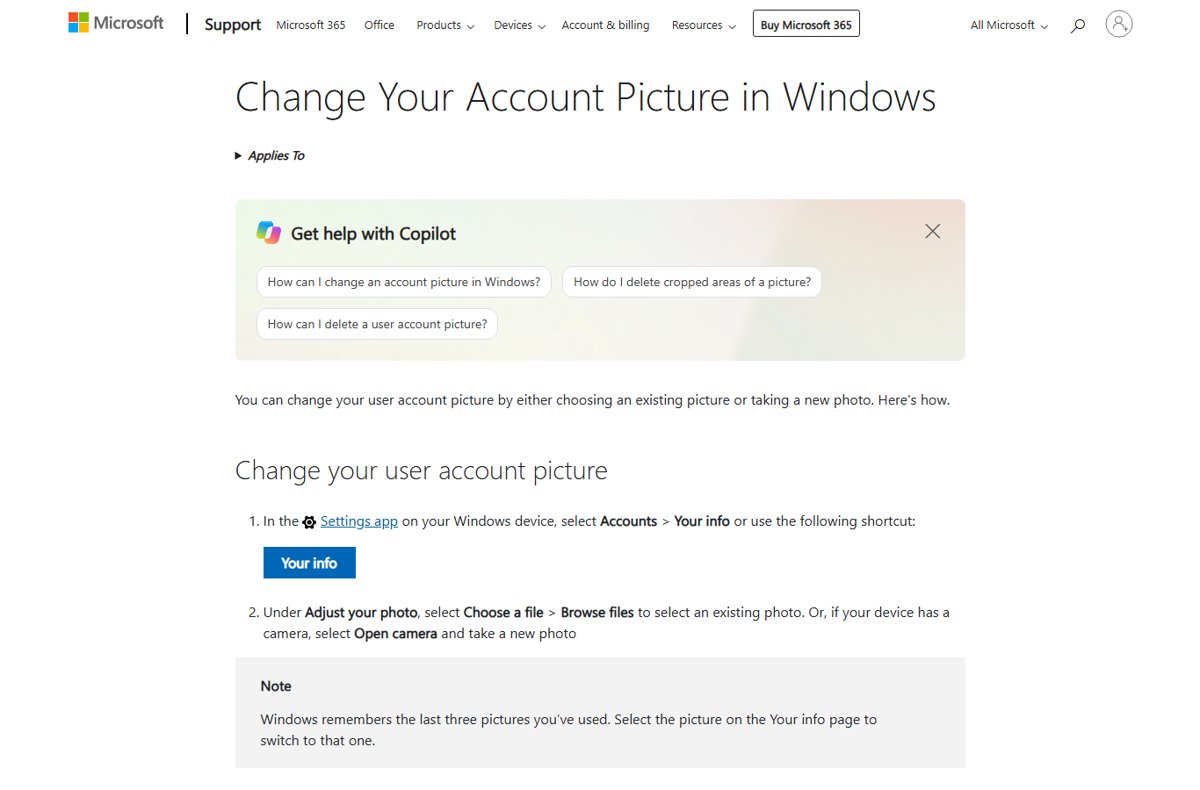
Change your user account picture in Windows 11 from Settings > Accounts > Your info. Use a photo or camera, remove old pictures, and set a default for all users.


Use HP Support Assistant to update drivers and firmware on HP PCs and printers: open it, check for updates, install, set automatic updates and fix install errors.
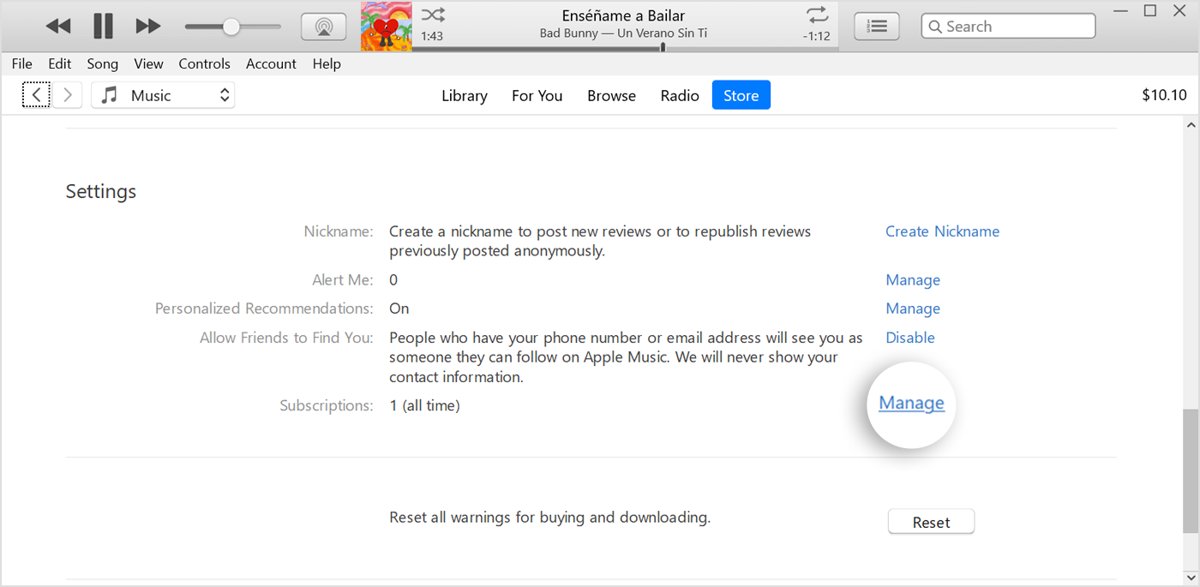
Unable to log into iTunes on Windows 11? Sign in from Account > Sign In, fix the PC clock, approve the verification code, reset your password and check apps.
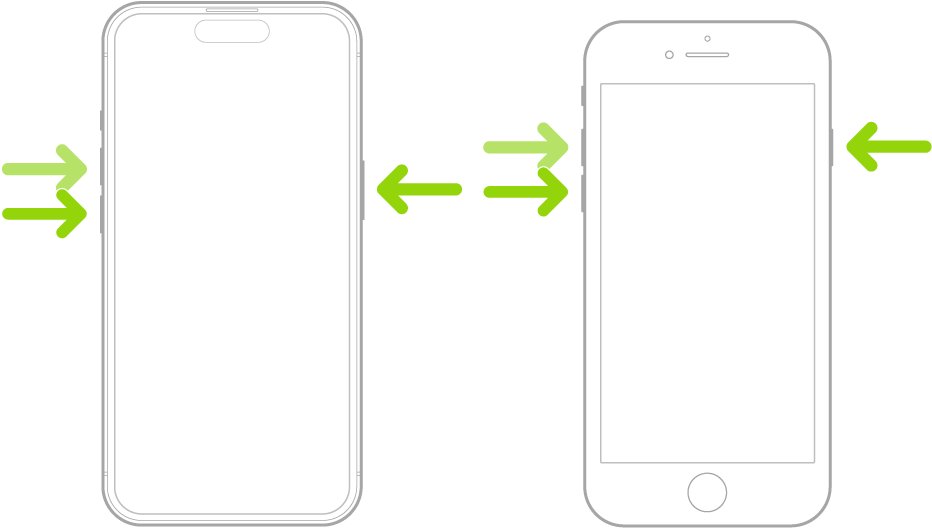
Fix an iPhone in a boot loop: force restart it, then use recovery mode on a Mac or PC to update iOS without erasing data, or restore it if the update fails.
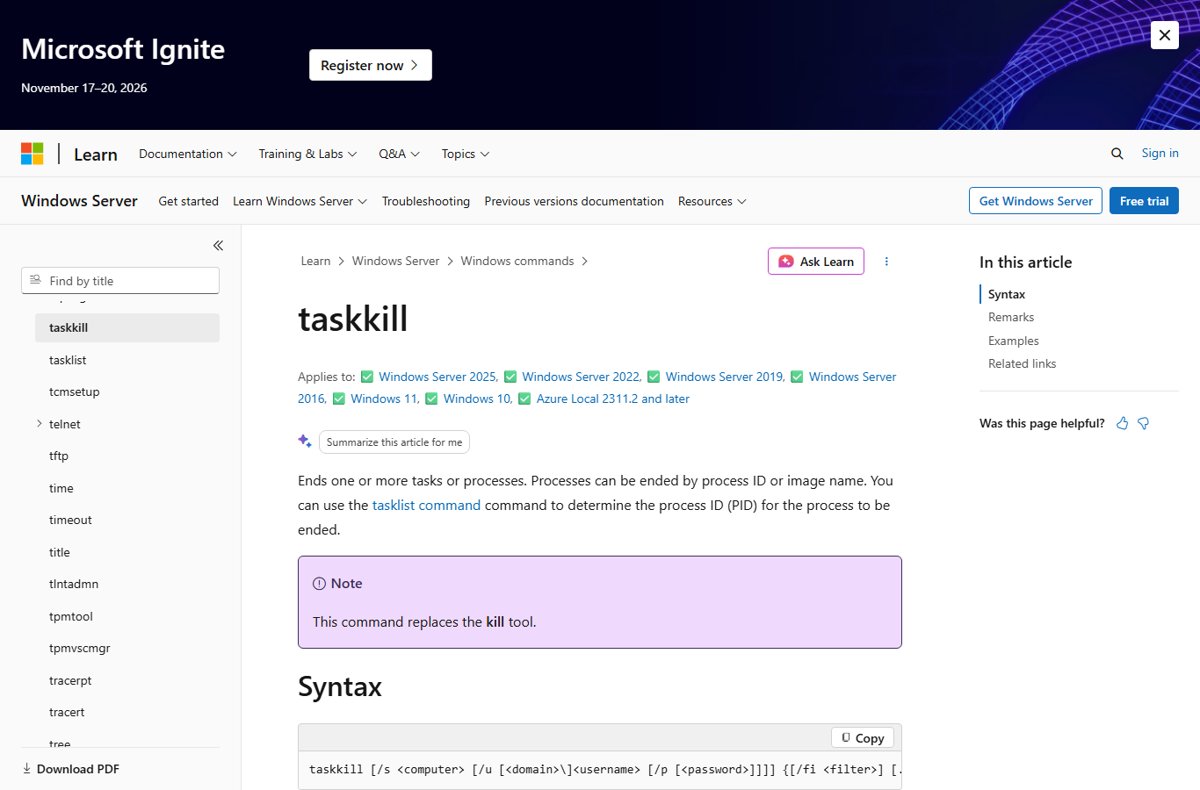
Force quit on Windows with Ctrl + Shift + Esc, then End task in Task Manager. Alt + F4, Ctrl + Alt + Del, the taskbar End task and taskkill for frozen apps.