Download Amazon Shopping App for PC, Mac, iPhone & Android (Free)
Amazon app download for PC and phone: install Amazon as a desktop app on Windows 11, 10 and Mac, or get the free Amazon Shopping app for iPhone and Android.
1,993 articles

Amazon app download for PC and phone: install Amazon as a desktop app on Windows 11, 10 and Mac, or get the free Amazon Shopping app for iPhone and Android.

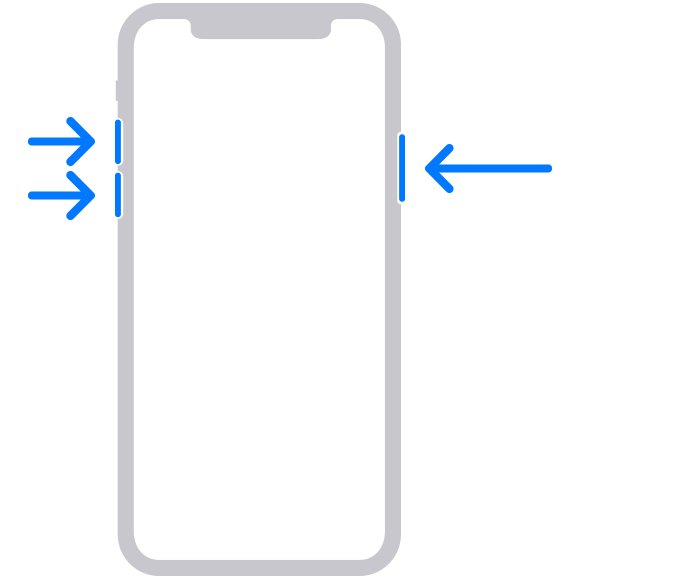
Force restart or hard reset any iPhone: the button sequence for iPhone 8 and later, iPhone 7 and iPhone 6s, plus how a factory reset differs and erases data.
Amazon Music download for Windows 11, 10 and Mac is free: get the 100.4 MB Microsoft Store app or Amazon’s own installer, then sign in with your account.
Adobe InDesign download for Windows 11, 10 and Mac: start the 7-day free trial from Adobe, install via Creative Cloud, and fix Error 195 and setup errors.
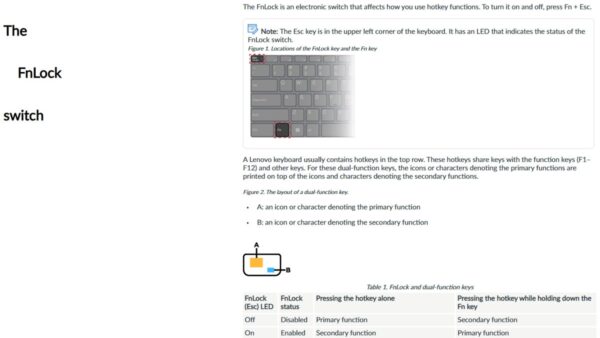
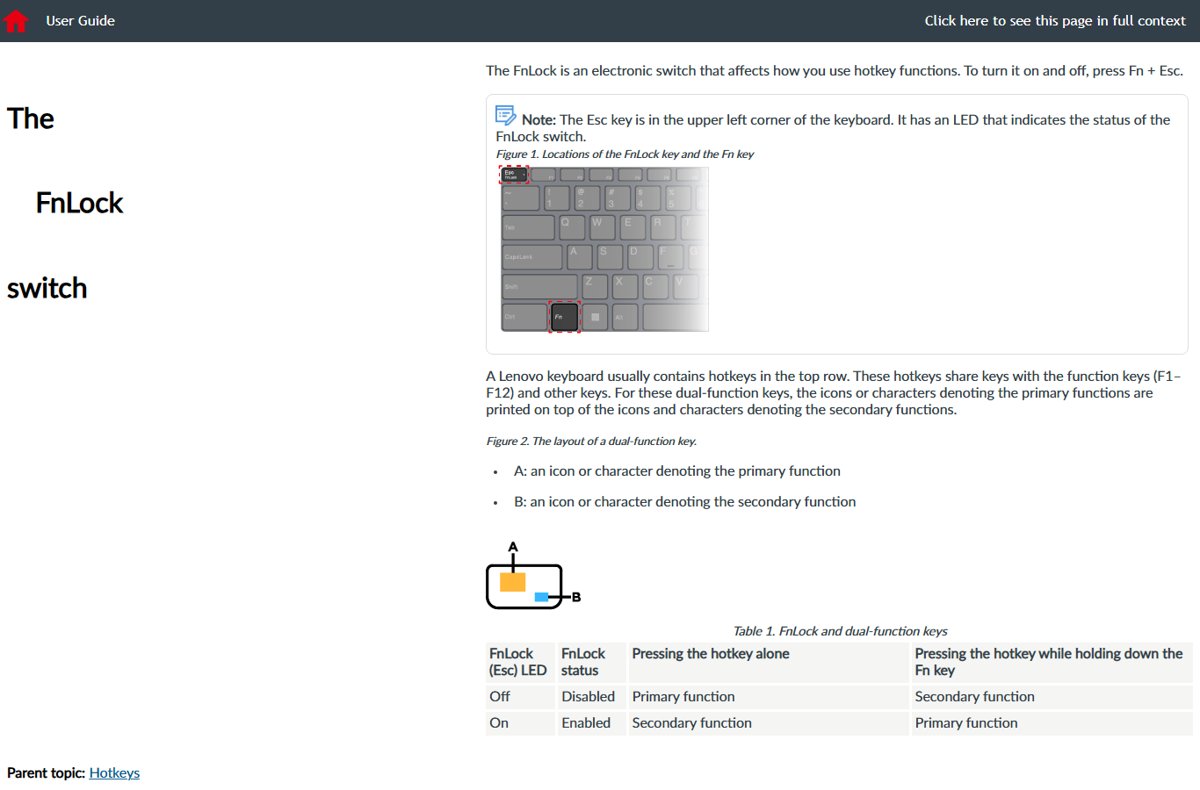
Turn off Fn Lock on Windows 11 by pressing Fn + Esc on most laptops. Brand steps for Dell, Lenovo, ASUS and Surface, BIOS settings and fixes when it stays on.
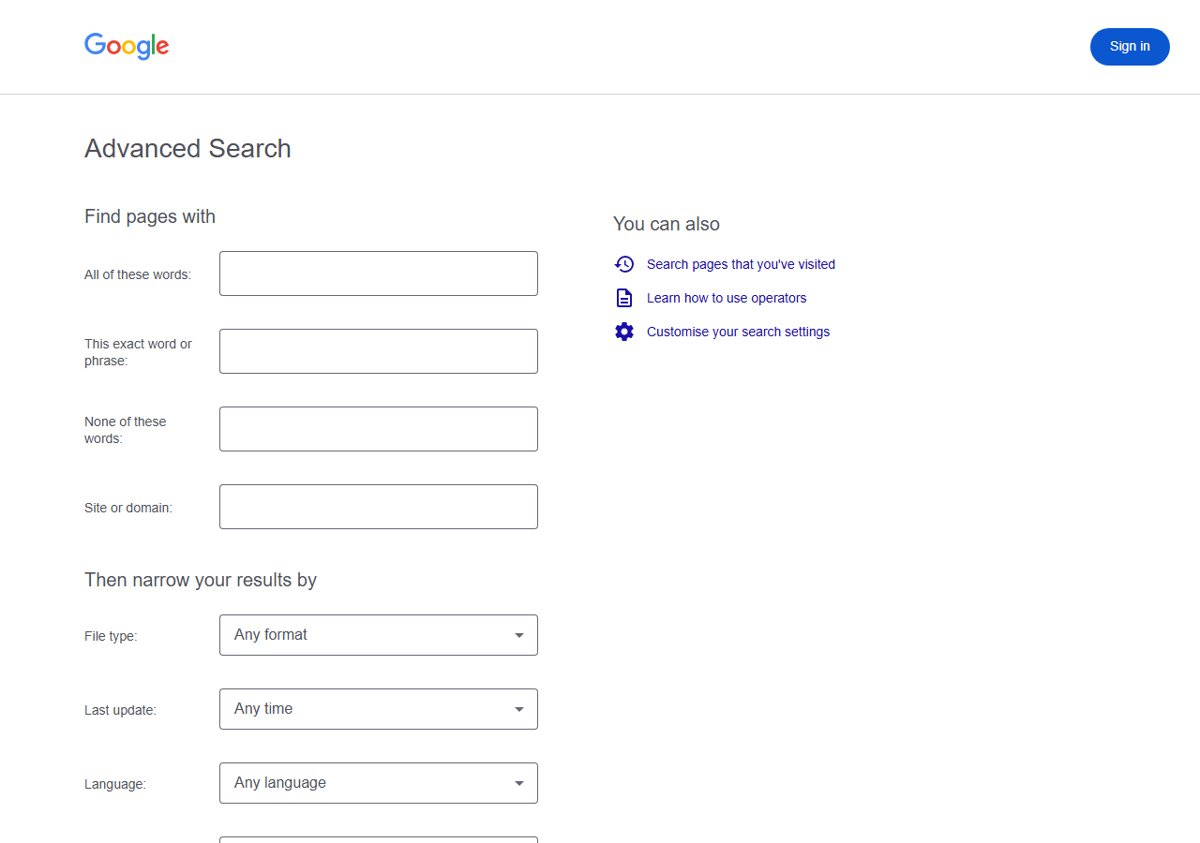
Perform an advanced search in Google with the Advanced Search page or operators like site:, filetype: and before:. Includes which operators Google has retired.
Adobe Audition download for Windows 11 and Mac: start the 7-day free trial from Adobe, install through Creative Cloud, and fix common setup errors.
Adobe Creative Cloud download for Windows 11, 10 and Mac: get the free desktop app from Adobe, install Photoshop and other apps, and fix setup errors.
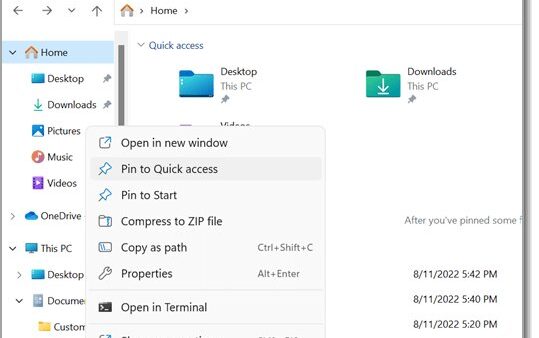
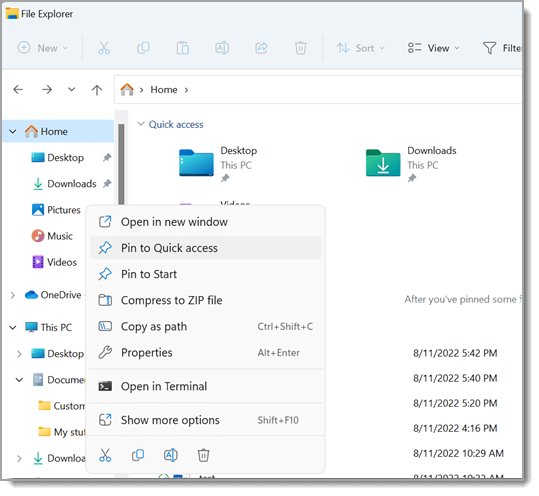
My Computer is called This PC in Windows 11 and 10. Open it from File Explorer, add the desktop icon, make Explorer start there, and fix it when it is missing.
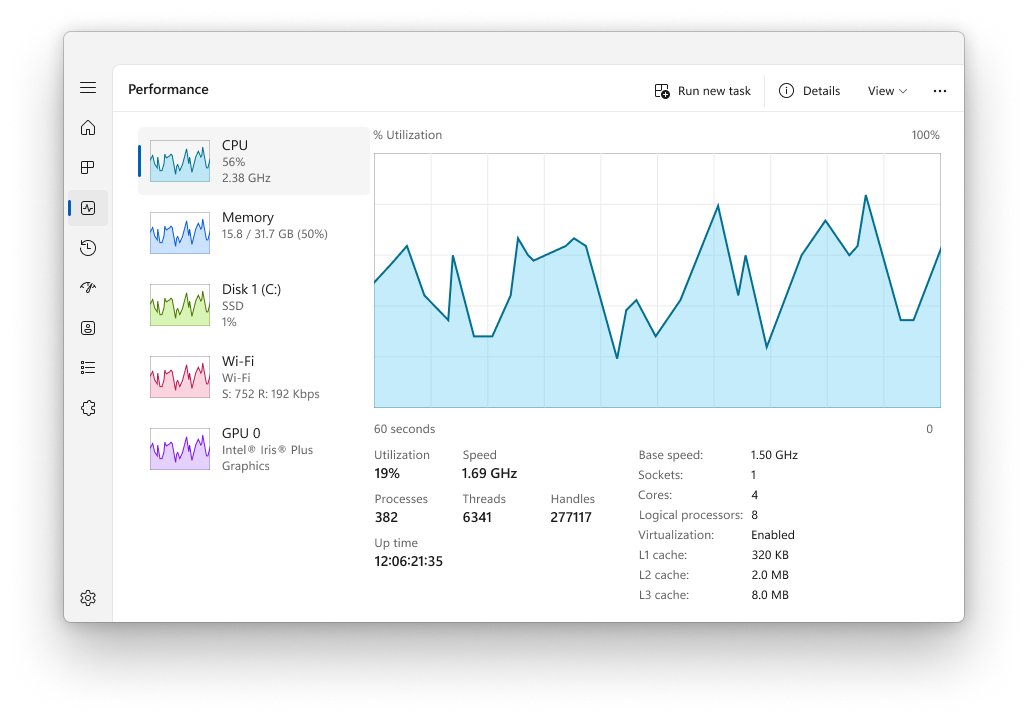
Open Task Manager with Ctrl + Shift + Esc on Windows 11 and 10. All 12 shortcuts in one table, plus how to run it as admin and fix it when it is disabled.
Adobe Acrobat Pro download for Windows 11, 10 and Mac: the official 7-day free trial, 1.6 GB offline installers, install steps, pricing and fixes.
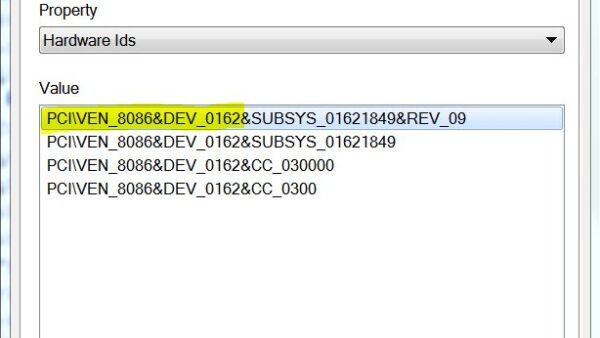
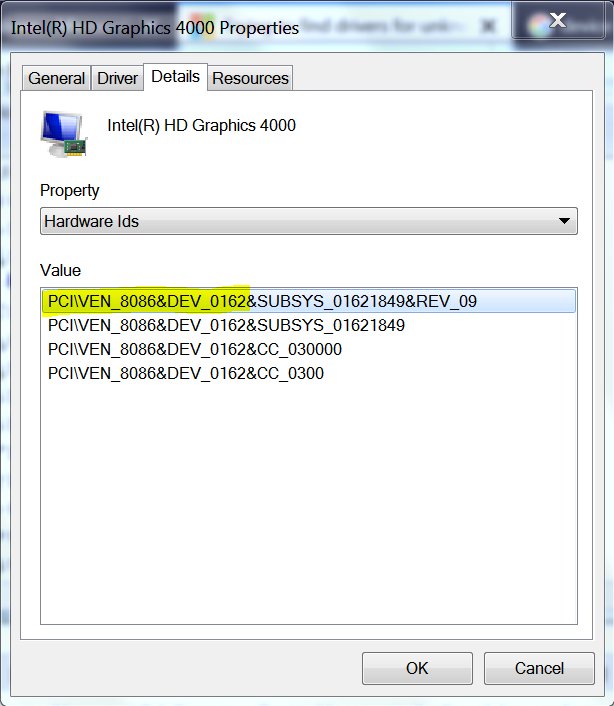
Find the HWID in Windows 11 in Device Manager: open the device’s Properties, then Details, then Hardware Ids. Plus pnputil, PowerShell, serial number and UUID.