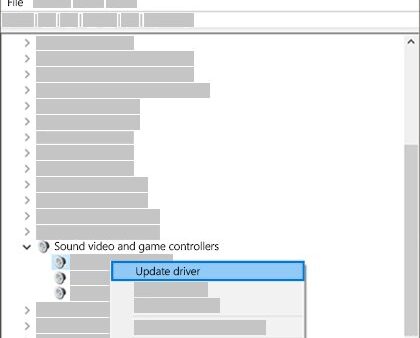
Download and Reinstall Realtek HD Audio Manager on Windows 11
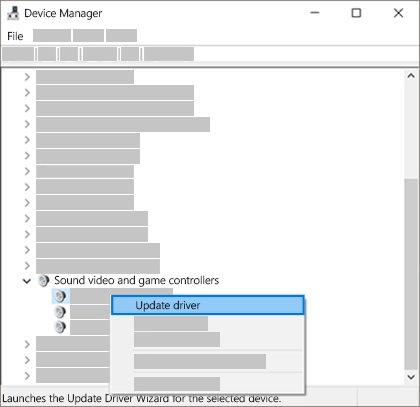
Reinstall Realtek HD Audio Manager on Windows 11: reinstall the audio driver from your PC maker or Device Manager, then get Realtek Audio Console from the Store.
2,037 articles

Reinstall Realtek HD Audio Manager on Windows 11: reinstall the audio driver from your PC maker or Device Manager, then get Realtek Audio Console from the Store.
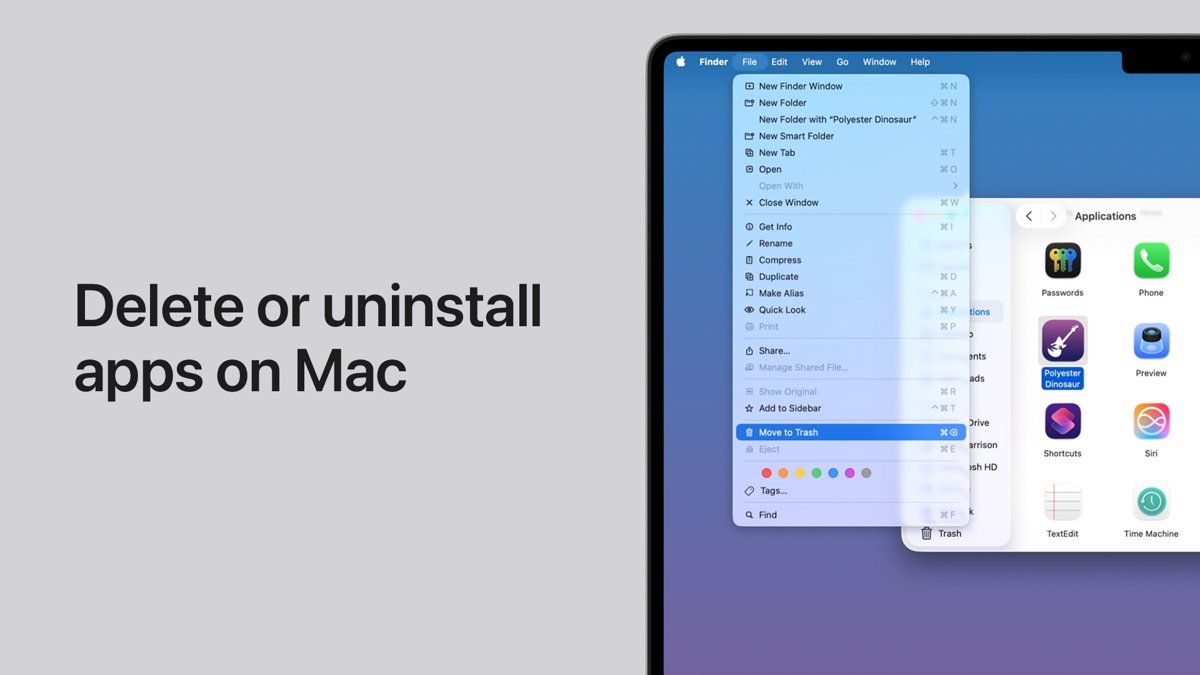
Uninstall Microsoft Edge in Windows only in the EEA. Elsewhere, change the default browser, unpin Edge, stop startup boost, or remove it from a Mac or phone.
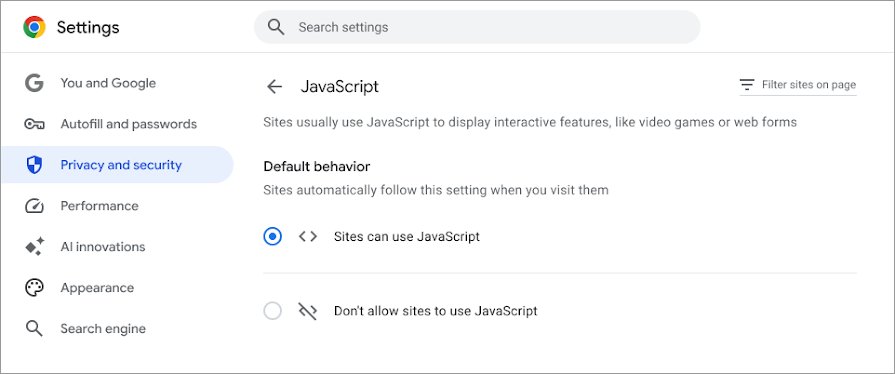
Fix javascript:void(0) in Chrome, Edge or Safari: allow JavaScript, hard reload, clear site data, test extensions, update the browser, plus fixes for site owners.
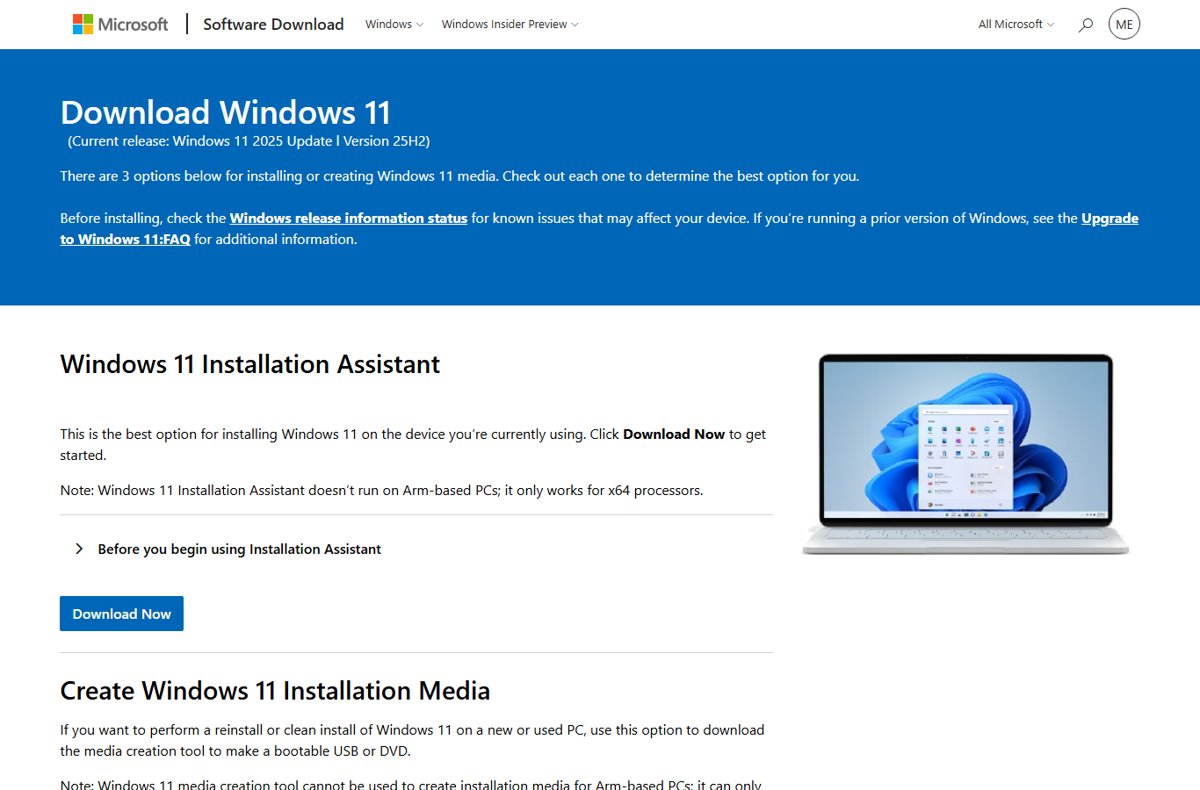
Run the setup wizard on Windows 11: open setup.exe from an ISO or USB, boot for a clean install, or use Reset this PC to see the first-run screens again.
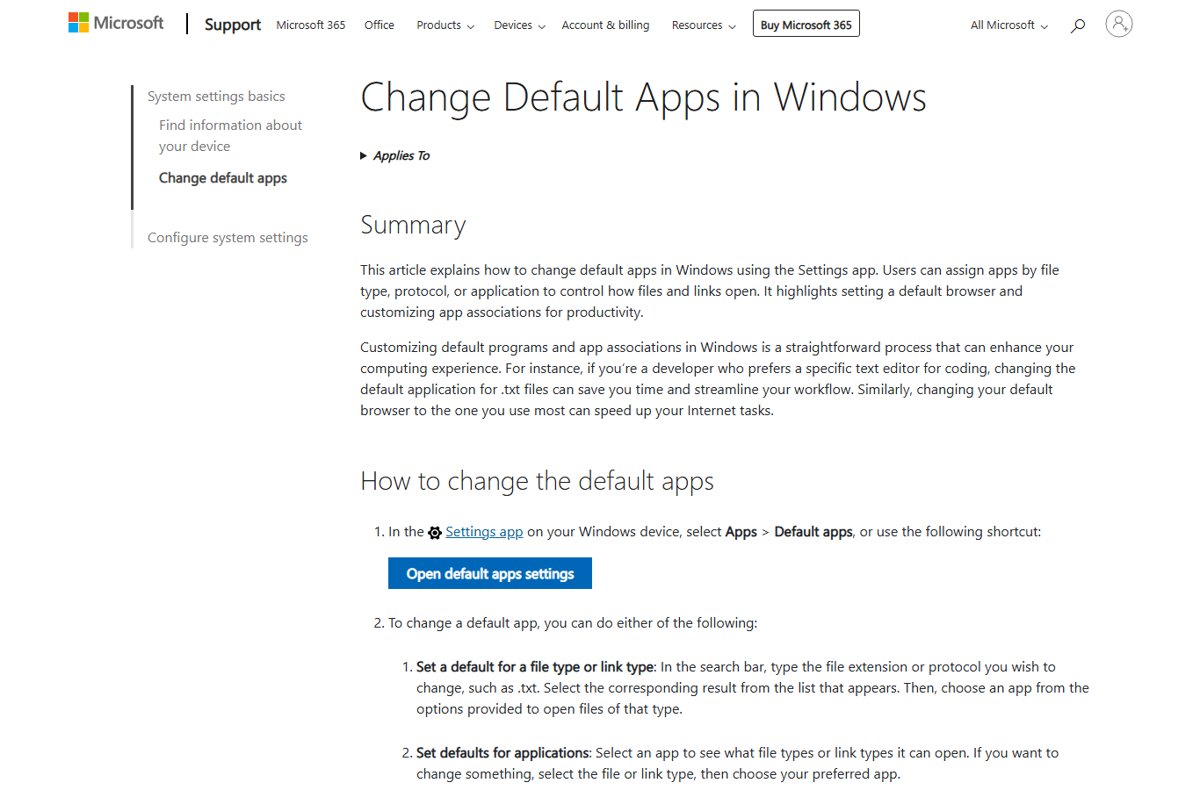
Restore Windows Photo Viewer in Windows 11/10 as the default image app with Open with or Default apps, check if your PC has it, and use Photos when it does not.
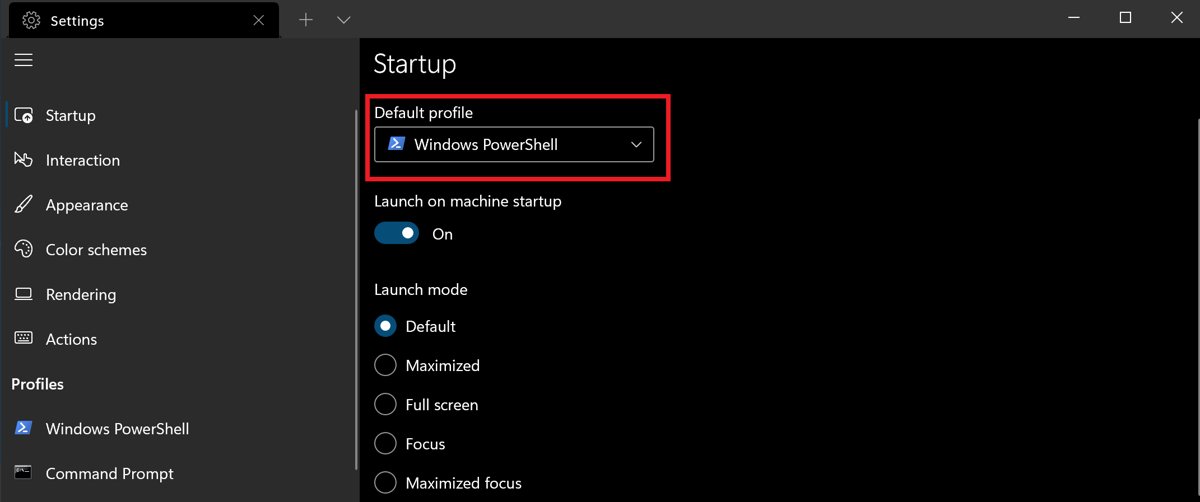
Use Windows Terminal in Windows 11/10: install it, open tabs and panes, pick profiles, run as admin, make it the default terminal and learn the key shortcuts.
YouTube Music download for PC and Mac: install the free desktop app from Chrome, Edge or Safari on Windows 11, Windows 10 and macOS, plus the phone apps.
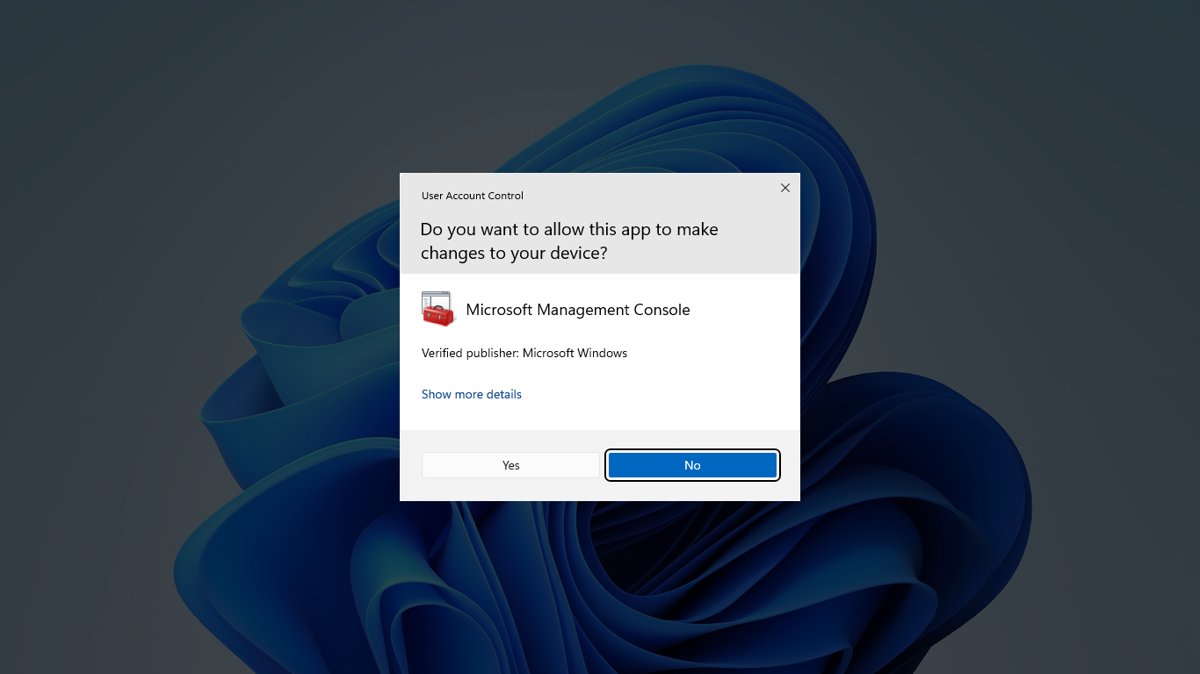
Enable or disable User Account Control (UAC) in Windows 11 and 10 with the Control Panel slider, registry, CMD, PowerShell or Group Policy, and why to keep it on.
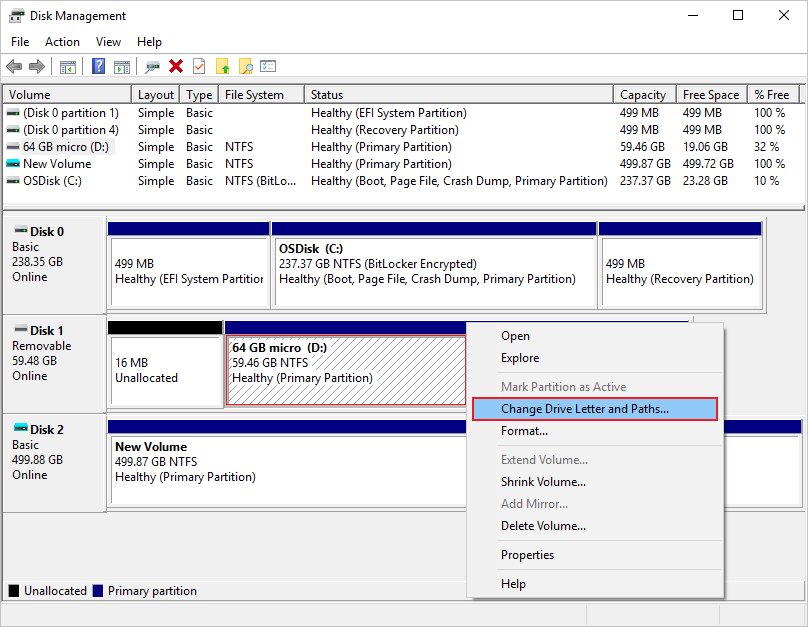
Unhide the D drive in Windows 11 by giving it back its letter in Disk Management, then clear DiskPart hidden flags, File Explorer options and drive-hiding policies.
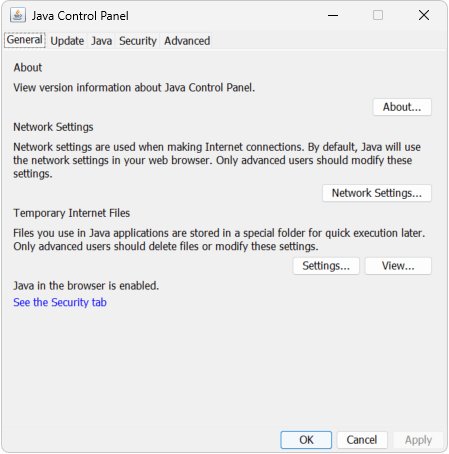
Manage Java settings in Windows 11/10: open the Java Control Panel, set updates, security level and exception sites, clear the cache, and set JAVA_HOME.
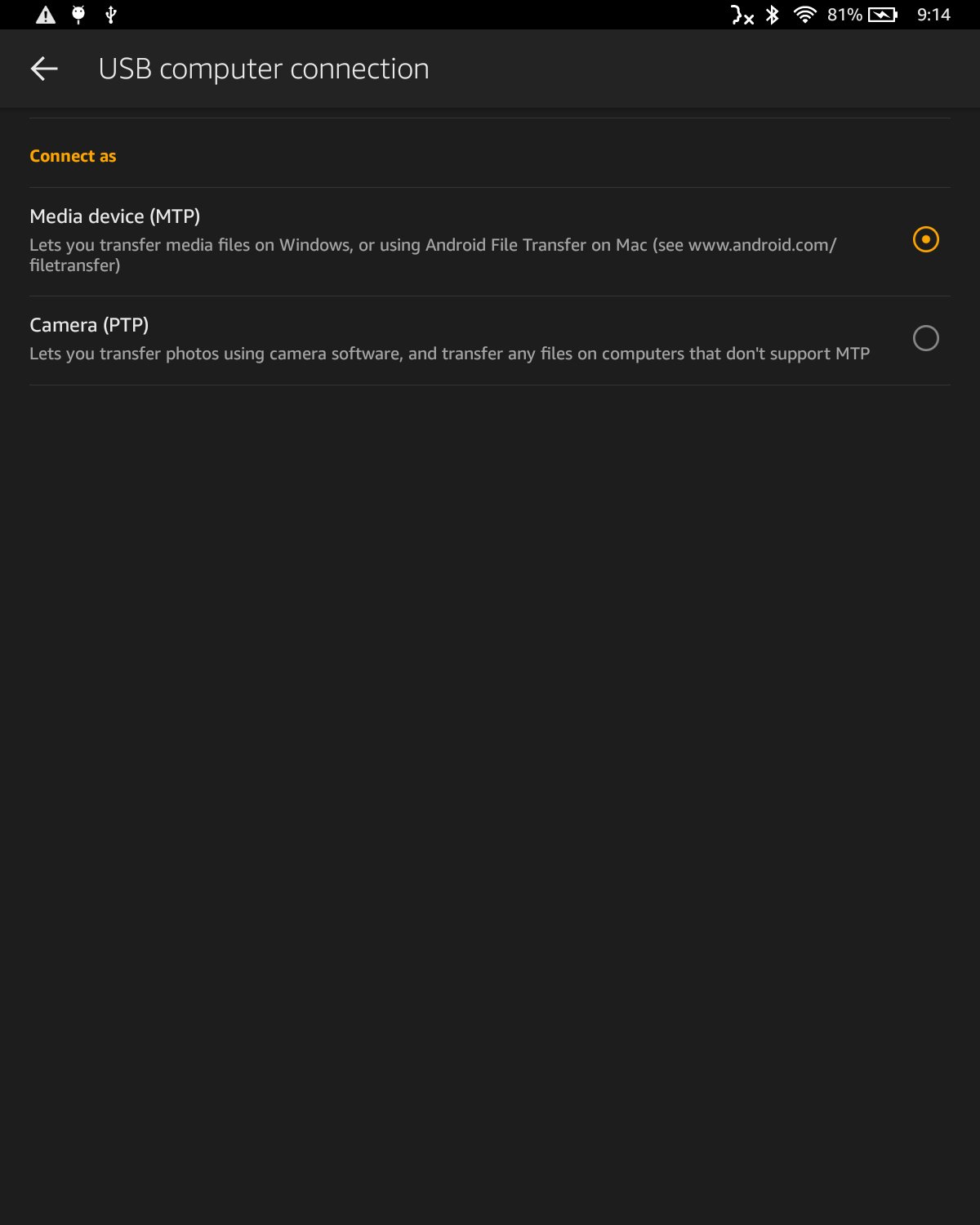
Install Android apps on your Kindle Fire from the Amazon Appstore, or sideload your own APK with ADB. Why Google Play and “any app” are not supported, and fixes.
WeChat download for PC and Mac: get the free Microsoft Store build for Windows 11 and 10, the Mac App Store app, winget commands and fixes for failed installs.