What Is the Windows Event Viewer, and How Can I Use It?
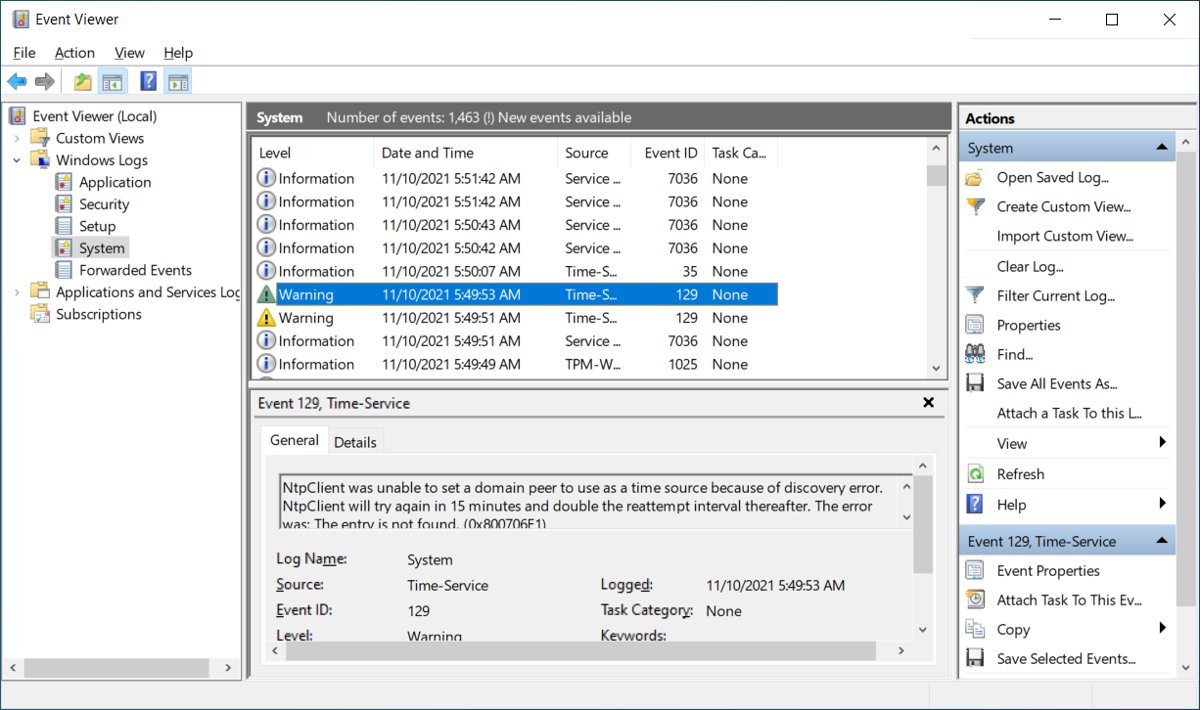
Windows Event Viewer is the built-in log of errors, warnings and restarts. Open it, filter logs, build custom views, read Event ID 41 and spot support scams.
2,043 articles

Windows Event Viewer is the built-in log of errors, warnings and restarts. Open it, filter logs, build custom views, read Event ID 41 and spot support scams.
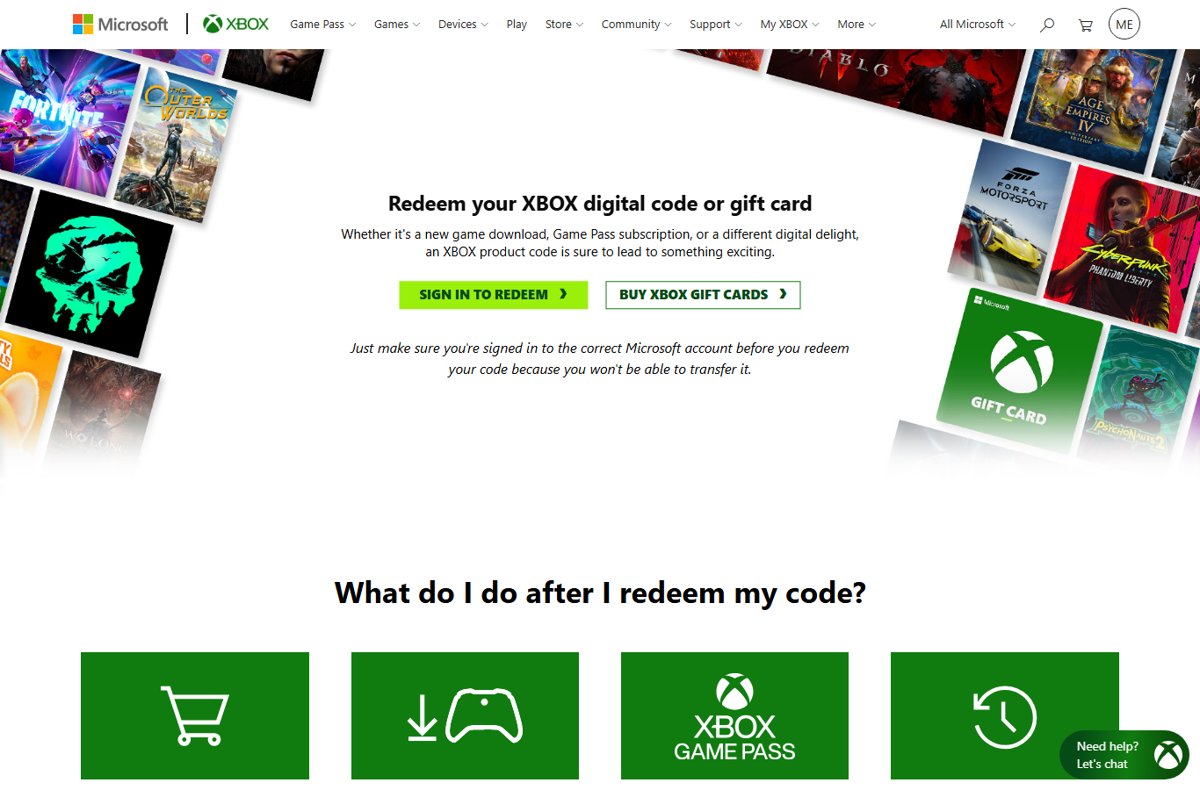
Redeem a Microsoft gift card on your Microsoft account at redeem.microsoft.com, on Xbox, or in the Microsoft Store app. Check your balance and fix code errors.
GOG GALAXY download for Windows 11, 10 and Mac: get the free app from gog.com, pick the right installer, install it, update it and fix setup errors.

Windows 11 dark mode is in Settings > Personalization > Colors. Turn it on, darken Edge, Chrome, Office and YouTube, or force it with contrast themes.
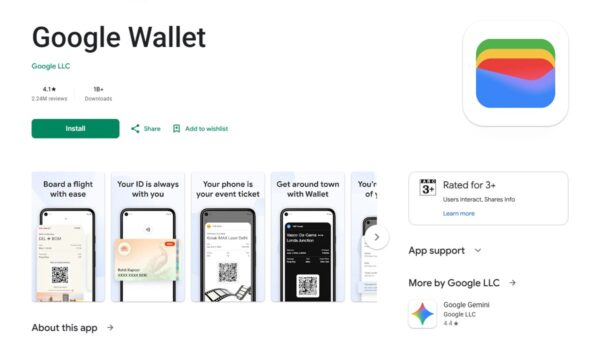
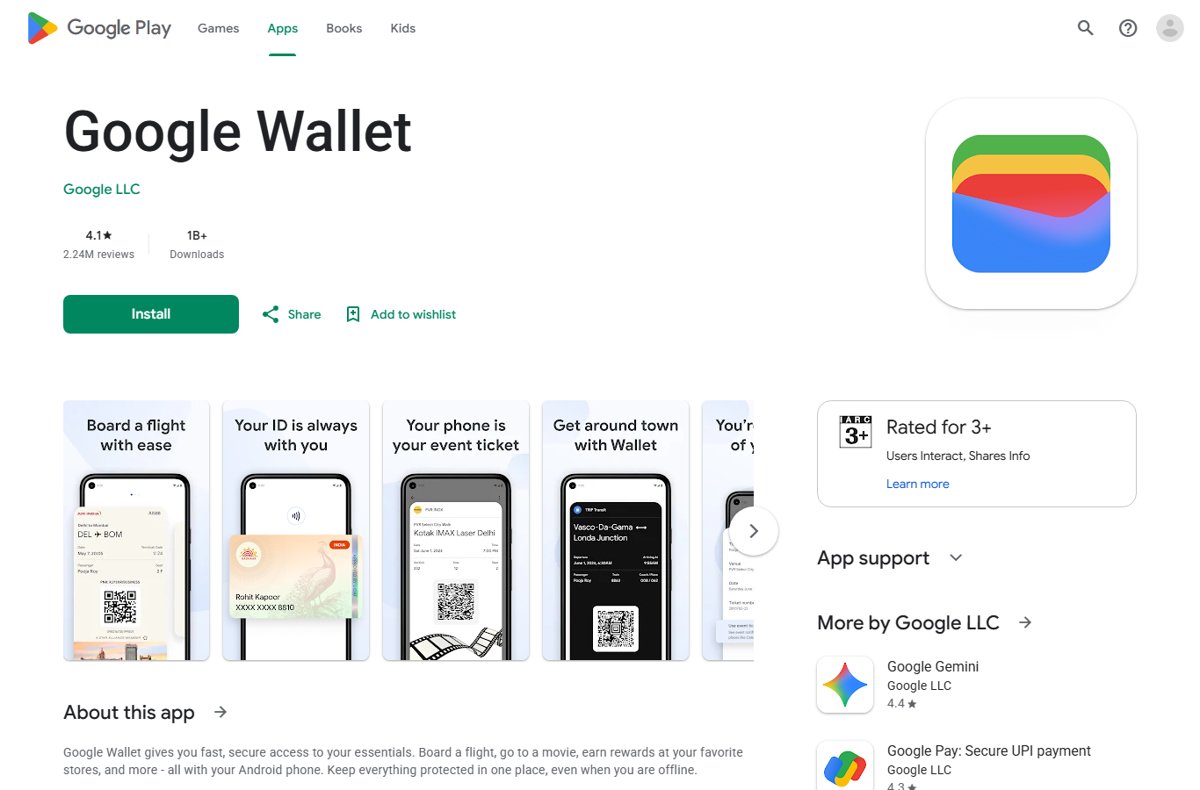
How to use Google Wallet: add a card, unlock your NFC Android phone and hold it near the reader until the blue check appears. Setup, passes, security and fixes.
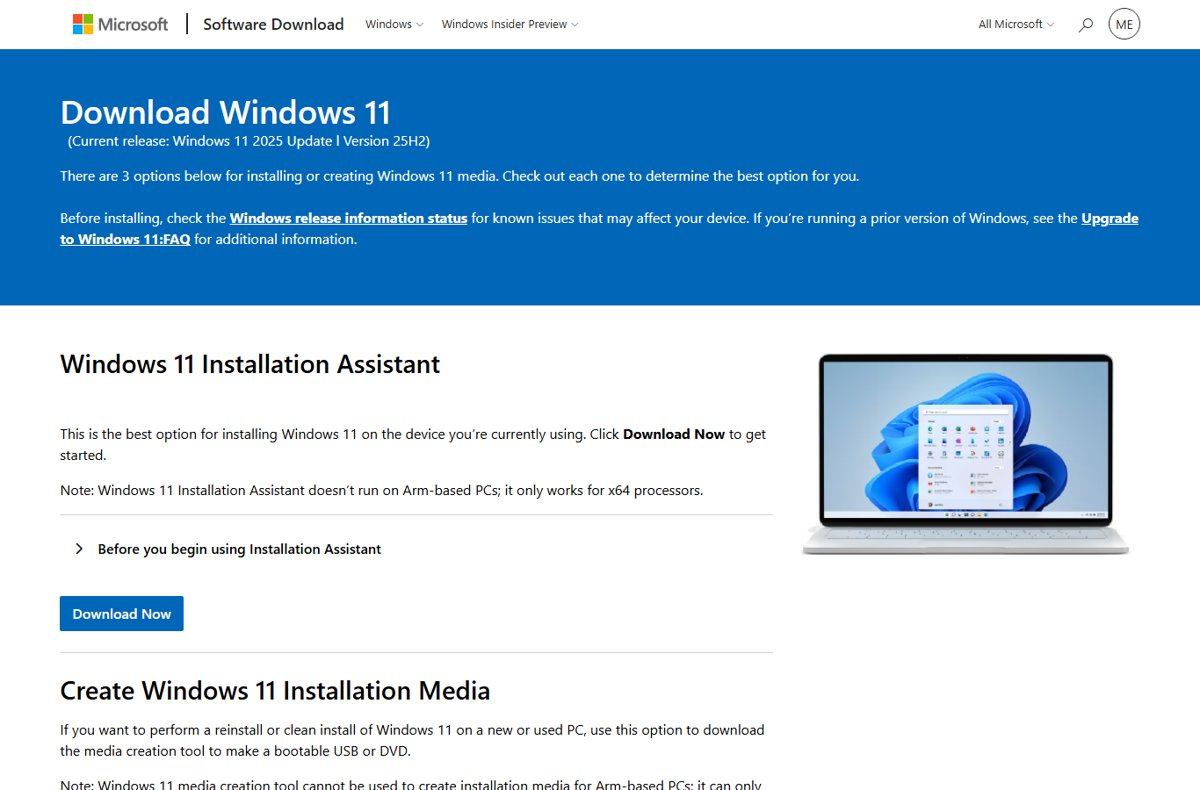
Use the Windows Update Assistant to install Windows 11 or the last Windows 10 release manually, check requirements, confirm it worked, and roll back if needed.
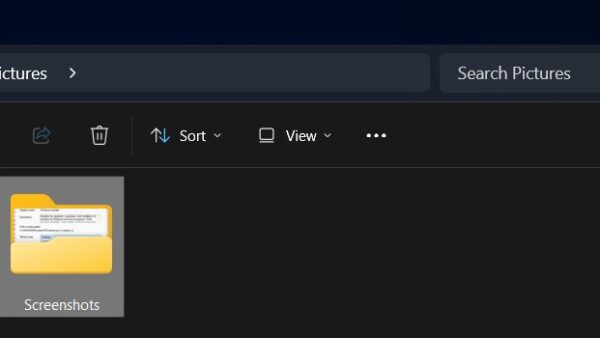
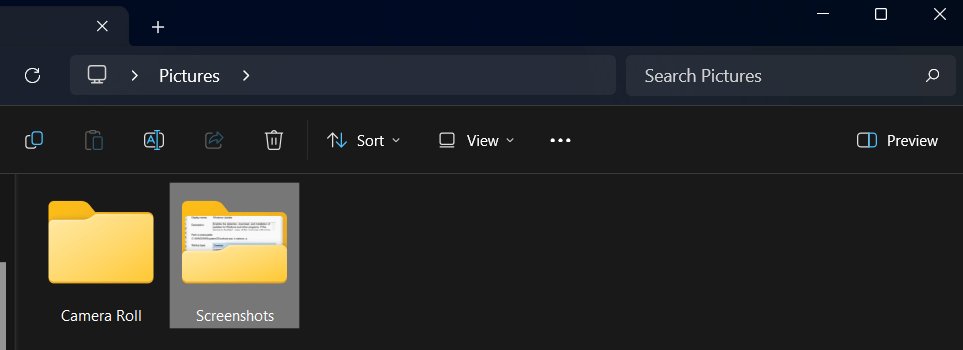
Your screenshot folder is at Pictures > Screenshots on Windows 11 and 10. See where PrtScn, Snipping Tool, Game Bar and OneDrive save captures, and how to move it.
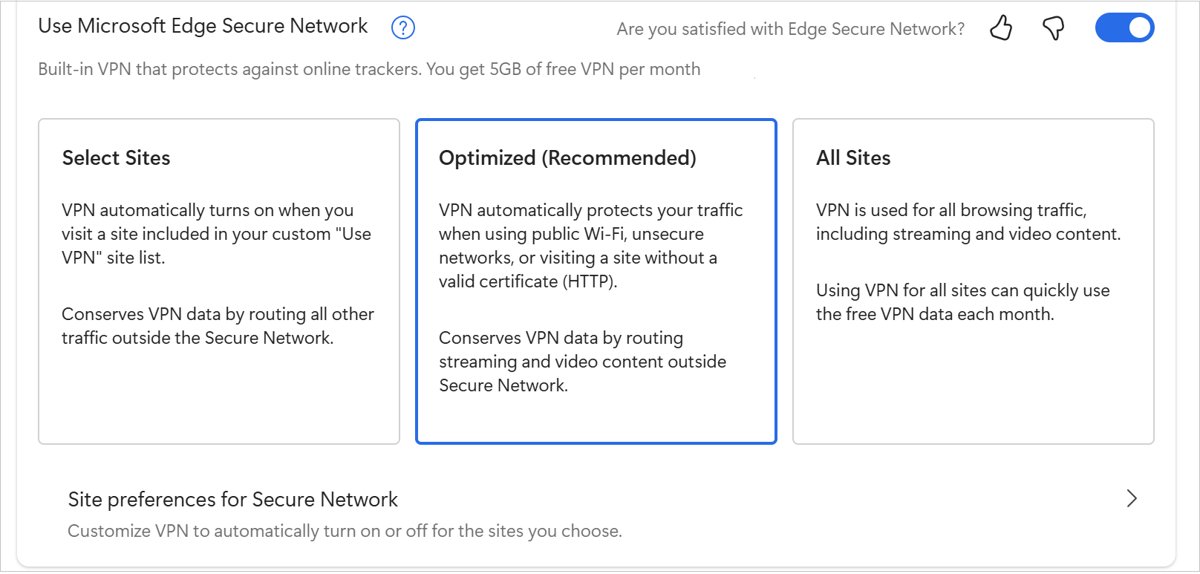
Use a VPN in Microsoft Edge with the built-in Edge Secure Network (5 GB free a month), a VPN extension or a Windows VPN connection, plus checks and fixes.
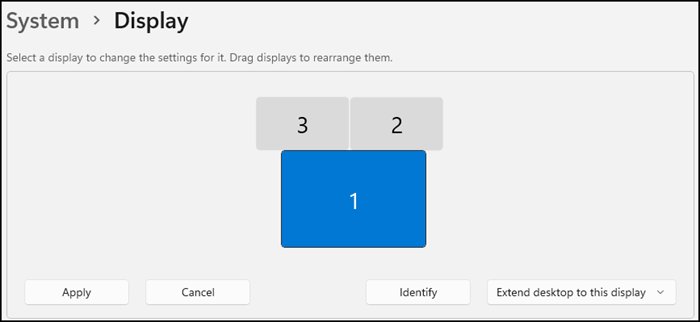
Enable Wireless Display in Windows 11: press Windows + K to cast to a Miracast TV, or add the optional feature to project to this PC. Setup, checks and fixes.
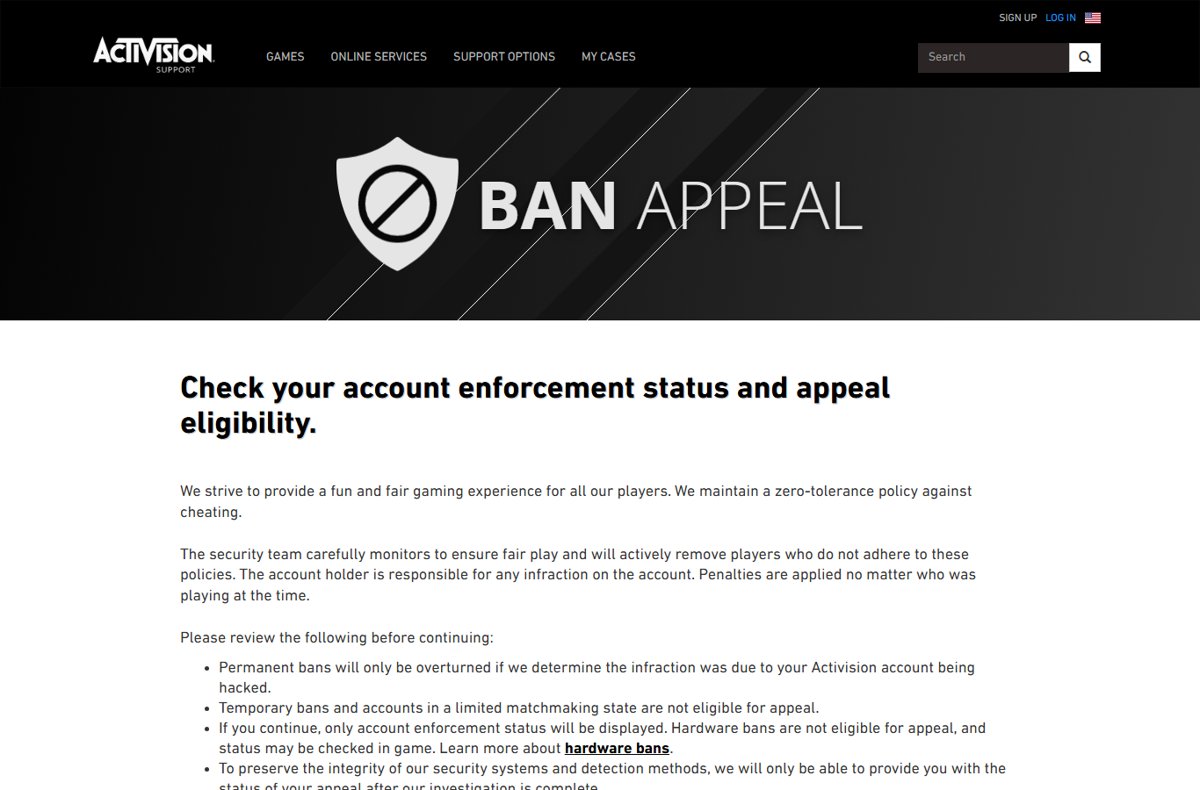
Submit an Activision ban appeal at support.activision.com/ban-appeal: sign in, check your enforcement status, and appeal a permanent ban if your account was hacked.
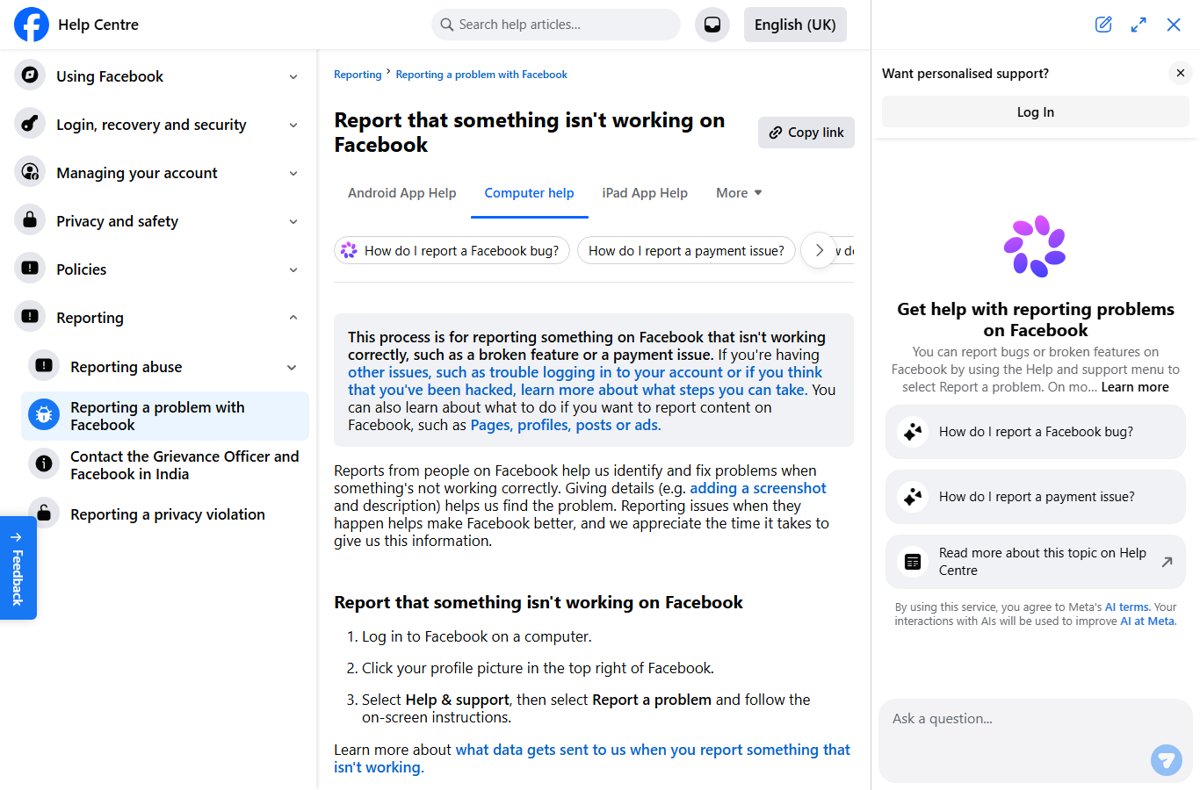
How to contact Facebook directly: there is no public phone line, so use Help & support, the hacked-account flow, Meta Verified or ads support; avoid fake numbers.
A 500 Internal Server Error means the site’s server hit a failure it could not name. See the top causes, what visitors can try, and how site owners fix it.