The Evernote download for Windows 11, Windows 10 and Mac is free from Evernote’s own download page, and the app also installs from the Microsoft Store and the Mac App Store. Download it, sign in, and your notes sync to the desktop in a few minutes.
The same account works on iPhone, iPad, Android and Evernote Web. The Free plan covers one device and 50 notes, and paid plans lift those limits.
This guide covers which installer to pick, the Store and winget installs, all-users setup, Free plan limits, updates, fixes for common errors and a clean uninstall.
Which Evernote download do you need?
Match your device to a row. Every route installs the same app and opens the same account.
| Your device | Where to get Evernote | Size |
|---|---|---|
| Windows 11 or 10 PC | Evernote for Windows installer | 379.3 MB |
| Windows PC, installing through the Store | Evernote on the Microsoft Store | Free, installs per user |
| Mac on macOS 11 or newer | Evernote for Mac disk image | 322.7 MB |
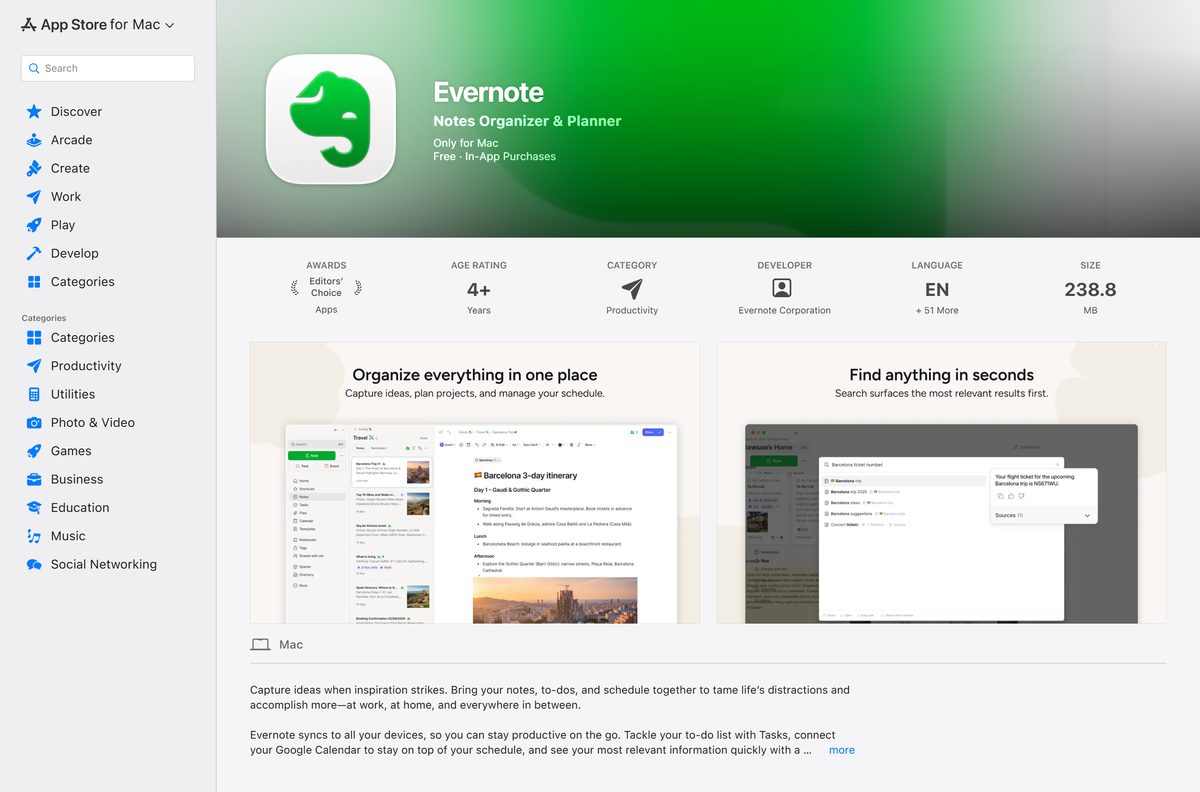
| Mac, installing through the App Store | Evernote on the Mac App Store | 227.8 MB |
| iPhone or iPad on iOS 15.1 or newer | Evernote: AI Notes & Notebook on the App Store | 328.9 MB |
| Android phone or tablet on Android 9 or newer | Evernote on Google Play | Free, in-app purchases |
Pick the direct installer if you want the newest build first. The store copies can trail it by a release.
Check the Evernote system requirements before you install
Evernote runs on Windows 10 and newer in 32-bit and 64-bit editions, and on macOS 11 and newer. Older systems can keep an installed copy but stop getting updates.
| Field | Value |
|---|---|
| Software | Evernote |
| Developer | Evernote Corporation (Bending Spoons) |
| Latest version | 11.35.6 (desktop and web) |
| Licence | Free plan, plus paid Starter, Advanced and team plans |
| File size | 379.3 MB (Windows), 322.7 MB (Mac) |
| Supported Windows | Windows 10 and newer, 32-bit and 64-bit |
| Supported macOS | macOS 11 and newer |
| Mobile | iOS 15.1 and newer, Android 9 and newer |
| Architecture | x86 and x64 in one Windows installer; ARM not officially supported |
| Installer type | Full nullsoft setup, per user or all users |
| Offline installer | Yes, the full setup file installs without a second download |
| winget ID | Evernote.Evernote |
| Official download source | evernote.com/download |
| Last verified | 2026-09-24 |
Evernote Web needs Chrome or Edge 108, Firefox 111, Opera 94 or Safari 16.4 or newer. It is built for desktop browsers, not phones.
Download Evernote from the official sources
Get Evernote from one of these links. The first two are served by Evernote directly, and the store listings carry Evernote Corporation as the publisher.
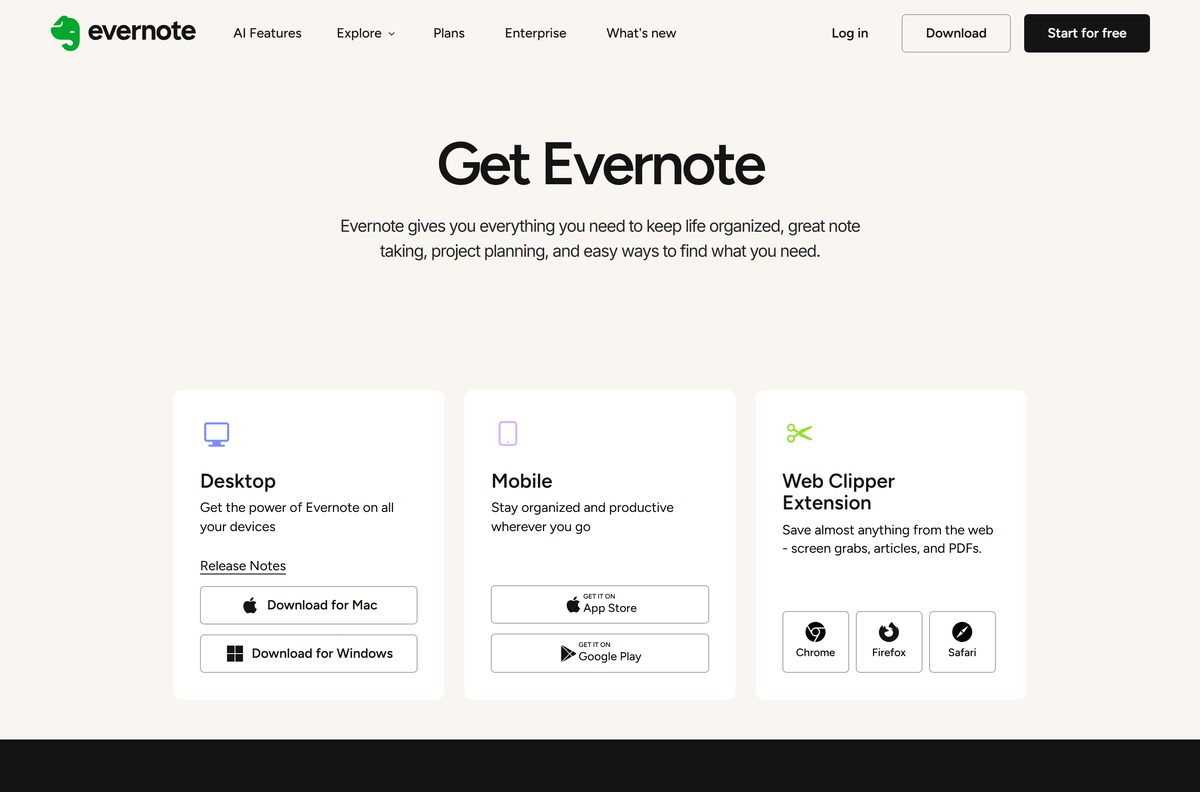
- Evernote download page — Windows, Mac, mobile and Web Clipper
- Evernote for Windows — 379.3 MB full installer
- Evernote for Mac — 322.7 MB disk image
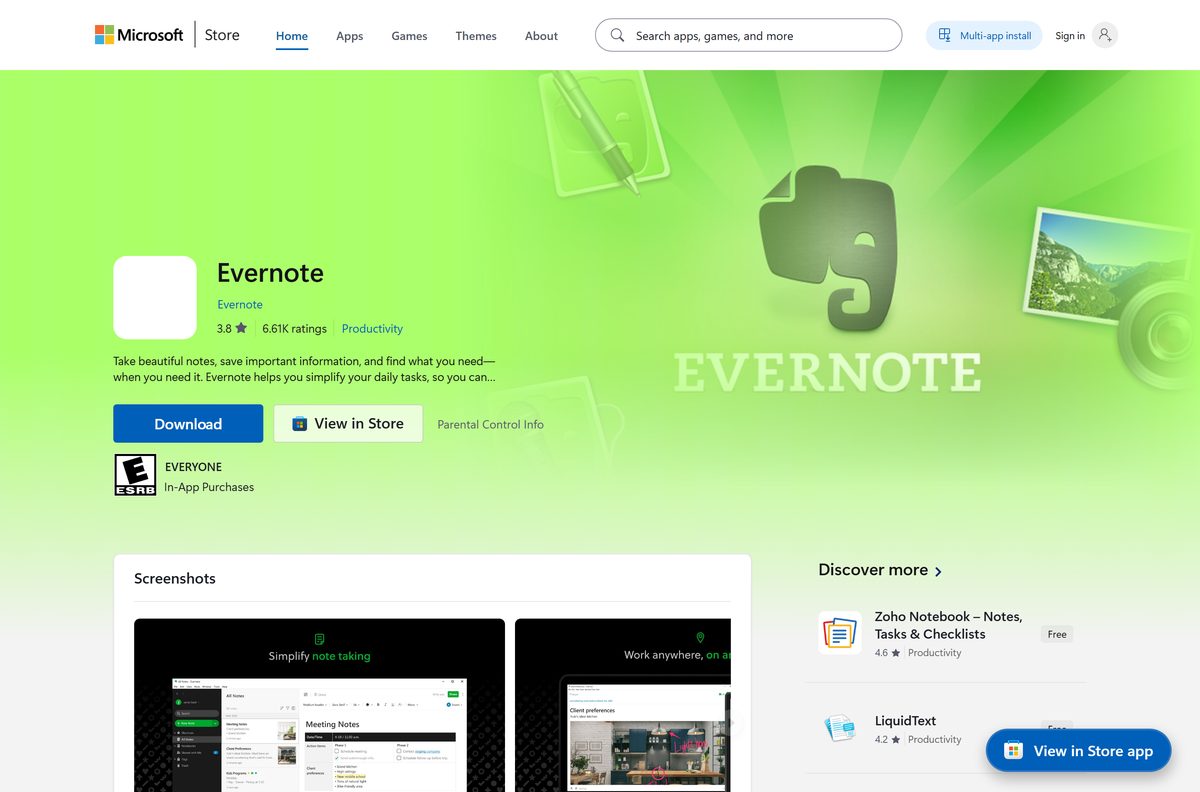
- Evernote on the Microsoft Store — product ID 9WZDNCRFJ3MB
- Evernote on the Mac App Store — macOS 11.0 or later
- Evernote release notes — changes in each desktop and web build
Skip download portals that rehost the setup file. Evernote’s own servers and the official stores serve the genuine app.
How to install Evernote on Windows 11 and 10
The installer is a full setup file, so the app installs without fetching anything else.
- Open the Evernote download page and click Download for Windows.
- Open your Downloads folder and double-click the Evernote setup file.
- Click Yes if User Account Control asks for permission.
- Wait for the setup window to finish copying files.
- Open Evernote from the Start menu if it does not launch on its own.
- Click Log in and enter your Evernote account email, or create a free account.
- Let the first sync finish before you start adding notes.
Right-click the Evernote icon on the taskbar and choose Pin to taskbar to keep it one click away.
Install Evernote from the Microsoft Store or with winget
The Store route suits PCs where downloads from websites are blocked. Winget suits scripted setups and installs the same file Evernote hosts.
- Open the Evernote listing on the Microsoft Store and confirm the publisher reads Evernote.
- Click Get, then Open once the install finishes.
- Or right-click Start and select Terminal.
- Run winget install –id Evernote.Evernote -e to install the direct-download build.
- Run winget install –id 9WZDNCRFJ3MB –source msstore instead if you want the Store copy.
- Type Y if winget asks you to accept the source agreements.
- Open Evernote from the Start menu and log in.
The Store copy updates through the Microsoft Store. The winget copy updates itself from inside the app, like the direct download.
Install Evernote for every user on a shared PC
Evernote ships no MSI. The same nullsoft setup file takes a switch that decides who gets the app.
| Goal | Setup switch | winget command | Admin rights | Source |
|---|---|---|---|---|
| Install for the signed-in account only | /currentuser |
winget install --id Evernote.Evernote -e --scope user |
Not needed | winget manifest |
| Install for every account on the PC | /allusers |
winget install --id Evernote.Evernote -e --scope machine |
Required | winget manifest |
| Upgrade an existing install | --updated |
winget upgrade --id Evernote.Evernote -e |
Matches the original scope | winget manifest |
Test the all-users install on one PC before a wider rollout. Each person still logs in with their own Evernote account.
Which Evernote download do you need for your Mac?
Both Mac routes need macOS 11 or newer and open the same account. They differ in how updates arrive.
| Your situation | Download | Size |
|---|---|---|
| You want the newest build as soon as it ships | Evernote-latest.dmg from Evernote | 322.7 MB |
| You prefer updates through the App Store | Evernote on the Mac App Store | 227.8 MB |
For the disk image, open it and drag the Evernote icon into your Applications folder. Then open Evernote and log in.
Evernote’s help centre states that the desktop app is not compiled specifically for ARM processors, so Apple silicon support is not official.
Is Evernote free to download and use?
The download costs nothing on every platform, and the Free plan needs no card. Its limits are tight enough that heavy note-takers hit them quickly.
Yes, start on the Free plan and upgrade only if you hit its limits. The Free plan allows up to 50 notes, 1 notebook, 1 connected device, 1 GB of uploads a month and a 1 GB maximum note size. Starter raises that to 1,000 notes, 20 notebooks and 3 devices. Advanced removes the note, notebook and device caps. Flexible and Enterprise cover teams. Upgrades happen in your account, not through a different download, and a site selling an Evernote installer or licence key is not Evernote.
Compare current prices on Evernote’s plans page, because prices shown there depend on your country.

How to check for Evernote updates and install them
Direct downloads update themselves, and that cannot be switched off. Store copies update through their store.
- Open Evernote on Windows or Mac.
- Select Help > Check for Updates from the menu bar.
- Install the update when Evernote offers it, then restart the app.
- For the Microsoft Store copy, open the Evernote listing in the Store and click Update.
- For the Mac App Store copy, open the Evernote listing in the App Store and click Update.
- Compare what you have with the Evernote release notes.
Once you move to a newer version, Evernote does not let you roll back to an older one.
Fix Evernote not installing or not working on Windows 11 or 10
Evernote says the version is no longer supported
An old build stops working until it is updated.
- Close Evernote.
- Download the current installer from evernote.com/download.
- Run it over the old copy and log in again.
Setup fails or the app will not open
A damaged install or a file locked by a running copy.
- Select File > Exit in Evernote to close it fully.
- Uninstall Evernote from the Start menu and restart the PC.
- Right-click the setup file and select Run as administrator.
- Open Evernote and log in.
You cannot log in on a second computer
The Free plan connects 1 device.
- Use Evernote Web in a desktop browser on the second computer.
- Or move to Starter, which syncs 3 devices.
Notes do not sync
A network problem, an outdated app or a stale session.
- Check your connection, or switch networks.
- Select Help > Check for Updates and install any update.
- Log out, restart the PC and log back in.
- Log in to Evernote Web to see whether the notes appear there.
How to uninstall Evernote
Synced notes stay in your account. Unsynced notes and local notebooks go with the app, so back them up first.
- Confirm your notes appear in Evernote Web before you remove anything.
- Select File > Exit in Evernote to close it.
- Open Start; on Windows 11 select All apps.
- Right-click Evernote and select Uninstall.
- Or run winget uninstall –id Evernote.Evernote -e in Terminal.
- On a Mac, press Command + Q, drag Evernote from Applications to the Trash, and empty the Trash.
- Restart the computer.
Reinstall from evernote.com and log in, and your synced notes download again.
Evernote alternatives: choose OneNote or Notion instead
Two free note apps install on the same Windows and Mac machines without a note cap on the free tier.
| App | Best for | Guide |
|---|---|---|
| Microsoft OneNote | Free notebooks synced through OneDrive | Download Microsoft OneNote |
| Notion | Notes, docs and databases in one workspace | Download Notion |
| Evernote | Web clipping, document search and tasks in one app | evernote.com/download |
Stay with Evernote if you rely on the Web Clipper and search inside scanned documents. Pick OneNote if you want free notebooks with no note limit.
Frequently asked questions
Is Evernote free to download?
Yes. Evernote costs nothing to download on Windows, Mac, iPhone, iPad and Android. The Free plan allows 50 notes, 1 notebook and 1 connected device, and the paid Starter and Advanced plans raise or remove those limits.
Where is the official Evernote download for Windows?
The official Evernote download for Windows is on evernote.com/download, under Download for Windows. The Microsoft Store listing published by Evernote and the Evernote.Evernote winget package are the other official routes.
Does Evernote work on Windows 11?
Yes. Evernote supports Windows 10 and newer, which includes Windows 11, in both 32-bit and 64-bit editions. Install it from evernote.com, the Microsoft Store or winget.
How big is the Evernote download?
The Evernote installer for Windows is 379.3 MB, and the Mac disk image is 322.7 MB. The Mac App Store copy is 227.8 MB, and the iPhone and iPad app is 328.9 MB.
Is there an Evernote offline installer?
Yes. The Windows setup from evernote.com is a full installer, not a small web stub. Copy the file to a PC without internet access and run it there; you still need a connection to log in and sync.
Is Evernote available for Mac?
Yes. Evernote for Mac needs macOS 11 or newer. Download the disk image from evernote.com/download, or install Evernote from the Mac App Store, where it is free.
Does Evernote run on ARM64 PCs or Apple silicon Macs?
Evernote does not officially support ARM processors, because the desktop app is not compiled specifically for ARM. The Windows installer covers x86 and x64 PCs, and the app may still run on ARM machines without official support.
Is Evernote safe to download?
Yes, when you get it from evernote.com, the Microsoft Store, the Mac App Store, the App Store or Google Play. Avoid download portals that rehost the setup file, and never pay a third party for an Evernote installer.
What is the latest version of Evernote?
The latest Evernote desktop and web version is 11.35.6, listed on Evernote’s release notes page. Store copies can trail the direct download by a release until the store catches up.
Why won’t Evernote install on my PC?
Evernote usually fails to install when an older copy is still running or the PC runs a Windows version older than Windows 10. Exit Evernote with File > Exit, run the setup file as administrator, and restart the PC if it still fails.
How many devices can I use with Evernote Free?
The Evernote Free plan connects 1 device. Starter syncs up to 3 devices, and Advanced has no device limit. Evernote Web in a desktop browser is another way to reach your notes on a second computer.
How do I update Evernote on Windows?
Open Evernote and select Help > Check for Updates from the menu bar. Copies installed from evernote.com also update automatically, and the Microsoft Store copy updates from its Store listing.