How To Make Google Your Homepage in Any Browser
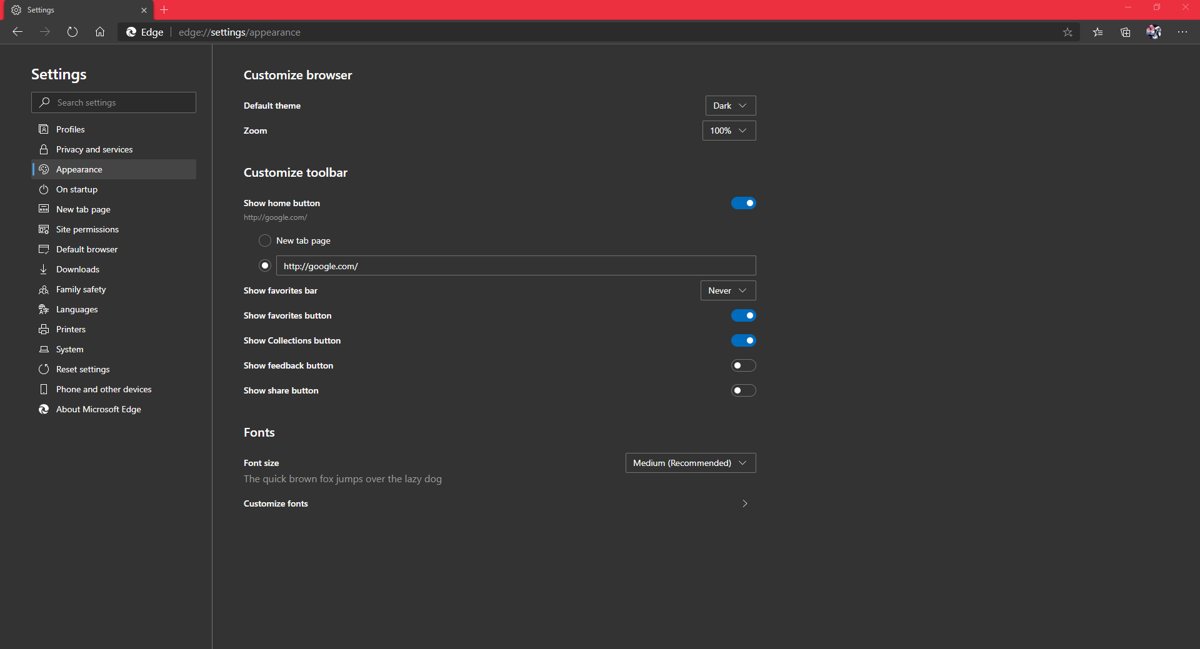
Make Google your homepage in Chrome, Edge, Firefox and Safari: the exact settings, how to open Google at startup, set it as your search engine and fix resets.
2,019 articles

Make Google your homepage in Chrome, Edge, Firefox and Safari: the exact settings, how to open Google at startup, set it as your search engine and fix resets.
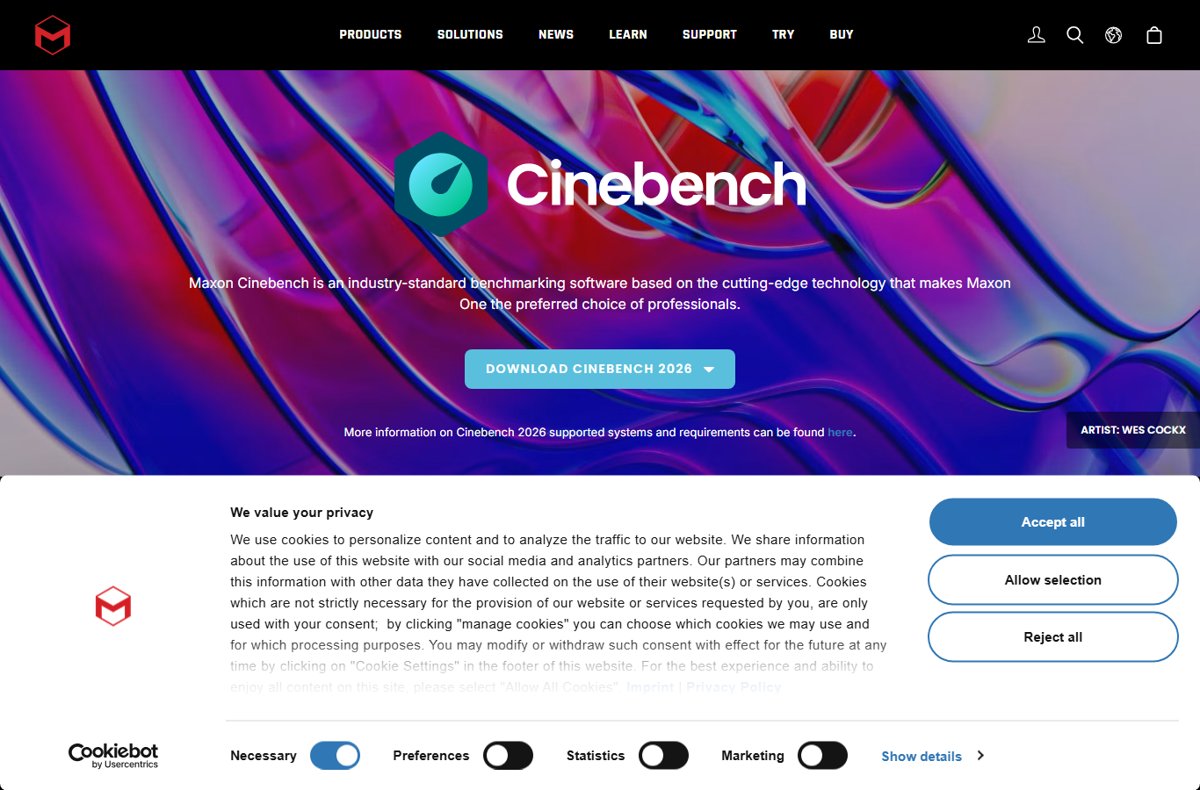
Download Cinebench R23 for Windows and Mac from Maxon’s own downloads page, install it, run single-core and multi-core tests, and see how R23 differs from 2026.
SQL Server Management Studio download for Windows 11 and 10: get the free SSMS 22 installer from Microsoft, plus offline setup, Arm64 support and install fixes.
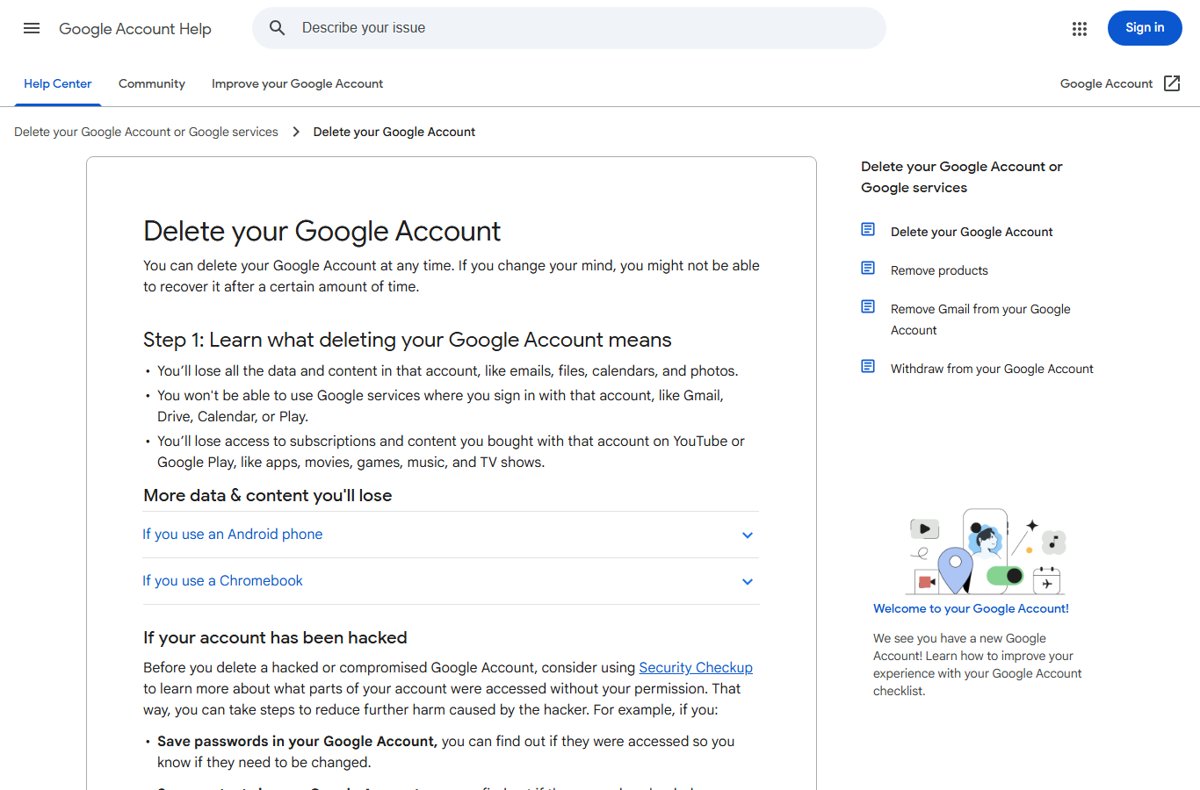
Delete your Google Account permanently from Data & privacy > More options. Back up with Takeout first, delete Gmail only, and recover a deleted account.
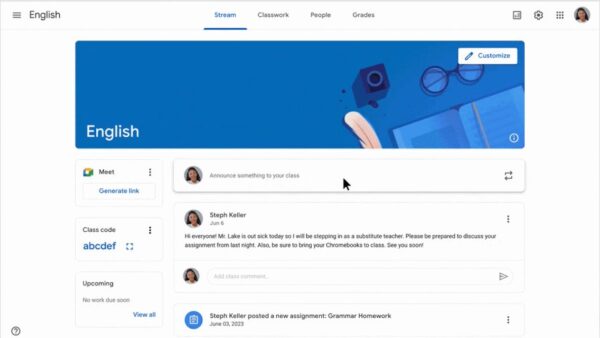
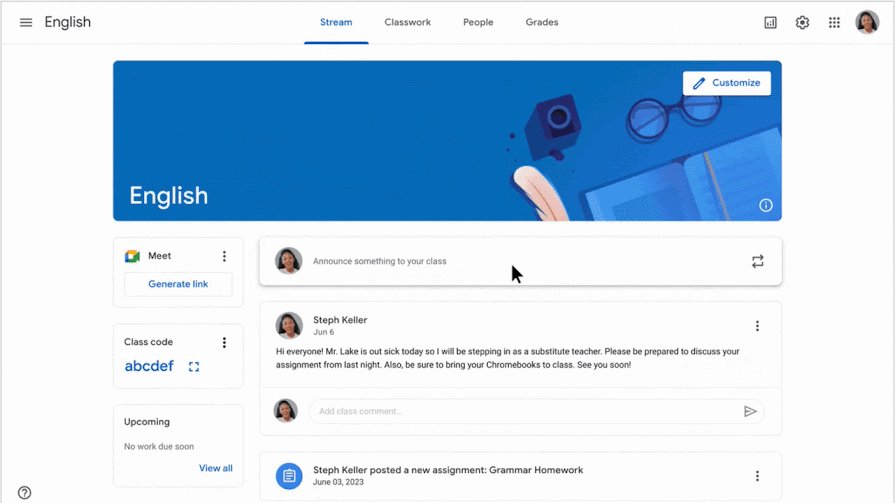
How to use Google Classroom: sign in at classroom.google.com, create or join a class with a code, post assignments, turn in work, grade it and fix common problems.
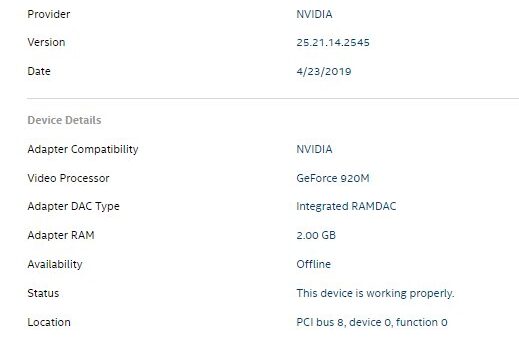
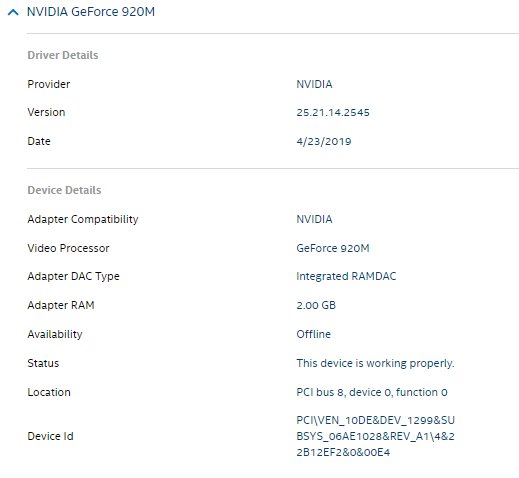
Keep Dell drivers updated on Windows 11 and 10 with SupportAssist, Drivers & Downloads by Service Tag, Dell Command | Update and Windows optional updates.
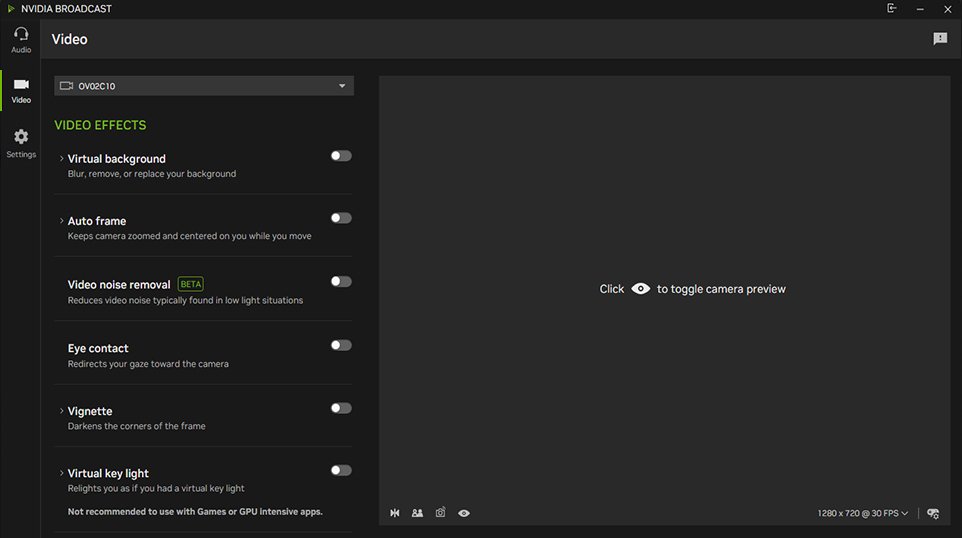
Install NVIDIA Broadcast on Windows 11 from nvidia.com, pick your real mic and webcam, turn on noise removal or virtual background, then select it in Zoom or OBS.
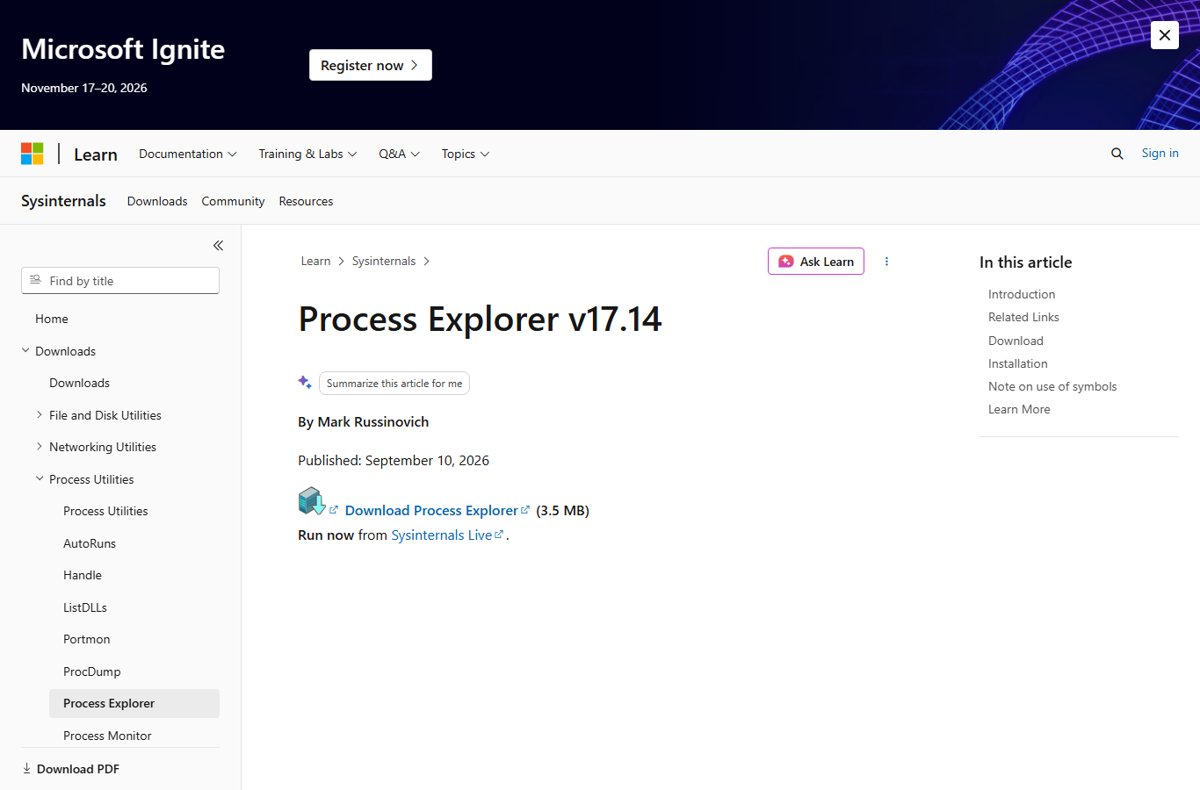
Open Process Explorer on Windows 11 from Sysinternals Live, the Microsoft download or the Store, run it as admin, replace Task Manager and read its main views.
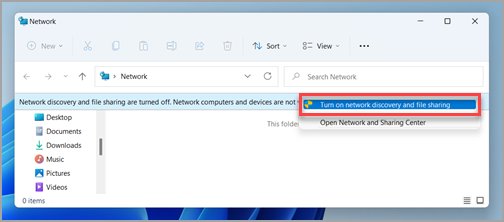
Turn on Network and Sharing Center in Windows 11 with Win + R and control.exe /name Microsoft.NetworkAndSharingCenter, then enable network discovery and sharing.
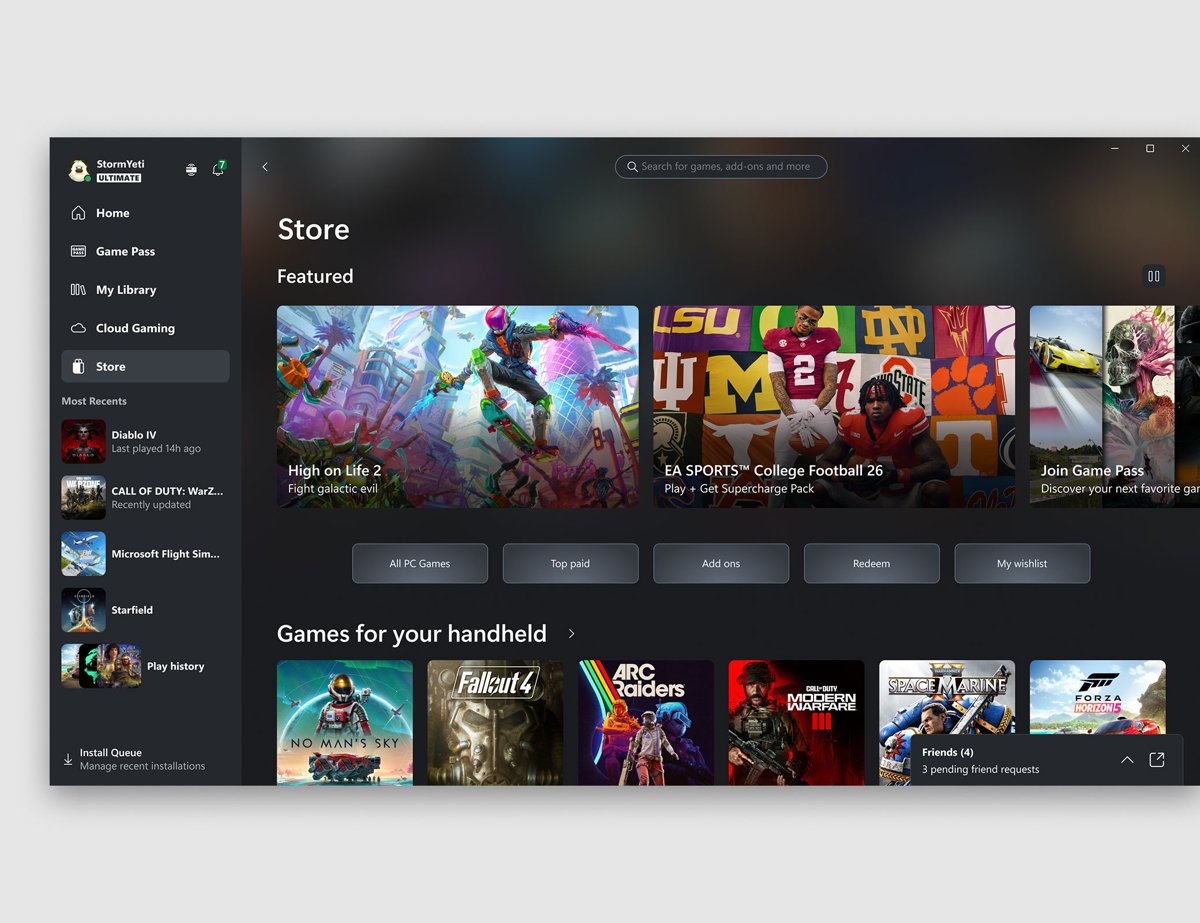
Asphalt 9: Legends is no longer sold under that name on Windows. Install its successor, Asphalt Legends, free from the Microsoft Store or the Xbox app.
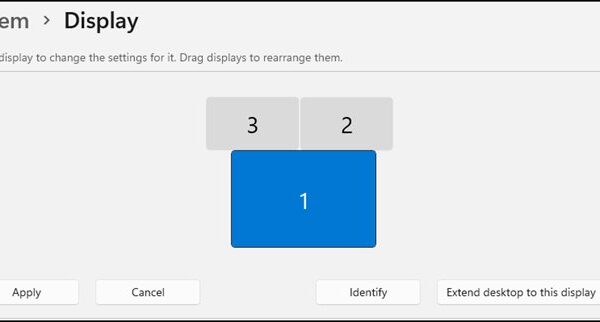
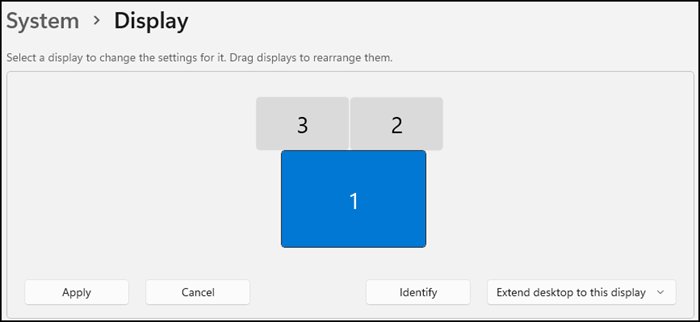
Set up multiple monitors on Windows 11: connect each screen, open System > Display, choose Extend with Win + P, arrange them, set the main display and fix detection.
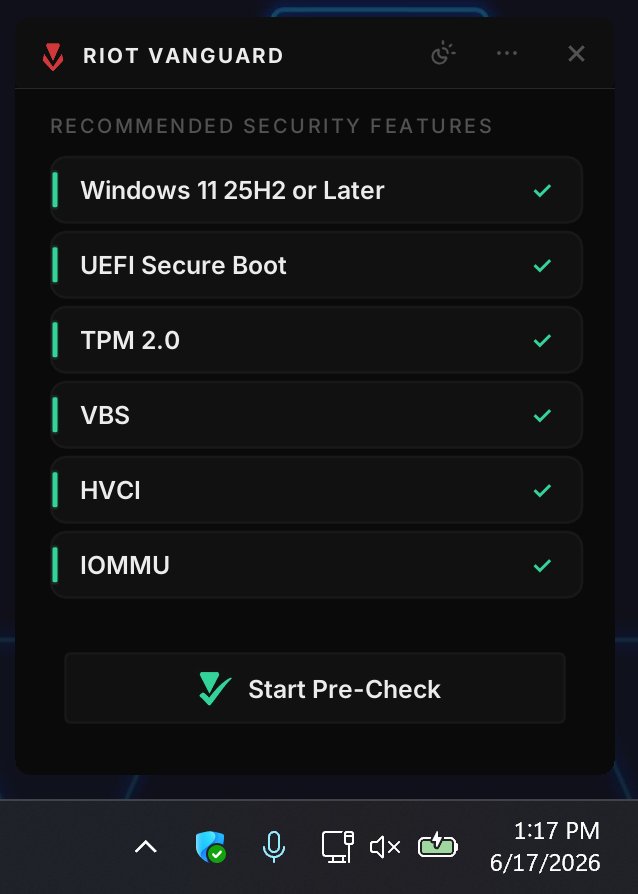
Install Riot Vanguard on Windows 11 by installing VALORANT or League through the Riot Client and restarting. TPM 2.0, Secure Boot, VAN errors and uninstall steps.