Download .NET SDK for PC, Windows 11/10, Mac and Linux (Free)
.NET SDK download links for Windows 11, 10, Mac and Linux from Microsoft, with installer sizes, winget commands, checksums and the LTS choice.
2,094 articles

.NET SDK download links for Windows 11, 10, Mac and Linux from Microsoft, with installer sizes, winget commands, checksums and the LTS choice.
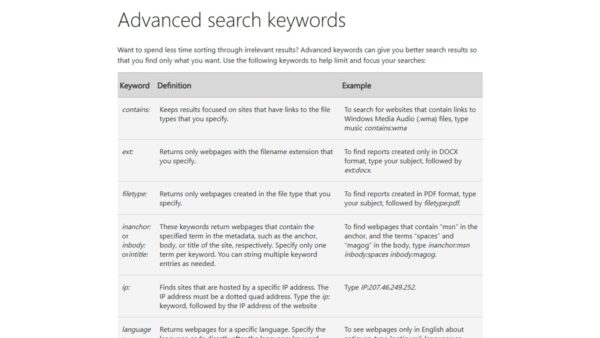
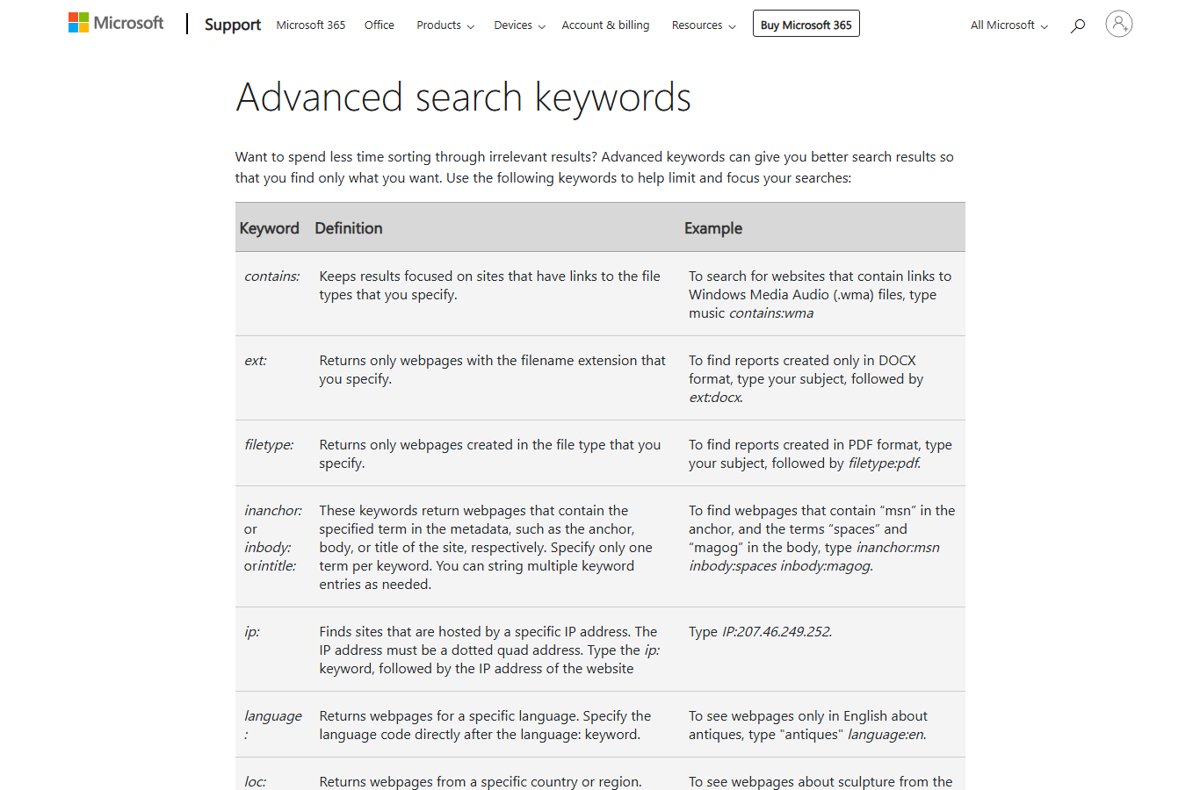
Search terms are the words people type into a search engine. See how they differ from keywords, which operators refine them, and how to read a search terms report.
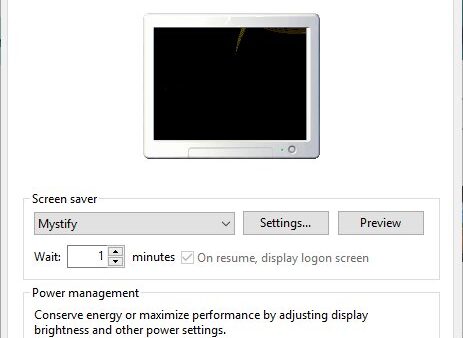
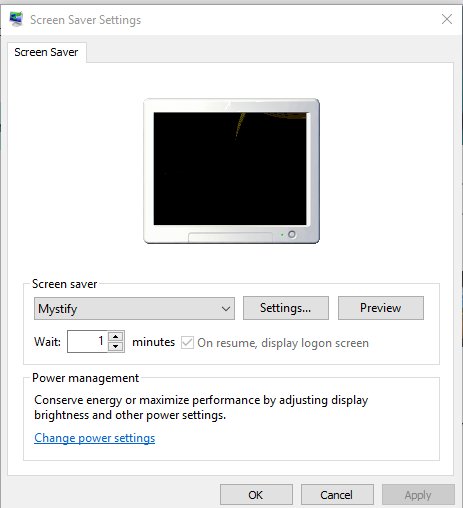
Change the screen saver on Windows 10 and 11 from Settings > Personalization > Lock screen. Set wait time, use photos, require sign-in and fix greyed-out settings.
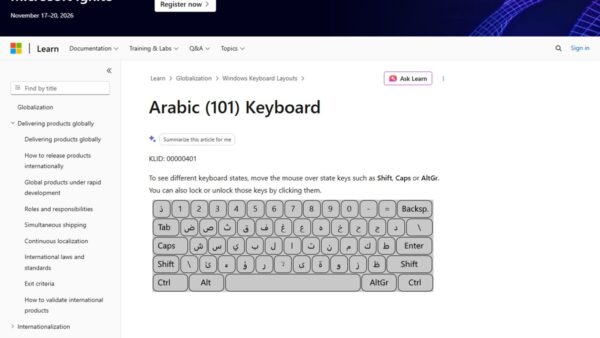
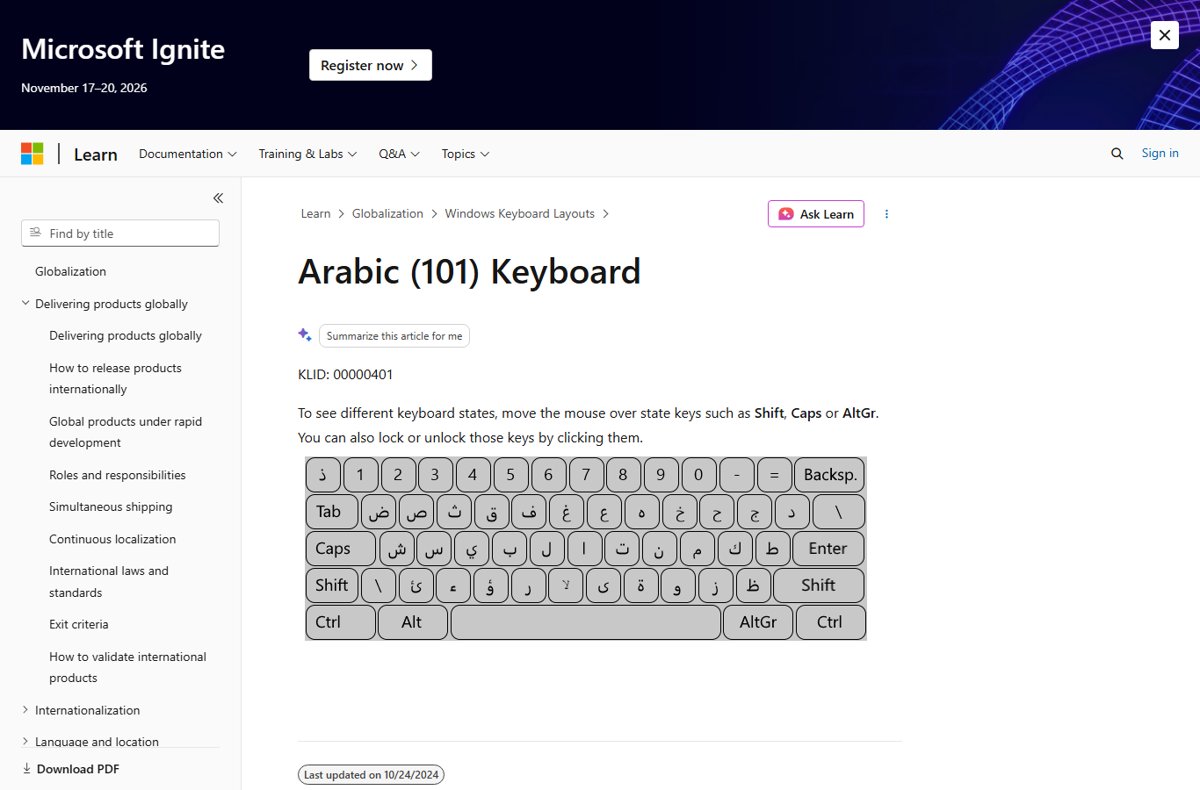
Add an Arabic keyboard in Windows 11 from Settings > Time & language > Language & region, pick Arabic 101, 102 or AZERTY, and switch with Win + Space.
VLC is unable to open the MRL? Fix the address syntax, reset VLC preferences and the plugin cache, allow VLC through the firewall and raise caching.
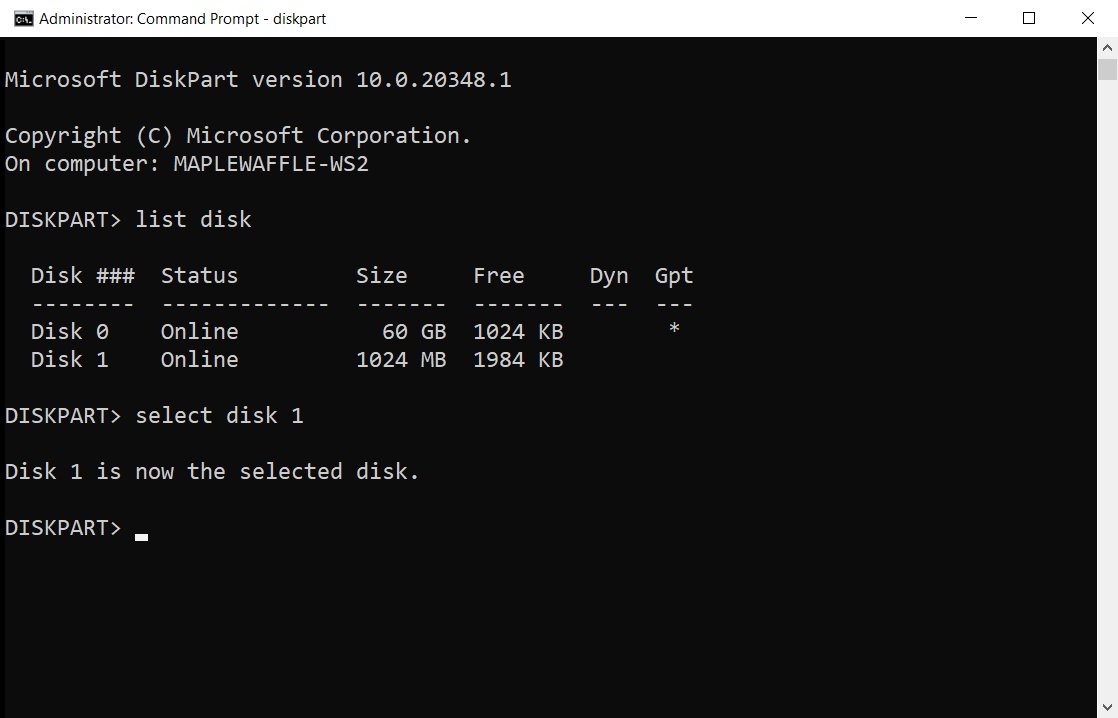
Use DISKPART commands in Windows 11/10: open it as admin, list and select a disk, then clean, format, shrink or extend. Full command list, scripts and error fixes.
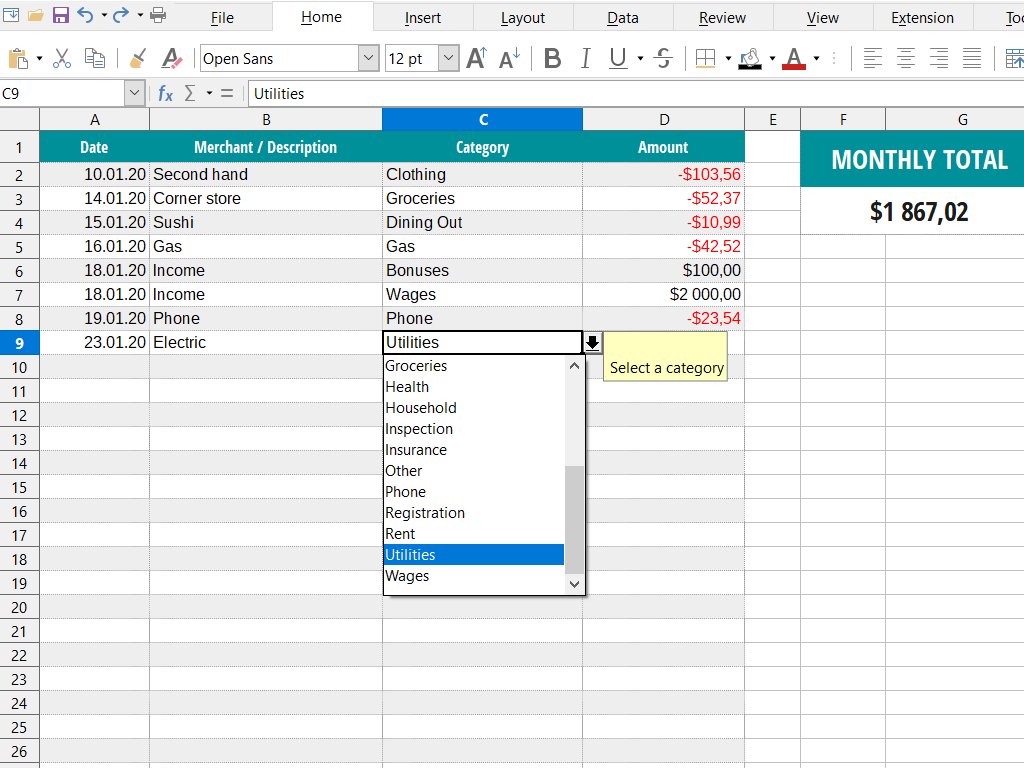
Microsoft Works is discontinued and has no official download for Windows 11/10. Install it from your old disc, or open .wps and .xlr files in Office instead.
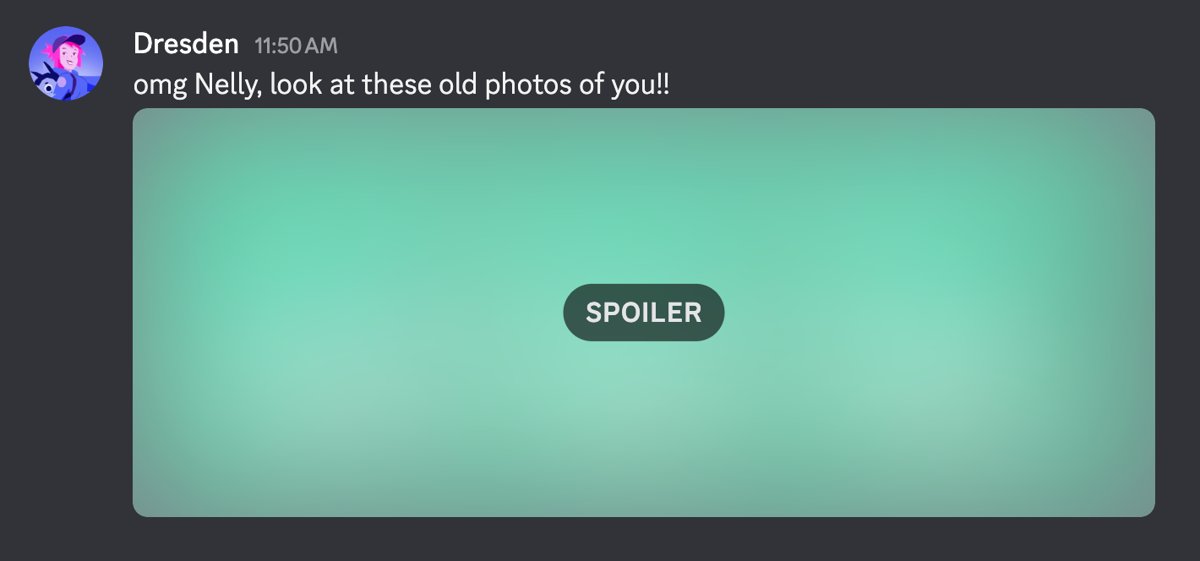
Use Discord in any browser at discord.com/login with no app to install. Chat, voice, video, screen share, notifications and privacy settings explained.
PostgreSQL download for Windows 11, 10 and Mac: get the free EDB installer with pgAdmin 4, pick the right version, install it step by step, and fix errors.
PyCharm download for Windows 11, 10 and Mac: the official 918 MB installer from JetBrains, with free core features, file sizes, requirements and setup steps.
Box Drive download for Windows 11, Windows 10 and Mac from box.com. Free 10 GB plan, MSI and PKG setup, version 2.55, deployment and install fixes.
Signal download for Windows 11, 10 and Mac: the free 255 MB Signal Desktop installer from signal.org, plus phone linking, requirements and install fixes.