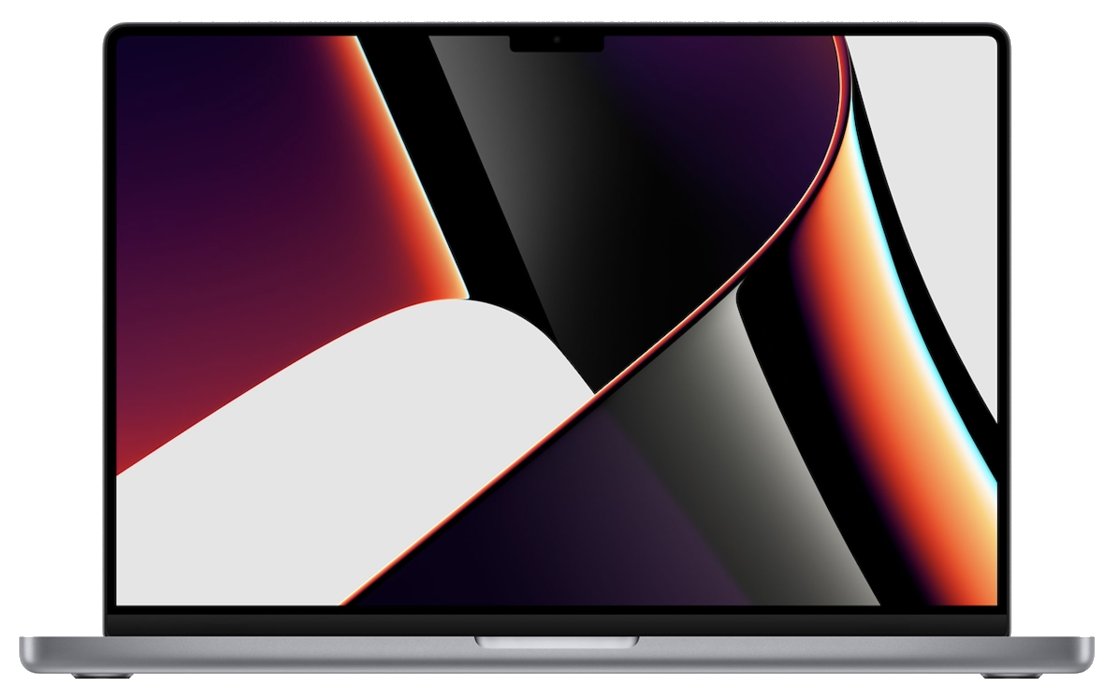
The current MacBook Pro has no separate graphics card: its GPU is built into the Apple M5, M5 Pro or M5 Max chip, with 10, 16, 20, 32 or 40 GPU cores depending on the model you buy.
This guide lists the GPU in every current configuration, how MacBook Pro graphics changed from AMD and NVIDIA cards to Apple silicon, how to check your own Mac, and what the integrated design means for gaming, eGPUs and upgrades.
How to check which GPU your MacBook Pro has
- Choose Apple menu > System Settings, then click General in the sidebar.
- Click About to see the chip name, such as Apple M5 Pro.
- Click System Report to open System Information.
- Under Hardware, select the graphics and displays entry to see the GPU name and, on Apple silicon, its core count.
- As a shortcut, hold Option and choose Apple menu > System Information.
On an Intel MacBook Pro with two GPUs, the report lists both the Intel graphics and the AMD or NVIDIA chip. On Windows laptops the equivalent check is different; see how to check your graphics card on a PC.
Current MacBook Pro Models and Their Graphics Cards
Apple's current lineup is the 14-inch MacBook Pro with M5 (introduced 2025) and the 14-inch and 16-inch models with M5 Pro or M5 Max (introduced 2026). Every configuration has hardware-accelerated ray tracing and a 16-core Neural Engine.
| Model | Chip | GPU cores | Memory bandwidth | External displays |
|---|---|---|---|---|
| 14-inch | M5 | 10-core GPU | 153GB/s | Up to two |
| 14-inch | M5 Pro (15-core CPU) | 16-core GPU | 307GB/s | Up to three |
| 14-inch or 16-inch | M5 Pro (18-core CPU) | 20-core GPU | 307GB/s | Up to three |
| 14-inch or 16-inch | M5 Max | 32-core GPU | 460GB/s | Up to four |
| 14-inch or 16-inch | M5 Max | 40-core GPU | 614GB/s | Up to four |
Graphics memory is not a separate figure on these models. The GPU shares the chip's unified memory, configurable from 16GB on M5 up to 128GB on M5 Pro and M5 Max.
The Evolution of MacBook Pro Graphics Cards
| Model | Graphics |
|---|---|
| MacBook Pro (15-inch, Mid 2012) | Intel HD Graphics 4000 plus NVIDIA GeForce GT 650M (512MB or 1GB GDDR5), automatic graphics switching |
| MacBook Pro (15-inch, 2019) | Intel UHD Graphics 630 plus Radeon Pro 555X or 560X (4GB GDDR5), configurable to Radeon Pro Vega 16 or Vega 20 (4GB HBM2) |
| MacBook Pro (16-inch, 2019) | Intel UHD Graphics 630 plus AMD Radeon Pro 5300M or 5500M (GDDR6), configurable to Radeon Pro 5600M (8GB HBM2) |
| MacBook Pro (13-inch, 2020, Intel) | Intel Iris Plus Graphics only |
| MacBook Pro (13-inch, M1, 2020) | Apple M1 with 8-core GPU |
| MacBook Pro (16-inch, 2021) | M1 Pro 16-core GPU, or M1 Max 24-core or 32-core GPU |
| MacBook Pro (16-inch, Nov 2023) | M3 Pro 18-core GPU, or M3 Max 30-core or 40-core GPU |
| MacBook Pro (14-inch, 2024) | M4 with 10-core GPU |
| MacBook Pro (16-inch, 2024) | M4 Pro 20-core GPU, or M4 Max 32-core or 40-core GPU |
The pattern is clear: Intel-era 15-inch and 16-inch models paired Intel graphics with a discrete NVIDIA or AMD chip, while every Apple silicon model since 2020 puts the GPU inside the main chip.
Graphics Performance in Real-World Scenarios
GPU core count, memory bandwidth and unified memory size are the specs that separate the tiers. Match them to what you run rather than buying the largest chip by default.
| What you do | Spec that matters most | Configuration to consider |
|---|---|---|
| Web, office work, photo edits, video calls | Any current GPU | M5 with 10-core GPU |
| Multiple external displays | Display support | M5 Pro (up to three) or M5 Max (up to four) |
| Large photo libraries and 4K video editing | GPU cores and bandwidth | M5 Pro with 16-core or 20-core GPU |
| 3D rendering, heavy video effects, large AI models | GPU cores and unified memory | M5 Max with 32-core or 40-core GPU and more memory |
| Games using ray tracing | Ray tracing hardware | Present on every current configuration |
Comparison with Competitors
| Point | MacBook Pro (Apple silicon) | Typical Windows laptop with a discrete GPU |
|---|---|---|
| GPU location | Inside the M5-series chip | Separate NVIDIA or AMD chip plus integrated graphics |
| Graphics memory | Shares unified memory, up to 128GB | Dedicated video memory on the graphics chip |
| NVIDIA option | None on current models | Common |
| External GPU | Not supported; eGPUs require an Intel Mac | Depends on the laptop's ports and maker |
| Upgrading the GPU later | Not possible; choose the chip at purchase | Depends on the model; check the maker's specs |
What to know before you buy: no upgrades, no eGPU
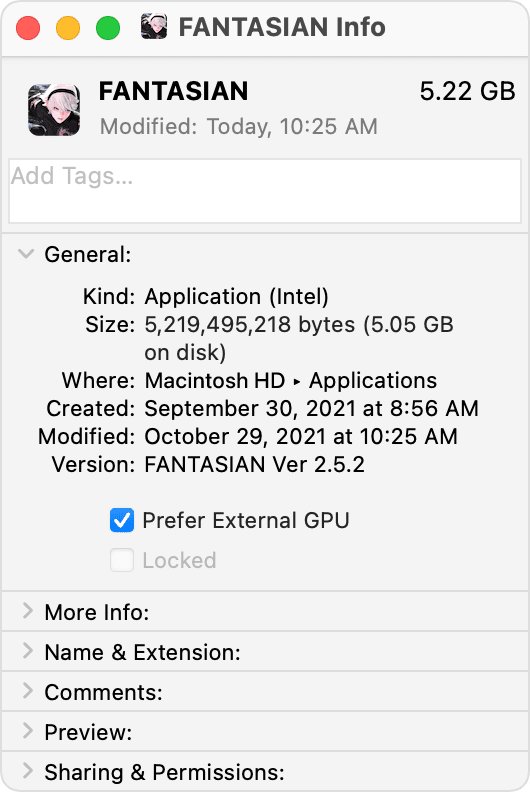
Pick the GPU tier you need at purchase, because an Apple silicon MacBook Pro cannot add or swap graphics later. The GPU is part of the chip, and Apple states that using an external graphics processor requires a Mac with an Intel processor, Thunderbolt 3 and macOS High Sierra 10.13.4 or later. Moving from M5 Pro to M5 Max is a build-to-order choice when you buy, not a later upgrade.
Future Trends: What Lies Ahead for MacBook Pro GPUs?
Apple has not announced a MacBook Pro beyond the M5 Pro and M5 Max models introduced in 2026. Recent generations moved in one direction: more GPU cores at the top (up to 40), higher memory bandwidth (614GB/s on the 40-core M5 Max), hardware ray tracing on every chip, and Neural Accelerators listed on every M5-series chip. Anything about the next chip is unconfirmed until Apple announces it.
Frequently asked questions
Does a MacBook have a graphics card?
Current MacBook Pro models have a GPU but no separate graphics card. The graphics processor is built into the Apple M5, M5 Pro or M5 Max chip and shares its unified memory. Older Intel models such as the 2019 16-inch had a discrete AMD Radeon Pro chip.
What graphics card do MacBook Pros have?
The 14-inch M5 model has a 10-core GPU. M5 Pro models have a 16-core or 20-core GPU, and M5 Max models have a 32-core or 40-core GPU. All are integrated into Apple's chip, with hardware-accelerated ray tracing.
Do Macs have NVIDIA graphics cards?
Not current ones. Apple silicon Macs use Apple's own GPU. Some older MacBook Pros did, such as the 15-inch Mid 2012 model with an NVIDIA GeForce GT 650M. Later Intel MacBook Pros, including the 2019 models, used AMD Radeon Pro graphics instead.
Does MacBook Pro have a dedicated GPU?
Apple silicon MacBook Pros do not have a dedicated GPU chip; the GPU sits inside the main chip. The last MacBook Pros with a dedicated GPU were Intel models such as the 16-inch 2019, which paired Intel UHD Graphics 630 with an AMD Radeon Pro 5300M, 5500M or 5600M.
Can I use an external graphics card with a MacBook Pro?
Only with an Intel MacBook Pro. Apple states that an eGPU requires a Mac with an Intel processor, Thunderbolt 3 and macOS High Sierra 10.13.4 or later. Apple silicon models, including all M5 MacBook Pros, do not support eGPUs.
What graphics card comes in an iMac?
The current iMac uses the Apple M4 chip with an integrated GPU: an 8-core GPU on the two-port base model and a 10-core GPU on four-port models. Both include hardware-accelerated ray tracing and share unified memory with the CPU.
What does a graphics card do?
A graphics processor draws everything you see on screen and speeds up tasks such as video editing, 3D rendering, games and some AI work. On a MacBook Pro this processor is part of the main chip rather than a separate card.







MacBook Air vs. MacBook Pro buyer’s guide: 30+ differences compared - Techdows
[…] a 16-core Neural Engine. Graphics are integrated in every model, so the GPU core count is the only MacBook graphics choice you […]
MacBook Pro ports: All the things you can now plug into your new laptop - Techdows
[…] the HDMI port and the Thunderbolt ports carry video. The limit comes from the chip and its graphics hardware, not from the number of […]