Buy the MacBook Air if you want the lightest, cheapest Mac laptop for everyday work, and buy the MacBook Pro if you need a brighter 120Hz screen, more ports, M5 Pro or M5 Max chips, or more than 32GB of memory.
This guide compares the current M5 MacBook Air (13-inch and 15-inch) with the current MacBook Pro (14-inch and 16-inch) across 30 numbered differences, using Apple's own tech specs and US prices as listed on apple.com in October 2026.
MacBook Air vs. MacBook Pro: quick answer
Match your situation to a row. Every price is Apple's US starting price for that size.
| Your situation | Buy this | Why |
|---|---|---|
| Students, office work, browsing, light photo editing | 13-inch MacBook Air with M5, from $1,299 | Lightest model at 2.7 pounds, 16GB memory and 512GB SSD as standard |
| You want a big screen on a budget | 15-inch MacBook Air with M5, from $1,499 | 15.3-inch display and six speakers for $1,500 less than the 16-inch Pro |
| You need a better screen, HDMI or an SD card slot | 14-inch MacBook Pro with M5, from $1,999 | Liquid Retina XDR at up to 1000 nits SDR, ProMotion, HDMI and SDXC |
| Video, 3D, code builds or local AI models every day | 14-inch MacBook Pro with M5 Pro, from $2,499 | Up to 18 CPU cores, 20 GPU cores, Thunderbolt 5 and up to 64GB memory |
| You need 64GB to 128GB memory or four external displays | MacBook Pro with M5 Max | Up to 40 GPU cores, 614GB/s memory bandwidth and 128GB unified memory |
| Largest screen and longest Pro battery life | 16-inch MacBook Pro, from $2,999 | 16.2-inch display and a 100-watt-hour battery rated up to 24 hours of video |
Both lines share a 12MP Center Stage camera, Touch ID, a backlit Magic Keyboard with 12 full-height function keys, MagSafe 3 charging and a 3.5 mm headphone jack.
1. Size and screen choices
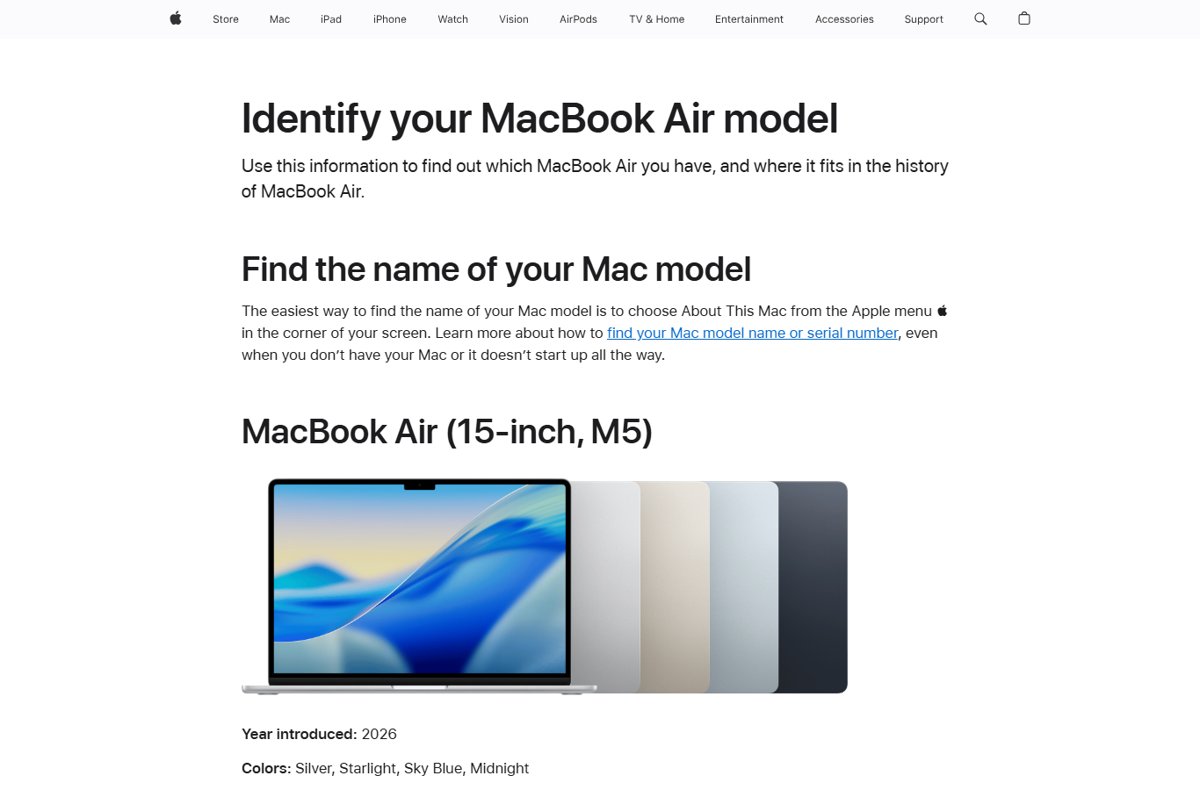
Each line comes in two sizes, and the sizes do not overlap. The Air tops out below the smallest Pro in price, and the Pro offers fewer colors. On the previous model, the MacBook Air M4 colors were Sky Blue, Silver, Starlight and Midnight.
| # | Difference | MacBook Air (M5) | MacBook Pro (M5 family) |
|---|---|---|---|
| 1 | Screen sizes | 13.6-inch or 15.3-inch | 14.2-inch or 16.2-inch |
| 2 | US starting price | 13-inch from $1,299; 15-inch from $1,499 | 14-inch from $1,999; 16-inch from $2,999 |
| 3 | Colors | Sky Blue, Silver, Starlight, Midnight | Space Black, Silver |
Apple measures every screen diagonally as a rectangle, so the viewable area is slightly smaller because of the rounded top corners. The 16-inch Pro comes only with M5 Pro or M5 Max; the base M5 chip is a 14-inch option.
2. Display technology and image quality
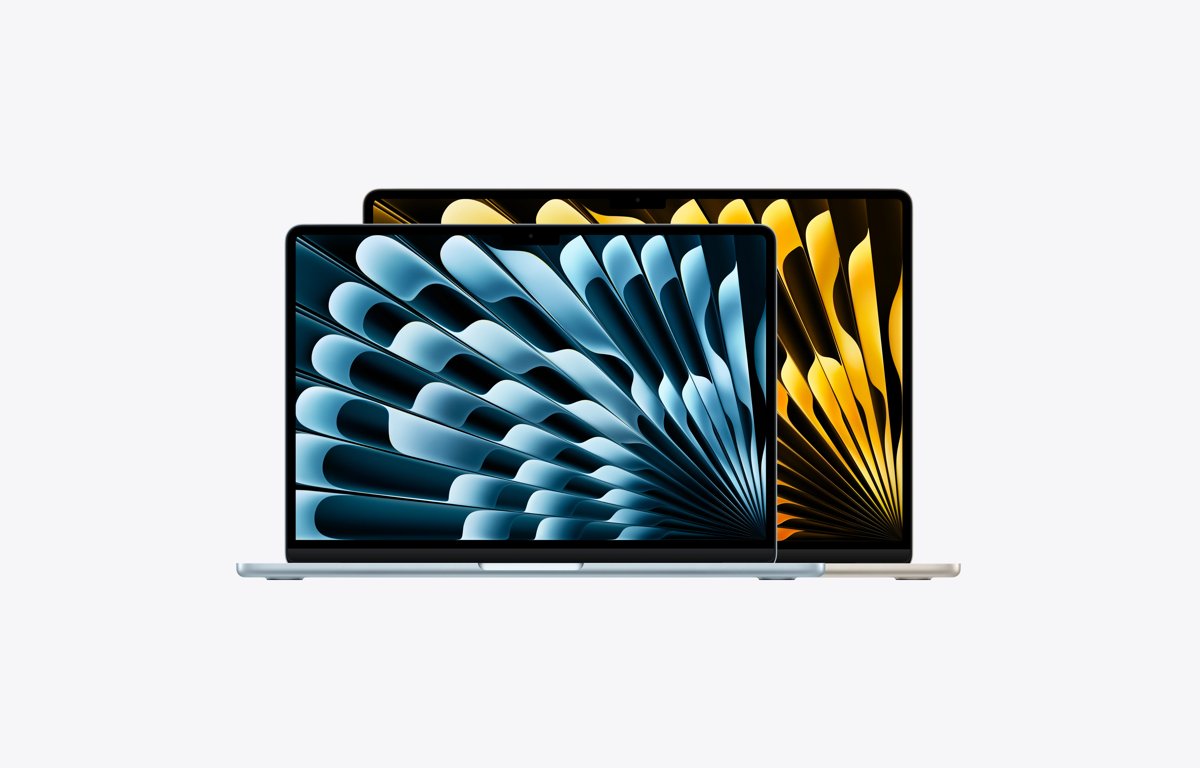
The display is the clearest gap between the two lines. The Air uses an LED-backlit IPS panel; the Pro uses a Liquid Retina XDR panel with HDR brightness and adaptive refresh.
| # | Difference | MacBook Air (M5) | MacBook Pro (M5 family) |
|---|---|---|---|
| 4 | Panel type | Liquid Retina, LED-backlit with IPS technology | Liquid Retina XDR (Extreme Dynamic Range) |
| 5 | SDR brightness | 500 nits | Up to 1000 nits outdoors |
| 6 | HDR brightness and contrast | No HDR brightness or contrast figure listed | 1000 nits sustained full-screen, 1600 nits peak (HDR content), 1,000,000:1 contrast |
| 7 | Refresh rate | No ProMotion listed in Apple's specs | ProMotion adaptive refresh up to 120Hz, plus fixed 47.95Hz to 60Hz rates |
| 8 | Anti-reflective option | Not offered | Nano-texture display, configurable at purchase |
Both panels show 1 billion colors with P3 wide color and True Tone. The nano-texture Pro ships with a polishing cloth, according to Apple's in-the-box list.
3. Resolution and pixel density
| # | Difference | MacBook Air (M5) | MacBook Pro (M5 family) |
|---|---|---|---|
| 9 | Native resolution | 13-inch: 2560 x 1664; 15-inch: 2880 x 1864 | 14-inch: 3024 x 1964; 16-inch: 3456 x 2234 |
| 10 | Pixel density | 224 pixels per inch on both sizes | 254 pixels per inch on both sizes |
The 14-inch Pro shows more pixels than the 15-inch Air despite its smaller screen: about 5.9 million against about 5.4 million. Text and photos therefore look sharper on every Pro at the same viewing distance.
4. Chip and graphics options
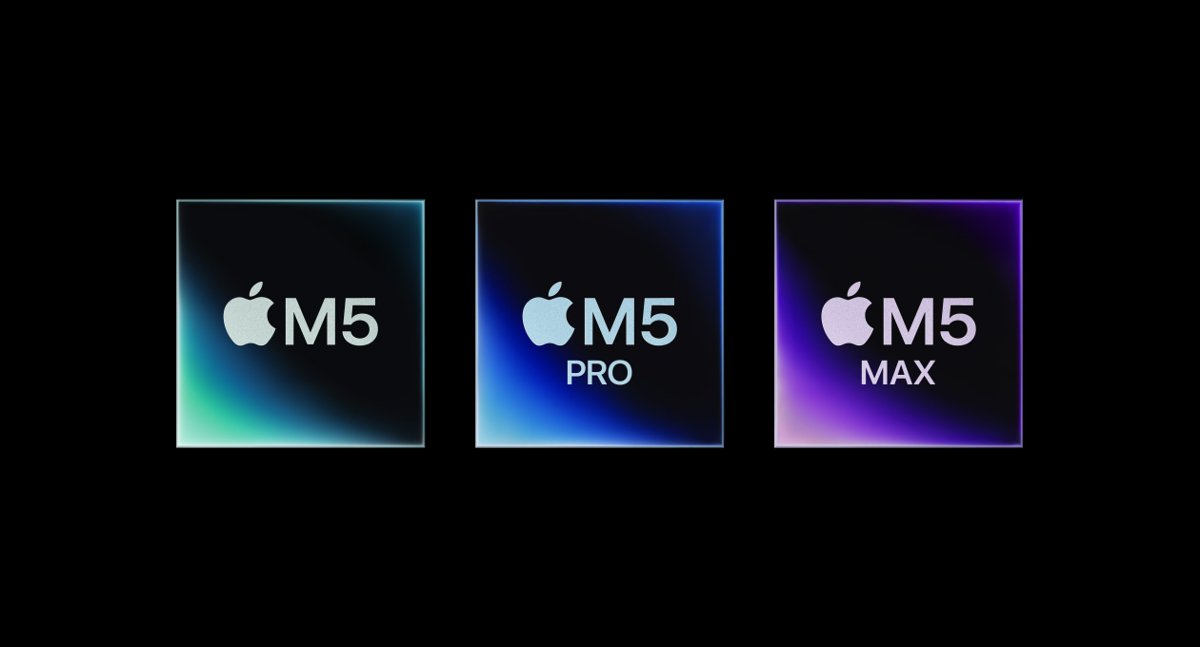
Every current Air uses the M5 chip. The Pro offers M5, M5 Pro and M5 Max, and the M5 Pro and M5 Max add CPU cores, GPU cores and memory bandwidth.
| # | Difference | MacBook Air (M5) | MacBook Pro (M5 family) |
|---|---|---|---|
| 11 | Chip choices | M5 only | M5 (14-inch only), M5 Pro, M5 Max |
| 12 | CPU cores | 10-core CPU (4 super cores, 6 efficiency cores) | M5: 10-core; M5 Pro: 15-core or 18-core; M5 Max: 18-core |
| 13 | GPU cores | 8-core (13-inch base) or 10-core | M5: 10-core; M5 Pro: 16-core or 20-core; M5 Max: 32-core or 40-core |
| 14 | Memory bandwidth | 153GB/s | M5: 153GB/s; M5 Pro: 307GB/s; M5 Max: 460GB/s or 614GB/s |
| 15 | Media engine | One video encode engine and one ProRes engine | M5 Max: two video encode engines and two ProRes encode and decode engines |
All M5-family chips include Neural Accelerators in the GPU, hardware-accelerated ray tracing and a 16-core Neural Engine. Graphics are integrated in every model, so the GPU core count is the only MacBook graphics choice you make.
5. Memory and storage
Unified memory and the SSD cannot be upgraded after purchase, so choose them at checkout.
| # | Difference | MacBook Air (M5) | MacBook Pro (M5 family) |
|---|---|---|---|
| 16 | Maximum unified memory | 32GB (16GB standard, 24GB or 32GB optional) | M5: 32GB; M5 Pro: 64GB; M5 Max: 128GB (40-core GPU) |
| 17 | Starting storage | 512GB SSD | 1TB SSD |
| 18 | Maximum storage | 4TB | 4TB on M5 and M5 Pro; 8TB on M5 Max |
Memory steps depend on the chip on the Pro: 36GB comes only with the 32-core M5 Max, and 128GB only with the 40-core M5 Max.
6. Cooling and sustained performance
Apple describes the MacBook Air as a silent, fanless design. The MacBook Pro is not sold as fanless, and Apple states that every MacBook Pro model gives the same performance plugged in or on battery.
| # | Difference | MacBook Air (M5) | MacBook Pro (M5 family) |
|---|---|---|---|
| 19 | Cooling design | Fanless, silent | Not fanless; same performance on battery and on power, per Apple |
Apple publishes no sustained-load figures for either line. For long exports, renders or compiles, the M5 Pro and M5 Max add cores and bandwidth that the Air cannot be configured with, whatever the cooling.
7. External monitors
| # | Difference | MacBook Air (M5) | MacBook Pro (M5 family) |
|---|---|---|---|
| 20 | Maximum external displays | Two (6K at 60Hz or 4K at 144Hz each), or one up to 8K at 60Hz, over Thunderbolt only | M5: two; M5 Pro: three; M5 Max: four, over any mix of Thunderbolt and HDMI |
Every model keeps the built-in display running at full native resolution while external displays are connected. The M5 Max Pro also supports DisplayPort 2.1 speeds over Thunderbolt 5 and can drive two 8K displays at 60Hz. To run two screens from a single cable, use a MacBook Pro docking station.
8. Ports and connectivity
| # | Difference | MacBook Air (M5) | MacBook Pro (M5 family) |
|---|---|---|---|
| 21 | Thunderbolt ports | Two Thunderbolt 4 (USB-C), up to 40Gb/s | M5: three Thunderbolt 4; M5 Pro and M5 Max: three Thunderbolt 5, up to 120Gb/s |
| 22 | HDMI port | None | Yes, with multichannel audio output |
| 23 | SDXC card slot | None | Yes |
Both lines have MagSafe 3 and a 3.5 mm headphone jack with support for high-impedance headphones. Every Thunderbolt port on both lines also charges the laptop and carries DisplayPort video.
9. Wireless standards
This is the one difference where the base Air beats the base Pro. The M5 Air uses Apple's N1 wireless chip, while the M5 14-inch Pro does not.
| # | Difference | MacBook Air (M5) | MacBook Pro (M5 family) |
|---|---|---|---|
| 24 | Wi-Fi and Bluetooth | Apple N1 chip: Wi-Fi 7 (802.11be), Bluetooth 6, Thread | M5: Wi-Fi 6E (802.11ax), Bluetooth 5.3; M5 Pro and M5 Max: N1 chip, Wi-Fi 7, Bluetooth 6, Thread |
Apple notes that Wi-Fi 7 is available only in countries and regions where it is supported.
10. Camera, microphones, and speakers
The camera is identical: a 12MP Center Stage camera with Desk View and 1080p video on every model. The audio hardware is where the lines split.
| # | Difference | MacBook Air (M5) | MacBook Pro (M5 family) |
|---|---|---|---|
| 25 | Speakers | 13-inch: four-speaker system; 15-inch: six speakers with force-cancelling woofers | High-fidelity six-speaker system with force-cancelling woofers and wide stereo sound |
| 26 | Microphones | Three-mic array with directional beamforming | Studio-quality three-mic array with high signal-to-noise ratio and directional beamforming |
All models support Spatial Audio with Dolby Atmos on the built-in speakers, plus Voice Isolation and Wide Spectrum microphone modes for calls.
11. Battery capacity and battery life
Apple rates battery life with two tests: video streaming and wireless web browsing. Higher-end Pro chips trade some runtime for speed.
| # | Difference | MacBook Air (M5) | MacBook Pro (M5 family) |
|---|---|---|---|
| 27 | Battery capacity | 13-inch: 53.8 watt-hours; 15-inch: 66.5 watt-hours | 14-inch: 72.4 watt-hours; 16-inch: 100 watt-hours |
| 28 | Rated battery life (video / web) | Up to 18 hours / 15 hours on both sizes | 14-inch M5: 24 / 16 hours; M5 Pro: 22 / 14; M5 Max: 20 / 13. 16-inch M5 Pro: 24 / 17; M5 Max: 22 / 16 |
Apple's figures come from its own lab tests at a fixed brightness, and real runtime varies with use and configuration.
12. Chargers and fast charging
| # | Difference | MacBook Air (M5) | MacBook Pro (M5 family) |
|---|---|---|---|
| 29 | Adapter in the box and fast charging | 40W Dynamic Power Adapter (60W max); fast-charges with a 70W or higher USB PD source | 14-inch: 70W (M5 and 15-core M5 Pro) or 96W (18-core M5 Pro and M5 Max), fast-charges at 96W or higher; 16-inch: 140W, fast-charges at 140W or higher |
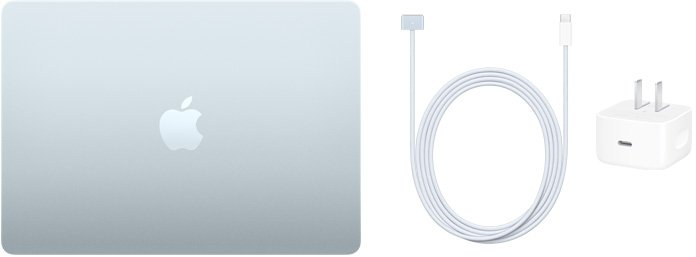
Every model ships with a 2 m USB-C to MagSafe 3 cable. You can add the 35W Dual USB-C Port Compact Power Adapter or the 70W adapter to an Air at checkout, and the 96W adapter to an M5 or 15-core M5 Pro 14-inch Pro.
13. Weight and portability
| # | Difference | MacBook Air (M5) | MacBook Pro (M5 family) |
|---|---|---|---|
| 30 | Weight and thickness | 13-inch: 2.7 pounds, 0.44 inch; 15-inch: 3.3 pounds, 0.45 inch | 14-inch: 3.4 to 3.6 pounds, 0.61 inch; 16-inch: 4.7 pounds, 0.66 inch |
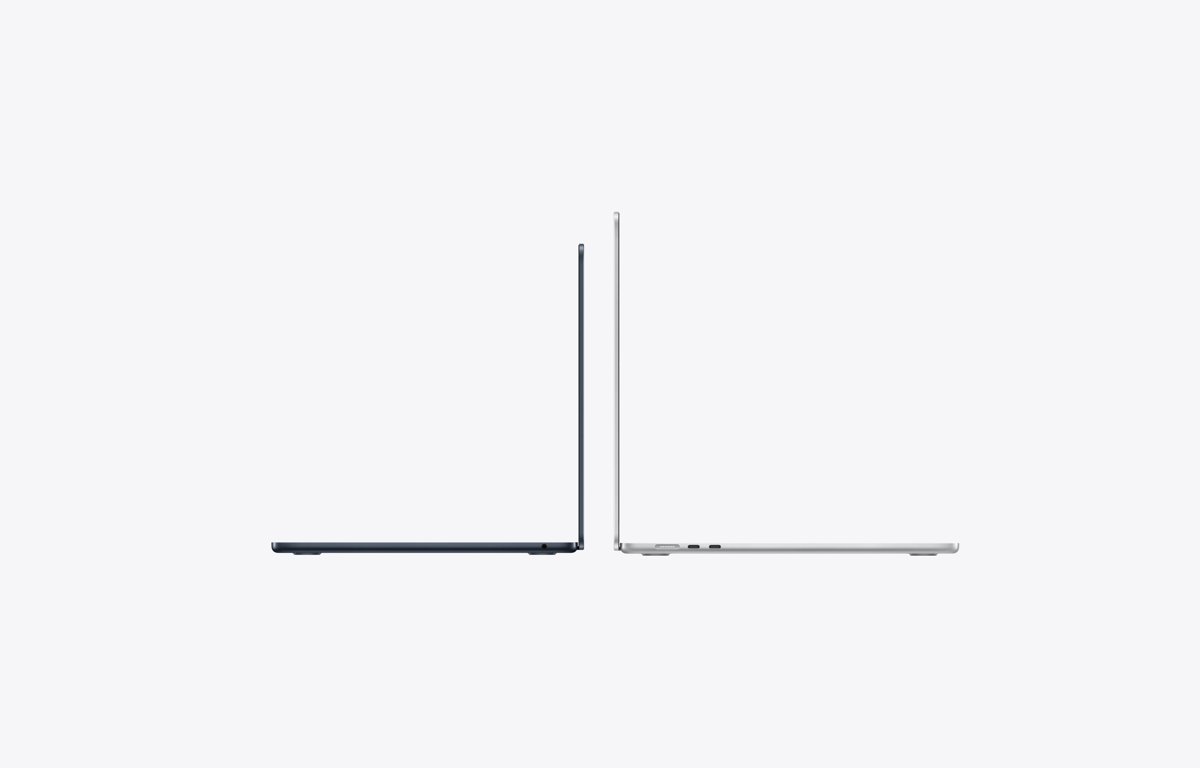
The 15-inch Air weighs less than the 14-inch Pro while giving you a larger screen. The 16-inch Pro is 2 pounds heavier than the 13-inch Air.
Which MacBook Air should you buy?
Every Air uses the same M5 chip family, so pick by screen size first, then by memory and storage.
| Your situation | Buy this | Why |
|---|---|---|
| Portability comes first | 13-inch MacBook Air, 16GB, 512GB, from $1,299 | 2.7 pounds and the lowest price of any current MacBook |
| You keep many apps and browser tabs open | 13-inch Air with 24GB memory, $1,799 configuration | 24GB is standard on the top 13-inch model, which also has a 10-core GPU and 1TB SSD |
| You want the biggest screen per pound | 15-inch MacBook Air, from $1,499 | 15.3-inch screen at 3.3 pounds, 10-core GPU and six speakers as standard |
| You plan to keep it five years or more | Any Air with 24GB or 32GB memory | Memory cannot be added later, and 32GB is the Air's maximum |
Which MacBook Pro should you buy?
Pick the chip first, because it sets the ports, Wi-Fi, external display count and memory ceiling.
| Your situation | Buy this | Why |
|---|---|---|
| You want the Pro display and extra ports without the cost | 14-inch MacBook Pro with M5, from $1,999 | XDR screen, HDMI, SDXC, three Thunderbolt 4 ports and up to 24 hours of video |
| Demanding everyday work: video, music, development | 14-inch Pro with M5 Pro, from $2,499 | 15-core or 18-core CPU, Thunderbolt 5, Wi-Fi 7, three external displays |
| GPU-heavy 3D, large local AI models, 8K video | 14-inch or 16-inch Pro with M5 Max, 14-inch from $4,099 | Up to 40 GPU cores, 614GB/s bandwidth, 128GB memory, 8TB SSD, four external displays |
| Screen area and endurance matter most | 16-inch MacBook Pro, from $2,999 | 16.2-inch display and up to 24 hours of video streaming with M5 Pro |
Buy M5 Max only for workloads that use its extra GPU cores or memory. For office work and web apps, the M5 and M5 Pro already exceed the Air's memory bandwidth and port count.
How to identify an existing MacBook
Check which model you already own before you compare it with a new one or sell it.
- Click the Apple menu in the top-left corner of the screen.
- Choose About This Mac.
- Read the model name, for example MacBook Air (13-inch, M5) or MacBook Pro (14-inch, M5 Pro or M5 Max).
- Look up that name on Apple's Identify your MacBook Air model or Identify your MacBook Pro model page to see its year, colors, model identifier and newest supported macOS.
- On a 14-inch Pro, use the ports as a check: M5 models have three Thunderbolt 4 ports, while M5 Pro and M5 Max models have three Thunderbolt 5 ports.
Apple lists the current models as MacBook Air (13-inch, M5) Mac17,3, MacBook Air (15-inch, M5) Mac17,4, and MacBook Pro (14-inch, M5) Mac17,2. Before you hand an old laptop on, factory reset the Mac so your data and Apple Account are removed.
Common outdated MacBook claims
Many comparisons still repeat facts from older generations. These are the ones that no longer match Apple's current specs.
| Outdated claim | Current fact (M5 generation) |
|---|---|
| The base MacBook Air has 8GB of memory | Every M5 Air starts with 16GB unified memory |
| The MacBook Air starts with a 256GB SSD | The M5 Air starts at 512GB |
| The MacBook Air supports only one external display | It supports two external displays with the built-in screen on |
| Every MacBook Pro has Thunderbolt 5 and Wi-Fi 7 | The M5 14-inch Pro has Thunderbolt 4, Wi-Fi 6E and Bluetooth 5.3 |
| Only the Pro gets Wi-Fi 7 | The M5 Air has Wi-Fi 7 and Bluetooth 6 through the Apple N1 chip |
| The Pro has a better webcam | Both lines use the same 12MP Center Stage camera with Desk View |
| The MacBook Pro has a Touch Bar | Both lines have 12 full-height function keys and Touch ID |
| A MacBook Pro slows down on battery | Apple states every MacBook Pro model gives the same performance plugged in or not |
MacBook Air vs. MacBook Pro FAQ
Is the MacBook Air good enough for most people?
Yes. The M5 MacBook Air has a 10-core CPU, 16GB of memory, a 512GB SSD and up to 18 hours of video playback as standard. That covers browsing, office apps, schoolwork, photo editing and light video work without the Pro's extra cost. The 13-inch model is also the top overall pick among the best laptops across Windows and Mac.
Is the 15-inch MacBook Air better than the 14-inch MacBook Pro?
It depends on what you value. The 15-inch Air has a larger screen, weighs 3.3 pounds and costs from $1,499. The 14-inch Pro costs from $1,999 and adds an XDR display with ProMotion, HDMI, an SD card slot and longer rated battery life.
How many monitors can the M5 MacBook Air support?
The M5 MacBook Air supports two external displays at up to 6K at 60Hz each, or one display up to 8K at 60Hz. The built-in screen stays on at full resolution, and both external displays can run over a single Thunderbolt port.
Do all MacBook Pro models have Wi-Fi 7 and Thunderbolt 5?
No. Only the M5 Pro and M5 Max models have Thunderbolt 5 and Wi-Fi 7. The 14-inch MacBook Pro with the base M5 chip has three Thunderbolt 4 ports, Wi-Fi 6E and Bluetooth 5.3.
Which has longer battery life, MacBook Air or MacBook Pro?
The MacBook Pro. Apple rates the 14-inch M5 Pro and the 16-inch M5 Pro at up to 24 hours of video streaming, against up to 18 hours for both MacBook Air sizes. The M5 Max models are rated lower than M5 Pro models.
Does the MacBook Air have an HDMI port or SD card slot?
No. The M5 MacBook Air has two Thunderbolt 4 ports, MagSafe 3 and a headphone jack. Every current MacBook Pro adds an HDMI port and an SDXC card slot, along with a third Thunderbolt port.
Do the MacBook Air and MacBook Pro have the same camera?
Yes. Both use a 12MP Center Stage camera with Desk View support and 1080p HD video recording. The difference is in audio: the Pro has a studio-quality three-mic array and six speakers on both sizes.
Does the MacBook Air have a fan?
No. Apple describes the M5 MacBook Air as a silent, fanless design. The MacBook Pro is not fanless, and Apple states that every MacBook Pro gives the same performance whether it is plugged in or running on battery.
The bottom line: MacBook Air or MacBook Pro?
Buy the 13-inch or 15-inch MacBook Air with at least 16GB of memory unless you need a specific Pro feature: the XDR ProMotion display, HDMI and SD card ports, more than 32GB of memory, three or more external displays, or M5 Pro and M5 Max performance. The 13-inch Air costs $700 less than the cheapest Pro, weighs less, shares the Pro's camera and Touch ID keyboard, and has Wi-Fi 7 that the M5 14-inch Pro lacks. The Pro's extra money buys hardware the Air cannot be configured with, so pay it only when you will use that hardware.