To get iCloud support, search or ask a question in the Apple Support Community at discussions.apple.com, or contact Apple directly through the Apple Support app or support.apple.com/contact.
This guide explains which route fits your problem, how to post a good community question, how to report a problem to Apple Support, and what iCloud does in the first place.

Ask an iCloud question in Apple Support Communities
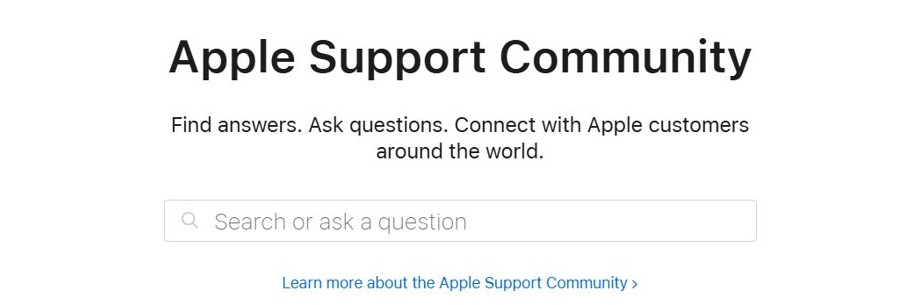
Apple Support Community is a forum where Apple customers help each other. Searching is open to anyone; posting needs an Apple Account sign-in.
- Open discussions.apple.com in a browser.
- Use Search or ask a question and type your iCloud problem in a few words.
- Read the matching threads first; many iCloud issues already have answers.
- Select Sign in and use your Apple Account if nothing matches.
- Select Ask the Community, describe the problem, your device and software version, and post it.
- Follow the thread so replies reach you.
Replies come from other users, not Apple employees. Never post your password, verification codes or full email address in a thread.
iCloud support options: community, help pages, chat or phone
| Your problem | Best route | Why |
|---|---|---|
| How-to question, such as setting up iCloud Drive or Photos | iCloud help pages at support.apple.com/icloud | Official steps, no waiting |
| Odd behaviour other people may have seen | Apple Support Community | Experienced users share fixes |
| Locked out, billing, iCloud+ charges or a missing backup | Apple Support app or support.apple.com/contact | Only Apple staff can check your account |
| Forgot Apple Account password | Apple's password reset steps | You sign in to iCloud with your Apple Account |
How to reach iCloud support at Apple by chat or phone
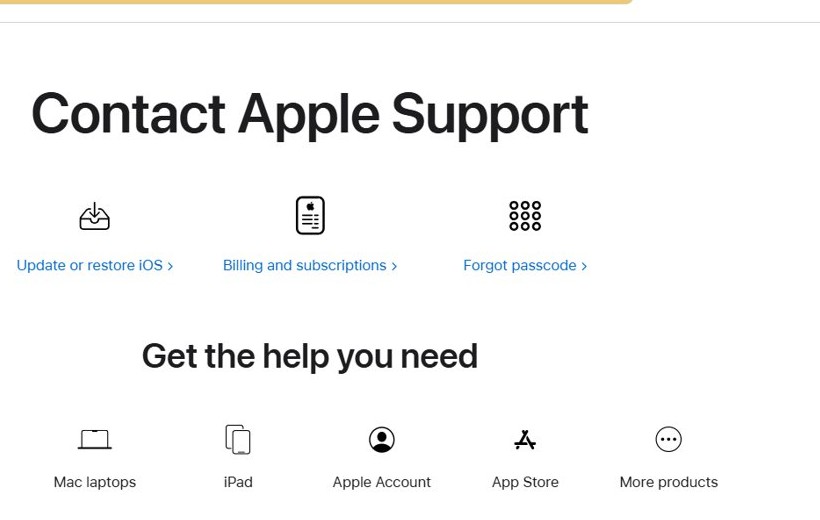
- Install the Apple Support app on your iPhone or iPad, or open support.apple.com/contact in a browser.
- Sign in with the Apple Account that has the iCloud problem.
- Choose Apple Account or the device you need help with, then pick the closest topic.
- Select a chat or call option when the app offers one.
- Use Contact us on the contact page to find the Apple Support phone number for your country or region.
Find iCloud answers in the iCloud user guide
- Go to support.apple.com/icloud.
- Pick a topic card, such as Back up your device, Free up space in iCloud or Manage iCloud+.
- Select Browse the iCloud User Guide for every feature in detail.
- Use Search Support at the bottom if your topic is not listed.
What is iCloud and why do you need it?
iCloud is Apple's service that stores your photos, files, passwords and backups and keeps them up to date across your devices. You sign in to each device with the same Apple Account to set it up.
You do not have to use iCloud, but without it your iPhone has no automatic cloud backup and your photos and passwords stay on one device.
| iCloud feature | What it does |
|---|---|
| iCloud Backup | Backs up an iPhone or iPad so you can restore it on a replacement |
| iCloud Photos | Stores photos and videos and keeps them current on every device and iCloud.com |
| iCloud Drive | Stores files you can open from iPhone, iPad, Mac, PC or iCloud.com |
| iCloud Keychain | Keeps passwords and other secure information updated across devices |
| iCloud+ | Paid plan with more storage and extra features |

iCloud support FAQ
How do I reach iCloud support?
Use the Apple Support app or support.apple.com/contact to chat with or call Apple. For general questions, search or post in the Apple Support Community at discussions.apple.com, where other users answer.
Is Apple Support Community run by Apple staff?
No. Apple Support Community is a forum where Apple customers help each other. Apple hosts it, but replies are user opinions, so account and billing problems need Apple Support directly.
How do I access iCloud?
Sign in with your Apple Account on your iPhone, iPad or Mac, or go to iCloud.com in a browser. On a Windows PC, iCloud for Windows gives access to photos, files and passwords.
What is the website for iCloud?
The iCloud website is iCloud.com, where you sign in with your Apple Account. Apple's iCloud help pages are at support.apple.com/icloud.
Do I have to use iCloud on my iPhone?
No. iCloud is optional on iPhone. Without it you lose automatic iCloud backups and syncing of photos, files and passwords, so you need another backup method such as your computer.
Why do I need iCloud storage?
iCloud storage holds your backups, photos and files. If it fills up, backups and syncing stop, so you either free up space or upgrade to an iCloud+ plan.