The Shazam download for a Mac is the free app on the Mac App Store, and on a Windows 11 or Windows 10 PC Shazam installs as Apple’s official Chrome extension. Both name any song playing near you, or in a browser tab, in a few seconds.
Apple owns Shazam and publishes every version itself. The Mac app is 11.8 MB, the Chrome extension is 614 KiB, and neither costs anything.
This guide covers the official links, installing the extension in Chrome or Edge, the three Mac routes, requirements, and fixes for a PC that will not recognize a song.
Which Shazam download do you need?
Match your device to a row. Every link below is an Apple listing on an official store.
| Your device | Get this | Size and notes |
|---|---|---|
| Windows 11 or Windows 10 PC with Chrome | Shazam extension on the Chrome Web Store | 614 KiB, version 2.7.0, identifies music in a browser tab |
| Windows PC with Microsoft Edge | Same Chrome Web Store listing | Edge accepts Chrome Web Store extensions once you allow other stores |
| Windows PC, song playing in the room | shazam.com in any browser | No install; uses the PC microphone |
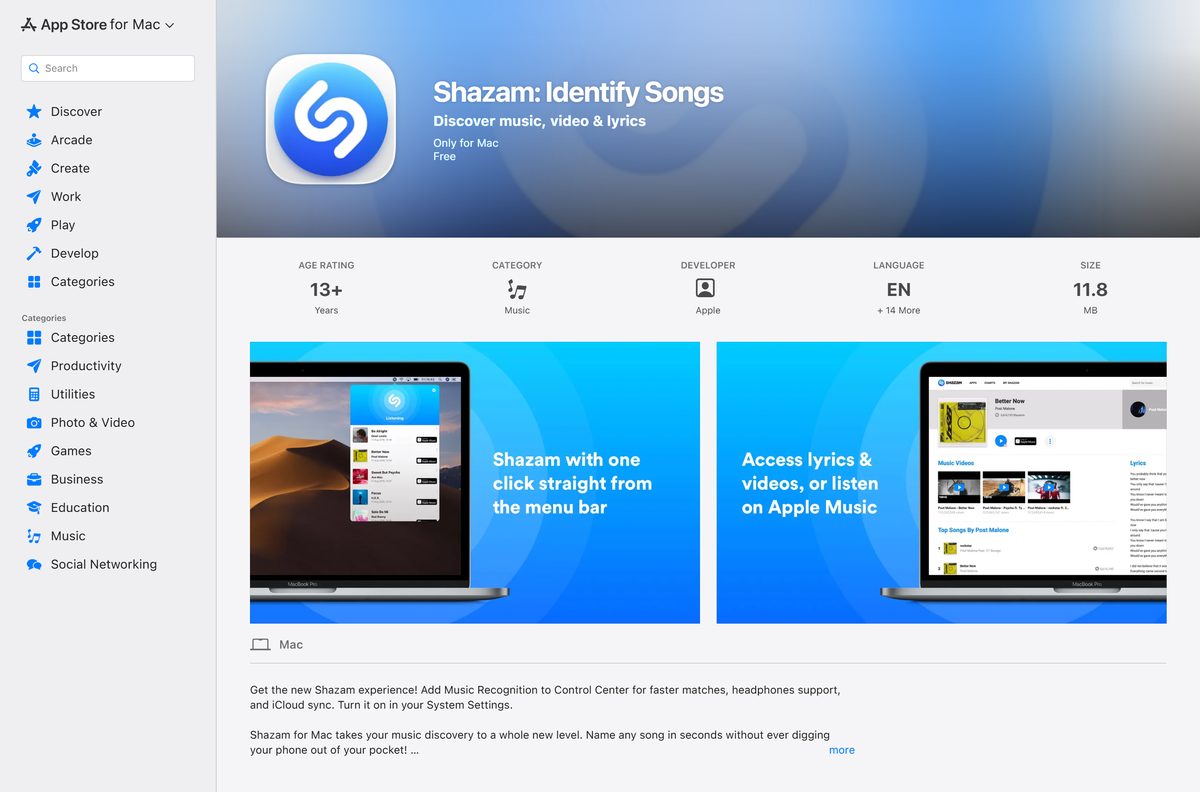
| Mac on macOS 10.14 or later | Shazam on the Mac App Store | 11.8 MB, version 2.11, lives in the menu bar |
| iPhone or iPad | Shazam on the App Store | 52.7 MB, version 27.0, iOS 18.0 or later |
| Android phone or tablet | Shazam on Google Play | Published by Apple Inc., 500M+ downloads |
The extension listens to the tab you are on, not the room. For music from a speaker or a TV, use shazam.com with the microphone, or your phone.
Download Shazam from the official Apple links
Apple’s own app page at shazam.com/apps links to each store listing. The Chrome extension is published under the developer name Apple, Inc.
- Shazam apps page (shazam.com) — Apple’s hub for every platform
- Shazam extension on the Chrome Web Store — 614 KiB · version 2.7.0, for Windows 11 and 10 in Chrome or Edge
- Shazam on the Mac App Store — 11.8 MB · version 2.11, macOS 10.14 or later, free
- Shazam on the App Store (iPhone and iPad) — 52.7 MB · version 27.0
- Shazam on Google Play — Android phones and tablets
A file named Shazam setup.exe or Shazam.msi does not come from Apple. Every official route is a store listing, so there is nothing to download by hand.
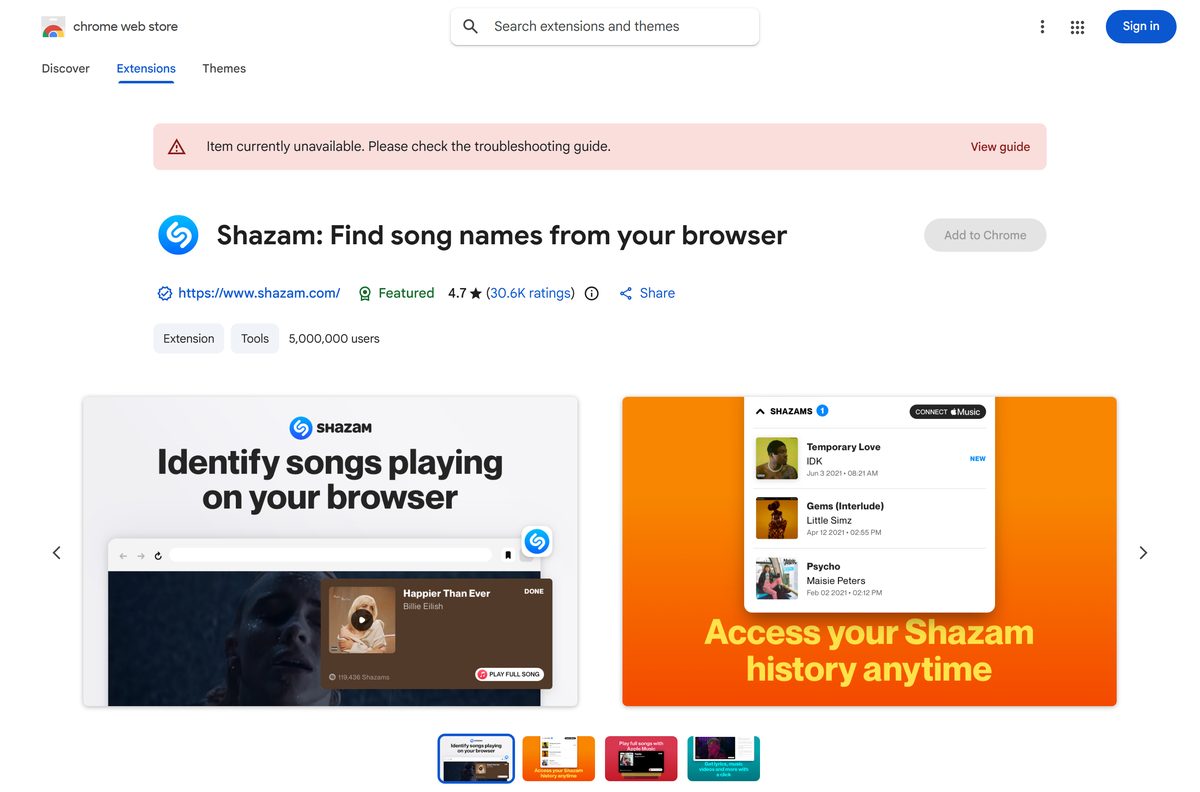
How to install Shazam on Windows 11 and 10 in Chrome
The extension adds a Shazam button to the Chrome toolbar. The whole install takes under a minute.
- Open the Shazam extension listing in Google Chrome.
- Confirm the developer line reads Apple, Inc. before you continue.
- Select Add to Chrome.
- Review the permissions, then select Add extension.
- Select the Extensions button to the right of the address bar, then select the Pin icon next to Shazam.
- Play a song in any tab, such as a YouTube video or a Twitch stream.
- Select the Shazam icon in the toolbar while the song plays to see the title and artist.
Songs found with the extension land in its own Shazam Browser song history. They do not appear in the phone app’s library.
How to add Shazam to Microsoft Edge from the Chrome Web Store
Apple supports the extension in Chromium browsers, and Edge is one. Edge needs a one-time permission to accept extensions from Google’s store.
- Open the Shazam extension listing in Microsoft Edge.
- Select Allow extensions from other stores in the banner, then select Allow.
- Select Get on the listing.
- Review the permissions, then select Add extension.
- Wait for the confirmation that the extension has been added.
- Select Extensions to the right of the address bar and show Shazam in the toolbar.
The same listing serves both browsers, so Edge gets the identical 2.7.0 build.
Which Shazam download do you need for your Mac?
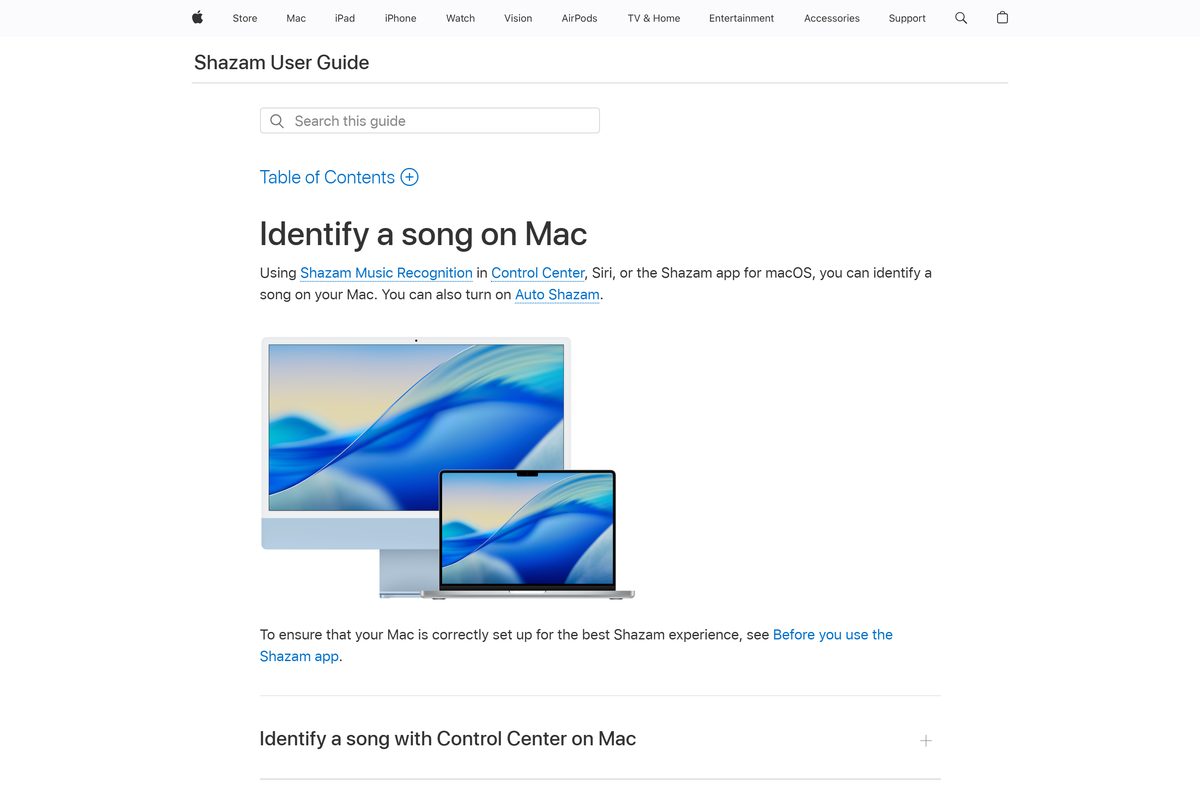
A Mac has three routes, and two of them need no download at all. Apple’s Mac guide covers each one.
| You want | Use this | How it works |
|---|---|---|
| A song identified with no install | Music Recognition in Control Center | Built into macOS; add Recognize Music from Edit Controls |
| Hands-free recognition | Siri on Mac | Ask Siri what song is playing while the music runs |
| A menu bar app with Auto Shazam | Shazam on the Mac App Store | 11.8 MB, version 2.11, macOS 10.14 or later |
| Songs from a browser tab | Chrome extension | Works in Chrome on macOS the same way as on Windows |
To add the Control Center route, click Control Center in the menu bar, click Edit Controls, then click Recognize Music under Sounds. Drag the control to the menu bar for one-click access.
Songs found through Control Center are saved to the Shazam app when iCloud and Shazam settings are set up. Songs found with the Mac App Store app stay in its own menu bar list.
Is Shazam free?
Yes. The Mac App Store app, the Chrome extension, the iPhone app and the Android app are all free, with no trial and no paid tier for recognition. Identifying songs, lyrics, music videos and your history cost nothing. The one paid part is playback: full songs through the Apple Music link need an Apple Music subscription. Any site charging for a Shazam installer is selling something Apple gives away.
Should you use the Shazam extension or shazam.com on a PC?
Both are official and free on Windows 11 and 10. They listen to different things.
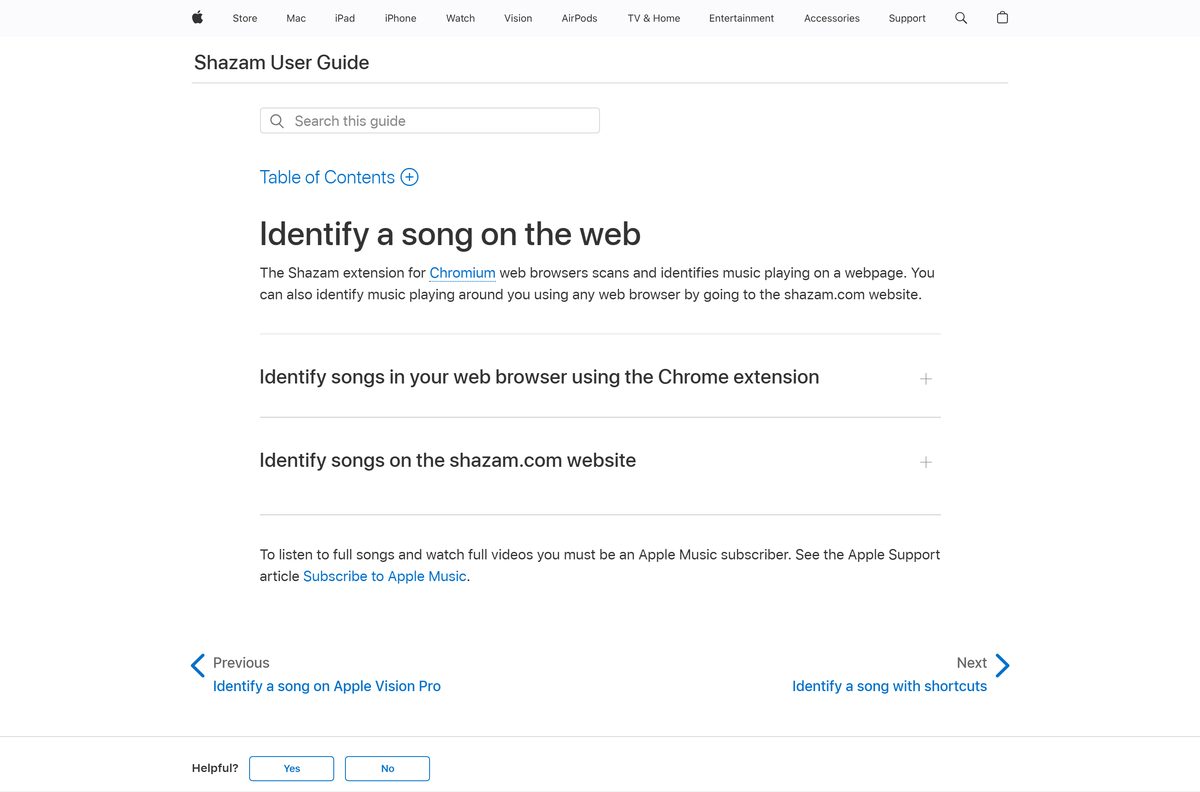
Install the Chrome extension for music playing on the PC, and open shazam.com for music playing in the room. The extension reads the audio of the browser tab you are on, so it catches songs in YouTube videos, SoundCloud mixes and Twitch streams. It cannot hear a speaker across the room. shazam.com uses the PC microphone instead: select the Shazam button in the lower-right corner and allow microphone access, and it works in any browser.
How to check your Shazam version and update it
The current builds are 2.7.0 for the extension and 2.11 for the Mac app.
- In Chrome, select More, then Extensions, then Manage extensions.
- Find Shazam and select Details to read the version number.
- Compare it with the version on the Chrome Web Store listing.
- On a Mac, open the App Store and select Updates in the sidebar.
- Select Update next to Shazam if it is listed.
- Install macOS updates from System Settings to keep Control Center Music Recognition current, since it ships with macOS.
A Mac app showing 2.11 is already the latest build on the Mac App Store.
Check whether your PC or Mac meets the Shazam requirements
Windows has no minimum build of its own here. The requirement is a supported Chromium browser.
| Field | Value |
|---|---|
| Software | Shazam |
| Developer | Apple Inc. |
| Latest version | 2.11 on Mac, 2.7.0 for the Chrome extension, 27.0 on iPhone |
| License | Free, proprietary |
| Download size | 11.8 MB on Mac, 614 KiB for the extension, 52.7 MB on iPhone |
| Windows 11 and 10 | Google Chrome or Microsoft Edge for the extension, or any browser for shazam.com |
| Mac | macOS 10.14 or later for the app; Music Recognition is built into Control Center |
| iPhone and iPad | iOS 18.0 or later |
| Hardware | A microphone for shazam.com and the Mac app; none for the tab-audio extension |
| Official download source | Mac App Store, Chrome Web Store, App Store and Google Play |
| Offline installer | No |
| Last verified | 2026-09-24 |
Full-song playback through Apple Music also needs an Apple Account and an Apple Music subscription.
Fix Shazam not installing or not finding songs on Windows 11
Most failures come from the store region, browser permissions or the wrong audio source.
The Chrome Web Store says Item currently unavailable
The listing notes that availability varies by country, so some regions cannot add it.
- Open shazam.com instead, which needs no install.
- Select the Shazam button in the lower-right corner of the page.
- Allow microphone access when the browser asks.
- Hold the phone app near the PC speakers as a second option.
Edge will not add the extension
Edge blocks Chrome Web Store items until you allow other stores.
- Reload the listing in Edge.
- Select Allow extensions from other stores in the banner, then Allow.
- Select Get, then Add extension.
The extension returns no match
It listens only to the active tab, and the song is playing elsewhere or is paused.
- Switch to the tab that is playing the music.
- Start playback and let it run for a few seconds.
- Select the Shazam icon in the toolbar again.
- Use shazam.com with the microphone for music from a speaker, a TV or another app.
shazam.com cannot hear anything
Windows or the browser is blocking the microphone.
- Open Windows Settings, then Privacy & security, then Microphone.
- Turn on Microphone access and Let apps access your microphone.
- Select the icon at the left of the browser address bar and set Microphone to Allow for shazam.com.
- Reload the page and select the Shazam button again.
How to uninstall Shazam from Chrome, Edge or a Mac
Removing the extension or the app leaves your Shazam history on other devices untouched.
- In Chrome, right-click the Shazam icon to the right of the address bar and select Remove from Chrome.
- Or select More, then Extensions, then Manage extensions, and select Remove under Shazam.
- In Edge, right-click the Shazam icon and select Remove from Microsoft Edge, then Remove.
- On a Mac, open Finder, select Applications, and drag Shazam to the Trash.
- To hide the built-in route instead, click Control Center, click Edit Controls, and remove Recognize Music.
Music Recognition is part of macOS, so removing the control hides it rather than deleting anything.
Frequently asked questions
Is there a Shazam app for Windows 11 or Windows 10?
Apple publishes no Windows desktop app. On a Windows PC, Shazam runs as the official Chrome extension in Chrome or Edge, and shazam.com identifies songs through the microphone in any browser.
Is Shazam free to download?
Yes. The Mac app, the Chrome extension, the iPhone app and the Android app are all free. Only full-song playback through Apple Music needs a paid Apple Music subscription.
What is the official Shazam download page?
shazam.com/apps is Apple’s own page, and it links to the App Store, Google Play and the Chrome Web Store extension. The Mac app lives on the Mac App Store under the seller Apple Inc.
How big is the Shazam download?
The Mac App Store app is 11.8 MB, the Chrome extension is 614 KiB and the iPhone app is 52.7 MB. Each figure comes from its store listing.
Does Shazam work on a Mac without installing anything?
Yes. Shazam Music Recognition is built into macOS. Add Recognize Music from Edit Controls in Control Center, then click it while music plays, or ask Siri what song is playing.
Can Shazam identify a song playing on my PC?
Yes. The Chrome extension reads the audio of the active browser tab, so it names songs in YouTube videos, SoundCloud mixes and Twitch streams.
Does the Shazam extension work in Microsoft Edge?
Yes. Apple supports the extension in Chromium browsers. In Edge, allow extensions from other stores, then add it from the Chrome Web Store listing.
Do songs from the Chrome extension sync to my phone?
No. Songs identified with the extension stay in its own browser history, and songs from the app or shazam.com do not appear there.
What is the latest Shazam version?
The Chrome extension is version 2.7.0, updated September 11, 2026. The Mac App Store app is version 2.11, and the iPhone app is version 27.0.
Is there a Shazam offline installer or EXE?
No. Every official route is a store listing, so there is no EXE, MSI or DMG to download. A file offered as a Shazam setup did not come from Apple.






