You can install Paramount Plus on a Windows 11 or Windows 10 PC in about a minute. The app is free in the Microsoft Store, comes from CBS Interactive Inc., and opens straight into the library, live sports and Originals.
On a Mac there is nothing to install. Open paramountplus.com in Safari, Chrome or Edge, sign in, and the same library plays in the browser tab.
Below are the official links, the Store and winget routes, the Mac setup, what a subscription costs, and fixes for an install that stalls.
Which Paramount+ download do you need?
Match the machine in front of you to a row. Every route signs in with the same account and the same subscription.
| Your device | What to get | Download size |
|---|---|---|
| Windows 11, any processor | Paramount+ on the Microsoft Store | 1.18 MB |
| Windows 10 version 2004 (build 19041) or later | Paramount+ on the Microsoft Store | 1.18 MB |
| Windows 10 on an older build, back to 16299 | The same listing, which serves the older x86 package | 1.23 MB |
| Mac, ChromeOS or Linux | Nothing to install; sign in at paramountplus.com | No download |
| Xbox console | The separate Xbox listing, product 9WZDNCRFJ0WK | Console only |
| A work or school PC with the Store blocked | Sign in at paramountplus.com in a browser | No download |
The Store reads your Windows build and picks the package for you. You never choose between the three by hand.
Download Paramount+ from the official Microsoft Store listing
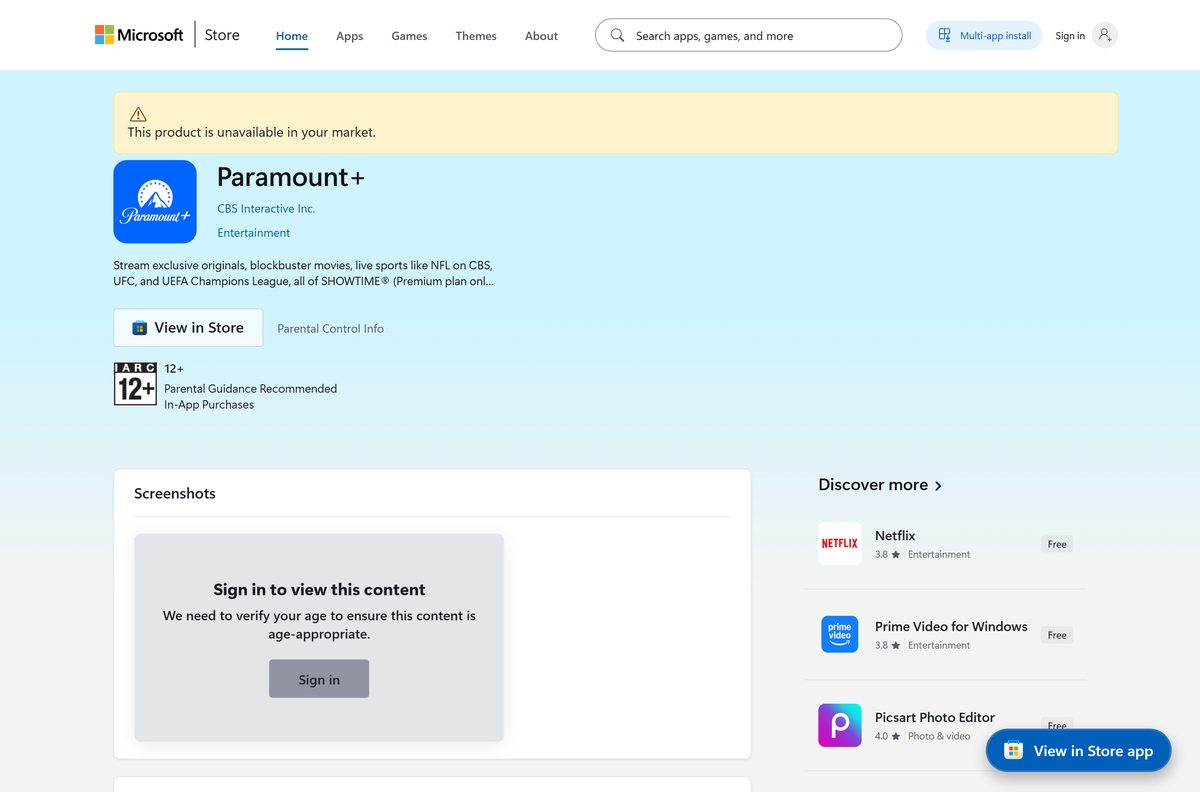
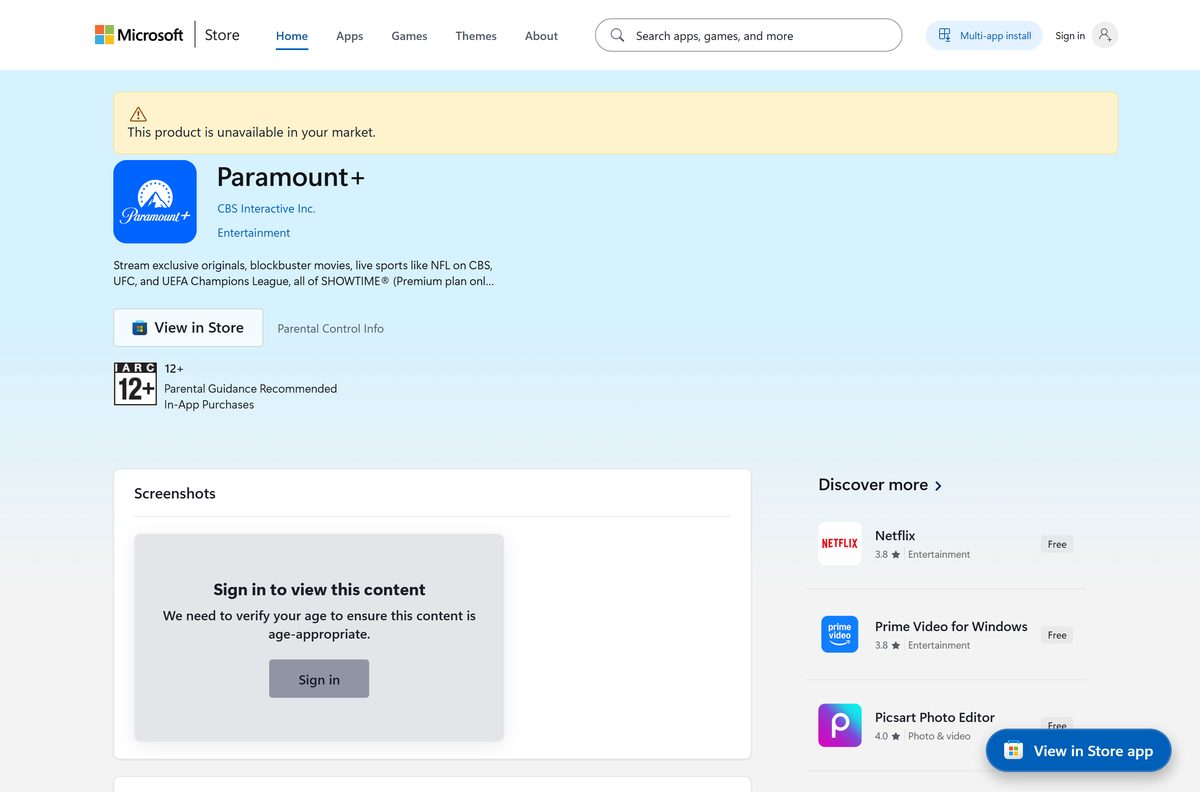
Product 9P6R413Q490K is published by CBS Interactive Inc. and filed under Entertainment. That listing is the only PC download.
- Paramount+ on the Microsoft Store, product 9P6R413Q490K — 1.18 MB · publisher CBS Interactive Inc.; updates arrive through the Store
- Watch in a browser at paramountplus.com — works on macOS, Windows, ChromeOS and Linux
- Paramount+ on the App Store for iPhone, iPad, Apple TV and Apple Vision Pro — 210 MB · seller CBS Mobile; needs iOS or iPadOS 18, tvOS 18 or visionOS 1.2
- Paramount+ help centre — supported devices, browser requirements and billing articles
A setup file offered anywhere else does not come from Paramount. Confirm the listing names CBS Interactive Inc. before you select Get.
Check the Paramount+ system requirements before you install
Any PC on Windows 10 version 2004 or later clears the floor. The connection matters more than the processor.
| Field | Value |
|---|---|
| Software | Paramount+ |
| Developer | CBS Interactive Inc. |
| Latest version | 7.0.0.0 |
| Store listing updated | 19 September 2026 |
| License | Free to install; a paid subscription is needed to watch |
| Supported OS | Windows 10 build 19041 or later, Windows 11 |
| Architecture | Architecture-neutral MSIX bundle: x64, x86 and ARM64 PCs |
| Download size | 1.18 MB (1,241,251 bytes) |
| Store product | 9P6R413Q490K, package family 2BDFC20A.ParamountPlus |
| Store category | Entertainment |
| Age rating | 12 and over in the Microsoft Store, 13+ on the App Store |
| Minimum bandwidth | 2 Mbps for on demand and live TV, 25 Mbps for 4K and HDR |
| Offline installer | No |
| Mac app | None; watch at paramountplus.com in a browser |
| Last verified | 2026-09-22 |
Press Windows + R, type winver and select OK to read your Windows version and build number.
Install Paramount+ from the Microsoft Store or with winget
Both routes fetch the same package and both keep it updated through the Store.
- Open Microsoft Store from the Start menu.
- Search for Paramount+ and open the result published by CBS Interactive Inc.
- Check the listing shows product 9P6R413Q490K, not the Xbox one.
- Select Get. The Store downloads the package that matches your Windows build.
- Select Open when the install finishes.
- To use the command line instead, open Terminal and run winget install 9P6R413Q490K –source msstore .
- Type Y to accept the Store terms when winget asks.
winget needs the Microsoft Store switched on. On a managed PC where the Store is blocked, ask IT to deploy product 9P6R413Q490K.
How to sign in and start watching on Windows 11 and 10
The app opens on a sign-in screen. There is no trial inside the app, so the account has to exist first.
- Open the app from the Start menu.
- Select Sign In and enter the email address and password on the account.
- Pick the profile you want on the profile screen.
- Select a show, film or live channel from the home rows, or use the search box.
- To subscribe first, open paramountplus.com in a browser and select GET STARTED.
- Choose a plan, enter payment details and select Agree & Subscribe.
- Return to the app and sign in with the same email address.
One subscription streams on three devices at the same time, so the PC app and a phone can play together.
Which Paramount+ download do you need for your Mac?
There is no Mac app. The App Store listing covers iPhone, iPad, Apple TV and Apple Vision Pro, and names no Mac build.
| Your Apple device | What to do | What it needs |
|---|---|---|
| MacBook Air, MacBook Pro, iMac, Mac mini or Mac Studio | Sign in at paramountplus.com in Safari, Chrome or Edge | Safari 9 on Mac OS X 10.10 or later; Chrome or Firefox on 10.9 or later |
| iPhone or iPad | Paramount+ on the App Store, 210 MB | iOS or iPadOS 18.0 or later |
| Apple TV box | The same App Store listing | tvOS 18.0 or later |
| Apple Vision Pro | The same App Store listing | visionOS 1.2 or later |
To keep the tab handy on a Mac, open the site in Chrome or Edge and select Install in the address bar. The window then behaves like a separate app.

Is Paramount+ free?
The app costs nothing on either store. The content behind it does not.
Install the app for free, then pay for a plan to watch anything. The Microsoft Store lists the app at $0.00 and the App Store lists it as free with in-app purchases. Paramount states that plans start at $8.99 a month, and that the Premium plan, which adds all of SHOWTIME ad free, costs $13.99 a month. Downloading episodes to watch offline is a Premium feature. Any site selling a lifetime key or a free premium account is not connected to Paramount.
Prices are set per country, so a plan bought outside the United States is billed at that country’s rate.
Which Paramount+ Store listing installs on a PC?
Searching the Store for the app returns two entries with the same name and the same publisher. Only one installs on a desktop.
Install product 9P6R413Q490K on a PC and leave 9WZDNCRFJ0WK for the console. The 9P6R413Q490K listing fulfils to Windows.Desktop and carries the current 7.0.0.0 package under package family 2BDFC20A.ParamountPlus. The older 9WZDNCRFJ0WK listing, published in 2017 under package family 2BDFC20A.CBS, fulfils to Windows.Xbox, and its desktop packages stop at 1.0.1.0.
Which browsers play Paramount+ on a desktop?
The browser route is the whole story on a Mac and a fallback on a locked-down PC. Paramount publishes a floor for each engine.
| Browser | Minimum on Windows | Minimum on Mac |
|---|---|---|
| Google Chrome | Windows 8 or later | Mac OS X 10.9 or later |
| Mozilla Firefox | Windows 8 or later | Mac OS X 10.9 or later |
| Microsoft Edge | Version 14 on Windows 10 or later | Not listed |
| Safari | Not available | Version 9 on Mac OS X 10.10 or later |
| Internet Explorer | No longer supported | Not available |
Turn JavaScript and cookies on and switch pop-up and ad blockers off, or playback stops before the first frame.
How to check your Paramount+ version and update it
The Store handles updates on its own. Force one when playback breaks after a Windows update.
- Open Settings and go to Apps then Installed apps.
- Find Paramount+, select the three dots and choose Advanced options.
- Read the number under Version near the top of the page.
- Open Microsoft Store and select the profile picture, then Downloads and updates.
- Select Get updates and wait for the queue to empty.
- Reopen the app and sign in again if it asks.
The current package is 7.0.0.0. A PC below Windows 10 build 19041 stays on 1.0.0.0 until the operating system is updated.
Fix Paramount+ not installing on Windows 11 or 10
Each symptom below has one cause and one fix. Work through the one that matches.
The Store shows no Get button, or says the app is not available
The listing is sold per country, and the Store follows the region on the Microsoft account.
- Open Settings and go to Time & language then Language & region.
- Check Country or region matches the country the subscription was bought in.
- Sign out of the Microsoft Store and sign back in.
- Reopen the Store listing and try Get again.
The install stops at 0% or throws an error code
The Store cache is stale or the delivery service has stalled.
- Press Windows + R, type wsreset.exe and select OK.
- Wait for the Store to reopen on its own, which clears the cache.
- Open Settings, go to System then Troubleshoot and Other troubleshooters.
- Run the Windows Store Apps troubleshooter and apply anything it finds.
- Start the install again from the Store listing.
The Store says the app does not work on this device
The PC is below build 19041, or you opened the Xbox listing.
- Press Windows + R, type winver and select OK to read the build number.
- Run Windows Update until the build reaches 19041 or higher.
- Open product 9P6R413Q490K rather than 9WZDNCRFJ0WK.
- Select Get once the listing shows the desktop version.
The app installs but the screen stays black during playback
Hardware protected playback fails when the graphics driver is old.
- Update the graphics driver from the PC maker’s support page.
- Open Settings, go to System then Display and turn off HDR for a test.
- Close other streaming apps, then reopen the app.
- Sign in at paramountplus.com in Edge to confirm the account plays elsewhere.
None of these need an antivirus exception or a third-party repair tool. Reinstalling from the Store is the last step, not the first.
How to uninstall Paramount+ from Windows
Removing the app leaves the subscription running. Cancel the plan separately if you are finished with it.
- Right-click Start and select Installed apps.
- Find Paramount+, select the three dots and choose Uninstall.
- Select Uninstall again to confirm.
- To remove it from the command line instead, run winget uninstall 9P6R413Q490K .
- Open paramountplus.com and select the profile initials to cancel a plan.
- Select Account, scroll down and select Cancel subscription.
A Store app is sandboxed, so the uninstall takes its data with it and leaves no folder in Program Files.
Which other ways can you watch Paramount+ content?
The PC app is one of several routes into the same account. Pick the one that suits the screen.
| Route | Where it comes from | Worth knowing |
|---|---|---|
| Microsoft Store app | Product 9P6R413Q490K | 1.18 MB, needs Windows 10 build 19041 |
| Browser at paramountplus.com | Any desktop operating system | The only route on a Mac |
| App Store app | Seller CBS Mobile | 210 MB, covers iPhone, iPad, Apple TV and Vision Pro |
| Xbox console | Product 9WZDNCRFJ0WK | The listing that fulfils to Xbox hardware |
| Smart TV and streaming sticks | Each platform’s own store | Roku, Fire TV, LG, Samsung, VIDAA and PlayStation 5 are listed as supported |
Every route reads the same watchlist and the same resume point, because progress is stored on the account.
Frequently asked questions
Is the Paramount+ app free to download?
Yes. The Microsoft Store lists it at $0.00 and the App Store lists it as free with in-app purchases. Watching needs a paid plan: Paramount states plans start at $8.99 a month, with Premium at $13.99 a month.
Where is the official Paramount Plus download for PC?
The Microsoft Store listing for product 9P6R413Q490K, published by CBS Interactive Inc. That is the only place Windows gets the app. No website hands out a setup file for it.
Does the Paramount+ app work on Windows 11 and Windows 10?
Yes. The current package needs Windows 10 build 19041, which is version 2004, or anything newer, and it runs on Windows 11. Older Windows 10 builds back to 16299 get an earlier package from the same listing.
How big is the Paramount+ download for Windows?
1.18 MB, or 1,241,251 bytes. The app streams both its interface and its video, so very little lands on the disk. The older package for Windows 10 build 16299 is 1.23 MB instead.
Is there an offline installer or an EXE file?
No. Paramount publishes no standalone setup file for Windows. The PC app ships only as a Microsoft Store package, so the Store or winget has to fetch it over a connection.
Is there a Paramount+ app for Mac?
No. The App Store listing covers iPhone, iPad, Apple TV and Apple Vision Pro only. On a Mac, sign in at paramountplus.com in Safari, Chrome or Edge, and the full library plays in the browser tab.
Does the app run on 64-bit and ARM64 PCs?
Yes. The current 7.0.0.0 release is an architecture-neutral MSIX bundle, so the same package installs on x64, x86 and ARM64 hardware. Only the legacy 1.0.0.0 package is limited to x86.
Is the Paramount+ download safe?
The Microsoft Store copy is signed and published by CBS Interactive Inc., and Windows verifies that signature before it installs. An APK file or an installer from a download portal carries no such check.
What is the latest Paramount+ version for Windows?
7.0.0.0, in a listing last updated on 19 September 2026. The Store keeps the app current by itself, so the number moves without asking you to do anything.
Why will the app not install on my PC?
Usually the Windows build sits below 19041, the Microsoft account region does not match the subscription country, or the Store cache has stalled. Run winver, check the region, then run wsreset.exe.
Can I download an APK for Windows?
No. An APK is an Android package and Windows cannot install one. The PC app comes from the Microsoft Store, and an APK offered as a Windows download is not from Paramount.
Can I download episodes to watch offline?
Yes, on the Premium plan. Paramount lists offline downloads as a Premium feature, and the same subscription streams on three devices at the same time.







Paramount+ plans and pricing: which plan should you choose? - Techdows
[…] On a Windows PC you can stream in a browser or install the Paramount+ app. […]