The Microsoft Teams download for Windows 11, Windows 10 and Mac comes from microsoft.com, and the app costs nothing. Microsoft ships a desktop app for both platforms, plus a browser version that needs no install.
The button on Microsoft’s page hands you a 1.3 MB file called MSTeamsSetup.exe. The package behind it is 274.5 MB, so that file is a web installer and needs a connection. Administrators get a separate offline MSIX.
This guide covers which file matches your machine, the official links, installing on Windows and Mac, the free plan against the paid ones, and install fixes.
Which Microsoft Teams download do you need?
Match your device to a row. Sizes are the real Content-Length of each file on Microsoft’s servers.
| Your device | What to download | Size |
|---|---|---|
| Windows 11 or Windows 10, 64-bit | MSTeamsSetup.exe | 1.3 MB |
| Windows 11 on an ARM processor | MSTeams-arm64.msix | 276.9 MB |
| A 32-bit Windows install | MSTeams-x86.msix | 262.1 MB |
| A PC with no internet during setup | MSTeams-x64.msix and the bootstrapper | 274.5 MB |
| Any Mac on macOS 14 or later | MicrosoftTeams.pkg | 340.6 MB |
| iPhone or iPad | Teams on the App Store | App Store |
| Android phone or tablet | Teams on Google Play | Google Play |
| Linux, or a PC you cannot install on | Teams in a browser | 0 |
Press Windows + I and read the System type line under System > About.
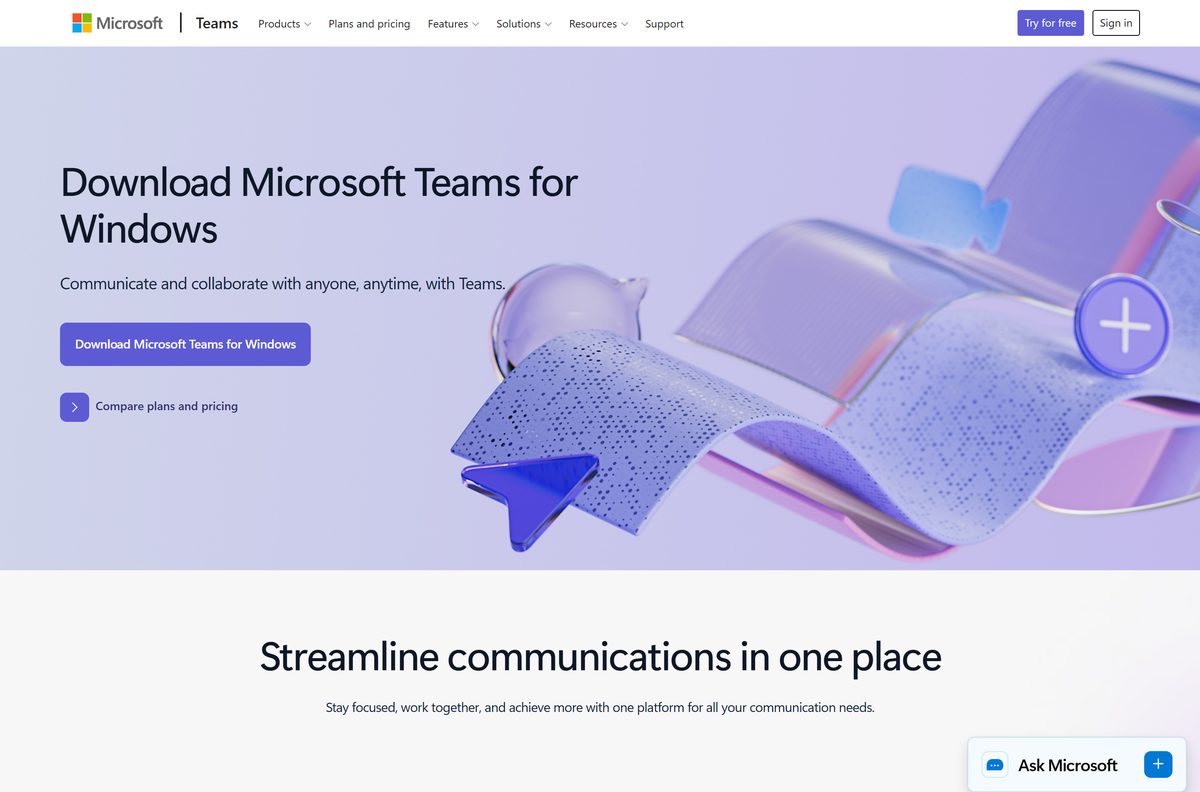
Download Microsoft Teams from the official Microsoft page
Microsoft distributes Teams from five places, all on Microsoft domains.
- Microsoft Teams download page — labelled Download Microsoft Teams for Windows
- MSTeamsSetup.exe for Windows — 1.3 MB · signed by Microsoft Corporation
- MicrosoftTeams.pkg for Mac — 340.6 MB · universal, Apple silicon and Intel
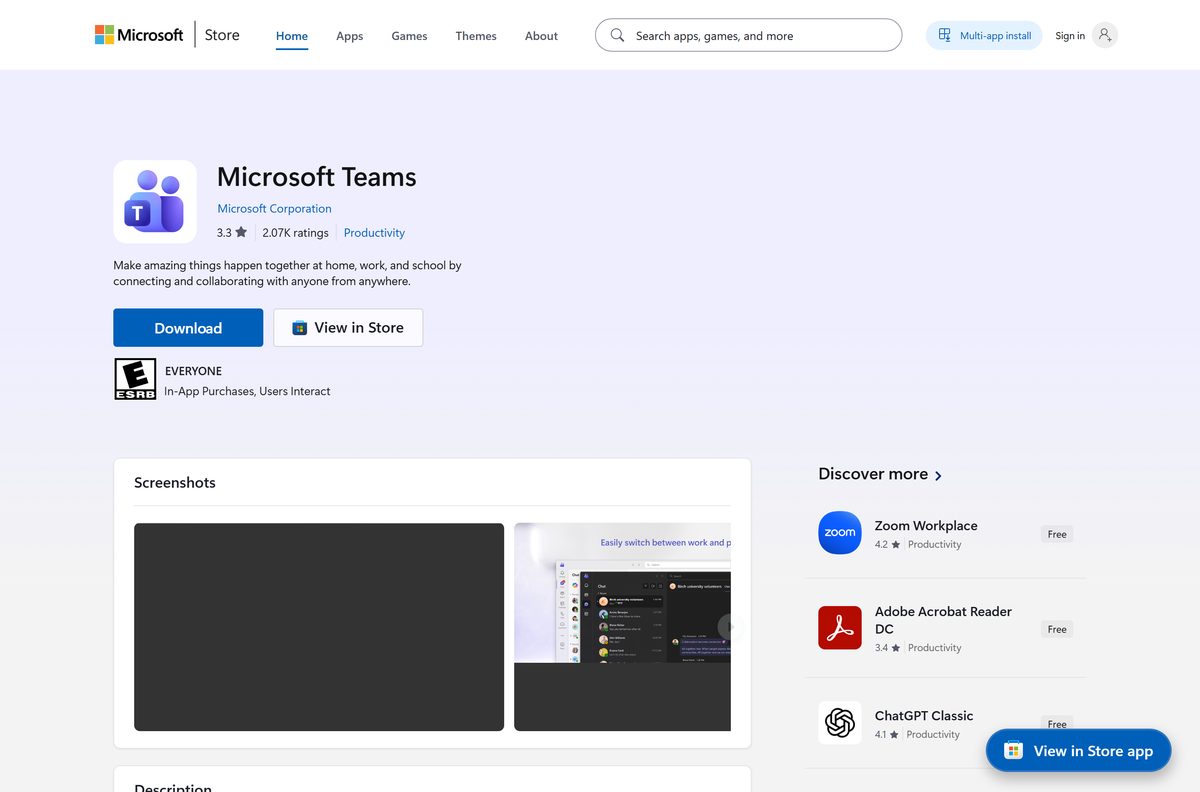
- Microsoft Store listing, product XP8BT8DW290MPQ — publisher Microsoft Corporation, price Free
- Teams in a browser — no download, and the route on Linux
Download portals rank well for this app and serve their own copies. A repackaged installer is not the file Microsoft signed, and Microsoft’s advice is to get apps from official publisher websites or stores.
Check the Microsoft Teams specifications and system requirements
Teams asks for very little. The disk figure catches small laptops.
| Field | Value |
|---|---|
| Software | Microsoft Teams |
| Developer | Microsoft Corporation |
| Latest version | 26225.1806.5074.1452, released 3 September 2026 |
| Package identity | MSTeams_8wekyb3d8bbwe |
| Price | Free with a Microsoft account; paid plans from $4.00 per user per month |
| Supported OS | Windows 10 build 19041 or later and Windows 11, no LTSC builds; macOS 14 or later |
| Architecture | x64, x86 and ARM64 on Windows; universal on Mac |
| Minimum hardware | 1.1 GHz dual-core, 4 GB RAM, 3 GB disk on Windows, 1.5 GB on Mac |
| Windows setup size | 1.3 MB web installer, 274.5 MB x64 MSIX package |
| Mac setup size | 340.6 MB |
| Offline installer | Yes, the MSIX package with teamsbootstrapper.exe |
| Linux | No client. Teams for Web only |
| Last verified | 2026-09-10 |
The desktop client supports no version of Windows LTSC; there, the browser is the supported route. WebView2 is a hard dependency everywhere else.
How to install Microsoft Teams on Windows 11 and 10
Stay online for the whole run. The setup file carries no application package and fetches it during the install.
- Open the Microsoft Teams download page.
- Select Download Microsoft Teams for Windows.
- Open your Downloads folder and double-click MSTeamsSetup.exe.
- Select Yes at the User Account Control prompt.
- Leave the installer alone while it pulls down the app package.
- Sign in with a work, school or personal Microsoft account when Teams opens.
- Right-click the taskbar icon and select Pin to taskbar to keep it there.
One app handles every account type. Select your profile picture to switch between work and personal.
Install Microsoft Teams from the Microsoft Store or with winget
The Store route suits a PC where the Store is healthy and you would rather skip a setup file.
- Open Microsoft Store from the Start menu.
- Search for Microsoft Teams, or open product XP8BT8DW290MPQ directly.
- Confirm the publisher line reads Microsoft Corporation and the price reads Free.
- Select Get, then Open once it finishes.
- For a command line instead, run winget install –id Microsoft.Teams –source winget .
- To take the Store copy from a command line, run winget install XP8BT8DW290MPQ –source msstore .
The winget package points at the same MSIX the offline route uses, and the Store listing covers ARM64, x64 and x86.
Download the Microsoft Teams offline installer and MSIX package
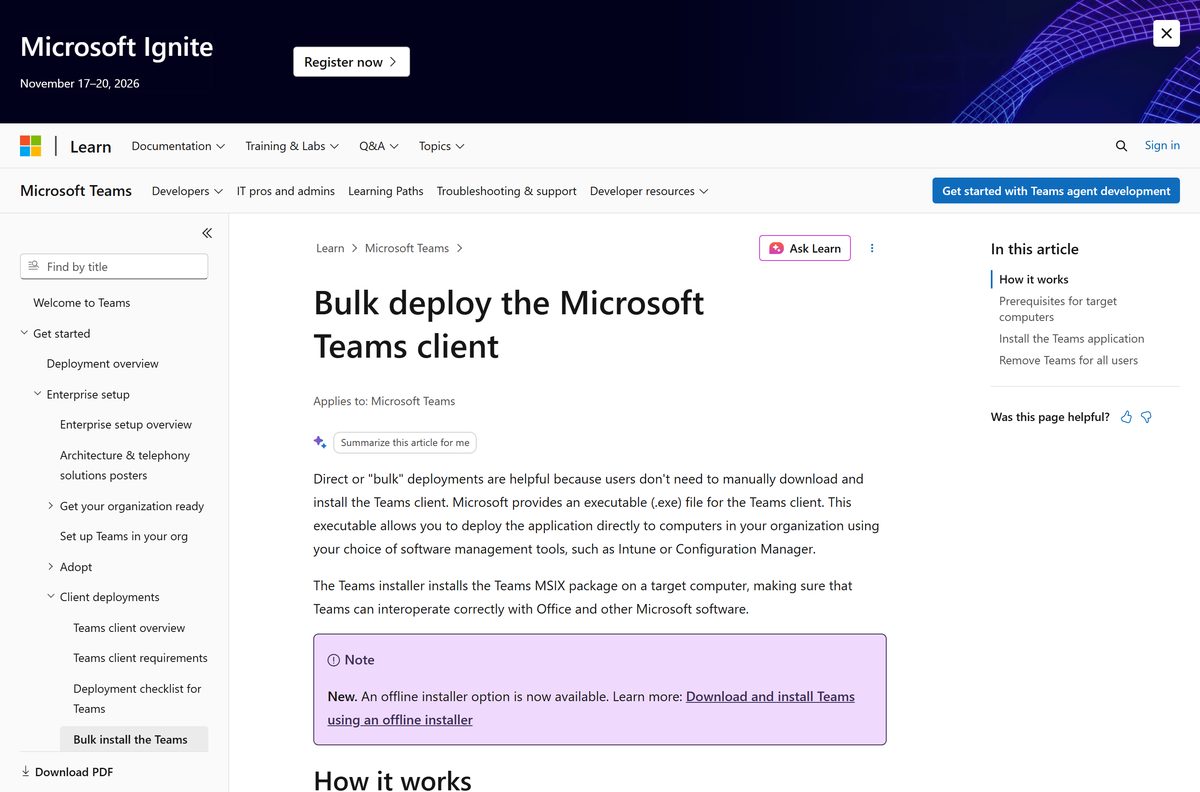
Microsoft calls this the offline installer route. Take the MSIX for your architecture, plus the bootstrapper that installs it for every user.
| File | Architecture | Size | Official link |
|---|---|---|---|
| MSTeams-x64.msix | x64 | 274.5 MB | Download MSIX x64 |
| MSTeams-x86.msix | x86 | 262.1 MB | Download MSIX x86 |
| MSTeams-arm64.msix | ARM64 | 276.9 MB | Download MSIX ARM64 |
| teamsbootstrapper.exe | Any | 1.9 MB | Download the installer |
Open Command Prompt as an administrator, change to the folder holding both files, and run .\teamsbootstrapper.exe -p -o “c:\path\to\teams.msix” . A UNC path works too, and dropping -o fetches the package from Microsoft.
Run the newest bootstrapper every time, and test on one machine before a wide rollout.
How to verify the Microsoft Teams installer is genuine
Both Microsoft setup files are signed. The signature settles where a file came from.
- Right-click MSTeamsSetup.exe and select Properties.
- Open the Digital Signatures tab.
- Select the signature in the list and click Details.
- Confirm the signer name reads Microsoft Corporation.
- From PowerShell instead, run Get-AuthenticodeSignature .\MSTeamsSetup.exe and read the Status column.
- After the install, run Get-AppxPackage MSTeams and check the Publisher line.
A copy pulled on 10 September 2026 returned Status Valid for CN=Microsoft Corporation, Redmond, Washington.
No Digital Signatures tab means the file did not come from Microsoft.
Which Microsoft Teams download do you need for your Mac?
One file covers every Mac. The package is universal, so Apple silicon and Intel machines take the same download.
| Your Mac | What to do | Size |
|---|---|---|
| macOS 14 Sonoma or later, any chip | MicrosoftTeams.pkg | 340.6 MB |
| macOS 13 Ventura or older | Update macOS first, then install | 0 |
| A Mac you manage for other people | The same .pkg, deployed with Intune or your MDM | 340.6 MB |
| An iPad | Teams on the App Store | App Store |
Double-click MicrosoftTeams.pkg, select Continue, then Install, and enter your Mac password. The package also installs Microsoft AutoUpdate, which puts Check for updates in the Help menu.
Is Microsoft Teams free?
Yes. Downloading Teams costs nothing, and a Microsoft account gets a free plan with no trial clock on it. The free plan carries unlimited chat, 5 GB of cloud storage, and group calls capped at 60 minutes and 100 people. Paid plans lift those caps: Teams Essentials is $4.00 per user per month billed yearly, Microsoft 365 Business Basic is $7.00, and at home Microsoft 365 Personal is $99.99 a year with Family at $129.99. Any site charging for a Teams download is charging for something Microsoft gives away.
Work and school accounts get Teams through a Microsoft 365 licence the organisation already pays for.
How to check your Microsoft Teams version and update it
Teams updates itself twice a month, so a manual check mostly confirms what you are running.
- Open Teams and select Settings and more, the three dots beside your profile picture.
- Select Settings, then About Teams.
- Read the number under Version.
- Select Update now if the panel offers it.
- Restart Teams so the update takes effect.
- On a Mac, open the Help menu and select Check for updates to hand the job to Microsoft AutoUpdate.
The build released on 3 September 2026 is 26225.1806.5074.1452 on Windows and 26225.1704.5081.2906 on Mac. Rollout is staged, so an older number is normal.
Fix Microsoft Teams not installing on Windows 11 or 10
Due to org policy, you can’t install the new Teams
Group Policy or a management tool blocks MSIX installs through the registry.
- Press Windows + R, type gpedit.msc and select OK.
- Open Computer Configuration > Administrative Templates > Windows Components > App package Deployment.
- Set Prevent non-admin users from installing packaged Windows apps to Not configured.
- Set Allow all trusted apps to install to Not configured.
- Install any pending Windows updates, then run the setup again.
The install fails on Windows 10 with a generic error
The WebView2 runtime is missing, and Teams cannot draw its interface without it.
- Download the WebView2 Runtime from Microsoft.
- Run the installer and let it finish.
- Restart the PC, then start Teams again.
The installer refuses the machine outright
The Windows build is too old, or it is an LTSC build, which the desktop client never supports.
- Press Windows + R, type winver and select OK, then check the build number is 19041 or higher.
- Update Windows from Settings > Windows Update if it is lower.
- On an LTSC build, use Teams in a browser. No installer will work there.
The download stalls, or the app never updates itself
Delivery Optimization is off or in bypass mode, or the network blocks Microsoft content endpoints.
- Open Settings > Windows Update > Advanced options > Delivery Optimization.
- Turn on Allow downloads from other PCs so the service runs.
- Ask your network team to allow the Microsoft 365 endpoints and skip SSL inspection there.
- Leave the files under %programfiles%\WindowsApps alone. Changing permissions there marks the app as corrupt.
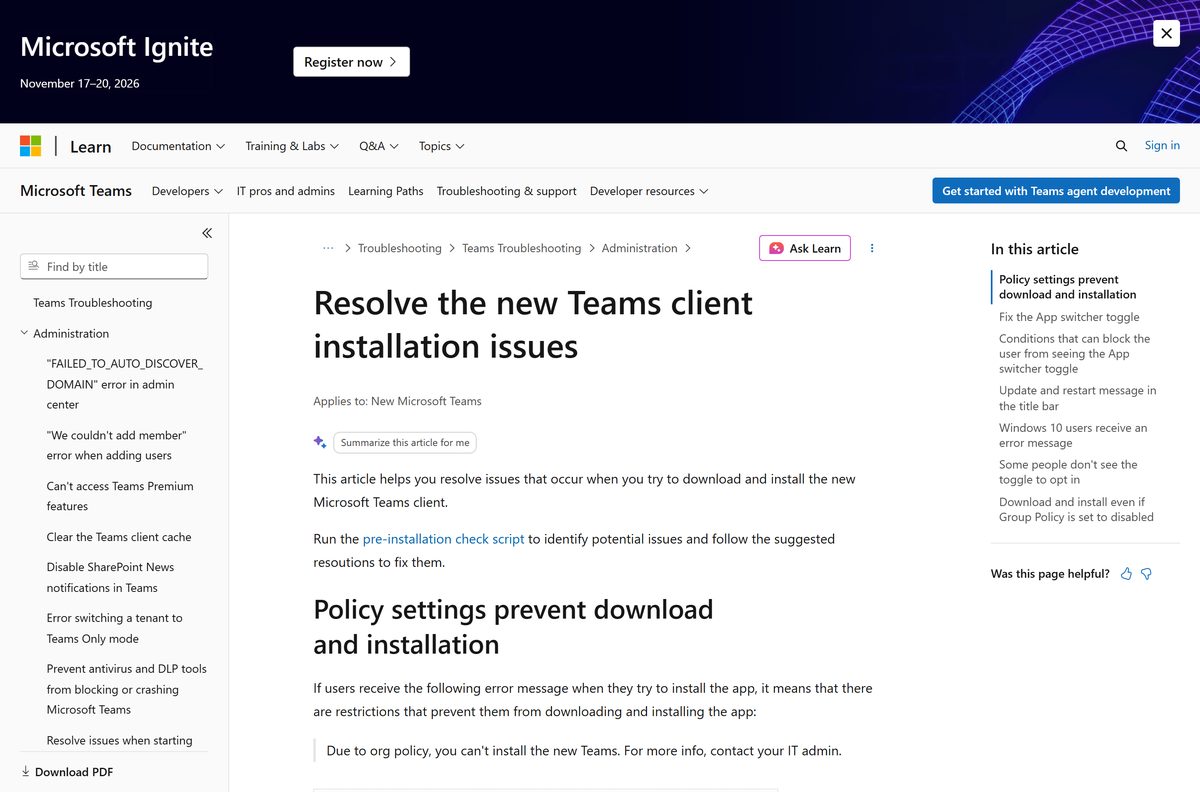
- If nothing here explains it, run Microsoft’s pre-installation check script as an administrator.
How to uninstall Microsoft Teams
Removing it for yourself takes the Settings route. Removing it for everyone needs a command.
- Open Settings, then Apps, then Installed apps.
- Search for Microsoft Teams and select the three dots beside it.
- Select Uninstall, then Uninstall again to confirm.
- For your own account from PowerShell, run Get-AppxPackage MSTeams|Remove-AppxPackage .
- For every user, open PowerShell as an administrator and run Get-AppxPackage MSTeams -AllUsers |Remove-AppxPackage -AllUsers .
- To drop a machine-wide provisioned copy, run teamsbootstrapper.exe -x -m .
- On a Mac, quit Teams, then drag Microsoft Teams from Applications to the Bin.
Removing Teams also removes its Outlook meeting add-in. Microsoft has a separate fix for the missing New Teams Meeting button.
What to use instead of Microsoft Teams
Each of these is a download from the maker’s own site.
| Alternative | Maker | Best for | Official download |
|---|---|---|---|
| Zoom Workplace | Zoom | Meetings with people outside your organisation | zoom.us/download |
| Google Meet | Calls that run in a browser tab | workspace.google.com | |
| Slack | Salesforce | Channel chat, with meetings the smaller half | slack.com/downloads |
| Teams for Web | Microsoft | A PC you cannot install software on | teams.microsoft.com |
Stay on Teams if your workplace runs Microsoft 365, or switch to Google Meet, the closest rival.
Frequently asked questions
Is Microsoft Teams free to download?
Yes. The app costs nothing on Windows, Mac, iOS and Android. A Microsoft account gets a free plan with unlimited chat, 5 GB of storage and 60-minute group calls.
What is the official Microsoft Teams download page?
It is the Download Teams page on microsoft.com, and the short links aka.ms/getteams and teams.microsoft.com/downloads both redirect there. The Store listing is product XP8BT8DW290MPQ.
Does Microsoft Teams work on Windows 11?
Yes, on Windows 11 and on Windows 10 build 19041 or later. No LTSC build is supported by the desktop client, so use Teams in a browser there.
How big is the Microsoft Teams download?
The setup file is 1.3 MB. The package it fetches is 274.5 MB for x64, 262.1 MB for x86 and 276.9 MB for ARM64. The Mac package is 340.6 MB.
Is there a Microsoft Teams offline installer?
Yes. Microsoft publishes the MSIX package and teamsbootstrapper.exe, then documents the switch that installs from a local or UNC copy. The 1.3 MB consumer setup is not one.
Is there a Microsoft Teams download for Mac?
Yes. MicrosoftTeams.pkg is 340.6 MB and universal, so one file covers Apple silicon and Intel Macs. It needs macOS 14 or later.
Is Microsoft Teams 64-bit, and is there an ARM64 build?
Microsoft publishes x64, x86 and ARM64 packages, and the Store listing covers all three. The Mac package is a universal binary for both Apple chips and Intel.
Which Microsoft Teams version is current?
The build released on 3 September 2026 is 26225.1806.5074.1452 on Windows. Check yours under Settings and more, then Settings, then About Teams.
Why is Microsoft Teams not installing?
The usual causes are a Group Policy blocking MSIX installs, a missing WebView2 runtime on Windows 10, or a Windows build below 19041. Microsoft publishes a check script.
Can I download an older version of Microsoft Teams?
No. Microsoft ships one current build and the app updates itself onto it. Classic Teams lost support on 1 July 2024 and stopped working on 1 July 2025.
Is there a Microsoft Teams download for Linux?
No desktop client. Microsoft supports Linux through Teams for Web and the progressive web app, which installs from Edge or Chrome and gives you a window and notifications.
Is it safe to download Microsoft Teams from other sites?
A repackaged installer is not the file Microsoft signed. Take it from microsoft.com or the Microsoft Store, then check the Digital Signatures tab reads Microsoft Corporation.







How to Chat in Microsoft Teams [Complete Guide] - Techdows
[…] Desktop, browser or mobile. Get the installer from Download Microsoft Teams for PC, Windows 11/10 & Mac (Free). […]
How to Download or Share a Microsoft Teams Recording - Techdows
[…] If Teams is not installed on the machine you are working from, get it from Download Microsoft Teams for PC, Windows 11/10 & Mac (Free). […]
Download Microsoft Planner for PC, Windows & Mac (Free Trial) - Techdows
[…] For the full Teams install walkthrough on Windows and Mac, see the Microsoft Teams download guide. […]
How to create and use breakout rooms in Microsoft Teams - Techdows
[…] The Teams desktop app for Windows or macOS […]
4 ways to run a Microsoft Teams poll during meetings - Techdows
[…] organizers and presenters can create, manage and launch polls. Attendees can answer from the Teams desktop app, web or […]
Download Microsoft SharePoint for PC, Windows & Mac (Free Trial) - Techdows
[…] Microsoft Teams desktop app […]