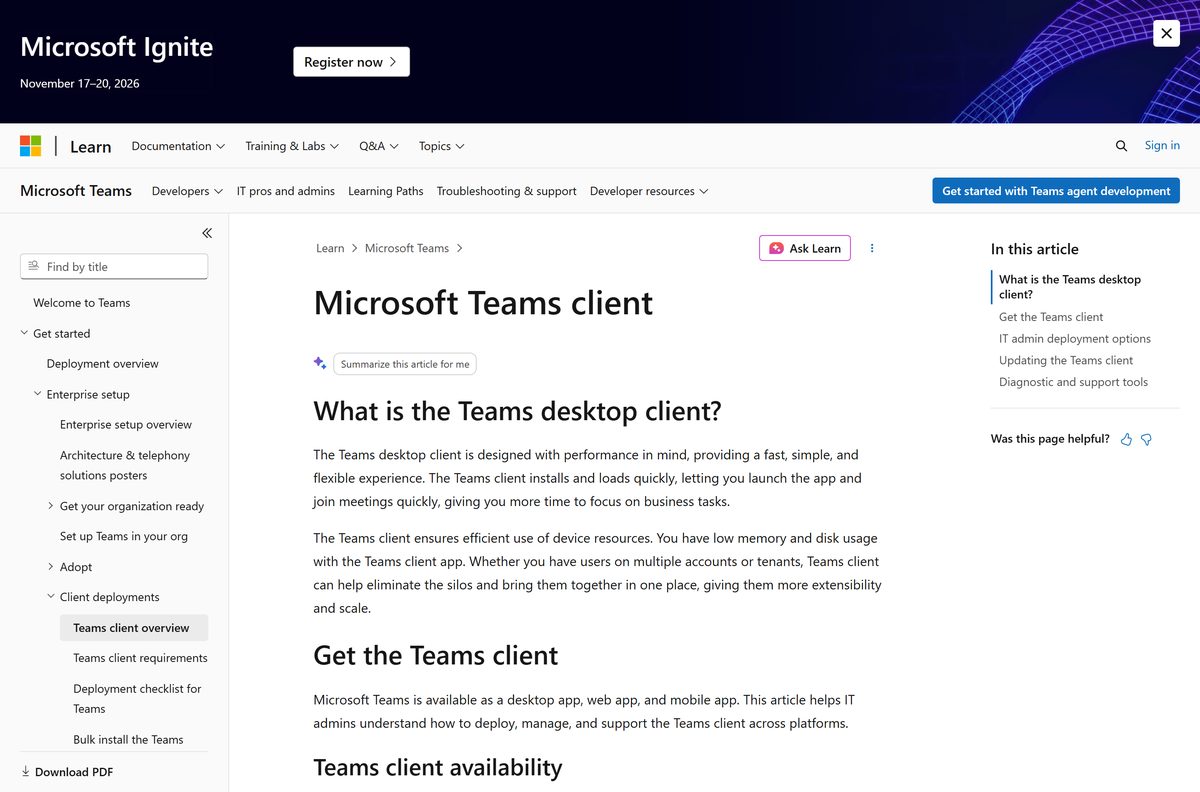
The Microsoft Planner download for Windows 11, Windows 10 and Mac comes through Microsoft Teams: install Teams, then pin the Planner app inside it. You can also open the Planner web app in any browser, and install the Planner app on iPhone, iPad and Android.
Planner brings your To Do lists, team plans and premium projects into one place. You sign in with a work or school account, because Planner comes with Microsoft 365 business plans.
This guide covers which option your device needs, the official links, adding Planner in Teams, the web and mobile apps, plan prices and fixes for common problems.
Which Microsoft Planner download do you need?
Match your device to a row. Every link goes to Microsoft or to the official Apple and Google stores.
| Your device | What to get | Note |
|---|---|---|
| Windows 11 or 10 PC | Microsoft Teams desktop app | Planner runs as an app inside Teams |
| Windows PC, Store install | Microsoft Teams on the Microsoft Store | Free listing from Microsoft Corporation |
| Mac with Apple silicon or Intel | Microsoft Teams for Mac | Universal installer; pin Planner inside Teams |
| Any computer, nothing installed | Planner web app via Microsoft 365 sign-in | Opens at planner.cloud.microsoft in a browser |
| iPhone or iPad | Microsoft Planner on the App Store | Free, 158.2 MB, iOS 17.0 or later |
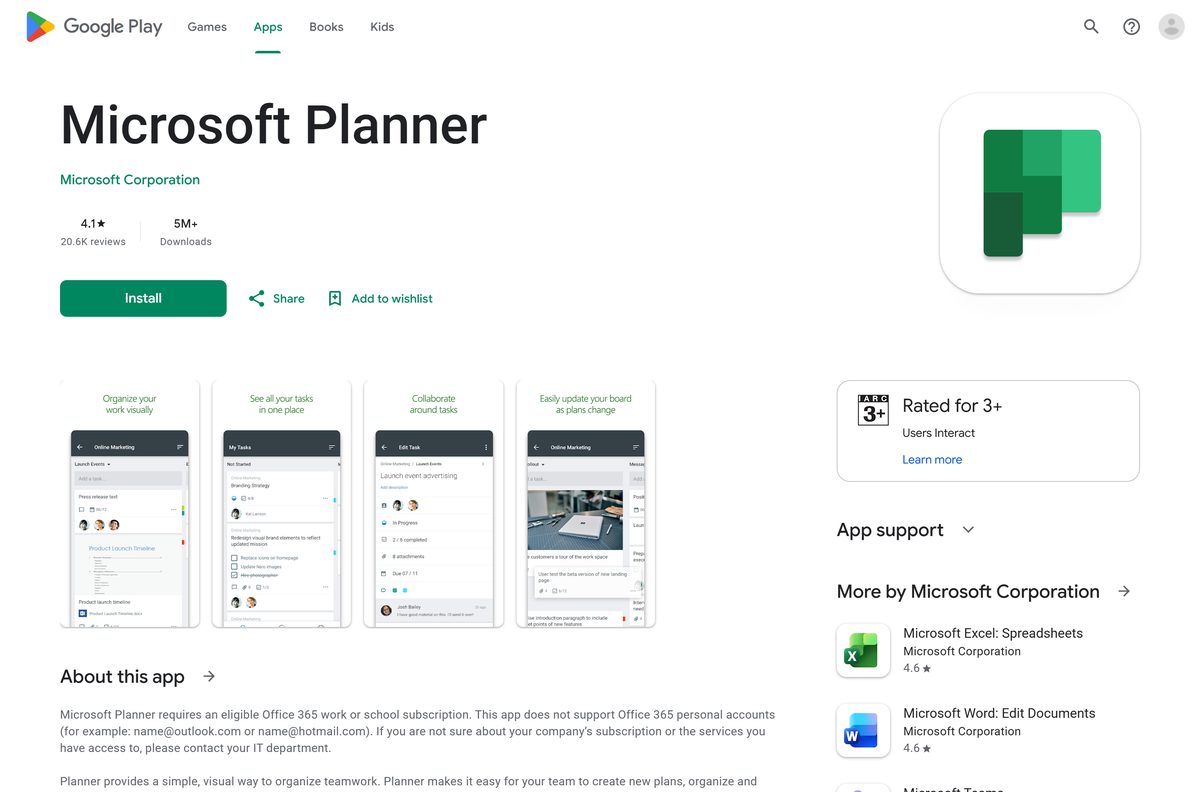
| Android phone or tablet | Microsoft Planner on Google Play | Free, 5M+ downloads |
Most people on a work PC already have Teams. In that case, skip the download and pin Planner inside Teams.
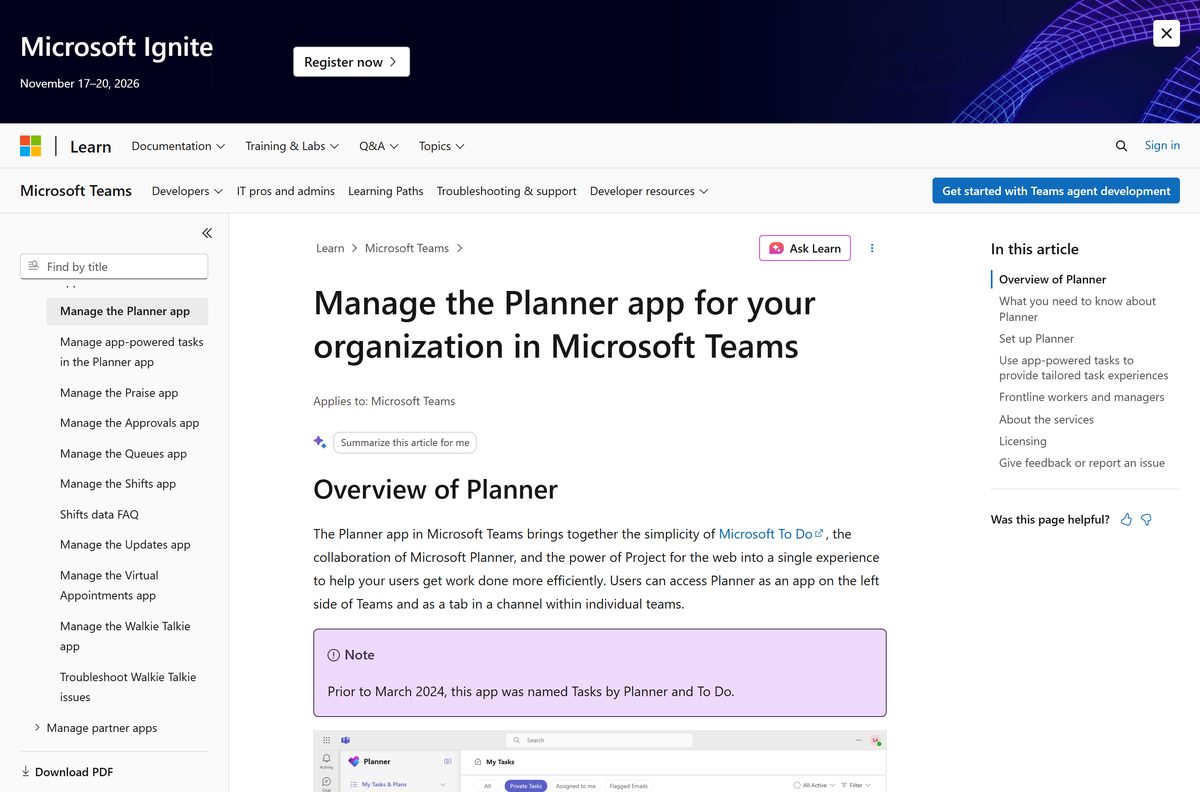
Download Microsoft Planner apps from the official Microsoft links
Microsoft publishes every Planner app under the name Microsoft Corporation. Take them only from these pages.
- Microsoft Teams download page — the Windows and Mac desktop app that hosts Planner
- Microsoft Teams on the Microsoft Store — the same app through the Store on Windows 11 and 10
- Microsoft Planner for iPhone and iPad — version 1.17.19, 158.2 MB
- Microsoft Planner for Android — 5M+ downloads on Google Play
- Microsoft Planner plans and pricing — Planner Plan 1, Plan 3 and the free trial
For the full Teams install walkthrough on Windows and Mac, see the Microsoft Teams download guide.
How to add Microsoft Planner to Teams on Windows 11 and 10
Planner is enabled by default for Teams users, so most work accounts only need to pin it. Install Teams first if your PC does not have it.
- Open the Microsoft Teams download page and install Teams if it is missing.
- Open Microsoft Teams and sign in with your work or school account.
- Select View more apps (the three dots) on the left side of Teams.
- Type Planner in the search box and select the Planner app.
- Right-click the Planner icon on the left bar and select Pin.
- Open My Day, My Tasks or My Plans to see your work.
- Select New plan to create a personal or shared plan.
To share a plan with a team, add it as a tab in a channel. Teams mobile only shows plans added as a channel tab.
How to use the Microsoft Planner web app without installing anything
The Planner web app opens at planner.cloud.microsoft in Edge, Chrome, Firefox or Safari. It suits shared PCs and Macs where you cannot install Teams.
- Open the Planner page on microsoft.com and select Sign in, or go straight to planner.cloud.microsoft.
- Sign in with your work or school account.
- Select My Tasks or open a plan from My Plans.
- In Microsoft Edge, select Settings and more (the three dots) and choose Apps.
- Select Install this site as an app to add Planner to the Start menu and taskbar.
Changes you make in the web app show up in the Teams app and on your phone, because every client reads the same plans.
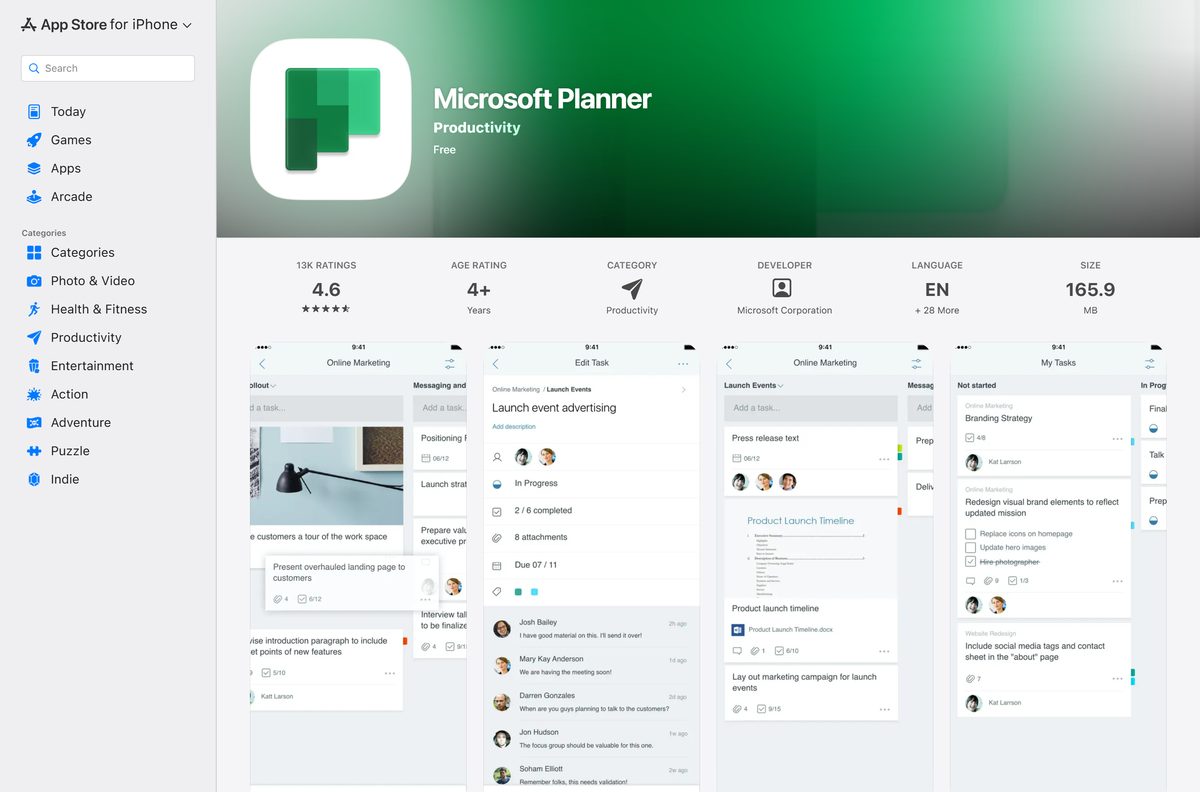
Install the Microsoft Planner app on iPhone, iPad and Android
The mobile app shows your plans as boards with buckets. You can drag tasks between columns and attach photos to tasks.
- Open the App Store listing on iPhone or iPad, or the Google Play listing on Android.
- Confirm the publisher reads Microsoft Corporation.
- Tap Get on the App Store or Install on Google Play.
- Open Planner once the install finishes.
- Sign in with your work or school email address.
- Tap a plan to open its board, or open My Tasks.
The iPhone app needs iOS 17.0 or later. Personal Microsoft accounts cannot sign in.
Which Microsoft Planner download do you need for your Mac?
Planner has no separate Mac app. You use it inside Teams for Mac or in a browser.
| You want to | Use | Note |
|---|---|---|
| Keep Planner next to chat and meetings | Microsoft Teams for Mac | Universal installer for Intel and Apple silicon |
| Use Planner without installing anything | Planner web app | Safari, Chrome, Edge or Firefox |
| Check tasks on your iPhone or iPad | Microsoft Planner on the App Store | iOS 17.0 or later |
After Teams is installed, pin Planner with the same View more apps steps as on Windows.
Is Microsoft Planner free?
The apps cost nothing to install, but signing in needs an organization that pays for Microsoft 365 or a Planner plan.
No. Planner comes with Microsoft 365 business plans, and Planner Plan 1 adds premium features with a one-month free trial. Microsoft 365 Business Basic costs $7.00 per user per month, paid yearly, and includes Planner in Teams and the web app. Planner Plan 1 costs $10.00 and Planner and Project Plan 3 costs $30.00 per user per month, paid yearly. Trials need a credit card and convert to a paid plan unless you cancel.
If your employer or school already gives you a Microsoft 365 work account, Planner is included and you pay nothing yourself. Current prices sit on the Planner plans page; for the full suite, see the Microsoft 365 download guide.
Which Microsoft Planner plan should you buy: Microsoft 365, Plan 1 or Plan 3?
Microsoft sells three levels of Planner. All three run in Teams and the web app.
Use Planner in Microsoft 365 for team task boards. Buy Planner Plan 1 only if you need sprints, dependencies or a Timeline view. Planner in Microsoft 365 covers boards, checklists, labels, and the Grid, Board, Schedule and Chart views. Plan 1 adds premium plans, sub-tasks, backlogs, sprints and Timeline (Gantt) views. Planner and Project Plan 3 adds portfolios, baselines, critical path and the Project desktop app.
Check the Microsoft Planner specifications and system requirements
Planner itself runs in Teams or a browser. The limits that matter come from Teams and the mobile apps.
| Field | Value |
|---|---|
| Software | Microsoft Planner |
| Developer | Microsoft Corporation |
| Latest version | Web-based, auto-updating; iPhone app 1.17.19 (16 September 2026) |
| Price | Included in Microsoft 365 business plans from $7.00 per user per month; Planner Plan 1 $10.00 |
| Windows | Planner app in Microsoft Teams (64-bit and 32-bit installers), or the web app |
| Mac | Planner app in Teams for Mac (universal installer), or the web app |
| Browsers | Microsoft Edge, Chrome, Firefox and Safari |
| Mobile | iOS 17.0 or later (158.2 MB); Android on Google Play |
| Offline installer | None; Planner has no standalone desktop installer |
| Account | Work or school account with an eligible Office 365 subscription |
| Official download source | microsoft.com, Microsoft Store (Teams), App Store, Google Play |
| Last verified | 2026-09-24 |
Fix Microsoft Planner sign-in and missing-app problems
Planner is missing from Teams
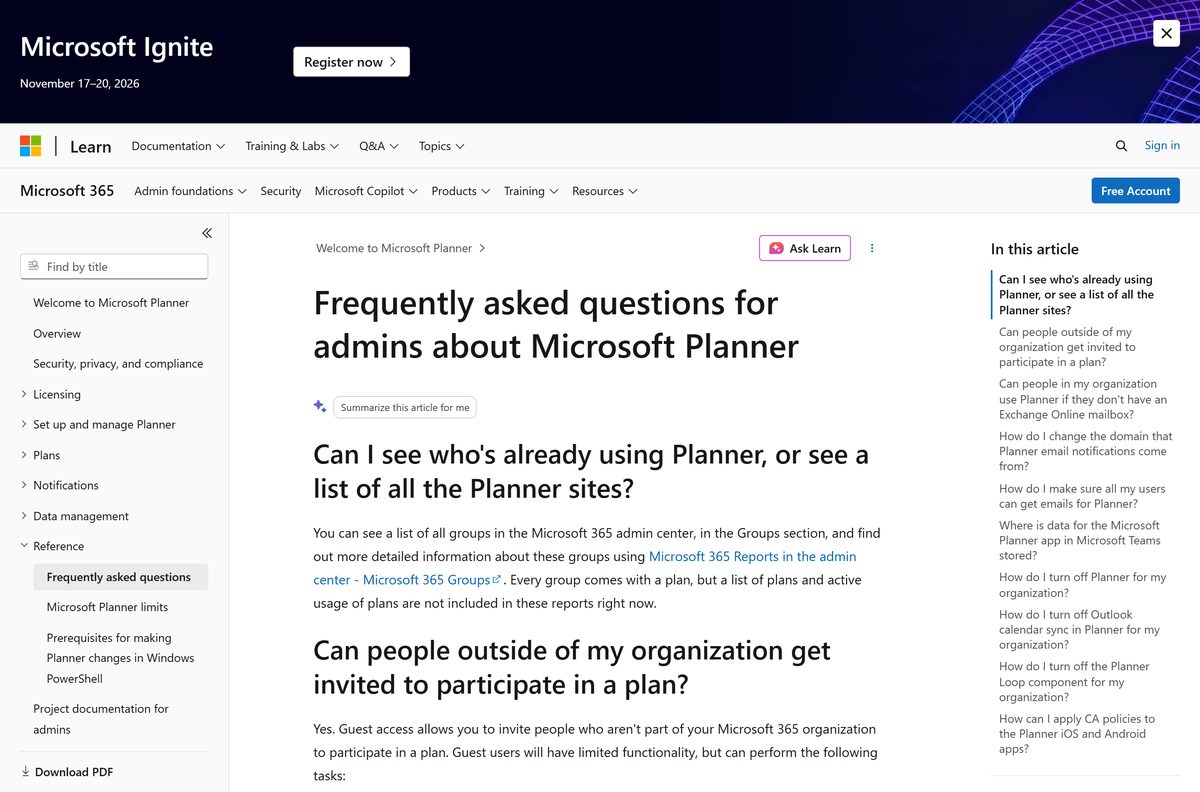
Your IT admin blocked the app, or the old name still shows.
- Select View more apps and search for Planner.
- Search for Tasks by Planner and To Do if Planner does not appear.
- Ask your IT admin to allow Planner in the Teams admin center if neither shows.
A personal Microsoft account cannot sign in
Planner needs an eligible Office 365 work or school subscription.
- Sign out of the outlook.com or hotmail.com account.
- Sign in with the email address your organization gave you.
- Ask your IT admin for a Microsoft 365 license if sign-in still fails.
Timeline, People or Goals views are locked
These premium views need a Planner Plan 1 or higher license.
- Open the plan and check whether it is a premium plan.
- Compare plans on the Planner pricing page.
- Ask your IT admin to assign Planner Plan 1, or start the free trial.
A shared plan does not show on Teams mobile
Teams mobile only lists plans added as a channel tab.
- Open the channel on a computer and add the plan as a tab.
- Or install the Microsoft Planner app to see every plan on your phone.
How to remove Microsoft Planner from Teams, your PC and your phone
Removing Planner from a device leaves your plans and tasks intact, because they are stored in Microsoft 365.
- In Teams, right-click the Planner icon on the left bar and select Unpin.
- For the Edge web app, open Settings and more > Apps > View apps, then remove Planner.
- On iPhone or iPad, press and hold the Planner icon and tap Remove App.
- On Android, press and hold the Planner icon and tap Uninstall.
What to use instead of Microsoft Planner
These cover task tracking for teams that do not need Planner’s board views.
| Alternative | Maker | Best for | Official link |
|---|---|---|---|
| Microsoft To Do | Microsoft | Personal task lists, free with a Microsoft account | Microsoft Store listing |
| Microsoft Loop | Microsoft | Shared pages with Planner task components | Microsoft Store listing |
| Microsoft Teams | Microsoft | Chat and meetings with Planner built in | Teams download guide |
Stay with Planner if your company already pays for Microsoft 365. It is included, and your To Do lists appear inside it.
Frequently asked questions
Is Microsoft Planner free to download?
The apps are free to install, but Planner needs a paid work or school subscription. It is included in Microsoft 365 Business Basic at $7.00 per user per month, paid yearly, and Planner Plan 1 offers a one-month free trial.
What is the official Microsoft Planner download page?
On Windows and Mac, the official route is the Microsoft Teams download page on microsoft.com, because Planner runs as an app inside Teams. On phones, install Microsoft Planner from the App Store or Google Play.
Does Microsoft Planner work on Windows 11?
Yes. Planner runs inside the Microsoft Teams desktop app on Windows 11 and Windows 10, and the Planner web app opens in any current browser, including Microsoft Edge and Chrome.
How big is the Microsoft Planner download?
The iPhone and iPad app is 158.2 MB on the App Store. On Windows and Mac there is no separate Planner file, because Planner opens inside Teams or in your browser.
Is there a Microsoft Planner offline installer?
No. Microsoft ships no standalone Planner installer for Windows or Mac. You add the Planner app inside Microsoft Teams or open the Planner web app, and both need an internet connection to sync plans.
Is there a Microsoft Planner app for Mac?
There is no Planner app on the Mac App Store. Install the Microsoft Teams desktop app for Mac and pin Planner inside it, or open the Planner web app in Safari, Chrome or Edge.
Does Microsoft Planner run on ARM64 and 64-bit PCs?
Yes. Planner runs inside Teams, and Microsoft ships 64-bit and 32-bit Teams installers for Windows plus a universal Mac installer for Intel and Apple silicon. The web app runs on any processor.
Is it safe to download Microsoft Planner from other sites?
Take Planner only from Microsoft, the App Store or Google Play, where the publisher is Microsoft Corporation. Any third-party Planner .exe is not from Microsoft, because Microsoft publishes no Planner desktop installer.
What is the latest Microsoft Planner version?
Planner on Windows and Mac updates itself inside Teams and the web app, so it has no version to install. The iPhone app is version 1.17.19, released on 16 September 2026.
Why won’t Microsoft Planner sign in with my Outlook.com account?
Planner needs an eligible Office 365 work or school subscription. The mobile app does not support personal accounts such as outlook.com or hotmail.com, so sign in with the email your organization gave you.
What happened to Tasks by Planner and To Do?
Microsoft renamed the Teams app Tasks by Planner and To Do to Planner in March 2024. It still shows your To Do lists, Planner plans and premium plans in one place.
What does Planner Plan 1 add?
Planner Plan 1 costs $10.00 per user per month, paid yearly, and adds premium plans, sprints, task dependencies, and Timeline, Calendar and People views on top of Planner in Microsoft 365.






