The Microsoft SharePoint download for Windows 11, Windows 10 and Mac is a two-part setup: SharePoint opens in your browser, and the OneDrive app syncs its document libraries into File Explorer or Finder. On iPhone, iPad and Android, you install the SharePoint app from the App Store or Google Play.
You sign in with a work or school account, because SharePoint comes with Microsoft 365 business plans. Files you see in Microsoft Teams live in SharePoint too, so the same sync setup covers both.
This guide covers which piece your device needs, the official links, syncing a library on Windows and Mac, the mobile app, plan prices and fixes for common problems.
Which Microsoft SharePoint download do you need?
Match your device and goal to a row. Every link goes to Microsoft or to Apple and Google’s official stores.
| Your device or goal | What to get | Note |
|---|---|---|
| Windows 11 or 10 PC, work in sites and pages | SharePoint in your browser | Nothing to install; sign in with a work or school account |
| Windows PC, library files in File Explorer | OneDrive app from microsoft.com | Already built into Windows 11 |
| Mac, library files in Finder | OneDrive on the Mac App Store | Free, needs macOS 14.4 or later |
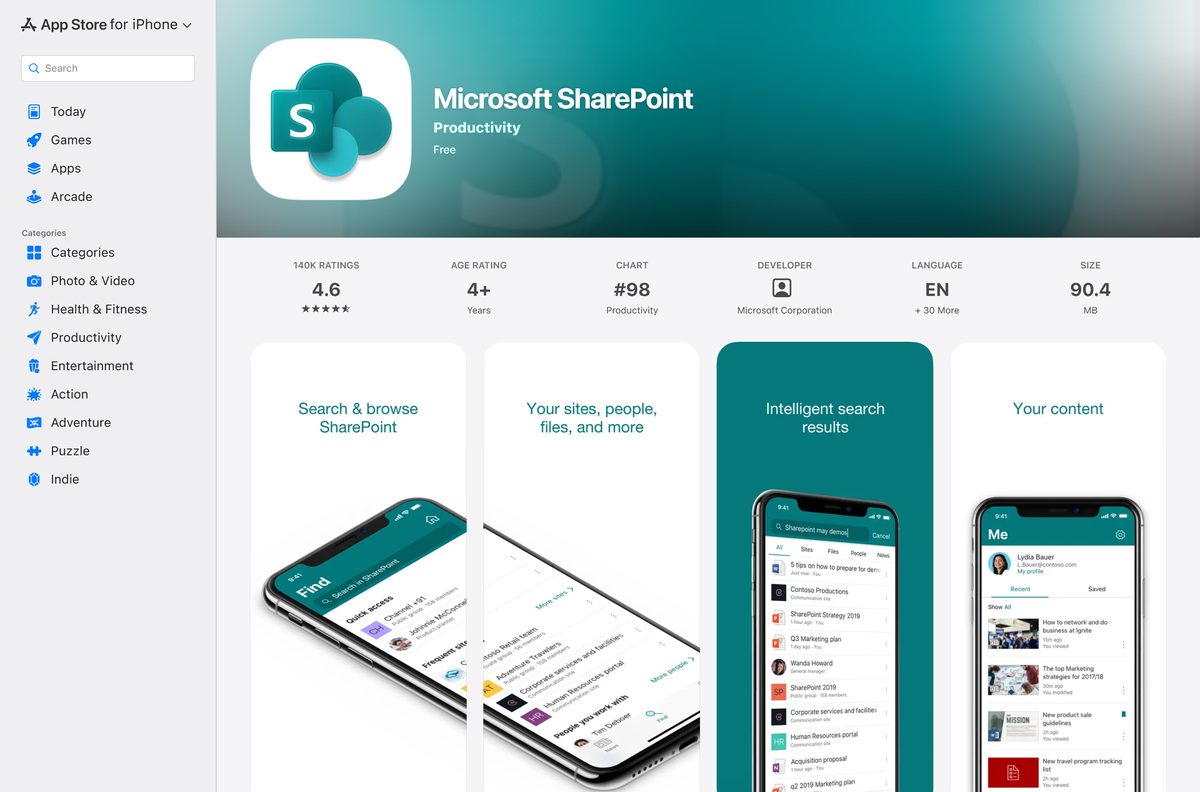
| iPhone or iPad | Microsoft SharePoint on the App Store | Free, needs iOS 18.6 or later |
| Android phone or tablet | Microsoft SharePoint on Google Play | Free, published by Microsoft Corporation |
| Team files you open in Teams | Microsoft Teams desktop app | Teams files sit in SharePoint sites |
| IT team running its own servers | SharePoint Server documentation | Subscription Edition, 2019 and 2016 |
Most people need only the first two rows. The browser handles sites, pages, news and lists, and OneDrive puts the files on your drive.
Download Microsoft SharePoint apps from the official Microsoft links
Microsoft publishes every SharePoint piece under the name Microsoft Corporation. Take them only from these pages.
- SharePoint sign-in — opens SharePoint in any current browser after you sign in
- OneDrive download page on microsoft.com — the sync app for SharePoint and Teams libraries on Windows and Mac
- OneDrive on the Mac App Store — free, macOS 14.4 or later
- Microsoft SharePoint for iPhone and iPad — 86.2 MB, iOS 18.6 or later
- Microsoft SharePoint for Android — 10M+ downloads on Google Play
- SharePoint plans and pricing — business plans and the one-month free trial
For the full OneDrive install walkthrough, including winget and all-users setup, see the Microsoft OneDrive download guide.
How to sync a Microsoft SharePoint library on Windows 11 and 10
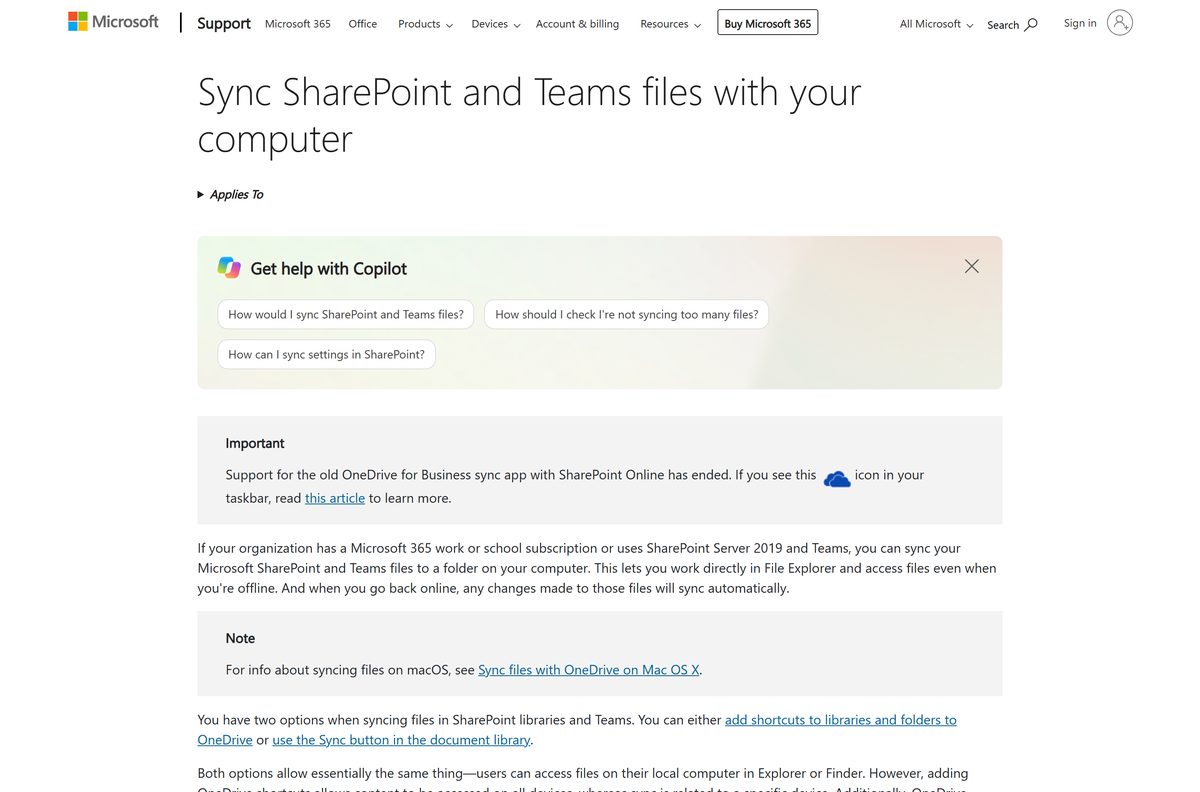
Syncing puts a SharePoint or Teams document library in File Explorer. You select Sync once per computer, and OneDrive keeps the folder current after that.
- Open SharePoint in your browser and sign in with your work or school account.
- Select the app launcher (the nine dots, top left) and choose SharePoint or Teams.
- Select the site you want.
- Open Documents, or the subfolder you want to sync.
- Select Sync on the library toolbar.
- Allow the browser prompt that asks to open Microsoft OneDrive.
- Sign in to OneDrive with the same account if it asks.
- Open File Explorer and find the synced files in the folder named after your organization.
On Windows 10, install OneDrive from microsoft.com first if the Sync prompt finds no app. Windows 11 already has it.
Install the Microsoft SharePoint app on iPhone, iPad and Android
The mobile app browses your sites, news, files and people, and it creates news posts on the go. It works with SharePoint Online and with SharePoint Server 2013 and higher.
- Open the App Store listing on iPhone or iPad, or the Google Play listing on Android.
- Confirm the publisher reads Microsoft Corporation.
- Tap Get on the App Store or Install on Google Play.
- Open SharePoint once the install finishes.
- Enter your work or school email address and tap Sign in.
- Tap your sites, news or files to start browsing.
The app lets you add several accounts and switch between them, which suits contractors who work for more than one organization.
Which Microsoft SharePoint download do you need for your Mac?
SharePoint has no separate Mac app. You use it in Safari, Chrome or Edge, and OneDrive syncs its libraries into Finder.
| You want to | Use | Note |
|---|---|---|
| Read and edit sites, pages and lists | SharePoint in the browser | Sign in with a work or school account |
| Keep library files in Finder | OneDrive on the Mac App Store | macOS 14.4 or later, Apple silicon or Intel |
| Deploy sync to Macs your company manages | OneDrive download page | Standalone package for IT deployment |
After OneDrive is installed, select Sync on a library in the browser, exactly as on Windows.
Is Microsoft SharePoint free?
The apps cost nothing to install, but signing in needs an organization that pays for SharePoint.
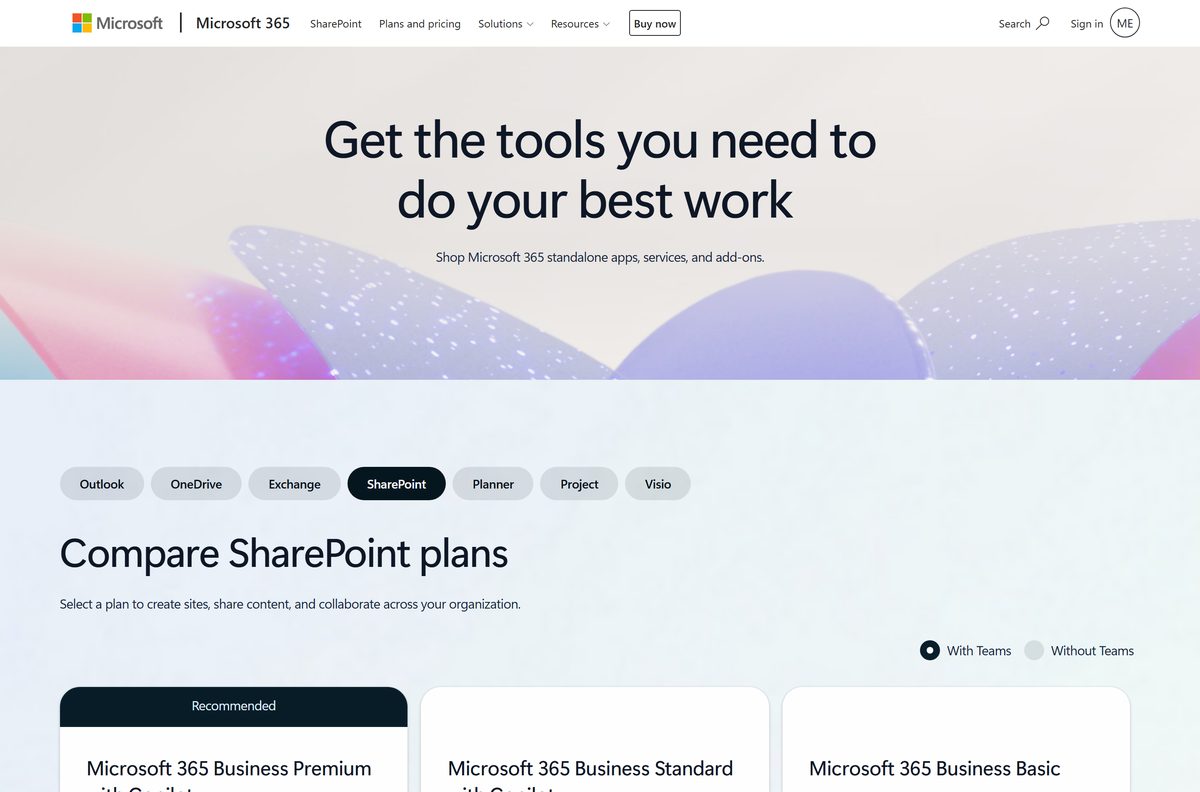
No. SharePoint comes with Microsoft 365 business plans, and Microsoft offers a one-month free trial of each. Microsoft 365 Business Basic costs $7.00 per user per month, paid yearly, and covers the web and mobile apps with 1 TB of cloud storage per user. Business Standard with Copilot is $23.50 and Business Premium with Copilot is $32.00, both adding desktop Office apps. The trial needs a credit card and converts to a paid plan unless you cancel.
If your employer or school already gives you a Microsoft 365 work account, SharePoint is included and you pay nothing yourself. Current prices sit on the SharePoint plans page.
Which should you use: SharePoint in Microsoft 365 or SharePoint Server?
Microsoft sells SharePoint two ways. The cloud version runs on Microsoft’s servers, and SharePoint Server runs on your own hardware.
Use SharePoint in Microsoft 365 unless your organization must keep data on its own servers. The cloud version updates itself and needs no server setup. SharePoint Server Subscription Edition, 2019 and 2016 are for IT teams that install and run a farm themselves, and the mobile app supports SharePoint Server 2013 and higher.
Check the Microsoft SharePoint specifications and system requirements
SharePoint itself runs in a browser. The limits that matter come from the OneDrive sync app and the mobile app.
| Field | Value |
|---|---|
| Software | Microsoft SharePoint |
| Developer | Microsoft Corporation |
| Latest version | Web-based, auto-updating; iPhone app 5.1.5 (18 September 2026) |
| Price | Paid, with Microsoft 365 business plans from $7.00 per user per month; one-month free trial |
| Desktop access | Any current browser on Windows 11, Windows 10 and macOS |
| Library sync | OneDrive app: Windows 10 22H2 or Windows 11, Windows Server 2016 or newer; macOS 14.4 or newer |
| Architecture | OneDrive runs on x64 and ARM-based Windows PCs, Apple silicon and Intel Macs |
| Minimum hardware | 1.6 GHz processor, 1 GB RAM |
| Mobile | iOS 18.6 or later (86.2 MB); Android on Google Play |
| Offline installer | None; SharePoint opens in the browser |
| Account | Work or school account with SharePoint Online, or SharePoint Server 2013 or later |
| Official download source | microsoft.com, App Store, Google Play |
| Last verified | 2026-09-24 |
Fix Microsoft SharePoint sync and sign-in problems on Windows 11 or 10
Sync opens nothing, or asks for an app you do not have
The OneDrive app is missing, which happens on some Windows 10 PCs.
- Open the OneDrive download page and install the app.
- Sign in to OneDrive with your work or school account.
- Return to the library in the browser and select Sync again.
Your personal Microsoft account cannot open SharePoint
SharePoint needs a work or school account on a Microsoft 365 business plan or a SharePoint Server.
- Sign out of the personal account.
- Sign in with the email address your organization gave you.
- Ask your IT admin for access if the site still says you have no permission.
The mobile app will not sign in
Your organization has no subscription with SharePoint Online and no SharePoint Server 2013 or later.
- Confirm with IT which SharePoint your organization uses.
- Update the app from the App Store or Google Play.
- Remove the account in the app, then add it again.
You no longer want a library on this PC
Sync stays on until you stop it in OneDrive.
- Select the blue OneDrive cloud icon in the taskbar.
- Select the gear icon, then Settings.
- Open the Account tab and select Stop sync next to the site.
- Delete the local folder if you do not need the copies.
What to use instead of Microsoft SharePoint
These cover the same ground for teams that do not need a full intranet.
| Alternative | Maker | Best for | Official link |
|---|---|---|---|
| Google Workspace | Shared drives and team sites for Gmail-based companies | workspace.google.com | |
| Microsoft OneDrive | Microsoft | One person’s files, with a free 5 GB tier | OneDrive download guide |
| Microsoft Teams | Microsoft | Chat and meetings with shared channel files | Teams download guide |
Stay with SharePoint if your company already pays for Microsoft 365. Teams channel files are SharePoint libraries, so you get both.
Frequently asked questions
Is Microsoft SharePoint free to download?
The apps are free to install, but SharePoint needs a paid Microsoft 365 business plan. Business Basic costs $7.00 per user per month, paid yearly, and every plan has a one-month free trial.
What is the official Microsoft SharePoint download page?
There is no single installer page. SharePoint opens at office.com after sign-in, the OneDrive sync app comes from microsoft.com, and the mobile app comes from the App Store or Google Play.
Does Microsoft SharePoint work on Windows 11?
Yes. SharePoint runs in any current browser on Windows 11, and OneDrive comes built into Windows 11, so you can sync libraries to File Explorer without installing anything.
How big is the Microsoft SharePoint download?
The iPhone and iPad app is 86.2 MB on the App Store. On Windows and Mac, SharePoint runs in the browser, so the only download is the OneDrive sync app.
Is there a Microsoft SharePoint offline installer?
No. Microsoft ships no SharePoint desktop installer for Windows or Mac. You open SharePoint in a browser and sync its document libraries through the OneDrive app.
Is there a Microsoft SharePoint app for Mac?
There is no separate Mac app. Use SharePoint in Safari, Chrome or Edge, and install OneDrive from the Mac App Store to sync libraries to Finder. OneDrive needs macOS 14.4 or later.
Does SharePoint sync work on ARM64 and 64-bit PCs?
Yes. The OneDrive app that syncs SharePoint libraries runs on 64-bit and ARM-based Windows 10 and 11 PCs, and on Apple silicon and Intel Macs.
Is it safe to download Microsoft SharePoint from other sites?
Take SharePoint apps only from microsoft.com, the App Store or Google Play, where the publisher is Microsoft Corporation. Third-party copies gain you nothing, because the official apps are free.
What is the latest Microsoft SharePoint version?
SharePoint in Microsoft 365 updates itself in the browser, so it has no version to install. The iPhone app is version 5.1.5, released on 18 September 2026.
Why won’t SharePoint open with my Microsoft account?
SharePoint needs a work or school account from an organization that has SharePoint Online or SharePoint Server 2013 or later. A personal Microsoft account cannot sign in to business sites.
Can I use SharePoint with Microsoft Teams?
Yes. Files shared in Teams channels are stored in SharePoint sites, and the same Sync button works on them. Microsoft 365 business plans are sold with or without Teams.