The Grammarly download for Windows 11, Windows 10 and Mac is free from grammarly.com. The desktop app checks your writing in Word, Outlook, browsers and most other apps you type in.
Setup takes a couple of minutes: run the 35.9 MB GrammarlyInstaller.exe on Windows or open Grammarly.dmg on a Mac, then sign in. The free plan has no time limit.
This guide covers which file fits your machine, setup on Windows and Mac, the Microsoft Store and winget routes, MSI deployment, updates, install errors and a clean uninstall.
Which Grammarly download do you need?
Match your computer to a row. On Windows, open Settings > System > About to see your Windows version and System type. On a Mac, open the Apple menu > About This Mac.
| Your computer | Download | Size |
|---|---|---|
| Windows 11 or Windows 10 (build 1903 or newer), 64-bit or 32-bit | GrammarlyInstaller.exe | 35.9 MB |
| Windows PC where you prefer to install from the Microsoft Store | Grammarly in the Microsoft Store | Handled by the Store |
| Many Windows PCs managed by IT | Per-user MSI, x64 | 36.0 MB |
| Mac with Apple silicon, or an Intel Mac from 2018 or newer, on macOS 11 or newer | Grammarly.dmg | 118.0 MB |
One Windows installer covers both 64-bit and 32-bit PCs. The setup file is the full package, not a small web stub.

Download Grammarly for Windows 11, Windows 10 and Mac
Grammarly Inc. hosts every installer on its own grammarly.com servers. The product pages carry the download buttons, and the direct links below fetch the same files.
- Grammarly for Windows download page — Windows 10 or newer; the button opens the Microsoft Store listing
- GrammarlyInstaller.exe (direct) — 35.9 MB · x64 and x86
- Grammarly for Mac download page — Apple silicon and Intel
- Grammarly.dmg (direct) — 118.0 MB · macOS 11 or newer
You need a Grammarly account to use the app. Create a free one at grammarly.com/signup before or during setup.
How to install Grammarly on Windows 11 and 10
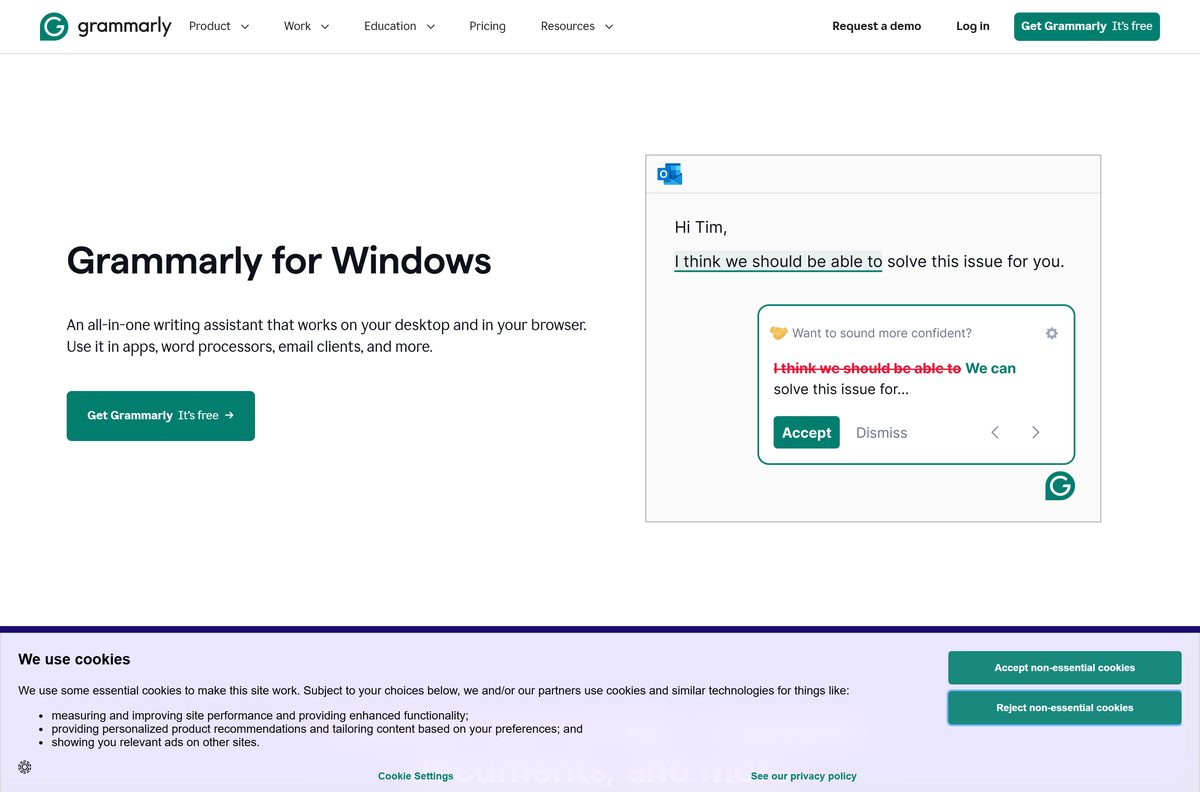
The installer sets Grammarly up for your own Windows user account, so it does not install for other people who share the PC.
- Download GrammarlyInstaller.exe from Grammarly’s server.
- Open your Downloads folder and double-click GrammarlyInstaller.exe.
- Follow the prompts on the screen until the installation completes.
- Click Log in to existing account and enter your email and password, or create a free account.
- Look for the Grammarly icon in the system tray at the lower-right corner of the screen.
- Open Word, Outlook or any other app and start typing.
- Check that the floating Grammarly widget appears beside your text.
Grammarly for Windows works with Microsoft Office 2016 and newer on Windows 10 and 11. It replaces the older Office add-in, which Grammarly is retiring.
Install Grammarly from the Microsoft Store or with winget
The download button on the Grammarly for Windows page opens the app’s Microsoft Store listing. The winget package pulls the same installer from Grammarly’s server, which suits scripted setups.
- Open the Grammarly listing in the Microsoft Store and click the install button.
- Wait for the Store to finish, then open Grammarly from the Start menu.
- For winget, right-click Start and choose Terminal.
- Run winget install –id Grammarly.Grammarly -e and accept the source agreement if prompted.
- Launch Grammarly and click Log in to existing account.
Run winget upgrade –id Grammarly.Grammarly -e later to move to the newest release.
Download the Grammarly MSI package for deployment
Grammarly publishes per-user MSI files and a silent switch for the EXE. Per-machine installation is off by default and needs a sales-team subscription enabled by your Customer Success Manager.
| Package | Architecture | Size | Silent command |
|---|---|---|---|
| GrammarlyInstaller-perUser-x64.msi | x64 | 36.0 MB | Deploy with your MSI tool |
| GrammarlyInstaller-perUser-x86.msi | x86 | 36.0 MB | Deploy with your MSI tool |
| GrammarlyInstaller.exe | x64 and x86 | 35.9 MB | GrammarlyInstaller.exe /S |
Remove it silently with GrammarlyInstaller.exe /S /uninstall . Installer parameter names are case-sensitive, so test the command on one machine before a wide rollout. The full parameter list is in How to deploy Grammarly for Windows.
Which Grammarly download do you need for your Mac?
Click the Apple menu > About This Mac and read the chip and macOS version. One download covers both Apple silicon and Intel Macs.
| Your Mac says | What to do | Notes |
|---|---|---|
| Apple M1, M2, M3 or newer chip, macOS 11 or newer | Download Grammarly.dmg | 118.0 MB |
| Intel Mac from 2018 or newer, macOS 11 or newer | Download Grammarly.dmg | Same file |
| Intel Mac older than 2018, or macOS 10.15 and earlier | Grammarly platform requirements | Use a browser extension instead |
To install, open Grammarly.dmg and follow the prompts, then sign in. Without admin rights, press Cmd+Shift+G in Finder and install into ~/Applications instead.
Is Grammarly free?
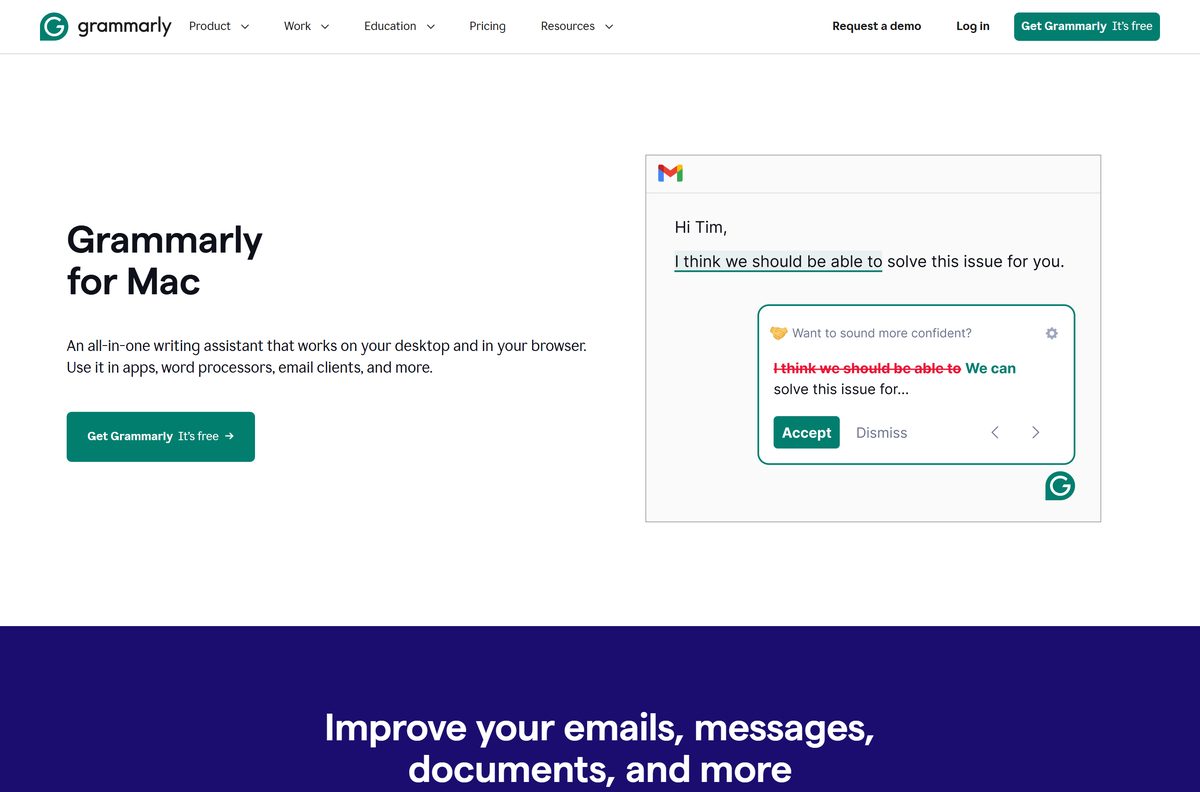
Yes. Grammarly Free for Windows and Mac has no time limit, and it checks spelling and grammar as you type. Grammarly Pro is the paid upgrade with the fuller writing and AI features.
Prices on the plans page change by country, so check the figure shown for your region before you buy. Enterprise plans are quoted by Grammarly’s sales team.
Install the free version first and upgrade only if you need Pro features. The same desktop app serves both plans, so upgrading unlocks features in place with no reinstall. Any site selling a ‘Grammarly Premium crack’ or a paid installer is not Grammarly and should be avoided.
How to check your Grammarly version and update it
An old build can stop working with newer Office or browser releases. Check the installed version when the widget misbehaves.
- Open Settings > Apps > Installed apps on Windows 11, or Apps and Features on Windows 10.
- Type Grammarly in the search box and read the version under Grammarly for Windows.
- Compare it with the current release, 1.2.296.1955.
- If yours is older, download GrammarlyInstaller.exe and run it again.
- Or run winget upgrade –id Grammarly.Grammarly -e in Terminal.
The unversioned GrammarlyInstaller.exe link always points at the newest Windows build.
Check the Grammarly system requirements
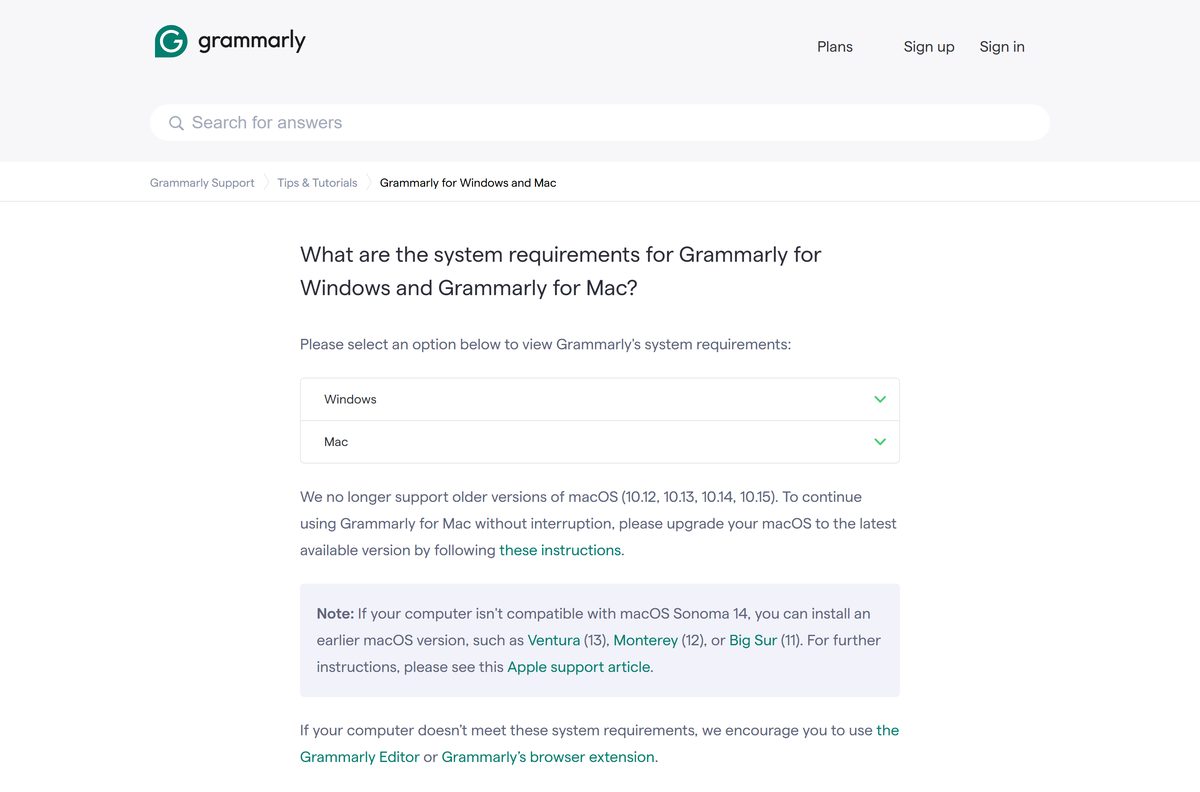
An old Windows 10 build or a missing .NET Framework causes most failed installs. Check both before you download.
| Field | Value |
|---|---|
| Software | Grammarly for Windows and Grammarly for Mac |
| Developer | Grammarly Inc. |
| Latest version | 1.2.296.1955 for Windows, released 16 September 2026 |
| License | Free plan with no time limit; paid Grammarly Pro |
| File size | 35.9 MB (Windows EXE), 36.0 MB (MSI), 118.0 MB (Mac DMG) |
| Supported Windows | Windows 10 build 1903 or newer, including Windows 11 |
| Architecture | x64 and x86 on Windows; Apple silicon and 2018-or-newer Intel Macs |
| Windows runtime | .NET Framework 4.7.2 or newer; Chrome or Edge 89 or newer |
| Memory | 4 GB RAM minimum, 8 GB recommended |
| Supported macOS | macOS 11 Big Sur or newer; Chrome 89+ or Safari 12.1+ |
| Official download source | grammarly.com |
| Offline installer | Yes, the EXE, MSI and DMG are full installers |
| Last verified | 2026-09-19 |
Fix Grammarly not installing or opening on Windows 11 or 10
Match what you see to one of these causes and apply the fix under it.
“Can’t open Grammarly” after setup
The Microsoft Edge WebView2 package is missing, and Grammarly for Windows needs it to run.
- Download and install the Microsoft Edge WebView2 Runtime.
- Open Grammarly from the Start menu again.
- On a work PC, ask your administrator to allow WebView2 and send them the same link.
Grammarly installed but the widget never appears
A damaged install. A clean reinstall replaces the files.
- Right-click the Grammarly icon in the system tray and select Quit Grammarly.
- Right-click Start, select Installed Apps on Windows 11 or Apps and Features on Windows 10, and uninstall Grammarly for Windows.
- Download a fresh GrammarlyInstaller.exe and run it.
- Click Log in to existing account and sign in.
The Grammarly add-in for Microsoft Office will not install
Grammarly is retiring that add-in, and it no longer gets updates or support.
- Remove the old add-in from Word and Outlook.
- Install Grammarly for Windows from the link above; it works inside Office 2016 and newer.
- Open a Word document and confirm the widget appears.
Grammarly’s own Can’t open Grammarly page lists the WebView fix in full.
How to uninstall Grammarly
Quit the app first, or Windows and macOS may refuse to remove files that are still in use.
- Click the Grammarly icon in the system tray and select Quit.
- Right-click Start and select Installed Apps on Windows 11 or Apps and Features on Windows 10.
- Find Grammarly for Windows, click the three dots (…) and select Uninstall.
- On a Mac, click the Grammarly icon in the menu bar and select Quit.
- Go to Finder > Applications and move Grammarly Desktop to the Trash.
Uninstalling does not cancel a Grammarly Pro subscription. Manage billing from your account on grammarly.com.
Choose another way to use Grammarly
The desktop app covers the most programs. These options fit PCs and Macs where it cannot run.
| Option | Use it when | Requirement |
|---|---|---|
| Browser extension | You write mostly on websites, or your Mac is too old for the app | Chrome, Edge, Firefox or Safari |
| Grammarly Editor website | You cannot install software on a locked-down PC | Any supported browser |
| iPhone and iPad keyboard | You want checks on your phone or tablet | iOS 17 or newer |
| Android keyboard | You write on an Android phone | Android 9.0 or newer |
Use the desktop app on any PC or Mac that meets the requirements, since it covers Office and other native apps that an extension cannot reach.
Other office and productivity apps for PC include Todoist and Box Drive.
Frequently asked questions
Is Grammarly free to download?
Yes. Grammarly for Windows and Mac is free to download, and the free plan has no time limit. It checks spelling and grammar, while the paid Grammarly Pro plan adds fuller writing and AI features.
What is the official Grammarly download page?
The official pages are grammarly.com/desktop/windows and grammarly.com/desktop/mac. The installers come from download-windows.grammarly.com and download-mac.grammarly.com, which are Grammarly’s own servers.
Does Grammarly work on Windows 11?
Yes. Grammarly for Windows supports Windows 11 and Windows 10 build 1903 or newer. It also needs .NET Framework 4.7.2 or newer and at least 4 GB of RAM, with 8 GB recommended.
How big is the Grammarly download?
The Windows installer, GrammarlyInstaller.exe, is 35.9 MB, and each per-user MSI package is 36.0 MB. The Mac disk image, Grammarly.dmg, is 118.0 MB.
Is there a Grammarly offline installer?
Yes. GrammarlyInstaller.exe and the per-user MSI packages are full installers, not small web stubs. You still need an internet connection to sign in with your Grammarly account after setup.
Is Grammarly available for Mac?
Yes. Grammarly for Mac runs on macOS 11 Big Sur or newer. It supports Apple silicon Macs with M1, M2, M3 or newer chips and Intel Macs from 2018 or newer.
Does Grammarly have a 64-bit version?
Yes. The single GrammarlyInstaller.exe covers both 64-bit and 32-bit Windows. For managed deployment, Grammarly publishes separate per-user MSI files for x64 and x86.
Is Grammarly safe to install?
Yes, when you download it from grammarly.com, the Microsoft Store or winget. Avoid third-party download portals and anything sold as a cracked or unlocked Grammarly Premium build.
What is the latest version of Grammarly for Windows?
The latest Windows release is Grammarly for Windows 1.2.296.1955, released on 16 September 2026. The download links on grammarly.com always serve the newest build.
Why won’t Grammarly install or open on Windows?
The most common cause is a missing Microsoft Edge WebView2 package. Install WebView2 from Microsoft, then open Grammarly again. If that fails, uninstall Grammarly for Windows and reinstall it from grammarly.com.
Does Grammarly work in Microsoft Word?
Yes. Grammarly for Windows works inside Microsoft Office 2016 and newer on Windows 10 and 11. It replaces the older Grammarly for Microsoft Office add-in, which Grammarly is retiring.
Is Grammarly free for students?
Yes. Any student can create a free Grammarly account and use the free plan with no time limit on Windows, Mac, the browser extensions and mobile. Grammarly Pro is optional and adds the paid features.






Installing and Using the Grammarly Add-in for Microsoft Office - Techdows
[…] Download Grammarly from grammarly.com/desktop, open the file and follow the prompts. Then select Log in to existing account or create a free account. The Grammarly icon appears in the system tray on Windows or the menu bar on a Mac. […]