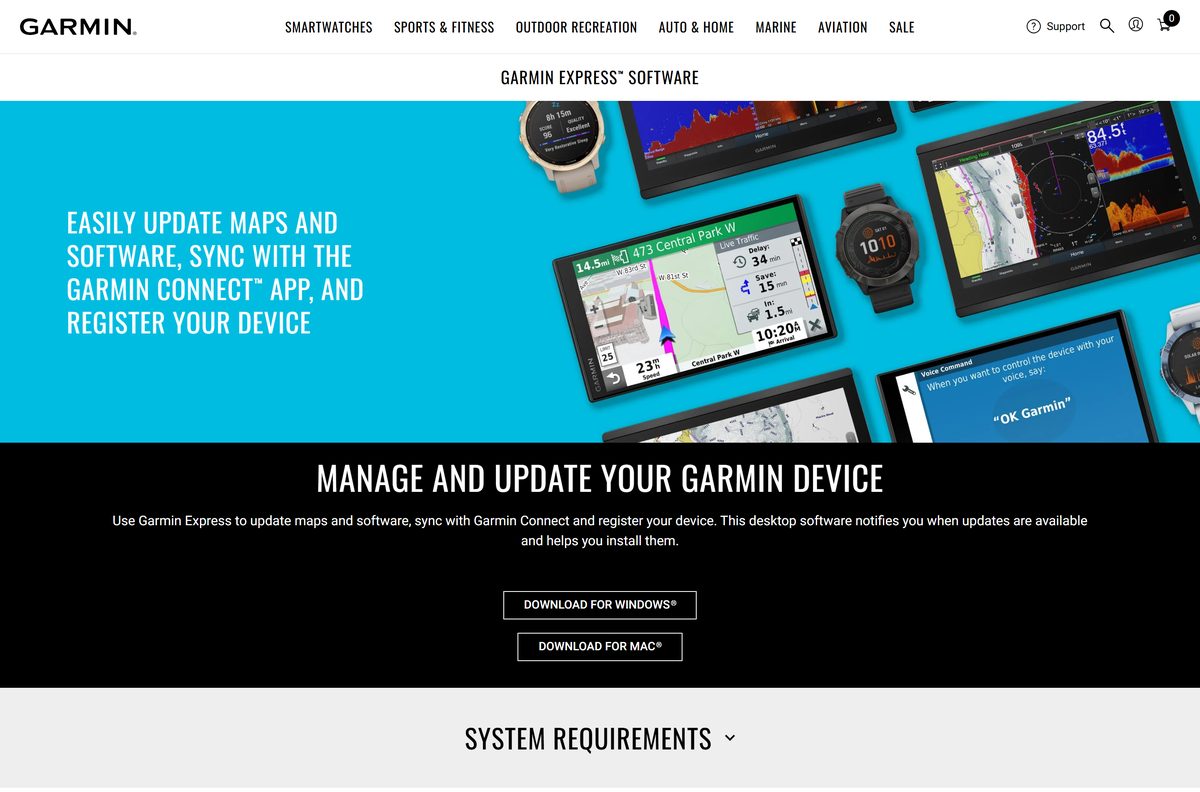
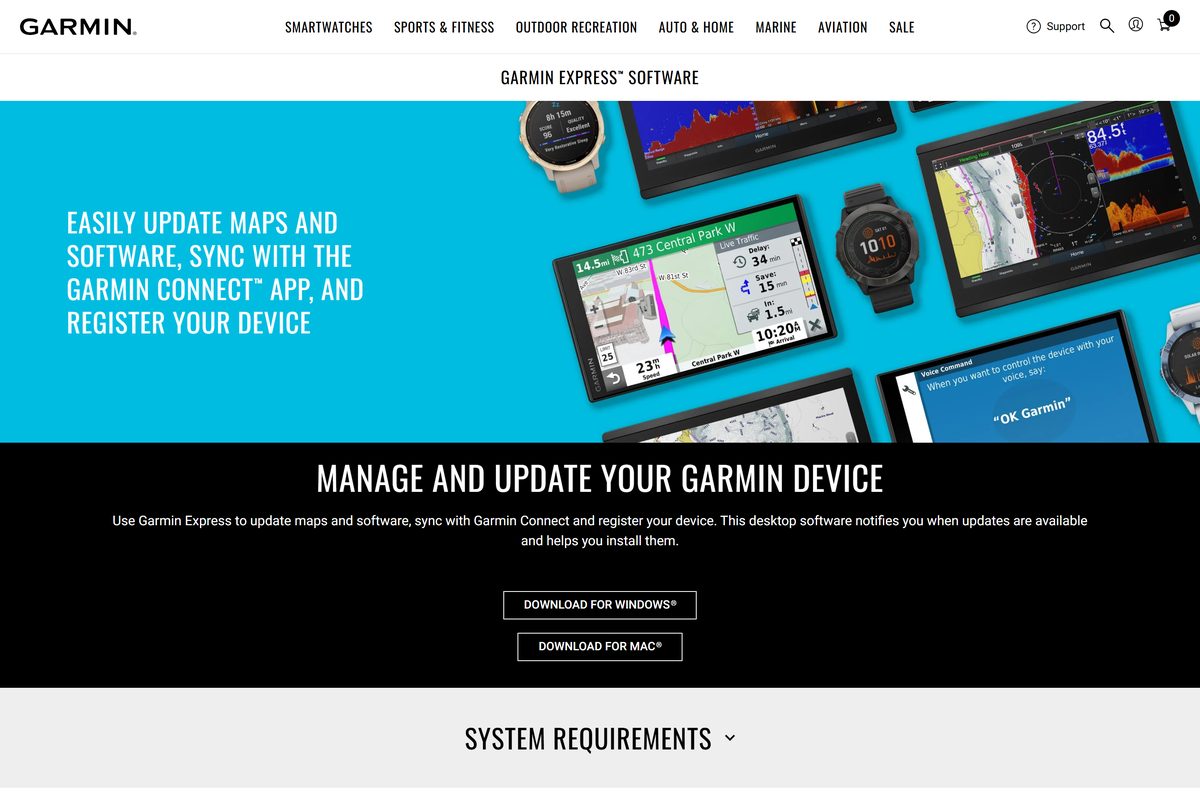
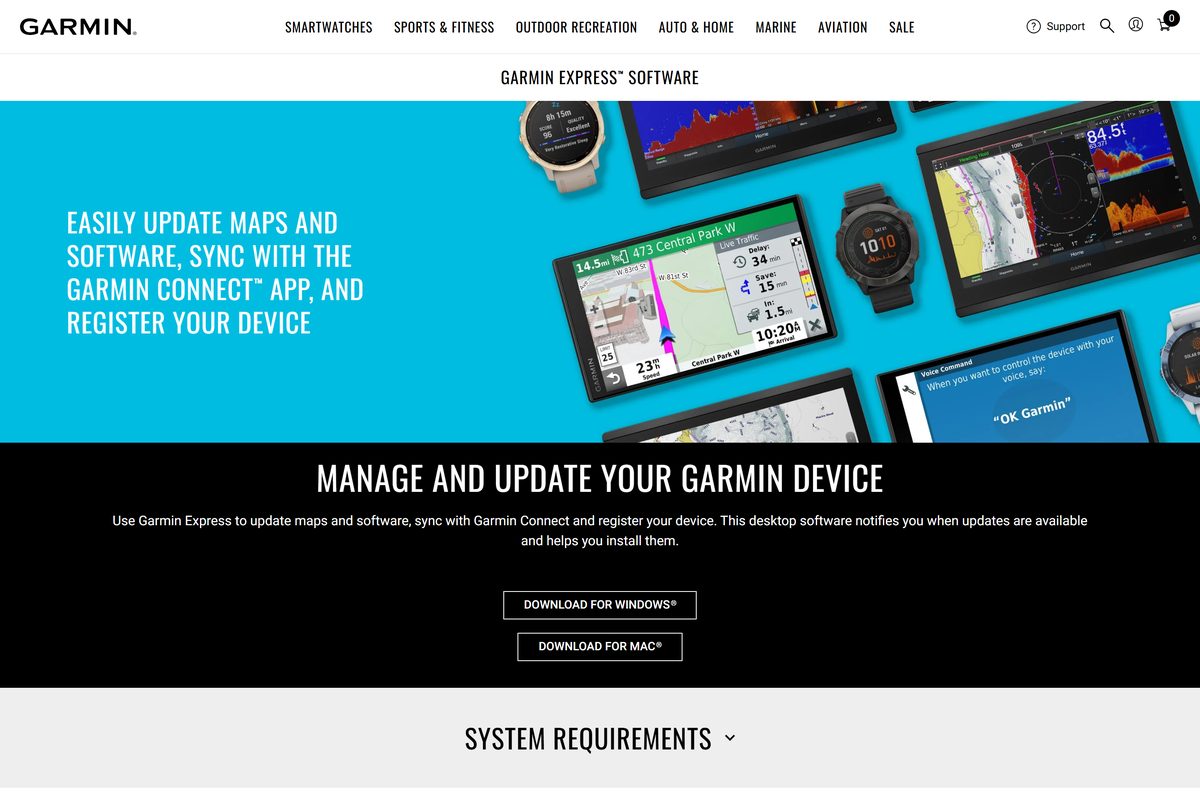
The Garmin Express download for Windows 11, Windows 10 and Mac is free from garmin.com. Express is Garmin’s desktop app for updating maps and device software, registering a device and syncing activities to Garmin Connect.
This guide covers the right file for your computer, installation on Windows and Mac, the legacy builds for older systems, requirements, and fixes when Express will not install.
Which Garmin Express download do you need?
Garmin offers one current installer per platform and one legacy build each for older systems. Match your operating system to a row.
| Your computer | Download | Size |
|---|---|---|
| Windows 11 or Windows 10 | GarminExpress.exe | 127.9 MB |
| Mac on macOS 13 or newer | GarminExpress.dmg | 45.6 MB |
| Windows 8 or older | GarminExpressWin7.exe (version 7) | 127.8 MB |
| Mac on OS X 10.16 or older | GarminExpress_7.18.0_OS10x.dmg | 57.1 MB |
Press Windows + R, type winver and select OK to see your Windows version. On a Mac, open the Apple menu and choose About This Mac.
Download Garmin Express from the official links
Garmin hosts Express on garmin.com and download.garmin.com. The buttons on the Garmin Express page link straight to these files.
- Garmin Express page — Download for Windows and Download for Mac buttons
- Garmin Express for Windows — 127.9 MB
- Garmin Express for Mac — 45.6 MB
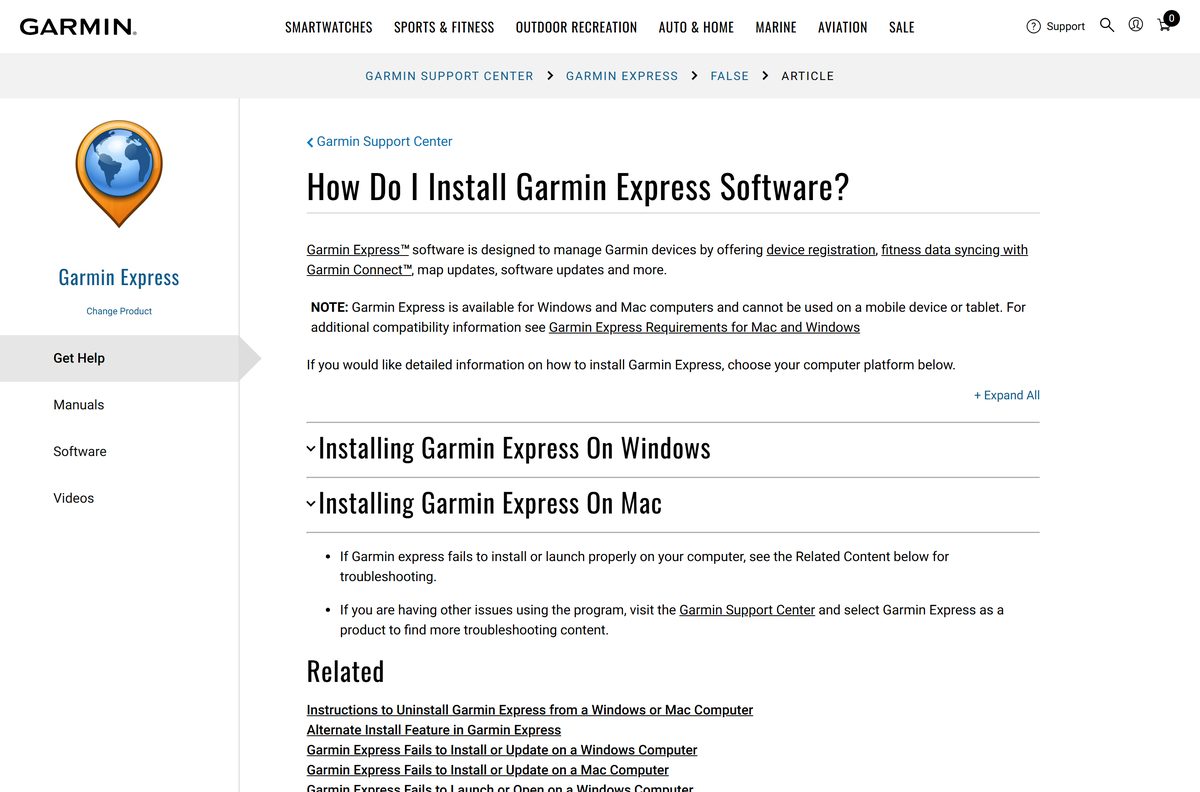
- Garmin’s install instructions — Garmin Support Center article
- Garmin Express support topics — maps, software updates and error messages
Express runs only on Windows and Mac computers. Garmin states it cannot be used on a phone or tablet.
How to install Garmin Express on Windows 11 and 10
Keep your Garmin device and its USB cable nearby, because Express works with a device connected to a USB port.
- Open the Garmin Express page in your browser.
- Select Download for Windows.
- Run GarminExpress.exe from your Downloads folder. Some downloads are named GarminExpressInstaller.exe.
- Select Yes if User Account Control asks for permission.
- Review the terms and conditions, then select the checkbox.
- Select Install.
- Select Launch Garmin Express.
- Connect your Garmin device to a USB port on the computer.
Garmin includes Microsoft .NET 4.7.2 with the Windows installer, so no separate download is needed.
How to get through each Garmin Express installer prompt on a Mac
Download the disk image, then open GarminExpress.dmg from Downloads. The installer shows these screens in order.
| Screen or prompt | What to select |
|---|---|
| Get the installer | GarminExpress.dmg (45.6 MB) |
| Disk image window opens | Double-click Install Garmin Express |
| Pop-up about running a program to determine installation | Continue or Allow |
| Next screen | Continue |
| Software license agreement | Continue, then Agree after reviewing the terms |
| Ready to install | Install |
| Password request | Enter your Mac username and password, then Install Software |
| Installation complete | Close; the Applications folder opens |
| Applications folder | Double-click Garmin Express to open it |
The password prompt is normal for Garmin apps on macOS. Use the account you sign in to the Mac with, not your Garmin account.
Is Garmin Express free?
Yes. Garmin Express is a free download for Windows and Mac from garmin.com. Garmin’s page offers the Windows and Mac installers with no price or sign-up. Some content that Express manages is paid, and Express includes a Redeem a Voucher option for map and service product keys. CourseView golf course maps are free.
A site charging for the Express installer itself is not Garmin. Download it only from garmin.com.
Which Garmin Express build should you install: current or legacy?
Install the current build on Windows 10 or newer and on macOS 13 or newer. Use a legacy build only on an older system. Garmin keeps version 7 for Windows 8 or older, and 7.18.x for Mac OS X 10.16 or older. Those builds exist so older computers can still update devices. On a supported system, the current installer is the one Garmin links first.
Check the Garmin Express requirements before you download
Garmin lists the same memory and disk needs for both platforms. Only the operating system and display size differ.
| Field | Value |
|---|---|
| Software | Garmin Express |
| Developer | Garmin Ltd. |
| Latest version | Not numbered on Garmin’s page; installers updated 21 July 2026 |
| Licence | Free |
| Windows | Windows 10 or newer, Microsoft .NET 4.7.2 (included) |
| Mac | macOS 13.0 or newer |
| Display | 1024 x 768 on Windows, 1440 x 900 on Mac |
| Memory | 1 GB RAM |
| Disk space | Up to 20 GB free |
| Ports | USB port |
| Internet | High-speed; not dial-up, mobile or satellite |
| File size | 127.9 MB (Windows), 45.6 MB (Mac) |
| Architecture | Not stated by Garmin; one installer per platform |
| Official source | garmin.com |
| Last verified | 2026-09-24 |
The 20 GB figure covers map downloads, which are far larger than the app. Free that space before you start a map update.
What can you update and sync with Garmin Express?
Express handles most of the jobs that need a Garmin device plugged into a computer.
| Task | What Express does |
|---|---|
| Update maps | Installs the latest street maps on navigation devices |
| Update software | Installs device software updates when Garmin releases them |
| Sync with Garmin Connect | Uploads activities and wellness data to your Garmin Connect account |
| Manage content | Handles free and paid content, including Connect IQ Store apps and accessory maps |
| Update marine charts | Downloads charts to a memory card for your marine device |
| Redeem a voucher | Activates maps or services with a voucher or product key |
| Golf course updates | Installs free CourseView maps on Garmin golf devices |
| Register a device | Adds the device to your Garmin account |
Marine chart updates save to a memory card, so keep a card reader ready before you start one.
Fix Garmin Express not installing on Windows or Mac
The installer refuses to run on an older PC
The current build needs Windows 10 or newer.
- Press Windows + R, type winver and select OK to check your version.
- On Windows 8 or older, download Garmin Express version 7 instead.
- Run the version 7 installer and follow the same prompts.
The Mac installer will not open on an older Mac
The current build needs macOS 13.0 or newer.
- Open the Apple menu and choose About This Mac to check your macOS version.
- On an older Mac, download Garmin Express 7.18.0 for Mac.
- Open the disk image and double-click Install Garmin Express.
Setup or a map update stalls partway
Express needs high-speed internet and plenty of free disk space.
- Move off mobile hotspot, satellite or dial-up and use a wired or home Wi-Fi connection.
- Free up to 20 GB of disk space.
- Restart the computer and run the installer again.
Express still fails to install
Garmin keeps separate troubleshooting guides for each platform.
- Open Garmin’s Windows install fix or Mac install fix.
- Follow the steps for your error.
- Check Garmin’s common error messages if Express shows a specific message.
How to uninstall Garmin Express
Remove Express from the computer the usual way, then clear leftovers before any reinstall.
- Close Garmin Express.
- On Windows 11, open Settings > Apps > Installed apps.
- Select the three dots next to Garmin Express and choose Uninstall.
- On a Mac, open Finder > Applications and drag Garmin Express to the Trash.
- Empty the Trash and restart the computer.
- Follow Garmin’s uninstall instructions to clear any leftover files before a reinstall.
Frequently asked questions
Is the Garmin Express download free?
Yes. Garmin offers Express free for Windows and Mac on garmin.com, with no sign-up needed to download it. Some maps and services that Express manages are paid, and vouchers for them are redeemed inside the app.
Where is the official Garmin Express download page?
The official page is garmin.com/en-US/software/express/windows/. Its Download for Windows and Download for Mac buttons link to installer files on download.garmin.com, Garmin’s own file server.
Does Garmin Express work on Windows 11?
Yes. Garmin lists Windows 10 or newer as the requirement for the current build, which covers Windows 11. The installer includes Microsoft .NET 4.7.2 if the PC needs it.
How big is the Garmin Express download?
The Windows installer is 127.9 MB and the Mac disk image is 45.6 MB. Garmin notes that Express may need up to 20 GB of free disk space once you start downloading maps.
Is there a Garmin Express offline installer?
Garmin offers no separate offline package. The Windows file is a full 127.9 MB setup, but Express itself needs high-speed internet to update maps, software and Garmin Connect data.
Is there a Garmin Express download for Mac?
Yes. Select Download for Mac on the Garmin Express page to get GarminExpress.dmg. It needs macOS 13.0 or newer, and Garmin keeps version 7.18.x for older Macs.
Does Garmin Express support 64-bit and ARM64?
Garmin does not list a processor architecture for Express. It offers one installer for Windows 10 or newer and one disk image for Mac, so there is no separate 32-bit, 64-bit or ARM64 file to choose.
Is Garmin Express safe to download?
Yes, when it comes from garmin.com or download.garmin.com. Copies on other sites can be altered, so use only the buttons on Garmin’s own Express page.
What is the latest version of Garmin Express?
Garmin does not show a version number on its download page. The current Windows and Mac installers were last updated on 21 July 2026, and legacy version 7 builds remain for older systems.
Why won’t Garmin Express install?
The usual causes are an older operating system, a slow or mobile internet connection, or too little disk space. Current Express needs Windows 10 or macOS 13 or newer, high-speed internet and up to 20 GB free.
Can Garmin Express run on a phone or tablet?
No. Garmin states Express is available for Windows and Mac computers and cannot be used on a mobile device or tablet. Install it on a PC or Mac and connect the device over USB.
What does Garmin Express do with Garmin Connect?
Express uploads activities and wellness data from a connected device to your Garmin Connect account. Garmin describes it as the desktop way to sync with the Garmin Connect app, update maps and software, and register a device.






