The official BarTender download for Windows 11 and Windows 10 comes from Seagull Software at bartendersoftware.com. New users get a 30-day free trial, and licensed customers download the full installer from the BarTender Download Center.
BarTender designs and prints barcode, RFID and product labels on over 9,000 supported printers. The current on-premises release is BarTender 12.1, and it runs on 64-bit Windows.
This guide covers which download to pick, the install and silent-install steps, pricing and editions, Mac options, updating, error fixes and removal.
Check the BarTender system requirements before you download
BarTender needs 64-bit Windows and a fair amount of disk space for its database and logs. Compare your PC with this table first.
| Field | Details |
|---|---|
| Software | BarTender (label, barcode and RFID design software) |
| Developer | Seagull Software, LLC (Seagull Scientific) |
| Latest version | 12.1 (on-premises), August 2026 |
| License / Price | Paid annual subscription from $199/year; 30-day free trial |
| Supported OS | Windows 11 and 10; Windows Server 2025, 2022, 2019 and 2016 |
| Architecture | 64-bit (x64) only; no 32-bit build |
| Memory | 8 GB RAM |
| Disk space | 20 GB, including room for logs |
| Display | 1024 x 768 minimum; 1920 x 1080 recommended |
| Required software | .NET Framework 4.8 or later; SQL Server 2025 Express included for database features |
| Offline installer | Yes. Full setup file from the Download Center |
| Official download source | BarTender free trial on bartendersoftware.com |
| Last verified | 2026-09-25 |
To check your Windows type, open Settings > System > About and read System type. It must say 64-bit operating system, x64-based processor.
Which BarTender download do you need?
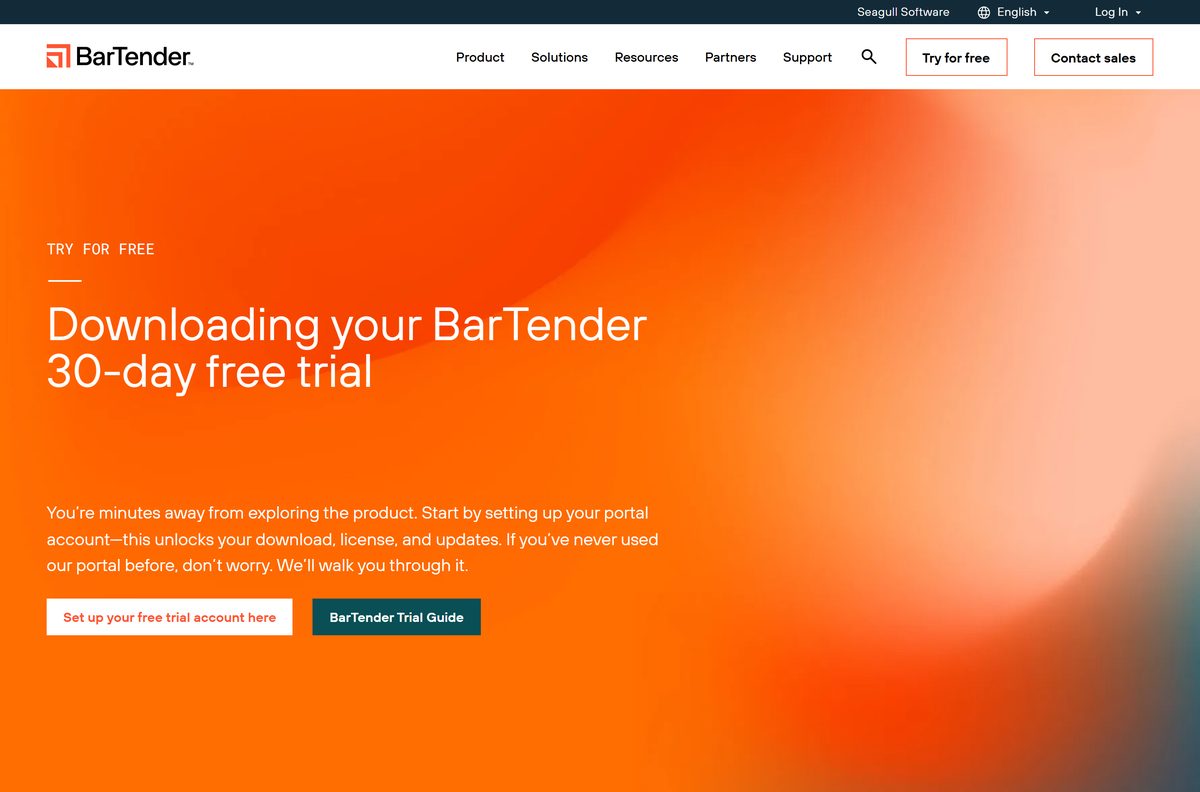
Seagull hands out BarTender through one portal, but the route depends on whether you already hold a licence. Match your case to a row.
| Your situation | Go here | What you get |
|---|---|---|
| New to BarTender and want to try it | 30-day free trial | Portal account, installer and trial licence |
| You own a licence with active Maintenance and Support | BarTender Download Center | Latest or previous BarTender installer |
| You want to design labels in a browser | BarTender Cloud | Browser-based design and printing |
| You only need a label printer driver | Drivers by Seagull | Free Windows printer drivers |
| You use a Mac | See the Mac section below | Windows through Boot Camp or a VM |
Download BarTender from the official Seagull pages
Every genuine BarTender installer comes from Seagull’s portal. Each link below opens a Seagull page.
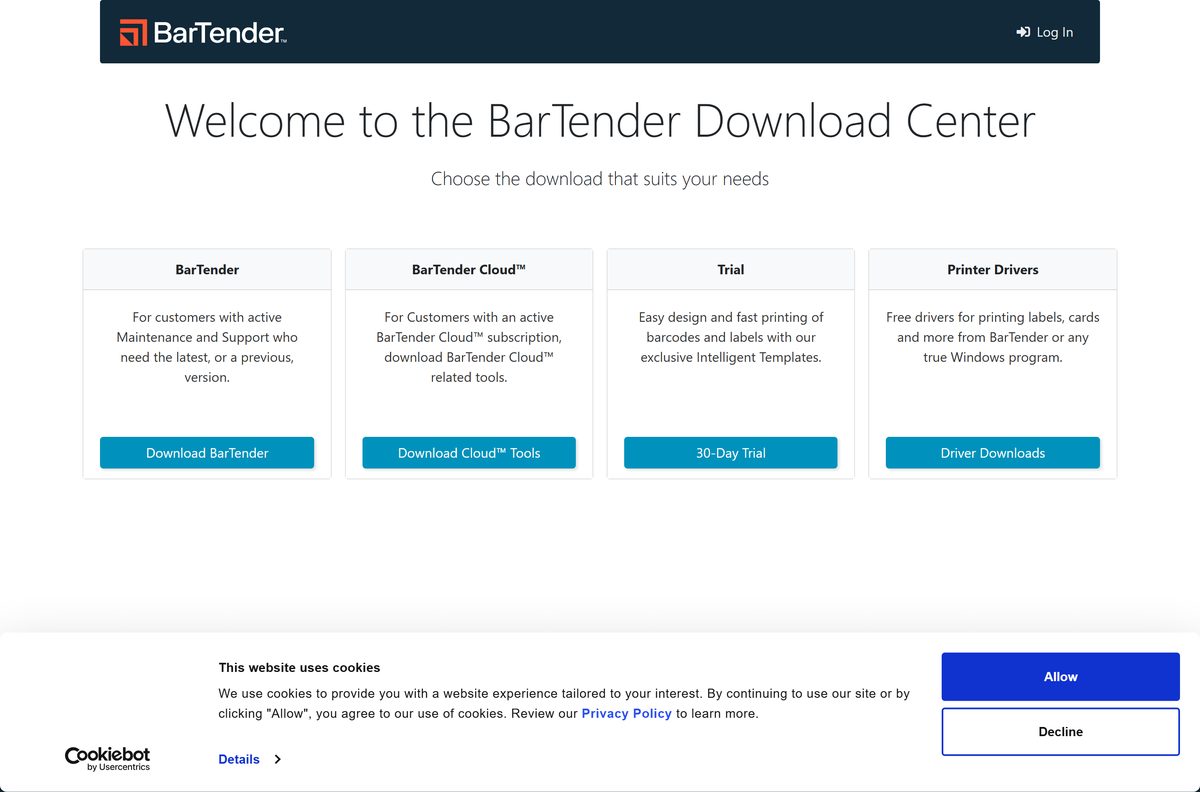
- BarTender 30-day free trial — Set up a portal account to unlock the download and trial licence
- BarTender Download Center — Sign in for BarTender, Cloud tools, the trial and printer drivers
- BarTender 12.1 release notes — What changed in the current release
- Drivers by Seagull printer drivers — Free drivers for label and card printers
Skip download portals. BarTender asks for administrator rights during setup, so a repackaged installer from a mirror is a real risk.
How to install BarTender on Windows 11 and 10
Sign in to your Seagull portal account and save the installer first. The wizard installs the whole BarTender suite and then opens activation.
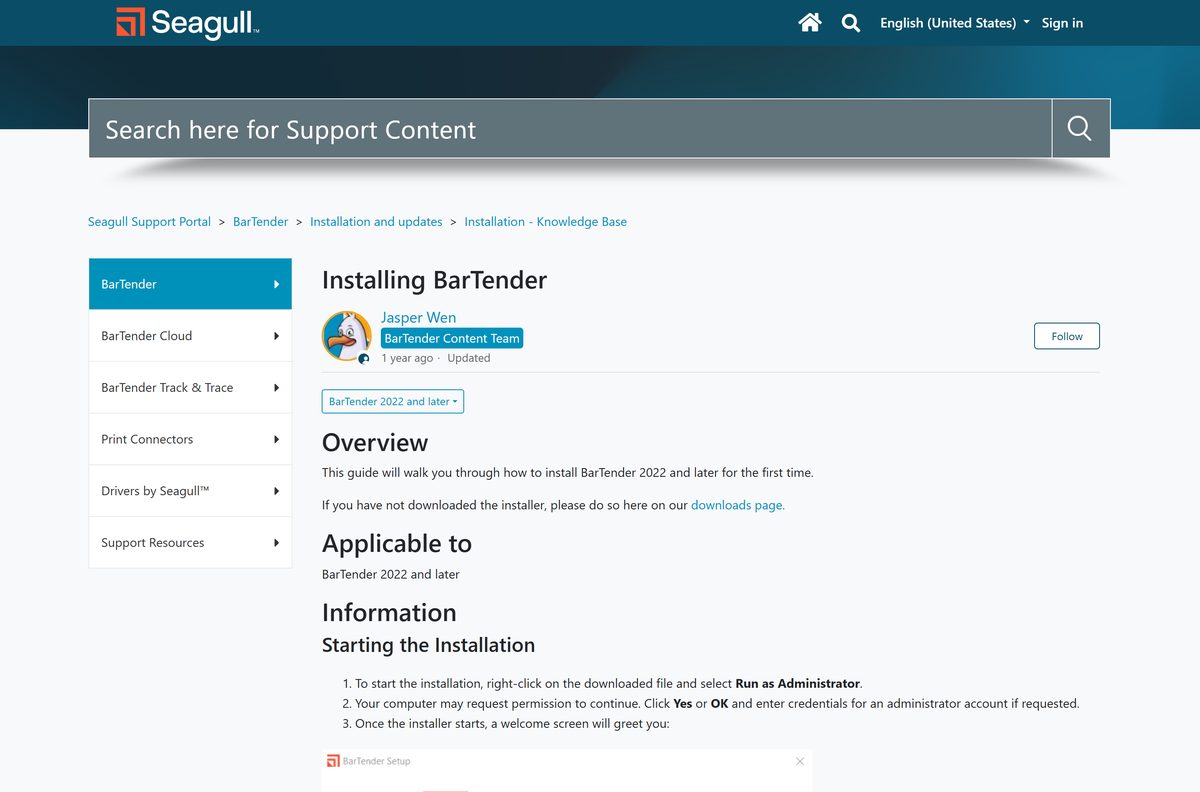
- Right-click the downloaded BarTender installer and select Run as administrator.
- Select Yes in the User Account Control prompt.
- Read the licence agreement and tick the box to agree.
- Select Install for the standard suite, or tick Specify advanced installation options and select Next.
- In advanced options, pick BarTender, BarTender with Print Portal or Licensing Service and Administration Console Only.
- Clear Add Microsoft SQL Server Express if you use your own SQL Server, then select Install.
- Select Finish when the wizard completes.
- In the activation wizard, enter your Product Key Code or choose the 30-day trial.
Print Portal needs an Enterprise licence. When you pick it, the installer asks for a password for the account that runs Print Portal.
Install BarTender silently on several PCs
Seagull’s installer takes command-line parameters for scripted installs. Replace setup.exe with the full path of your downloaded installer, and run it from an administrator Command Prompt.
setup.exe FEATURE=BarTender PKC=xxxx-xxxx-xxxx-xxxx Installs the BarTender suite without Print Portal and activates it with your Product Key Code. Drop PKC= to install without activating, or add INSTALLDIR=”C:\My BarTender Software” to change the folder. Full options are in Seagull’s silent install guide.
Seagull does not support remote deployment tools such as PsExec, SCCM or Intune for BarTender. Test the script on one PC before you roll it out.
Is BarTender free?
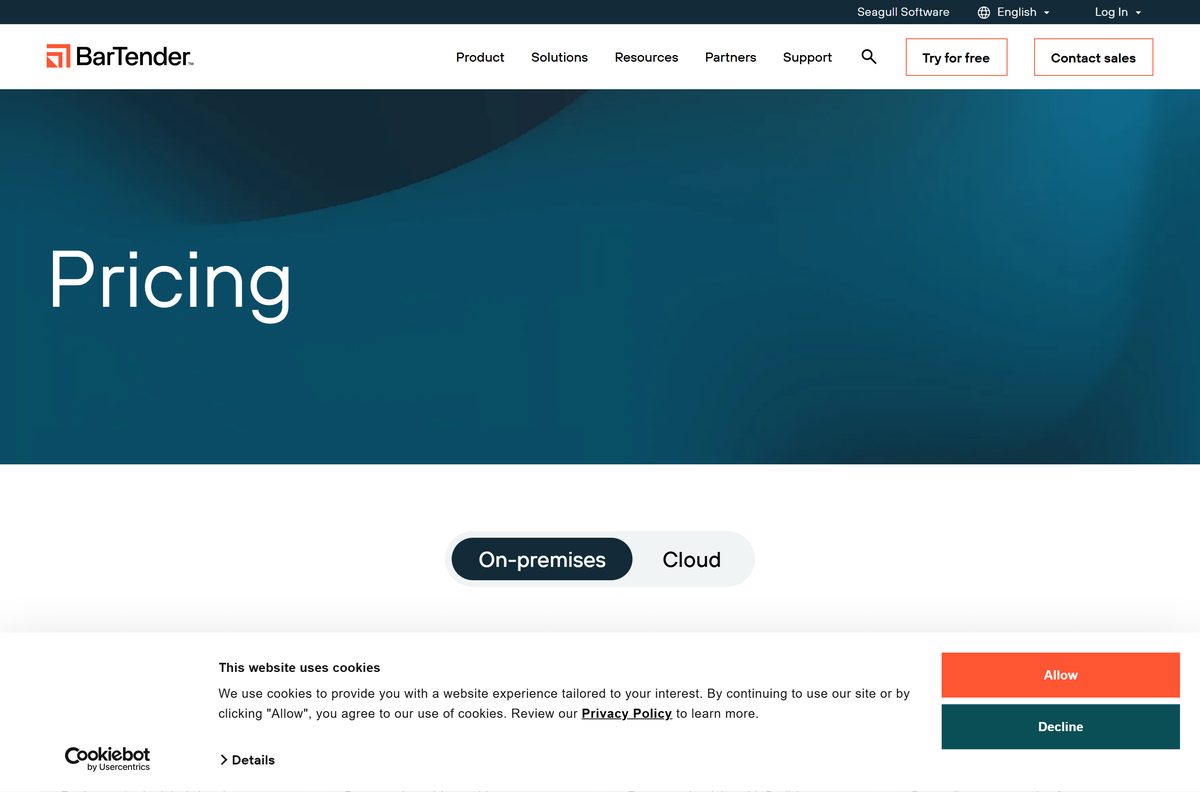
BarTender on-premises costs $199 a year for Starter, $299 for Professional and $575 for Automation. Enterprise is priced by quote. Plans run for 1, 3 or 5 years.
BarTender Cloud is priced separately: Essentials is $390 a year and Automation is $1,750 a year. Standard Maintenance and Support is included for at least one year.
No, BarTender is paid software, but you can use it free for 30 days. The trial comes from the free trial page and needs a Seagull portal account. After 30 days you need a subscription from the pricing page. Drivers by Seagull stay free.
Which BarTender edition should you buy: Starter, Professional or Automation?
Starter covers simple barcode label design. Professional adds RFID encoding, data-driven templates and printing from anywhere. Automation adds REST APIs, File Drop integration and no-code builders. Enterprise adds audit trails and enterprise security.
Buy Professional if you print labels from a database or encode RFID. Starter suits a single user printing simple barcode labels. Pick Automation only when another system, such as an ERP, must trigger printing, and Enterprise when you need audit trails or Print Portal.
Which BarTender option do you need for your Mac?
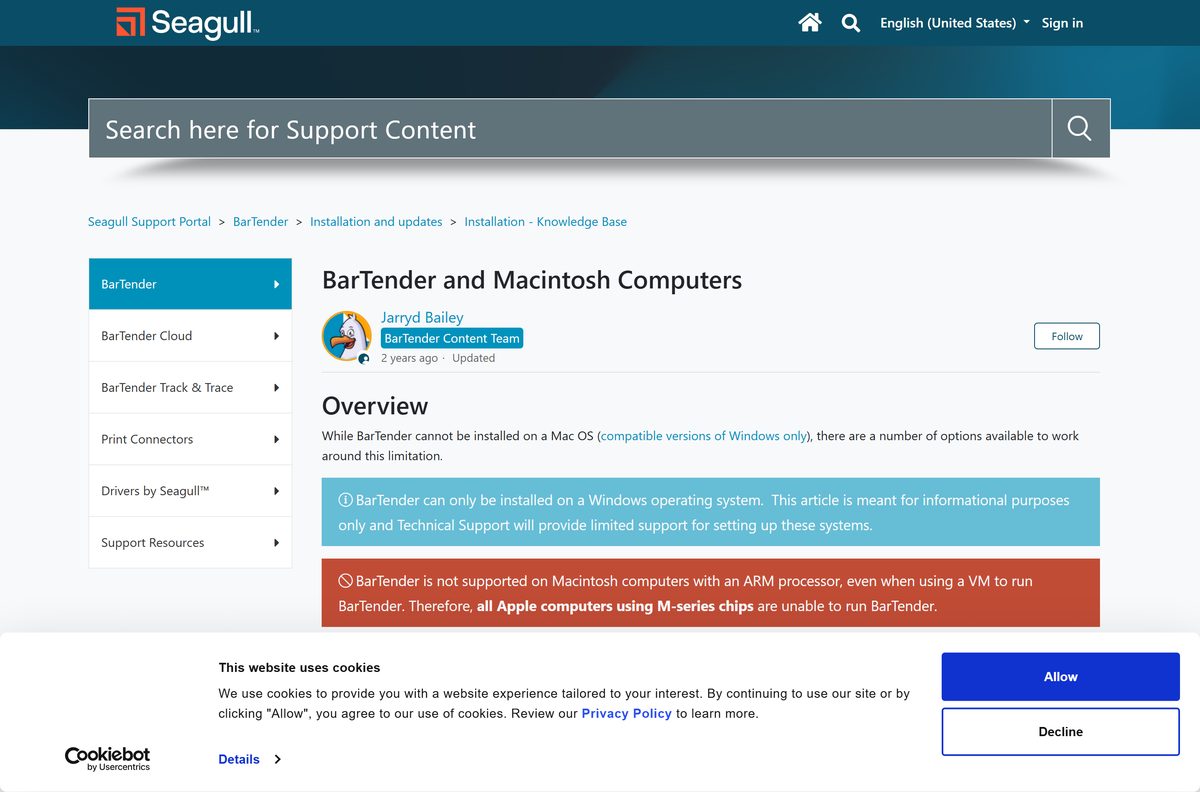
BarTender installs only on Windows, so a Mac needs Windows or a browser route. Your Mac’s chip decides which one works. Open the Apple menu and select About This Mac to check it.
| Your Mac | Use this | Result |
|---|---|---|
| Intel Mac | Windows in Boot Camp or a virtual machine | Full BarTender on Windows |
| Apple M1, M2, M3 or later | Not supported, even in a virtual machine | Use a browser route instead |
| Any Mac, design and print in a browser | BarTender Cloud | Browser-based labels, no Windows needed |
| Any Mac, printing only | BarTender Print Portal on a Windows server | Print labels designed on Windows |
How to update BarTender to the current version
BarTender 12.1 fixes CVE-2026-25551, a local privilege-escalation flaw in releases 2021 R1 through 12.0.1. Update any older copy. A new Product Key Code is not needed while your maintenance plan is active.
- Back up the BarTender System Database if you use Librarian.
- Update your License Server first. BarTender 11.4 and later cannot use the 2019, 2021 or 2022 License Server.
- Sign in to the BarTender Download Center and download the current installer.
- Right-click the installer and select Run as administrator.
- Follow the wizard and select Finish.
- Open BarTender and confirm the licence still activates.
Older clients get read-only Librarian access once the database moves to the new schema. Seagull’s update guide covers each starting version.
Fix BarTender not installing on Windows 11 or 10
Match the error or symptom to a heading, then follow the fix under it.
Error 1315: Unable to write to the specified folder
The install folder no longer exists, sits on a network drive, or your account lacks rights to it.
- Change the Install to location to a local folder that exists.
- Sign in with a Windows account that has administrator rights.
- Run the installer again with Run as administrator.
Error 1327: Invalid Drive
Your boot drive is not C:, and the installer still looks for C:.
- Open Command Prompt as administrator.
- Run SUBST Q: C:\ , replacing Q: with your system drive letter.
- Run the BarTender installer again.
- Afterwards, run SUBST /D Q: to remove the mapping.
The installer refuses to run at all
BarTender 11.4 and later install only on 64-bit Windows.
- Open Settings > System > About and read System type.
- If it says 32-bit, install BarTender on a 64-bit PC, or use BarTender Cloud in a browser.
Activation fails after installation
The Product Key Code has no active Maintenance and Support, or the licence does not cover this release.
- Check your maintenance status in the Seagull portal.
- Follow Seagull’s activation guide to activate or choose the trial.
- Renew maintenance before you install a newer release.
How to uninstall BarTender
Back up your .btw documents, .btc components and the BarTender System Database first. Then remove the suite.
- Open Settings > Apps > Installed apps.
- Find BarTender, select the three-dot menu, and select Uninstall.
- Confirm, and restart the PC when the removal finishes.
- If the removal fails, stop the BarTender services from an administrator Command Prompt, such as sc stop “BarTender Licensing Service” .
- Delete C:\Program Files\Seagull , C:\ProgramData\Seagull and C:\ProgramData\Seagull Security .
- Delete the HKEY_CURRENT_USER\Software\Seagull Scientific and HKEY_LOCAL_MACHINE\SOFTWARE\Seagull Scientific registry keys, then restart.
The full service list and cleanup steps are in Seagull’s manual uninstall guide. SQL Server Express stays installed until you remove it separately.
Choose a BarTender alternative when the Windows app does not fit
Seagull offers other routes for people who cannot run the desktop suite. Compare them here.
| Option | Runs on | Best for |
|---|---|---|
| BarTender Cloud | Any browser | Mac users and remote teams; Essentials from $390/year |
| BarTender Print Portal | Browser, hosted on a Windows server | Printing labels designed on Windows; Enterprise licence |
| Drivers by Seagull | Windows | Printing labels from any Windows program, free |
Pick BarTender Cloud if you use a Mac or have no Windows server. Keep the desktop suite for full design tools on your own PCs.
Frequently asked questions
Is BarTender free?
No. BarTender is paid software sold as an annual subscription, starting at $199 a year for the Starter edition. Seagull offers a 30-day free trial, and the Drivers by Seagull printer drivers are free.
Where do I download BarTender?
Download BarTender from Seagull’s own sites. New users start at the free trial page on bartendersoftware.com, and licensed customers sign in to the BarTender Download Center at portal.seagullscientific.com.
Does BarTender work on Windows 11?
Yes. BarTender 12.x supports 64-bit Windows 11 and Windows 10, plus Windows Server 2025, 2022, 2019 and 2016. It needs 8 GB of RAM and .NET Framework 4.8 or later.
How big is the BarTender download?
Seagull does not publish an installer size, and the file sits behind a portal sign-in. Plan for the 20 GB of disk space Seagull lists, which covers the program, SQL Server Express and logs.
Is there an offline installer for BarTender?
Yes. The Download Center provides a full setup file, named like BT2019_R4_140669_Full_x64.exe in Seagull’s own guide. Copy it to other PCs and install it there, including silently from the command line.
Is there a BarTender for Mac?
No. BarTender installs only on Windows. An Intel Mac can run it inside Windows through Boot Camp or a virtual machine, but Seagull does not support Apple M-series Macs, even in a virtual machine.
Does BarTender support 32-bit or ARM64?
BarTender 11.4 and later install only on 64-bit (x64) Windows, so 32-bit Windows is out. Seagull lists x64 editions only, and Apple M-series Macs are unsupported even in a virtual machine.
Is BarTender safe?
Yes, when it comes from bartendersoftware.com or the Seagull Download Center. Update older copies: version 12.1 fixes CVE-2026-25551, a privilege-escalation flaw in releases 2021 R1 through 12.0.1.
What is the latest version of BarTender?
The latest on-premises release is BarTender 12.1, released in August 2026. It adds printer offsets through the API, printing several PDF files in one job, and a fix for CVE-2026-25551.
How long is the BarTender free trial?
The BarTender trial lasts 30 days. Set up a Seagull portal account on the free trial page, and the account unlocks the download, the trial licence and updates.
Why won’t BarTender install?
Most failures come from a missing administrator right, an install folder that no longer exists (Error 1315), a boot drive other than C: (Error 1327) or 32-bit Windows. Run the setup as administrator on 64-bit Windows.






