How to change default sound input device in Windows 11
Change the default sound input device in Windows 11 from Settings or the Recording tab, set a separate communications microphone, and fix a missing mic.
2,113 articles
Change the default sound input device in Windows 11 from Settings or the Recording tab, set a separate communications microphone, and fix a missing mic.
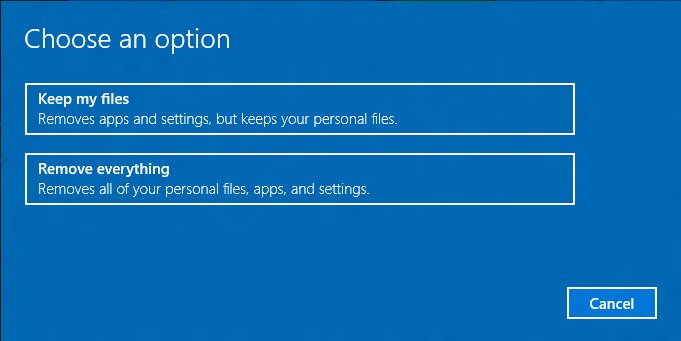
Reset this PC in Windows 11 reinstalls Windows and keeps your files with Keep my files. Steps from Settings and WinRE, cloud vs local, and fixes when it fails.

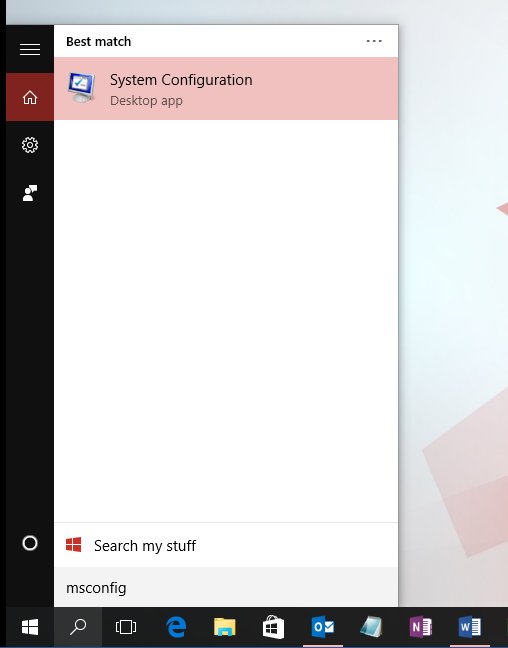
Access MsConfig in Windows 10 with Win + R, msconfig and Enter. Every way to open System Configuration, what each tab does, and how to undo a bad change.
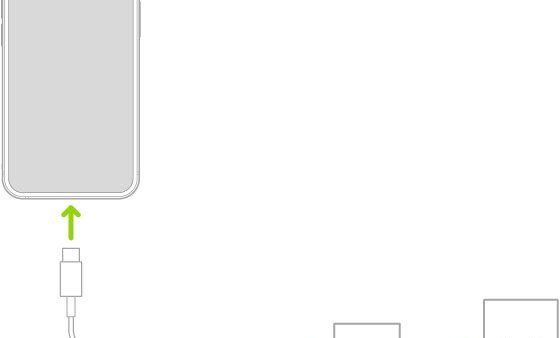
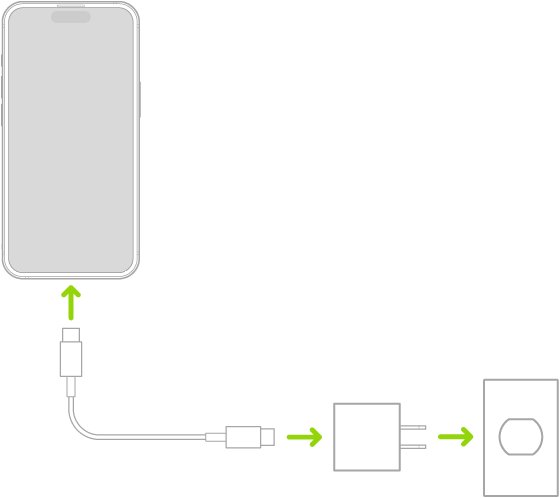
The best charger for iPhone 17 Pro Max is a 40W or higher USB-C PD adapter for 50% in 20 minutes, or MagSafe with a 30W adapter for 25W wireless charging.
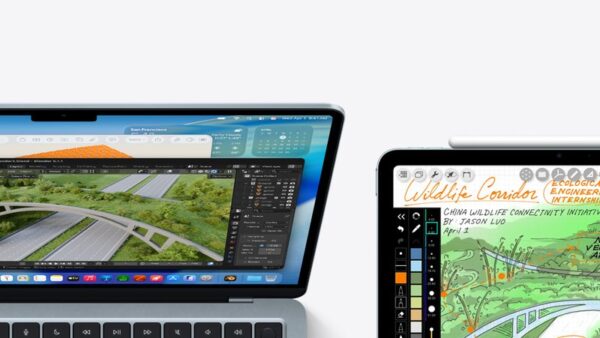
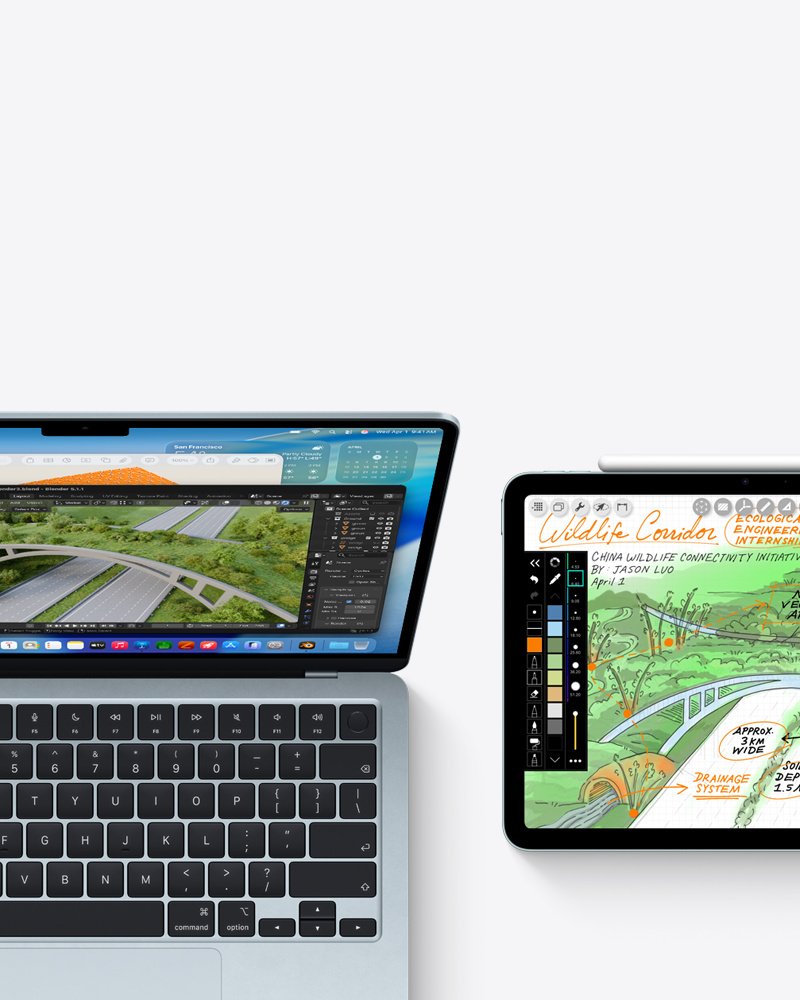
UNiDAYS purchases at Apple have yearly limits: one Mac desktop, one Mac mini, one MacBook, one display, two iPads, one Apple Watch and two accessories.

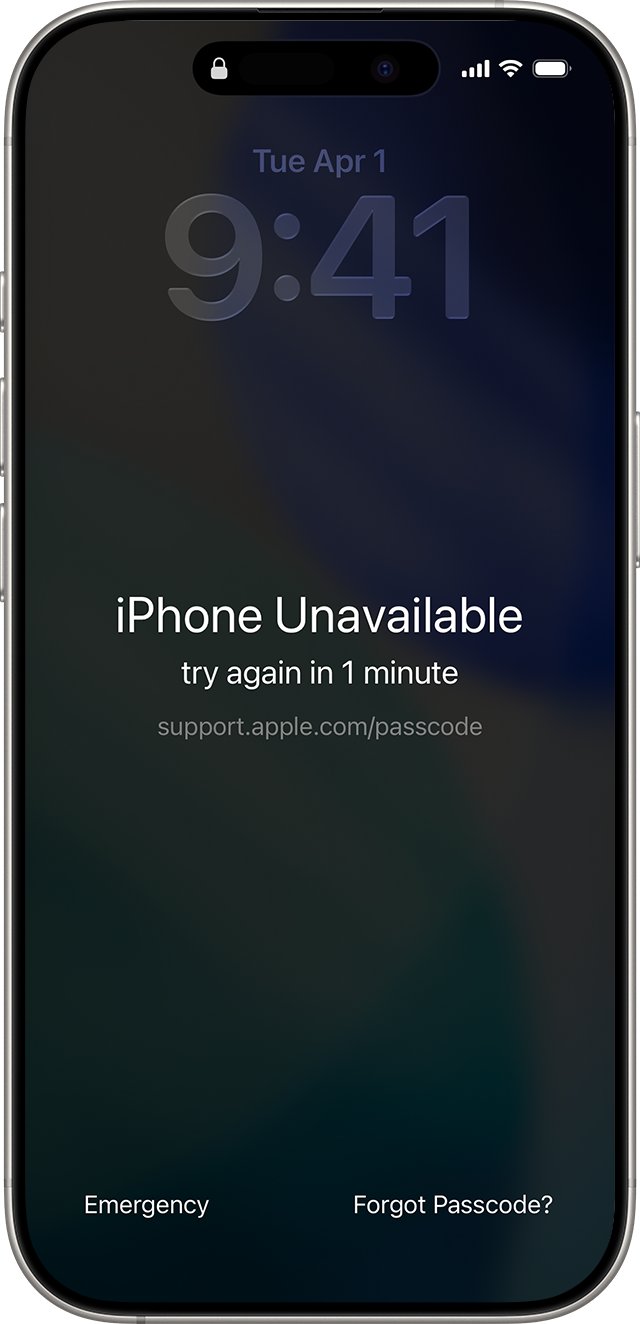
How to unlock iPhone when you forgot the passcode, see iPhone Unavailable, hit Activation Lock or a carrier lock, with Apple’s official steps for each lock.
![Troubleshooting Headphone Detection on Windows 11, 10 [Step-By-Step]](https://techdows.com/wp-content/uploads/2026/10/Troubleshooting-Headphone-Detection-on-Windows-11-10-Step-By-Step-500x338.jpg)
![Troubleshooting Headphone Detection on Windows 11, 10 [Step-By-Step]](https://techdows.com/wp-content/uploads/2026/10/Troubleshooting-Headphone-Detection-on-Windows-11-10-Step-By-Step.jpg)
Headphones not detected on Windows 11 or 10? Pick the right output, enable the device in Device Manager, fix Bluetooth pairing, and update audio drivers.
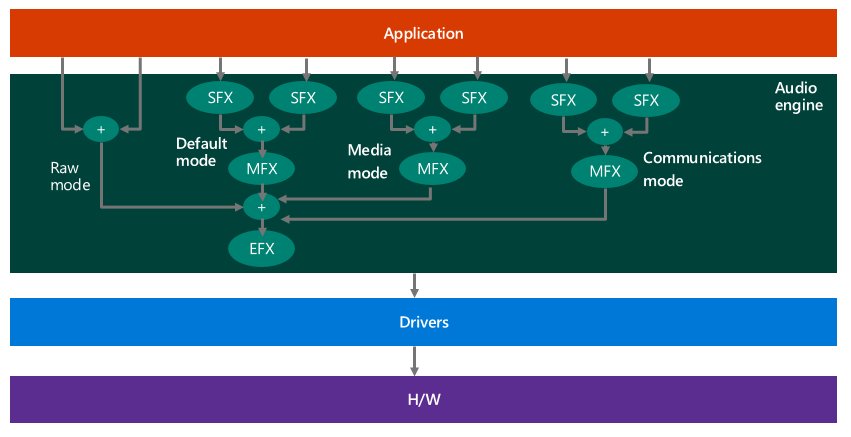
AGC (automatic gain control) on a Windows 11 microphone evens out your voice level. Learn when to keep AGC on or off, how to disable it and fix mic auto-adjusting.
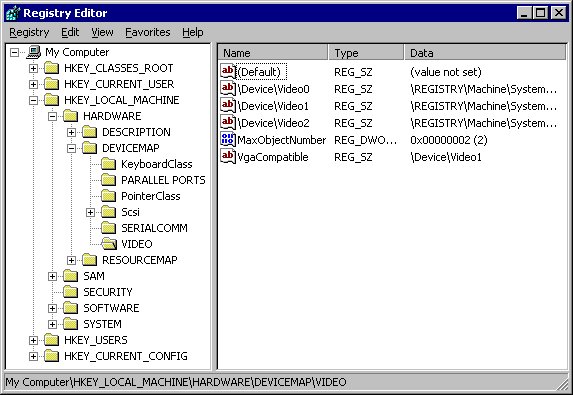
The Windows Registry is the central database of system, app and user settings. Learn what Regedit does, how hives and values work, and to back up and edit safely.
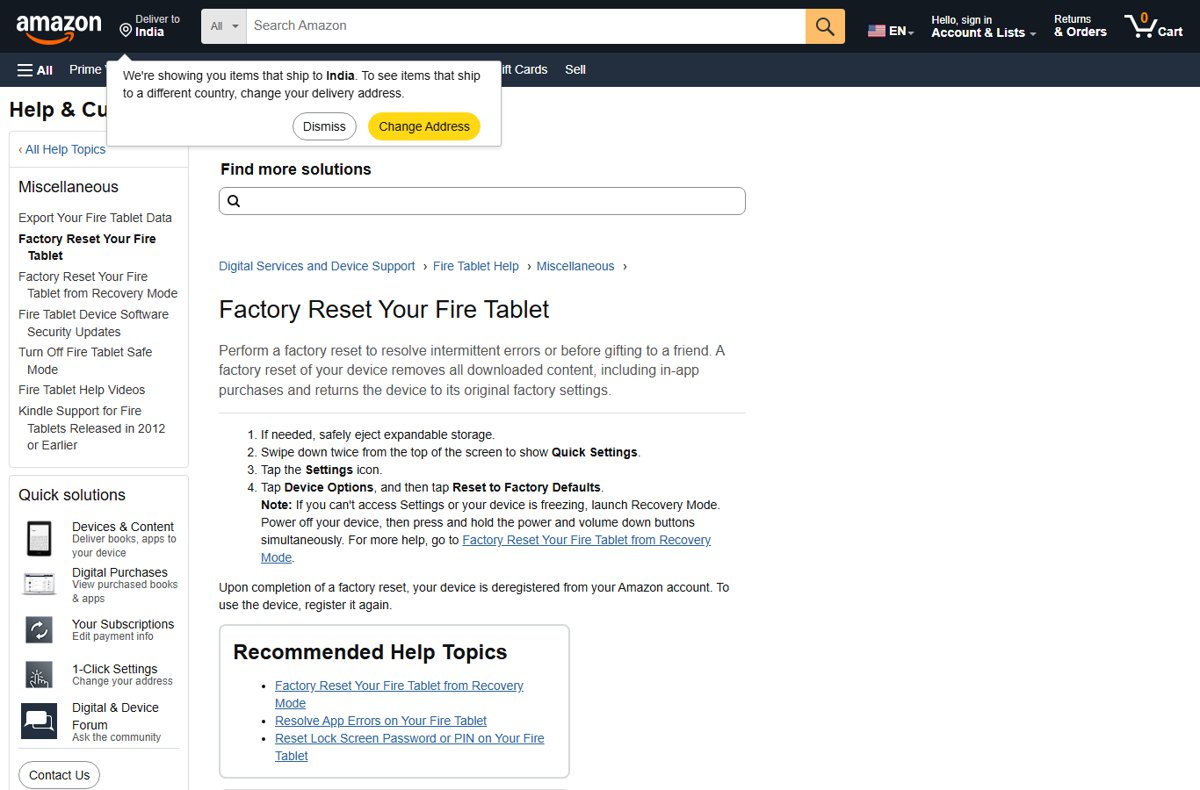
Factory reset an Amazon Fire tablet from Settings > Device Options > Reset to Factory Defaults, or use Recovery Mode when it is frozen or locked.
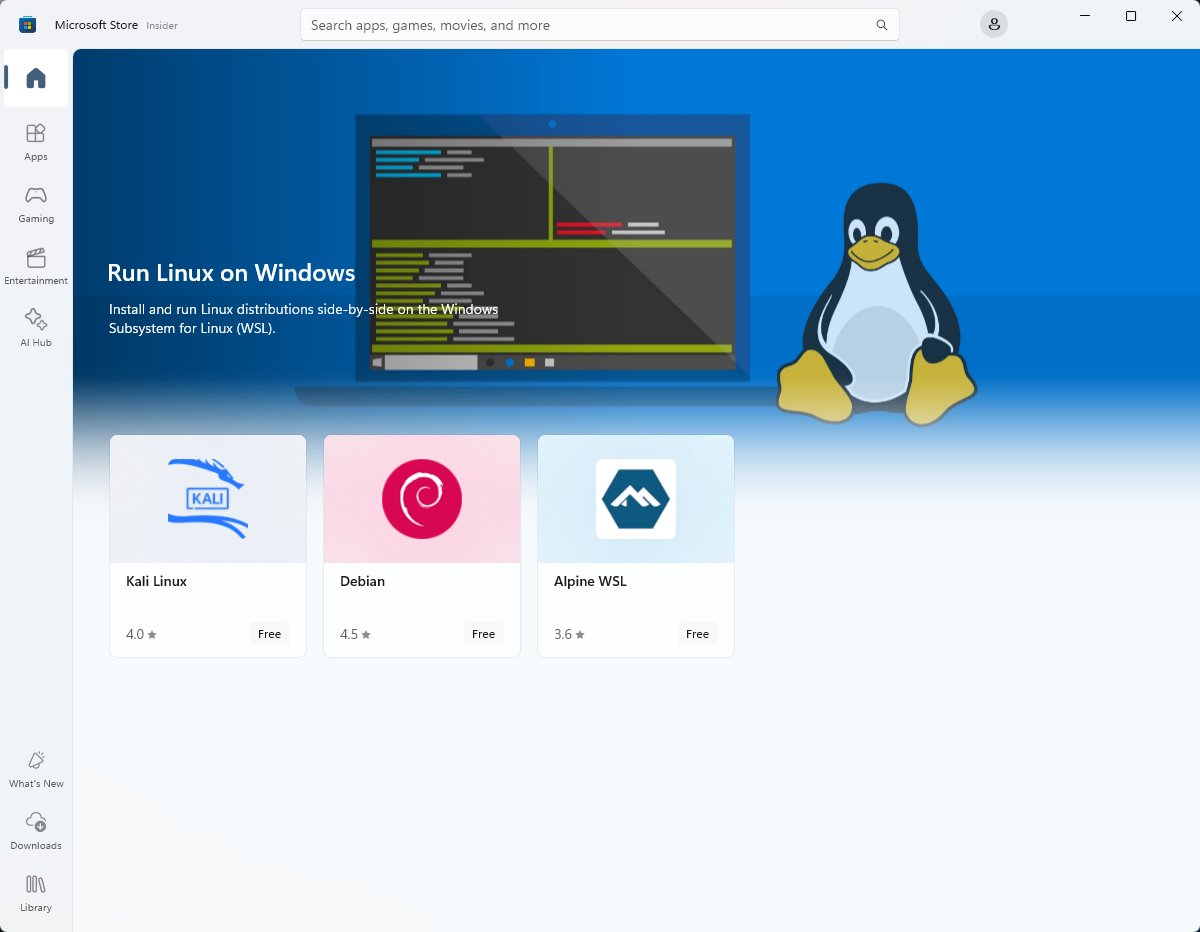
Install WSL 2 on Windows 11 or Windows 10 with one wsl –install command, pick a Linux distro, switch WSL versions, access files and fix common install errors.
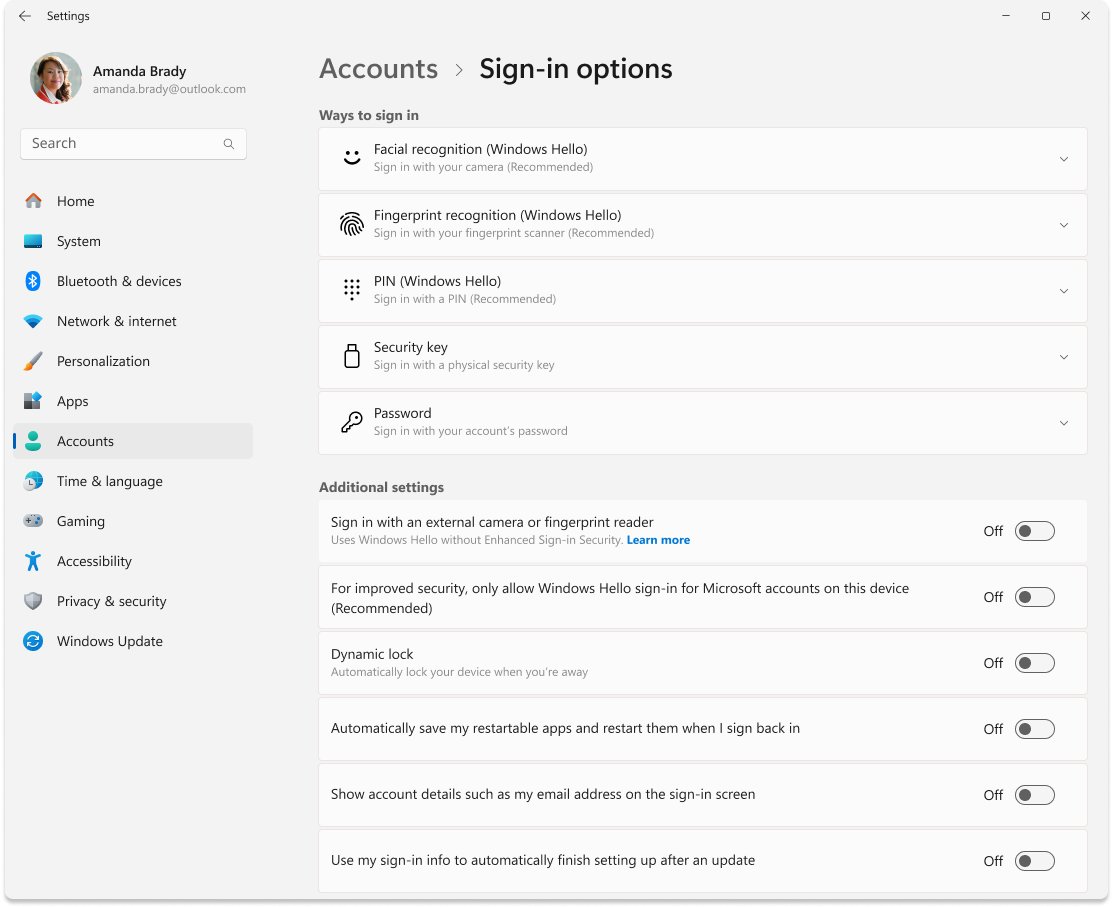
Enable Windows auto login without typing a password: set AutoAdminLogon in the registry or use Sysinternals Autologon, skip the wake prompt, and undo it safely.