Techdows

Windows how-to guides, fixes and software downloads

  • Home
  • Settings and hardware

    • Printers
    • Sound and microphone
    • Wi-Fi and network
    • Bluetooth
    • Display and monitors
    • Drivers
    • Keyboard shortcuts and symbols

    Using Windows

    • File Explorer
    • Storage and disk space
    • Taskbar, Start and desktop
    • Apps and default programs
    • Accounts and sign-in
    • Copilot in Windows
    • Command Prompt and PowerShell

    Updates and fixes

    • Windows Update
    • Windows 11 26H2
    • Error codes and BSOD
    • Boot, BIOS and recovery
    • Security and Defender
    • Task Manager and performance
    • DLL and runtime errors

    Popular fixes

    • Get help in Windows 11
    • Connect a wireless printer
    • Re-pair Bluetooth earbuds for stereo sound
    • Cancel a stuck print job
    • Change default programs

    All Windows guides →

  • Browse by type

    • Web browsers
    • Office and productivity apps
    • PC games and launchers
    • Phone and media apps
    • Developer tools
    • Creative apps
    • CAD software
    • System utilities and drivers

    Popular downloads

    • GTA V for PC
    • YouTube app for PC
    • Google Meet for PC
    • Cisco Packet Tracer
    • TikTok for PC

    Windows tools

    • PC Health Check app
    • HEVC Video Extension
    • DirectX 12
    • Cinebench R23

    All download guides →

  • Browser guides

    • Microsoft Edge
    • Google Chrome
    • Firefox
    • Web browsers for PC

    Microsoft Edge

    • Fix WebView2 using too much memory
    • Internet Explorer mode in Edge
    • Manage Edge favorites
    • Set or remove Edge as default

    Chrome and Firefox

    • Make Chrome the default browser
    • Restore closed tabs
    • Change the default web browser

    All browser guides →

  • Office guides

    • Outlook
    • Excel
    • Word and PowerPoint
    • OneDrive
    • Install Microsoft 365

    Meetings and other tools

    • Teams, Zoom and Google Meet
    • Google Docs and Sheets
    • PDF tools

    Office apps

    • Office product key
    • Office Deployment Tool
    • What is OneDrive?
    • Turn off OneDrive in Windows 11

    Outlook and Teams

    • Outlook inbox view changed
    • Schedule an email in Outlook
    • Outlook dark mode
    • Teams breakout rooms

    All Office and productivity guides →

  • PHP security

    • PHP2Shell patch download
    • PHP critical RCE security update
    • CVE-2026-109618 fix
    • CVE-2026-109619 explained
    • Mitigations if you can't update

    Update PHP

    • Update PHP to the latest version
    • Check your PHP version
    • Update PHP on Ubuntu and Debian
    • Restart PHP-FPM

    Hosting and local servers

    • Update PHP in XAMPP
    • Change PHP version in cPanel
    • Update PHP in Laragon and WampServer
    • Update PHP Docker images
    • WordPress PHP version check

    PHP downloads

    • PHP 8.5.12 download
    • PHP 8.4.27 download
    • PHP 8.3.36 and 8.2.35 download
    • Download PHP for Windows

    PHP2Shell by platform

    • PHP 8.3 fix on Ubuntu 24.04
    • PHP 8.1 fix on Ubuntu 22.04
    • PHP 8.2 and 8.4 fix on Debian
    • Update PHP on IIS
    • Cloudflare PHP2Shell WAF rule

    All PHP guides →

  • Sections

    • Gaming
    • Apple
    • Android
    • Apps and services
    • Developer and IT

    Apple

    • iPhone tips and fixes
    • Reset and restore iPhone
    • iPad
    • Mac and macOS
    • Apple Account and iCloud
    • Apple devices on Windows

    Apps, Android and gaming

    • Gmail and Google account
    • YouTube
    • Social media accounts
    • Streaming TV
    • Android and Samsung Galaxy
    • PC gaming and Xbox
    • Roblox and Minecraft on PC

    Developer and IT

    • WSL and developer setup
    • Virtual machines
    • Group Policy and Intune
    • Windows Server
    • Website error codes
  • News
Home›How to

How to

3,745 articles

Developer and IT
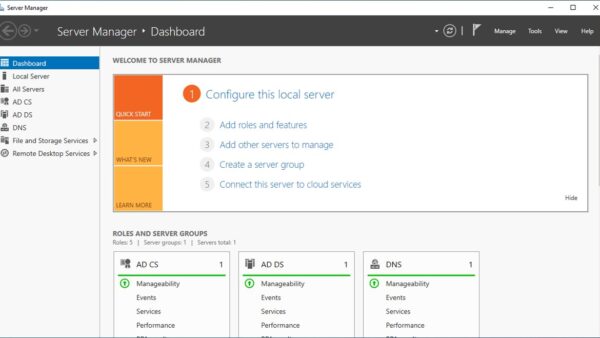
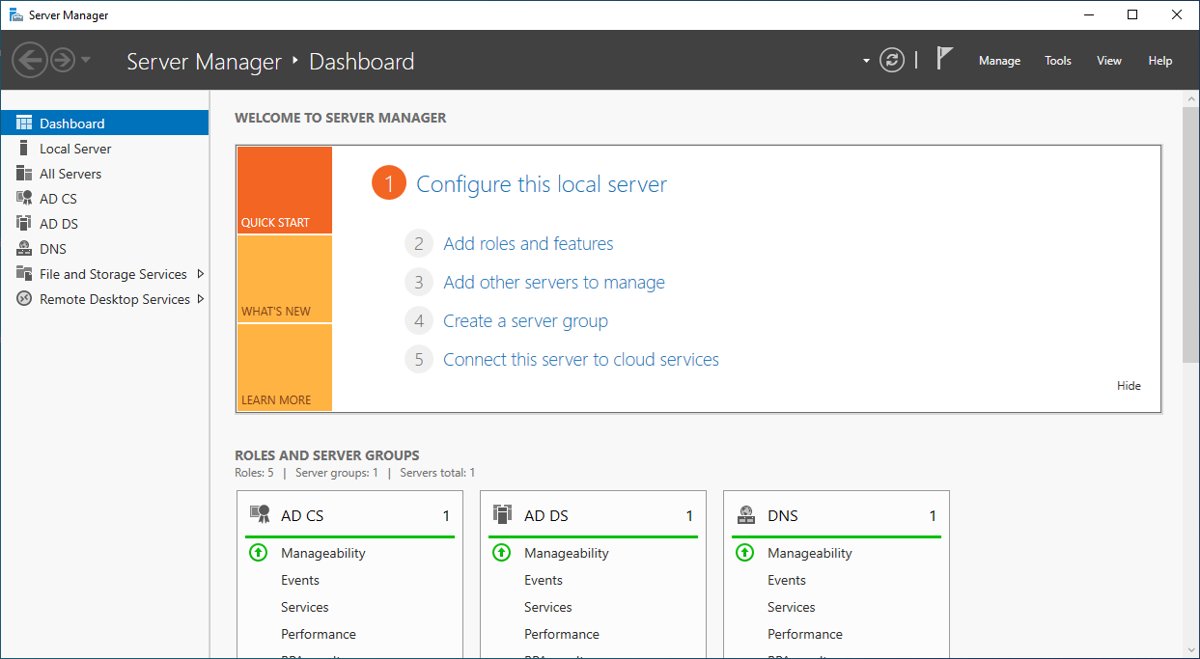
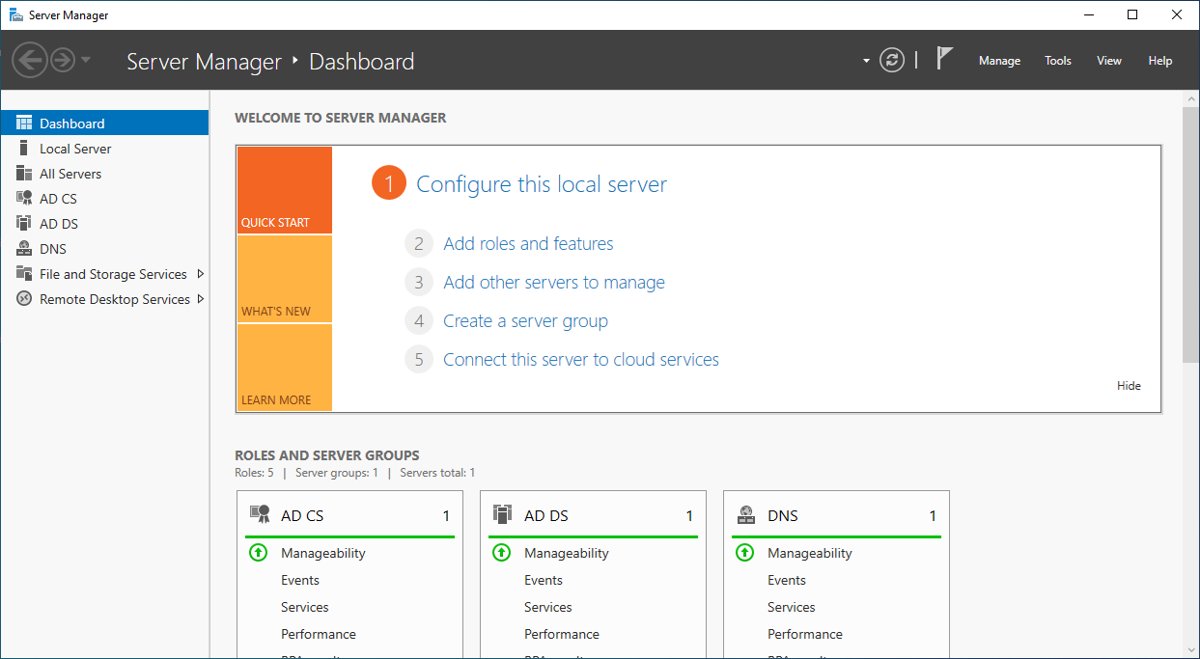
Server Manager dashboard showing AD DS and AD CS server roles

Windows 10 & 11: Install Active Directory Users and Computers
September 22, 2026 by Philip Celasco 1 Comment
Server Manager dashboard showing AD DS and AD CS server roles

Install Active Directory Users and Computers on Windows 10 and 11 Pro or Enterprise through Optional features or one PowerShell command, then open dsa.msc.
Posted in: Developer and IT, How to
How to
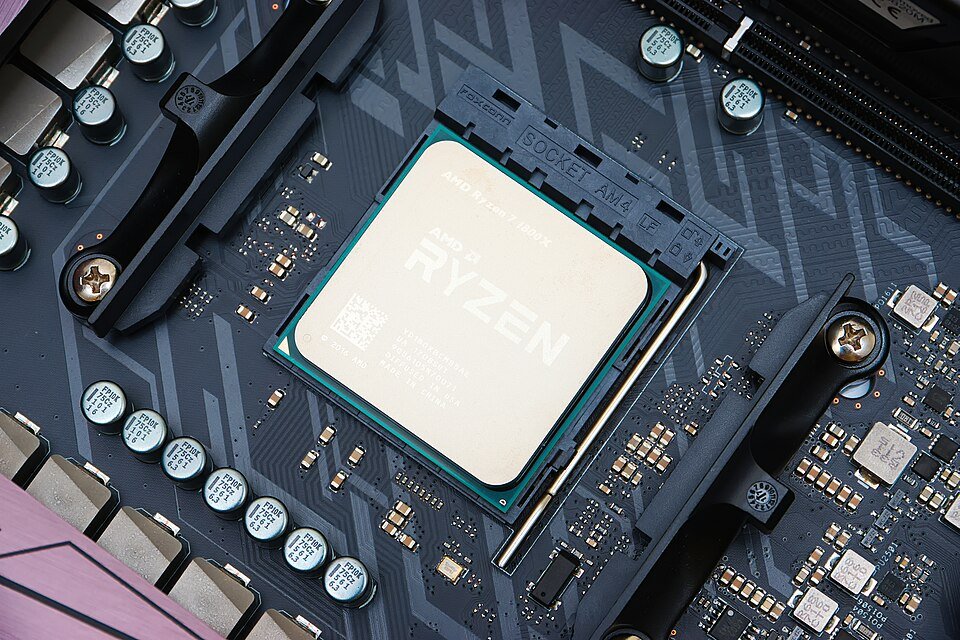
AMD Ryzen 7 1800X processor installed in an AM4 socket

AMD Ryzen CPU List: Complete List Of Models and Specs

September 22, 2026 by Philip Celasco 2 Comments
AMD Ryzen 7 1800X processor installed in an AM4 socket

AMD Ryzen CPU list for desktops, from Ryzen 1000 (Zen) to Ryzen 9000 (Zen 5): cores, threads, boost clock, cache, TDP and socket for each model, from AMD.
Posted in: How to
Apps and services
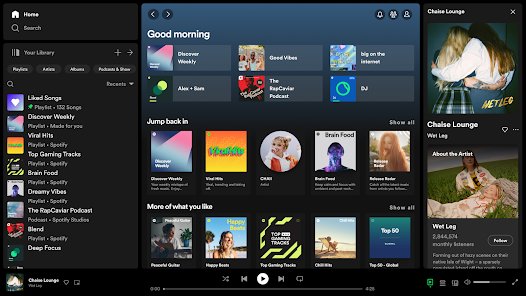
Spotify desktop app Your Library sidebar full of playlists

How to Create New Spotify Account if You Already Have One

September 22, 2026 by Philip Celasco 2 Comments
Spotify desktop app Your Library sidebar full of playlists

Create a new Spotify account when you already have one: log out, sign up at spotify.com/signup with a different email, Google or Apple login, then switch.
Posted in: Apps and services, How to
Android
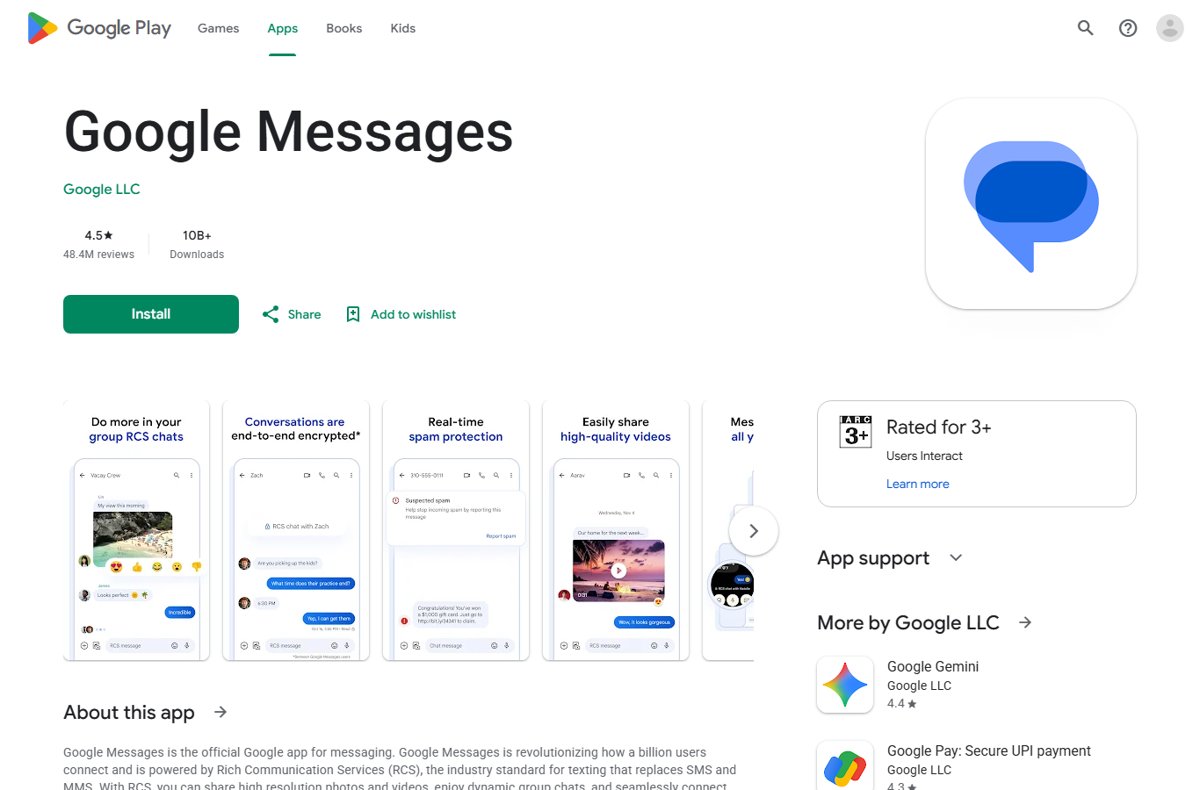
Google Messages app page in the Google Play Store with install button

How To Use Google Messages! (Complete Beginners Guide)

September 21, 2026 by Philip Celasco 1 Comment
Google Messages app page in the Google Play Store with install button

Use Google Messages on Android: set it as your default SMS app, turn on RCS chats, pair Messages for web, schedule texts, block spam, back up and fix problems.
Posted in: Android, How to
How to
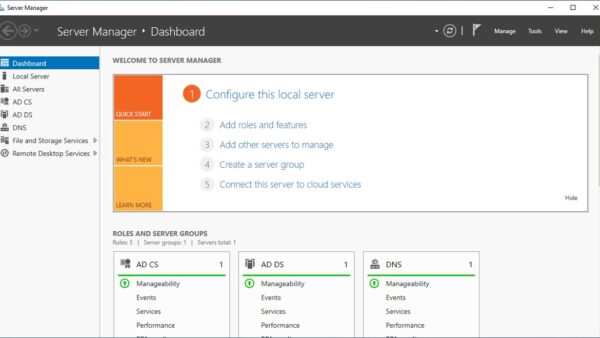
Server Manager Dashboard showing Quick Start options and server roles

How to install server manager on Windows 11

September 21, 2026 by Philip Celasco 1 Comment
Server Manager Dashboard showing Quick Start options and server roles

Install Server Manager on Windows 11 Pro or Enterprise as the RSAT: Server Manager optional feature, from Settings, PowerShell or DISM, then add your servers.
Posted in: How to, Windows
How to
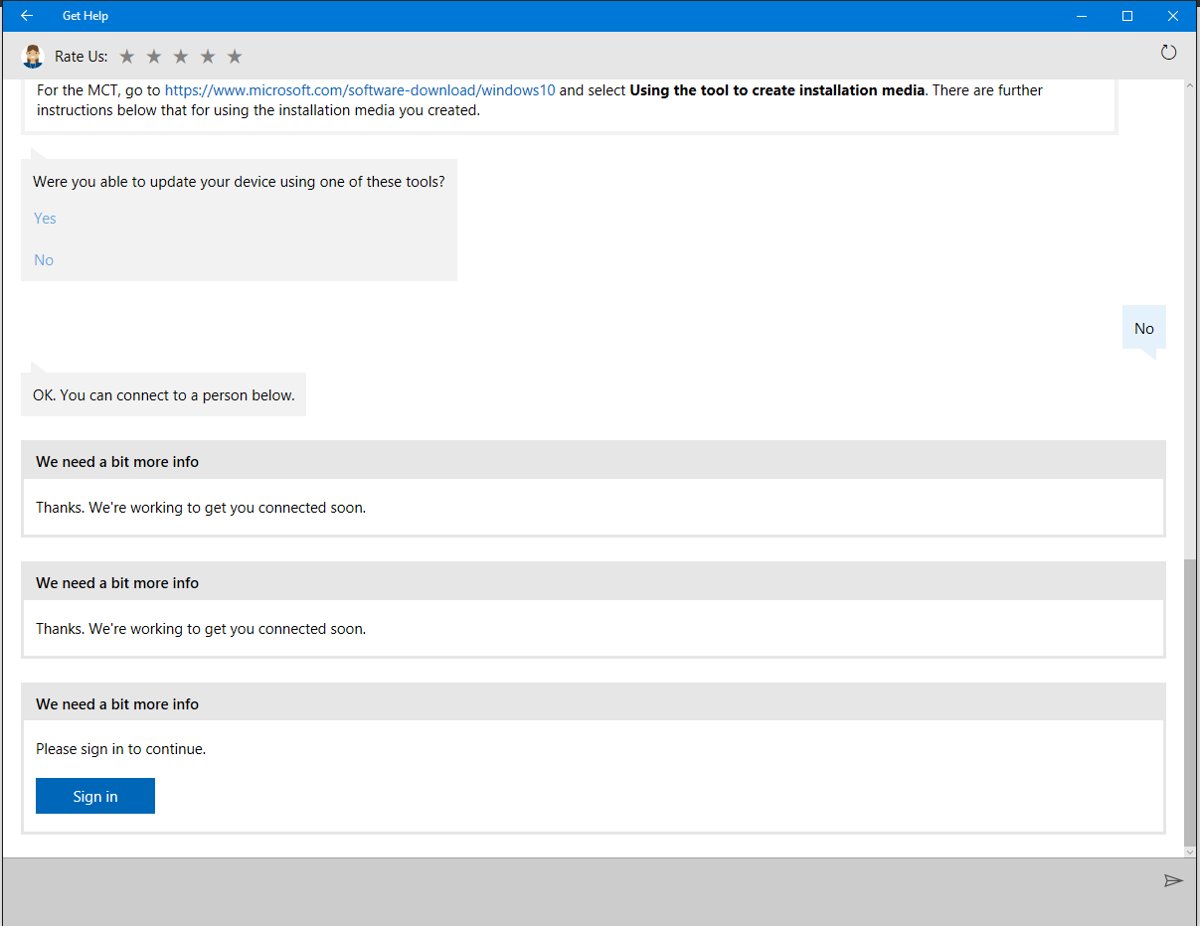
Get Help app chat window with a Yes or No troubleshooting question

How to Get Help in Windows: A Comprehensive Guide to Assistance

September 21, 2026 by Philip Celasco 1 Comment
Get Help app chat window with a Yes or No troubleshooting question

Get help in Windows with the Get Help app, taskbar search, built-in troubleshooters, Quick Assist and Microsoft support chat or callback. Steps for each route.
Posted in: How to, Windows
How to
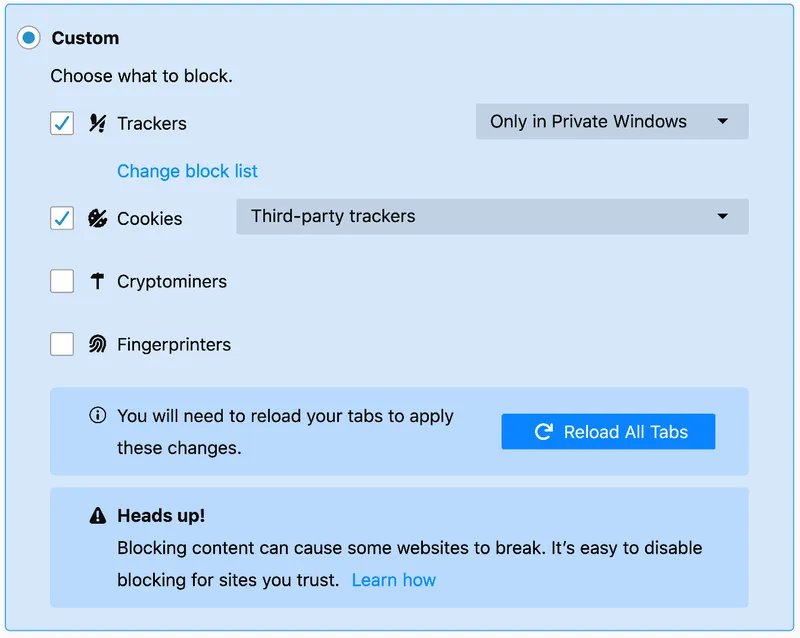
Firefox Custom tracking protection with Trackers and Cookies checked

How to delete trackers on Windows 11

September 21, 2026 by Philip Celasco 1 Comment
Firefox Custom tracking protection with Trackers and Cookies checked

Delete trackers on Windows 11: reset the advertising ID, delete diagnostic data and activity history, clear cookies in Edge, Chrome and Firefox, and use Strict mode.
Posted in: How to, Windows
Developer and IT
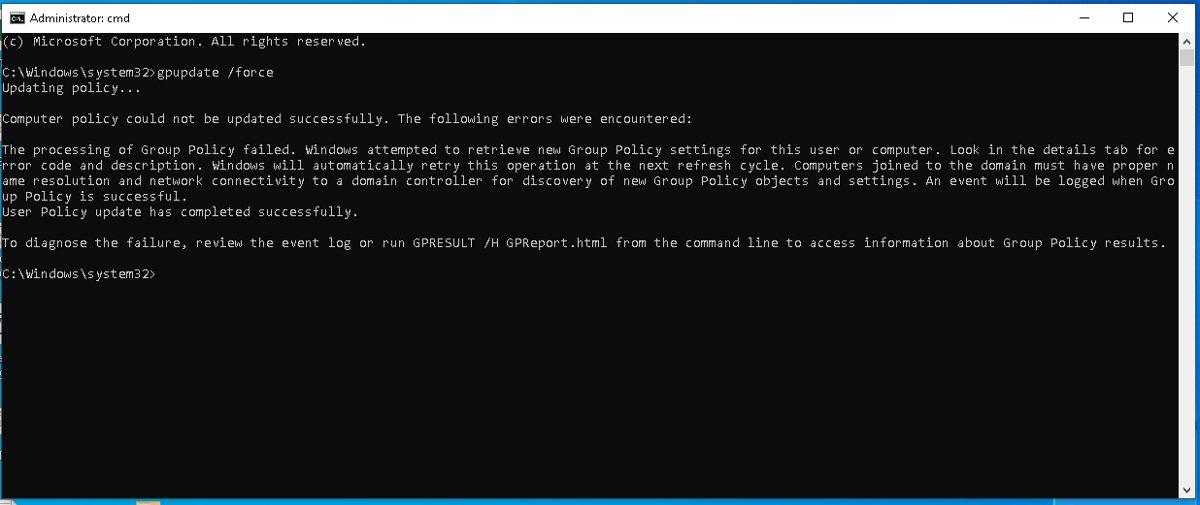
Administrator Command Prompt running gpupdate /force with policy output

How to Force Update Group Policy (Command) Windows 11/10

September 21, 2026 by Philip Celasco 1 Comment
Administrator Command Prompt running gpupdate /force with policy output

Force update Group Policy with gpupdate /force in an admin Command Prompt. Every switch, PowerShell and remote refresh, how to verify, and fixes when it fails.
Posted in: Developer and IT, How to
How to
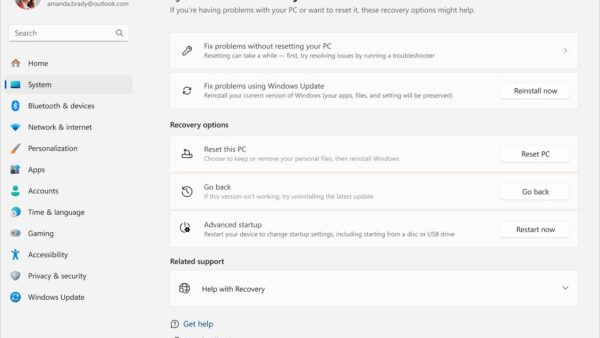
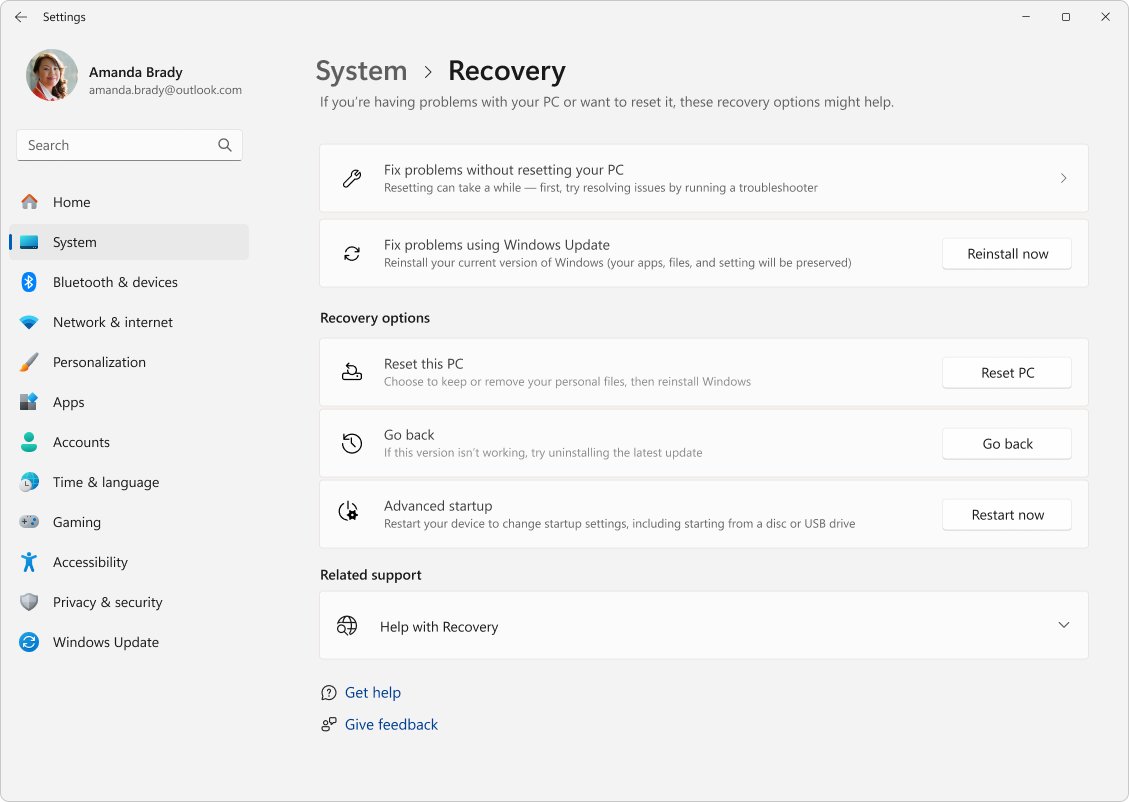
Windows 11 Settings Recovery page with Reinstall now and Reset PC buttons

How to repair Broken Apps and Programs in Windows 11/10

September 21, 2026 by Philip Celasco 2 Comments
Windows 11 Settings Recovery page with Reinstall now and Reset PC buttons

Repair broken apps in Windows 11/10 from Settings > Apps > Advanced options > Repair, or Programs and Features. Office, Store app, SFC and DISM fixes included.
Posted in: How to, Windows
Apps and services
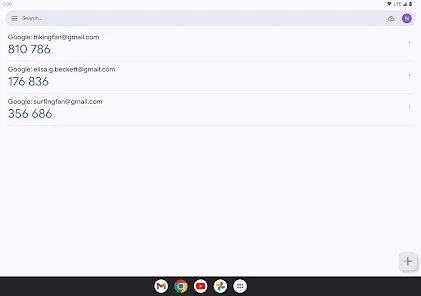
Google Authenticator code list showing several 6-digit sign-in codes

How to Recover Google Account Without Old Phone: Step-by-Step Guide

September 21, 2026 by Philip Celasco 2 Comments
Google Authenticator code list showing several 6-digit sign-in codes

Recover a Google account without your old phone: use Try another way for backup codes, a recovery email or number, a signed-in device, or the recovery questions.
Posted in: Apps and services, How to
How to
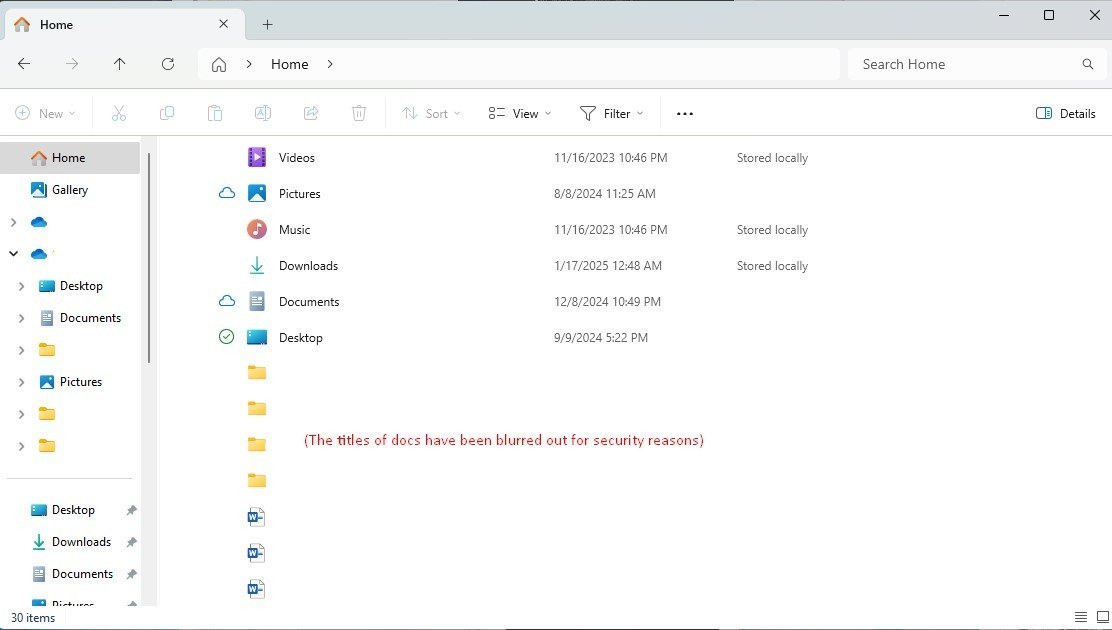
File Explorer Home page listing Quick access folders and files

How to See Recent Files in Windows 11: A Simple Guide for Beginners

September 21, 2026 by Philip Celasco Leave a Comment
File Explorer Home page listing Quick access folders and files

See recent files in Windows 11 from File Explorer Home, Start, jump lists, search and the Recent Items folder, plus how to clear or turn off the history.
Posted in: How to, Windows
Apps and services
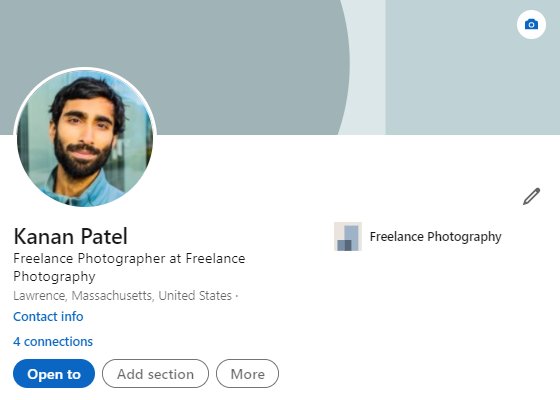
LinkedIn profile Introduction section with photo, headline and Edit icon

What Is LinkedIn and Why Should You Be on It?

September 21, 2026 by Philip Celasco Leave a Comment
LinkedIn profile Introduction section with photo, headline and Edit icon

LinkedIn is a free professional network with over 1 billion members. See what it does, free vs Premium, how to build a profile and which privacy settings to set.

Posted in: Apps and services, How to
« Previous 1 … 251 252 253 … 313 Next »

More from Techdows

Printable iPhone User Guide - iPhone lock screen on a desk stand
Printable iPhone User Guide download: how to get and print it
How to · 4 hours ago
AirPods won't connect - AirPod resting on an iPhone
Fix AirPods won’t connect [7 ways to fix]
How to · 4 hours ago
Enable Windows Defender manually - combination padlock for security
How to enable or start Windows Defender manually
How to · 4 hours ago
Bought Minecraft from Microsoft - Minecraft bee papercraft held in a hand
Bought Minecraft from Microsoft? When you have to buy it again on the App Store
How to · 4 hours ago
Fix no sound in Windows 11 Snipping Tool screen recordings - PC desk with monitor and speakers
Fix no sound issues in Windows 11 Snipping Tool screen recordings
How to · 3 hours ago
Set up and manage Google reminders - reminder notification on a smartphone
How to set up and manage Google reminders
How to · 3 hours ago
Add weather to Windows 11 lock screen and taskbar - laptop beside a rainy window
How to add weather to lock screen, desktop and taskbar in Windows 11/10
How to · 3 hours ago
Microsoft Photos app in Windows 11 - photo editing on a Windows PC monitor
How to use Microsoft Photos app in Windows 11
How to · 3 hours ago

© 2009–2026 Techdows · About · Contact · Privacy Policy

Copyright © 2026 Techdows.

Techdows WordPress Theme by Techdows