Start menu or taskbar search not working in Windows 11/10
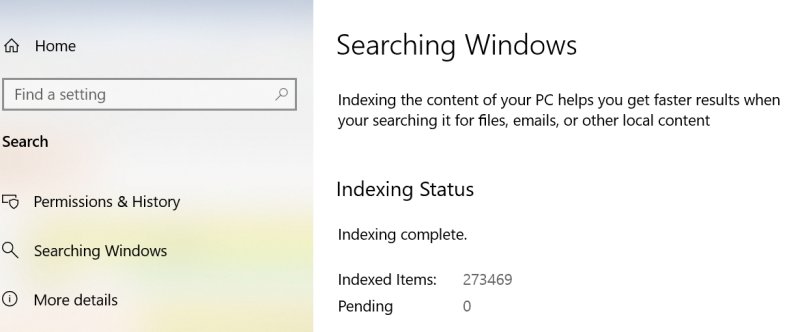
Start menu or taskbar search not working in Windows 11/10? Restart SearchHost and the Windows Search service, rebuild the index, or reset search with PowerShell.
2,113 articles
Start menu or taskbar search not working in Windows 11/10? Restart SearchHost and the Windows Search service, rebuild the index, or reset search with PowerShell.
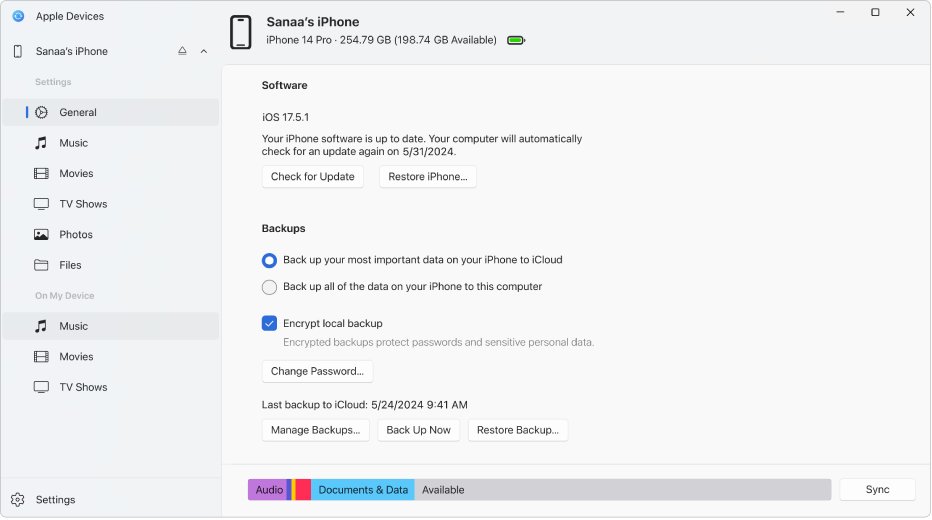
Apple Devices app not working or doing nothing on Windows? Get your iPhone into the sidebar, fix Trust prompts, AMDS, Wi-Fi sync and update errors step by step.
Change the display color profile on Windows 11 from Settings > System > Display > Color profile: add an ICC profile, set it as default, remove or calibrate it.
The Windows 11 Camera app saves photos and videos to Pictures > Camera Roll, and the Photos app shows your Pictures folder. Find, open and move both locations.
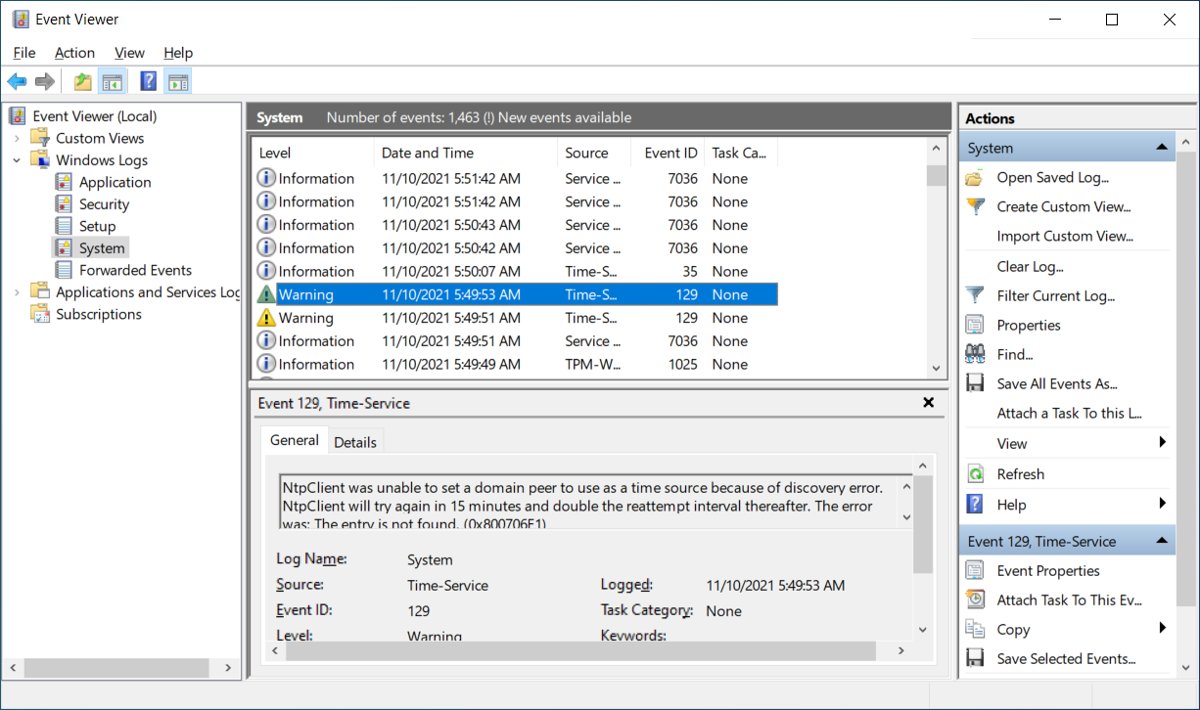
Open Event Viewer in Windows 11 and 10 with Windows + R and eventvwr.msc, or use Search, the Start right-click menu, Computer Management, CMD or PowerShell.
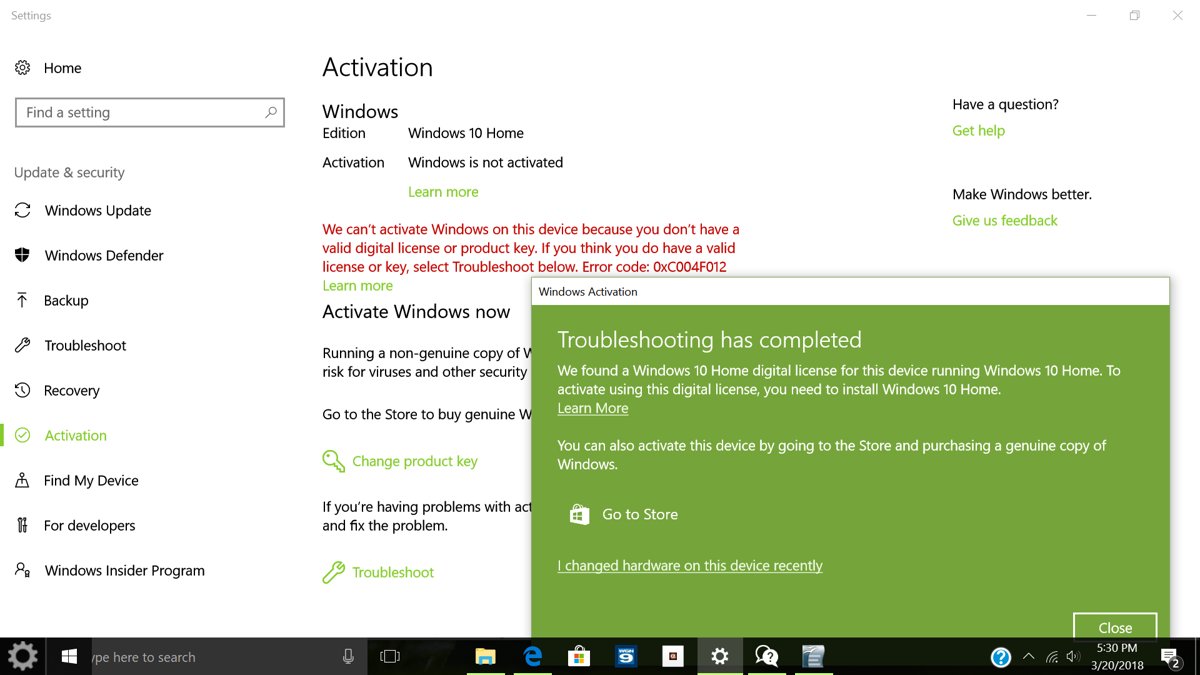
Check if a recently installed Windows is activated in Settings > System > Activation or with slmgr /xpr, read each status message and fix activation errors.
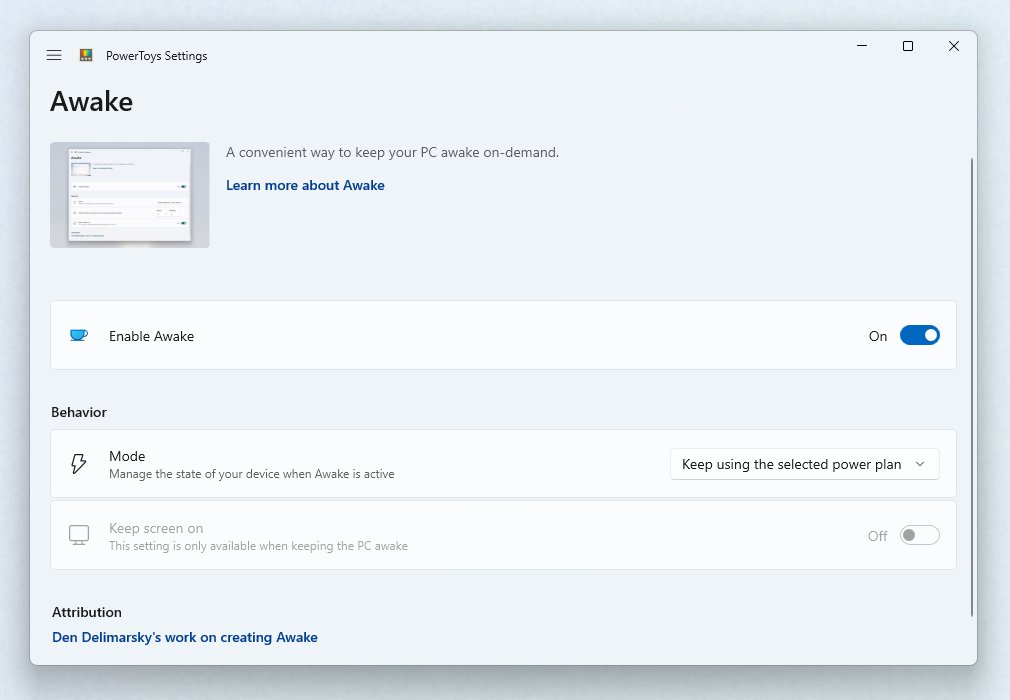
Adjust screen timeout in Windows 11 from Settings > System > Power & battery, Control Panel, powercfg or Group Policy, plus fixes when the screen will not turn off.
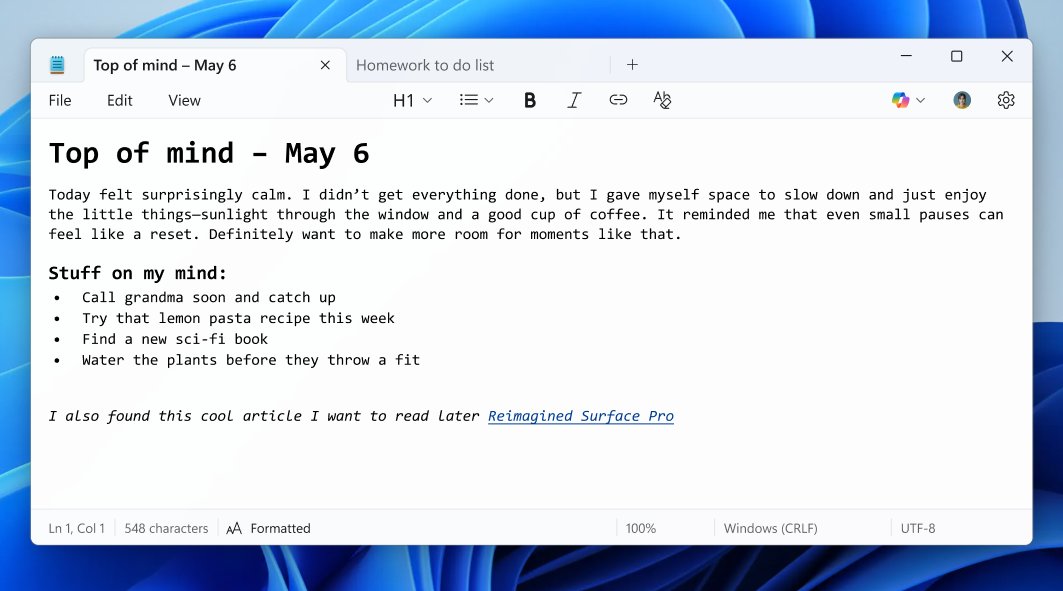
New features in Notepad in Windows 11: tabs, autosave, spellcheck, Markdown formatting, tables, and Write, Rewrite and Summarize, with steps to use each one.
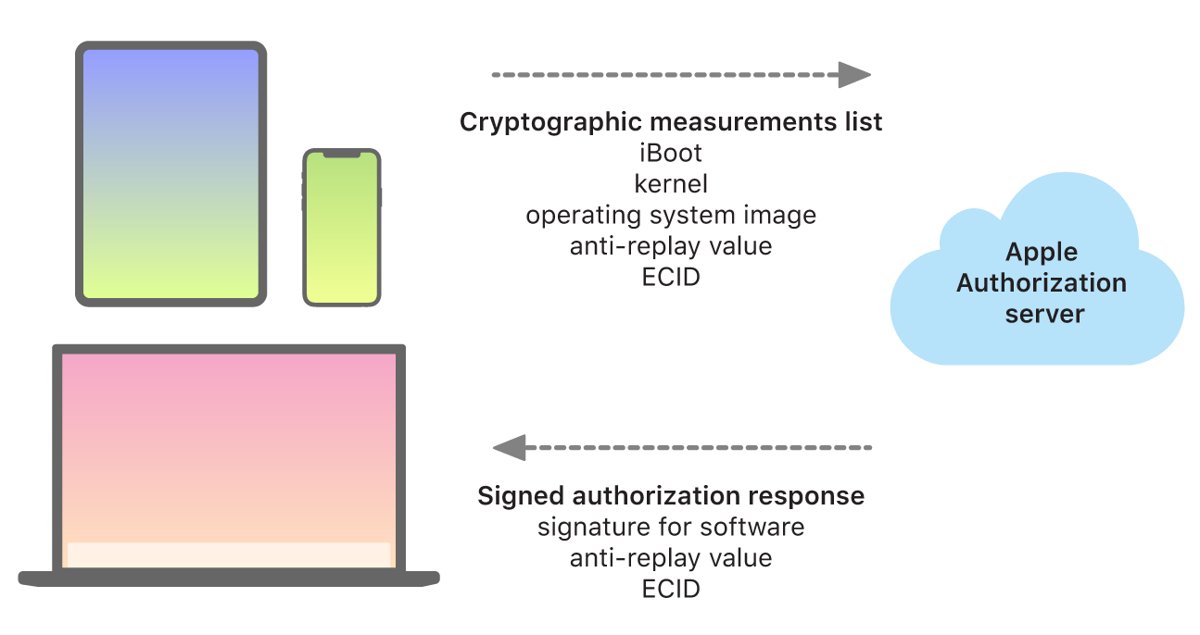
An IPSW file is Apple’s restore image for iPhone, iPad, Apple TV and Mac. Learn what it contains, how to install one, signing rules and safe sources.
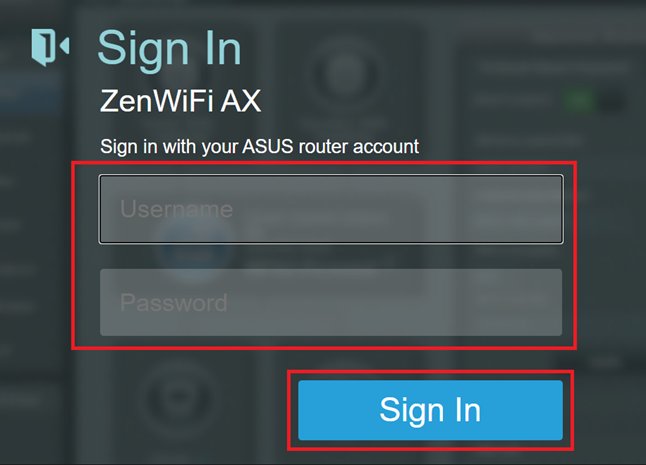
Log in to 192.168.1.1 to open your router admin page, change the Wi-Fi name and password, set the admin password, configure WAN and DNS, and fix login errors.
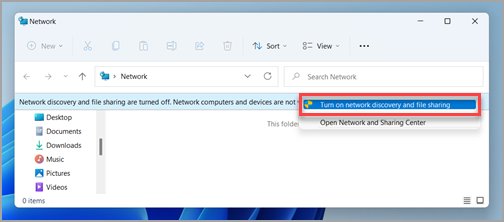
Turn on network discovery in Windows 11 from Settings > Network & internet > Advanced sharing settings, plus fixes when it keeps turning itself off.
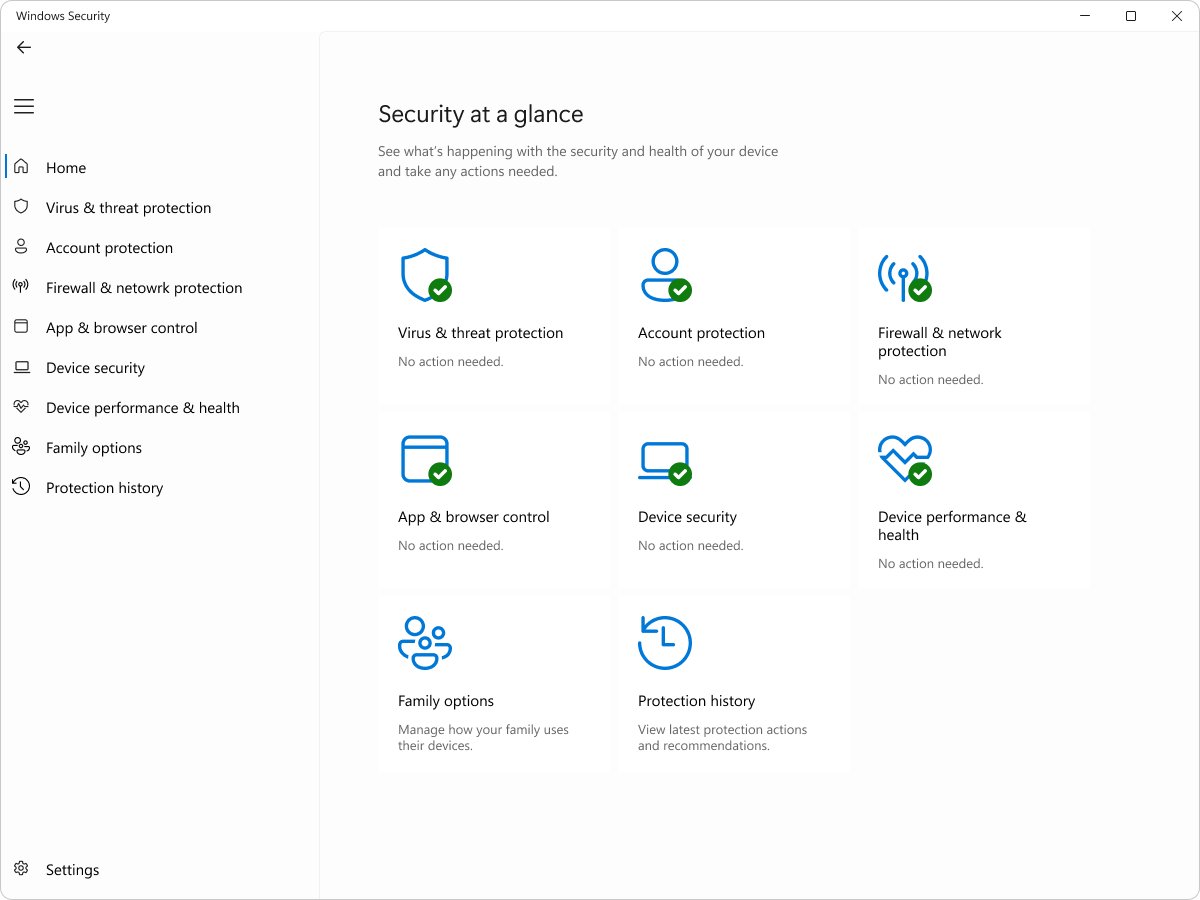
The best Windows Defender settings: cloud protection, tamper protection, controlled folder access, memory integrity, SmartScreen, exploit protection and firewall.