Techdows

Windows how-to guides, fixes and software downloads

  • Home
  • Settings and hardware

    • Printers
    • Sound and microphone
    • Wi-Fi and network
    • Bluetooth
    • Display and monitors
    • Drivers
    • Keyboard shortcuts and symbols

    Using Windows

    • File Explorer
    • Storage and disk space
    • Taskbar, Start and desktop
    • Apps and default programs
    • Accounts and sign-in
    • Copilot in Windows
    • Command Prompt and PowerShell

    Updates and fixes

    • Windows Update
    • Windows 11 26H2
    • Error codes and BSOD
    • Boot, BIOS and recovery
    • Security and Defender
    • Task Manager and performance
    • DLL and runtime errors

    Popular fixes

    • Get help in Windows 11
    • Connect a wireless printer
    • Re-pair Bluetooth earbuds for stereo sound
    • Cancel a stuck print job
    • Change default programs

    All Windows guides →

  • Browse by type

    • Web browsers
    • Office and productivity apps
    • PC games and launchers
    • Phone and media apps
    • Developer tools
    • Creative apps
    • CAD software
    • System utilities and drivers

    Popular downloads

    • GTA V for PC
    • YouTube app for PC
    • Google Meet for PC
    • Cisco Packet Tracer
    • TikTok for PC

    Windows tools

    • PC Health Check app
    • HEVC Video Extension
    • DirectX 12
    • Cinebench R23

    All download guides →

  • Browser guides

    • Microsoft Edge
    • Google Chrome
    • Firefox
    • Web browsers for PC

    Microsoft Edge

    • Fix WebView2 using too much memory
    • Internet Explorer mode in Edge
    • Manage Edge favorites
    • Set or remove Edge as default

    Chrome and Firefox

    • Make Chrome the default browser
    • Restore closed tabs
    • Change the default web browser

    All browser guides →

  • Office guides

    • Outlook
    • Excel
    • Word and PowerPoint
    • OneDrive
    • Install Microsoft 365

    Meetings and other tools

    • Teams, Zoom and Google Meet
    • Google Docs and Sheets
    • PDF tools

    Office apps

    • Office product key
    • Office Deployment Tool
    • What is OneDrive?
    • Turn off OneDrive in Windows 11

    Outlook and Teams

    • Outlook inbox view changed
    • Schedule an email in Outlook
    • Outlook dark mode
    • Teams breakout rooms

    All Office and productivity guides →

  • PHP security

    • PHP2Shell patch download
    • PHP critical RCE security update
    • CVE-2026-109618 fix
    • CVE-2026-109619 explained
    • Mitigations if you can't update

    Update PHP

    • Update PHP to the latest version
    • Check your PHP version
    • Update PHP on Ubuntu and Debian
    • Restart PHP-FPM

    Hosting and local servers

    • Update PHP in XAMPP
    • Change PHP version in cPanel
    • Update PHP in Laragon and WampServer
    • Update PHP Docker images
    • WordPress PHP version check

    PHP downloads

    • PHP 8.5.12 download
    • PHP 8.4.27 download
    • PHP 8.3.36 and 8.2.35 download
    • Download PHP for Windows

    PHP2Shell by platform

    • PHP 8.3 fix on Ubuntu 24.04
    • PHP 8.1 fix on Ubuntu 22.04
    • PHP 8.2 and 8.4 fix on Debian
    • Update PHP on IIS
    • Cloudflare PHP2Shell WAF rule

    All PHP guides →

  • Sections

    • Gaming
    • Apple
    • Android
    • Apps and services
    • Developer and IT

    Apple

    • iPhone tips and fixes
    • Reset and restore iPhone
    • iPad
    • Mac and macOS
    • Apple Account and iCloud
    • Apple devices on Windows

    Apps, Android and gaming

    • Gmail and Google account
    • YouTube
    • Social media accounts
    • Streaming TV
    • Android and Samsung Galaxy
    • PC gaming and Xbox
    • Roblox and Minecraft on PC

    Developer and IT

    • WSL and developer setup
    • Virtual machines
    • Group Policy and Intune
    • Windows Server
    • Website error codes
  • News
Home›Apple

Apple

332 articles

iPhone, iPad, Mac, iCloud and AirPods how-tos: settings, resets, backups and fixes. Start with the iPhone tips and fixes guide, resetting, restoring and updating an iPhone, the iPad guide, the Mac and macOS guide or the Apple Account and iCloud guide, plus using Apple devices with a Windows PC.

Apple
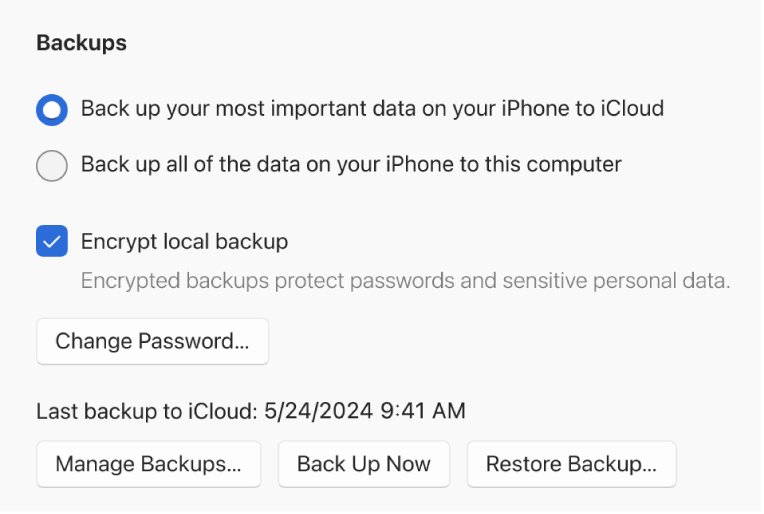
How to back up iPhone to PC using the Apple Devices app for Windows
How to back up iPhone to PC using the Apple Devices app for Windows

October 21, 2026 by Philip Celasco Leave a Comment
How to back up iPhone to PC using the Apple Devices app for Windows

Back up iPhone to PC with the Apple Devices app: connect, open General, choose this computer, then Back Up Now. Where backups are stored and how to restore.

Posted in: Apple, How to
Apple
How to share photos with non-Apple ID users via iCloud

How to share photos with non-Apple ID users via iCloud

October 21, 2026 by Philip Celasco Leave a Comment
How to share photos with non-Apple ID users via iCloud

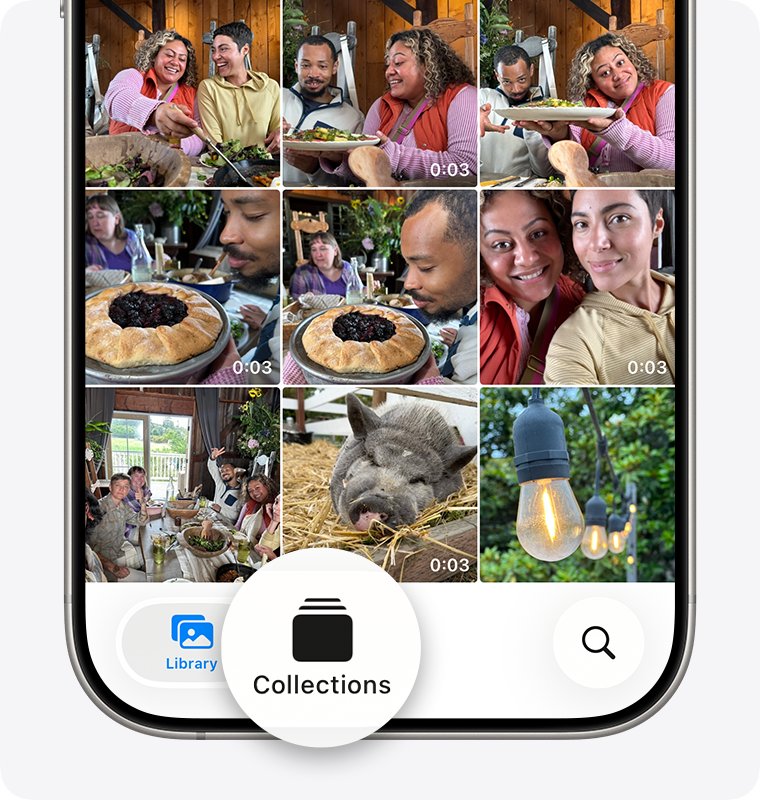
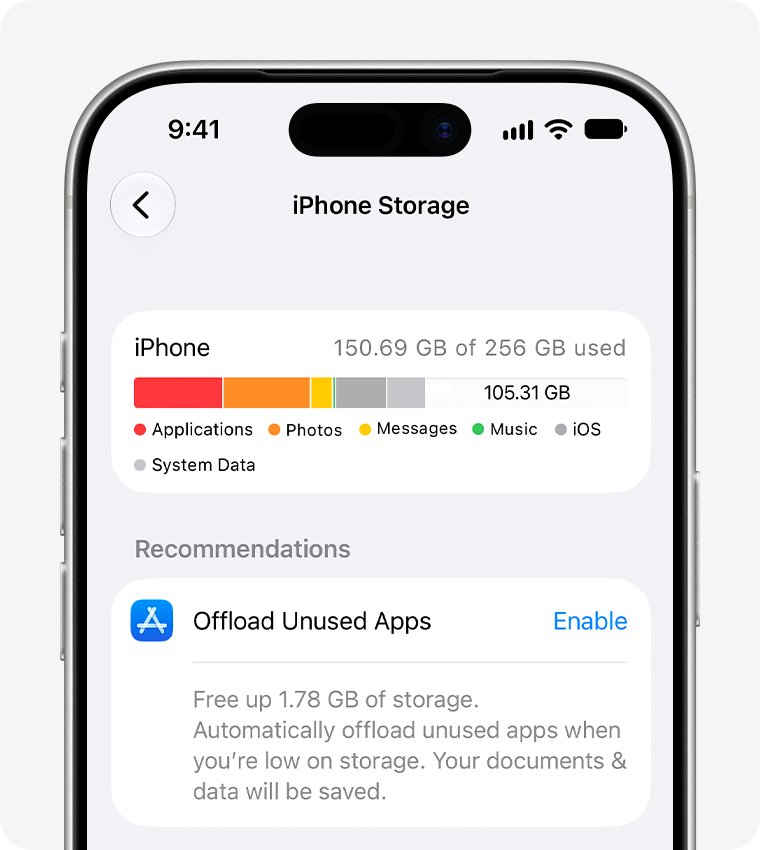
Share photos with non-Apple ID users via iCloud: create a link-based Shared Album in iOS 27, or turn on Public Website in iOS 26, then send the link to anyone.
Posted in: Apple, How to
Apple
WhatsApp still using huge iPhone storage after deleting everything: how to fix it

WhatsApp still using huge iPhone storage after deleting everything: how to fix it

October 21, 2026 by Philip Celasco Leave a Comment
WhatsApp still using huge iPhone storage after deleting everything: how to fix it

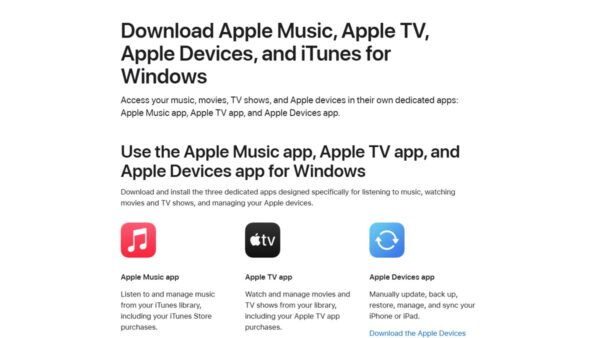
WhatsApp still using huge iPhone storage after you deleted everything? Clear media copies, check the real usage, and back up, delete and reinstall to reclaim space.
Posted in: Apple, How to
Apple
iTunes error code -42110 on Windows: how to fix a failed purchase download

iTunes error code -42110 on Windows: how to fix a failed purchase download

October 21, 2026 by Philip Celasco Leave a Comment
iTunes error code -42110 on Windows: how to fix a failed purchase download

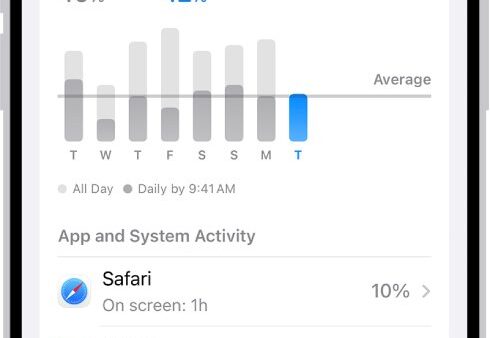
iTunes error code -42110 stops a purchased movie from downloading on a Windows PC. Fix it with the Apple TV app, computer authorization, date and network checks.
Posted in: Apple, How to
Apple
Background activity on iPhone 11: what it means and how to stop it

Background activity on iPhone 11: what it means and how to stop it

October 21, 2026 by Philip Celasco Leave a Comment
Background activity on iPhone 11: what it means and how to stop it

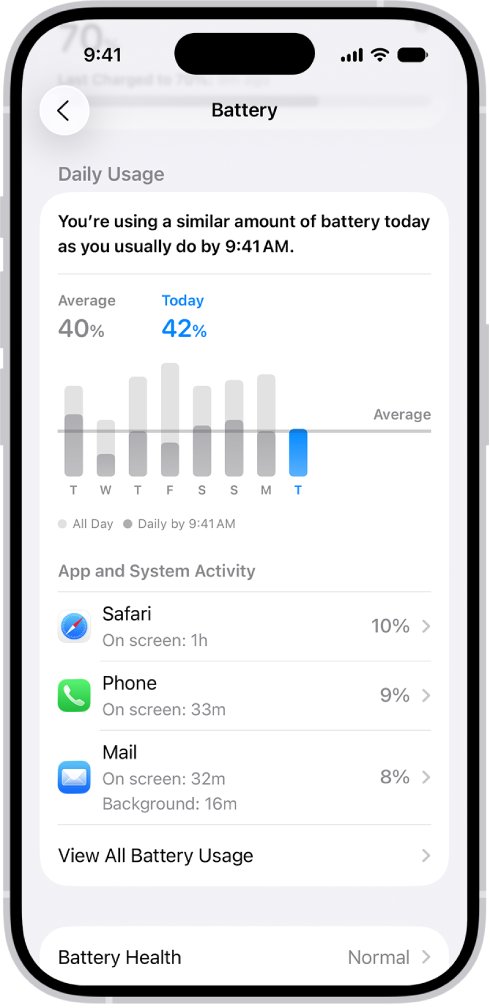
Background activity on iPhone 11 means an app used battery while you were in another app. See which apps do it in Settings > Battery and how to limit them.
Posted in: Apple, How to
Apple
iCloud for Windows 11 not syncing and stuck at sign-in: how to fix it

iCloud for Windows 11 not syncing and stuck at sign-in: how to fix it

October 21, 2026 by Philip Celasco Leave a Comment
iCloud for Windows 11 not syncing and stuck at sign-in: how to fix it

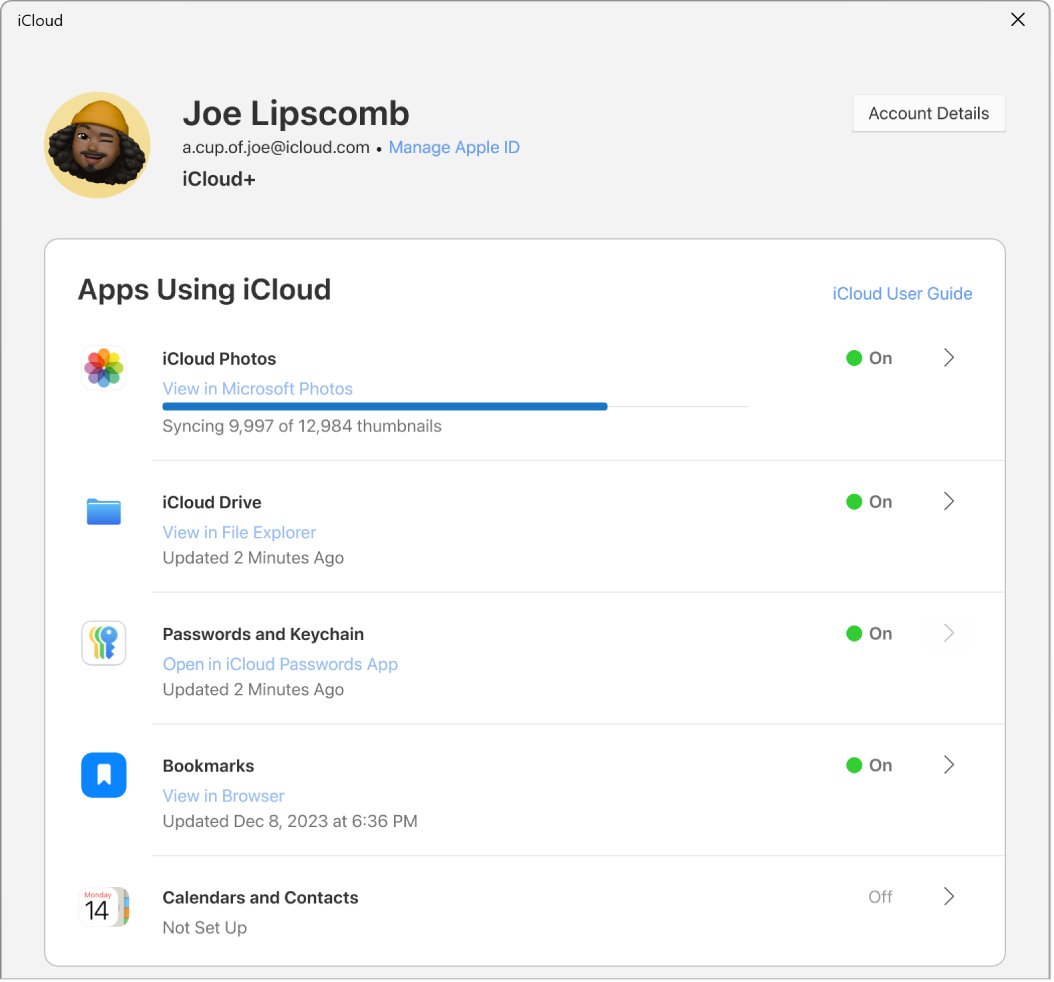
iCloud for Windows 11 not syncing or stuck at sign-in? Update it from the Microsoft Store, check Advanced Data Protection rules, repair the app and turn sync on.
Posted in: Apple, How to
Apple
"Your device couldn't connect to the server" in iCloud Drive on iPhone: how to fix it

“Your device couldn’t connect to the server” in iCloud Drive on iPhone: how to fix it

October 21, 2026 by Philip Celasco Leave a Comment
"Your device couldn't connect to the server" in iCloud Drive on iPhone: how to fix it

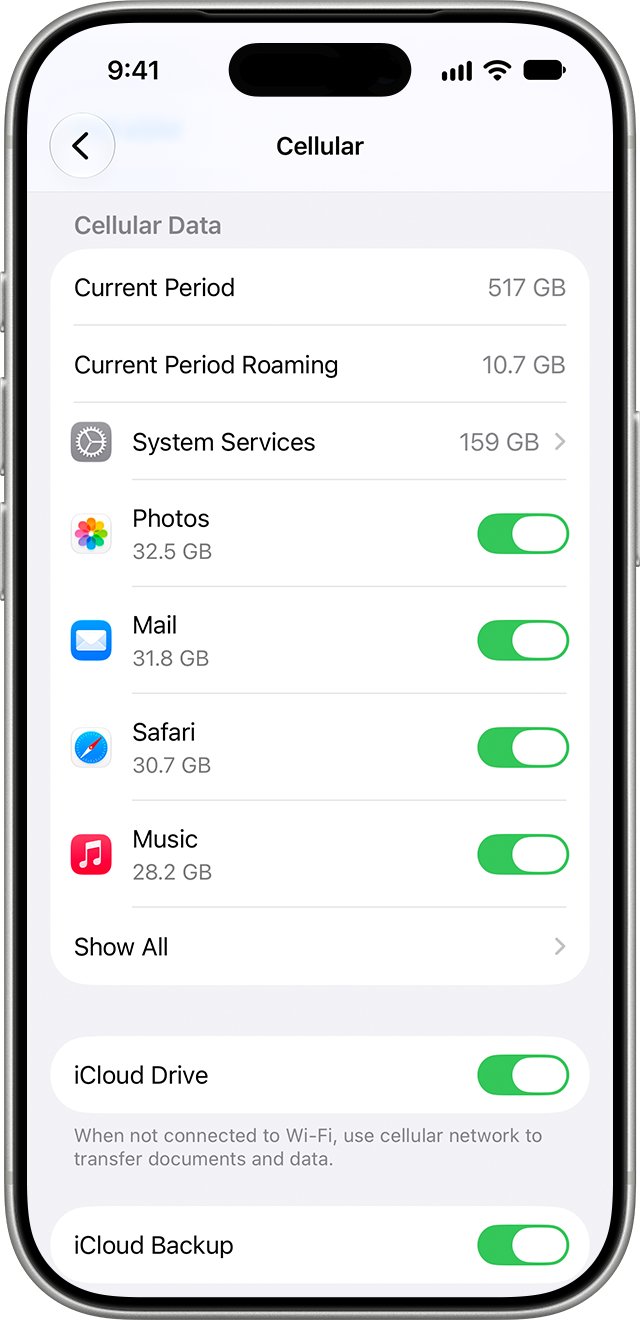
Fix “Your device couldn’t connect to the server” in iCloud Drive on iPhone: check Apple System Status, cellular data access, Low Data Mode, Private Relay and VPNs.


Posted in: Apple, How to
Apple
Buying Apple products online vs in store: what is different

Buying Apple products online vs in store: what is different

October 21, 2026 by Philip Celasco Leave a Comment
Buying Apple products online vs in store: what is different

Buying Apple products online vs in store: same 14-day returns and price protection, but online adds custom Macs, free engraving and free delivery. Compare both.
Posted in: Apple, How to
Apple
Unable to connect to Wi-Fi on iPhone 17 Pro Max after iOS 26.0.1: how to fix it

Unable to connect to Wi-Fi on iPhone 17 Pro Max after iOS 26.0.1: how to fix it

October 21, 2026 by Philip Celasco Leave a Comment
Unable to connect to Wi-Fi on iPhone 17 Pro Max after iOS 26.0.1: how to fix it

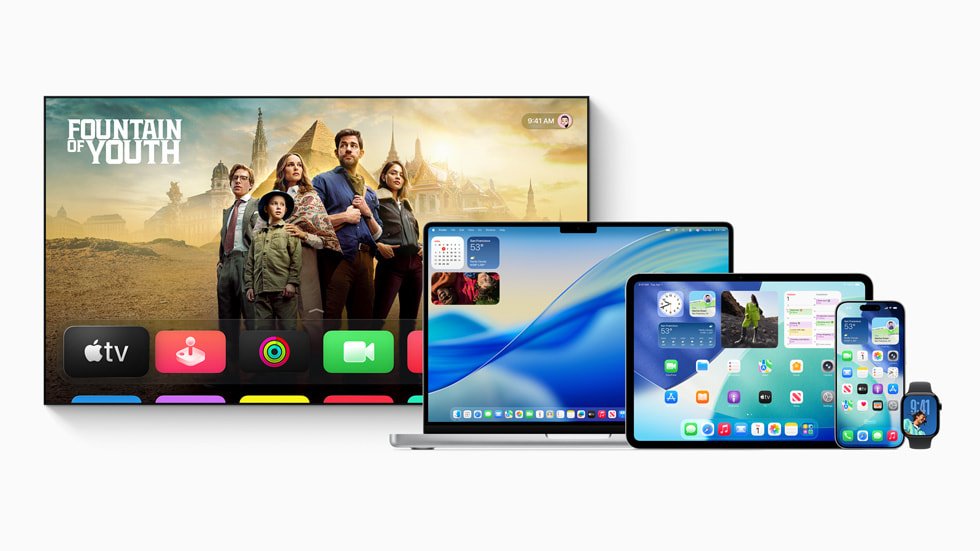
Unable to connect to Wi-Fi on iPhone 17 Pro Max after iOS 26.0.1? Update iOS, rejoin the network, change the private Wi-Fi address, then reset network settings.
Posted in: Apple, How to
Apple
Don't like Liquid Glass? How to change it on iPhone and Mac

Don’t like Liquid Glass? How to change it on iPhone and Mac

October 21, 2026 by Philip Celasco Leave a Comment
Don't like Liquid Glass? How to change it on iPhone and Mac

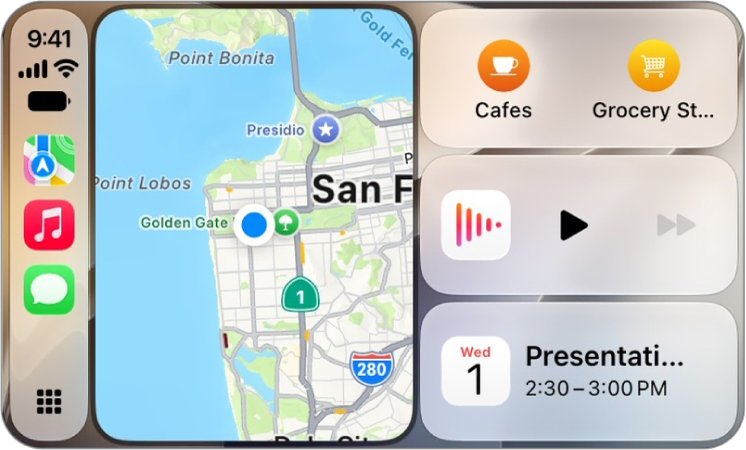
Don’t like Liquid Glass? Liquid Glass cannot be turned off, but you can tint it, reduce transparency, raise contrast and cut its motion on iPhone and Mac.
Posted in: Apple, How to
Apple
iPhone 17 CarPlay keeps disconnecting or won't work? How to fix it

iPhone 17 CarPlay keeps disconnecting or won’t work? How to fix it

October 21, 2026 by Philip Celasco Leave a Comment
iPhone 17 CarPlay keeps disconnecting or won't work? How to fix it

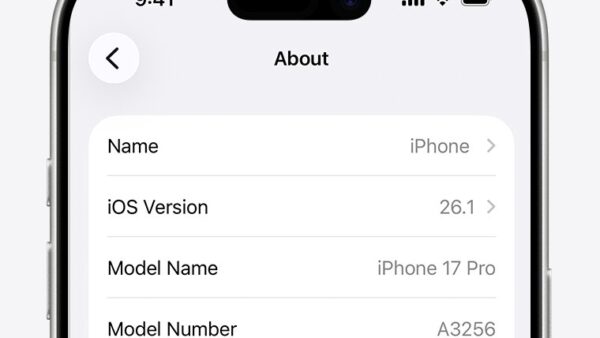
iPhone 17 CarPlay keeps disconnecting or won’t work? Fix wired USB-C and wireless CarPlay drops with cable, Wi-Fi, Siri, Screen Time and Forget This Car steps.
Posted in: Apple, How to
Apple
iPhone model number country code: how to check which region your iPhone is from

iPhone model number country code: how to check which region your iPhone is from

October 21, 2026 by Philip Celasco Leave a Comment
iPhone model number country code: how to check which region your iPhone is from

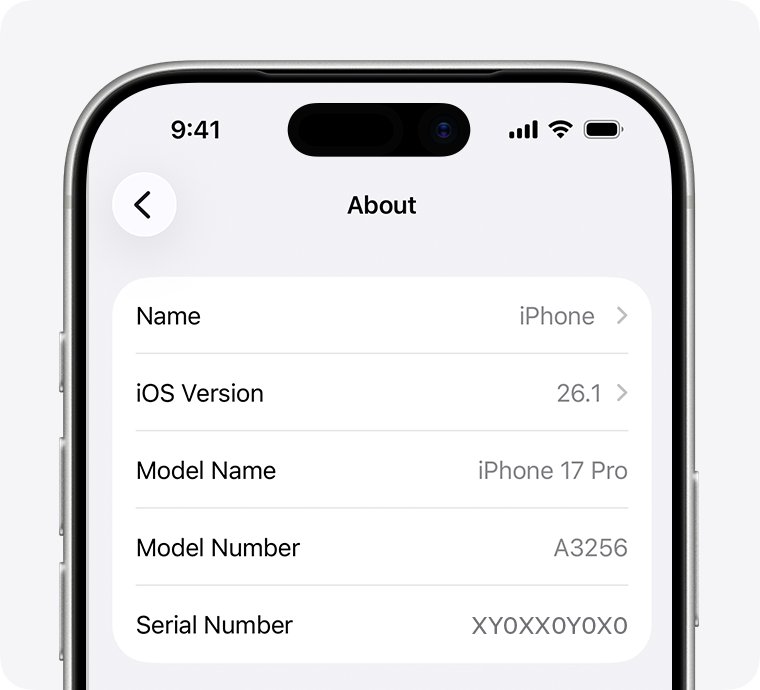
Check your iPhone’s country with its model number: find the A-number in Settings, then match it to Apple’s region list for iPhone 18 back to iPhone 11.

Posted in: Apple, How to
« Previous 1 … 15 16 17 … 28 Next »

More from Techdows

Latitude and longitude in Apple Maps - smartphone map app
How do I use latitude and longitude to set a favorite in Apple Maps?
Apple · 5 hours ago
Discord age groups for teen and unconfirmed accounts - social apps on a smartphone
Discord age groups automatically restrict Teen and Unconfirmed accounts — megathread
Apps and services · 5 hours ago
Bluetooth and devices settings in Windows 11 - Bluetooth speaker and phone
Bluetooth and devices settings in Windows 11
How to · 5 hours ago
Windows App price, supported devices and official download sources
Download Windows App for PC, Mac, iPhone, Android & Web (Free)
Downloads · 5 hours ago
No Location Found on iPhone - phone showing a map
No location found iPhone message? Here’s how to fix it
Apple · 5 hours ago
Find all photos on Windows 11 computer - photos on a laptop screen
How to find all photos on my computer Windows 11: step-by-step guide
How to · 4 hours ago
Set up a VPN connection in Windows 11 - laptop with a VPN screen
Set up a VPN connection with Windows 10/11 built-in client (IKEv2)
How to · 4 hours ago
Audio inputs and outputs missing from Device Manager - laptop with speakers
Audio inputs and outputs missing from Device Manager
How to · 4 hours ago

© 2009–2026 Techdows · About · Contact · Privacy Policy

Copyright © 2026 Techdows.

Techdows WordPress Theme by Techdows