Press F11 to exit full screen in Windows 11 browsers and most desktop apps, or press Esc when a video or web page has taken over the screen.
This guide lists the exact exit key for Edge, Chrome, YouTube, games, Microsoft Store apps and Windows Terminal, shows how to enter full screen again, and fixes the cases where a window refuses to leave it.
Exit full screen in Windows 11 with F11 or Esc
F11 is a toggle in Microsoft Edge and Google Chrome, so the key that put the window into full screen also takes it out.
- Click once inside the full-screen window so it has keyboard focus.
- Press F11. The title bar, tabs and taskbar come back.
- If nothing changes, press Esc. Videos and web pages that requested full screen close it with Esc.
- On a laptop where F11 changes volume or brightness instead, hold Fn and press F11.
If neither key works, the app uses its own shortcut. The table below matches each app to its exit key. Mac keyboards use different keys, so exit full screen on a Mac with Command + Control + F instead.
Three ways to exit full screen on Windows 11 computers
Three keys cover almost every full-screen window on Windows 11. Pick the row that matches what is on your screen.
| What is full screen | Press this | Why it works |
|---|---|---|
| Microsoft Edge, Google Chrome or Windows Terminal | F11 | F11 toggles full-screen mode on and off in these apps |
| A YouTube video or other web video | Esc (or F on YouTube) | Esc leaves the current task; YouTube also toggles full screen with F |
| A PC game, or a desktop program built on DirectX | Alt + Enter | DXGI switches between windowed and full screen on Alt + Enter unless the game turns that off |
| A Microsoft Store (UWP) app | Esc, or Windows key + Down arrow | Windows key + Shift + Enter makes a UWP app full screen; Esc leaves the current view and Windows key + Down arrow minimizes the window |
The first three rows are the three ways the question usually comes down to: F11, Esc and Alt + Enter. The Store app row is an extra route for apps from the Microsoft Store.
Exit full screen in Microsoft Edge
Microsoft lists F11 as the Edge shortcut to enter full screen, and it works as a toggle.
- Click anywhere on the web page so Edge has focus.
- Press F11 to leave full screen. The address bar and tabs reappear.
- If a page video is full screen inside Edge, press Esc to return to the normal page first.
- If the page is in Immersive Reader rather than full screen, press F9 to exit it.
Exit full screen in Google Chrome on Windows 11
Google documents two ways to turn off full-screen mode in Chrome on Windows: F11 again, or press and hold Esc.
- Press F11 to turn off full-screen mode.
- Or press and hold Esc until the tabs and address bar return.
- To go back into full screen later, click More at the top right and, next to Zoom, click Full screen.
A short tap of Esc is not enough in Chrome. Hold it until the window changes.
Exit full screen on YouTube in Windows 11
YouTube's own keyboard shortcuts work in every browser on Windows 11.
- Click once on the video so the player has focus.
- Press Esc to exit full screen.
- Or press F, which toggles the player between full screen and the normal page.
- To see every player shortcut, press Shift + ? while the video page is open.
If the browser itself is also in full screen, press F11 after the video has shrunk back.
Exit full screen in games with Alt + Enter
Games built on DirectX use DXGI, which watches for the Alt + Enter sequence and switches the window between full screen and windowed mode. A developer can turn that response off, so some games ignore it.
- Press Alt + Enter while the game is in the foreground.
- If the game stays full screen, open its Settings, Options or Video menu.
- Change the display mode from full screen to Windowed or Borderless window, using the names the game shows.
- Apply the change and confirm when the game asks to keep the new setting.
Exit full screen in Microsoft Store apps
Microsoft documents Windows key + Shift + Enter as the shortcut that makes an active Universal Windows Platform (UWP) app full screen. Store apps such as Photos and Calculator use this platform, and these keys get them back to a window or off the screen.
- Click inside the full-screen Store app to make it the active window.
- Press Esc, which leaves the current task or dismisses an open view.
- If the app still fills the screen, press Windows key + Down arrow to minimize the active window.
- Press Alt + Tab to switch to another window, or Windows key + D to show the desktop.
- Press Alt + F4 to close the app, then open it again from Start in a normal window.
Exit full screen in Windows Terminal
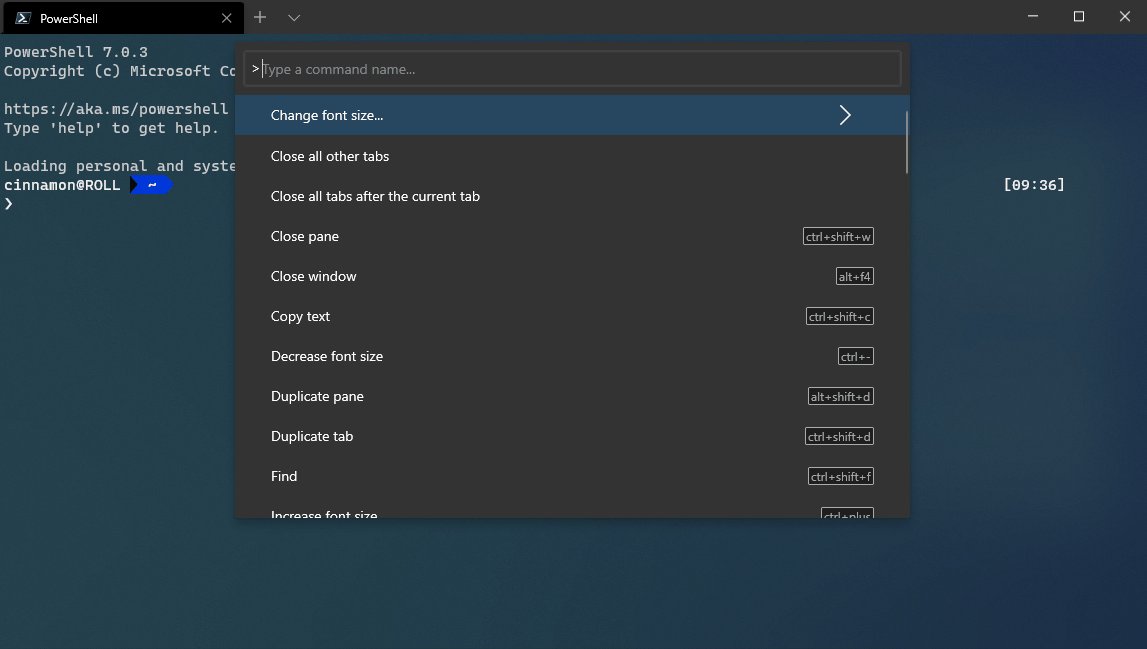
Windows Terminal binds its toggleFullscreen action to two keys by default. Focus mode, which hides only the tabs and title bar, is a separate action with no default key.
- Click inside the Terminal window.
- Press Alt + Enter or F11 to leave full screen.
- Confirm the title bar and tabs are back at the top of the window.
If the tabs and title bar stay hidden in a normal-sized window, the Terminal is in focus mode instead. Run the Toggle focus mode action again from the command palette to leave it.
Enter and exit full screen mode for apps in Windows 11
Every exit key above has a matching way in. Use this table to put an app back into full screen, or pick from the other ways to go full screen on Windows 11 once you are done.
| App | Enter full screen | Exit full screen |
|---|---|---|
| Microsoft Edge | F11 | F11 |
| Google Chrome | F11, or More > Zoom > Full screen | F11, or press and hold Esc |
| YouTube player | F, or the full screen icon | F or Esc |
| DirectX games | Alt + Enter, or the game's display mode setting | Alt + Enter, or set Windowed |
| Microsoft Store (UWP) apps | Windows key + Shift + Enter | Esc, Windows key + Down arrow, or close with Alt + F4 |
| Windows Terminal | Alt + Enter or F11 | Alt + Enter or F11 |
| File Explorer | F11 (maximize) | F11 |
In File Explorer, Microsoft describes F11 as maximize or minimize the active window, so it fills the screen rather than hiding the taskbar the way a browser does.
Is my window still in full screen on Windows 11?
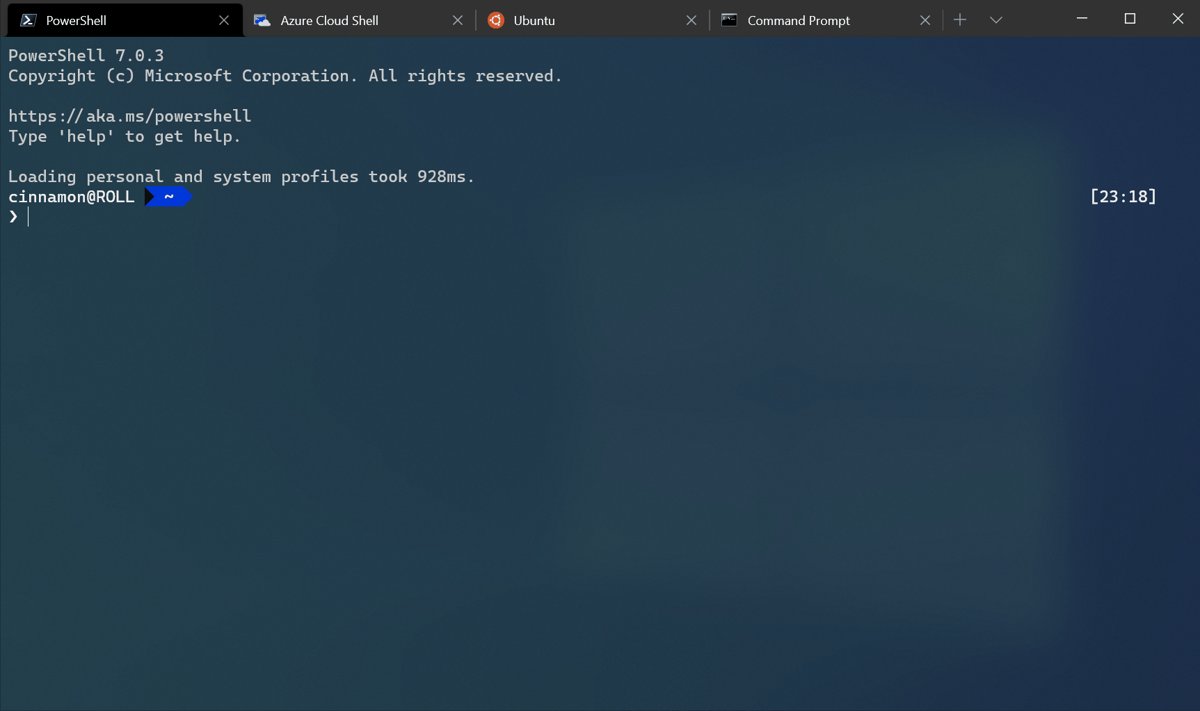
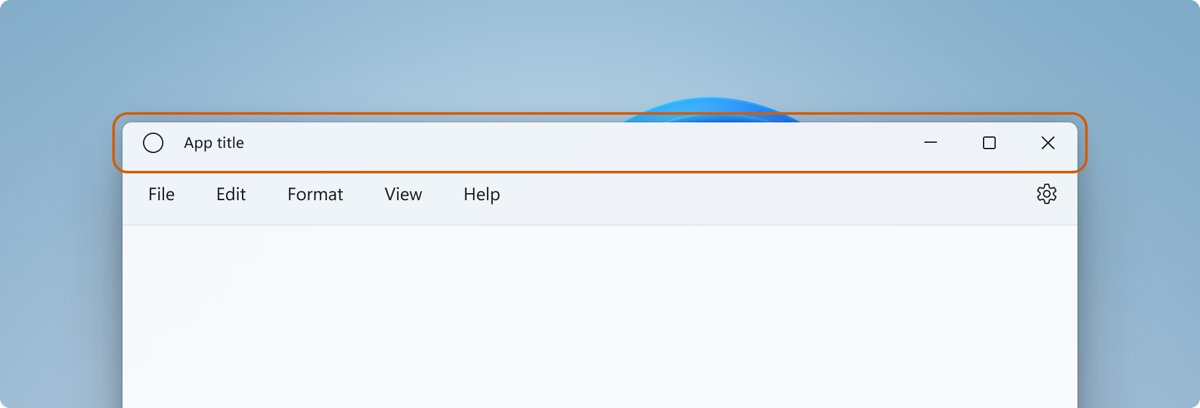
- Look at the top of the window. A normal window shows a title bar with Minimize, Maximize and Close buttons; a full-screen one does not.
- Look at the bottom of the screen. The taskbar is visible again unless it is set to hide automatically.
- In a browser, confirm the address bar and tabs are back.
- Press Windows key + Up arrow to maximize the window if it is out of full screen but still small.
If the taskbar is still missing on the desktop, the window is fine and taskbar auto-hide is switched on. The fix is in the next section.
Windows 11 stuck in full screen: fixes
F11 does nothing or changes the volume
The keyboard's top row is set to its alternate commands, so F11 is sending a media or brightness key.
- Hold Fn and press F11.
- If the keyboard has an F Lock key, press it so its light is on and the standard F1 to F12 functions work.
- On some Microsoft keyboards, press Fn + Caps Lock together to turn on Fn lock.
The taskbar is gone even after leaving full screen
Automatically hide the taskbar is switched on, so the taskbar only appears at the screen edge.
- Move the pointer to the bottom edge of the screen to show the taskbar.
- Right-click an empty space on the taskbar and select Taskbar settings.
- Expand Taskbar behaviors.
- Uncheck Automatically hide the taskbar.
A game or app is frozen in full screen
The app has stopped responding, so it no longer reads its own exit keys.
- Press Alt + Tab to switch to another open window.
- Or press Windows key + D to display the desktop.
- Press Ctrl + Shift + Esc to open Task Manager.
- Select the frozen app and select End task.
- If Task Manager opens behind the full-screen app, switch to it with Alt + Tab.
Esc does not exit full screen
Esc only closes full screen that a web page or video requested; browser full screen started with F11 ignores a quick tap.
- Press F11 instead.
- In Chrome, press and hold Esc rather than tapping it.
- In a game, press Alt + Enter or change the display mode in its settings.
A Store app stays full screen after you press Esc
Windows key + Shift + Enter applies only to the active UWP app, so the keys may have reached another window.
- Click inside the app once.
- Press Windows key + Down arrow to minimize it.
- If it still fills the screen, press Alt + F4 to close the app and open it again from Start.
Exit full screen in Windows 11 FAQ
What is the shortcut to exit full screen in Windows 11?
F11 is the main shortcut. It exits full screen in Microsoft Edge, Google Chrome and Windows Terminal. Esc closes full-screen videos, and Alt + Enter switches most DirectX games back to windowed mode.
Why does F11 not exit full screen on my laptop?
Many laptop keyboards send a media or brightness command from the top row unless Fn is held. Press Fn + F11, or turn on Fn lock or F Lock so F11 acts as a standard function key.
How do I exit full screen without a keyboard?
In Chrome, open the More menu and click the Full screen button next to Zoom to toggle it. In a video player, click the full screen icon again. On a touch screen, touching the bottom edge shows a hidden taskbar.
How do I get out of full screen in a game?
Press Alt + Enter, which DirectX games use to switch between full screen and windowed mode. If the game ignores it, open its video or display settings and choose Windowed or Borderless window, then apply the change.
How do I exit full screen on YouTube in Windows 11?
Press Esc, or press F to toggle the player between full screen and the normal page. Click the video first so the player has keyboard focus, then press F11 if the browser itself is also full screen.
Why is my taskbar missing after I exit full screen?
Automatically hide the taskbar is turned on. Move the pointer to the bottom edge to show it, or open Taskbar settings, expand Taskbar behaviors and uncheck Automatically hide the taskbar to keep it visible.
What does Windows key + Shift + Enter do?
It makes the active Universal Windows Platform app, such as a Microsoft Store app, full screen. It does not affect traditional desktop programs such as Chrome, which use F11. To leave, press Esc or Windows key + Down arrow.
Is F11 full screen the same as maximizing a window?
No. Maximizing keeps the title bar and taskbar visible. Browser full screen hides the tabs, address bar and taskbar. In File Explorer, Microsoft lists F11 as maximize or minimize the active window instead.