Yes, gaming laptops are good for programming when your work uses heavy builds, Android emulators, containers, game engines or GPU computing, because they pair fast CPUs with dedicated graphics and room for more RAM.
The trade-offs are battery life, weight and fan noise, so this guide matches each type of coding work to the specs that matter and shows when a different type of laptop fits better.
Why gaming laptops work well for programming
A gaming laptop is built around a high-wattage CPU, a dedicated GPU and cooling that keeps both running under load. Compilers, emulators and local containers use that headroom; a text editor and a browser do not.
| Type of programming | Gaming laptop a good fit? | Why |
|---|---|---|
| Web front end, scripting, Python | Works, but more than you need | Editors and browsers run on any modern laptop |
| Android apps with the emulator | Yes | Android Studio with the emulator lists 16 GB RAM minimum, 32 GB recommended, and a GPU with 4 GB VRAM or more |
| Large C++, .NET or Java builds | Yes | More CPU cores shorten build times |
| Docker and WSL 2 containers | Yes | Containers need RAM and hardware virtualization |
| Game development (Unreal Engine, Unity) | Yes | The editor renders scenes on the GPU |
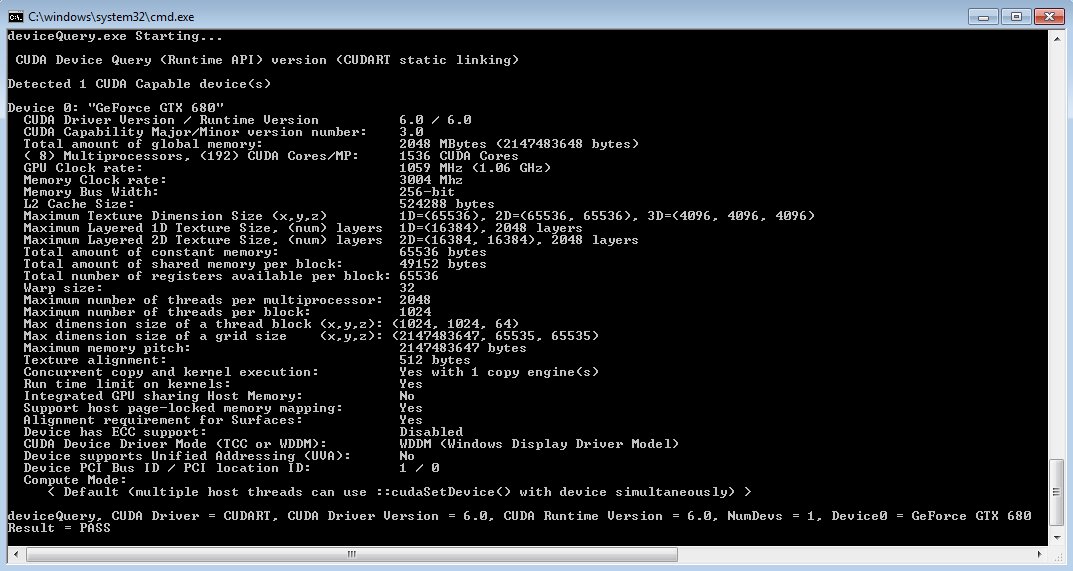
| CUDA, machine learning, data science | Yes, with an NVIDIA GPU | CUDA requires a CUDA-capable NVIDIA GPU |
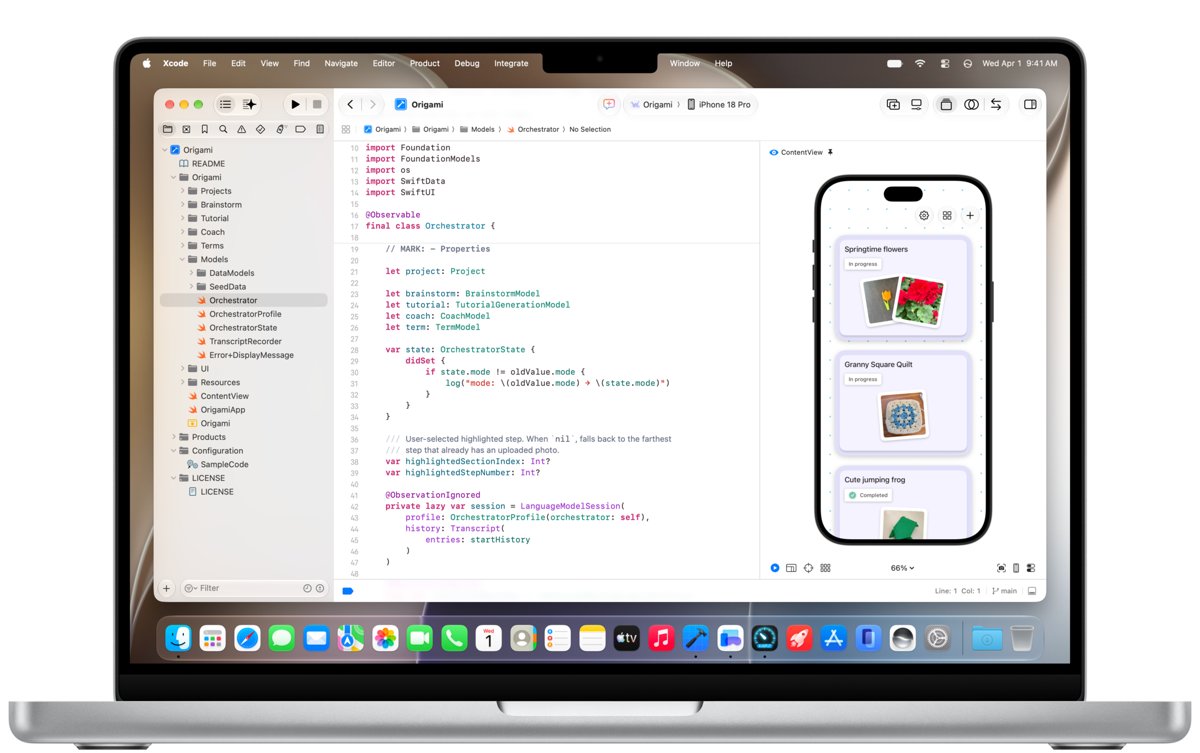
| iOS and macOS apps | No | Xcode runs only on a Mac |
CPU performance is useful during builds and emulation
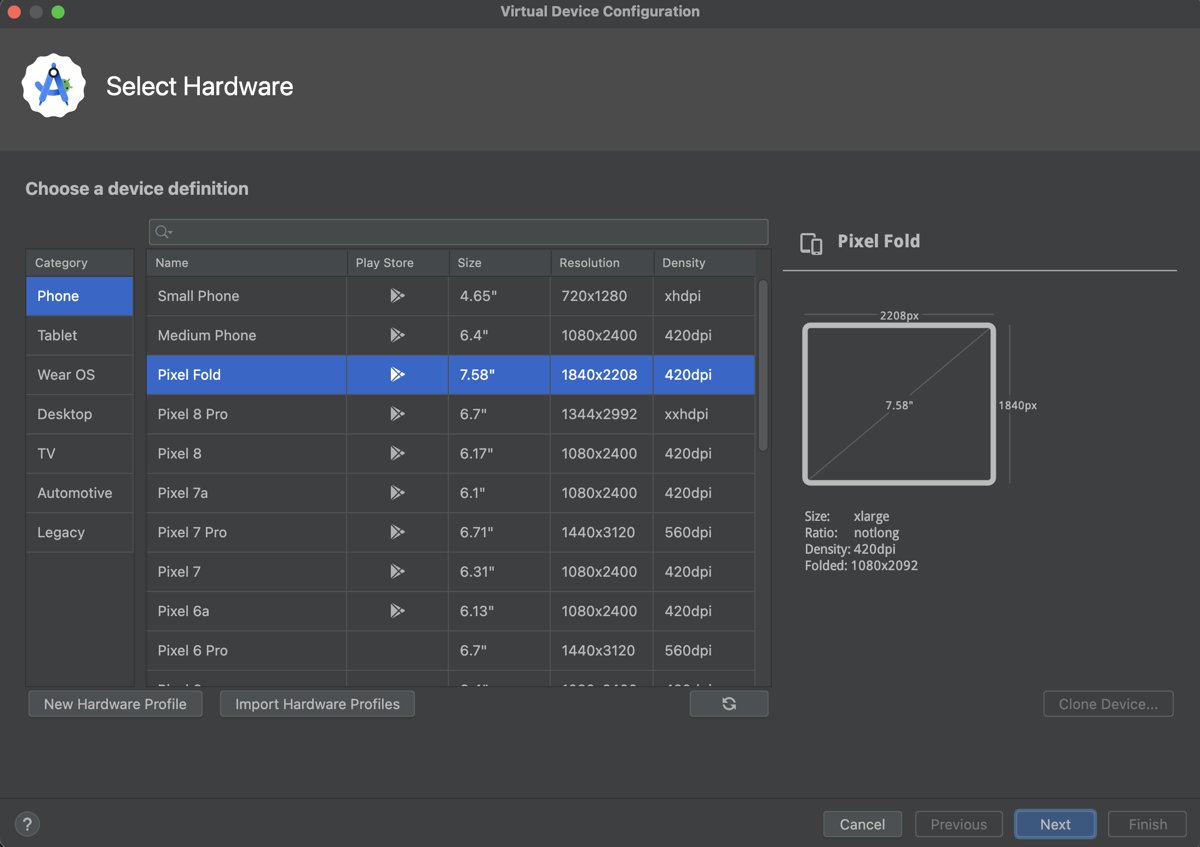
Compiling, running tests and booting an emulator are the moments a programmer waits on the CPU. Gaming laptops use high-power mobile chips, and Google's own guidance for the Android Emulator points at exactly those parts.
| Tool | Official CPU guidance | What it means for a laptop |
|---|---|---|
| Android Studio and emulator (Windows) | Intel 8th Gen Core i5 or AMD Zen Ryzen minimum; latest Core i5, i7, i9 with H, HK or HX suffix, or Ryzen 5, 7 or 9 recommended | H and HX chips are the ones gaming laptops use |
| Android Emulator | Intel VT-x or AMD-V virtualization, enabled in BIOS | Check the firmware setting after you buy |
| Visual Studio 2022 | ARM64 or x64 processor; quad-core or better recommended | Any current gaming laptop clears this |
| WSL 2 and Docker Desktop | 64-bit processor with SLAT and hardware virtualization | Standard on current Intel and AMD laptop CPUs |
RAM matters more than the gaming label
Memory decides how many tools you can keep open before the system slows down. A gaming laptop sold with 8 GB of RAM is a worse coding machine than an ordinary laptop with 32 GB.
| Workload | Minimum | Recommended |
|---|---|---|
| Android Studio only | 8 GB | More for larger projects |
| Android Studio with the emulator | 16 GB | 32 GB |
| Visual Studio 2022 | 4 GB | 16 GB for typical professional solutions |
| WSL 2 with Docker Desktop | 8 GB system RAM | 16 GB or more once several containers run |
Check whether the installed RAM is soldered or in SODIMM slots. Slotted memory lets you start at 16 GB and move to 32 GB later.
Dedicated graphics are valuable for some developers, not all
| Your work | Need a dedicated GPU? | Reason |
|---|---|---|
| Web, back end, scripting | No | Integrated graphics drive an IDE and a browser |
| Android emulator | Helps | Google recommends a GPU with 8 GB VRAM, such as GeForce 20 series or Radeon RX 6600 or newer |
| Game engines and 3D | Yes | Viewport rendering and shader compiles run on the GPU |
| CUDA and GPU-accelerated machine learning | Yes, NVIDIA | The CUDA Toolkit needs a CUDA-capable GPU and a supported Visual Studio |
| Driving two or three external monitors | Helps | Many gaming laptops wire display outputs to the dedicated GPU |
The screen can make or break the experience
Programmers read text for hours, so resolution and size beat refresh rate. Visual Studio needs 1366 by 768 and works best at 1920 by 1080 or higher; Android Studio recommends 1920 by 1080.
| Screen spec | What to pick for coding | Why |
|---|---|---|
| Resolution | 1920 by 1200 or higher | More lines of code on screen |
| Aspect ratio | 16:10 | Extra vertical space over 16:9 |
| Size | 15 to 16 inches | Room for an editor and a terminal side by side |
| Refresh rate | Any; 60 Hz is fine | High refresh helps games, not reading code |
| Finish | Matte | Fewer reflections during long sessions |
Keyboard, ports, and external displays
| Feature | What to look for | Why it matters for programming |
|---|---|---|
| Keyboard layout | Full-size arrow keys, Home, End, Page Up and Page Down | Code navigation uses them constantly |
| Key lighting | Plain white or single-color option | RGB effects add nothing to typing |
| USB-C with DisplayPort | At least one port | One cable to a monitor or dock |
| HDMI | A full-size HDMI port | Connects a monitor or projector without an adapter |
| Ethernet | Built-in RJ45 | Stable connection for large pulls and remote work |
| USB-A | Two or more | Hardware keys, test devices and adapters |
Battery life and portability are the main compromises
Buy a gaming laptop for coding only if you work plugged in at a desk most of the day; if you code on trains, in lectures or in cafes, choose a thin laptop instead. High-wattage CPUs and dedicated GPUs drain the battery fast once a build or emulator starts, and the large power brick plus a heavier chassis add weight to every trip.
Heat and fan noise can affect concentration
Gaming laptops cool high-power parts with fast fans, and those fans spin up during builds, test runs and emulator sessions. Quiet work comes from limiting power, not from the cooling design.
Use the laptop's quiet or balanced performance profile for editing and switch to the full-power profile only for long builds. Most coding time is spent typing and reading, which needs a fraction of the CPU, so the fans stay low and the keyboard deck stays cool.
Operating system compatibility
| Platform | On a gaming laptop | Notes |
|---|---|---|
| Windows 11 with WSL 2 | Full support | Runs Linux distributions such as Ubuntu and Debian alongside Windows tools |
| Linux (Ubuntu) | Supported | Install NVIDIA drivers with the ubuntu-drivers tool; it installs signed drivers that work with Secure Boot |
| macOS and Xcode | Not possible | Xcode runs only on a Mac, so iOS work needs Apple hardware |
| Windows on ARM | Not a gaming laptop platform | Android Studio does not support Windows machines with ARM CPUs |
Set up a gaming laptop for coding with WSL
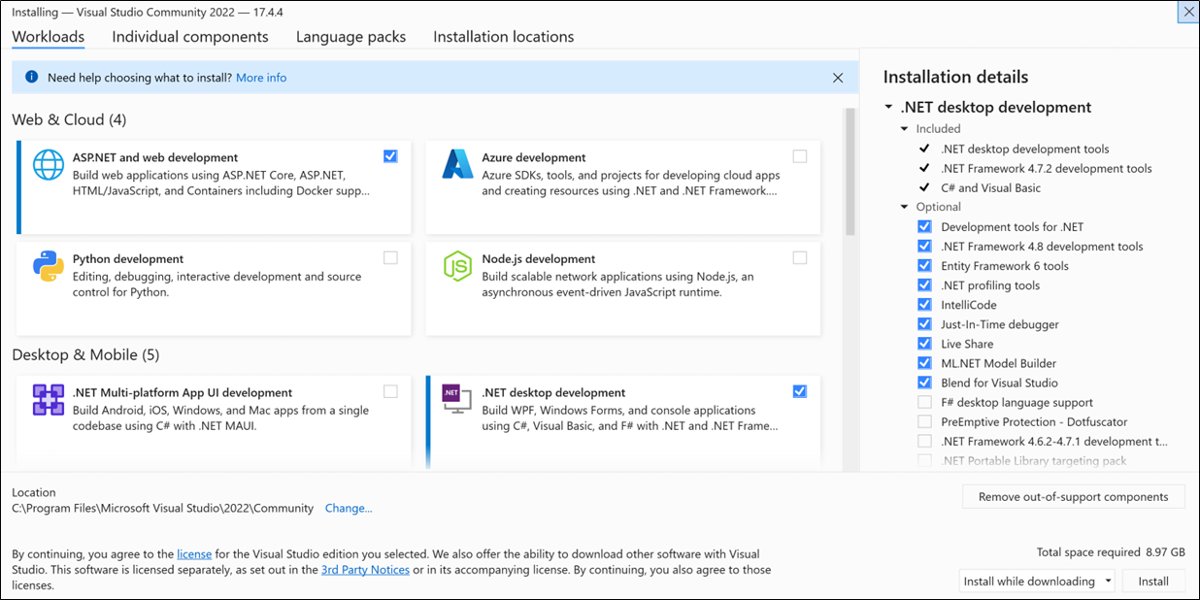
Windows 11, or Windows 10 version 2004 (build 19041) and later, installs the Windows Subsystem for Linux with one command. Docker Desktop and many Linux toolchains use it as their back end.
wsl --installRun it in PowerShell opened with Run as administrator. It enables WSL, installs Ubuntu by default and sets new installs to WSL 2. Restart the laptop when it finishes.
You should see: After the restart, Ubuntu asks you to create a user account and password; open it later by typing Ubuntu in the Start menu.
If the Android Emulator or WSL 2 reports that virtualization is off, enable Intel VT-x or AMD-V in the laptop's BIOS or UEFI settings.

When a gaming laptop is the right choice
| If you | Gaming laptop? | Why |
|---|---|---|
| Build Android apps and run the emulator daily | Yes | It meets Google's recommended CPU, RAM and GPU tier |
| Develop games in Unreal Engine or Unity | Yes | The GPU handles editor rendering |
| Train models with CUDA locally | Yes, NVIDIA GPU | CUDA needs NVIDIA hardware |
| Want one machine for work and play | Yes | Coding and gaming share the same hardware needs |
| Mostly write web or back-end code at a desk | Optional | It works, but a cheaper laptop does the same job |
When another type of laptop is better
| Situation | Better choice | Reason |
|---|---|---|
| You build iOS or macOS apps | MacBook | Xcode needs macOS |
| You code away from a power outlet | Thin-and-light ultrabook | Longer battery and lower weight |
| Your work runs on remote servers or the cloud | Lightweight laptop | Builds happen elsewhere, so local power sits idle |
| Your employer manages the device | Business laptop | Matches the hardware your IT department supports |
| You want a quiet machine for calls and pairing | Ultrabook or MacBook | Lower-power parts keep fans quiet |
A practical buying specification
These are the factors to consider when choosing a laptop for programming and gaming together. Each line follows the official requirements of the tools above.
| Part | Good for coding | Better for heavy builds and emulators |
|---|---|---|
| CPU | Recent Intel Core i5 H-series or AMD Ryzen 5 | Core i7 or i9 HX, or Ryzen 7 or 9 |
| RAM | 16 GB | 32 GB, ideally in upgradeable slots |
| Storage | 512 GB NVMe SSD | 1 TB NVMe SSD; Visual Studio alone takes 20 to 50 GB in a typical install |
| GPU | Integrated or entry dedicated GPU | NVIDIA GPU with 8 GB VRAM for emulators, engines and CUDA |
| Screen | 1920 by 1080 | 1920 by 1200 or higher, 16:10 |
| Ports | USB-C with DisplayPort, HDMI | Add Ethernet and two USB-A ports |
What to check on the product page
- Find the exact CPU model and confirm it is an H, HK or HX part, not a low-power U part.
- Check the RAM size and whether it is soldered or in slots.
- Read the SSD capacity and type; look for NVMe.
- Note the GPU model and its VRAM, and choose NVIDIA if you plan to use CUDA.
- Check screen resolution, aspect ratio and panel finish, not only the refresh rate.
- List the ports and confirm USB-C carries DisplayPort for an external monitor.
- Check the weight and the power adapter wattage, since you will carry both.
Gaming laptop for programming FAQ
Are gaming laptops overkill for programming?
For web, scripting and back-end work, yes; any modern laptop with 16 GB of RAM handles an editor, a browser and a local server. Gaming hardware pays off for Android emulation, large compiled projects, containers, game engines and CUDA work.
Is 16 GB of RAM enough for programming?
Yes, for most programming. Visual Studio recommends 16 GB for typical professional solutions and Android Studio lists 16 GB as the minimum with the emulator. Choose 32 GB if you run the emulator, Docker containers and a browser at the same time.
Are gaming laptops good for coding on battery power?
Not for long. The high-power CPU and dedicated GPU drain the battery quickly under build or emulator load, so a gaming laptop suits desk work near an outlet better than a full day of mobile coding.
Do programmers need a dedicated graphics card?
Most do not. A dedicated GPU matters for the Android Emulator, game engines, 3D work and CUDA machine learning; web and back-end developers run fine on integrated graphics.
Is a gaming laptop better than a MacBook for programming?
It depends on the platform. A gaming laptop suits Windows, Linux, CUDA and game development, while a MacBook is required for iOS and macOS apps because Xcode runs only on macOS.
Can gaming laptops run Linux?
Yes. Ubuntu installs NVIDIA drivers with its ubuntu-drivers tool, which picks signed drivers that work with Secure Boot. You can also run Linux inside Windows with WSL 2 using the wsl –install command.
Is a gaming PC good for programming?
Yes. A gaming desktop has the same strengths as a gaming laptop, a fast CPU, a dedicated GPU and room for lots of RAM, with better cooling and no battery trade-off, but it stays at your desk.
Do gaming laptops make good work laptops?
They work well for desk-based work that needs power, such as development, video editing or engineering software. For meetings, travel and long battery days, a thin business laptop is lighter and quieter.
Are gaming laptops good for engineering?
Yes for engineering software that uses the CPU and GPU, such as CAD and simulation, as long as the RAM and GPU meet the software vendor's stated requirements. Check those requirements before you buy.
Are gaming laptops good for everyday use?
Yes, they handle browsing, office work and streaming easily. The downsides are weight, a large charger, shorter battery life and fan noise when the system is under load.
Final words
The bottom line: buy a gaming laptop for programming if you run emulators, containers, game engines or CUDA and work near a power outlet; buy a MacBook for iOS work and an ultrabook for mobile coding. The CPU, GPU and RAM that games demand are the same parts that shorten builds and run emulators, but they cost battery life, weight and quiet.