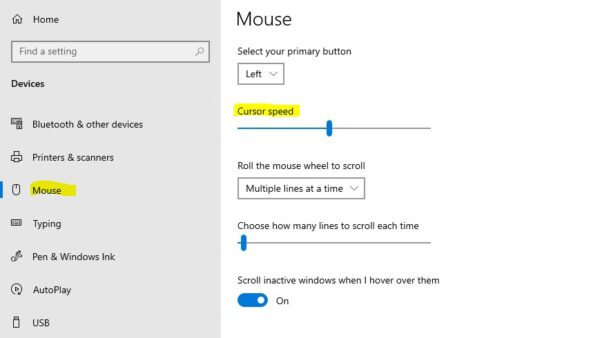
How to change mouse speed in Windows 10 or 11
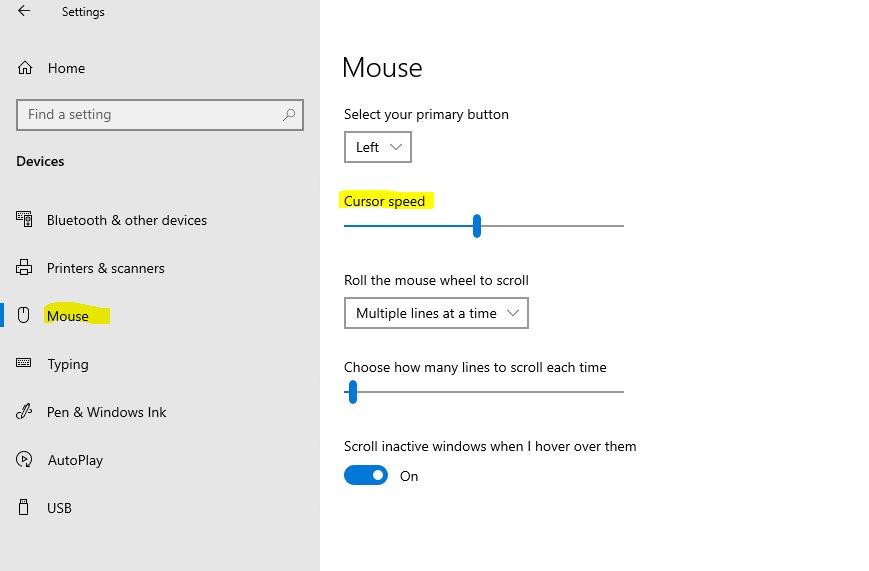
Change mouse speed in Windows 11 under Settings > Bluetooth & devices > Mouse, or in Windows 10 under Devices > Mouse. Plus Control Panel, touchpad, DPI and fixes.
2,157 articles

Change mouse speed in Windows 11 under Settings > Bluetooth & devices > Mouse, or in Windows 10 under Devices > Mouse. Plus Control Panel, touchpad, DPI and fixes.
Creality Print download for Windows 11, Windows 10, Mac and Linux: which file to pick, install steps, system requirements and fixes for common errors.
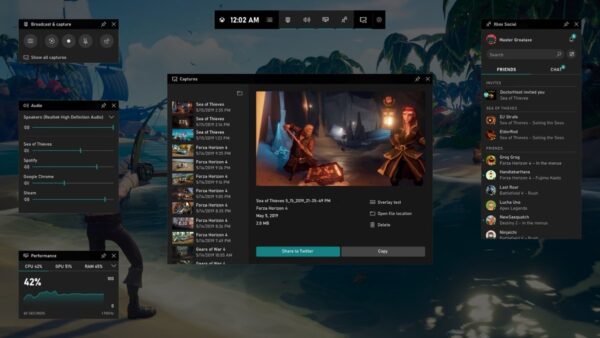
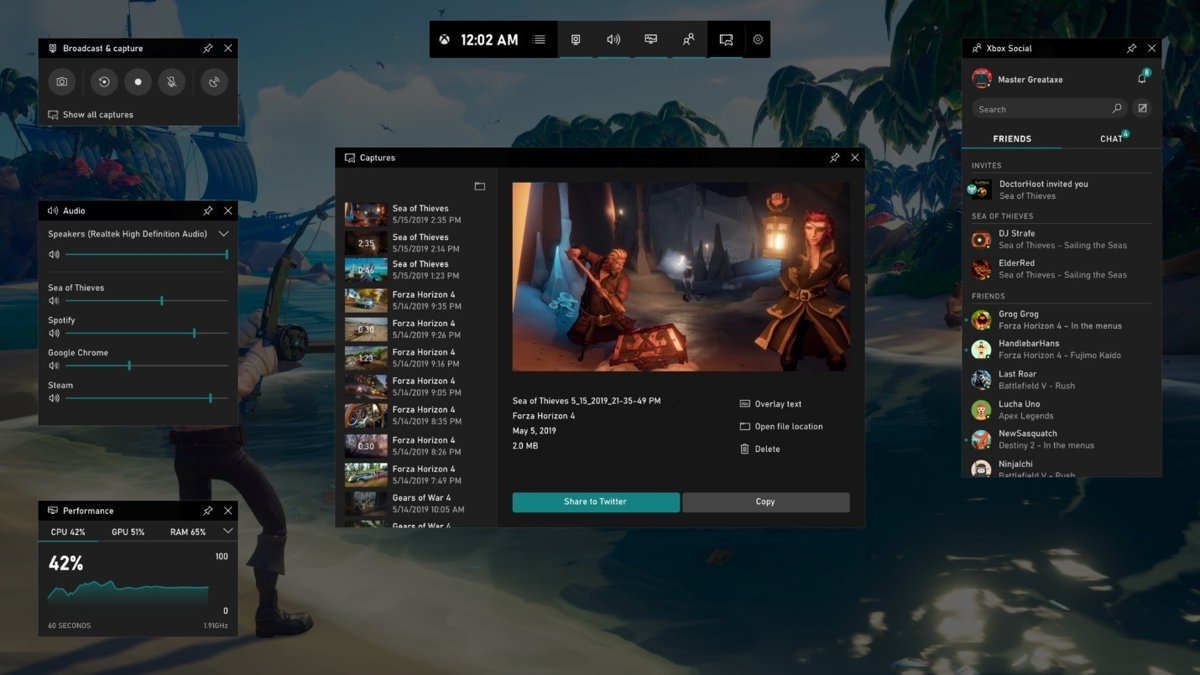
Show FPS on PC in any game with Xbox Game Bar (Win+G), the Steam Performance Monitor, the NVIDIA app (Alt+R), Intel PresentMon or a game’s own counter.
EA games download on PC starts with the free EA app for Windows 11, 10 and Mac. Get the official link, install steps, requirements and fixes for stuck installs.
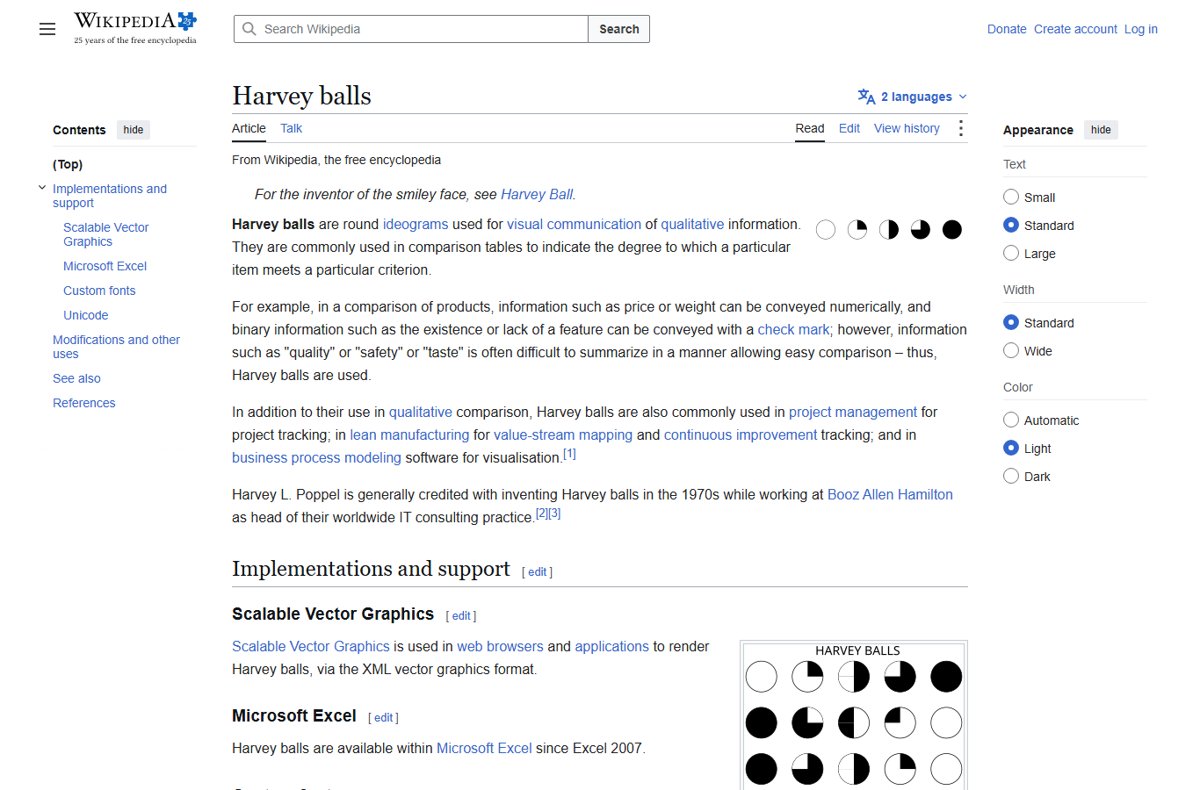
Harvey balls in PowerPoint: draw a circle, add a Pie shape for the filled part, set the level with its handle, then group and copy. Icons, symbols and Excel too.
Terraria download for PC, Windows 11/10, Mac and Linux: buy it on Steam or GOG for $9.99, then follow the install steps, requirements and multiplayer fixes.
Obsidian download for Windows 11/10, Mac, Linux, iPhone and Android: pick the right installer, install it, and see what Sync, Publish and licenses cost.
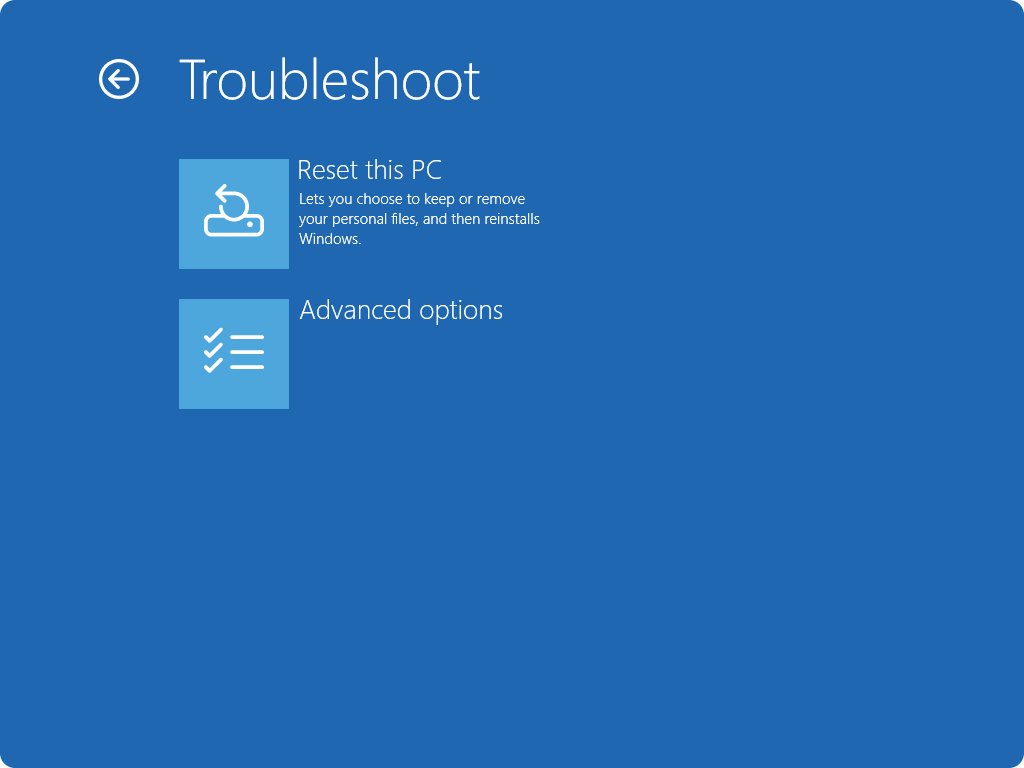
Reset Windows 10 to factory settings from Settings > Update & Security > Recovery > Reset this PC. Keep or remove files, reset from boot, and fix failed resets.
LightBurn download for Windows 11, Windows 10 and Mac: the official 30-day free trial, Core vs Pro pricing, requirements, drivers and install fixes.
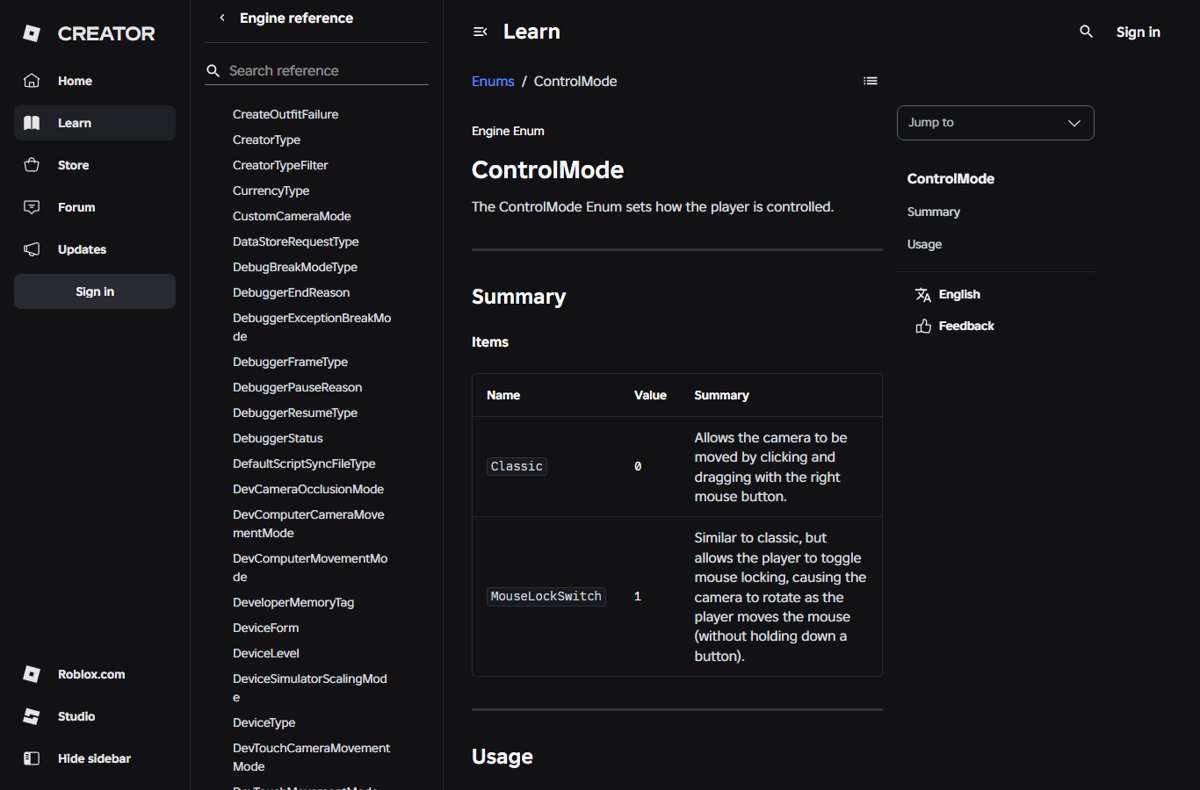
Do shift lock on Roblox PC by turning on the shift lock switch in the experience’s settings, then pressing Shift. Turn it off, and fix it when it will not work.
QuickBooks download for Windows 11, 10 and Mac: official Intuit links, the free 30-day trial, prices, install steps, Desktop Enterprise and setup fixes.
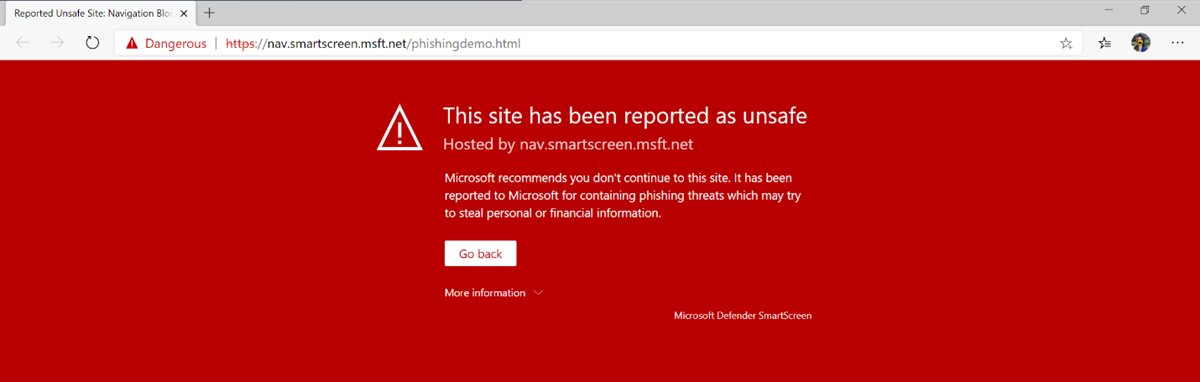
Privacy and security settings in Edge on Windows 11/10: tracking prevention, cookies, SmartScreen, enhanced security, Password Monitor, sync, and a safe baseline.