Download PHP for PC, Windows 11/10 & Mac (Free)
PHP download for Windows 11/10 and Mac: the official php.net x64 zip is 34.4 MB. Which build to pick, TS vs NTS, PATH setup, winget, Homebrew and fixes.
2,155 articles

PHP download for Windows 11/10 and Mac: the official php.net x64 zip is 34.4 MB. Which build to pick, TS vs NTS, PATH setup, winget, Homebrew and fixes.
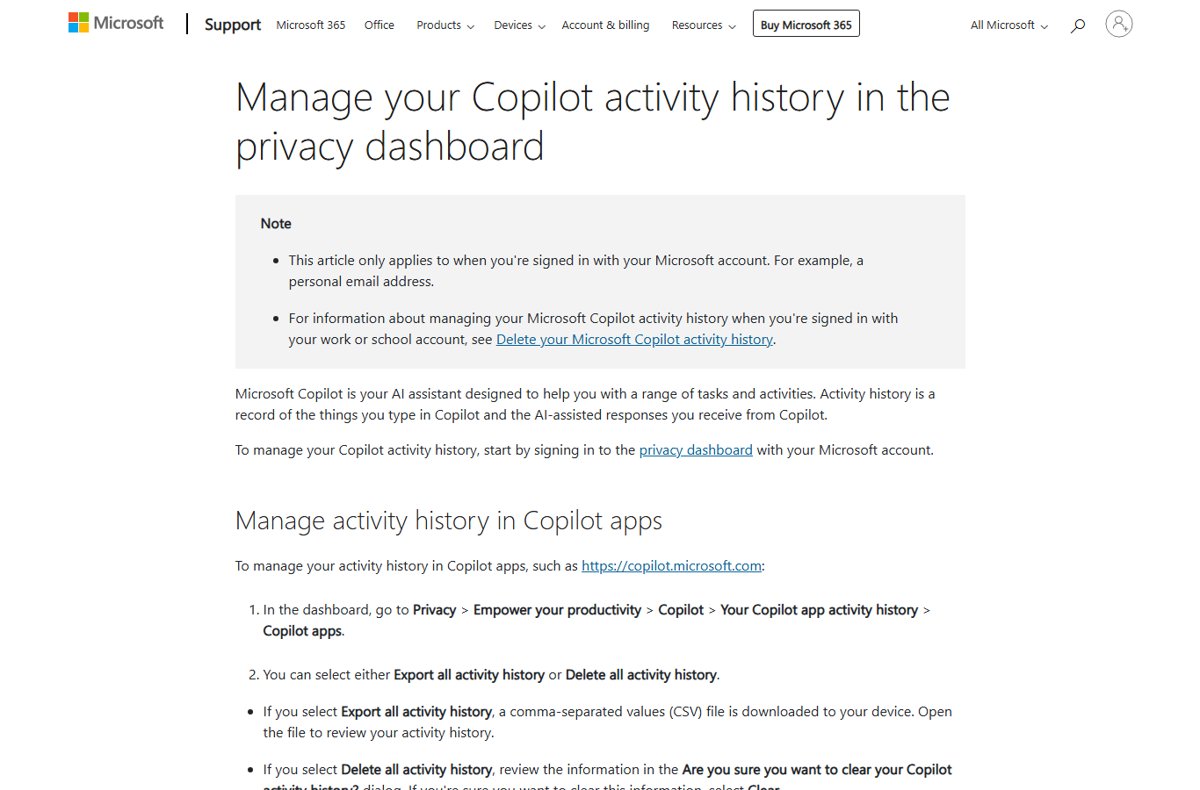
View, download or delete your Microsoft Copilot prompt history: the chat list, privacy dashboard export, Delete all activity history, and work account steps.
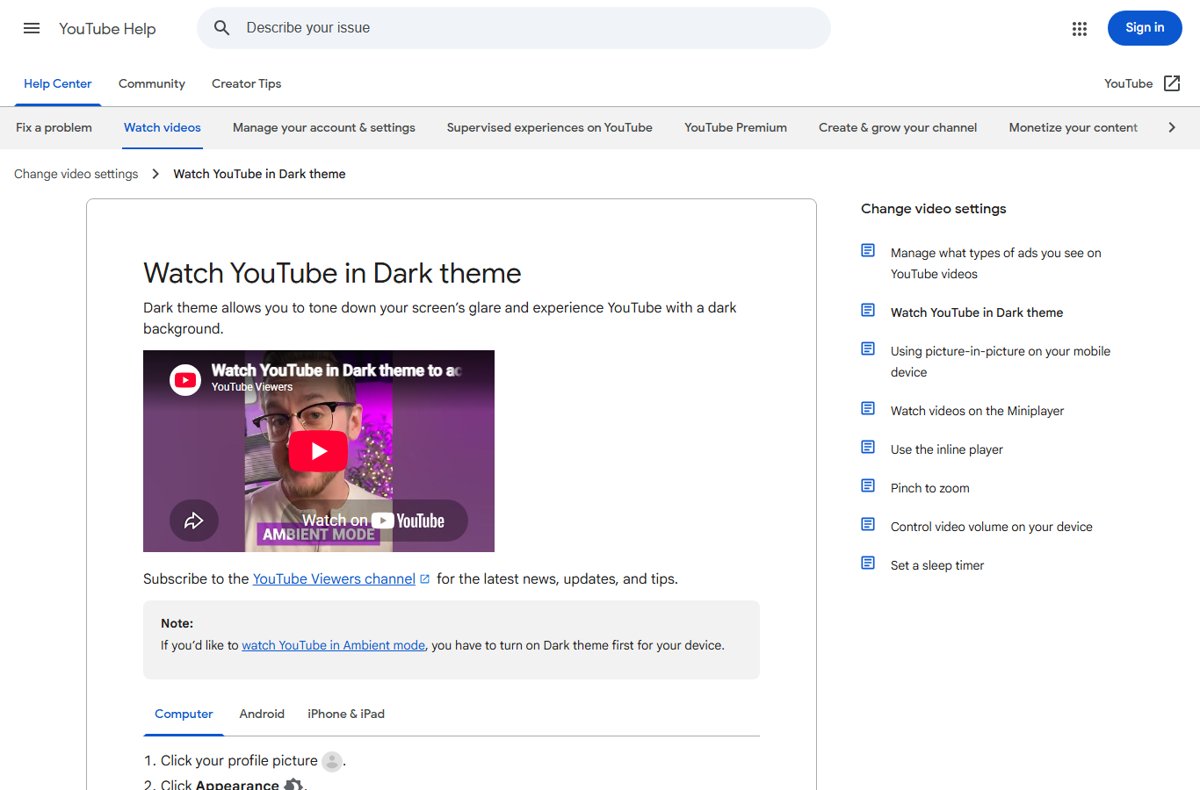
Enable YouTube dark mode on a PC, Android, iPhone or iPad: profile picture > Appearance > Dark theme, plus Use device theme, Ambient mode and quick fixes.
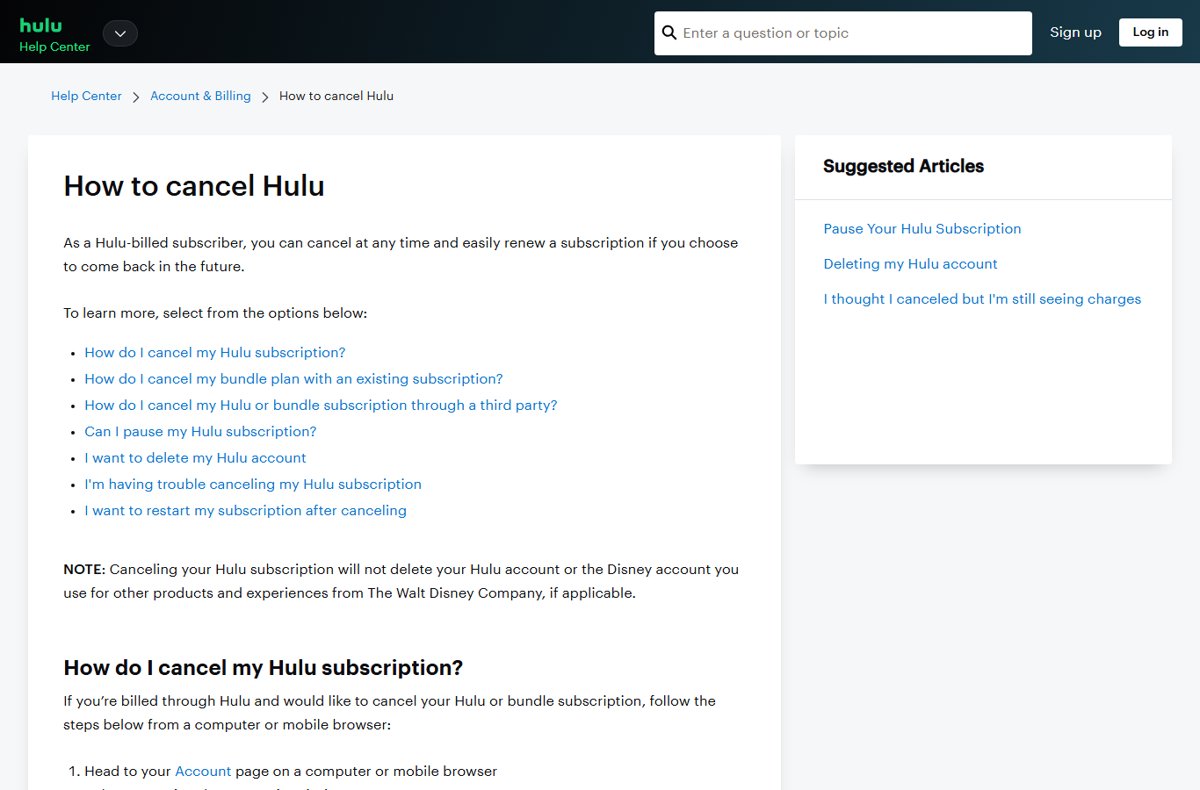
Cancel your Hulu subscription from the Account page: select Cancel under Your Subscription. Steps for Apple, Google Play, Roku and Amazon billing too.
Power Automate download for PC: get Microsoft’s free desktop flows app for Windows 11 and Windows 10, install it from the MSI or Store, and fix setup errors.
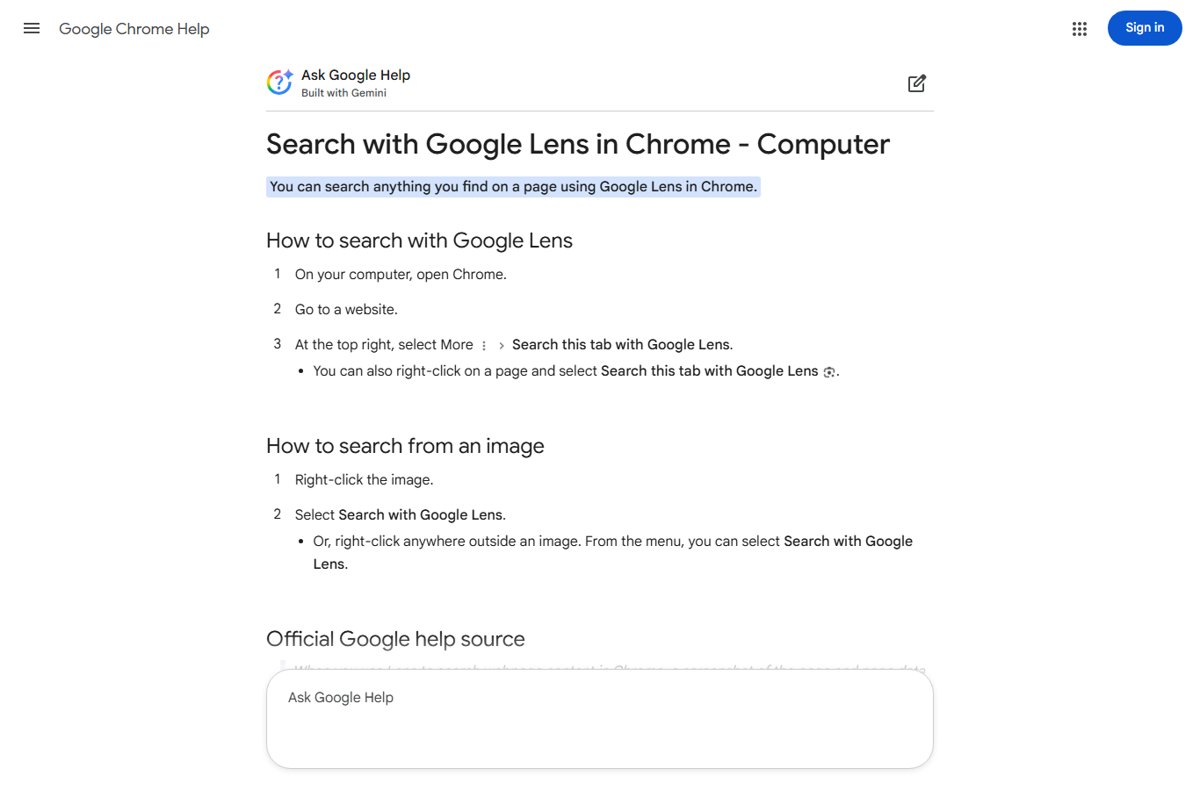
Use Google Lens on a desktop PC from Chrome’s menu, a right-click on any image, google.com in Edge or Firefox, or the Google app for Windows with Alt + Space.
OpenVPN Connect download for Windows 11, 10 and Mac: official MSI and DMG links, real sizes, install steps, winget command and profile fixes.
YouTube Studio download for PC and Mac: open studio.youtube.com, install it as an app from Chrome, Edge or Safari, or get the free Android and iPhone apps.
Todoist download for Windows 11/10, Mac, Linux, iPhone and Android: official links, Microsoft Store and Mac options, free vs Pro, requirements and fixes.
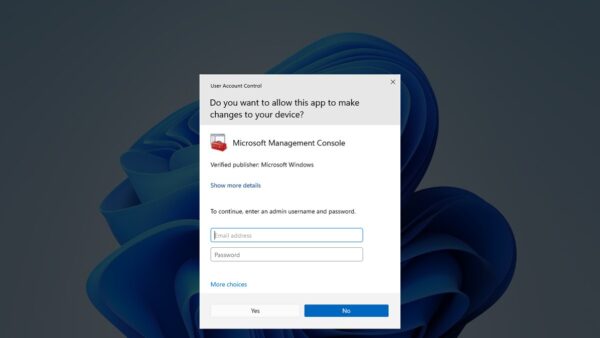
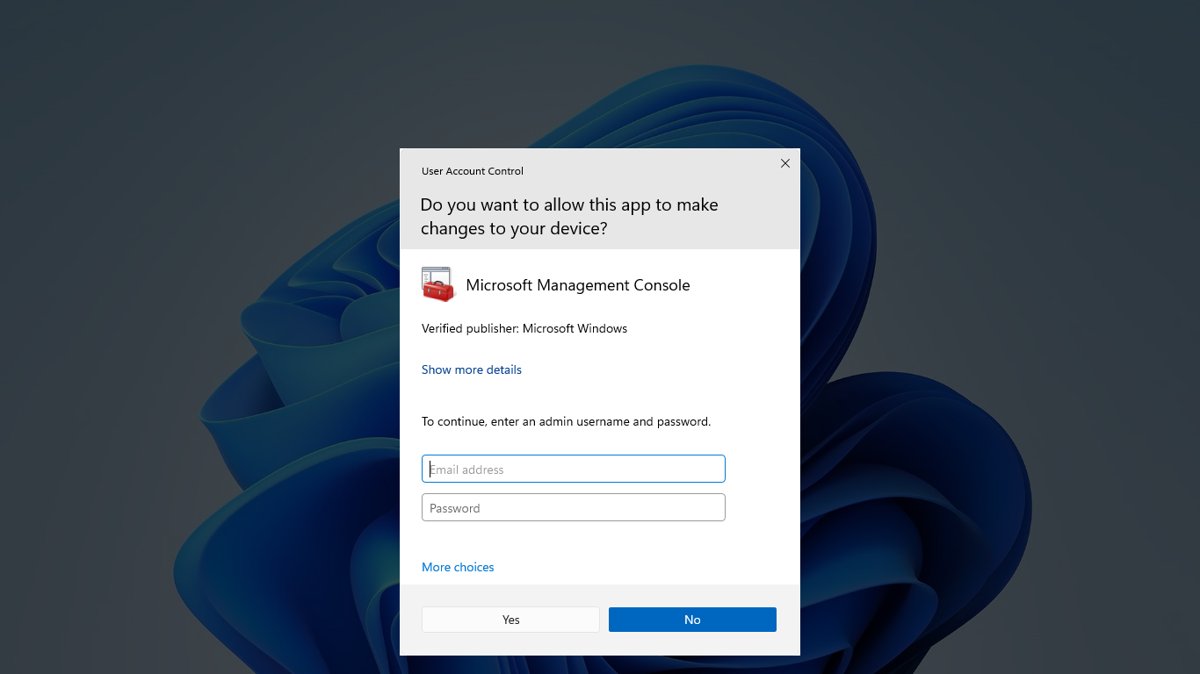
Run as administrator in Windows 11 by right-clicking an app and selecting Run as administrator. Ten methods, an always-admin shortcut, and fixes when it fails.
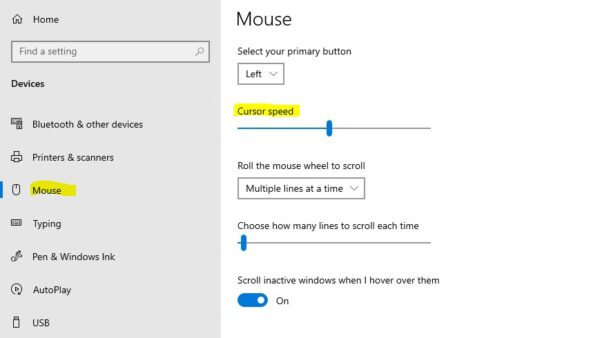
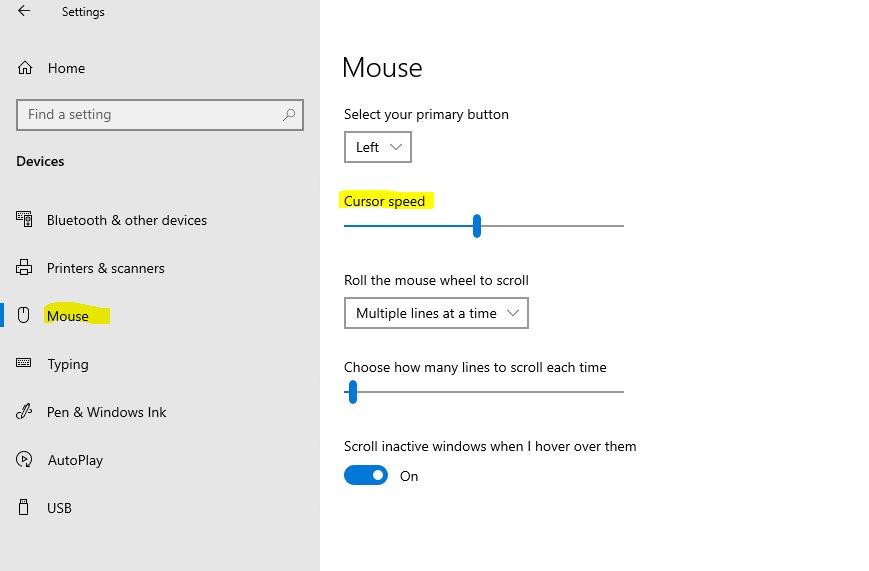
Change mouse speed in Windows 11 under Settings > Bluetooth & devices > Mouse, or in Windows 10 under Devices > Mouse. Plus Control Panel, touchpad, DPI and fixes.
Creality Print download for Windows 11, Windows 10, Mac and Linux: which file to pick, install steps, system requirements and fixes for common errors.