How to completely remove a program from Windows 11
Completely remove a program from Windows 11: uninstall it, then clear leftover folders, startup entries, tasks, services, drivers and registry keys safely.
2,123 articles

Completely remove a program from Windows 11: uninstall it, then clear leftover folders, startup entries, tasks, services, drivers and registry keys safely.
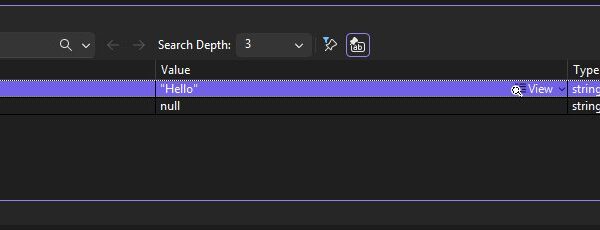
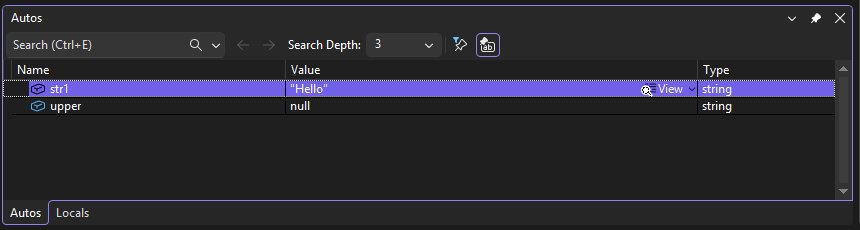
Object reference not set to an instance of an object in Visual Studio? Find the null variable with the debugger, fix it in code, or repair the IDE itself.
Microsoft Word download is free as Word for the web, on mobile and via a 1-month trial. Get the official Word for Windows 11, 10 and Mac from Microsoft.
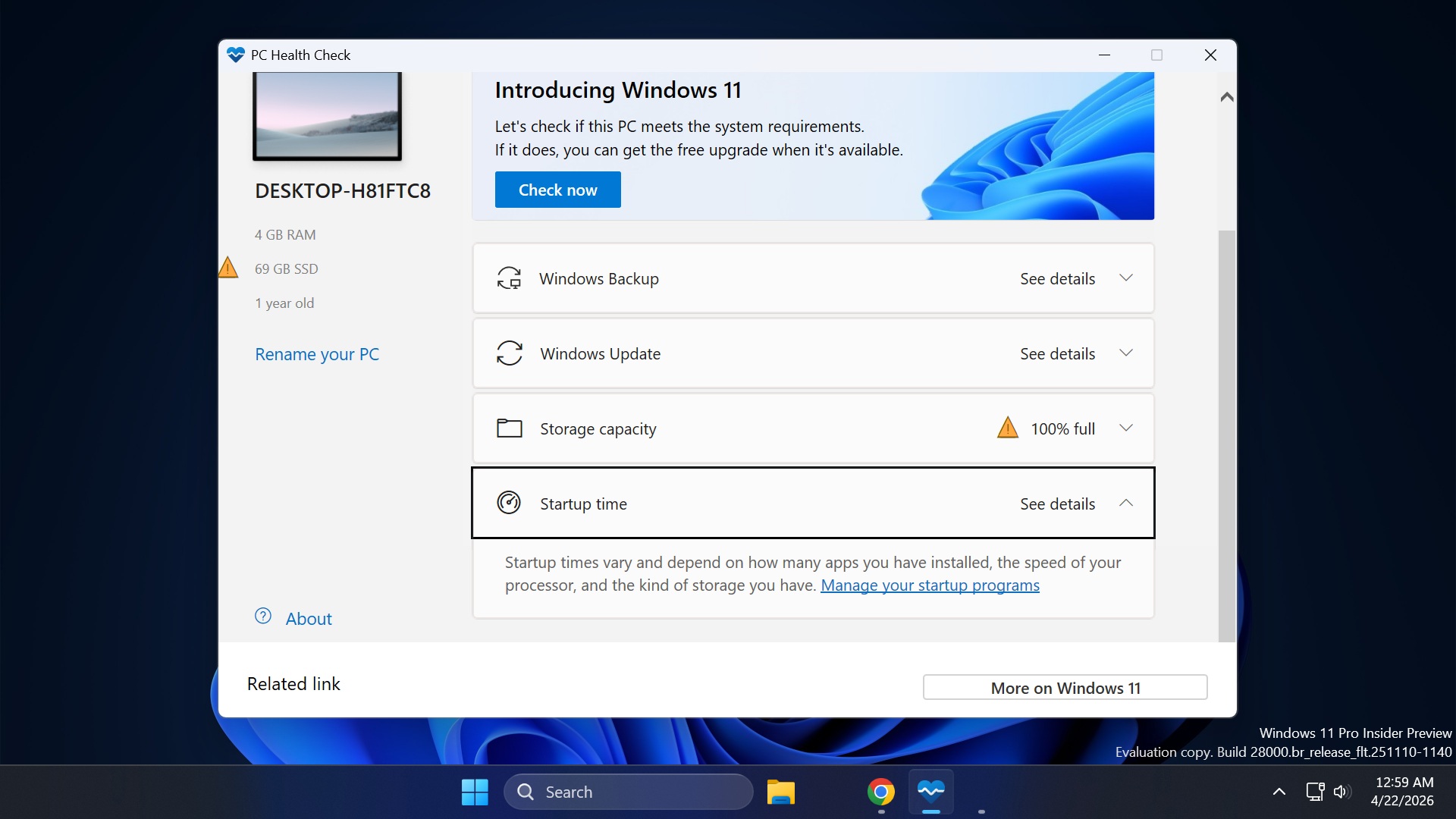
Download the PC Health Check app free from Microsoft to see if your PC can run Windows 11, plus fixes for failed results, the app not opening and uninstalling.
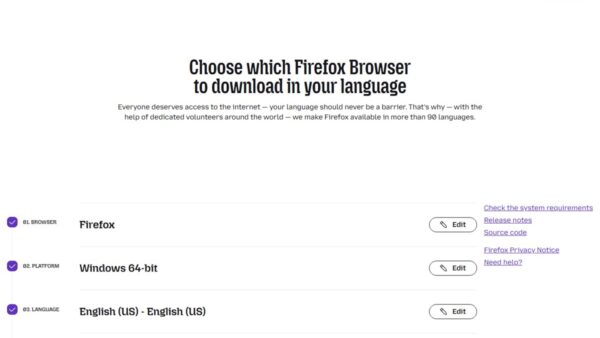
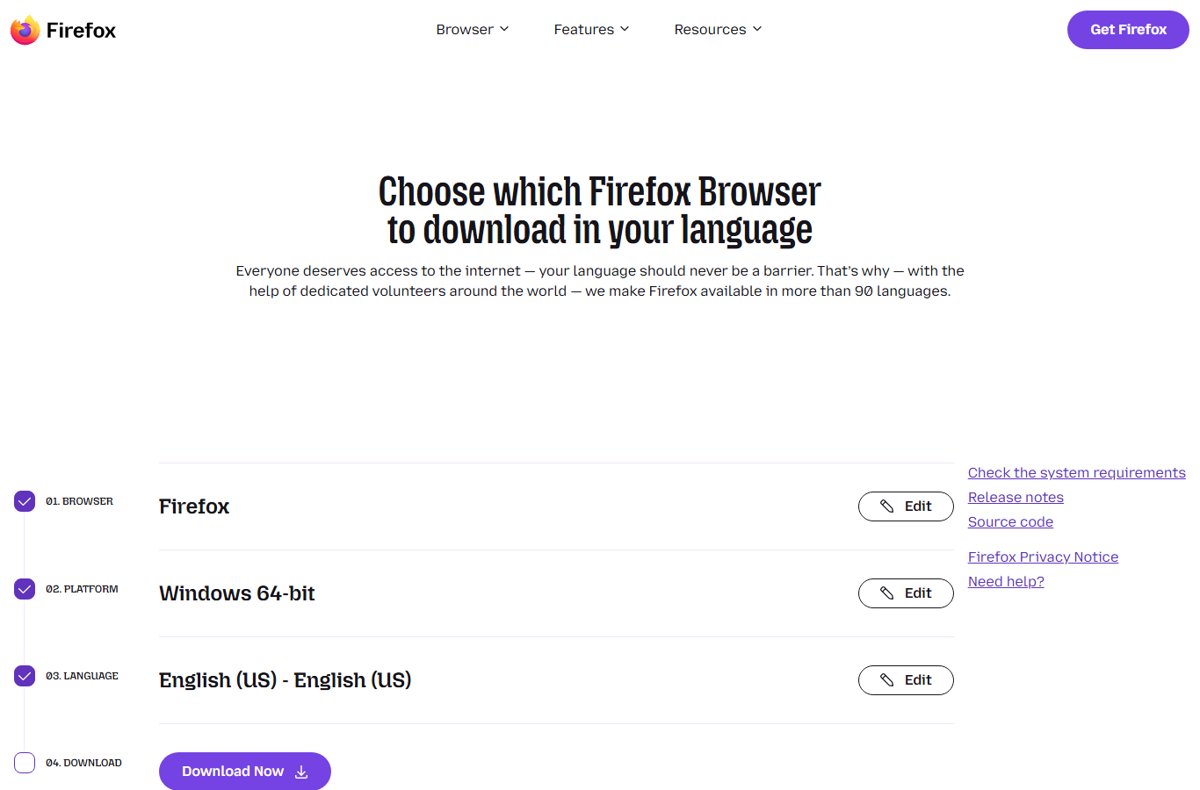
Firefox offline standalone installers come from Mozilla’s Custom Download Options page: pick edition, platform and language for the full .exe, MSI, dmg or tar.xz.
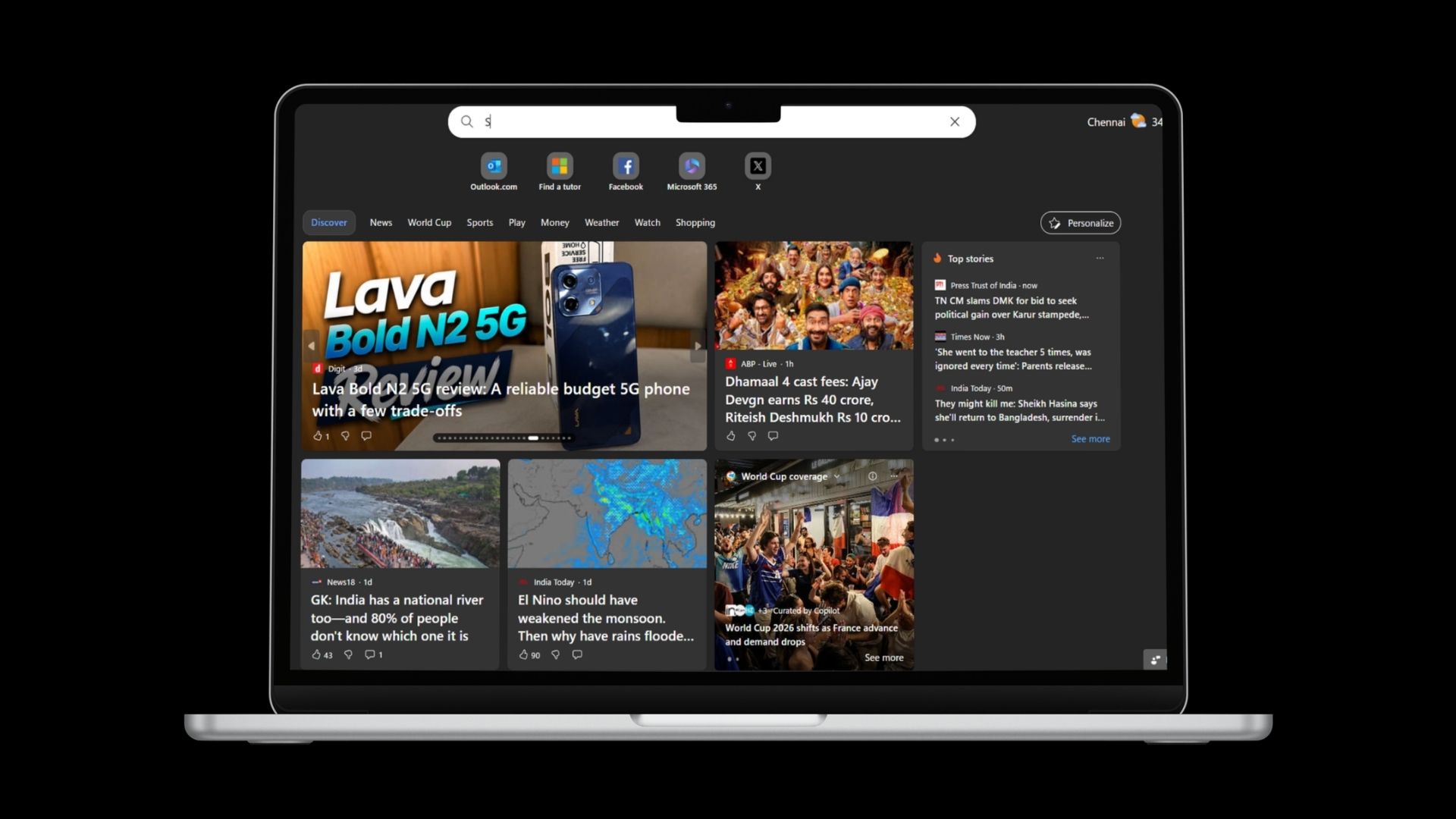
The MSN homepage is www.msn.com. Make MSN your homepage in one click with Microsoft’s button or extension, or set it in Edge, Chrome, Firefox and Safari.
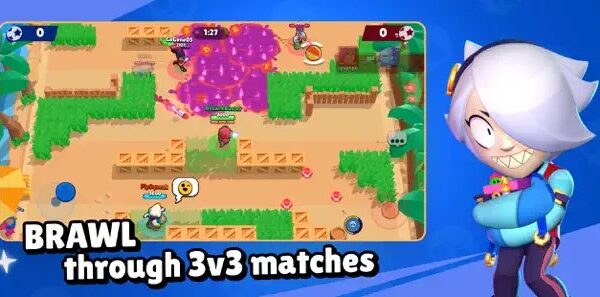
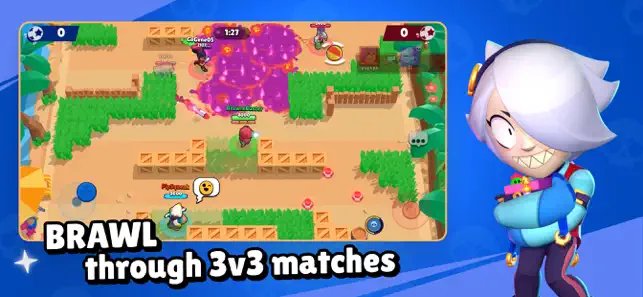
Can you play Brawl Stars on PC? Yes, through Google Play Games on PC. Requirements, install steps, Supercell ID sync, keyboard controls and fixes.
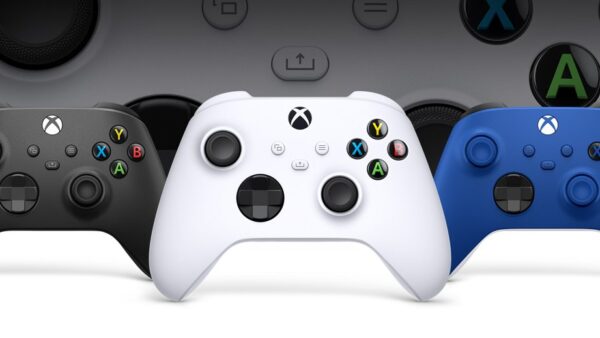
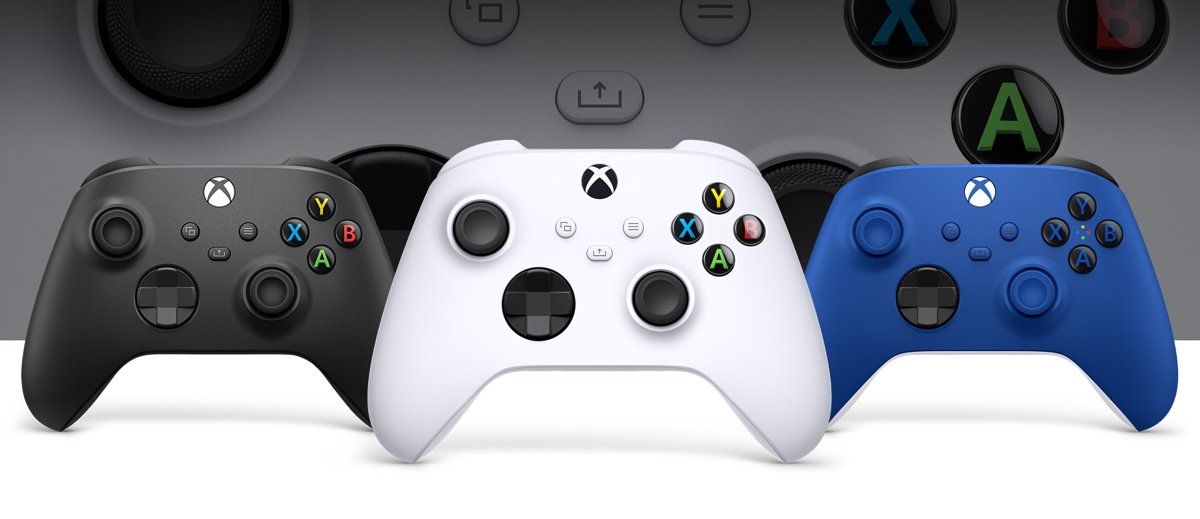
Update an Xbox controller on a Windows 11 PC with the Xbox Accessories app over USB. Console route, firmware version check, rollback and fixes for failed updates.
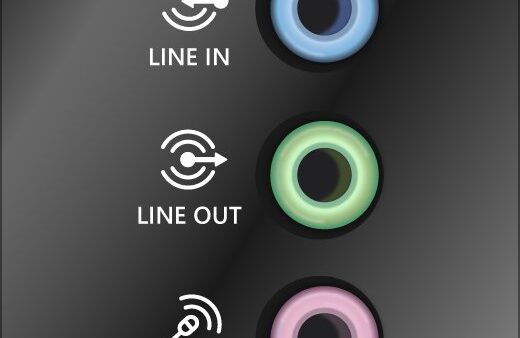
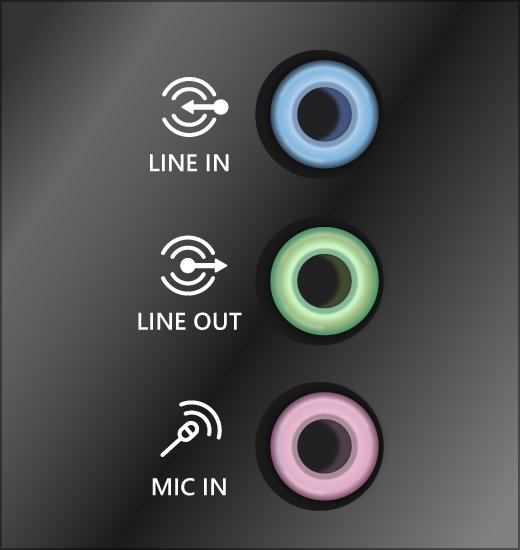
Computer not detecting your microphone? Check the cable and input device, privacy access, mute, app settings, drivers, Bluetooth and UEFI on Windows and Mac.
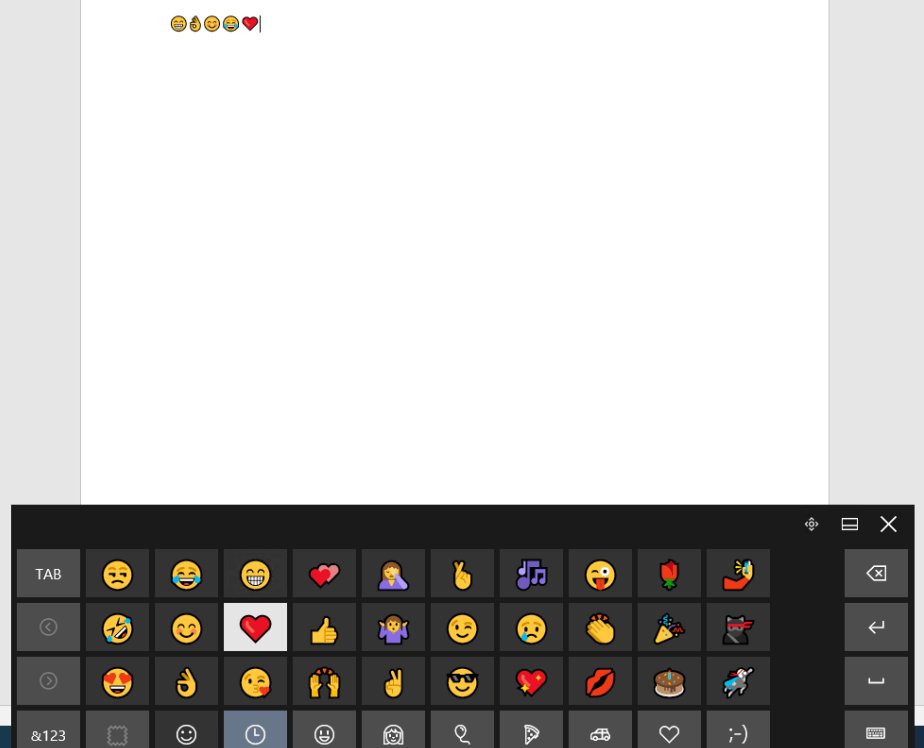
Open the emoji keyboard on Windows 10/11 with Windows key + period. Every emoji shortcut, GIFs, kaomoji, symbols, touch keyboard and fixes when it will not open.
Fix ERR_CONNECTION_CLOSED in Chrome: check the site and router, clear cookies, turn off extensions, VPN and proxy, flush DNS, reset TCP/IP and reset Chrome.
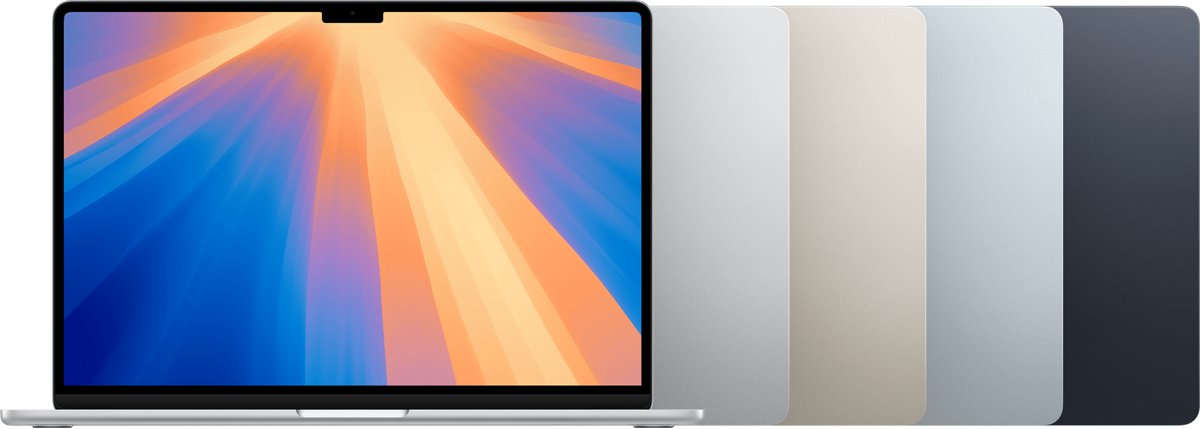
MacBook Air M4 colors: Sky Blue, Silver, Starlight and Midnight on both sizes. How each shade looks, which hides fingerprints, and how they compare with M3 and M5.