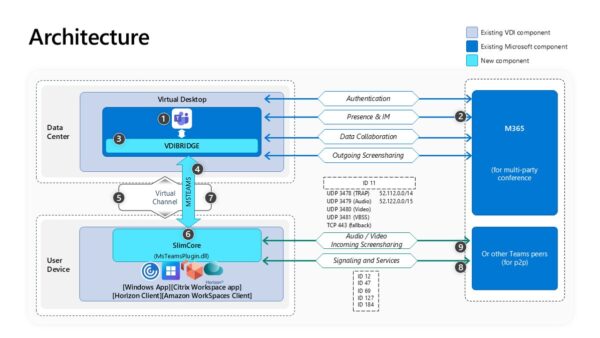
Deploy and install the new Microsoft Teams for VDI
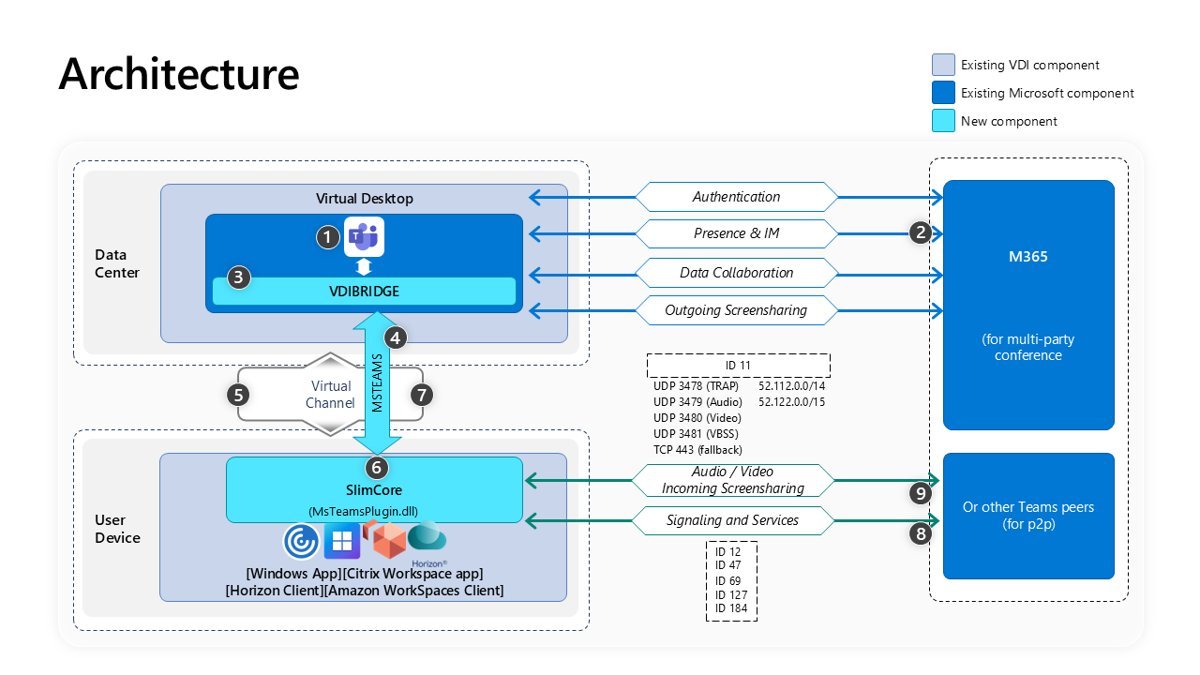
Deploy the new Microsoft Teams for VDI with teamsbootstrapper.exe, turn on SlimCore optimization for AVD, Citrix and Omnissa, stop auto-updates and verify it.
1,917 articles

Deploy the new Microsoft Teams for VDI with teamsbootstrapper.exe, turn on SlimCore optimization for AVD, Citrix and Omnissa, stop auto-updates and verify it.
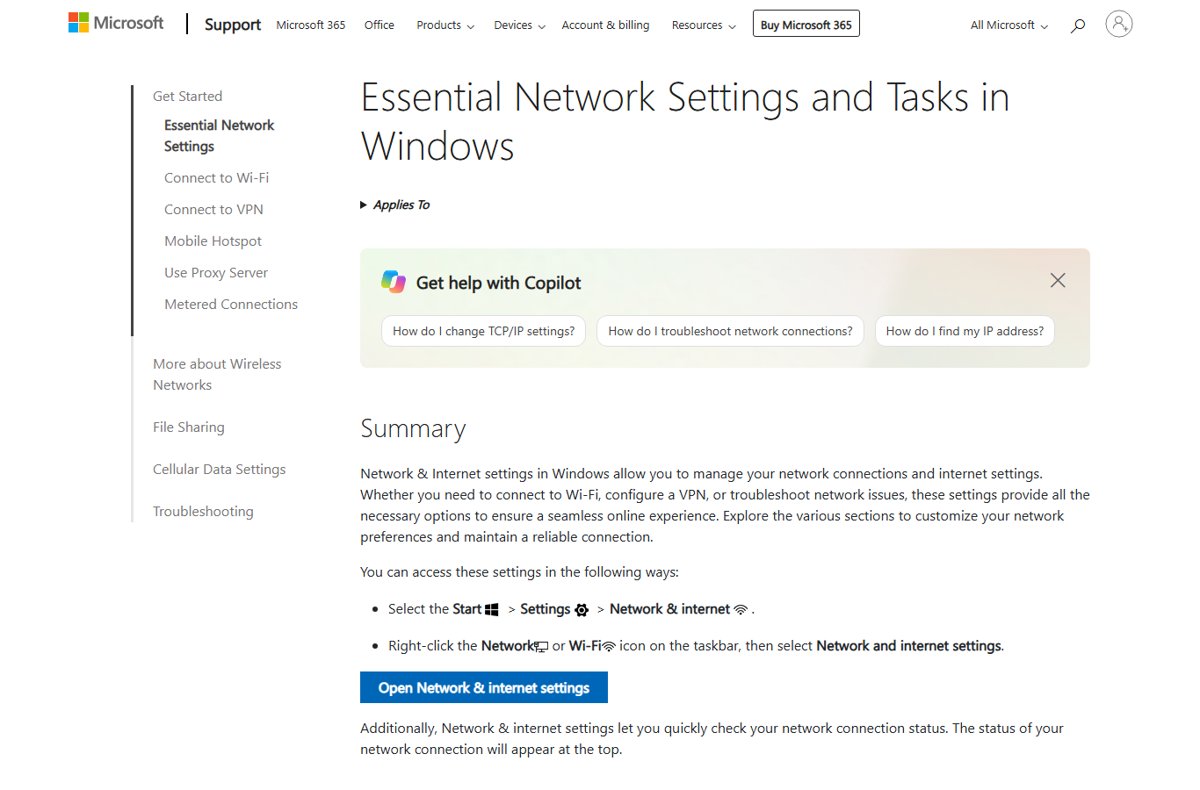
View WiFi or Ethernet status and properties on Windows 11 in Settings, the Network Connections Status window, ipconfig or PowerShell, and fix a down adapter.
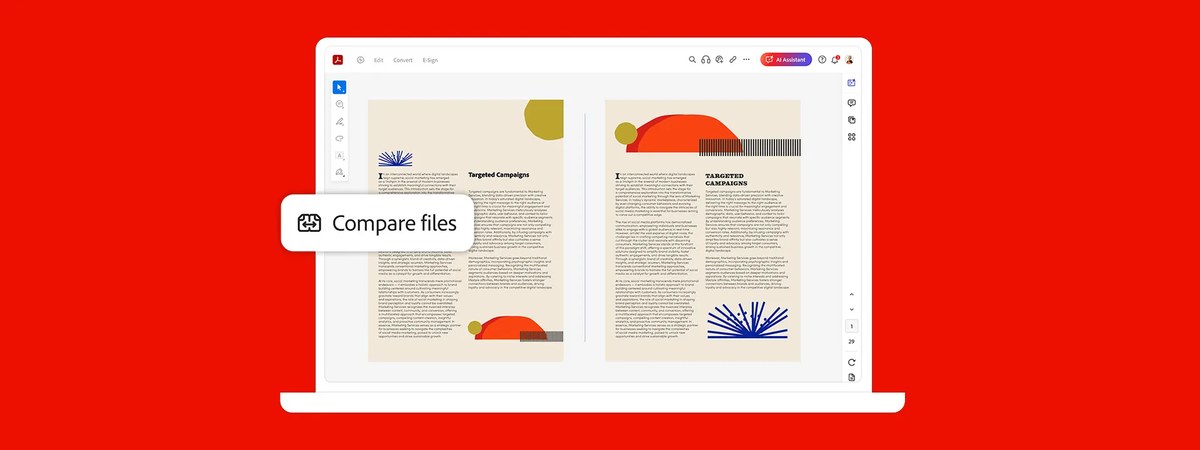
Adobe Acrobat Pro DC vs Standard DC: Pro adds OCR for scans, PDF compare, redaction and bulk e-signatures for US$5 more a month. Features, prices and which to buy.
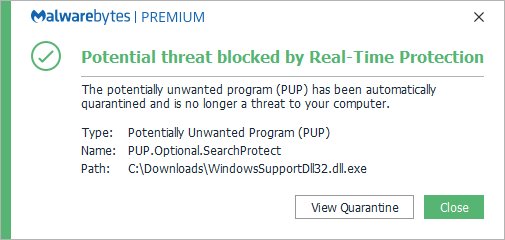
Search Protect removal: uninstall it from Windows Settings, scan with Microsoft Defender, then reset Chrome and Edge search and home page settings it hijacked.
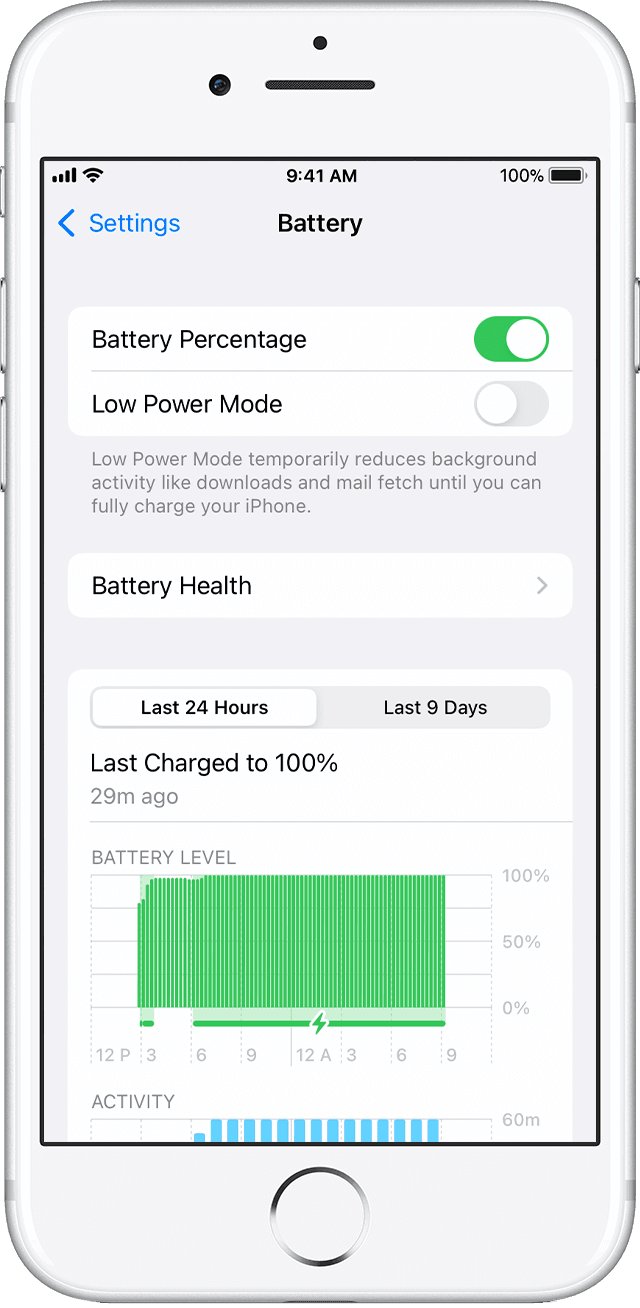
iPhone battery draining fast? Find the app or setting to blame in Settings > Battery, then fix it with Adaptive Power, Low Power Mode, updates and battery health.
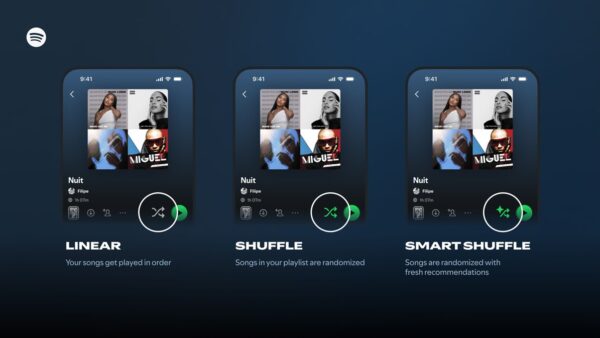
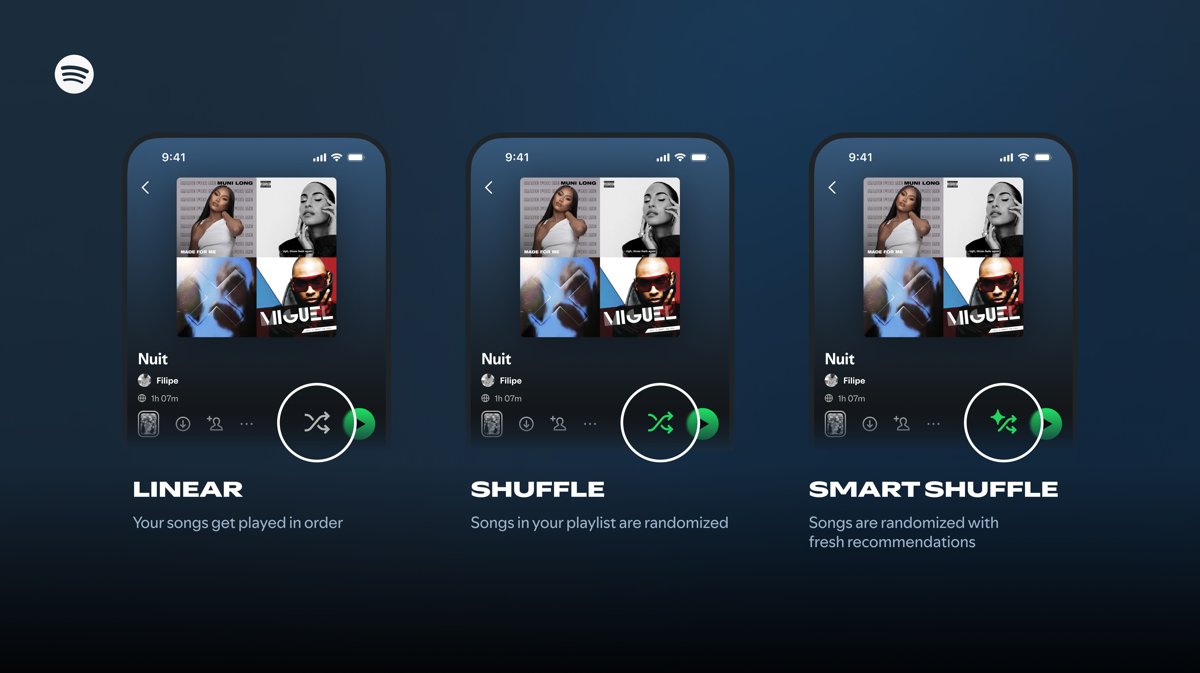
Spotify shuffle plays the same songs? Pick Fewer Repeats or Standard under Settings > Playback, turn off Smart Shuffle and Autoplay, and shuffle on PC or phone.
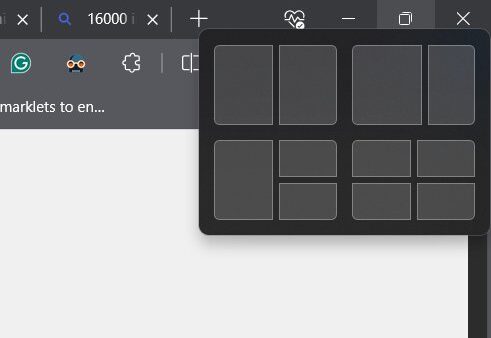
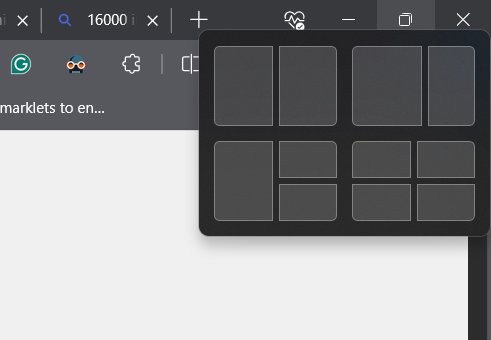
Split screen on Windows 11 with Windows key + Left or Right arrow, Snap layouts, Snap Assist and Snap groups, plus Edge split screen, FancyZones and fixes.
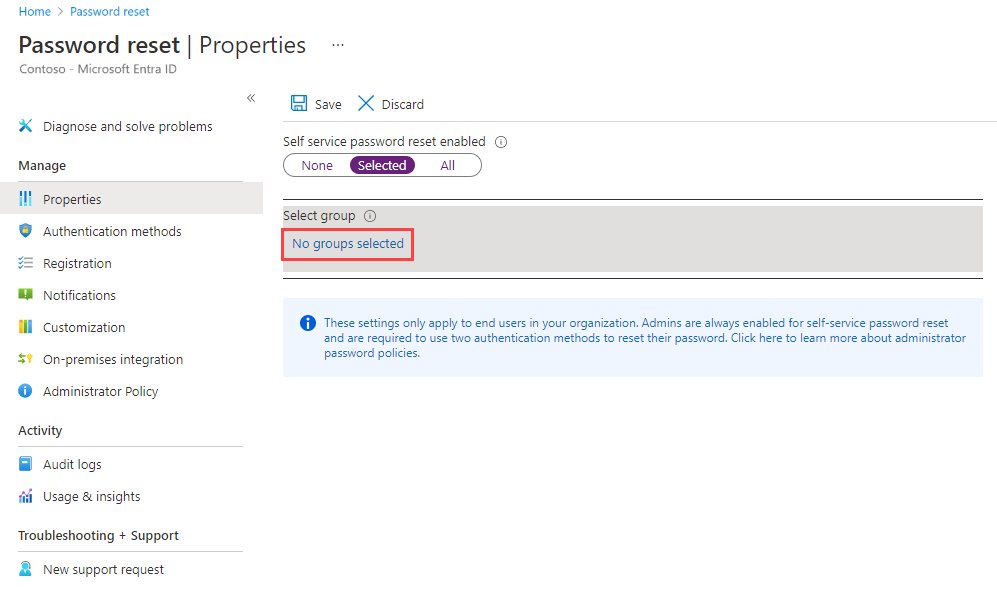
Self-service password reset in Microsoft Entra ID: how SSPR works, how to enable it, registration, authentication methods, notifications, writeback and B2B users.
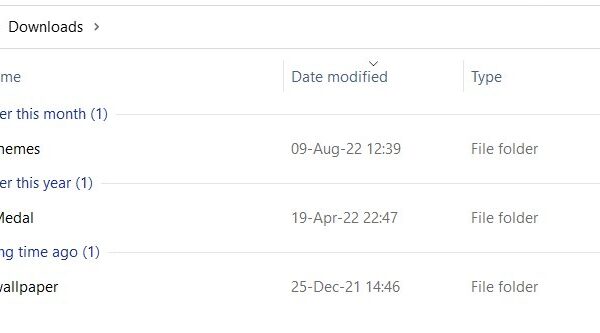
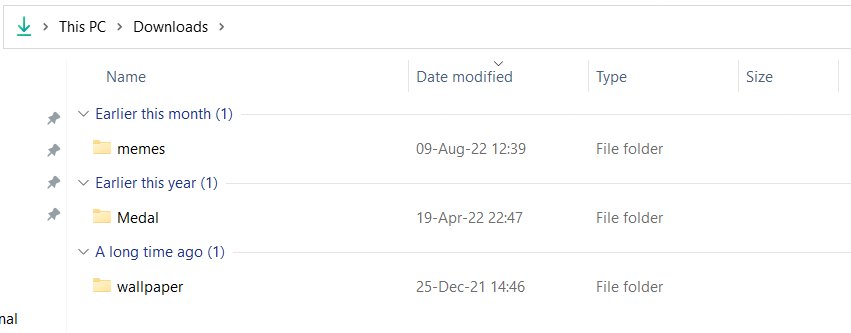
Open the Downloads folder on Windows, Mac, iPhone and Android, or in Chrome, Edge and Safari. Shortcuts, default locations and fixes for a missing folder.
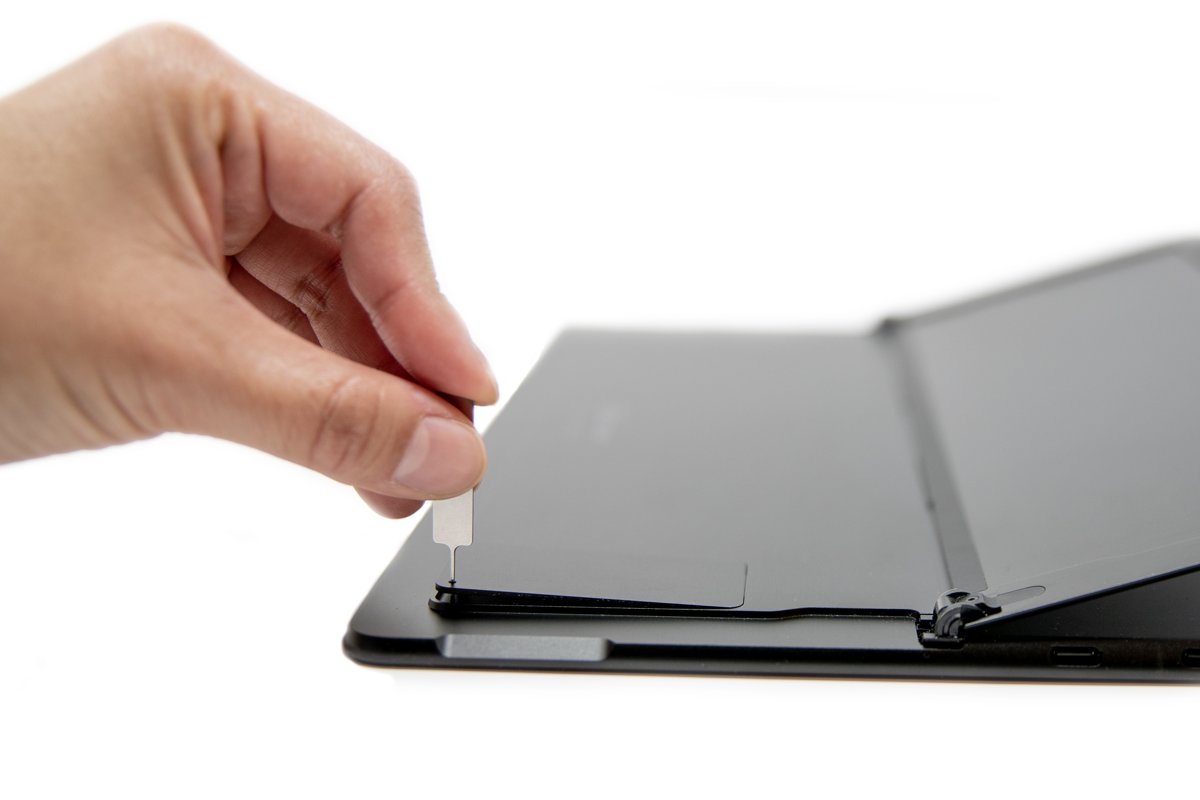
How to use a SIM card in a laptop on Windows 11 or 10: check for a Cellular page, insert the SIM or add an eSIM, set the APN, and connect on HP, Lenovo and others.
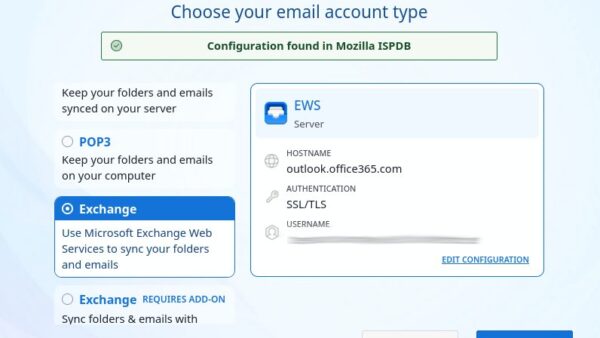
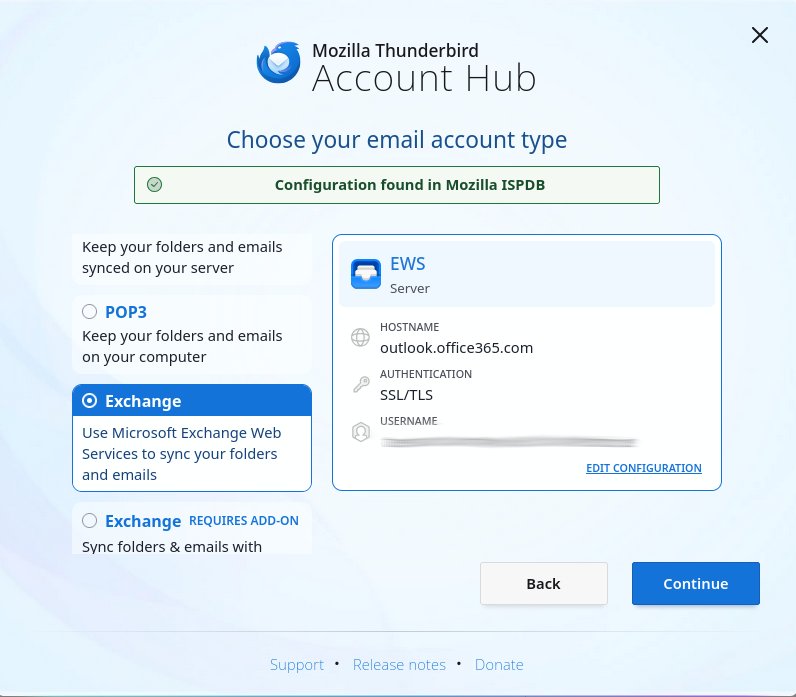
Outlook for Linux has no desktop app, but Outlook on the web runs in Firefox or Chrome. Install it as a web app, add it to Thunderbird, or use IMAP.
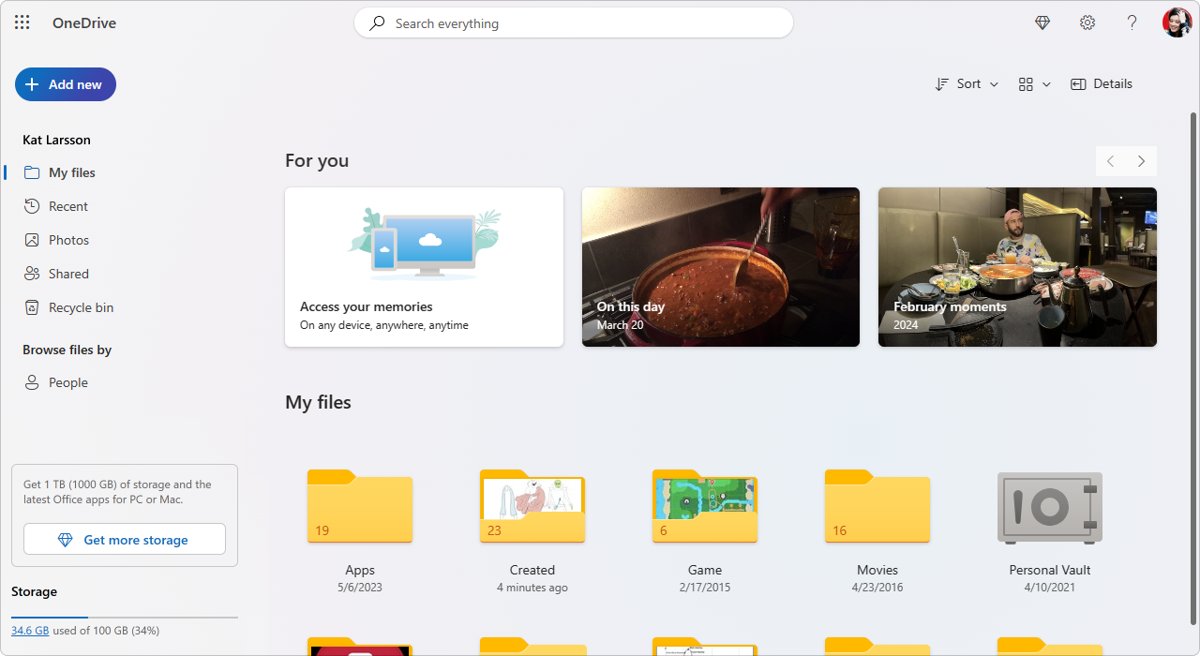
Set up OneDrive Personal Vault in Windows 11 and 10: open the vault, verify your identity, add files, lock it, change auto-lock time and fix common vault problems.