
Printer settings and problems in Windows 11/10: the complete guide
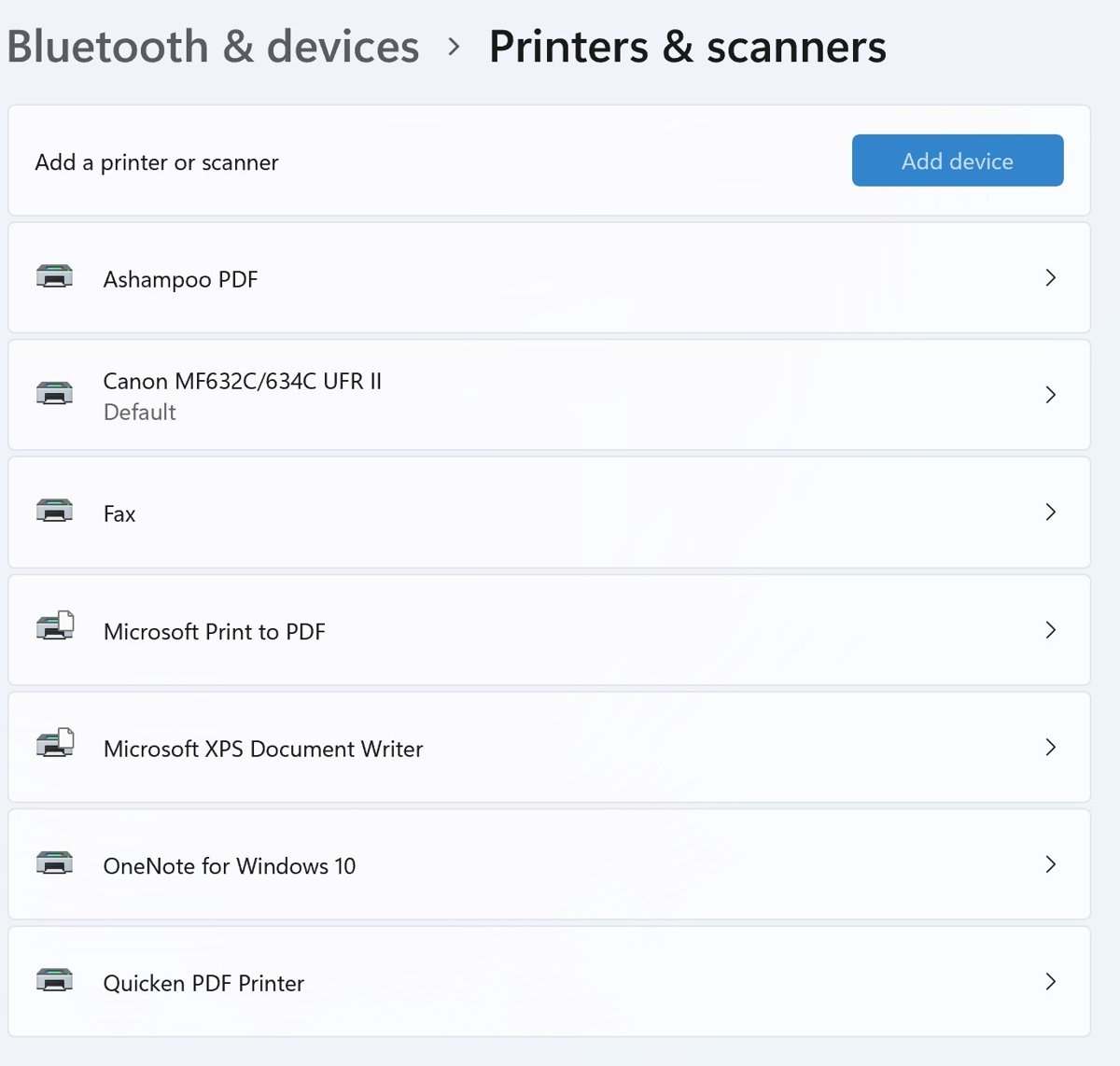
Printer settings live in Settings > Bluetooth & devices > Printers & scanners on Windows 11. Add, set default, scan, and fix offline or stuck printers.
1,916 articles

Printer settings live in Settings > Bluetooth & devices > Printers & scanners on Windows 11. Add, set default, scan, and fix offline or stuck printers.
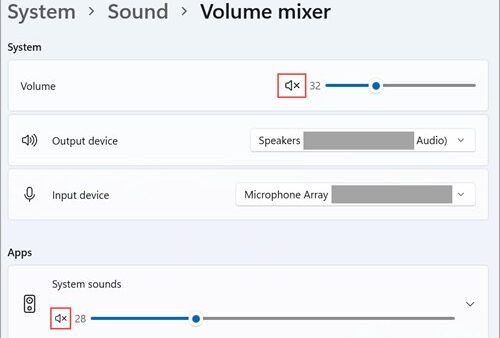
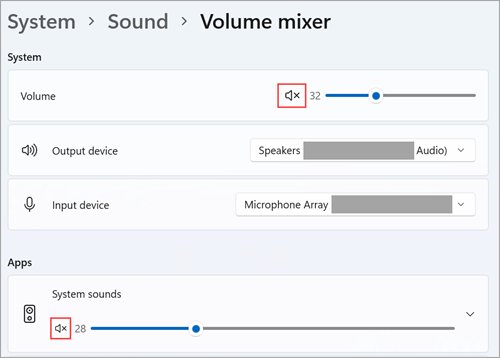
Sound settings live in Settings > System > Sound on Windows 11 and 10. Change speakers and mics, set app volume, update audio drivers and fix no sound.
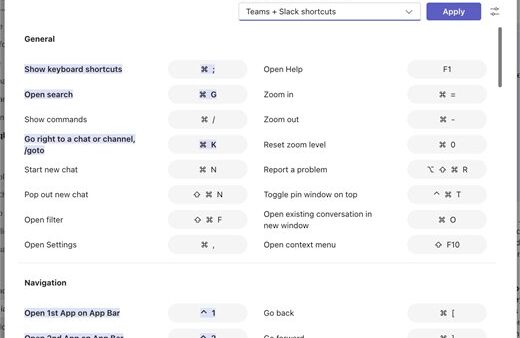
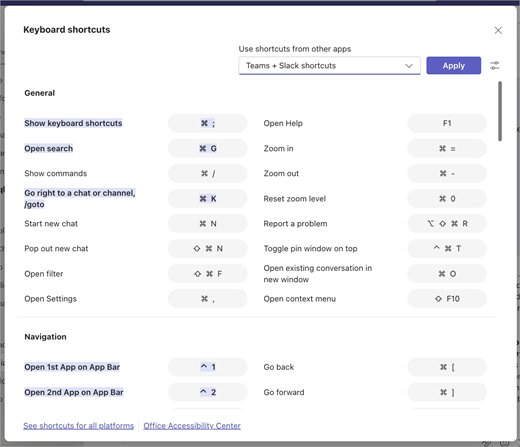
Teams shortcuts for Windows, web and Mac: open the full list with Ctrl+Period, mute with Ctrl+Shift+M, plus messaging, meeting, call and slash command keys.

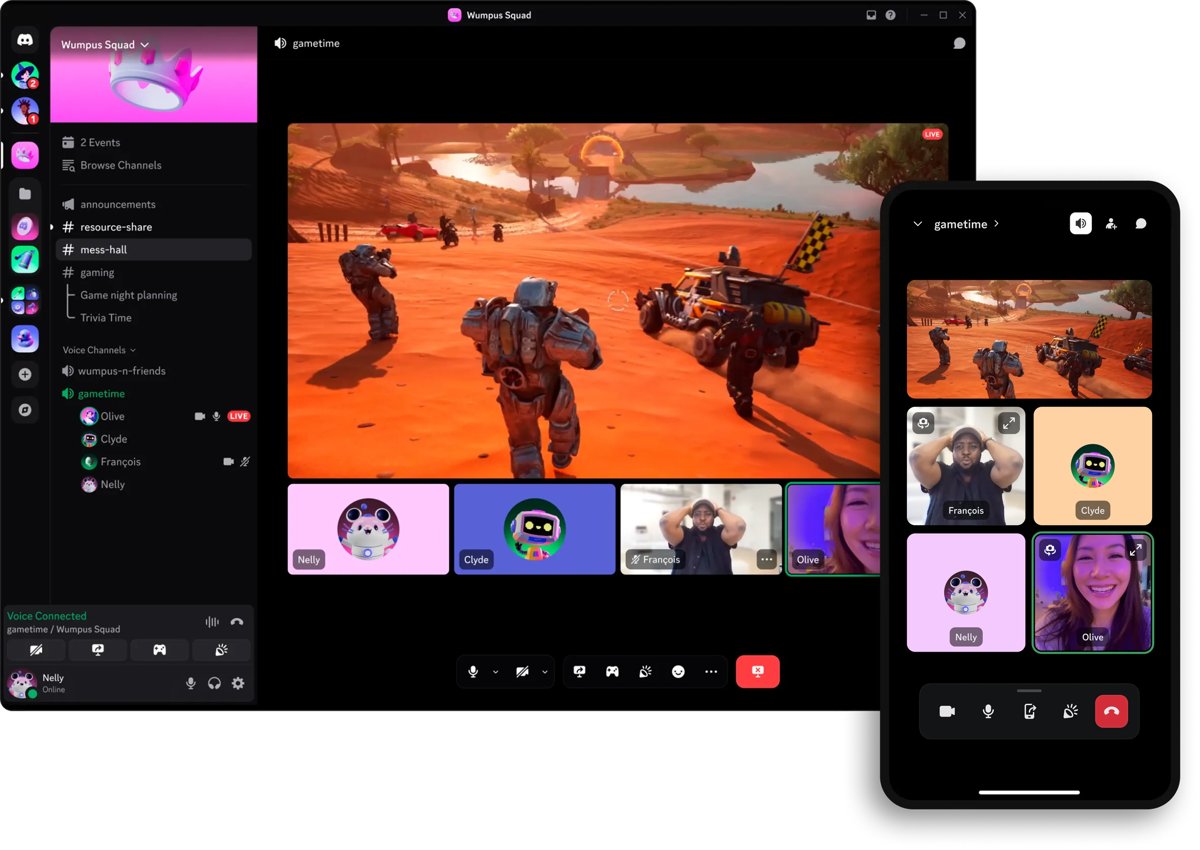
Discord is a free voice, video and text chat app built around servers and channels. Learn what Discord is used for, how to join, use it safely and what Nitro adds.
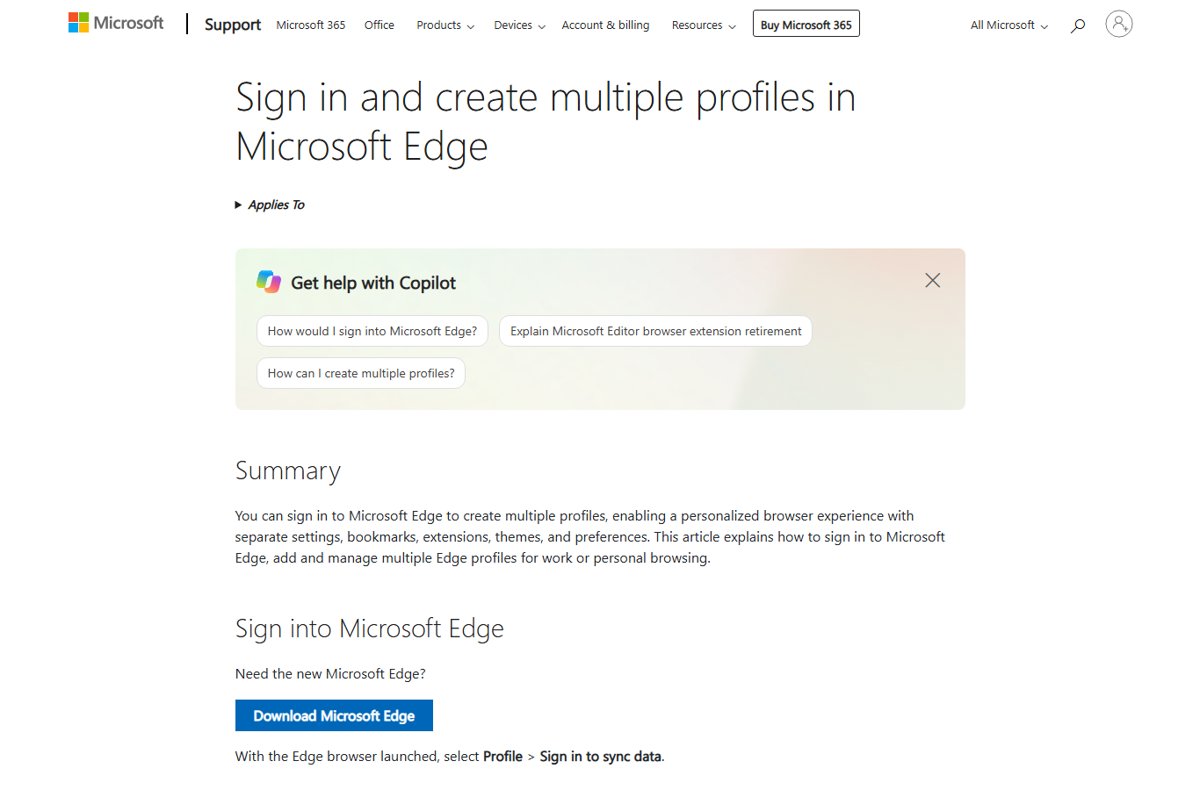
Edge profiles keep separate favorites, passwords and extensions. Sign in, create, switch, remove and set a default profile in Microsoft Edge, step by step.


The best free PC games for 2026: Counter-Strike 2, Dota 2, Fortnite, Marvel Rivals, Genshin Impact and more, with who each suits and PC requirements.
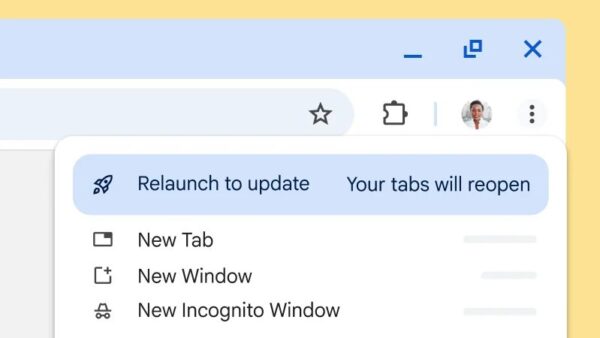
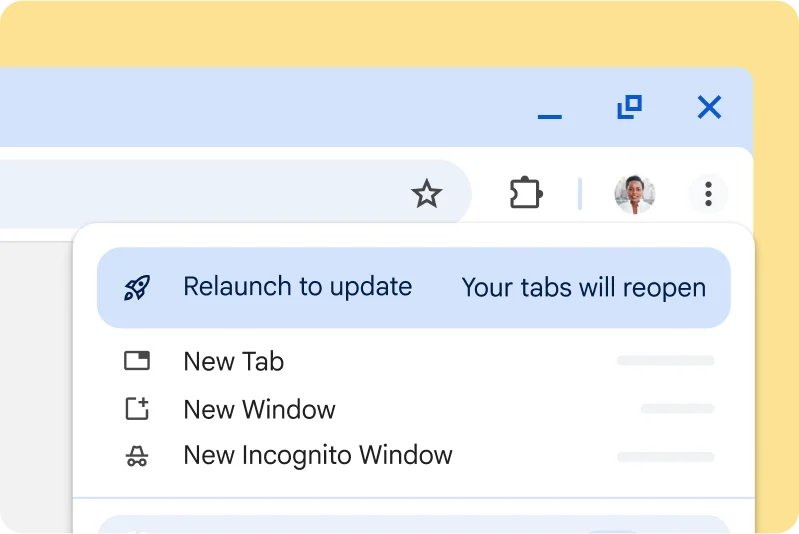
Update Google Chrome from More > Help > About Google Chrome, then select Relaunch. Steps for Windows, Mac, Android, iPhone and Chromebook, plus fixes.
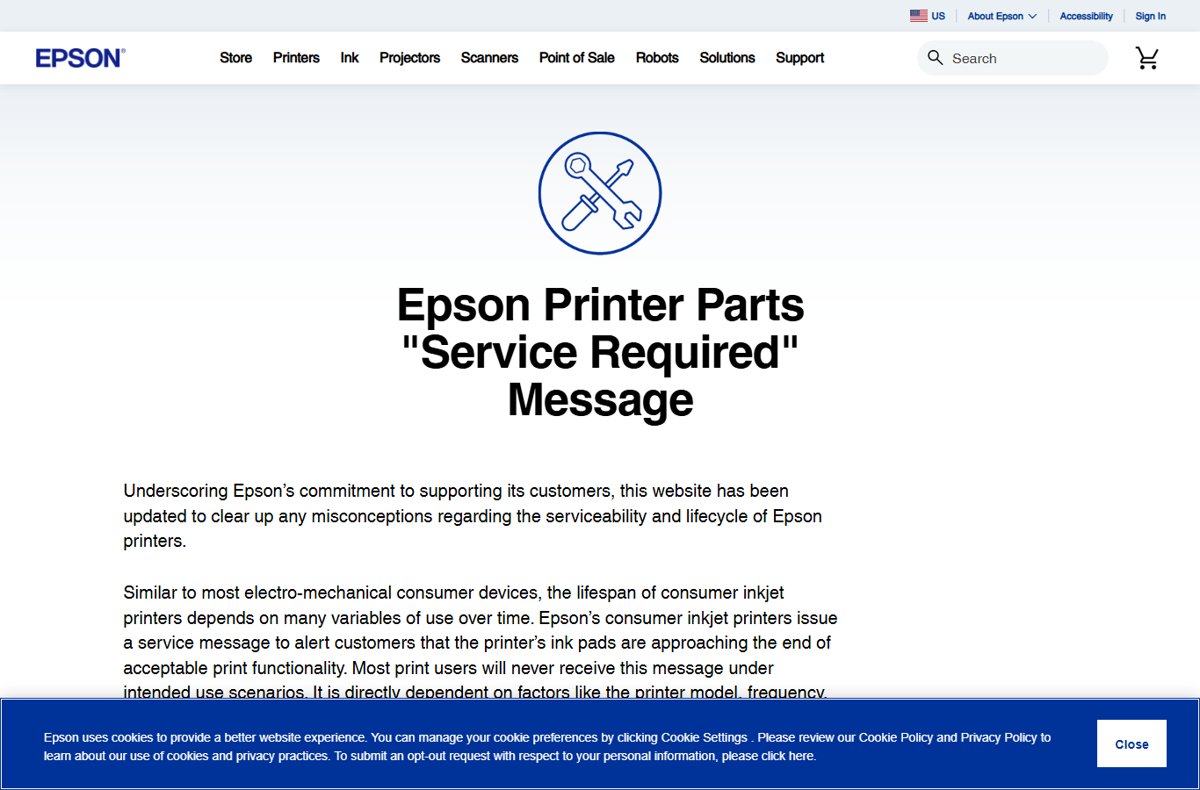
Reset an Epson printer ink pad counter the supported way: replace the maintenance box, or use Epson’s pad replacement service or a certified technician.
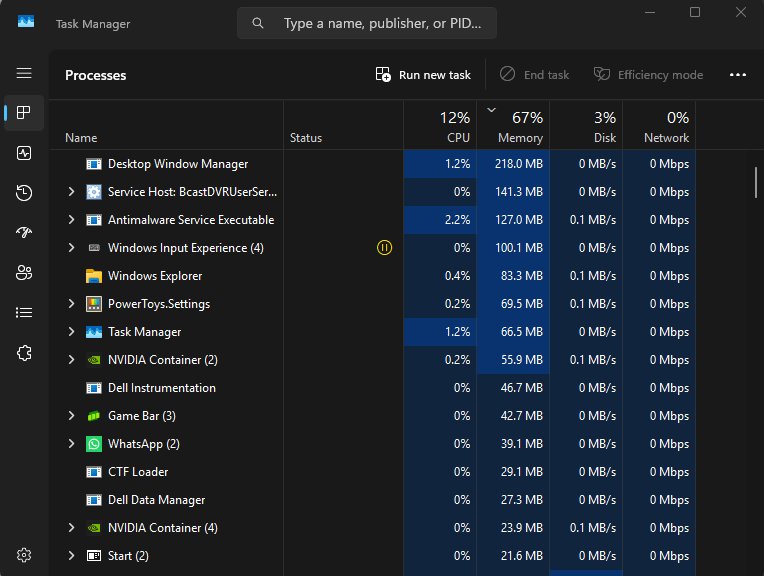
Why is my memory usage so high with nothing open? Find the process in Task Manager, cut startup and background apps, check the page file and test your RAM.
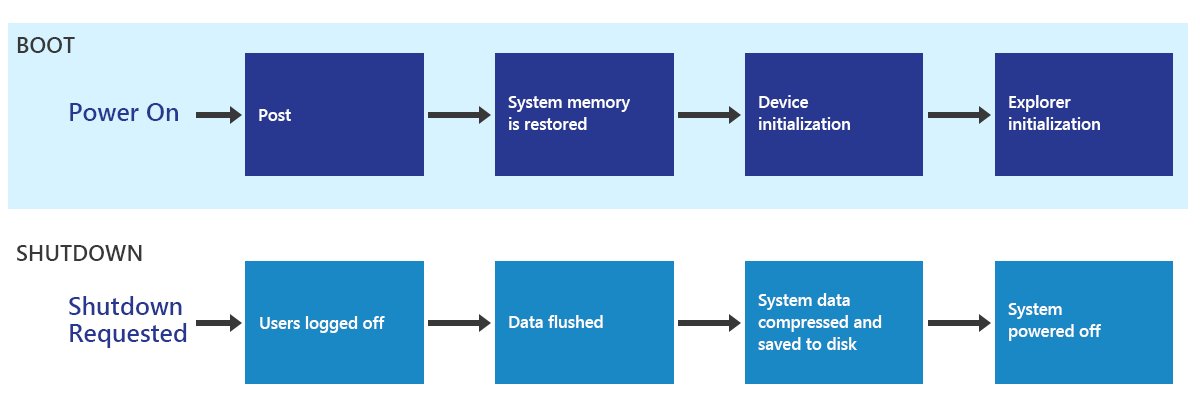
Disable Fast Startup on Windows 11 and 10 in Control Panel Power Options, or with Command Prompt, Registry and Group Policy, plus fixes when it is greyed out.
![EA Javelin anti-cheat setup: fix kernel errors [2026]](https://techdows.com/wp-content/uploads/2026/10/EA-Javelin-anti-cheat-setup-fix-kernel-errors-2026-1-570x338.jpg)
![EA Javelin anti-cheat setup: fix kernel errors [2026]](https://techdows.com/wp-content/uploads/2026/10/EA-Javelin-anti-cheat-setup-fix-kernel-errors-2026-1.jpg)
EA Javelin anti-cheat kernel errors usually trace to TPM 2.0, Secure Boot, outdated Windows or blocked drivers. Check each, reinstall cleanly and read the CI log.
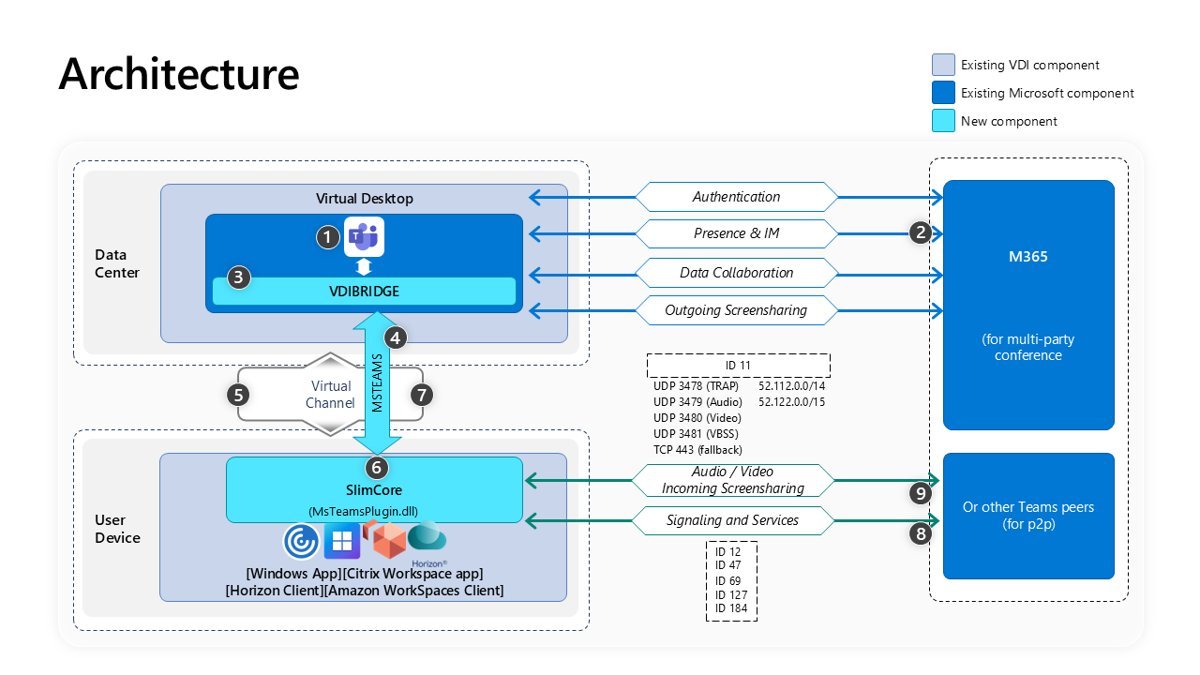
Deploy the new Microsoft Teams for VDI with teamsbootstrapper.exe, turn on SlimCore optimization for AVD, Citrix and Omnissa, stop auto-updates and verify it.