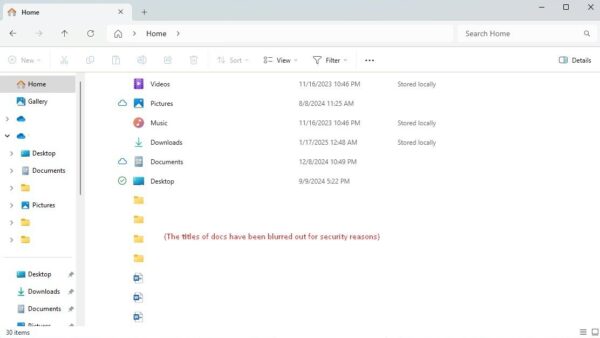
How to See Recent Files in Windows 11: A Simple Guide for Beginners
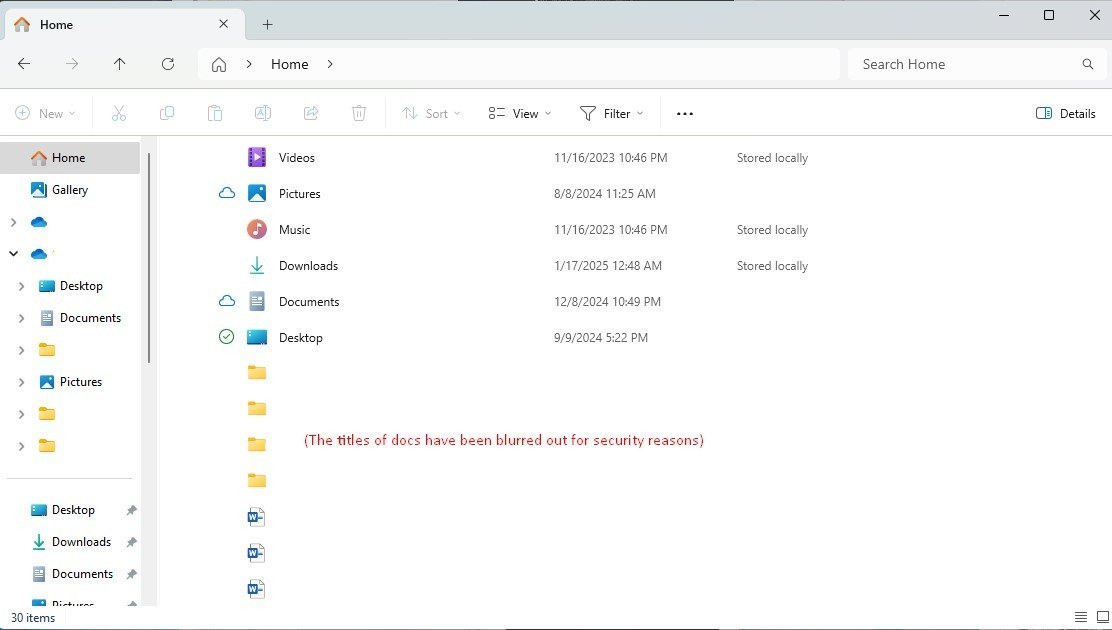
See recent files in Windows 11 from File Explorer Home, Start, jump lists, search and the Recent Items folder, plus how to clear or turn off the history.
3,906 articles

See recent files in Windows 11 from File Explorer Home, Start, jump lists, search and the Recent Items folder, plus how to clear or turn off the history.
LinkedIn is a free professional network with over 1 billion members. See what it does, free vs Premium, how to build a profile and which privacy settings to set.
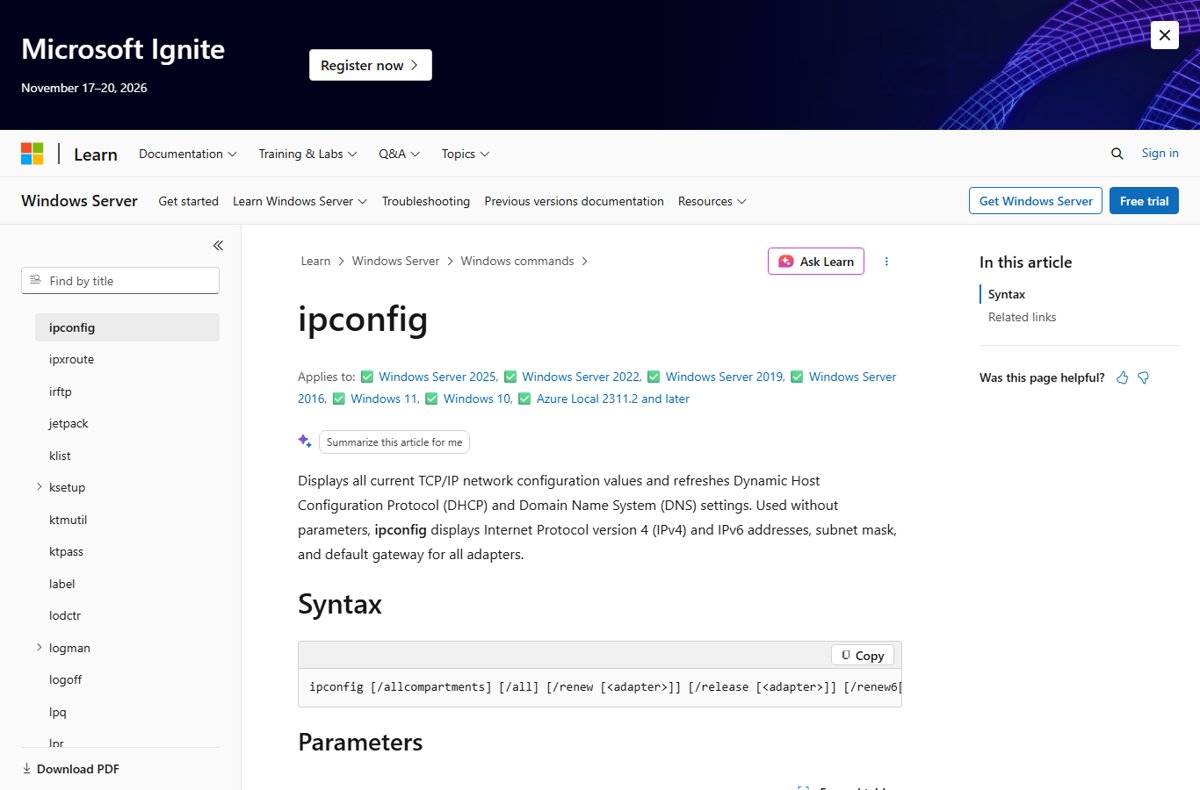
ipconfig /release and /renew get your Windows PC a fresh IP address from the router. Exact commands, adapter and IPv6 syntax, how to check it worked, and fixes.
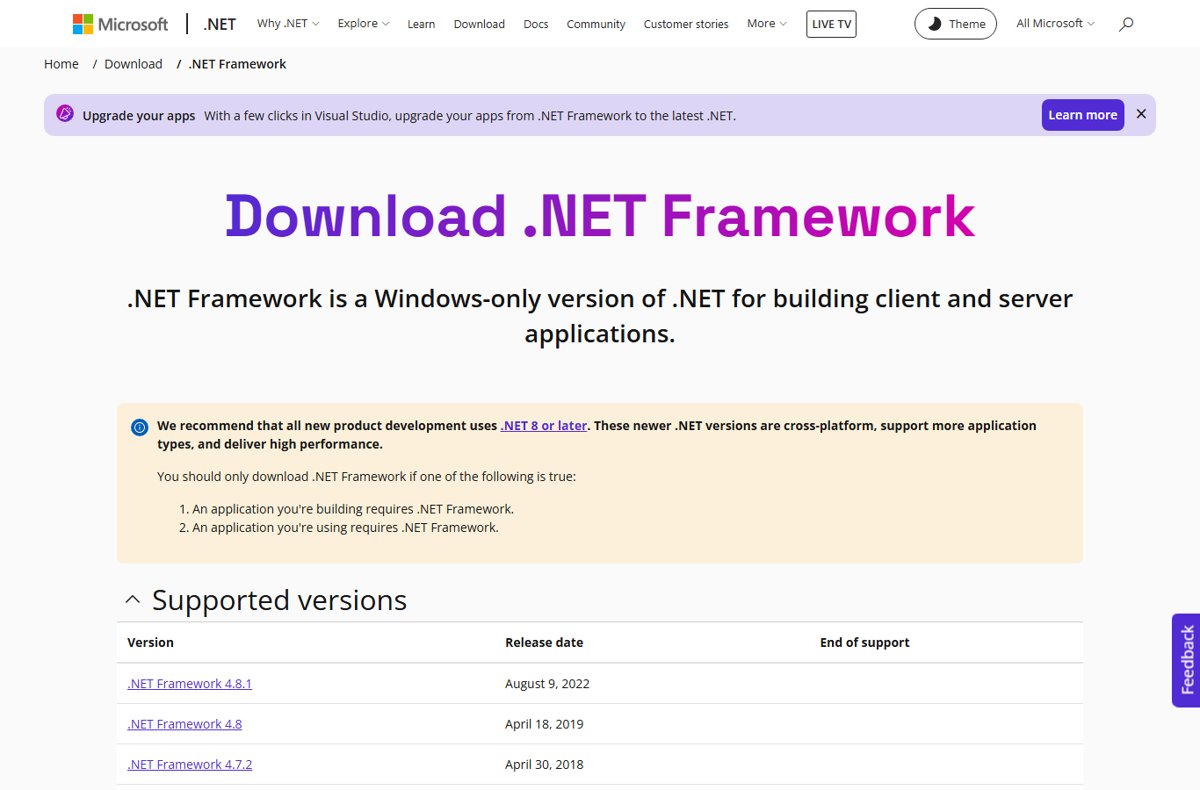
.NET Framework download links for every version, 4.8.1 back to 3.5 SP1, on Microsoft’s own pages, plus offline installers, 3.5 setup and version checks.
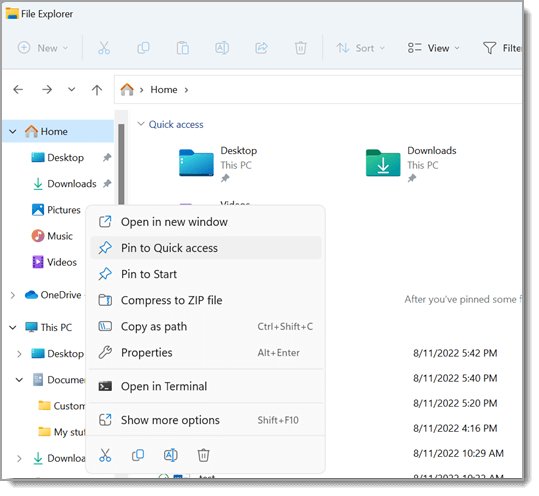
Access the C drive on Windows 11 from File Explorer, the address bar, Run, Command Prompt or PowerShell, plus hidden files, permissions, free space and fixes.
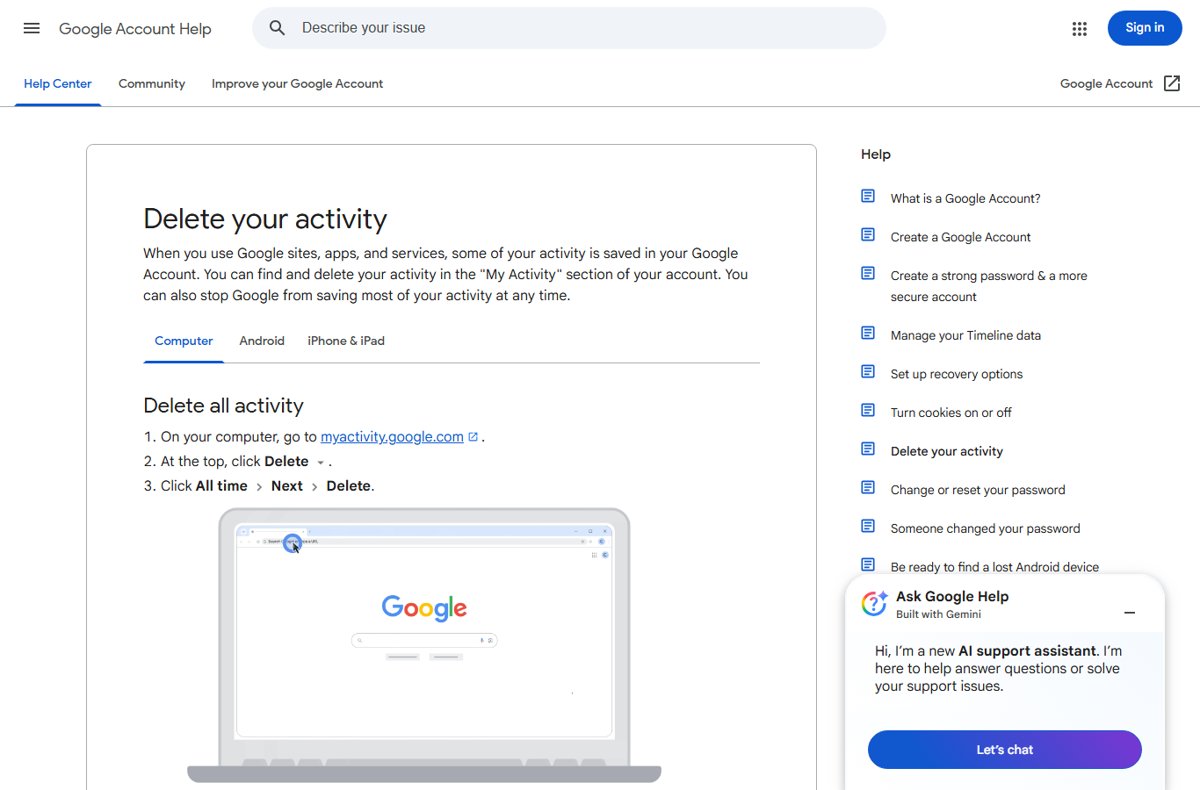
View or delete your search history in Google, Bing, Chrome, Edge, Firefox and Safari. Exact steps for each, iPhone included, plus what deleting leaves behind.
Microsoft Solitaire Collection download for Windows 11/10, iPhone and Android: free from the Microsoft Store, App Store and Google Play, with setup and fixes.
Microsoft 365 download for Windows 11, 10 and Mac: the official installer, 1-month free trial, offline installer, free web apps, prices and install fixes.
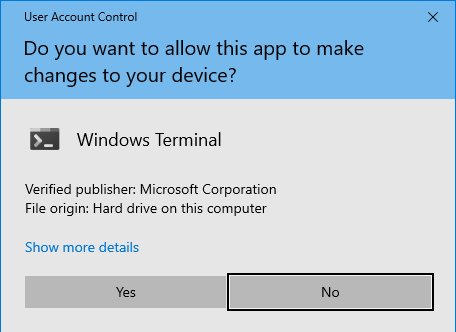
Run Device Manager as admin: press Win + R, type devmgmt.msc and press Ctrl + Shift + Enter. CMD, PowerShell, shortcut and runas routes, plus fixes.
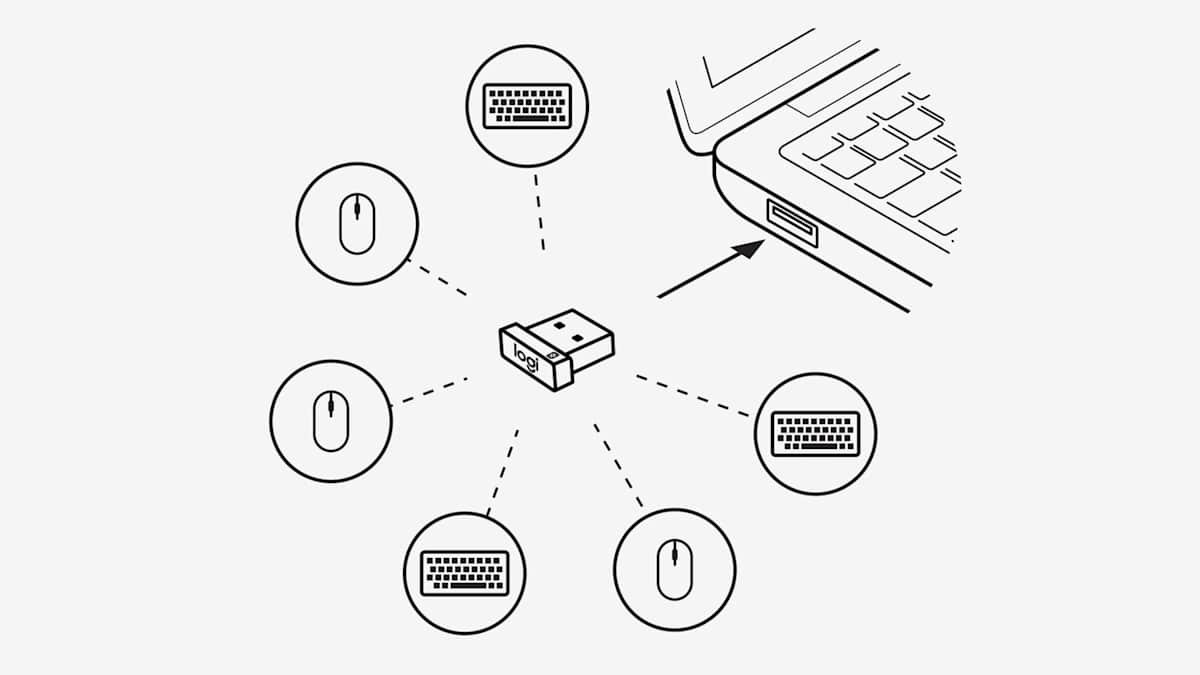
Download Logitech Unifying Software for Windows 11 from Logitech’s support page, pair or unpair devices, and see when Logi Options+ is the better choice.
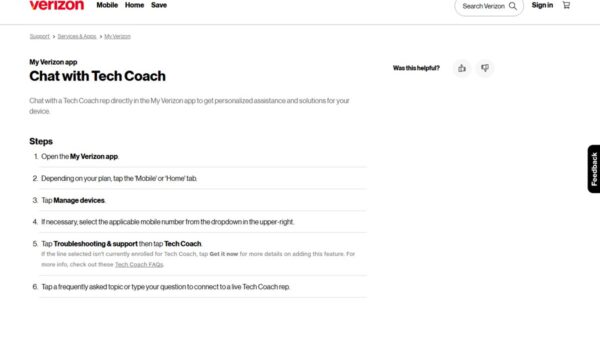
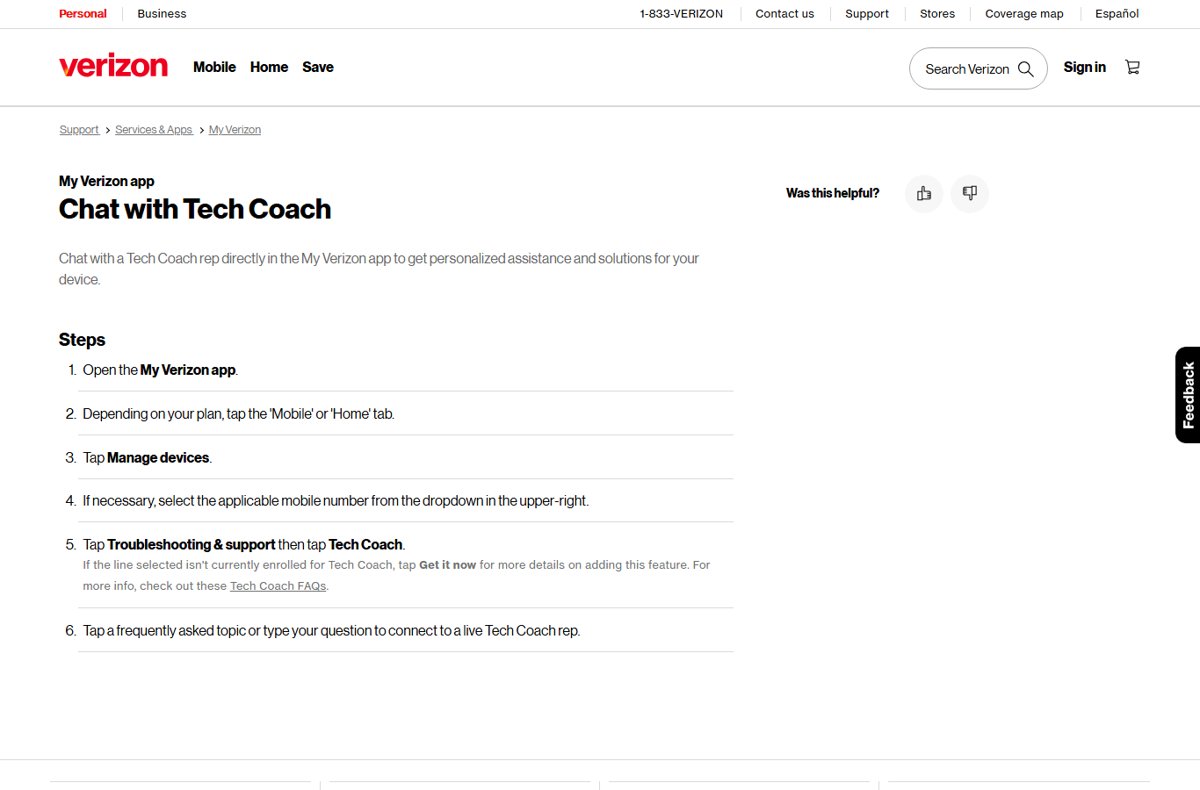
Talk to a real person at Verizon Wireless: dial *611 or 800-922-0204, or type Live Agent in Verizon chat. Hours, what to have ready and how to spot fake numbers.
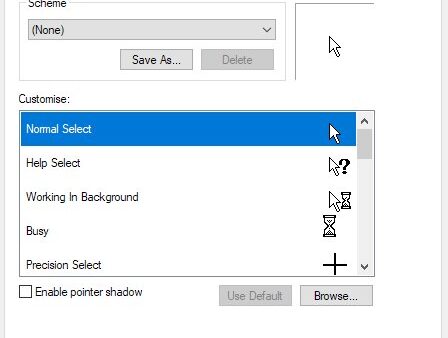
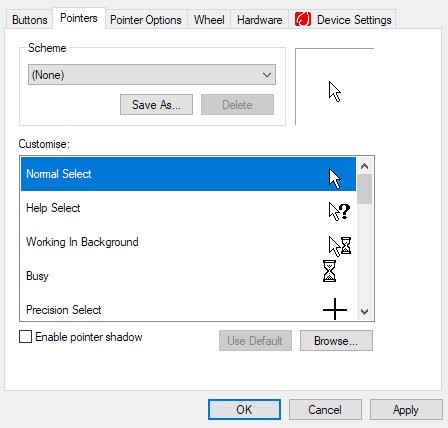
Customize mouse buttons, pointer and cursor on Windows 11: swap buttons, set speed, change pointer size, color and scheme, and enlarge the text cursor.