
How to use Chromecast to cast your entire desktop to TV

Cast your entire desktop to TV with Chromecast: in Chrome select More > Cast, save, and share > Cast, then Sources > Cast screen. Tab, file and audio fixes too.
3,337 articles

Cast your entire desktop to TV with Chromecast: in Chrome select More > Cast, save, and share > Cast, then Sources > Cast screen. Tab, file and audio fixes too.
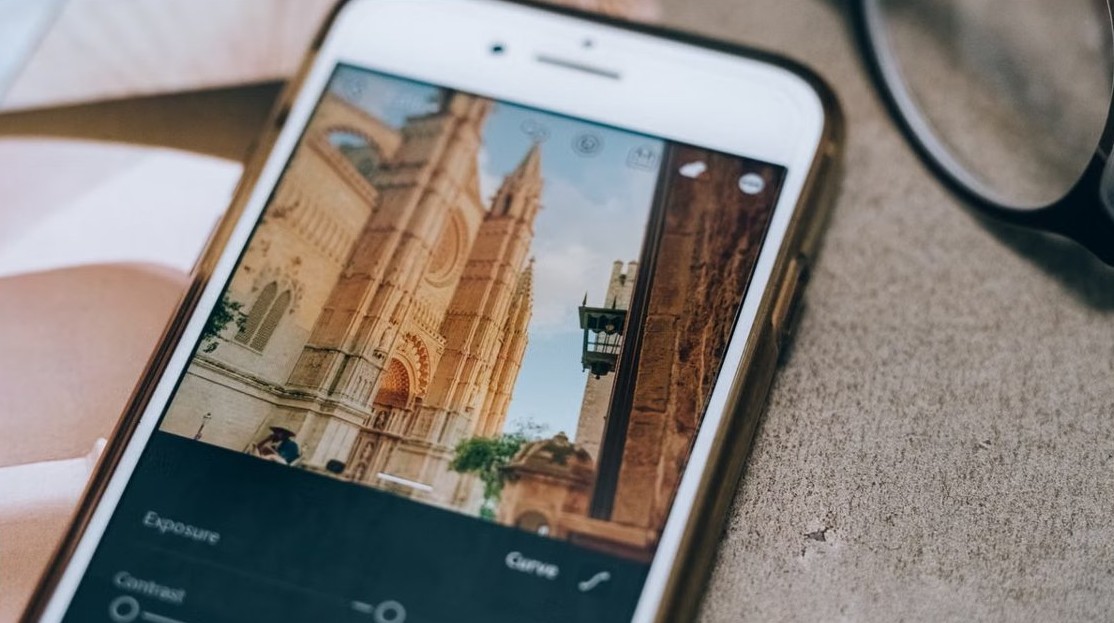
Get the Clean Up feature in Photos on iPhone 15 Pro, iPhone 16 or later with iOS 18.1+. Requirements, steps, undo, and options for iPhone 14 and 15.


Install Office web apps as PWAs on Windows 11/10: open microsoft365.com in Edge or Chrome, choose Install this site as an app, then pin, auto-start or uninstall.
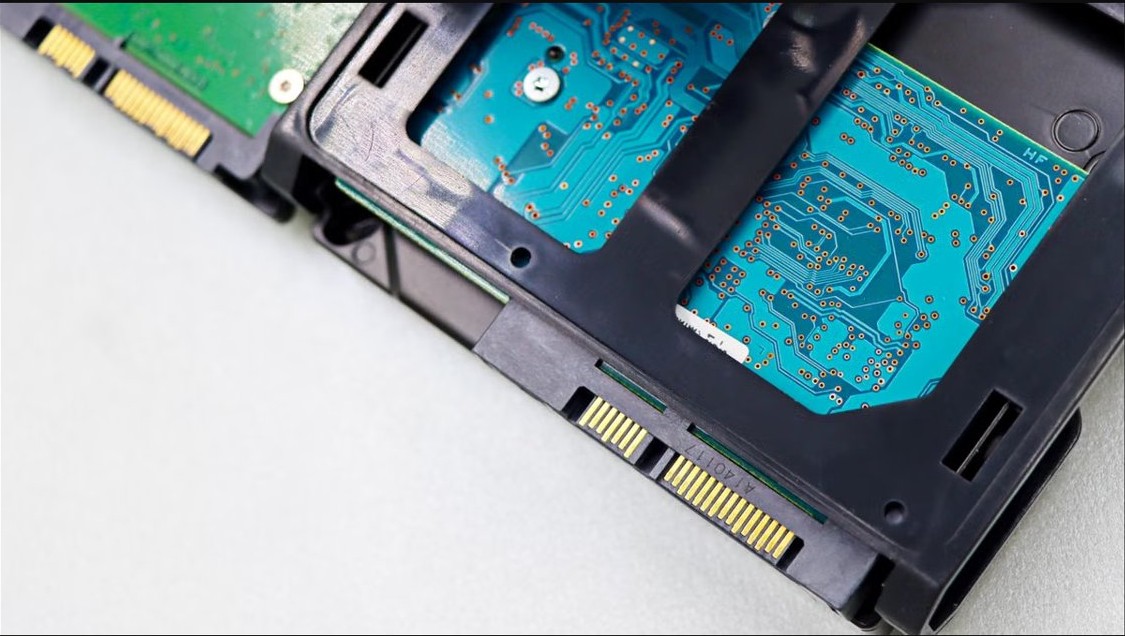
Fix the File System error on Windows 11: repair or reset the Photos app, re-register Store apps, roll back updates, and run SFC, DISM and chkdsk scans.
Change the name associated with iCloud Mail: edit the Full Name on iCloud.com, use Edit Email Addresses in Mail on Mac, or send from an alias with a new name.

View old notifications in Windows 11 with Windows key + N, or Windows key + A in Windows 10. Where missed alerts go, app histories, and how to keep them longer.
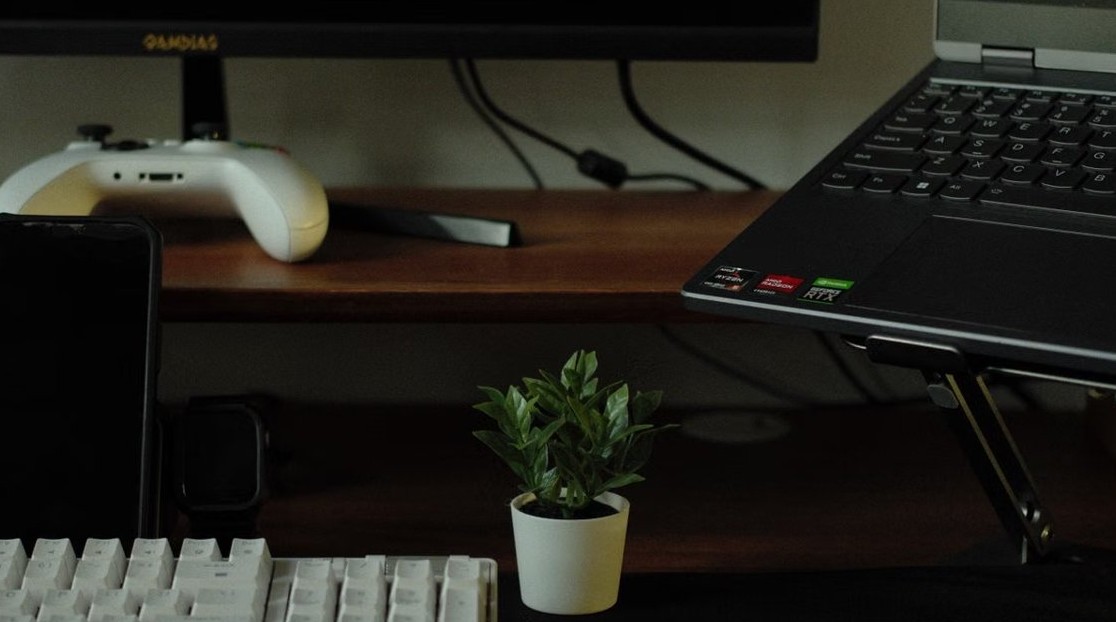
Device Manager not showing Sound, video and game controllers? Show hidden devices, scan for hardware, install the audio driver and clear Code 1, 22 and 28.
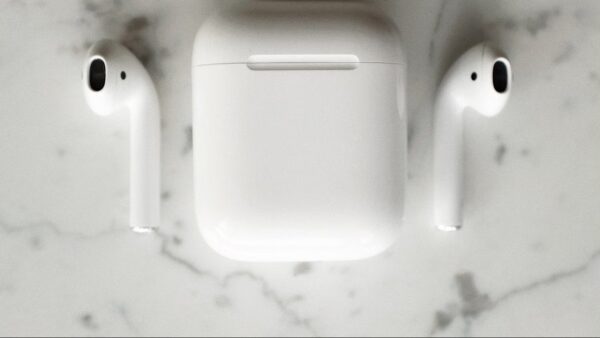
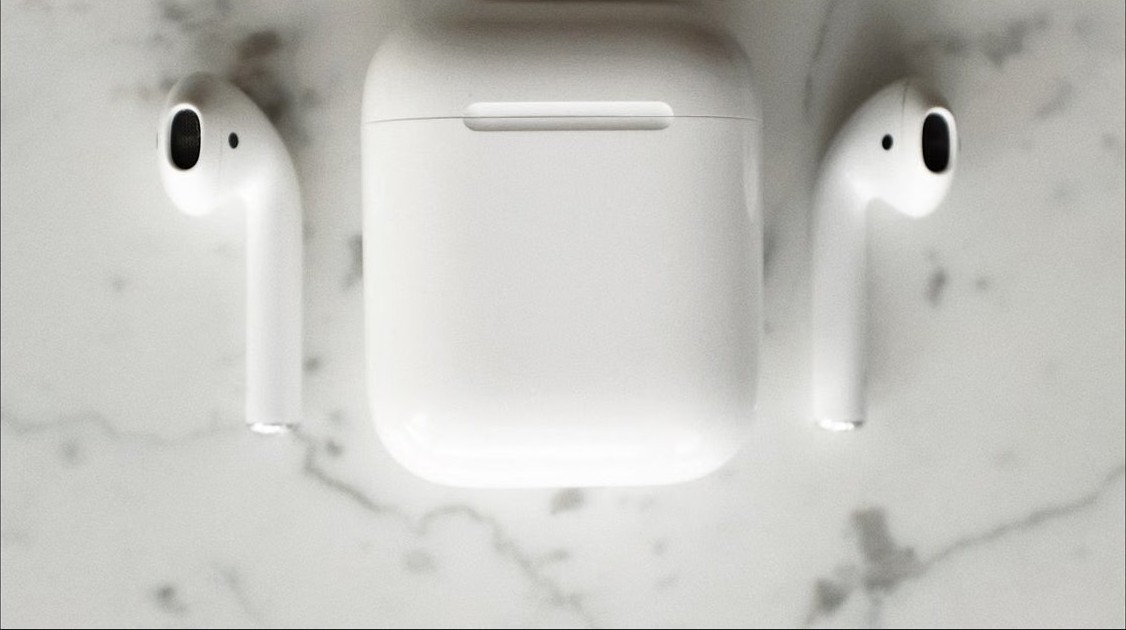
How to pair AirPods with iPhone, iPad, Mac, Windows 11 PCs and Android: pairing mode for every model, AirPods 4, Pro 3 and Max, plus fixes when they won’t pair.
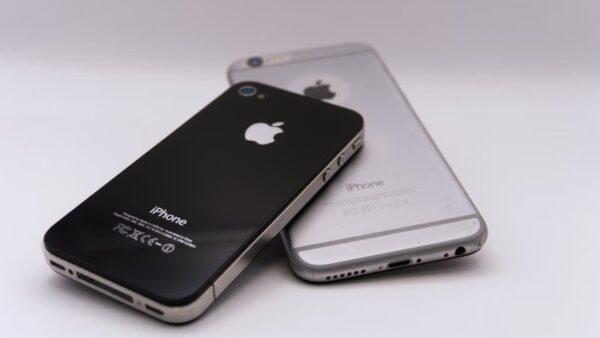
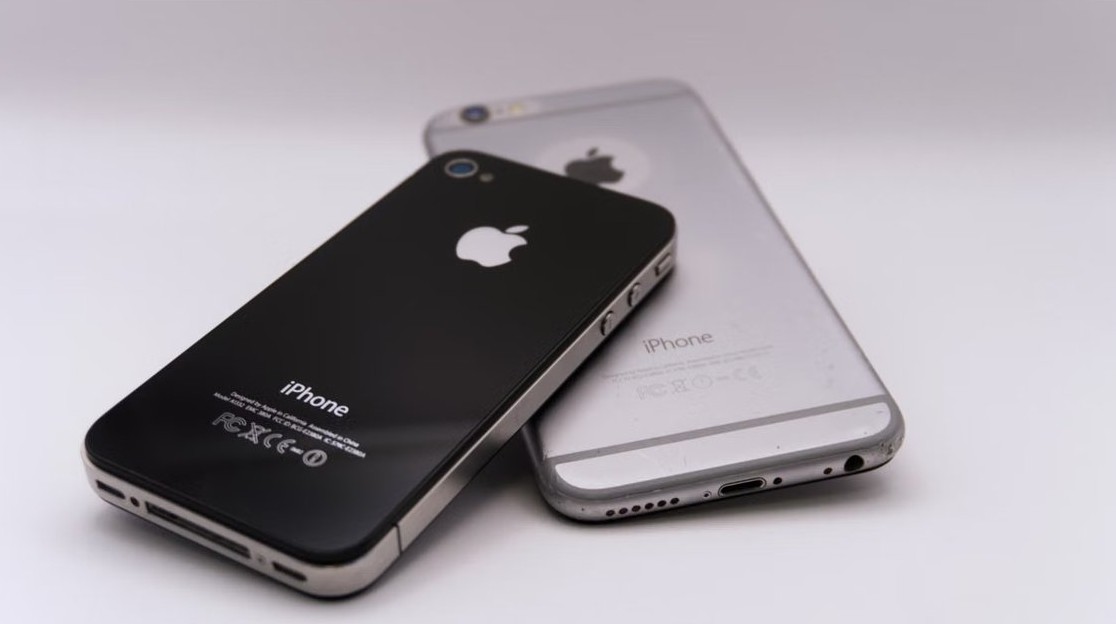
Transfer iPhone to iPhone with Quick Start, a cable, iCloud or a computer backup. Steps for after setup, eSIM, Apple Watch and fixes when the transfer fails.
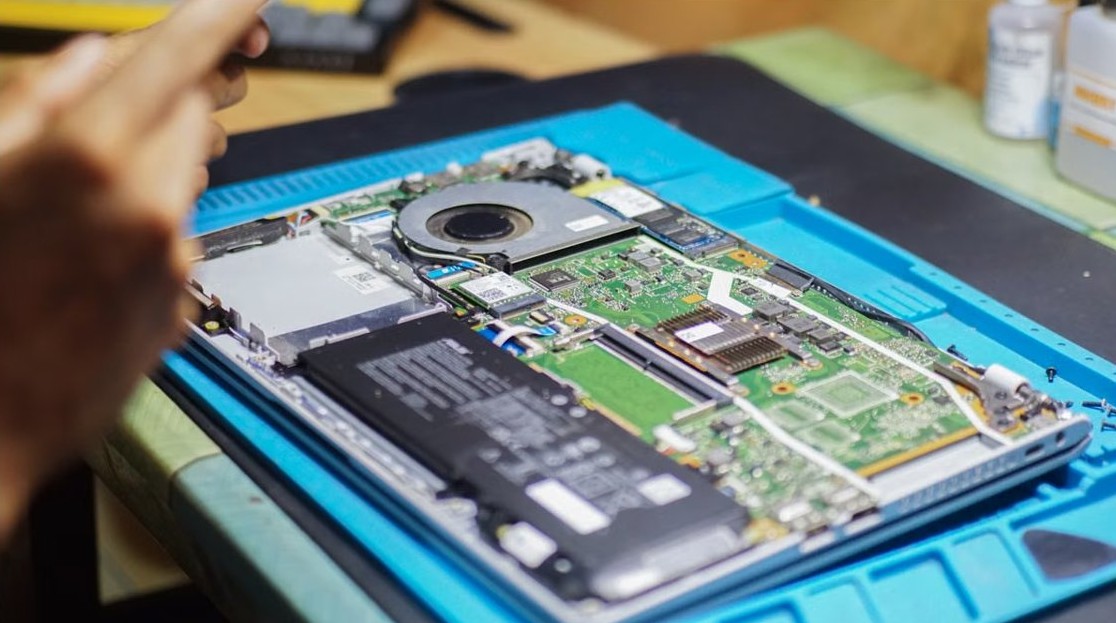
Check your Windows PC or laptop health with Windows Security, PC Health Check, a battery report, sleep study, chkdsk, SFC and a Performance Monitor report.


Install PowerShell 7 in Windows 11 and 10 with winget, the MSI installer, Microsoft Store or ZIP, then open pwsh, make it the default and keep it updated.
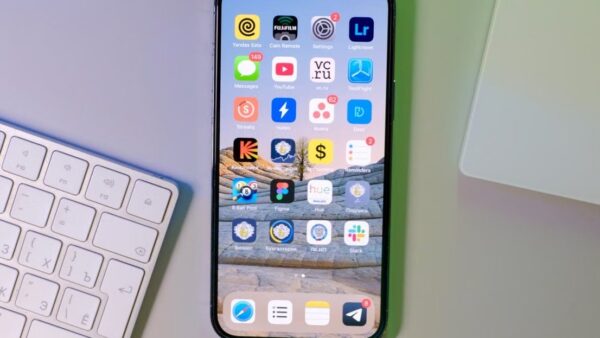
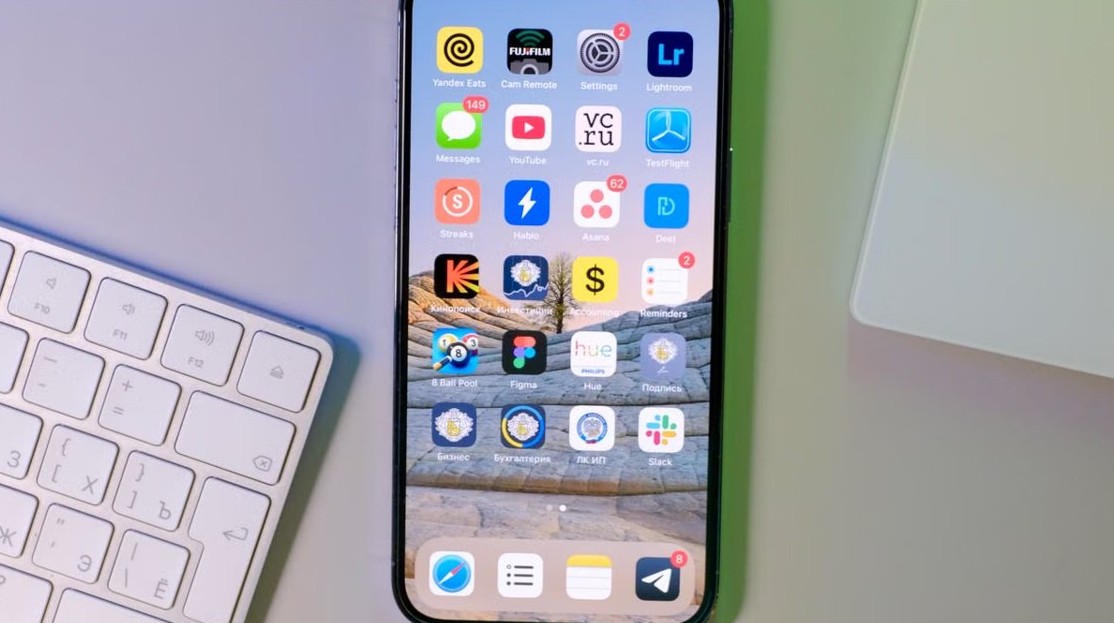
Rearrange iPhone apps from a Mac with iPhone Mirroring: click and hold, then drag. Windows PCs, iTunes, Finder and Apple Devices can’t edit the Home Screen.