Steam Workshop: Create, share, and discover mods
Steam Workshop lets you discover, subscribe to, create and share mods for 3,000+ games. How to access it, upload an item, set visibility and fix downloads.
3,337 articles

Steam Workshop lets you discover, subscribe to, create and share mods for 3,000+ games. How to access it, upload an item, set visibility and fix downloads.

Apple Music Hi-Res Lossless needs a wired connection and an external DAC above 48 kHz. Set it up on iPhone, Mac, Windows, Apple TV 4K and HomePod step by step.

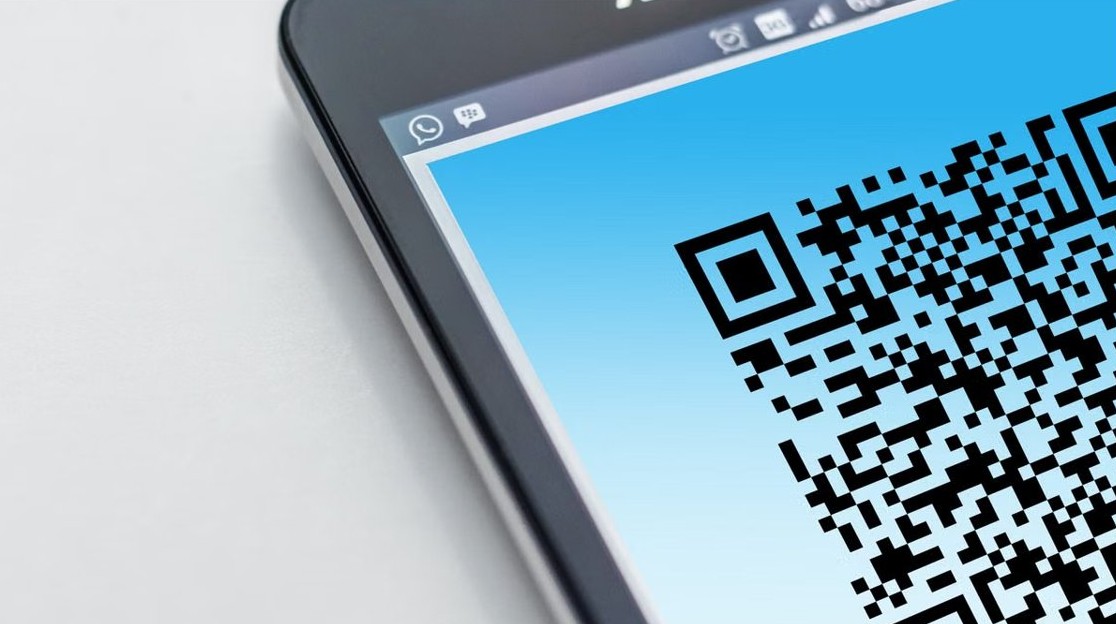
Microsoft Authenticator QR code: where to find it for personal and work accounts, how to scan it on iPhone or Android, and fixes when it won’t show or scan.
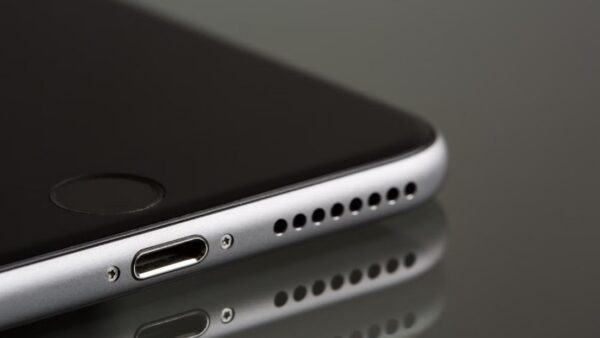
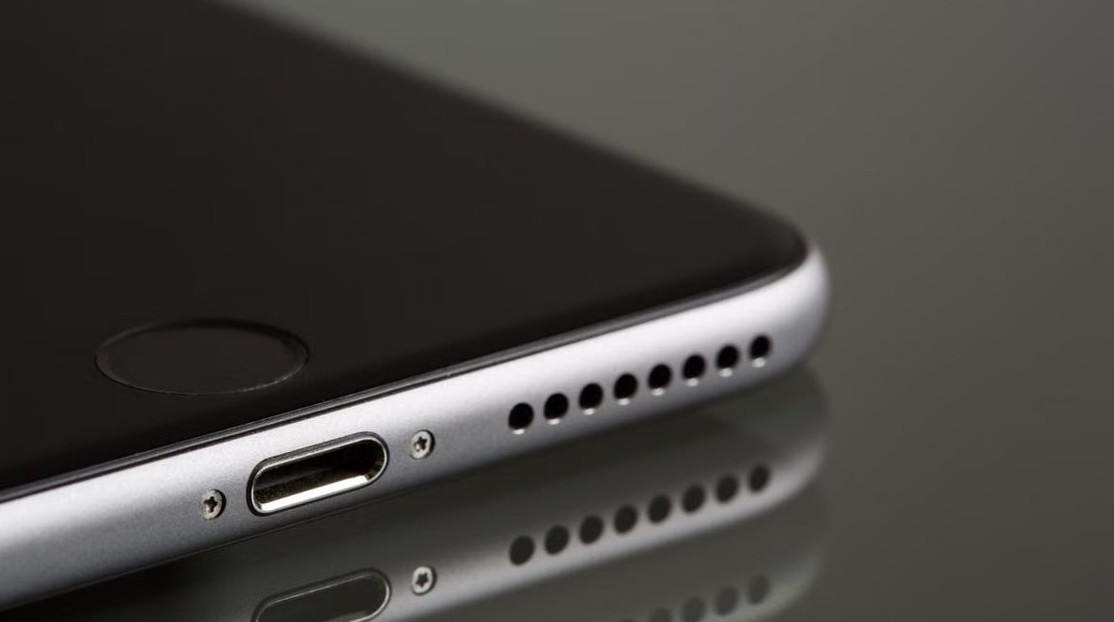
iPhone 7 Plus speakers sit in two places: the bottom grille beside the Lightning port and the receiver above the screen. How to find, test and clean both.
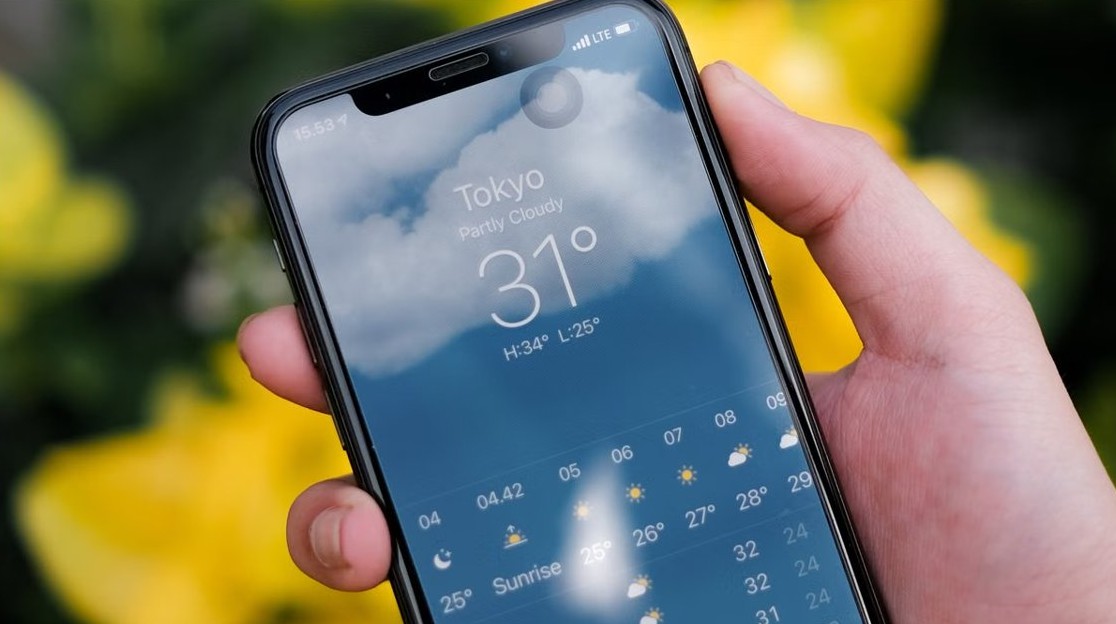
Weather widget showing a blank icon on the iPhone Lock Screen? Give Weather location access, open the app to refresh, turn off Low Power Mode and re-add the widget.

Change your signature in Outlook from Settings > Accounts > Signatures in new Outlook and the web, or File > Options > Mail in classic Outlook, Mac and mobile.
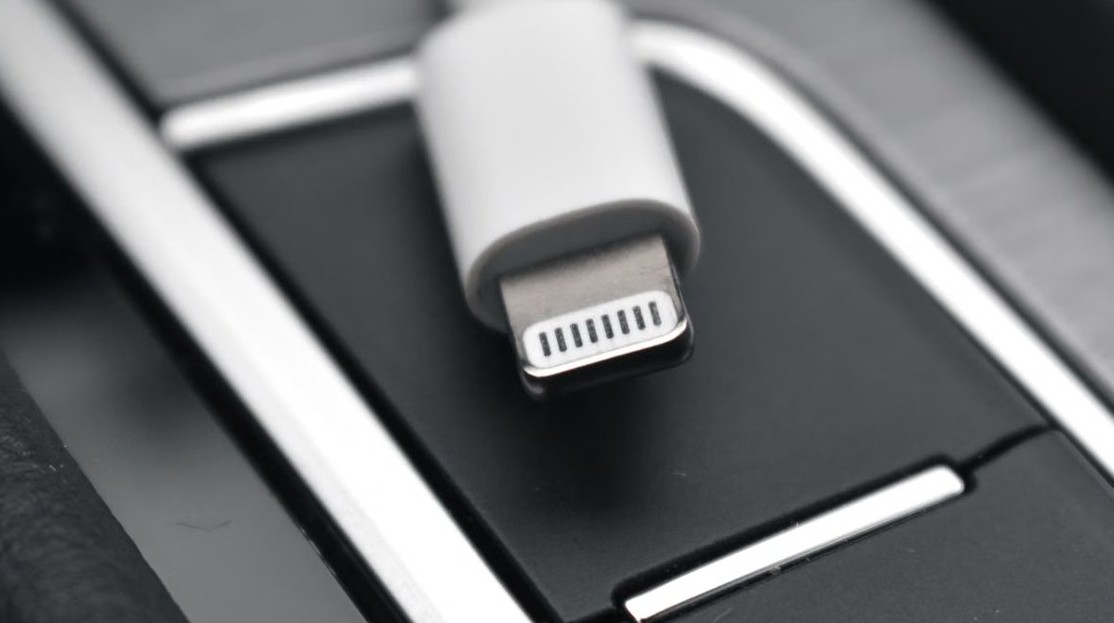
Install the Apple Mobile Device USB driver on Windows 11 with Apple Devices or iTunes, check it in Device Manager, and fix Code 28, trust and service errors.
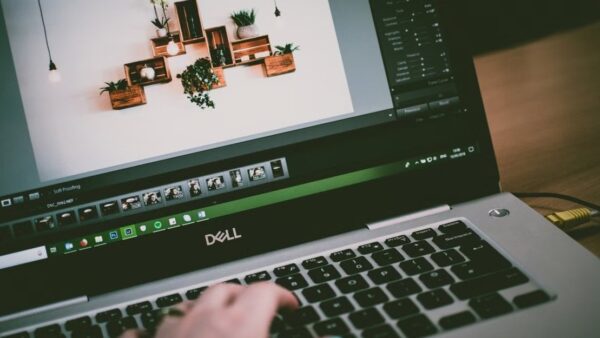
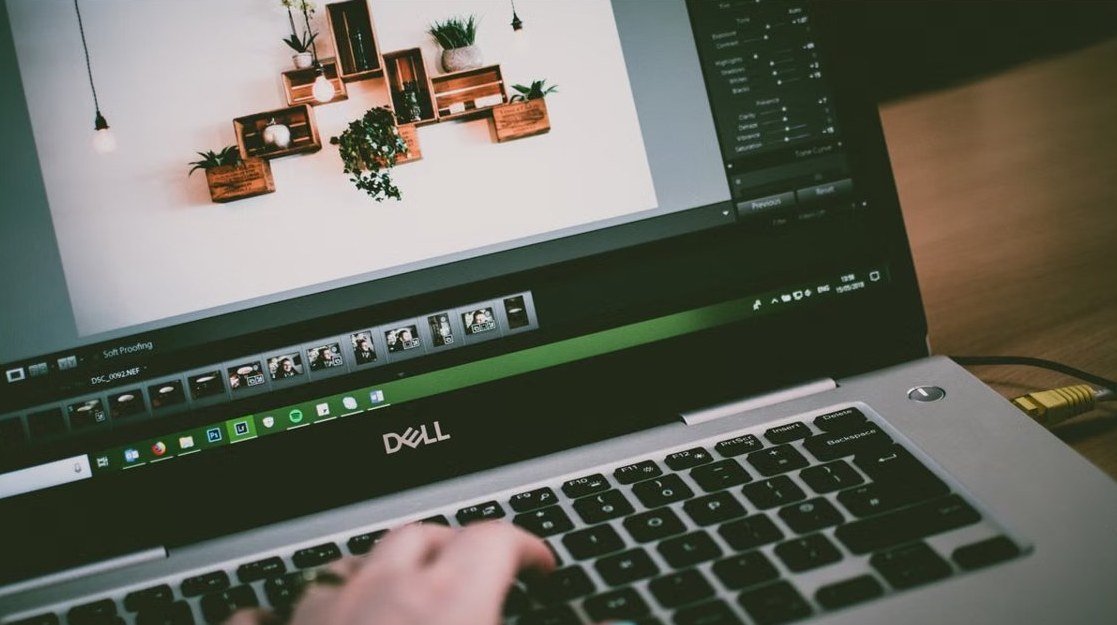
Use Snip & Sketch in Windows 10: press Windows + Shift + S, pick a snip type, select the notification, then annotate, save, copy or share. Shortcuts and fixes.
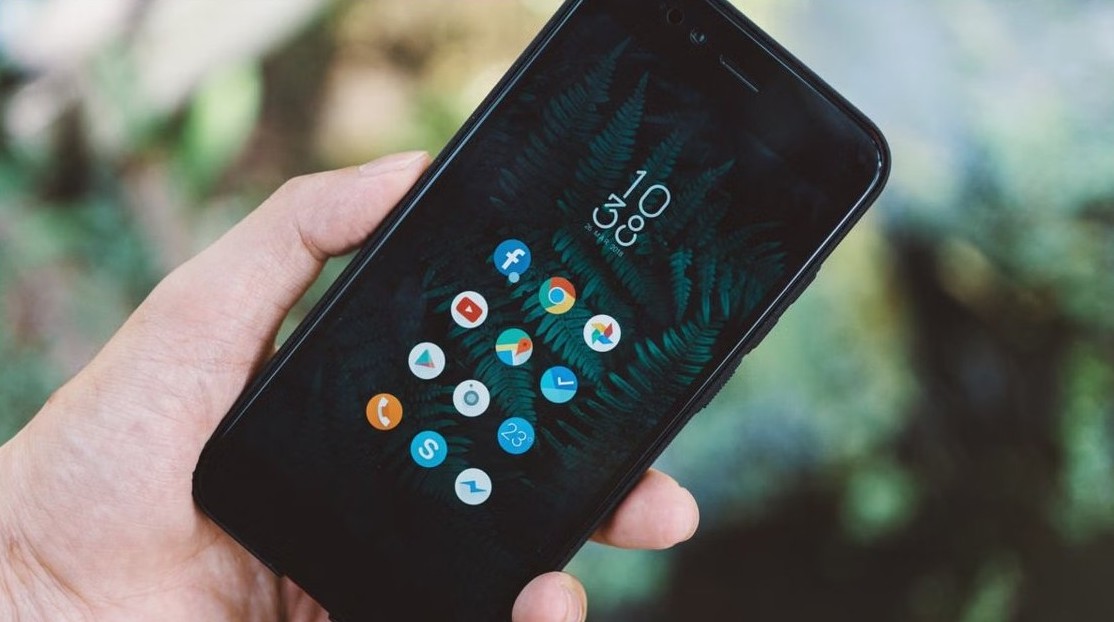
Apps didn’t transfer to your new phone? Redownload them free from the App Store or Google Play, finish the restore on Wi-Fi, and fix apps stuck waiting.


Mac not detecting an external display? Hold Option in Displays settings to click Detect Displays, then check cables, display limits, accessory approval and docks.

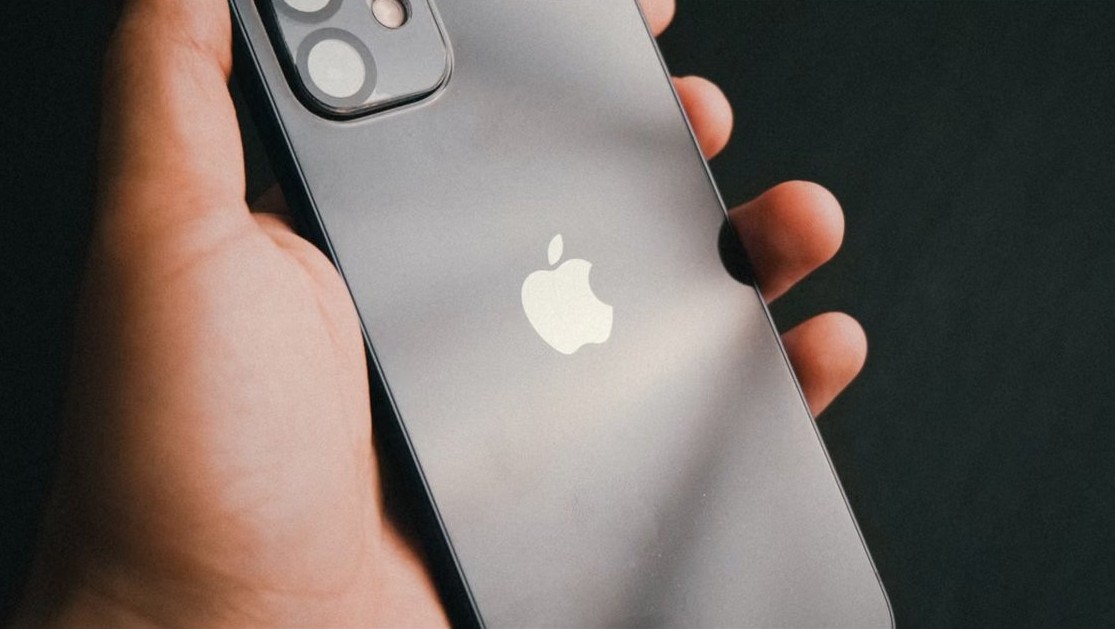
iPhone not ringing for incoming calls? Turn off Silent mode and Focus, raise the ringer volume, set Screen Unknown Callers to Never and check call forwarding.

Convert a PowerShell script (PS1) to an EXE with IExpress on Windows 11: package the script with a batch launcher, set the install command and build the file.