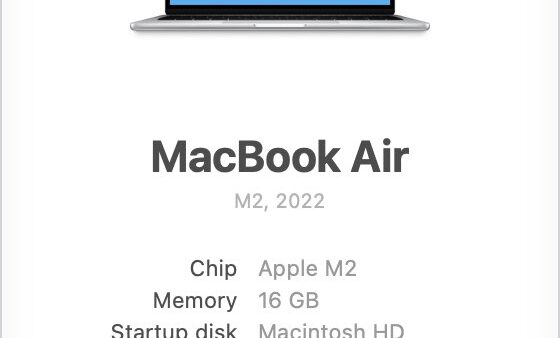
Complete macOS versions history 2001-2026: dates, features & support
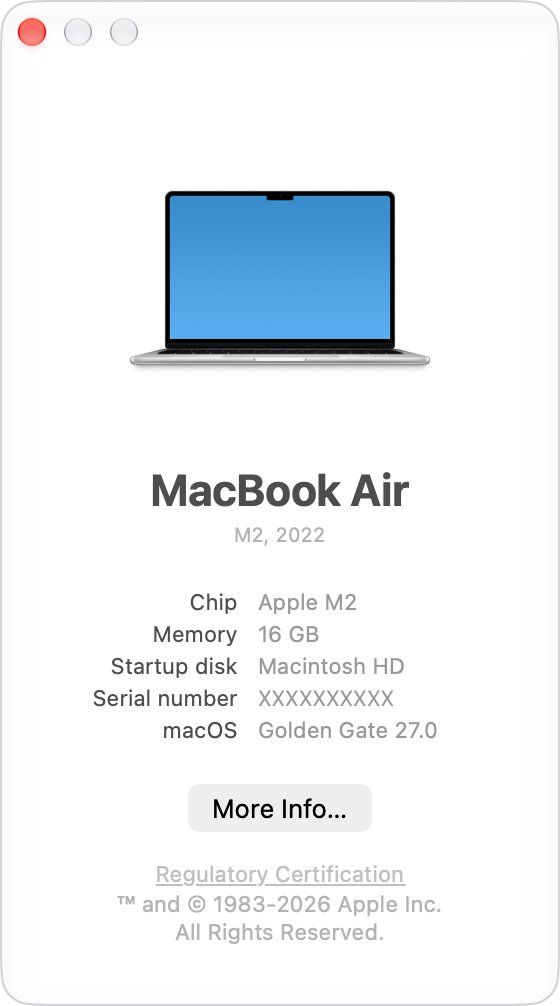
Complete macOS versions history from Mac OS X Cheetah in 2001 to macOS Tahoe 26 and macOS 27 Golden Gate, with release dates, key features and support status.
1,955 articles

Complete macOS versions history from Mac OS X Cheetah in 2001 to macOS Tahoe 26 and macOS 27 Golden Gate, with release dates, key features and support status.

DJI Assistant 2 download for Windows and Mac: which edition fits your drone, Consumer Drones Series 2.1.42, Enterprise Series, install steps and fixes.

Ubuntu download for PC: get the free Ubuntu Desktop 26.04 LTS ISO, check it, make a bootable USB with Rufus and install it next to Windows or run it in WSL.
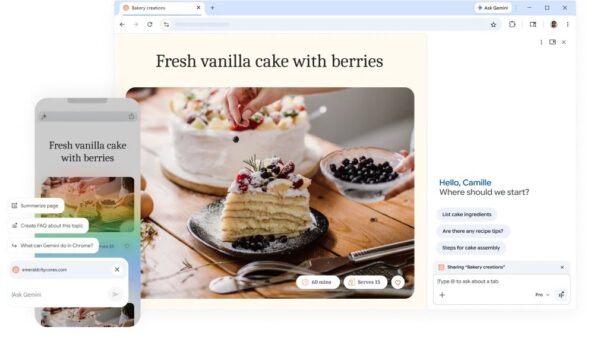
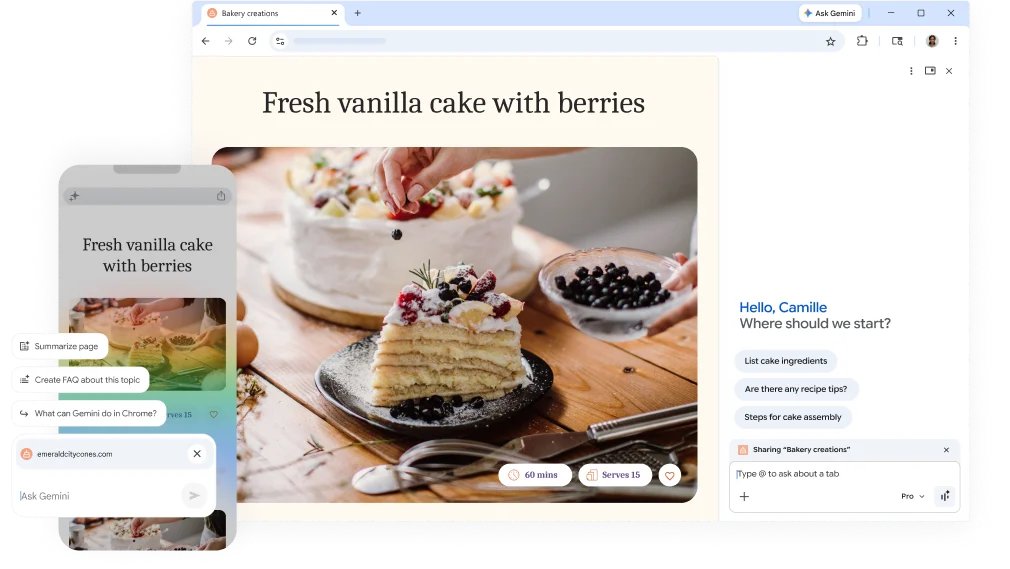
Battle of the browsers: Microsoft Edge vs Chrome compared on engine, memory tools, privacy, sync, extensions and platforms, plus how to switch on Windows.

Autodesk 3ds Max download for Windows 11 and 10: start the free trial or free education licence, install 3ds Max 2027.2, see requirements and fix setup errors.

Minecraft Education download for Windows 11, 10 and Mac: official links, the free demo lessons and trial, licence prices, install steps and fixes.
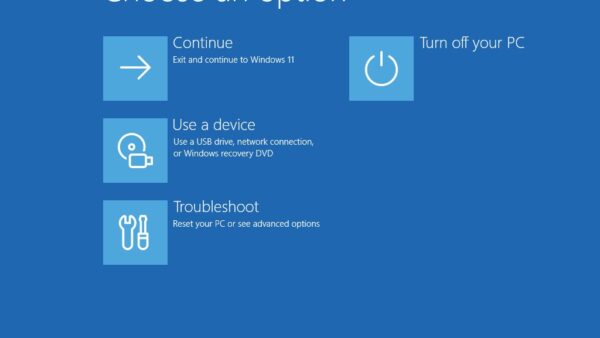
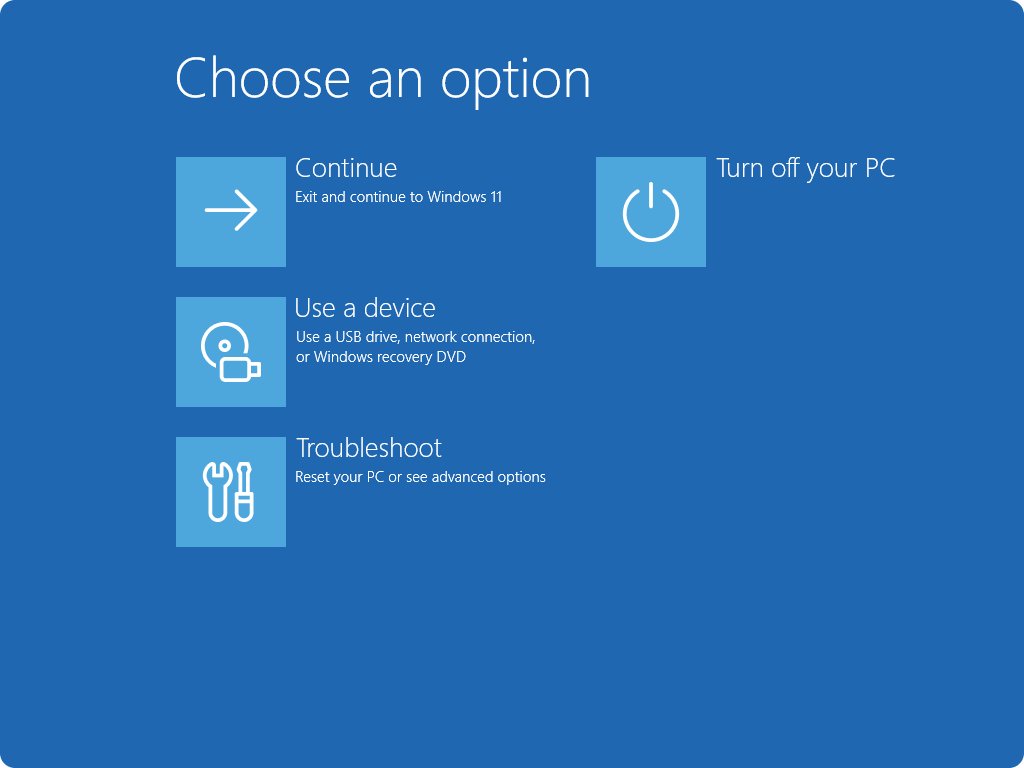
BIOS settings guide for UEFI PCs: enter setup, set boot mode and order, Secure Boot, TPM, virtualization, XMP/EXPO memory, firmware updates and safe recovery.

Bitmoji download is free for iPhone and Android. Install the app, set up the keyboard, use your stickers on a Windows PC or Mac, and fix common problems.
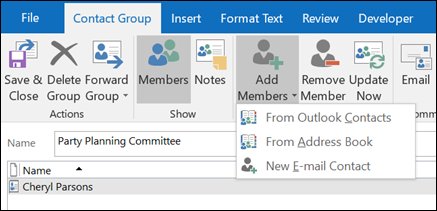
Add members to a distribution list in Outlook: contact groups in classic Outlook, contact lists in new Outlook and on the web, plus Microsoft 365 groups.

NetBeans download for Windows 11, 10 and Mac: get Apache NetBeans 31 free from apache.org, check the SHA-512 hash, and point the IDE at your JDK.
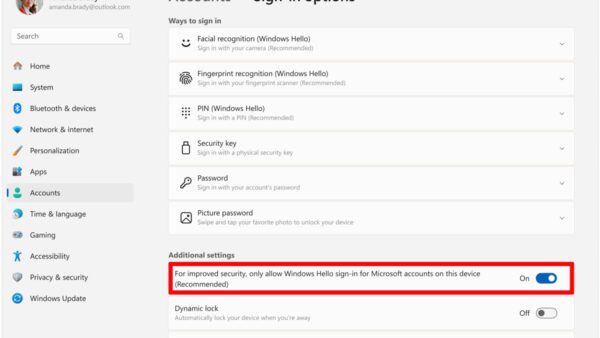
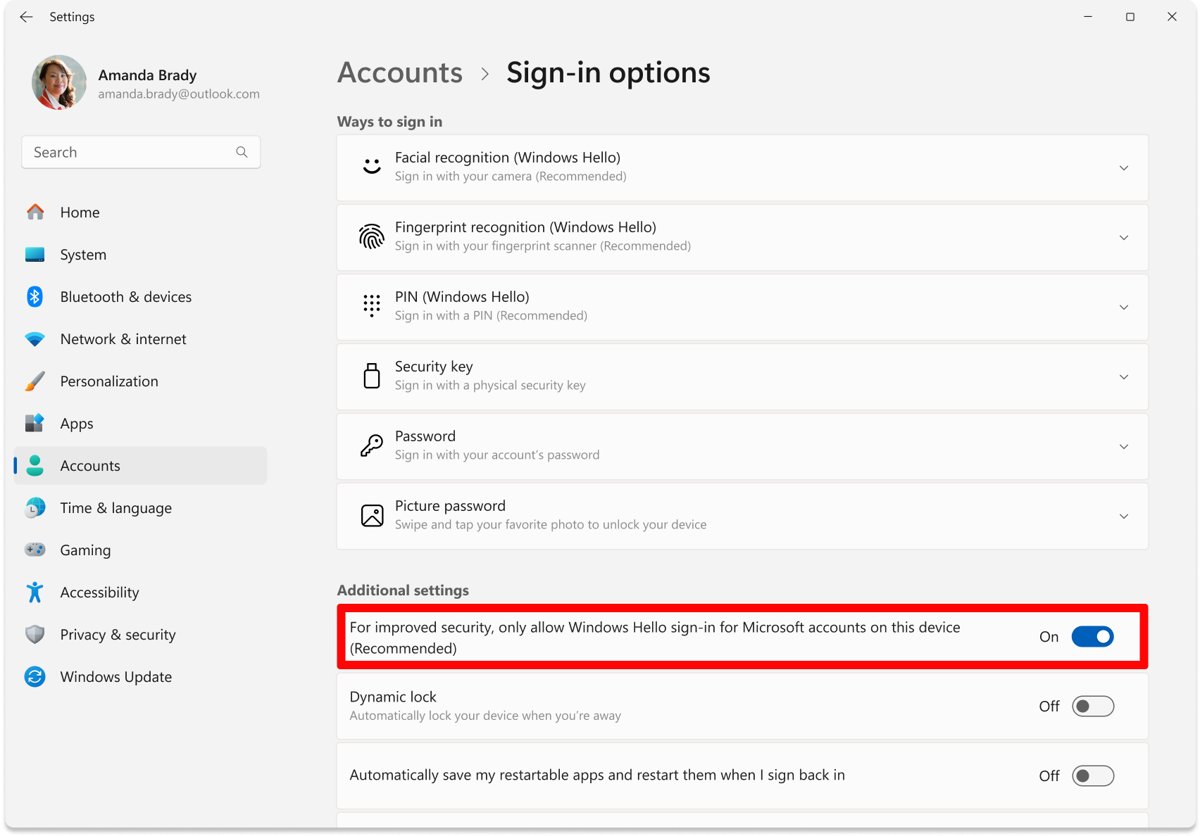
Set up Windows Hello in Windows 11 from Settings > Accounts > Sign-in options and sign in with a PIN, fingerprint or face. Includes passwordless mode and fixes.
UniFi Network download for Windows 11, 10 and Mac: install the free self-hosted server from ui.com, open the right ports and adopt your first device.