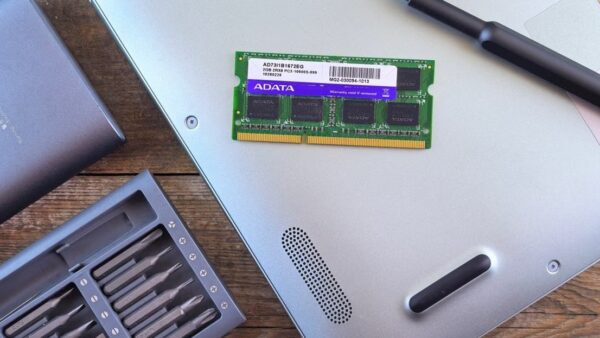
What is SO-DIMM RAM? Uses, benefits, limitations, and types
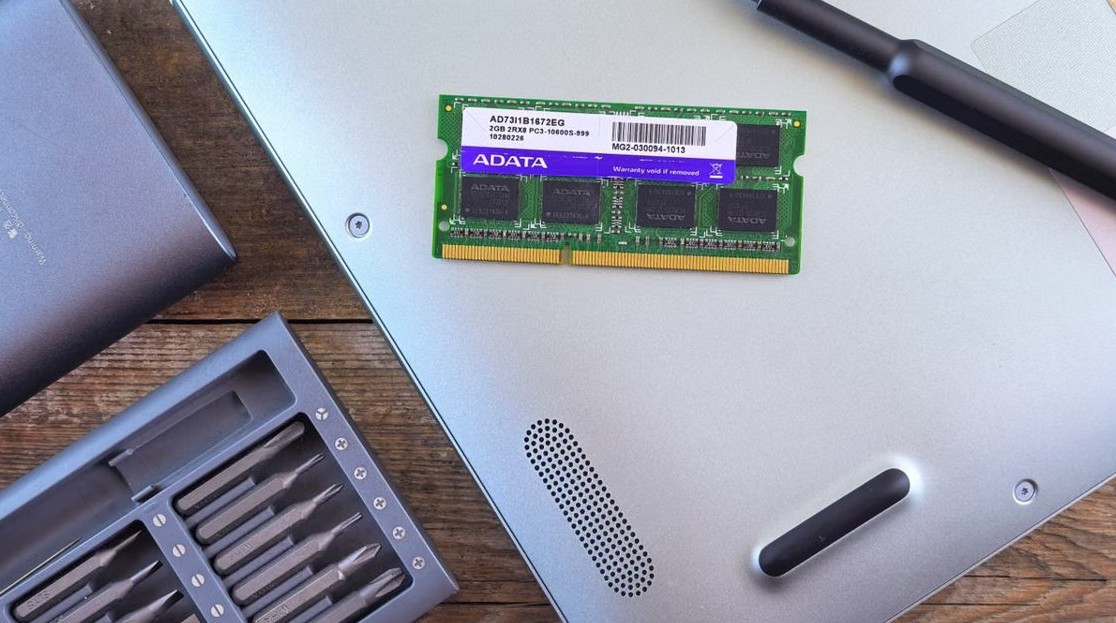
SO-DIMM RAM is compact memory for laptops and mini PCs. Compare SO-DIMM vs DIMM, DDR3, DDR4 and DDR5 pin counts, uses, benefits, limits and buying checks.
3,335 articles

SO-DIMM RAM is compact memory for laptops and mini PCs. Compare SO-DIMM vs DIMM, DDR3, DDR4 and DDR5 pin counts, uses, benefits, limits and buying checks.

Can’t see Safari as a browser option on iPhone? Turn Safari back on in Screen Time, find it in App Library, and unblock websites that hide their options.


iPhone will not restore to factory settings? Update your computer, use recovery mode and choose Restore, then fix errors 9, 4013, 1109 and 3194 step by step.


Facebook sign in: log in at facebook.com with your email, phone or username, then secure it with a passkey, two-factor authentication and a security key.


Action button starting a voice recording instead of Silent mode? Open Settings > Action Button, swipe to Silent Mode, then delete accidental Voice Memos clips.


Reinstall DirectX on Windows 11/10 by repairing it: DISM and SFC, the DirectX End-User Runtime for DLL errors, graphics drivers and Reinstall now.
Factory reset an Android phone from Settings, recovery mode, Find Hub or a PC. Steps for Pixel and Samsung, backups, factory reset protection and fixes.

iPhone alarm not making sound? Pick a real alarm sound instead of None, raise the Alarms and Timers volume, check Volume Limit and turn off Attention Aware Features.
Troubleshoot iPhone issues step by step: restart, force restart, update iOS, fix Wi-Fi and No Service, app crashes, charging, Find My and recovery mode.


Outlook calendar not showing holidays? Add a holiday calendar in new Outlook, classic Outlook or Outlook.com, then fix missing 2026-2027 dates and duplicates.


Windows 10 sleep settings: set the idle timer, sleep on lid close, stop the mouse waking the PC, turn off hybrid sleep, and switch or build custom power plans.

Cancel Xbox Game Pass at account.microsoft.com or on your console under Settings > Account > Subscriptions. Turn off auto renewal, get refunds and fix errors.