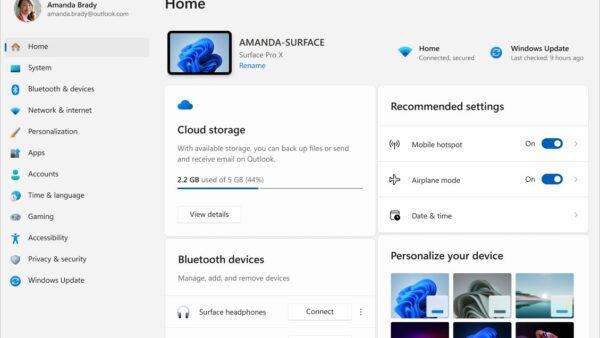
How to find ease of access Windows 11
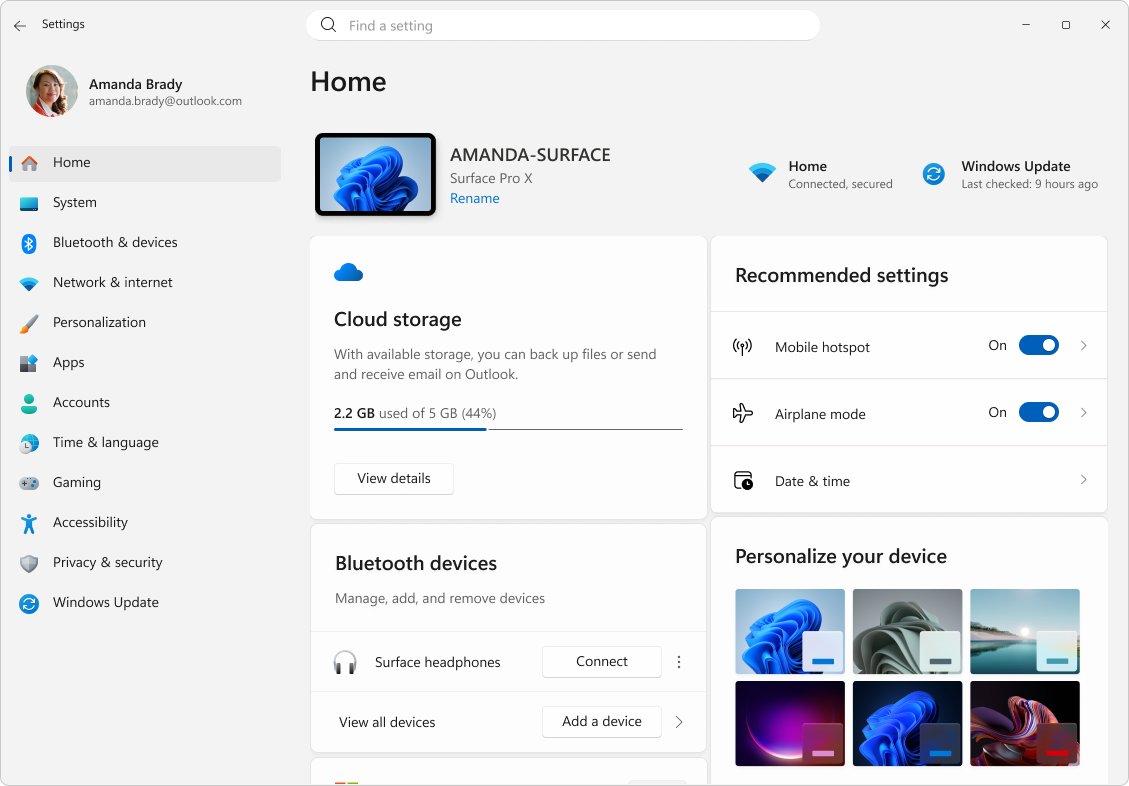
Find Ease of Access in Windows 11 under Settings > Accessibility, or press Win + U. Every route in, where each vision, hearing and interaction tool sits, and fixes.
3,339 articles

Find Ease of Access in Windows 11 under Settings > Accessibility, or press Win + U. Every route in, where each vision, hearing and interaction tool sits, and fixes.
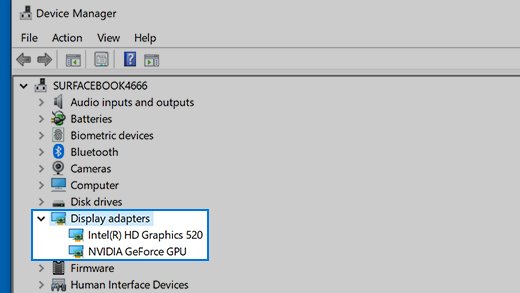
Enable DisplayPort on a graphics card: plug into the card, not the motherboard, set the monitor input to DisplayPort, update the driver and press Detect.
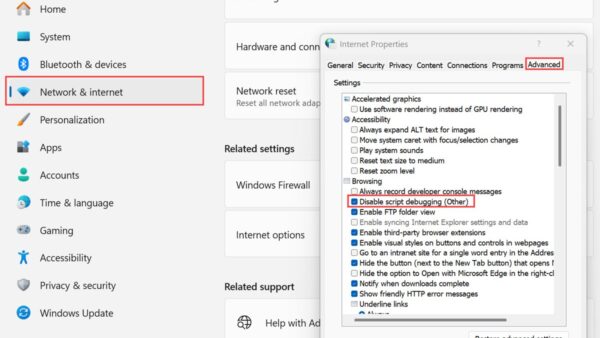
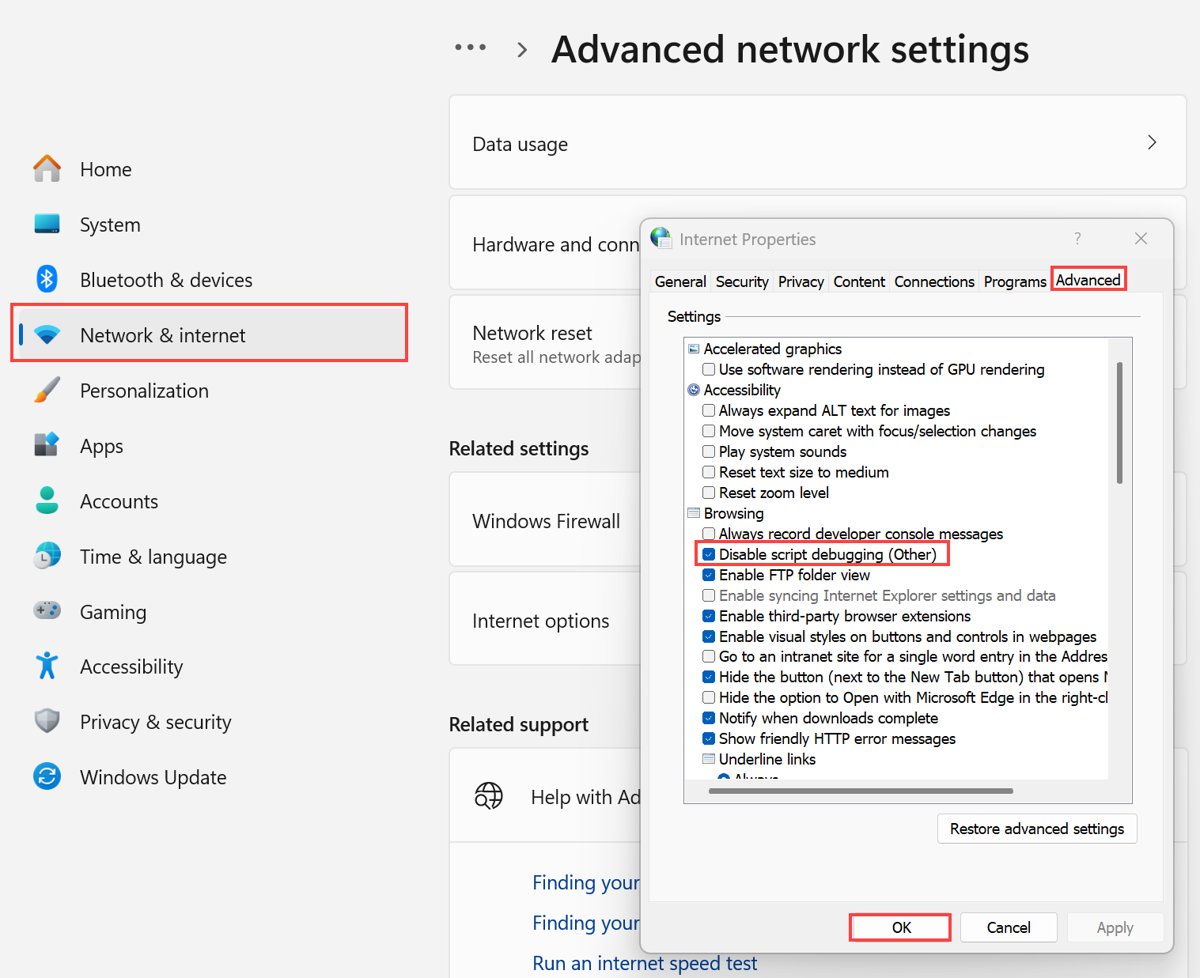
Internet Options is not inside Microsoft Edge. Open it with control inetcpl.cpl, and find Edge’s own privacy, proxy and IE mode settings at edge://settings.
Unreal Engine download for Windows 11, 10 and Mac: get it free through the Epic Games Launcher, see the royalty terms, requirements and install steps.
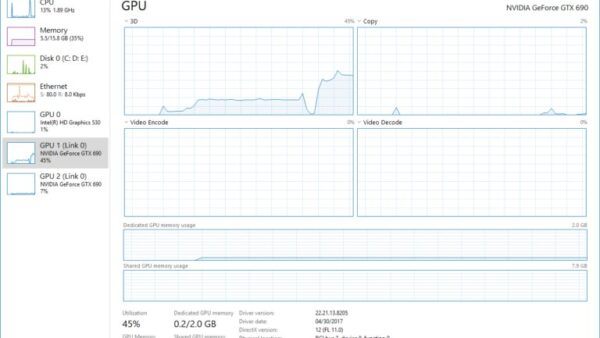
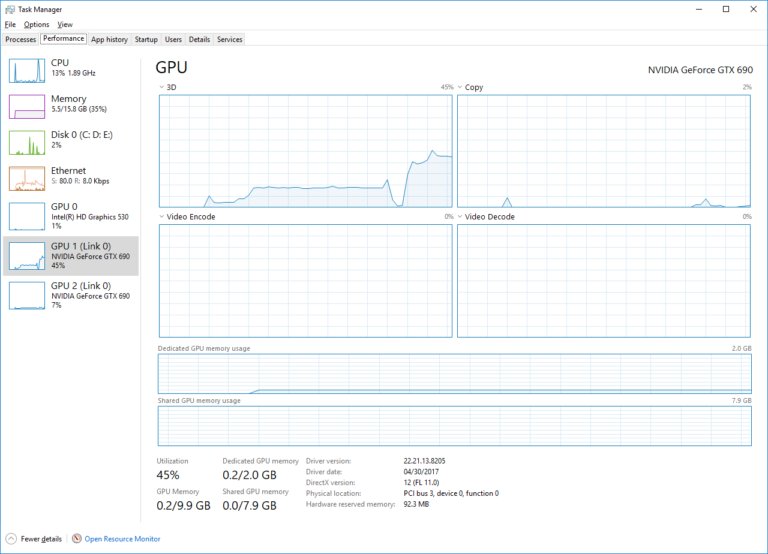
Check what graphics card you have in Windows 11 or 10 with Task Manager’s GPU pane. Plus Mac, Linux, Chromebook and phone checks, VRAM, and GPU not showing fixes.
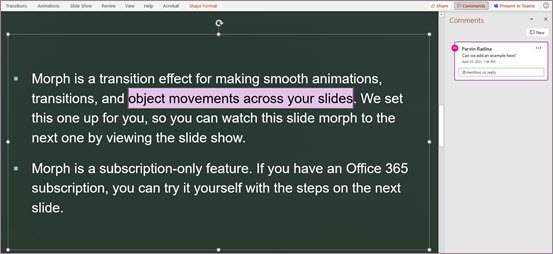
Track changes in PowerPoint without a Track Changes button: use revision highlighting, comments, Compare and Version History. Steps, requirements and fixes.
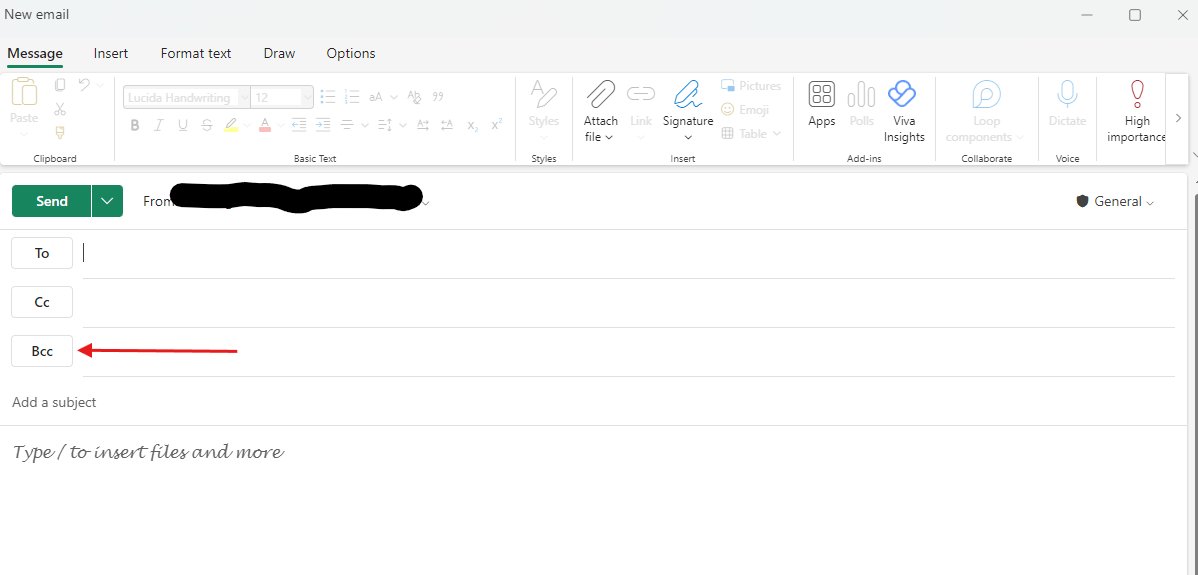
Use BCC in Outlook with Options > Show fields > Show Bcc, or Options > Bcc in classic Outlook. What recipients see, reply-all risks and Microsoft’s limits.
Figma download for Windows 11, 10 and Mac: get the official desktop app from figma.com, pick the right build, see what the free Starter plan covers, and install it.
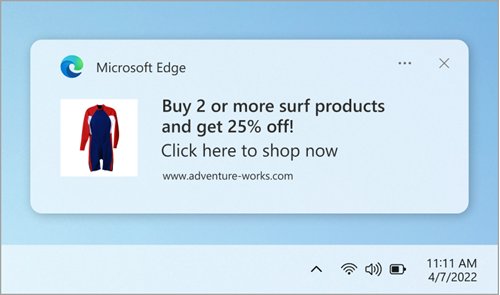
Enable or disable the pop-up blocker in Microsoft Edge under Site permissions > Pop-ups and redirects, allow one site, and set it on Android and iPhone.
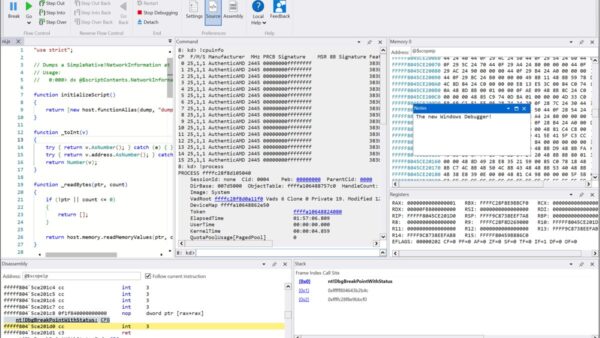
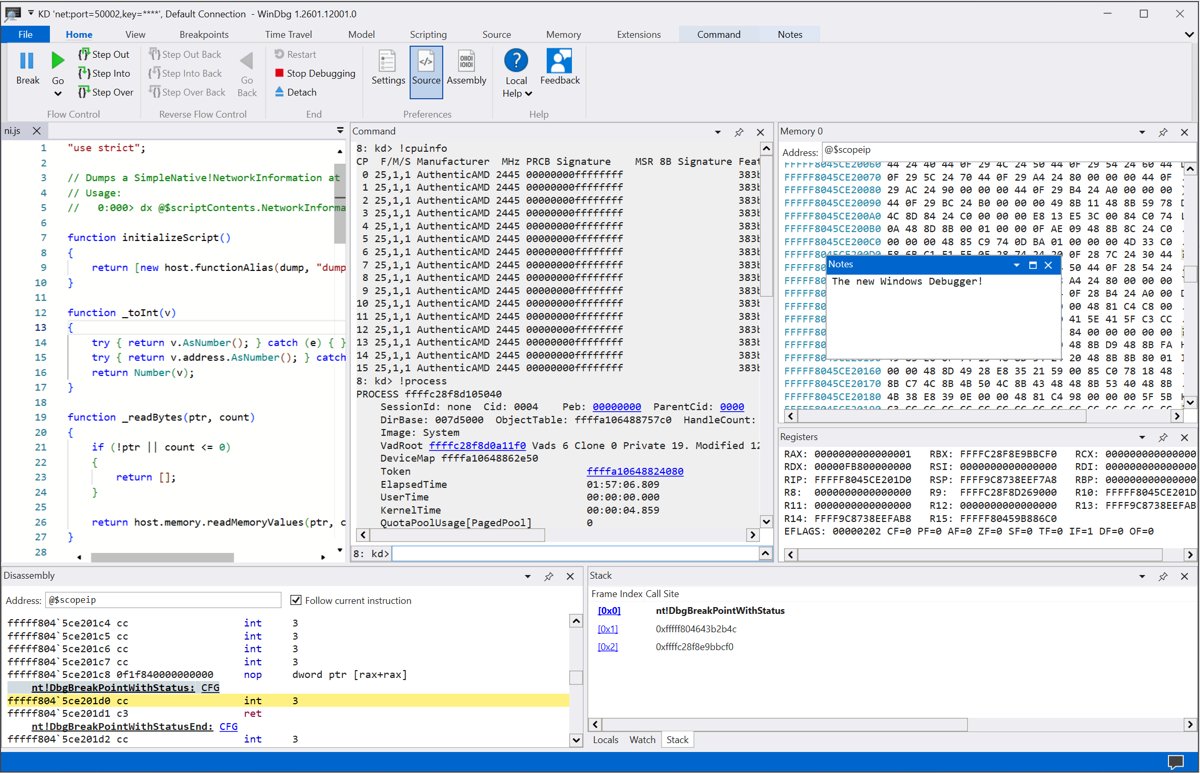
Getting started with WinDbg on Windows 10: install it with winget or Microsoft Store, set the symbol path, open a crash dump and read !analyze -v output.
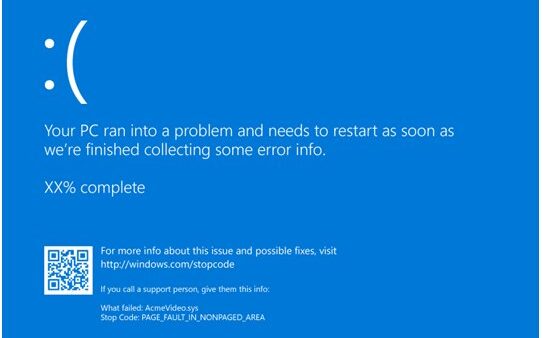
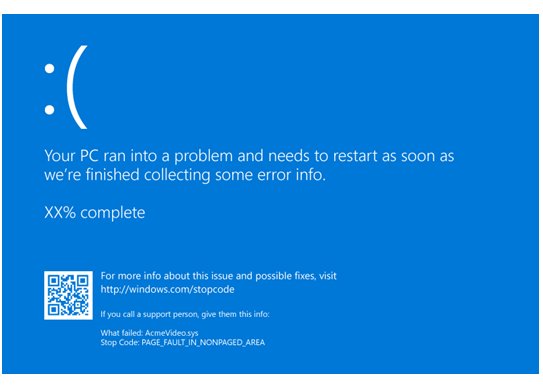
Run memory diagnostics on Windows 10 and 11 with mdsched: restart into the test, switch to Extended with F1, and read MemoryDiagnostics-Results in Event Viewer.
Parsec download for PC and Mac: get the free Parsec app for Windows 11, Windows 10 and macOS, plus the portable build, setup steps, plans and fixes.