Intel Rapid Storage Technology Driver for Windows 10 & 11
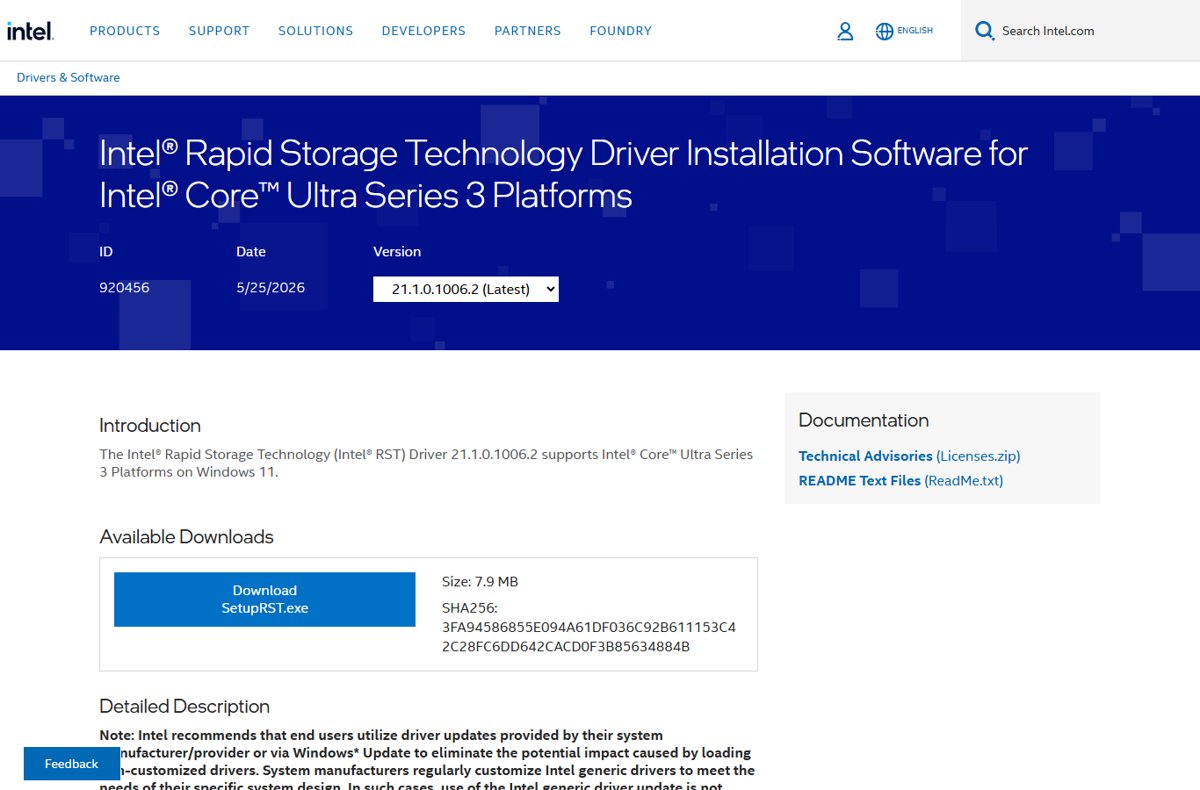
Intel Rapid Storage Technology driver for Windows 10 and 11: which package fits your CPU, loading the VMD driver when setup shows no drives, and fixes.
3,343 articles

Intel Rapid Storage Technology driver for Windows 10 and 11: which package fits your CPU, loading the VMD driver when setup shows no drives, and fixes.
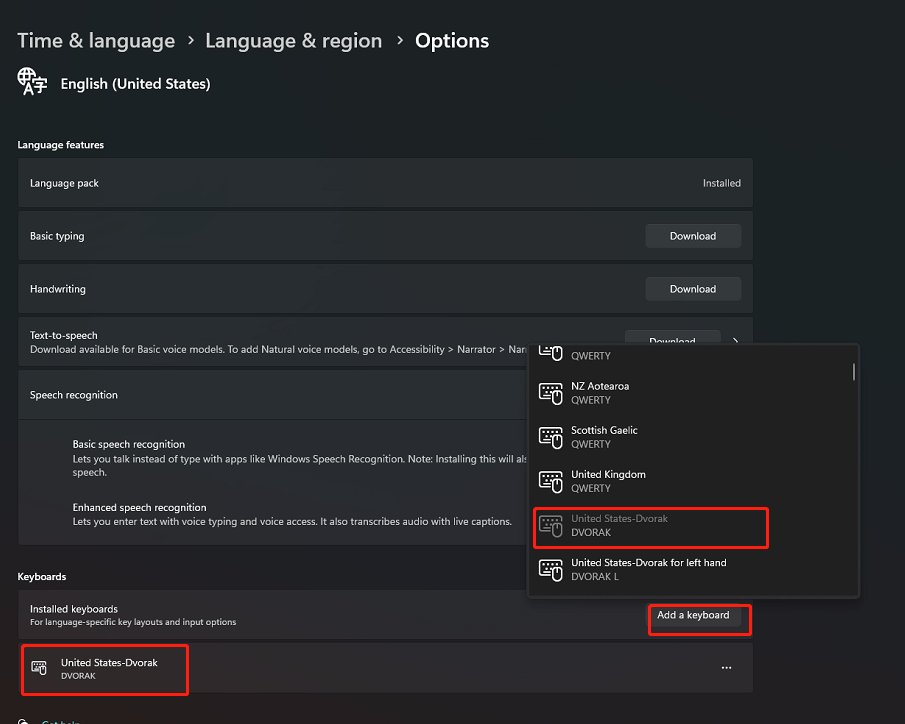
Add a Dvorak keyboard in Windows 11 from Settings > Time & language > Language & region, then switch layouts with Win + Space. Windows 10 steps and fixes.
UltiMaker Cura download for Windows 11, Windows 10, Mac and Linux: which file to pick, install steps, MSI and PKG packages, requirements and fixes.
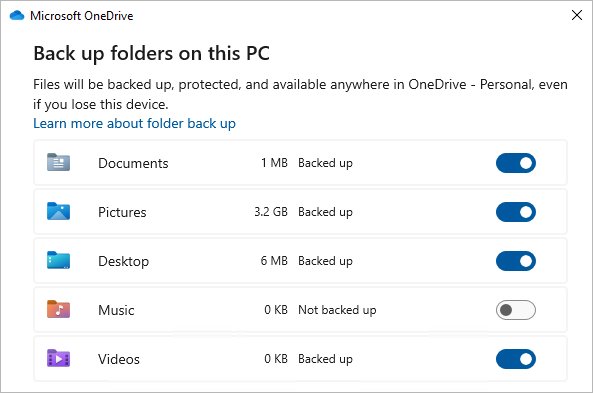
Back up OneDrive by downloading every file to your PC with the OneDrive app, then copying it to an external drive. Plus web downloads, restores and fixes.
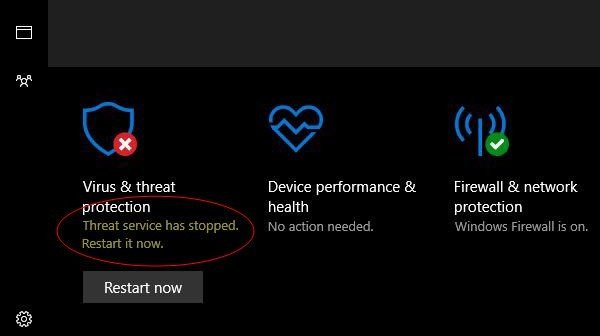
Turn on the Windows Security Center service (wscsvc) in Services, PowerShell or Command Prompt, confirm it runs, and fix it when it will not start.
Avast Free Antivirus download for PC and Mac: official Windows 11/10 and macOS links, install steps, system requirements, updates and clean uninstall.
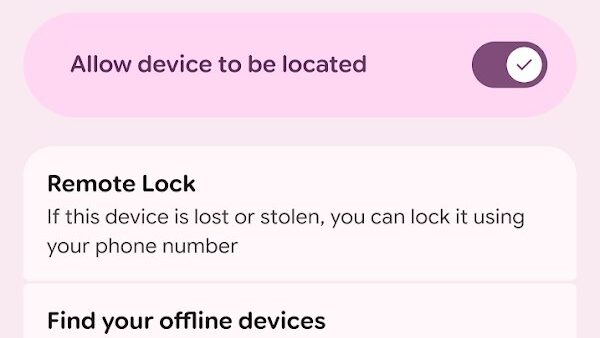
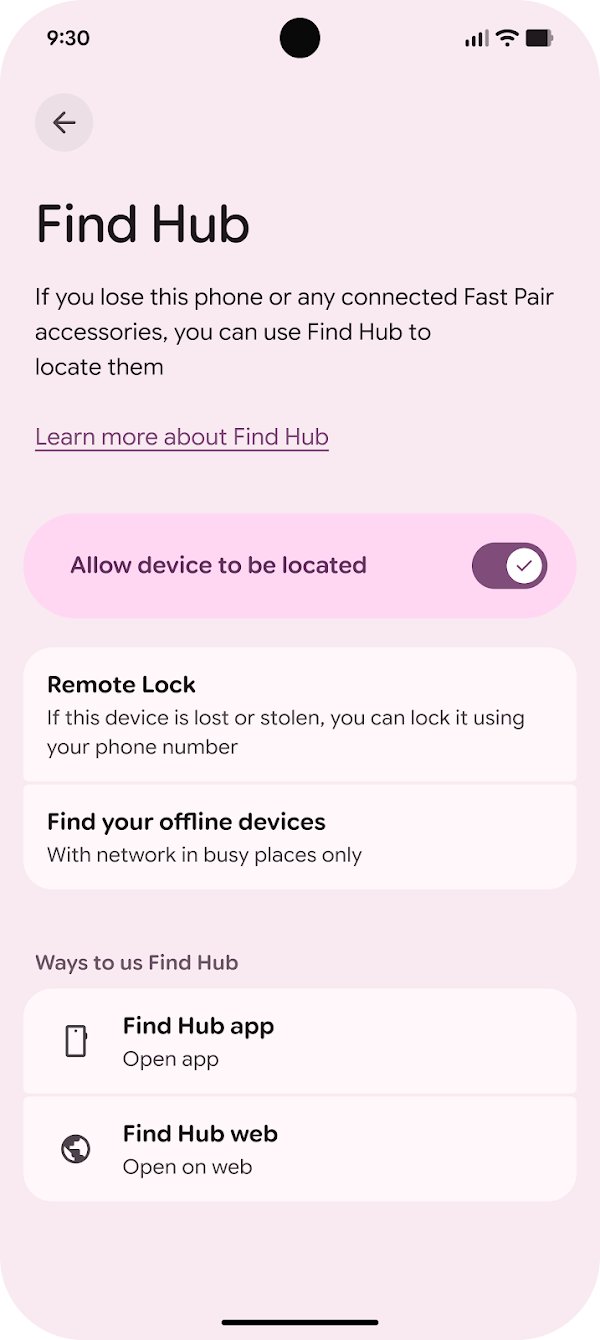
Set up Android Device Manager, now Google’s Find Hub: turn it on, then locate, ring, lock or erase a lost Android phone from android.com/find or another phone.
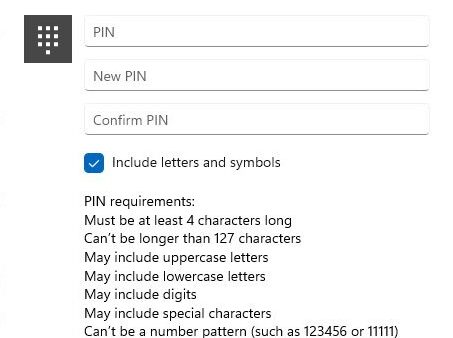
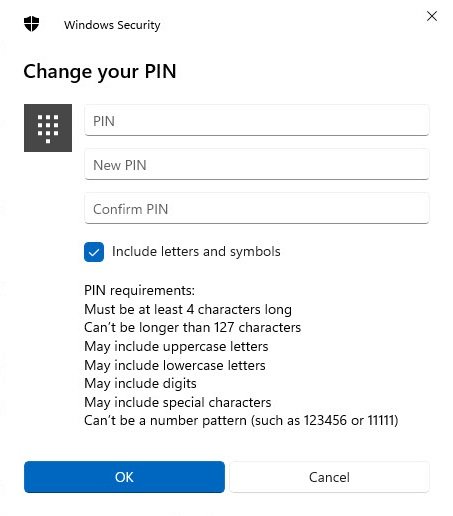
Change your PIN on Windows 11 in Settings > Accounts > Sign-in options > PIN (Windows Hello). Reset a forgotten PIN, set complexity, remove it and fix errors.
Crunchyroll download for PC: get the free Crunchyroll app from the Microsoft Store on Windows 11 and 10, add it to the Mac Dock, or use iPhone and Android.
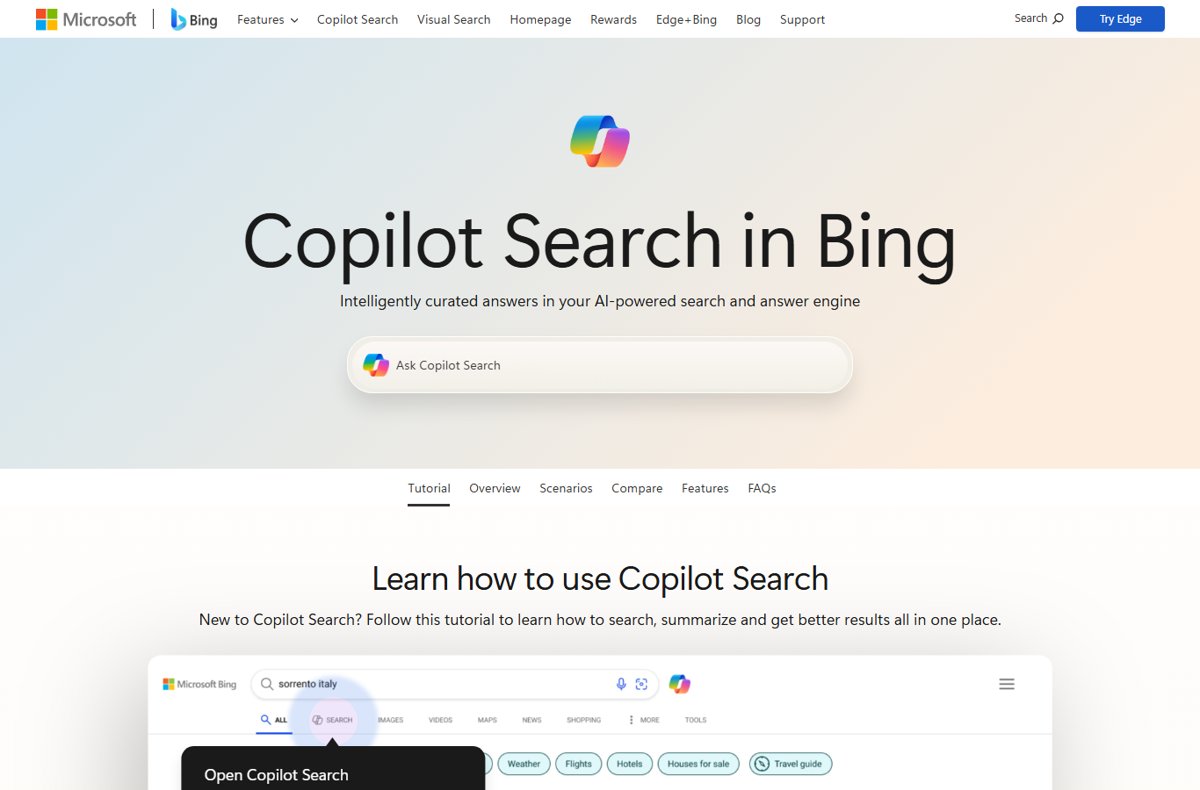
Enable Microsoft Bing AI search by opening bing.com/copilotsearch or the Copilot icon on Bing. Use it in Edge, on iPhone and Android, for images and voice search.
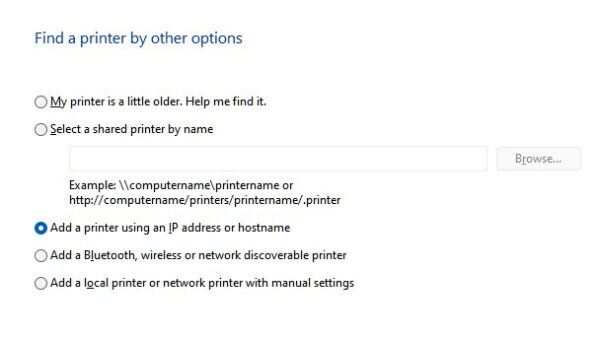
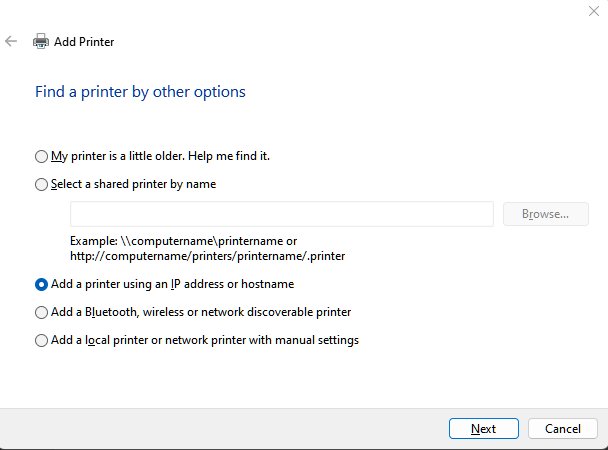
Connect a wireless printer to Windows 11 or 10 from Settings > Printers & scanners > Add device, then add it by IP address or Wi-Fi Direct if Windows misses it.
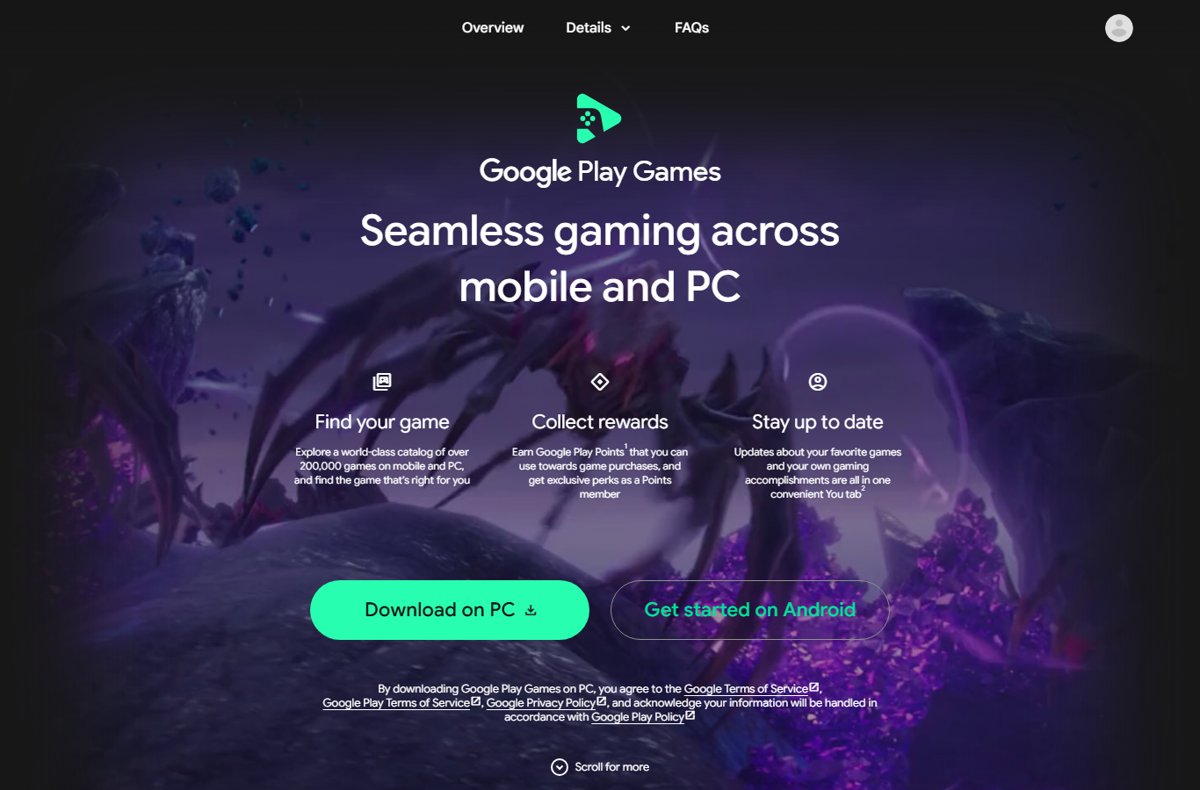
Install Google Play Games on your Windows PC: requirements, virtualization, download, sign-in, error code fixes and uninstall. The app is no longer labelled beta.