How to Restrict Someone in Messenger: A Step-by-Step Guide
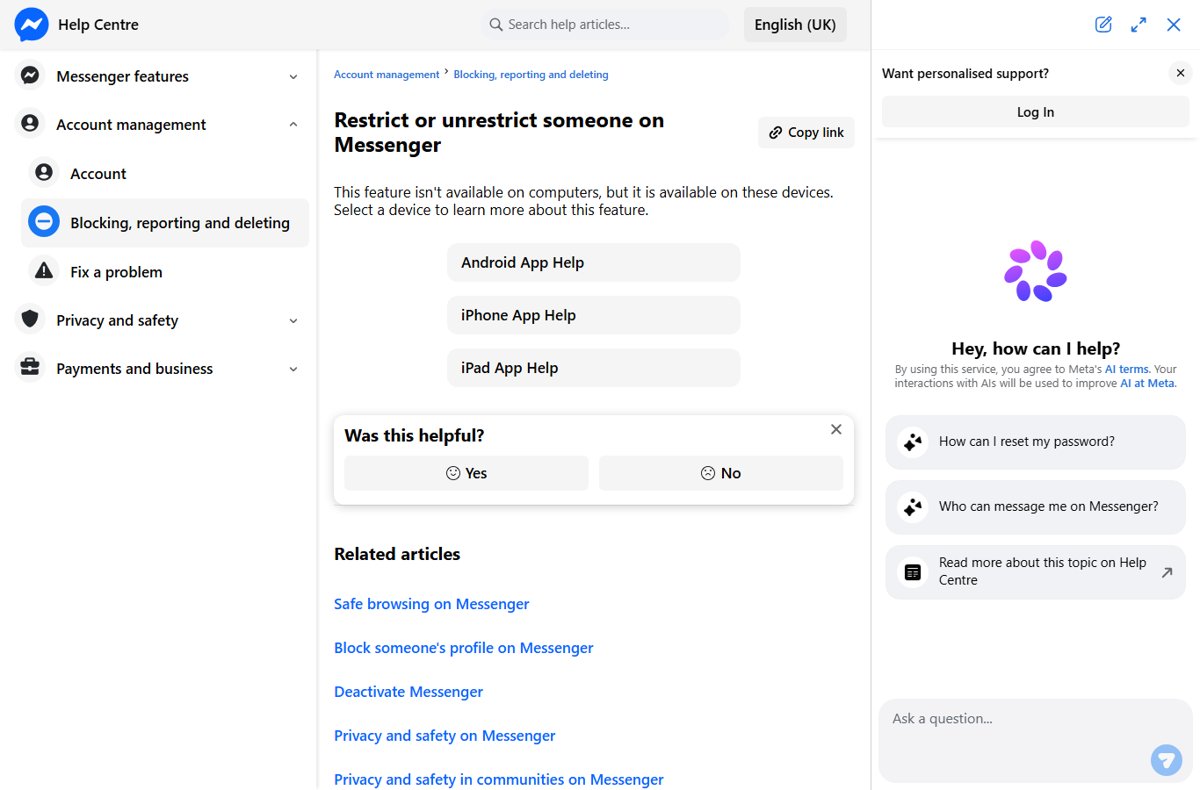
Restrict someone in Messenger from the iPhone, iPad or Android app in two taps. What changes for both of you, how to unrestrict, and why computers lack it.
3,399 articles

Restrict someone in Messenger from the iPhone, iPad or Android app in two taps. What changes for both of you, how to unrestrict, and why computers lack it.
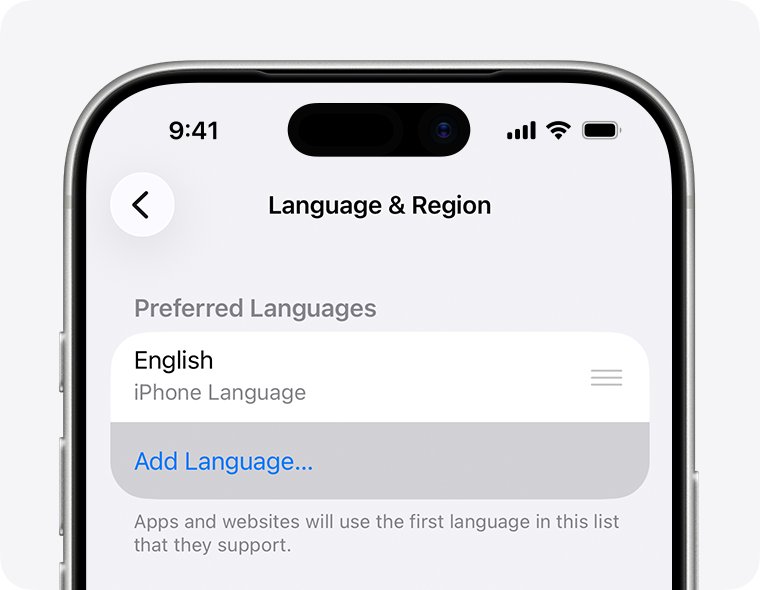
How to change language in Google Maps on Android, iPhone and computer, plus the voice navigation language, miles or kilometers, and the country domain.
Chromium download for Windows 11, 10, Mac and Linux: get the free open-source browser from the official chromium.org snapshot builds and run it in minutes.
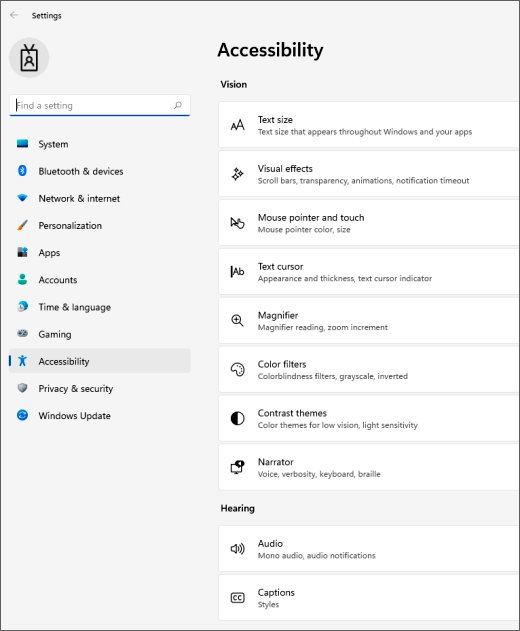
Fix a mouse that isn’t working: reconnect it, change the port or batteries, re-pair Bluetooth, reinstall the driver and check settings on Windows and Mac.
Microsoft Photos download for Windows 11 and 10: install it free from the Microsoft Store, fix it when it goes missing, and open HEIC and RAW files.
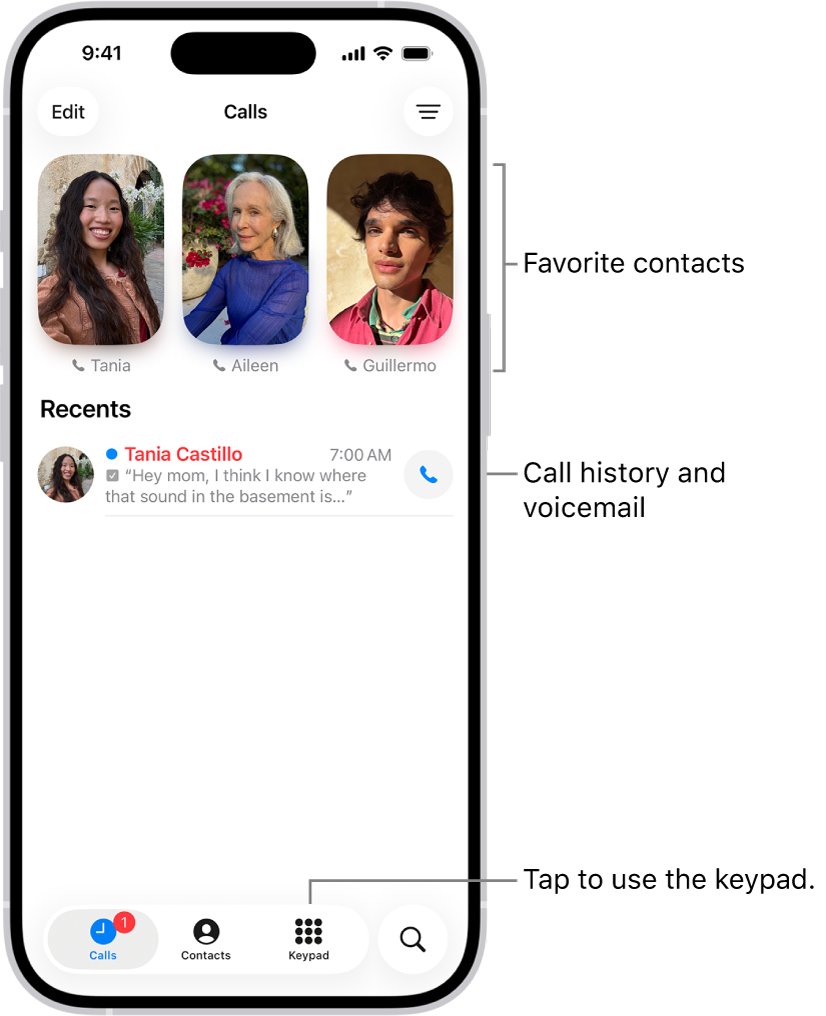
Find recent calls on an iPhone in the Phone app: open Calls or Recents, filter missed calls, see call details, recover deleted calls and view them on a Mac or iPad.
Sourcetree download for Windows 11/10 and Mac: get the free Git client from atlassian.com, pick the EXE, MSI or Mac zip, install it and fix common setup errors.
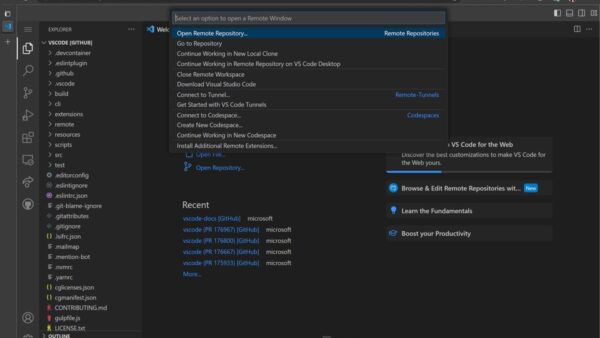
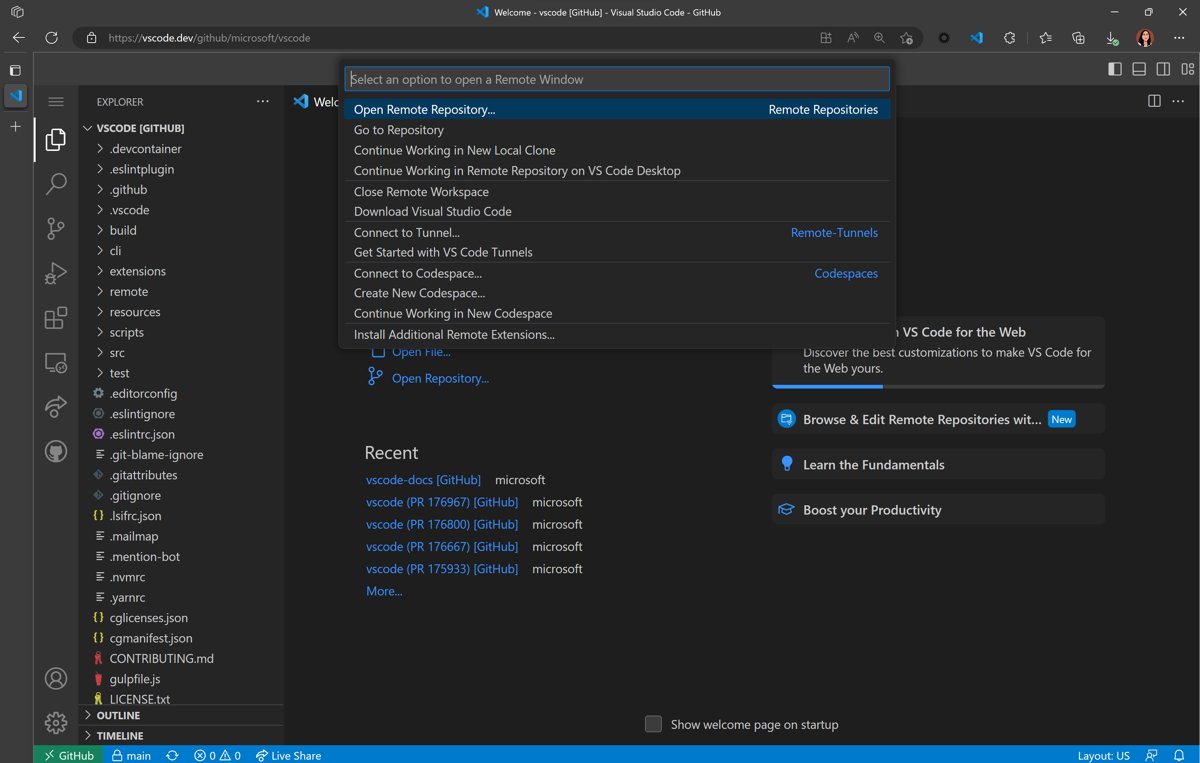
Start coding in your browser: Visual Studio Online is gone, so use vscode.dev, github.dev or GitHub Codespaces. Setup steps, pricing, dev containers and fixes.
CentOS Stream download is free from centos.org. Get the CentOS Stream 10 or 9 ISO for x86_64 or ARM, write it to USB and install it on a PC or server.
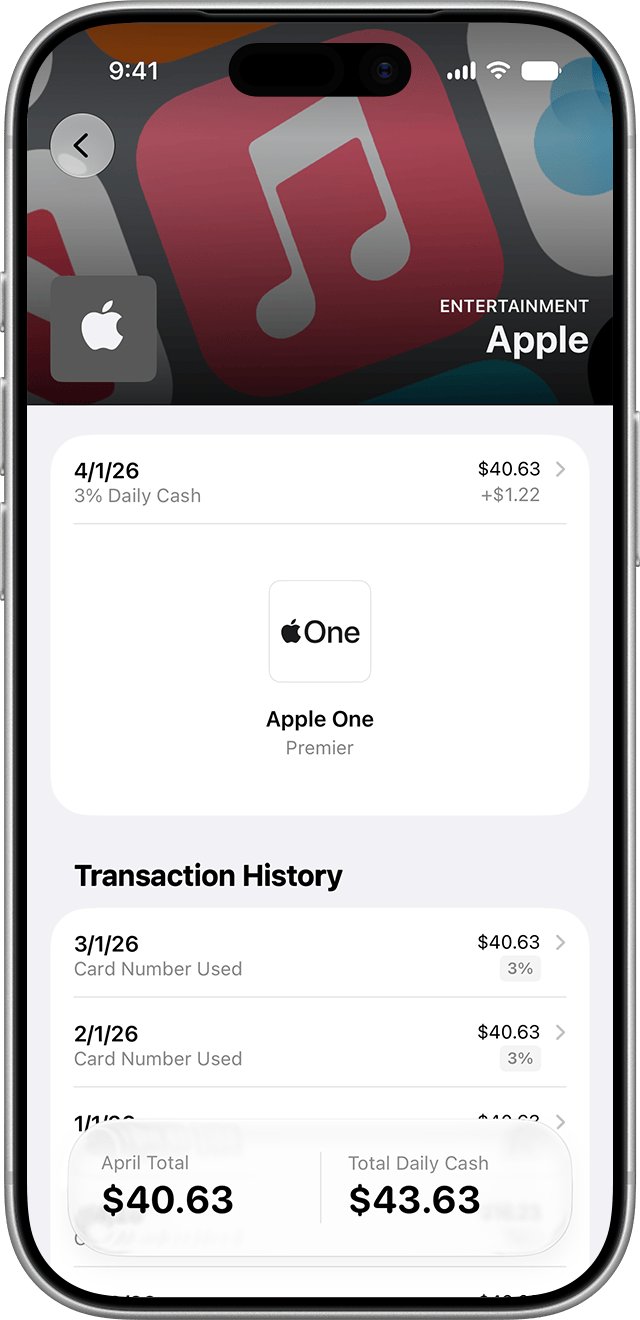
How to get in touch with Apple Pay: call Apple Support at 1-800-275-2273 in the US, chat in the Support app, or contact your card issuer about charges.
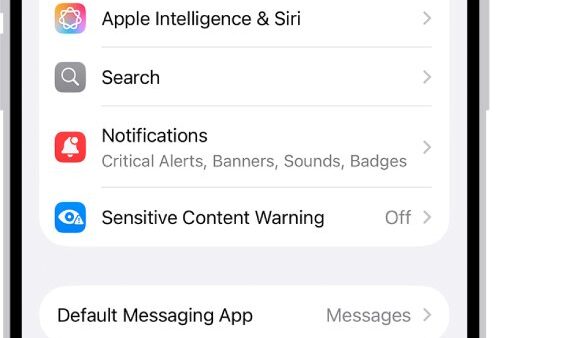
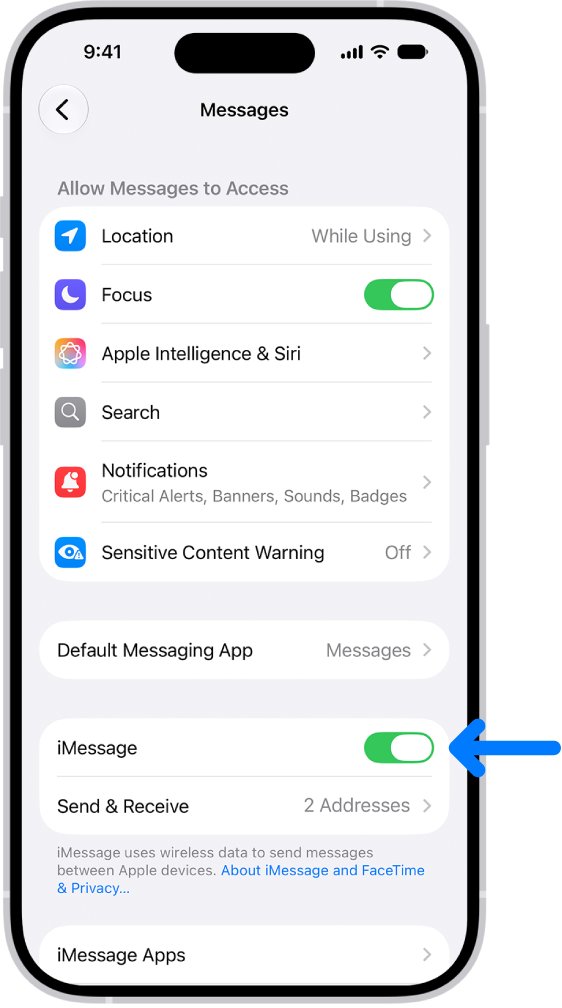
Enable iMessage on iPhone in Settings > Apps > Messages. Steps for every iOS version, what you need first, how to check it worked, and fixes for activation errors.
Roku app download for PC, Windows 11/10, Mac, iPhone and Android: install The Roku Channel as a desktop app, get the free remote app and fix connection errors.