The Microsoft Photos download is free, and on Windows 11 and Windows 10 the app is already on the PC. Press Windows, type Photos and press Enter to open it.
If Photos is gone, the Microsoft Store listing puts it back. Version 2026.11080.24002.0 covers x64 and ARM64 PCs running Windows 10 version 21H2 or later.
This guide covers the official Store route, the winget command, the image formats Photos opens, the Copilot+ PC editing tools, what Mac owners use instead, and fixes for a Photos app that will not open.
Which Microsoft Photos download do you need?
Match your PC to a row. Press Windows + R, type winver and press Enter if you are unsure which Windows build you run.
| Your PC | What to get | Download size |
|---|---|---|
| Windows 11, Photos opens normally | Nothing. Update it from the Store Library | 0 |
| Windows 11 or Windows 10 21H2, Photos is missing | Microsoft Photos on the Microsoft Store | 1.09 GB bundle |
| 64-bit Intel or AMD PC | Same listing, x64 package | Part of the same bundle |
| Snapdragon or other ARM64 PC | Same listing, ARM64 package | Part of the same bundle |
| Windows 10 build 19041 or 19043, or a 32-bit PC | Store serves the older 2023.11090.12017.0 package | 153.7 MB |
| Mac | Photos, built into macOS | Included with macOS |
The 1.09 GB figure is the combined x64 and ARM64 bundle that Microsoft’s catalog reports. Windows pulls only the architecture your PC needs, and the installed app takes about 1.04 GB.
Download Microsoft Photos from the official Microsoft sources
Microsoft ships Photos through the Microsoft Store and nowhere else. There is no standalone setup file, so a site offering a Photos installer is not handing you Microsoft’s package.
- Microsoft Photos on the Microsoft Store, product 9WZDNCRFJBH4 — publisher Microsoft Corporation, free
- Photo and film editing page on microsoft.com — what Microsoft says the app does
- Editing guide on Microsoft Support — crop, filters, Markup and Generative Erase
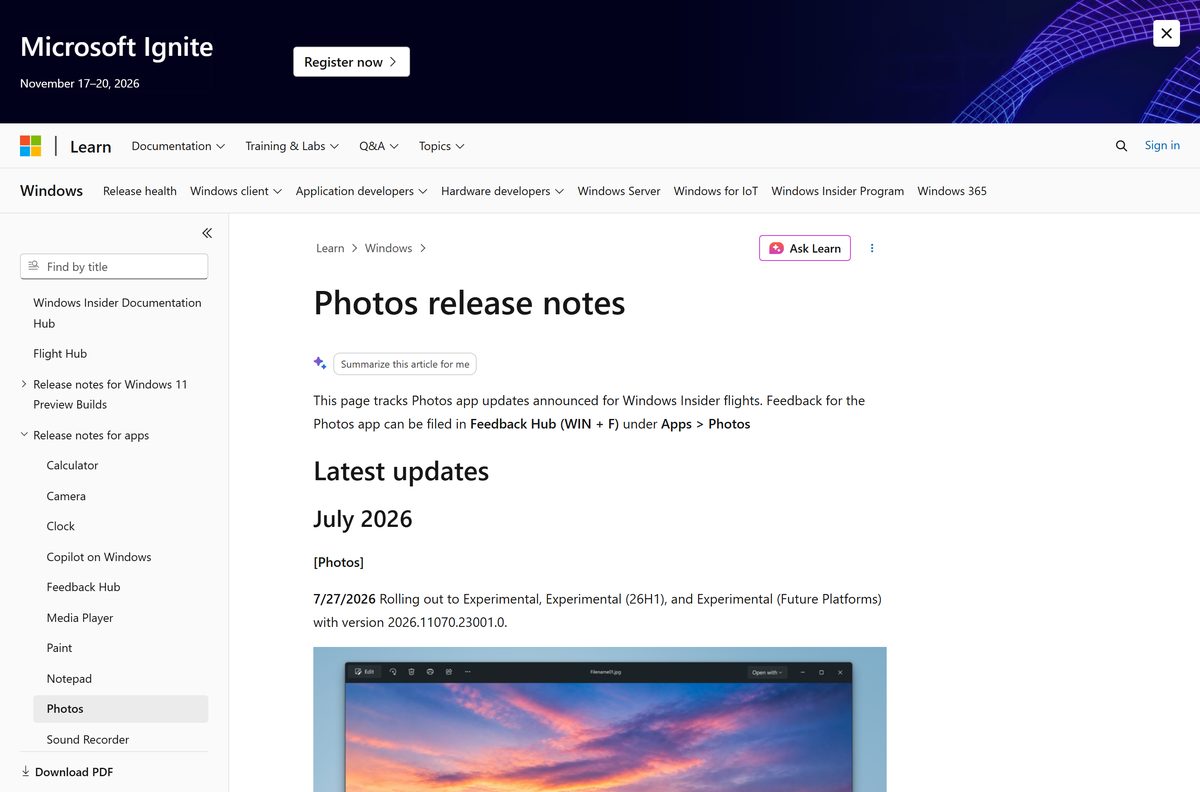
- Photos release notes on Microsoft Learn — the version number behind each Insider flight
The US listing sits in the Photo & video category and is rated 4.2 out of 5 from 1,564,882 ratings. Check that the publisher line reads Microsoft Corporation before you select Get, because dozens of unrelated gallery apps use the word Photos in their names.
Install Microsoft Photos from the Microsoft Store or with winget
Use this route on any PC where the Store works. It installs the package and then keeps it updated on its own.
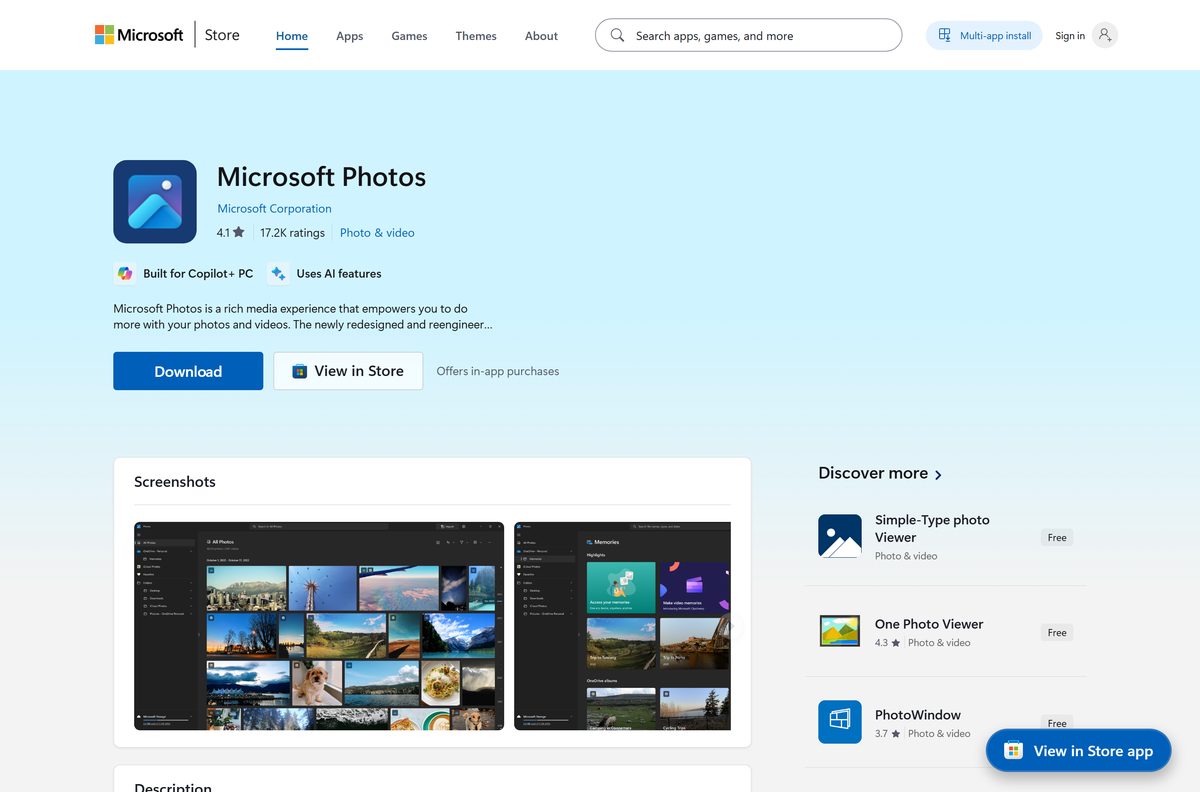
- Open Microsoft Store from the Start menu.
- Search for Microsoft Photos, or open the listing for product 9WZDNCRFJBH4 directly.
- Confirm the publisher reads Microsoft Corporation.
- Select Get, or Install if the app was on this PC before.
- Wait for the button to change to Open, then select it.
- For a command line instead, open Terminal and run winget install 9WZDNCRFJBH4 –source msstore .
Windows 10 needs version 21H2, build 19044, for the current package. Older Windows 10 builds are served the 2023.11090.12017.0 branch, which is the last one that carried a 32-bit x86 package.
How to set up Microsoft Photos after you install it
A fresh install shows the Pictures folder only. Point the app at the rest of your libraries first.
- Open Photos and select Folders in the left pane.
- Select Add folder and pick the drive or folder holding your images.
- Select OneDrive in the left pane and sign in to see cloud photos in the same gallery.
- On Windows 11, install the iCloud app from the Microsoft Store to pull in iCloud Photos.
- Open Settings in Photos and set the theme, the default zoom and the mouse wheel action.
- Press Ctrl + E on any picture to confirm that edit mode opens.
The Store listing limits iCloud Photos in the gallery to Windows 11. On Windows 10, the iCloud app still downloads the files to a local folder you can add as a source.
Is Microsoft Photos free?
Photos is part of Windows, not a separate purchase.
Yes. The Microsoft Store lists Photos at $0.00, and Microsoft includes the app with Windows. Nothing inside the app is sold on its own. Restyle Image and Image Creator need a Microsoft account or a Microsoft Entra ID sign-in, and Relight, along with natural-language photo search, runs on Copilot+ PCs. A site charging for a Photos setup file is not selling Microsoft’s package, because Microsoft publishes none.
How to check your Microsoft Photos version and update it
Photos updates through the Microsoft Store, not through Windows Update. A stalled Store queue is the usual reason an old build hangs around.
- Open Photos and select the Settings gear in the top-right corner.
- Scroll to About this app and read the version line.
- Open Microsoft Store, select Library, then select Get updates.
- Let the Photos entry finish, then reopen the app and read the version again.
- For a command line, run winget upgrade –source msstore in Terminal.
- If the number never changes, open Settings > Apps > Installed apps, select Advanced options under Photos and choose Repair.
Insider channels ran 2026.11070.23001.0 from 27 July 2026, which refreshed the viewer, added SVG viewing and kept HEIC files in their original format during edits.
Microsoft Photos system requirements and specifications
Photos asks nothing of the hardware beyond what Windows itself needs. The AI editing tools are the exception.
| Item | Detail |
|---|---|
| Software | Microsoft Photos |
| Developer | Microsoft Corporation |
| Latest version | 2026.11080.24002.0 |
| License | Free, included with Windows |
| Download size | 1.09 GB, combined x64 and ARM64 bundle |
| Installed size | About 1.04 GB |
| Supported OS | Windows 10 version 21H2 (build 19044) or later, and Windows 11 |
| Architecture | x64 and ARM64 |
| Package family name | Microsoft.Windows.Photos_8wekyb3d8bbwe |
| Official download source | Microsoft Store, product 9WZDNCRFJBH4 |
| Offline installer | No. Store delivery only |
| Mac version | None. macOS ships Apple’s own Photos app |
| Last verified | 2026-09-22 |
Relight, Restyle Image, Image Creator and natural-language search need a Copilot+ PC. Generative Erase and the background blur, removal and replace tools run locally on any supported PC.
What Microsoft Photos can open, and the free extensions it needs
Some formats arrive with Windows and some arrive as a separate free package from Microsoft. Install the matching extension once and Photos handles the format from then on.
| Format | What to install | Cost |
|---|---|---|
| HEIC and HEIF from an iPhone | HEIF Image Extension, product 9PMMSR1CGPWG | Free |
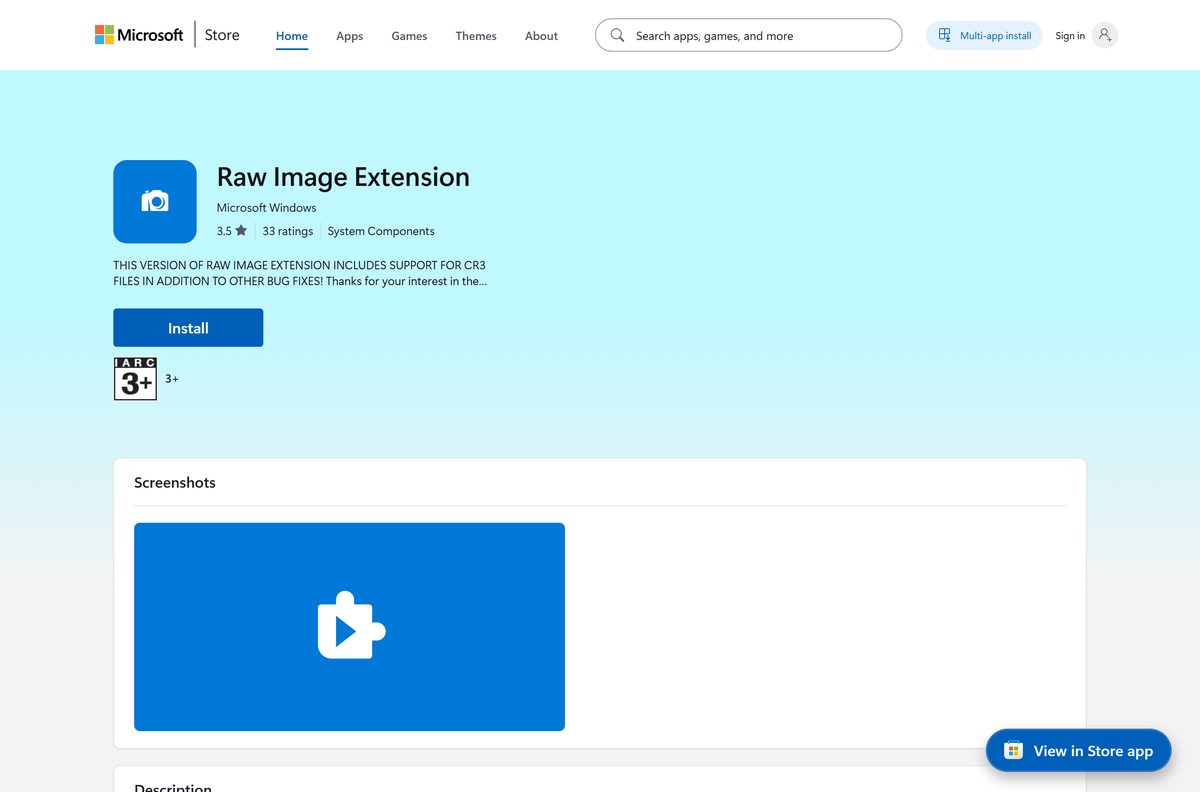
| Camera RAW files | Raw Image Extension, product 9NCTDW2W1BH8 | Free |
| WebP images | WebP Image Extension, product 9PG2DK419DRG | Free |
| AV1 video | AV1 Video Extension, product 9MVZQVXJBQ9V | Free |
| SVG files | Nothing. The viewer added SVG support in version 2026.11070.23001.0 | Free |
| Longer video edits | Microsoft Clipchamp, product 9P1J8S7CCWWT | Free |
All four extensions are published by Microsoft Corporation and listed at $0.00. Photos trims video on its own and hands longer jobs to Clipchamp through Edit in Clipchamp video editor.
Which photo app should you use on a Mac?
Microsoft publishes Photos for Windows only. macOS answers the same job with Apple’s own app.
| Your situation | What to use | Cost |
|---|---|---|
| Mac only | Photos, built into macOS | Included |
| A Mac and a Windows PC, library in iCloud | iCloud for Windows, product 9PKTQ5699M62 | Free |
| You want the Windows editing tools on a Mac | Not available. Apple’s Photos covers import, edit and iCloud sync | Included |
Apple’s app imports, manages and exports images, adjusts light and colour, and syncs a library through iCloud Photos across Apple devices.
Should you use Microsoft Photos or Photos (Preview)?
Two entries can appear in the app list on Insider PCs.
Stay on Microsoft Photos unless you run an Experimental Insider build. Photos (Preview) is a separate gallery that started rolling out to the Experimental Insider channels on 27 July 2026. It sits beside the shipping app rather than replacing it. Retail PCs receive the tested build from the Store instead.
How to make Microsoft Photos the default image viewer on Windows 11
Windows 11 sets defaults per file type, so change the types you actually double-click.
- Open Settings and go to Apps > Default apps.
- Type Photos in the search box and select the app.
- Select a file type such as .jpg, then pick Photos and select Set default.
- Repeat for .png, .heic and any other type you open often.
- Right-click a picture in File Explorer and confirm Open with now lists Photos first.
- To reverse it, return to the same screen and pick a different app for each type.
Fix Microsoft Photos not installing or opening on Windows 11 and 10
One symptom, one cause, one fix. Work down the group that matches what you see.
Photos is missing from the Start menu
The package was uninstalled, or the PC was set up from an image that left it out.
- Open the Microsoft Store listing for product 9WZDNCRFJBH4.
- Select Get and let the package download.
- A button reading Install with a cloud icon means the app is already tied to your account and only needs redownloading.
- Restart the PC and search for Photos again.
The Store download stops or fails
A stalled Store queue or a damaged Store cache.
- Press Windows + R, type wsreset.exe and press Enter.
- Wait for the Store to reopen on its own.
- Open Library and select Get updates so the queue drains.
- Retry the Photos install.
Photos opens and then closes
Damaged app data after an interrupted update.
- Open Settings > Apps > Installed apps.
- Select the three dots beside Microsoft Photos, then Advanced options.
- Select Terminate, then Repair.
- Select Reset only when Repair changes nothing, because Reset clears the app settings.
iPhone photos or camera RAW files show a grey placeholder
The format needs a codec package that is not installed.
- Install the HEIF Image Extension for HEIC files from the Microsoft Store.
- Install the Raw Image Extension for camera RAW files.
- Close Photos completely and reopen the folder.
- Update Photos from the Store Library when thumbnails still fail to draw.
How to uninstall Microsoft Photos
Windows 11 and Windows 10 both allow the app to be removed from Settings. Reinstalling is a Store search away, so removal is reversible.
- Open Settings > Apps > Installed apps.
- Find Microsoft Photos in the list.
- Select the three dots beside it and choose Uninstall.
- Confirm Uninstall in the prompt.
- Open Settings > Apps > Default apps and set another app for .jpg and .png.
- To bring it back, open the Store listing for product 9WZDNCRFJBH4 and select Install.
Uninstalling removes the app, not your pictures. The files stay in the folders you added under Folders.
Microsoft Photos alternatives worth installing
Each of these comes from the same Store and covers a job Photos leaves half-done.
| App | Best for | Where to get it |
|---|---|---|
| Microsoft Clipchamp | Timeline video editing, titles and export presets | Microsoft Store, product 9P1J8S7CCWWT |
| Microsoft Paint | Quick crops, drawing and background removal | Microsoft Store, product 9PCFS5B6T72H |
| Apple Photos on macOS | A Mac library with iCloud sync | Apple Photos User Guide |
| iCloud for Windows | Pulling an iPhone library onto a PC | Microsoft Store, product 9PKTQ5699M62 |
Frequently asked questions
Is the Microsoft Photos download free?
Yes. The Microsoft Store lists Photos at $0.00, and Microsoft includes the app with Windows. No feature inside it is sold separately, although Restyle Image and Image Creator require a Microsoft account or Microsoft Entra ID sign-in.
What is the official Microsoft Photos download page?
The Microsoft Store listing for product 9WZDNCRFJBH4, published by Microsoft Corporation. Microsoft distributes the app only through the Store, so there is no setup file on microsoft.com and no third-party installer to trust.
Does Microsoft Photos work on Windows 11?
Yes. Windows 11 ships with Photos preinstalled, and it updates through the Microsoft Store rather than Windows Update. The current package lists Windows 11 builds up to 10.0.26226 as tested.
Can I still get Photos on Windows 10?
Yes. The current package requires Windows 10 version 21H2, build 19044, or later. Older Windows 10 builds from 19041 are served the 2023.11090.12017.0 branch from the same Store listing instead.
How big is the Microsoft Photos download?
Microsoft’s catalog reports 1.09 GB for the combined x64 and ARM64 bundle and about 1.04 GB installed. A single PC downloads only the architecture it needs, so the transfer is smaller than the bundle figure.
Is there a Microsoft Photos offline installer?
No. Microsoft publishes no standalone setup file for Photos, so the PC needs an internet connection and a working Microsoft Store. Administrators deploy it as an inbox Windows app rather than a separate package.
Is Microsoft Photos available for Mac?
No. Microsoft builds Photos for Windows only. macOS includes Apple’s own Photos app, which imports, edits and exports images and syncs a library through iCloud Photos across Apple devices.
Does Microsoft Photos run on ARM64 laptops?
Yes. The current package carries both x64 and ARM64, so Snapdragon PCs install the native build from the same listing. Relight reached Snapdragon-powered Copilot+ PCs first, ahead of AMD and Intel models.
Why will Photos not open my iPhone pictures?
HEIC files need the free HEIF Image Extension from the Microsoft Store, and camera RAW files need the Raw Image Extension. Install the matching package, close Photos and reopen the folder to redraw the thumbnails.
What is the latest Microsoft Photos version?
Microsoft’s catalog listed 2026.11080.24002.0 on 22 September 2026. The Insider release notes record 2026.11070.23001.0 flighting on 27 July 2026 and 2026.11060.2004.0 reaching Beta and Release Preview on 24 June 2026.
Is Microsoft Photos safe to install?
Yes, when it comes from the Microsoft Store listing published by Microsoft Corporation. The Store signs and delivers the package, so a copy from a mirror or a bundled installer site is not the genuine app.
How do I edit a photo in the app?
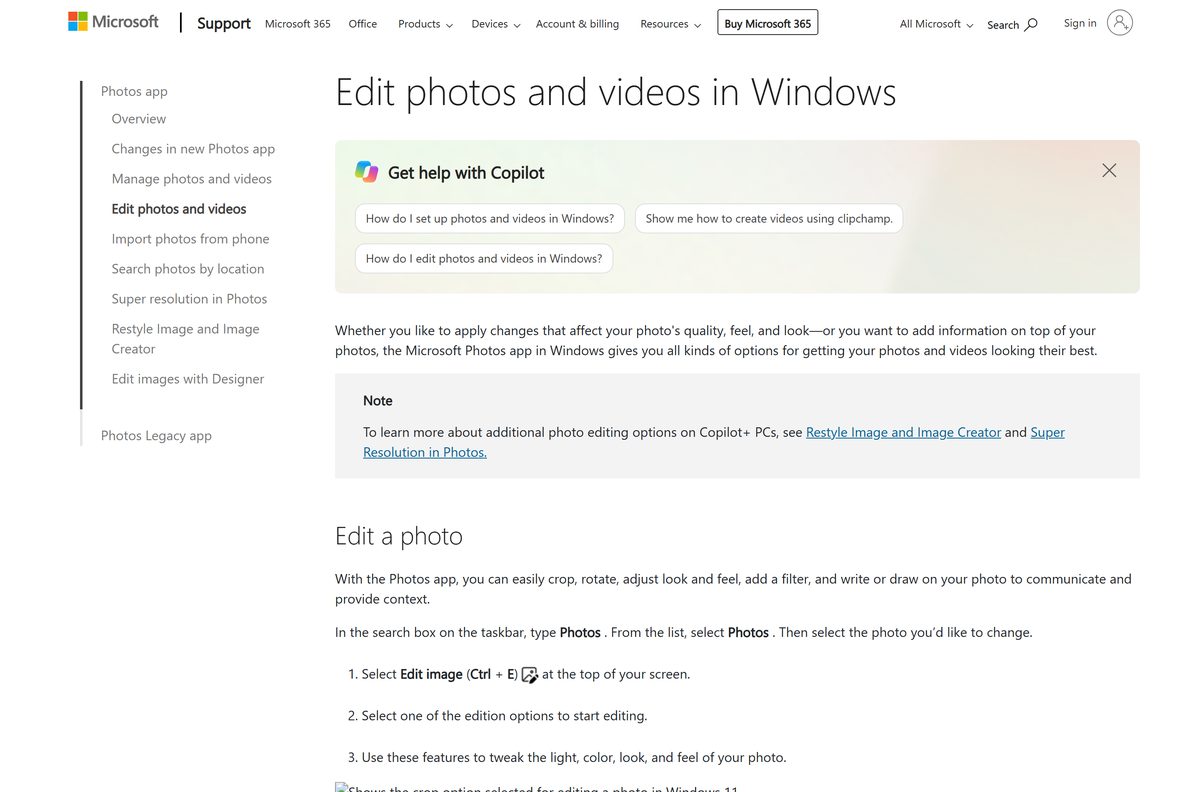
Open the picture and press Ctrl + E. The editor offers crop, rotate and flip, light and colour sliders, fifteen filters, Markup pens, Generative Erase and background blur, removal or replacement.






